
Signals Notebook Demo Series
An exclusive demo series showcasing how Signals Notebook empowers modern scientific research with secure, collaborative, and cloud-based data management—accessible anytime, anywhere



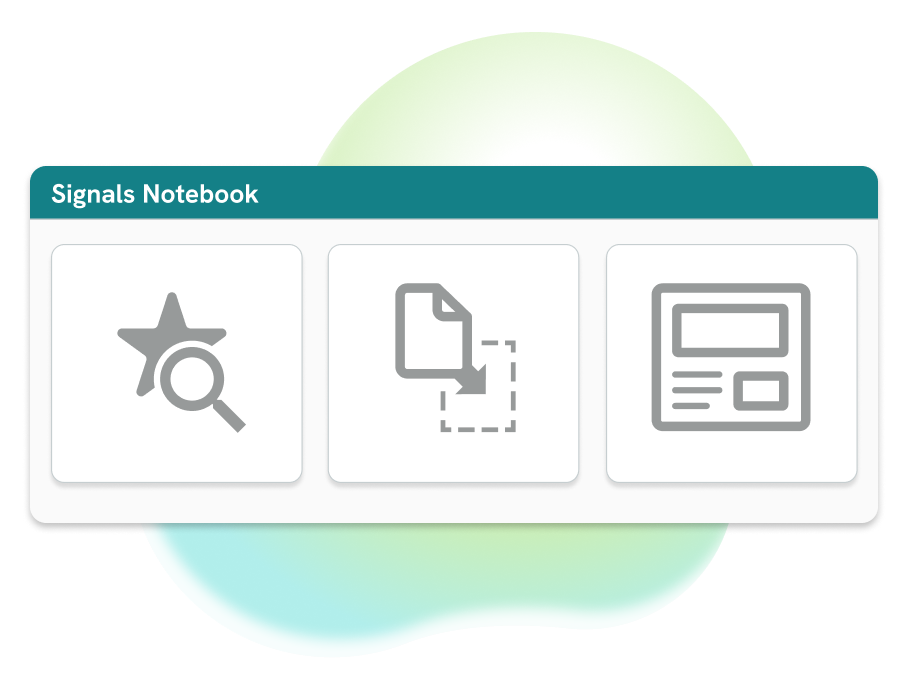
Smarter Organization and Instant Search in Signals Notebook
Learn how Signals Notebook structures your data and helps you find your work in seconds. See templates, smart search, and file drag and drop in action.
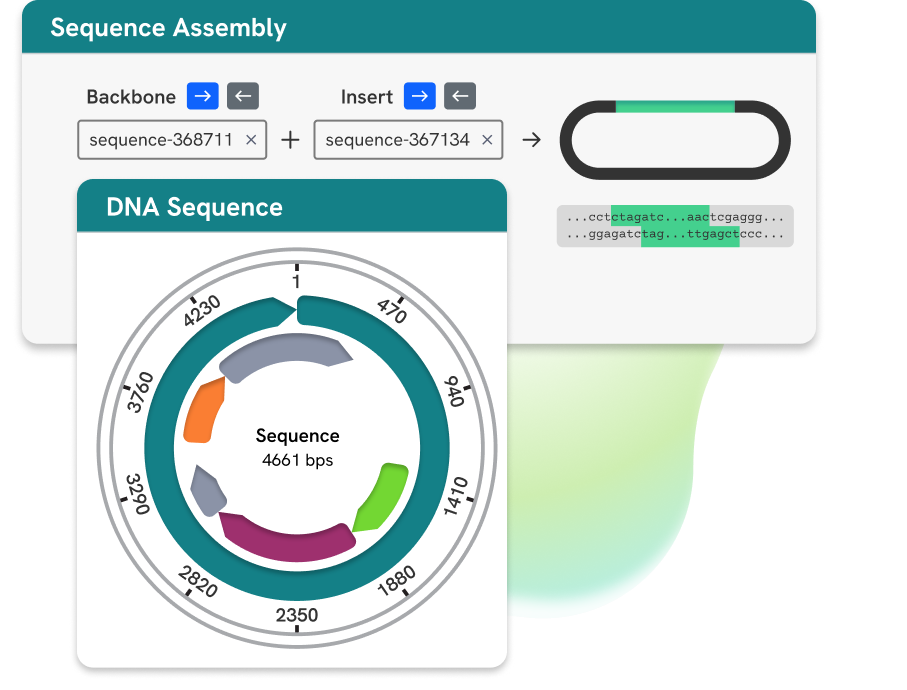
Signals Notebook - Molecular Biology
See this Signals Notebook walkthrough of how plasmids are visualized and explore how to view sequences of interest, restriction digest and primer design.
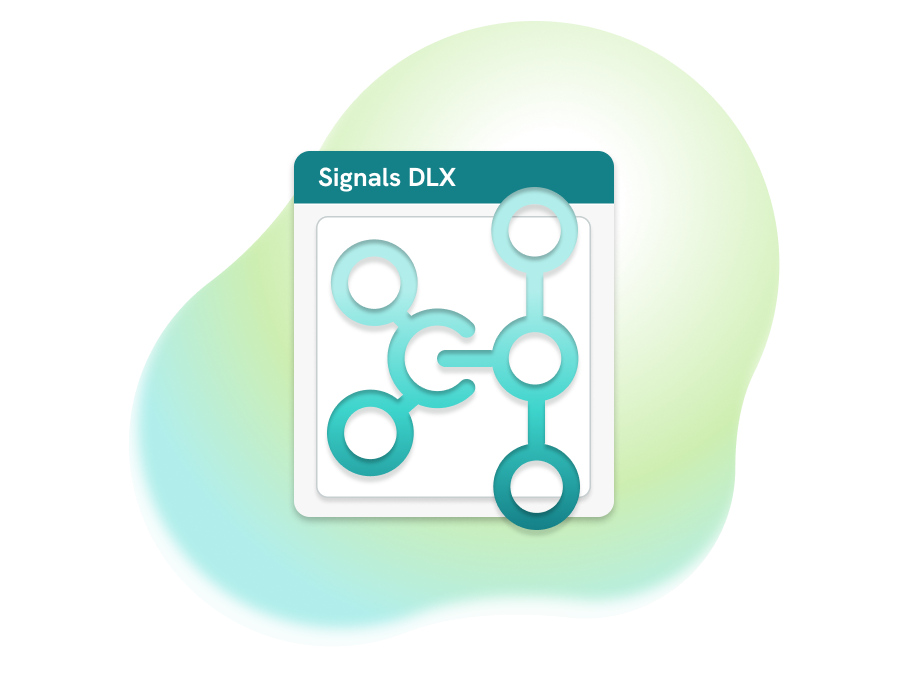
From Instrument to Insight: Signals DLX Balance Integration
See Signals DLX in action with direct balance integration, enabling real‑time, bidirectional data flow with no coding required. Automated workflows capture and transform lab data into insights directly in Signals Notebook.
Inside Signals DLX: Managing Integrations
Take a look behind the integration and explore the Signals DLX admin workspace, where connections are created, configured, and managed all in one place.

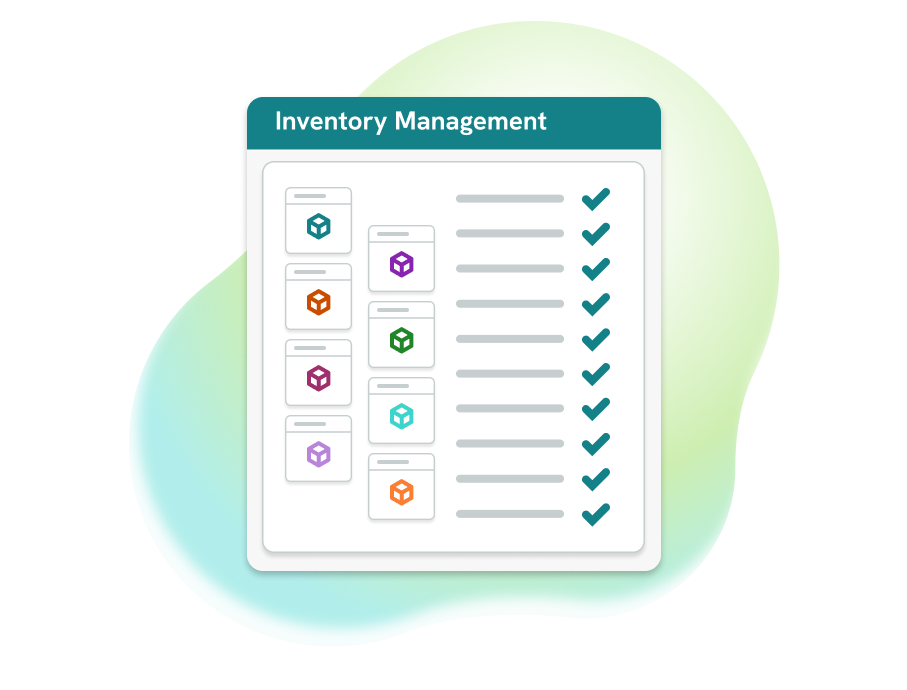
Signals Notebook Inventory: Tracking and Control Fundamentals
Explore integrated inventory management in Signals Notebook and see how it streamlines lab operations. Track usage, prevent stockouts, reduce errors, and boost productivity.
Signals Notebook Inventory: Registering Materials Inside Experiments
Continue exploring inventory management in Signals Notebook. Learn how to create a sample table, create a container, and register materials directly within an experiment.