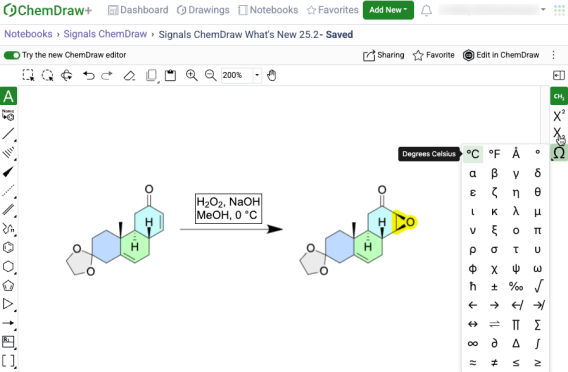
What’s New
The latest release of Signals introduces enhancements to the ChemDraw+ application. Structure based searching capabilities have been added to allow users to filter and search for drawings containing chemical structures. Additionally new capabilities and enhancements have been made to the HELM drawing capabilities. Finally, several bug fixes have been extended with this release.
The following improvements are available for users of Signals ChemDraw. Certain features may only be available with enablement by an administrator.
ChemDraw+
- Structure based searching
- Sharing of Drawings
- HELM in-line annotation support for monomers and polymers
- Biopolymer connections now appear curved instead of sharp corners
ChemDraw+
Structure based searching
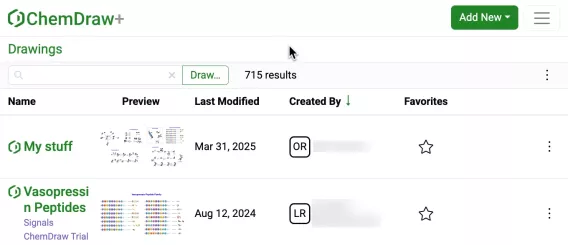
New filtering and search capabilities have been added to the application for filtering and searching drawings based on chemical structures. Available as a button next to the text search field in the list views, the ‘Draw…’ button opens a structure editor.

After drawing a structure, users can select from substructure, similarity, full, and exact search options. Selecting 'Search' will then initiate the search filter.
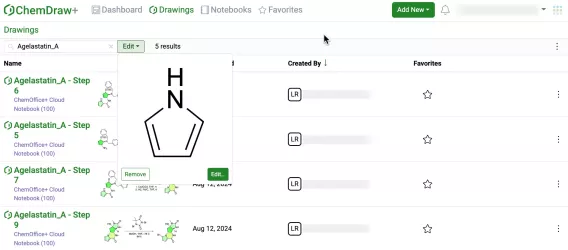
After completing a structure search, the 'Draw' button transforms into an 'Edit' button. Selecting this button allows for previewing the structure, making changes to it, or removing it from the search filter. Structure searches can be combined with text-based searches to refine results even further.
Sharing of Drawings
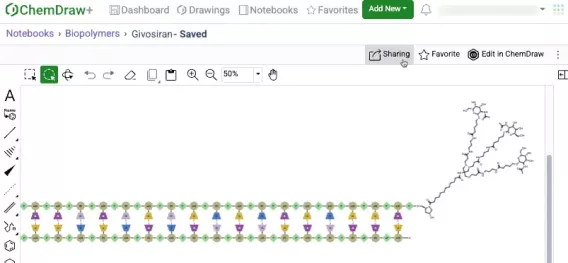
Users can now share Drawings with other users or groups in ChemDraw+ from within a drawing or from the Actions menu in a Drawings list view.
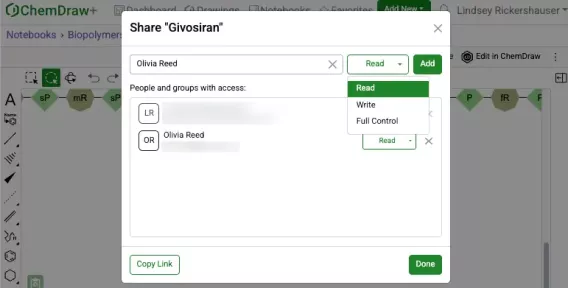
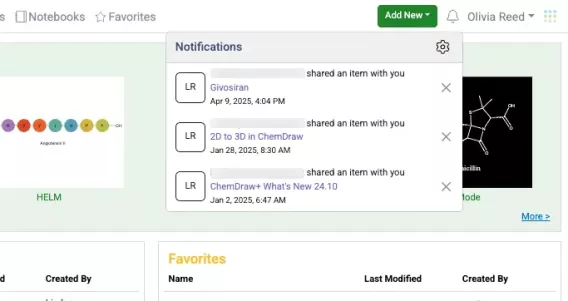
During the sharing process, you can specify Read, Write, or Full access permissions. Once shared, these permissions can be modified or revoked as needed.
Recipients will receive an automatic notification when a drawing is shared with them.
HELM in-line annotation support for monomers and polymers
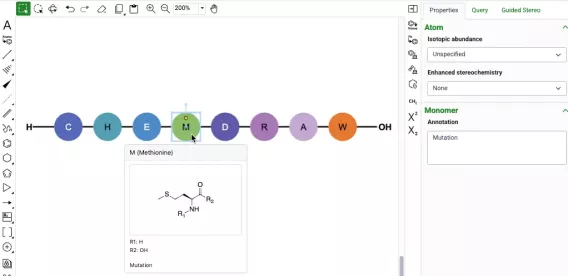
Annotation capabilities are now available for monomers and biopolymers through the properties panel. When a monomer or biopolymer is selected, users can access a new Annotation field in the Monomer or Biopolymer section, allowing them to add simple text and descriptions to specific parts of their sequence. For annotated monomers, a badge appears on the graphic to indicate the presence of an annotation which is also viewable in the hover-over preview.

Biopolymer annotations are directly added to the ChemDraw canvas, appearing centered above or below the sequence. These annotations can be imported from HELM strings and are added as in-line annotations to the HELM string when generated.
Biopolymer connections now appear curved instead of sharp corners
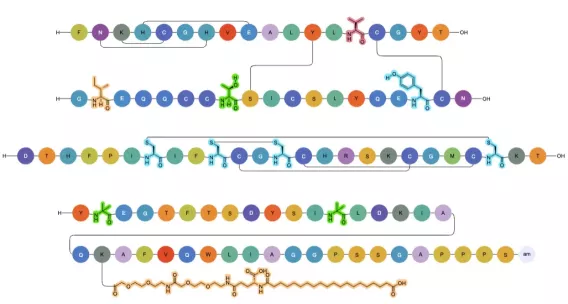
Biopolymer visualization has been refined in this release with the introduction of curved crosslinks and connections, replacing the previous sharp-cornered design. This enhancement significantly improves the visual clarity of complex structures, allowing users to easily distinguish between crosslinks and chemical linkages between monomers.