What’s New
We are delighted to release Signals BioDesign 26.8. This release introduces comprehensive sequence collection management with support for custom DNA, Protein, and Oligo collections, delivers an enhanced out-of-the-box onboarding experience for new tenants, and brings streaming pagination to large assembly grids. We have fixed several smaller bugs to improve product quality.
The following improvements are available to users, administrators, and developers on the Signals platform. Some features may require appropriate licensing and/or administrator enablement.
- Admin defined Sequence Collections
- Updated security policy examples and settings
Administrators are recommended to subscribe to the channels within our support news site found at https://support.revvitysignals.com/hc/en-us/categories/360004446171-Support-News which contains more information about releases and other pertinent product information.
Further Details
Admin defined Sequence Collections
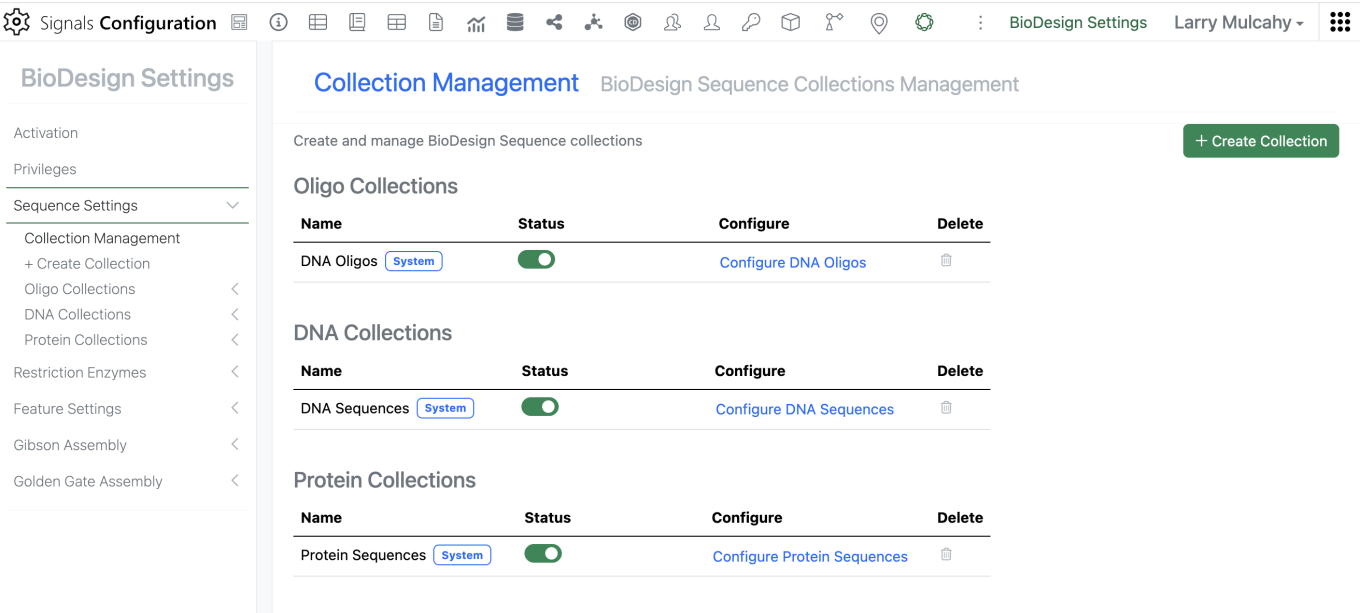
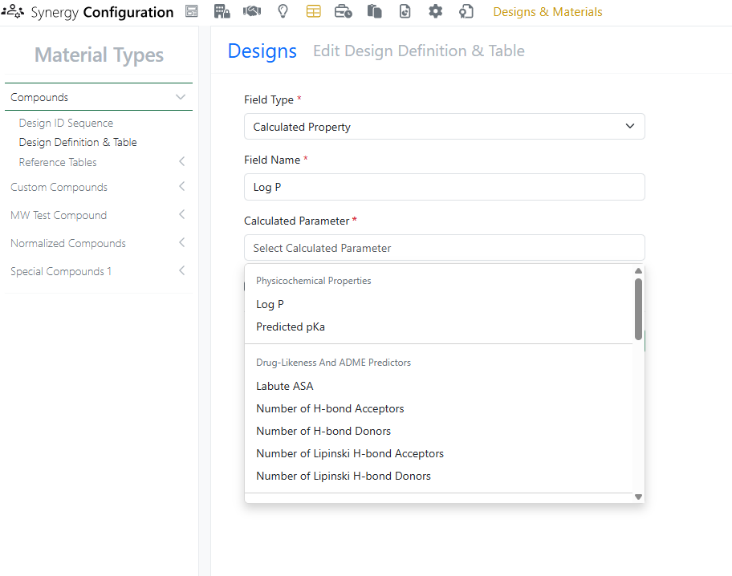
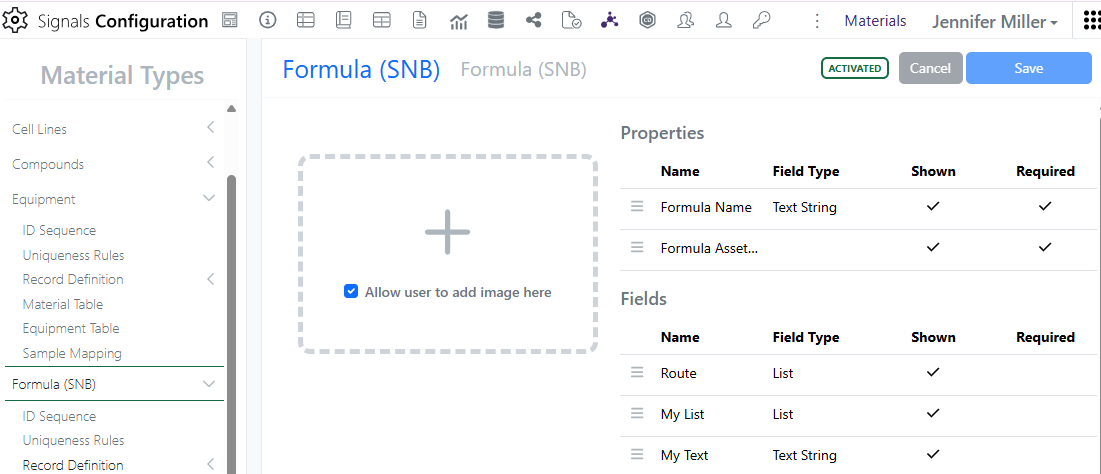
To support growing enterprise organizations with distinct business units (such as Bioprocessing, Cell Line Engineering, and Protein Therapeutics), administrators can now create, organize, and govern multiple sequence collections. System sequence collections are highlighted, and collections can be created and managed from a central page.
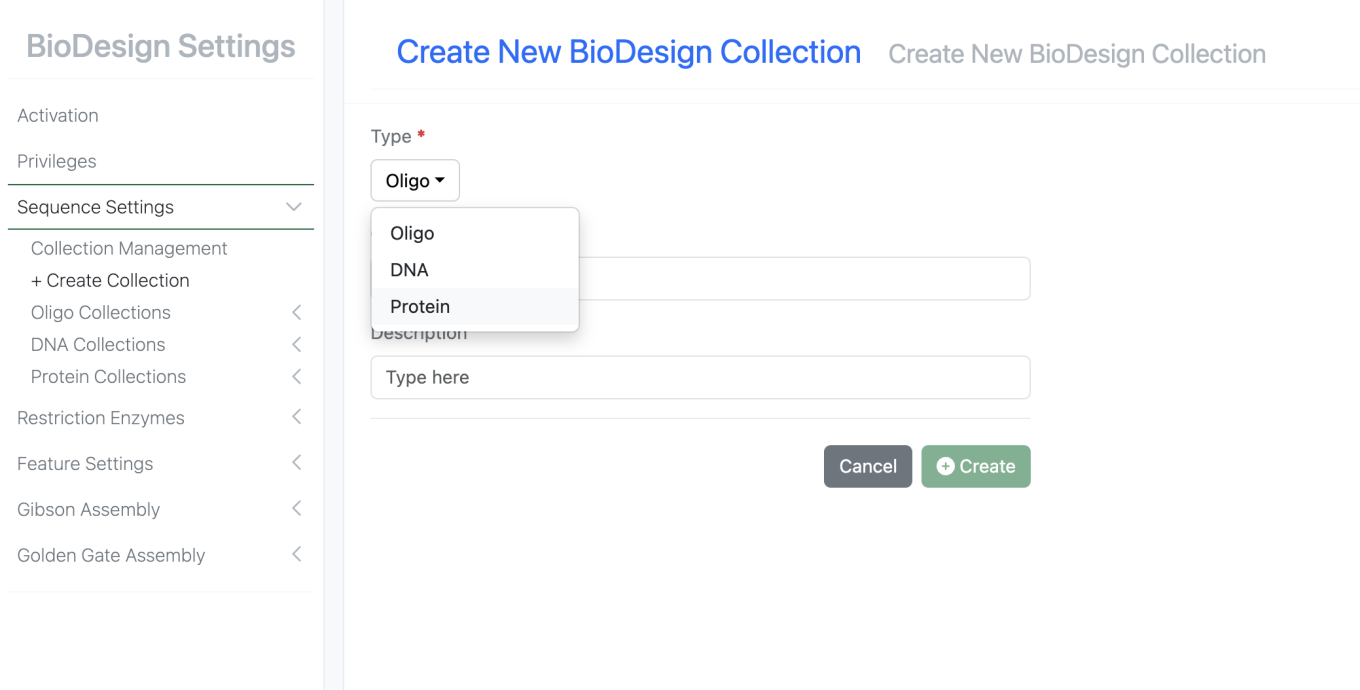
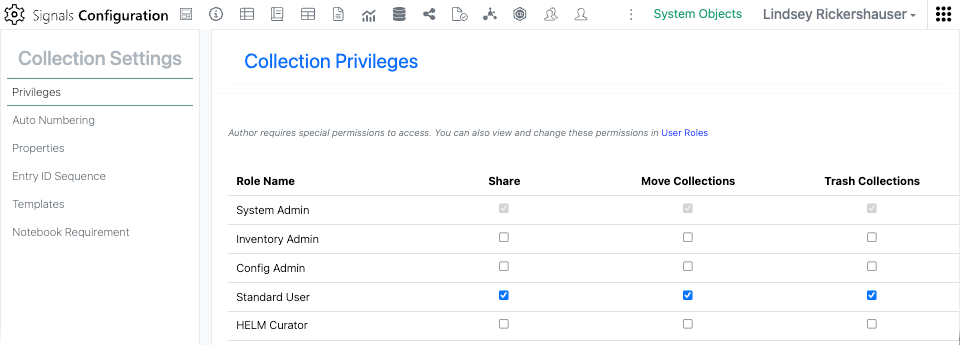
Administrators may create any number of sequence collections of type DNA, Protein, or Oligo. Access to each System or Custom collection can be controlled through the system security policy and group associations. Once configured and activated, these collections become available to the users with access granted. Note that custom collections can be inactivated or deleted, but System collections may only be inactivated.
Updated security policy examples and settings
Starting with the 26.8 release, newly provisioned Signals BioDesign tenants ship with pre-configured settings that enable licensed standard users to begin designing immediately without prerequisite setup.
All standard users on new tenants automatically receive default privileges to add, edit, delete, and export sequences. Default example security policies are permissive out-of-the-box, ensuring users have immediate access to default sequence collections and cloning tools. Administrators may enable these example policies by removing the commenting on them or use them as templates to write their own custom security policies to provide appropriate user access to collections.