What's New
We are delighted to release our new version of Signals, 25.5. This release brings enhancements in Signals Synergy, our SAR and Decisioning capabilities, Samples, Materials Libraries and Inventory, and to Admin Defined Tables and Variation Tables amongst others. We have new beta capabilities for SAR and decisioning and an AI based capability to extract text from images. Finally, we have also fixed a number of small bugs.
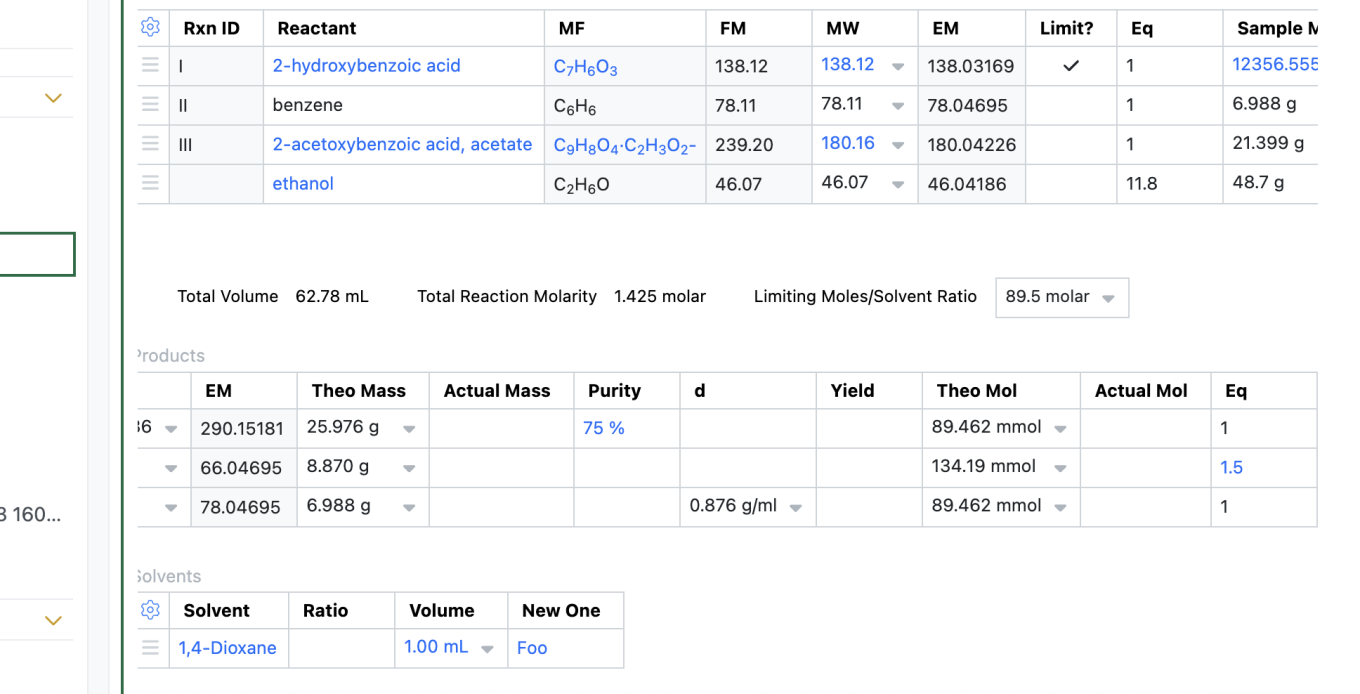
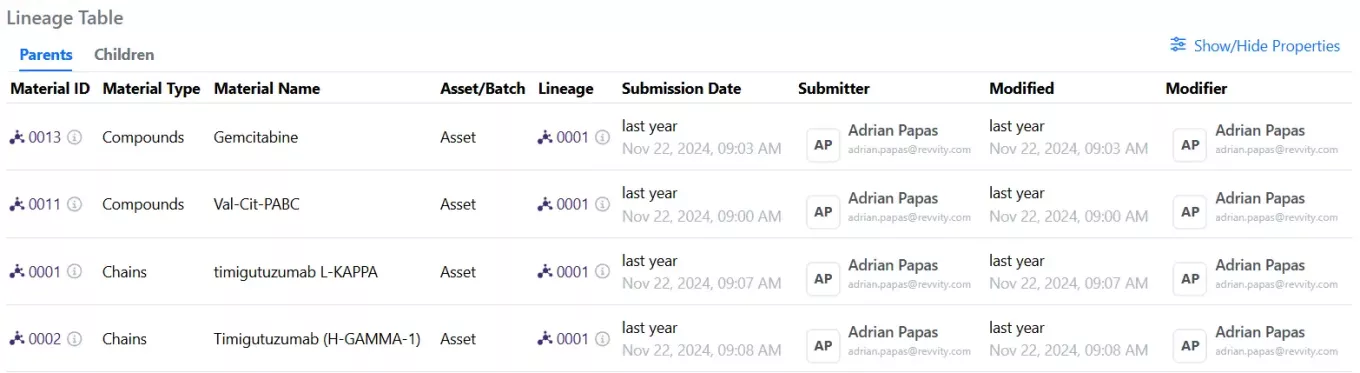
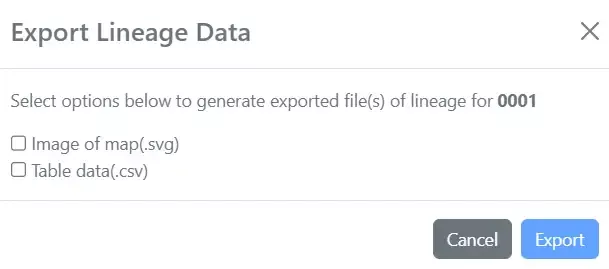
This release of Signals brings updates to the horizontal view, and management of materials, in Variation tables. We have extended import and export flows to and from Signals Synergy, including a beta capability in publishing table data to Inventa. We have redesigned Order and Internal Request Tables in Inventory, extended the material lineage capability and extended our extraction coverage for the ELN archive. We have extended the utility of autotext, and added calculated product equivalents in the stoichiometry tables. Finally, we have also fixed a number of small bugs.
The following improvements are available for users, administrators and developers on the Signals platform. Certain features may only be available with appropriate licensing and/or with enablement by an administrator.
- Fundamentals
–Spotfire Connector Oracle available
–Addition of Plates to Parallel Experiments
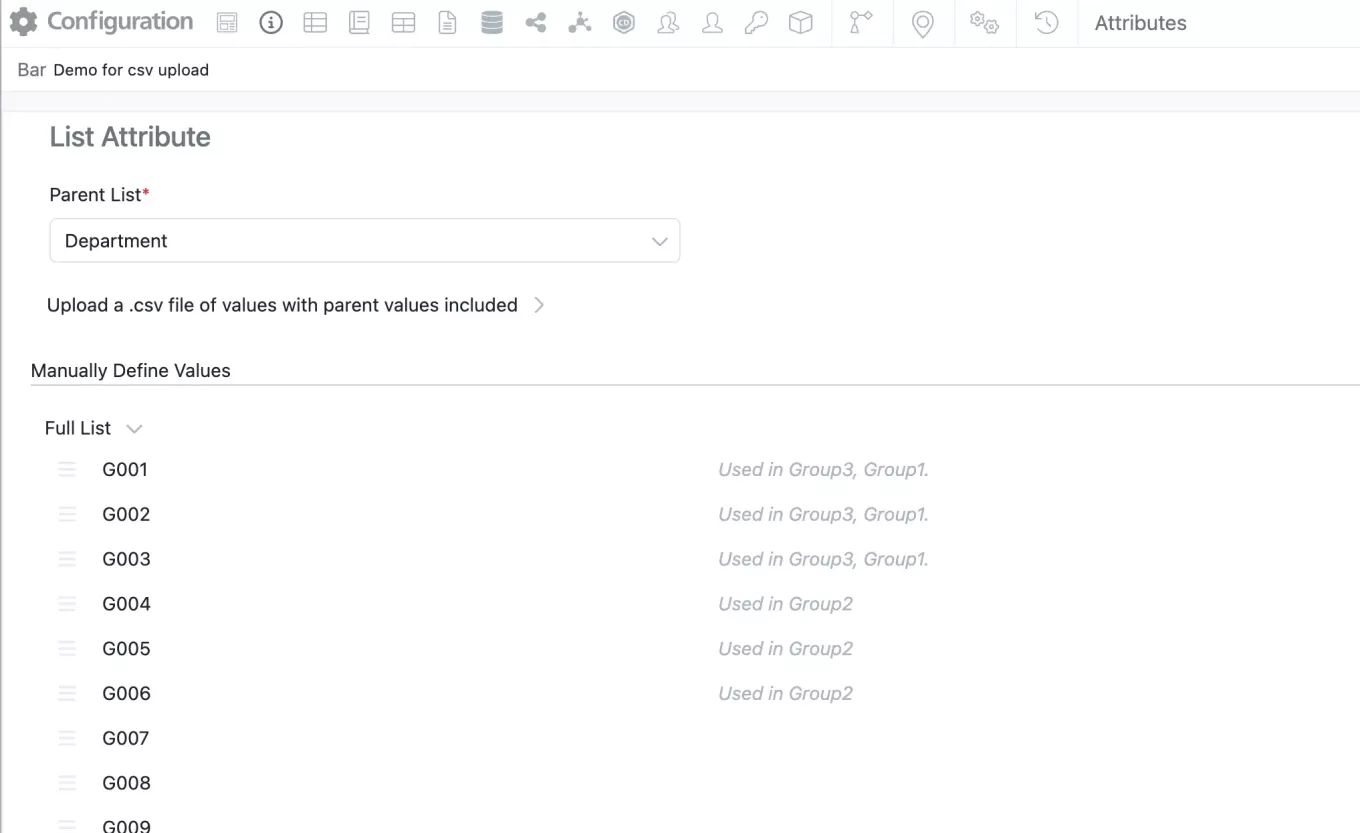
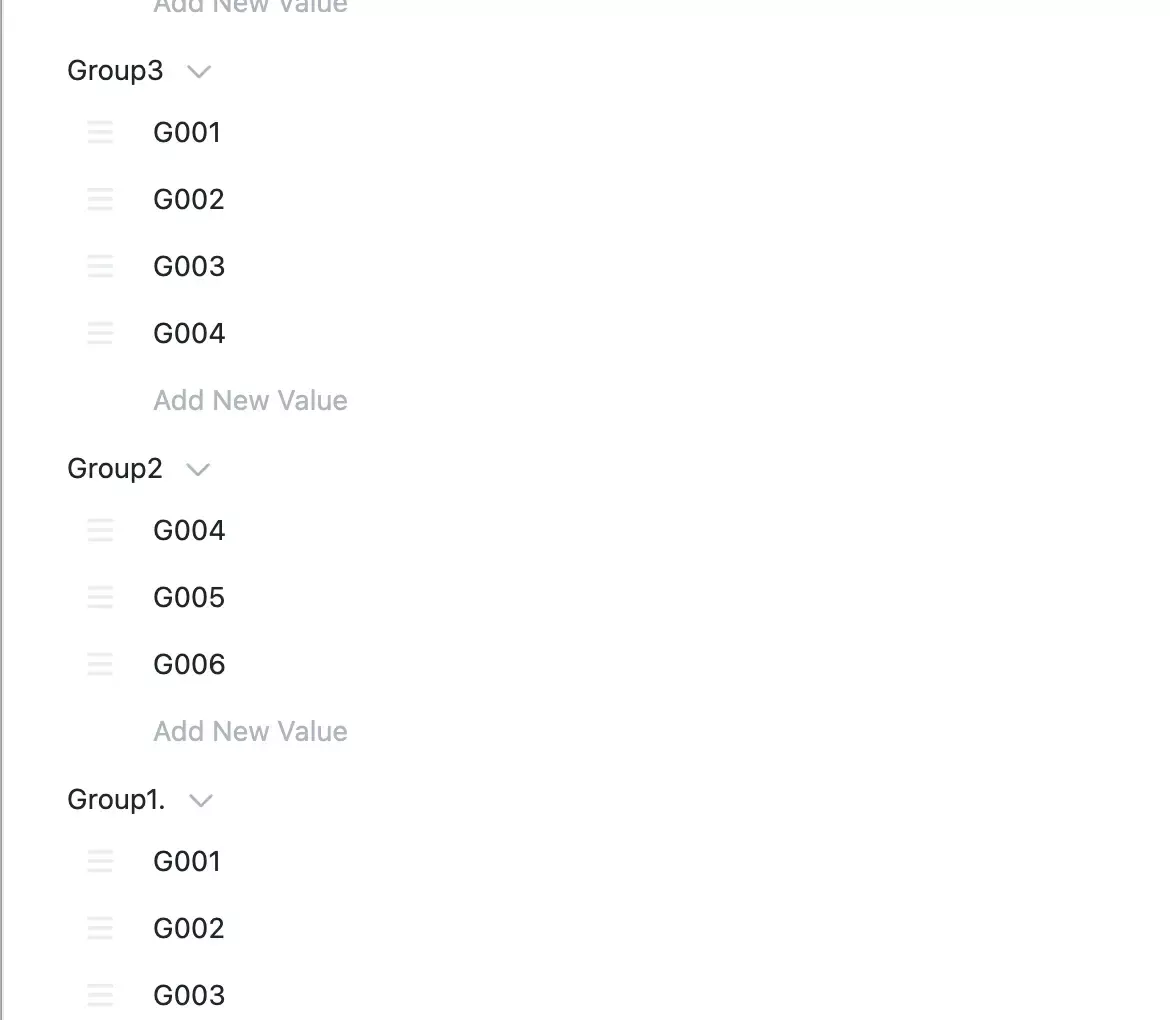
–Automatic fill of hierarchical attribute child value if it is the only child
- AI
–Text Extraction from Images (beta)
- SAR & Decisioning
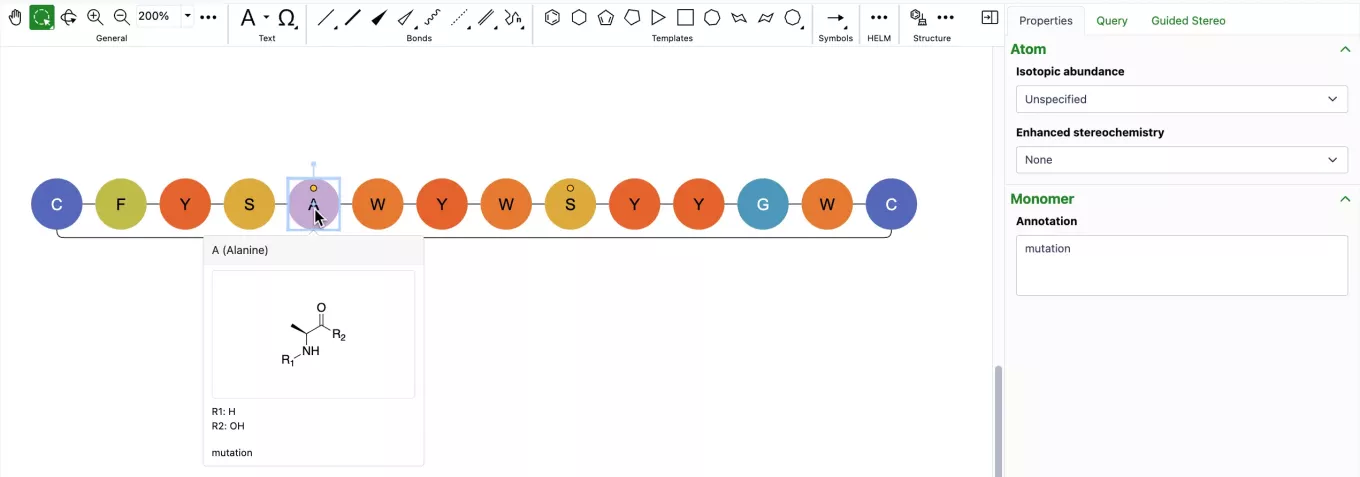
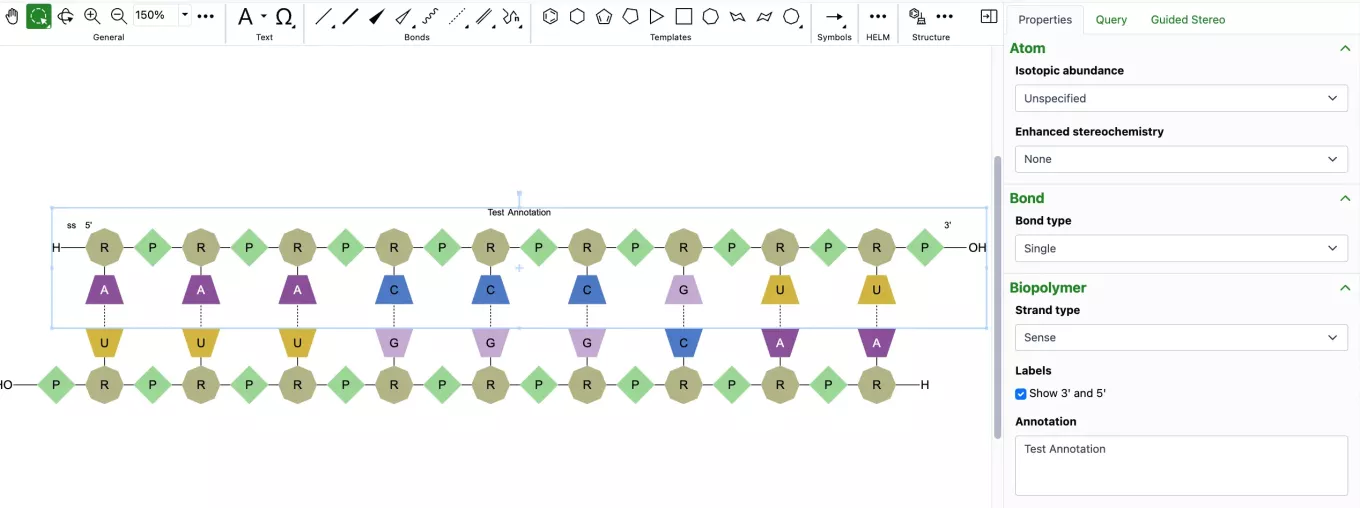
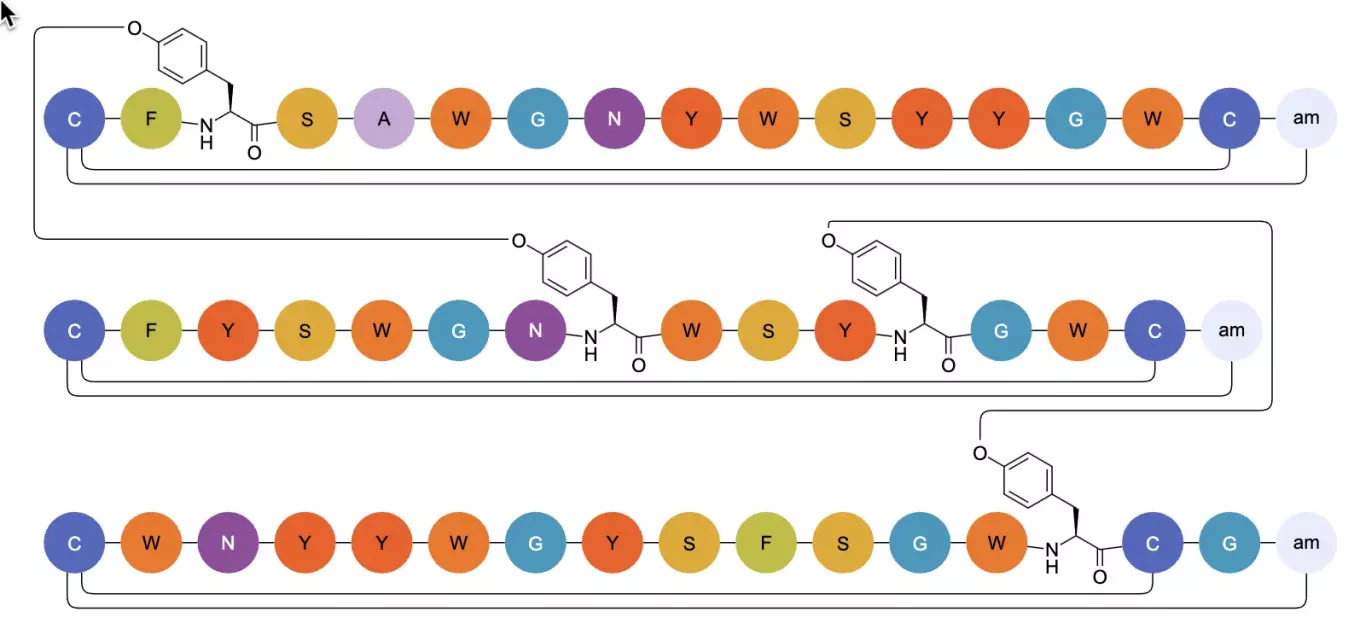
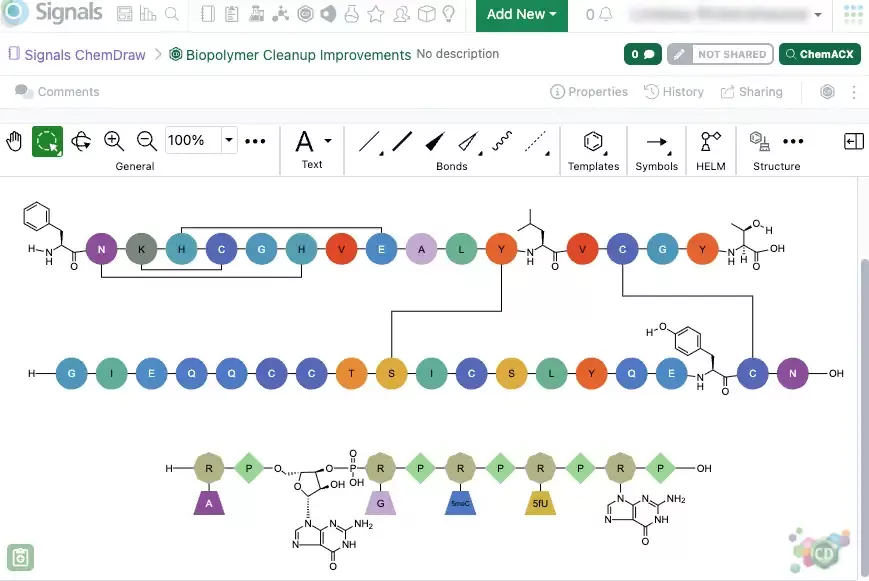
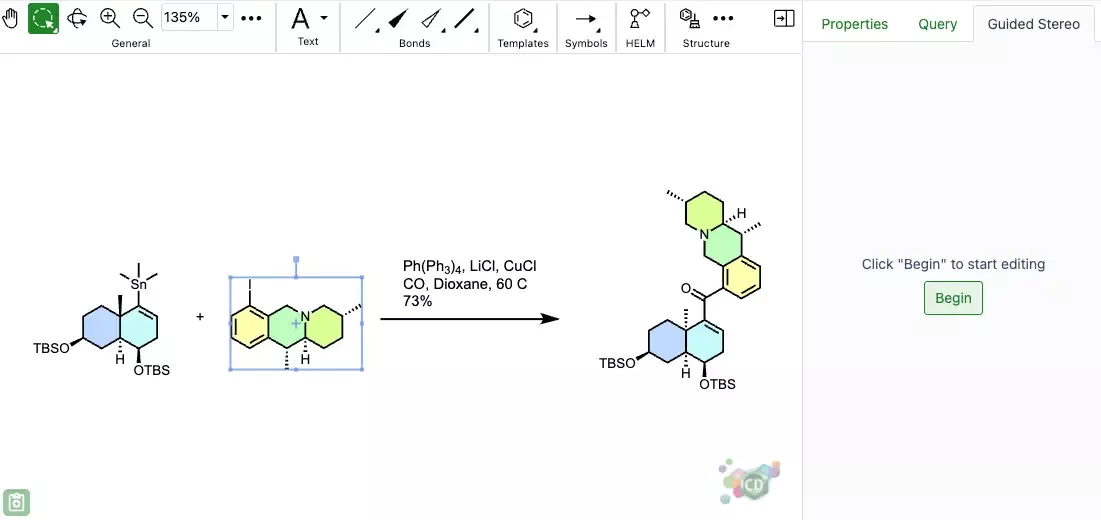
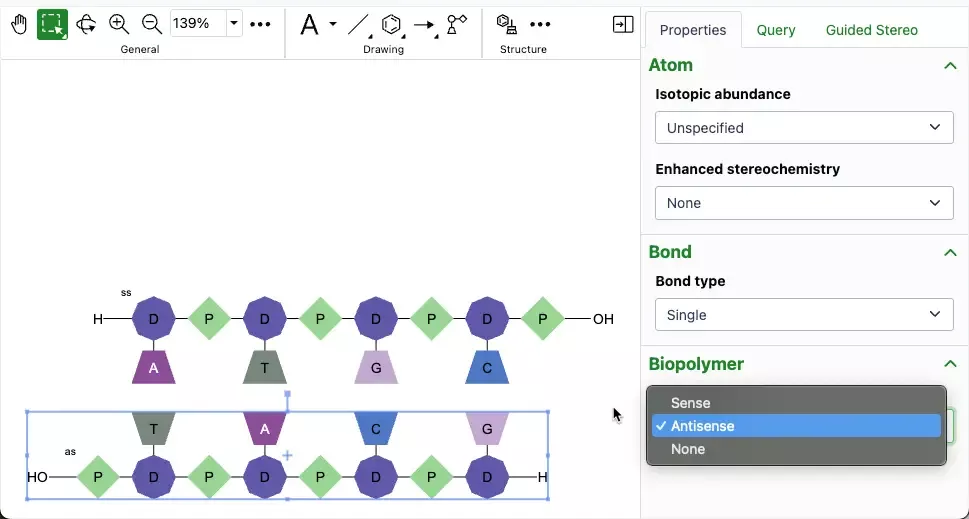
–HELM rendering supports ChemDraw and custom coloring schemes
–Nanobody Structure Prediction Data Function
–Embed GenBank Data Function
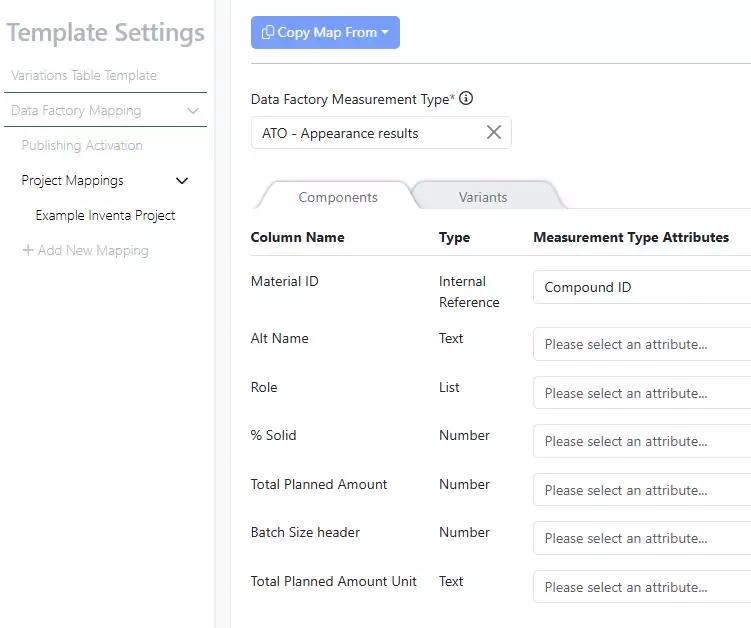
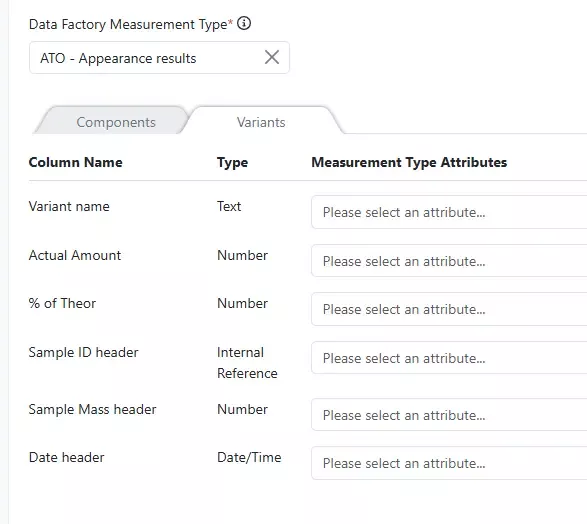
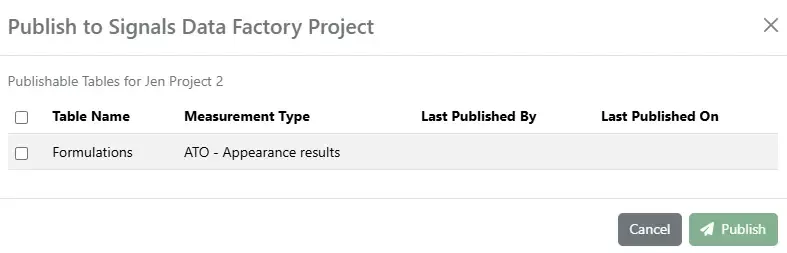
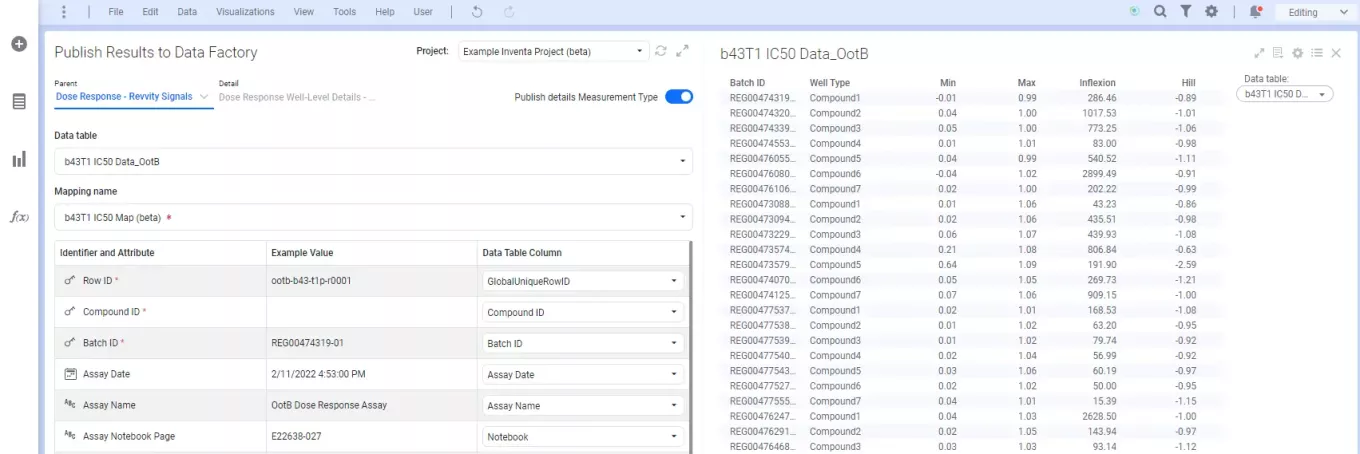
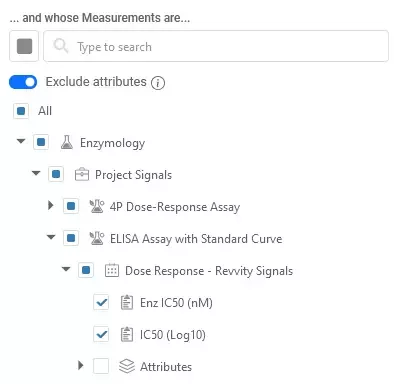
–Mapping useability enhancements in Publish Results to Data Factory app (beta)
–Downloadable report for successful publications (beta)
- Synergy
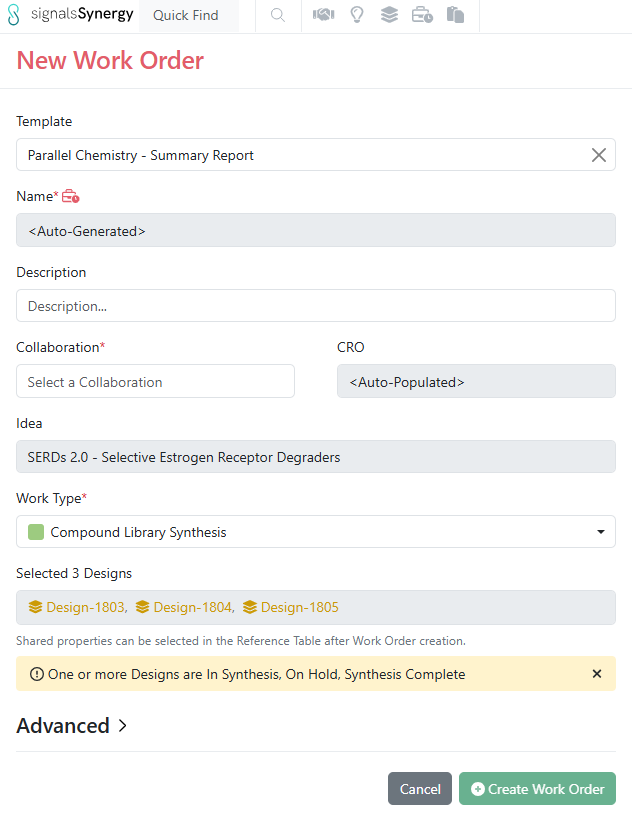
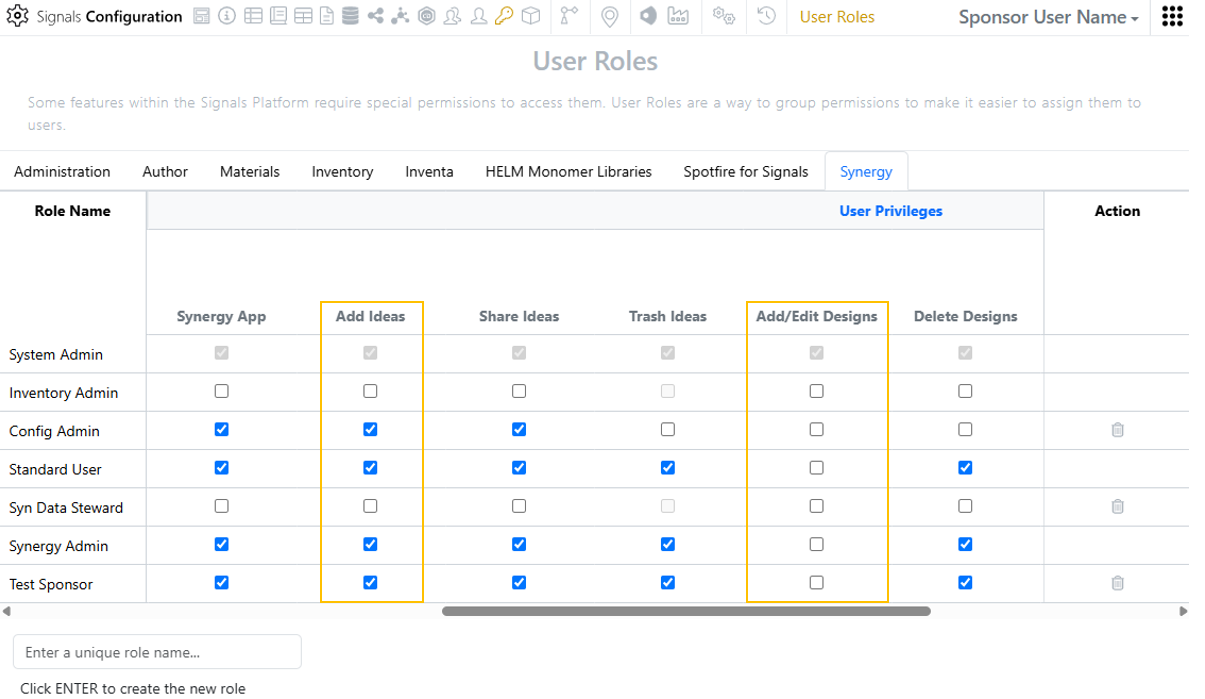
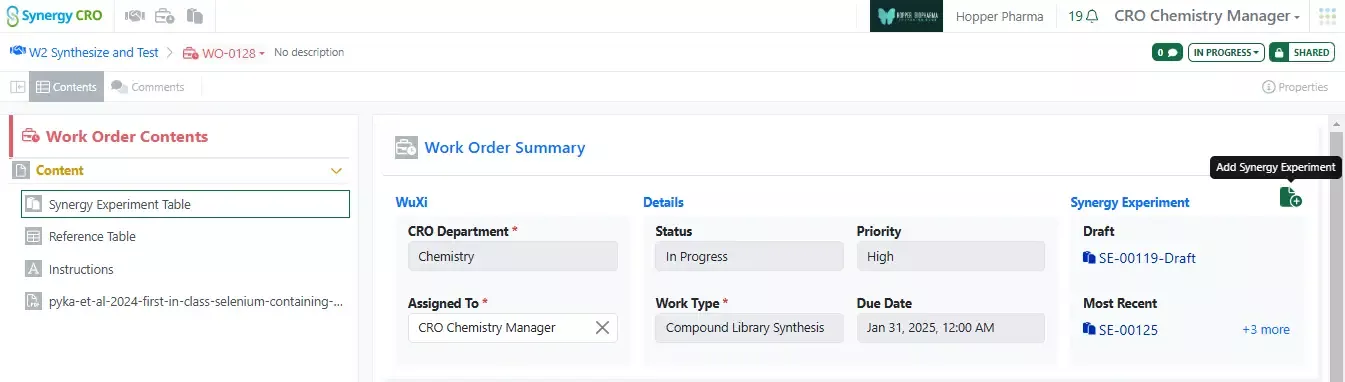
–Create Work Order privilege
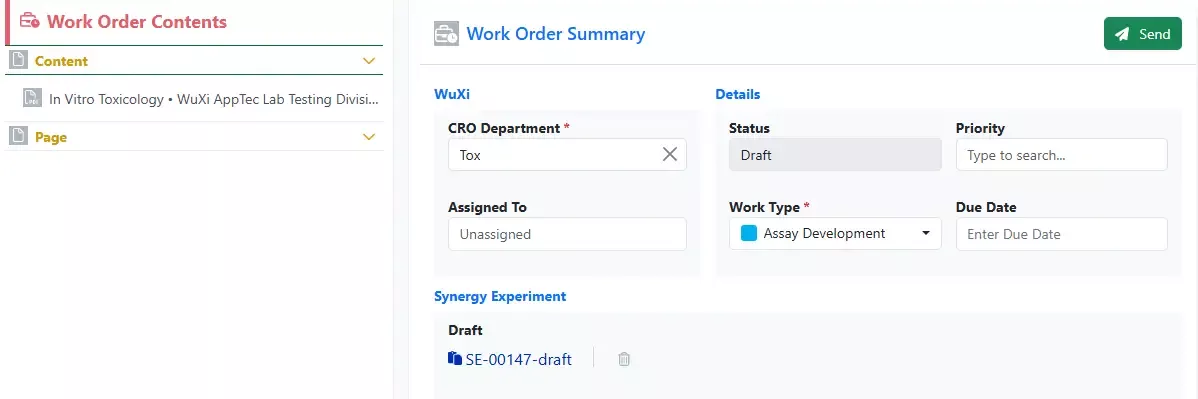
–Select default Synergy Experiment Template for a Work Order Template
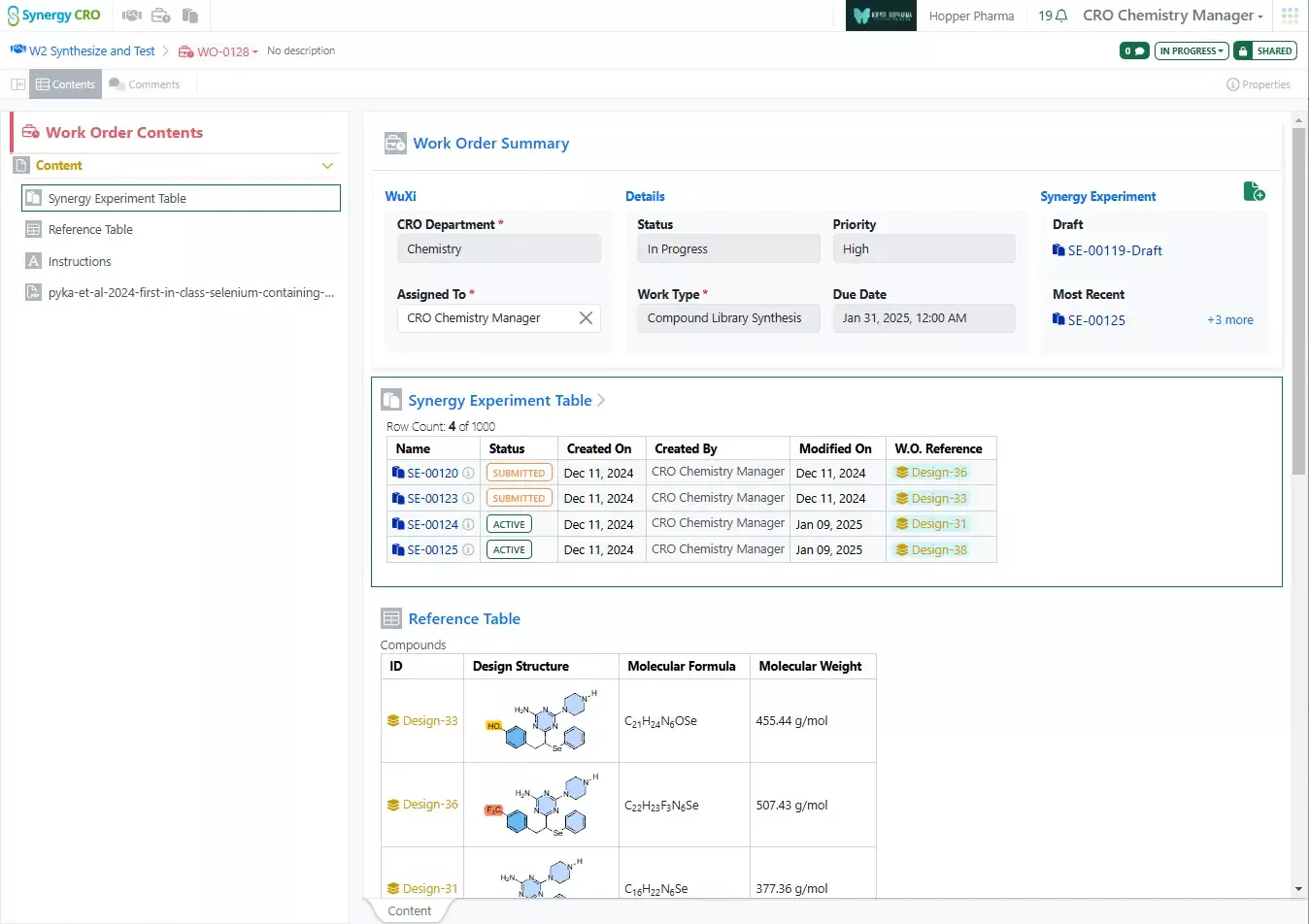
–Include Reference Table configuration in a Work Order Template
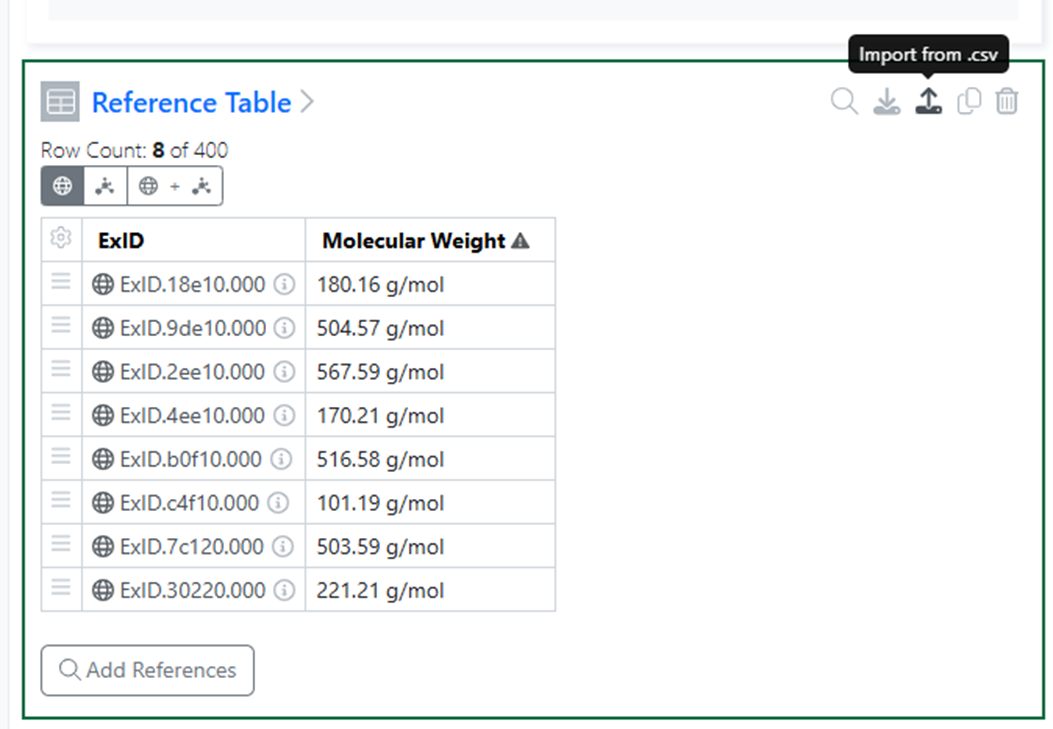
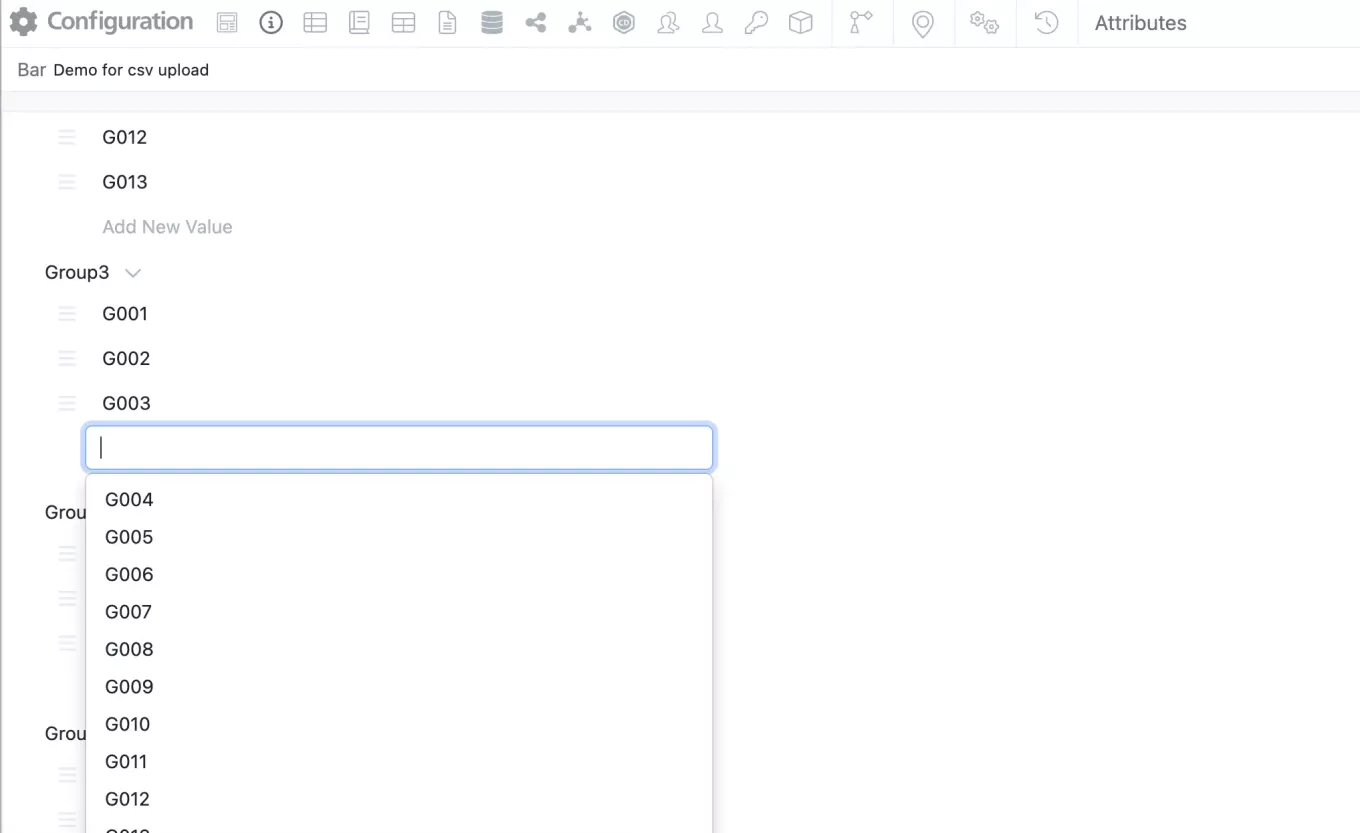
–Admin-defined fields for Reference Tables
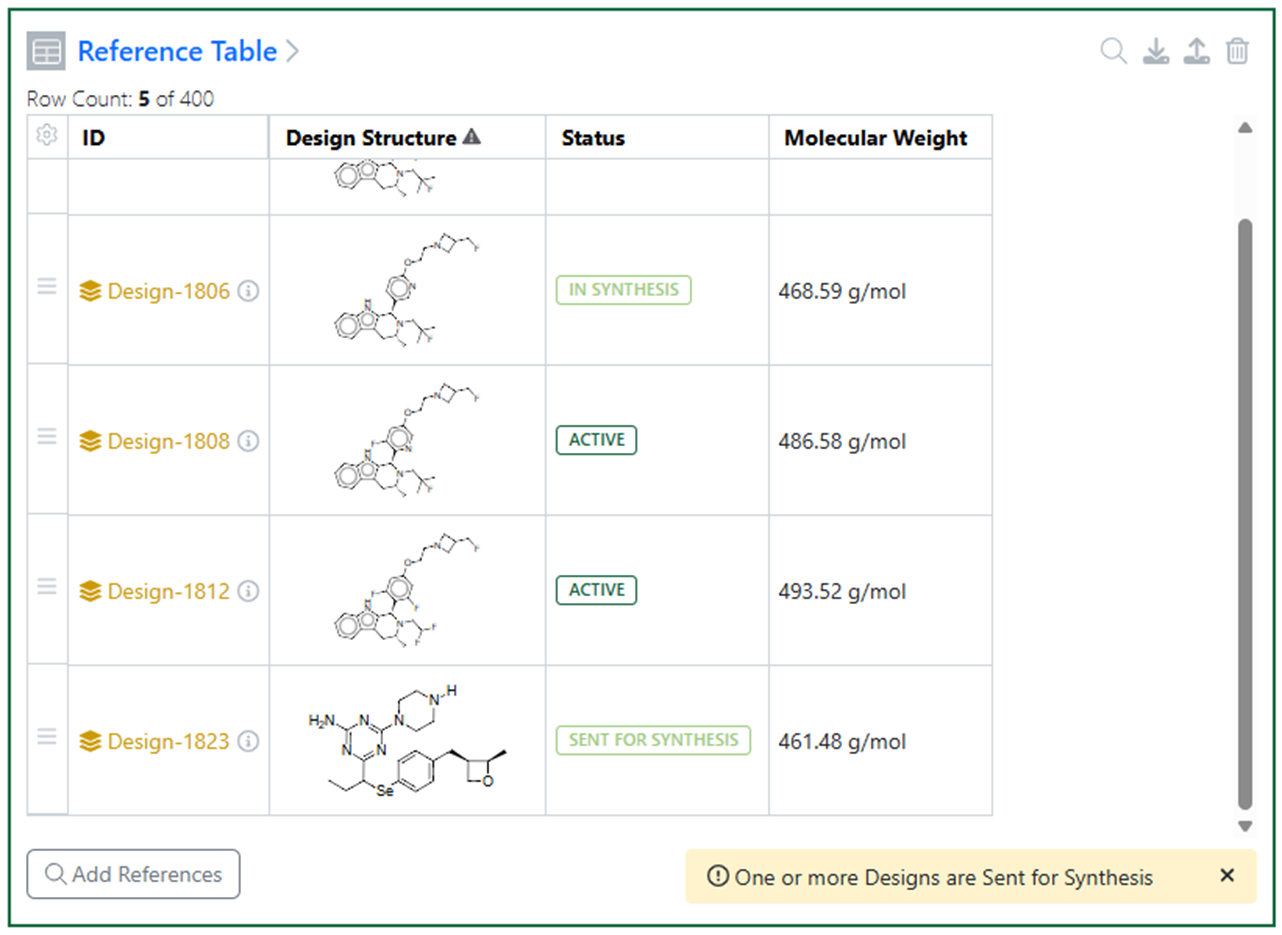
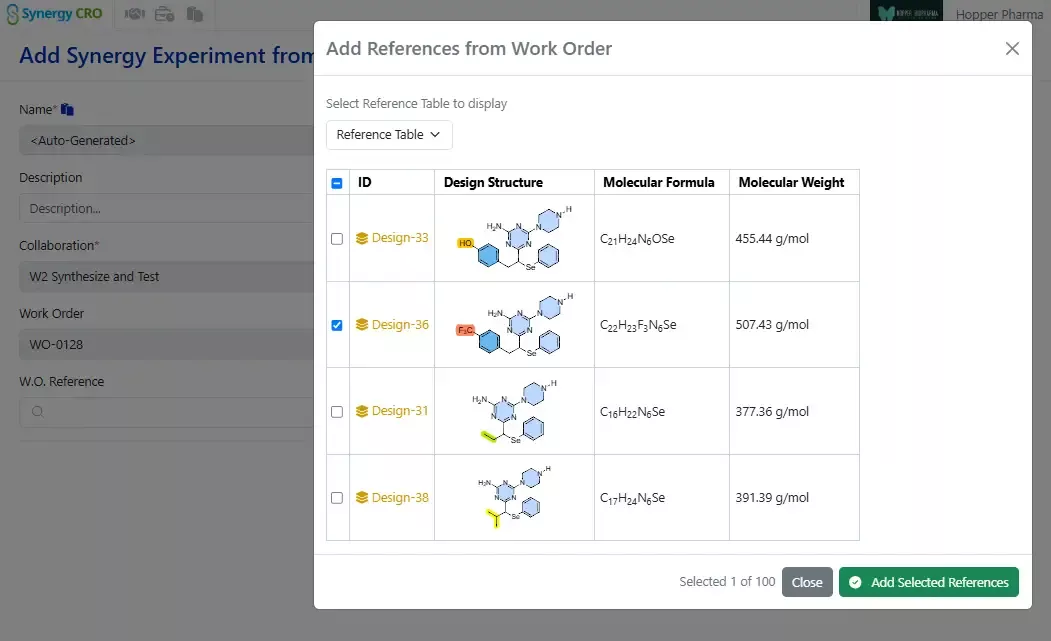
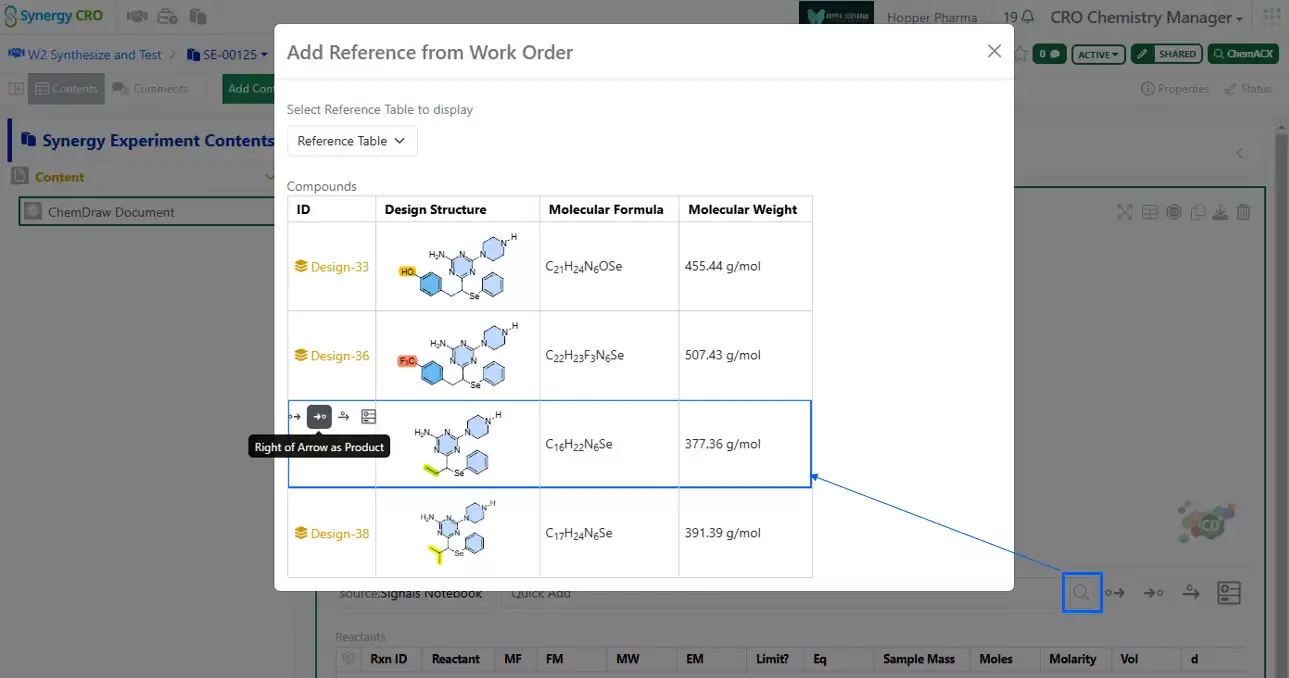
–Add Designs to Work Order Reference Tables from multiple Ideas
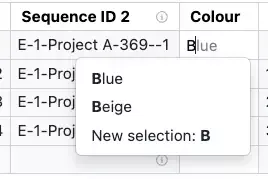
–Customize Design ID sequence
–Sponsor users Quick Add Designs to Chemical Drawings in Experiments, ADOs, and Synergy Experiments
–Expanded Designs Statuses for Design synthesis tracking and Approve Designs for Synthesis privilege – available to all systems
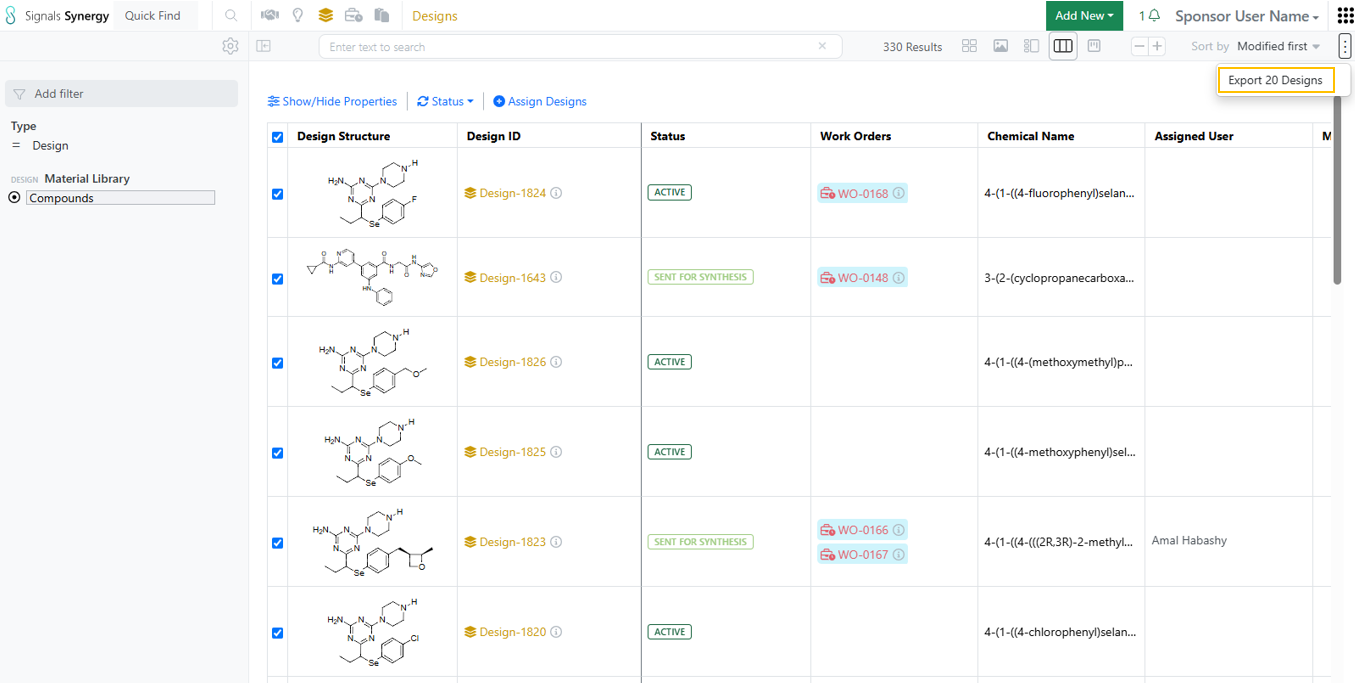
–Bulk Design status update from Designs Smart Folder Data Grid view – available to all systems
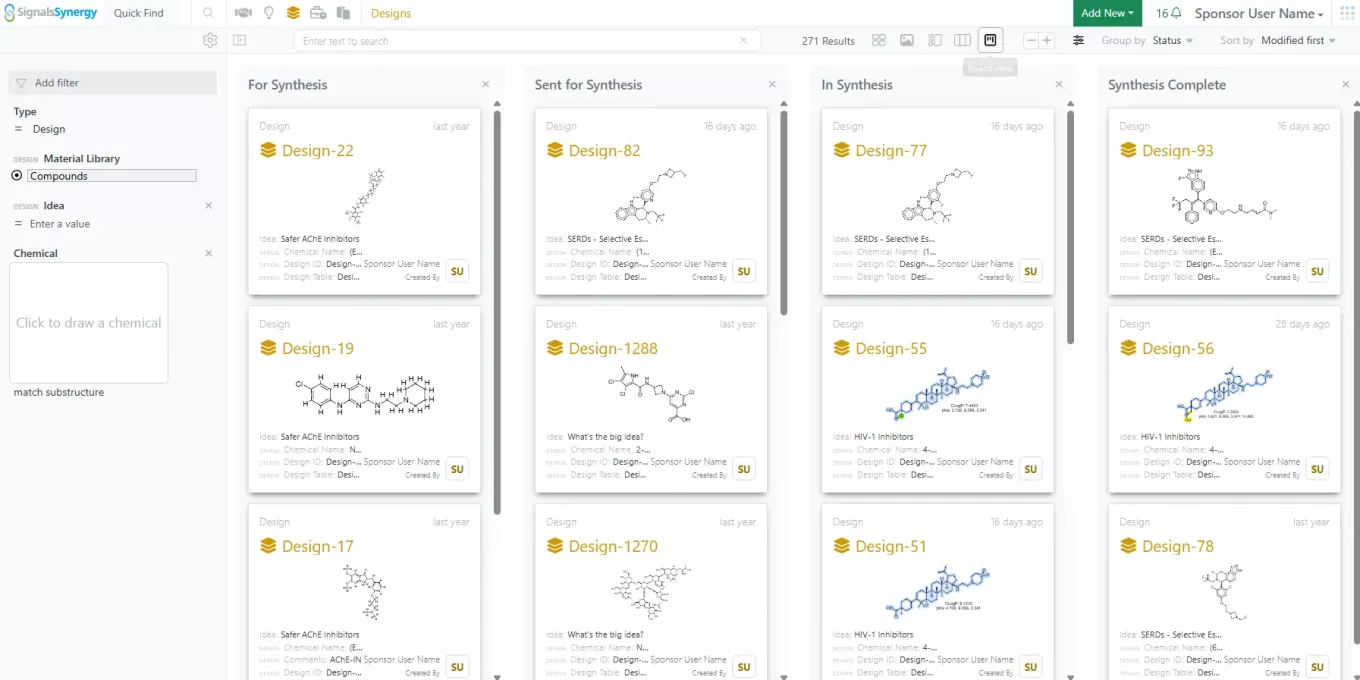
–Kanban board view in Designs Smart Folder for Designs synthesis tracking – available to all system
- Admin Defined Tables & Variation Tables
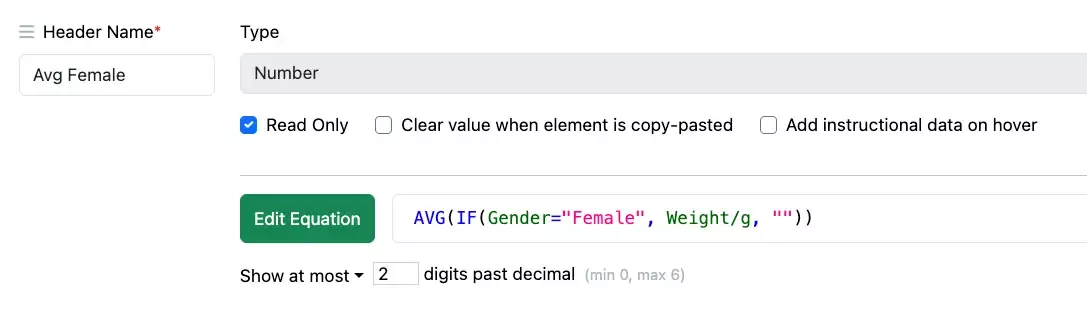
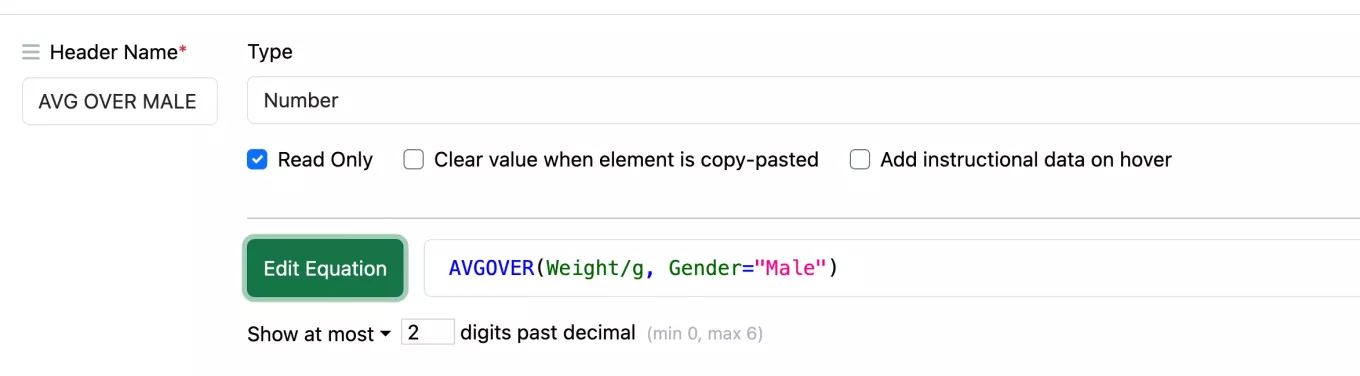
– CASE function
– Multiline entry in equation editor
– Improvements to the Horizontal Summary View in Variation Tables
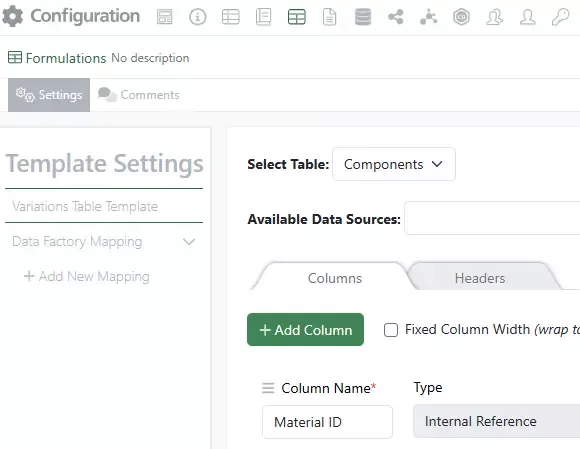
– Publish Variation Tables to Inventa available to all systems
- Samples
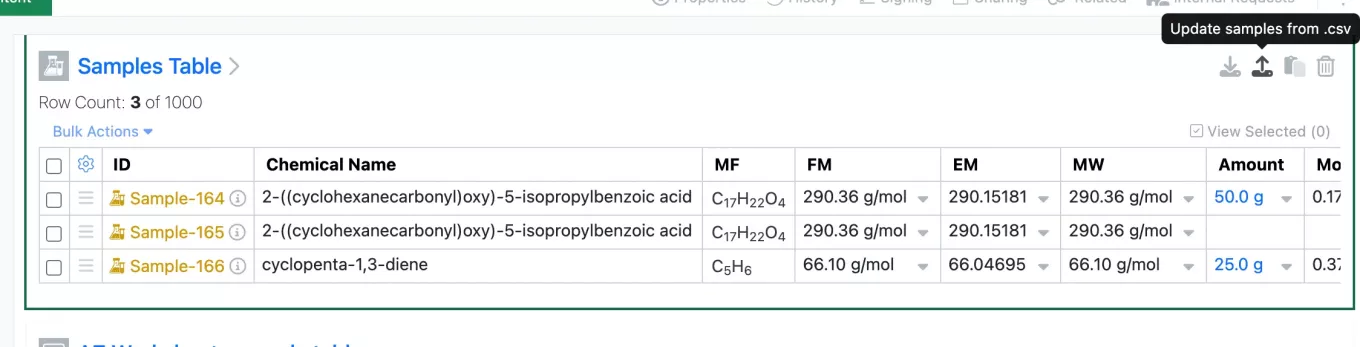
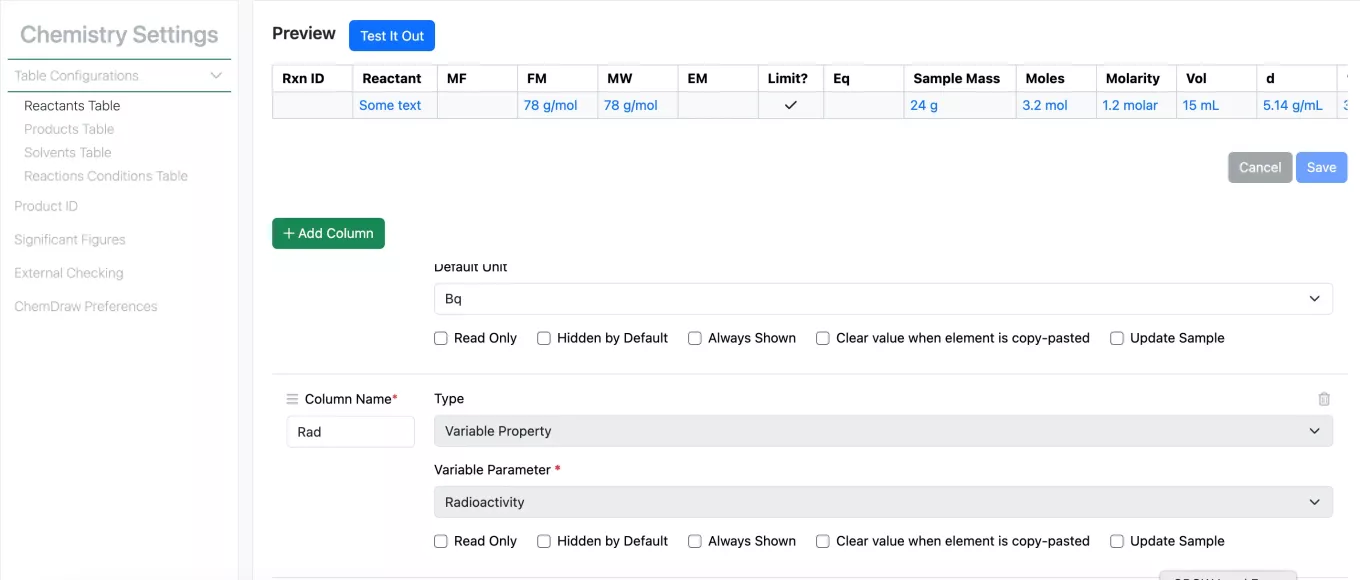
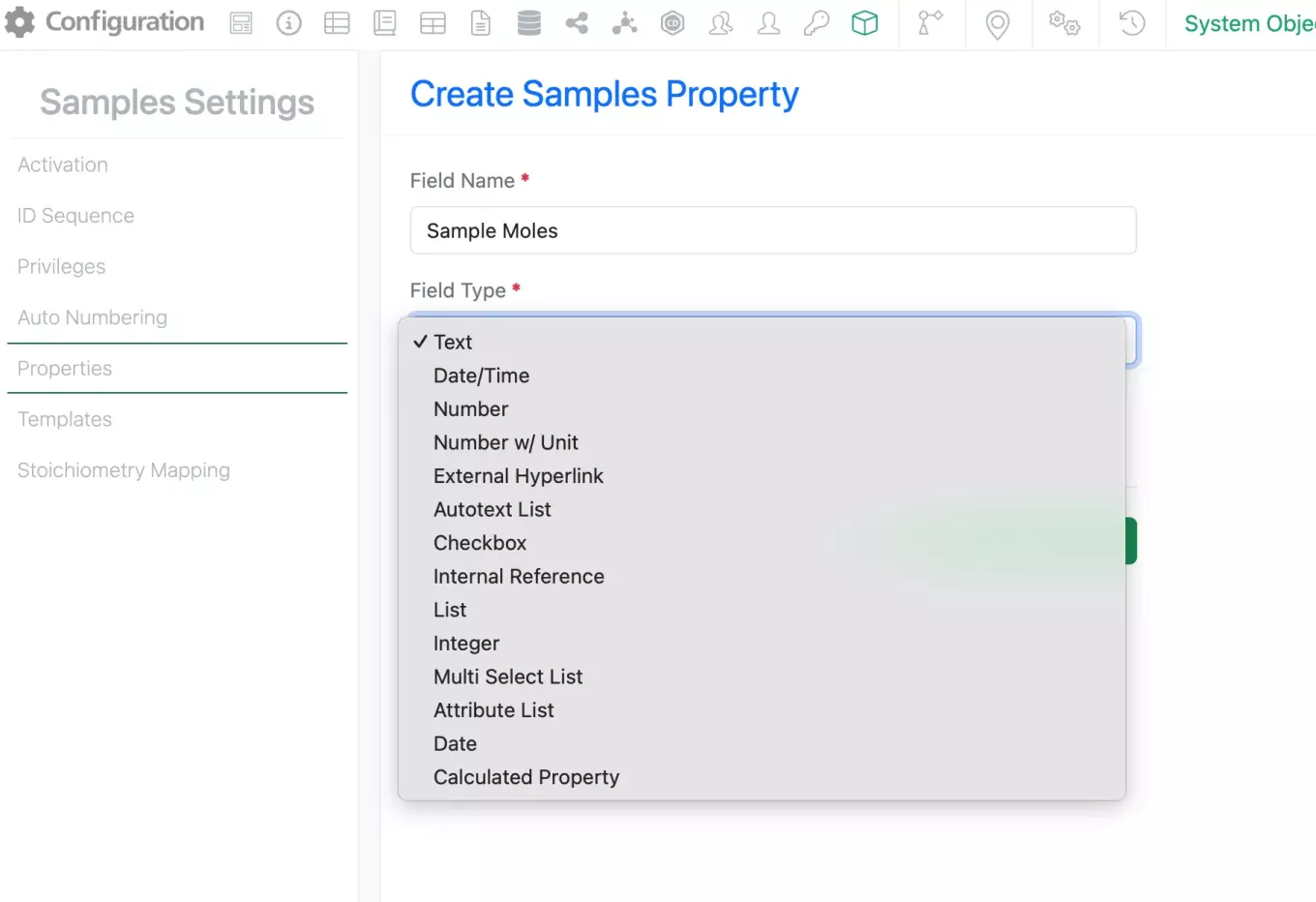
– Autoscaling of units for Sample Moles calculation
– Significant figure handling improvements in Sample calculations
- Inventory
– New labels
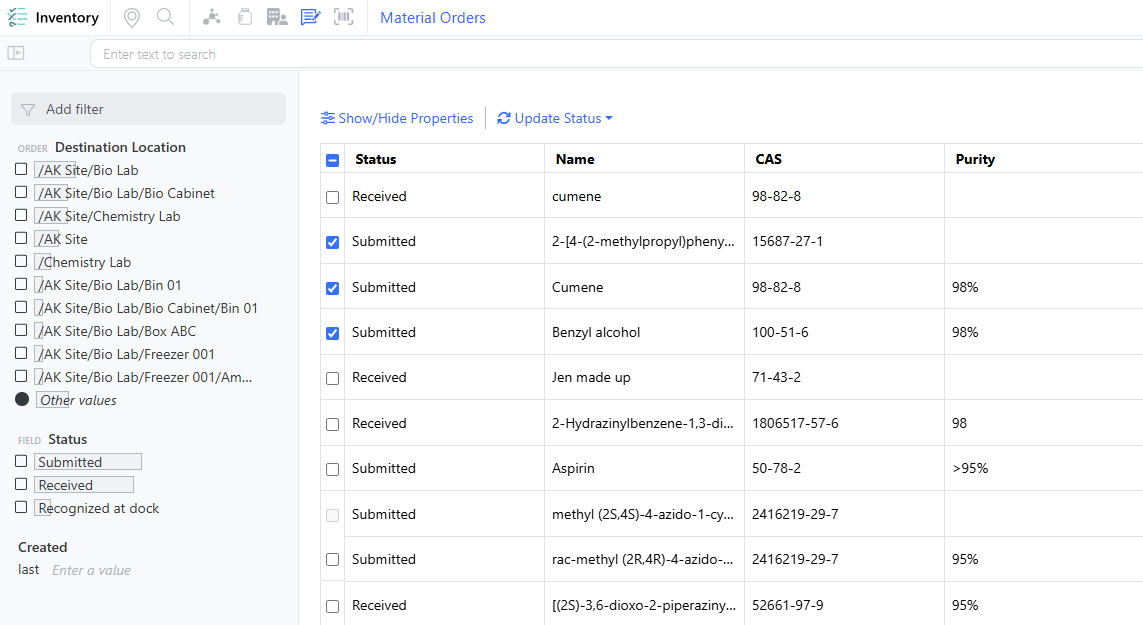
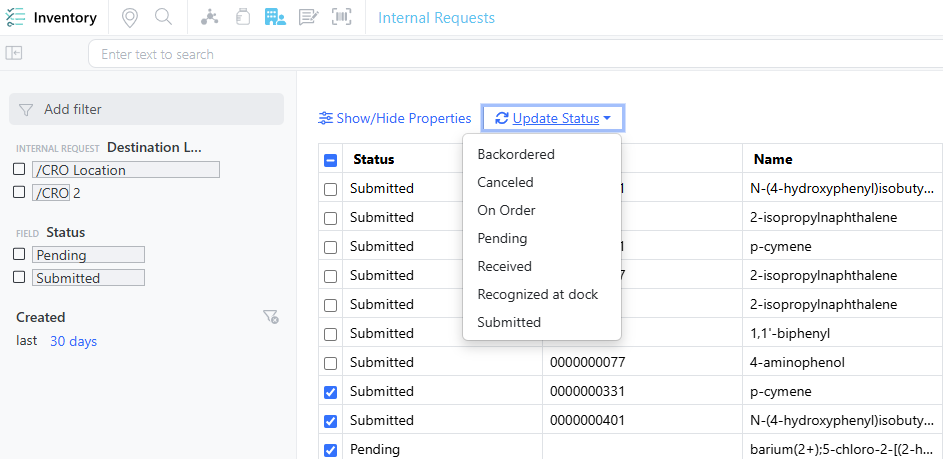
– Requests support Internal Request workflow
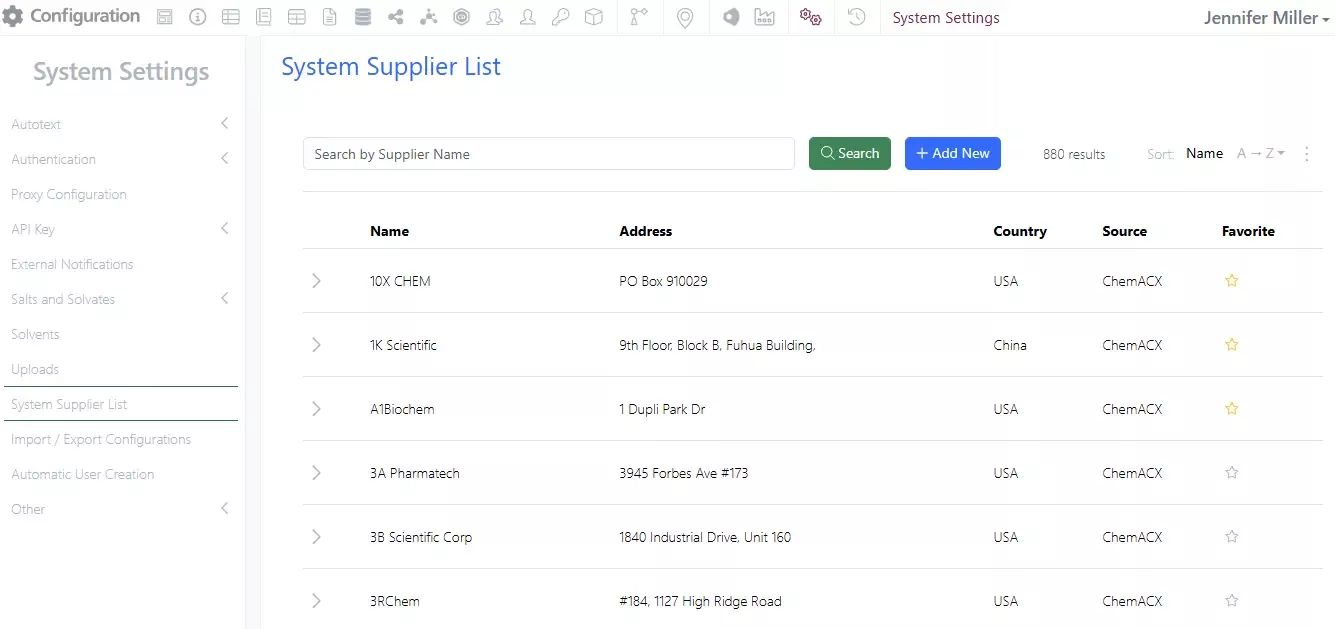
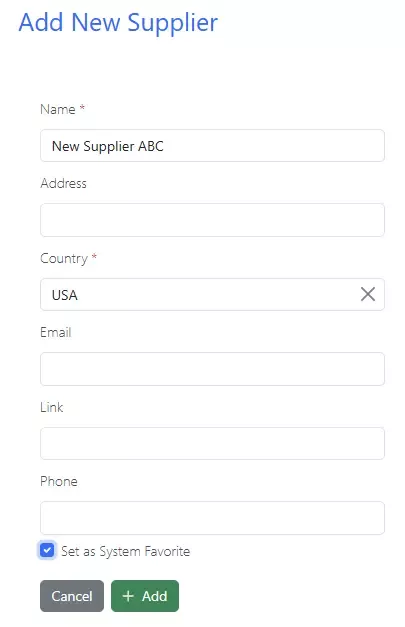
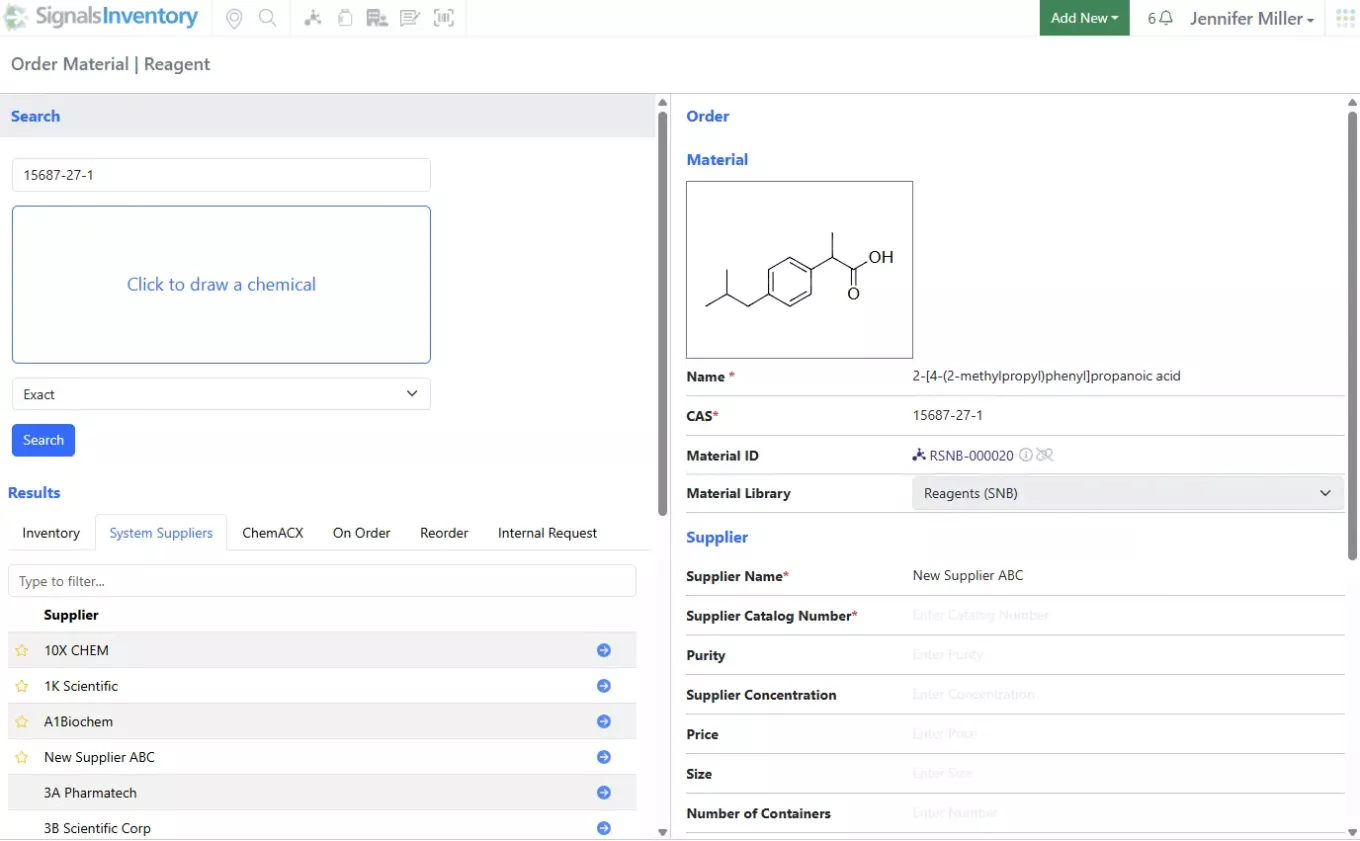
– System Supplier List available in new container creation workflow (beta)
– Add Material Library properties to container labels
- Materials
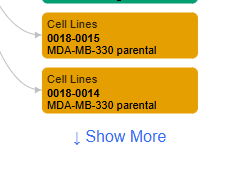
– Updates to the Materials Table material selection
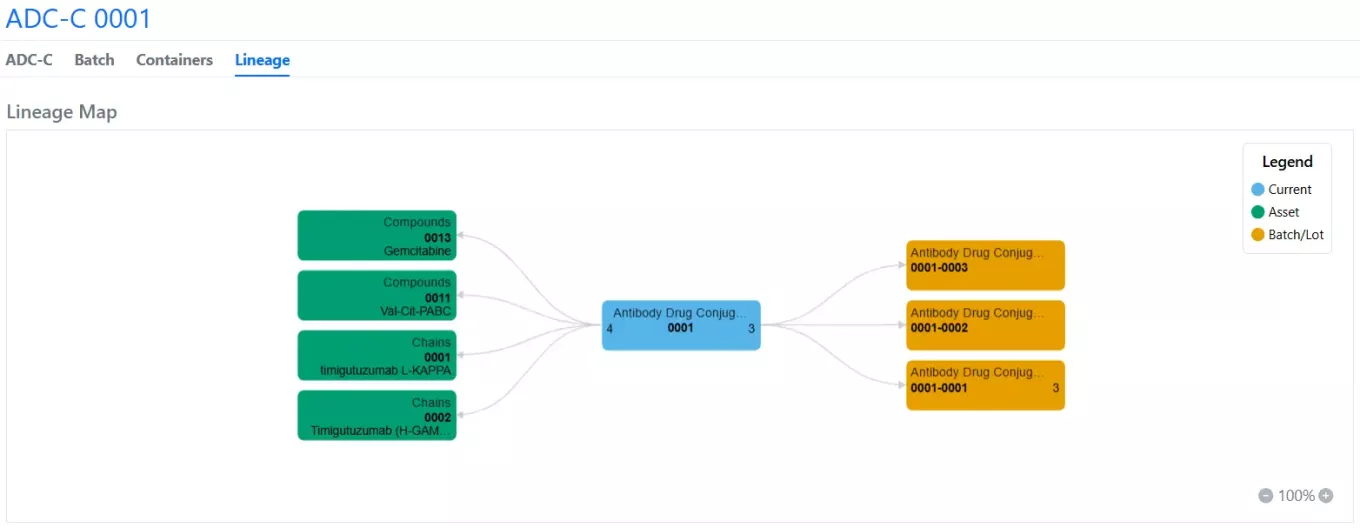
– Change the batch/lot of a selected material
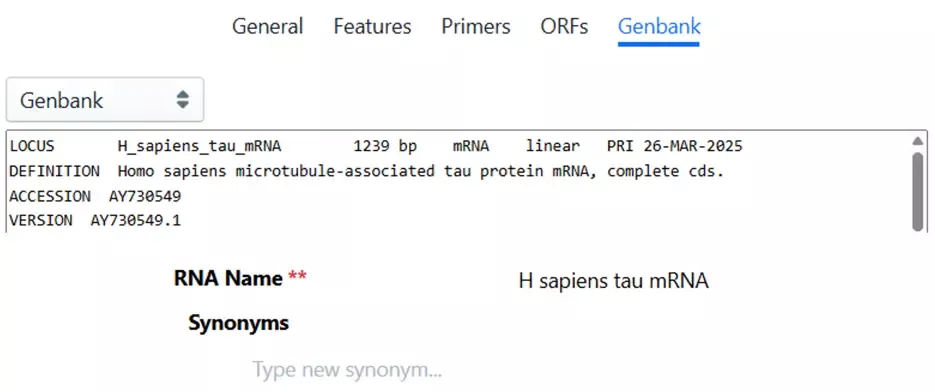
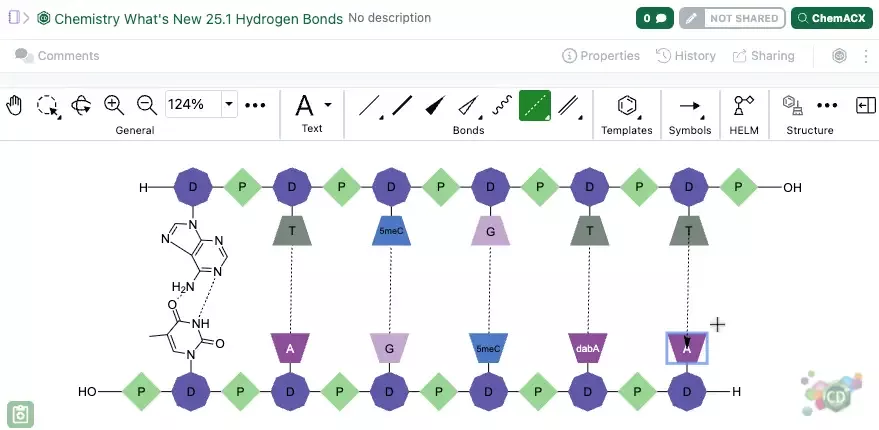
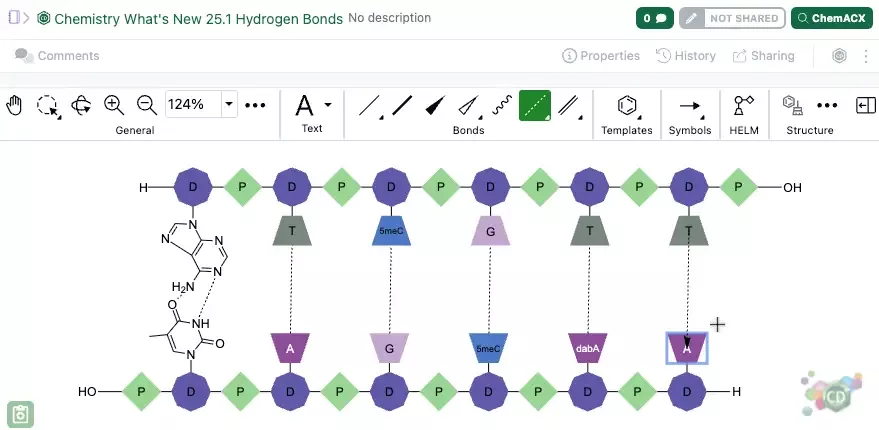
– Calculated properties for DNA and RNA materials
– Bulk import with multipart GenBank and FASTA files
– Disregard Order in Materials Bulk Import
- Administration
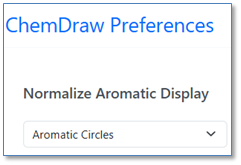
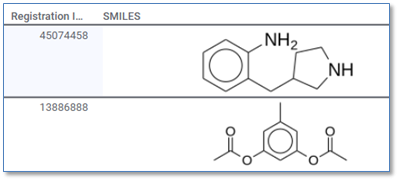
– ChemDraw aromatic display preferences are respected in Inventa
- Integrations & APIs
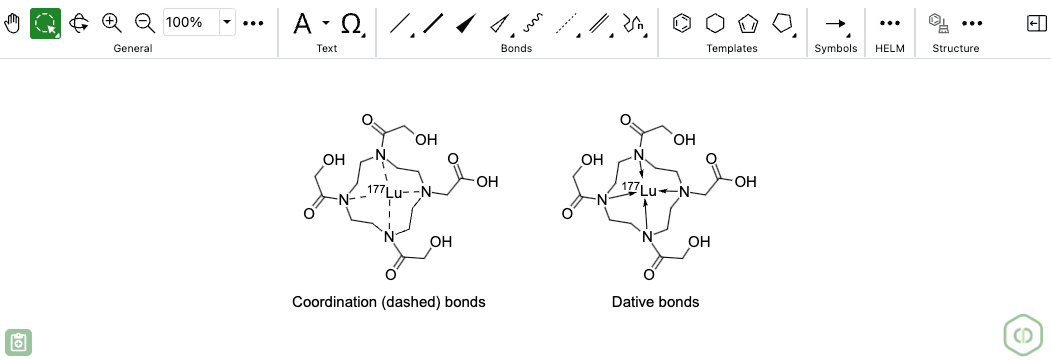
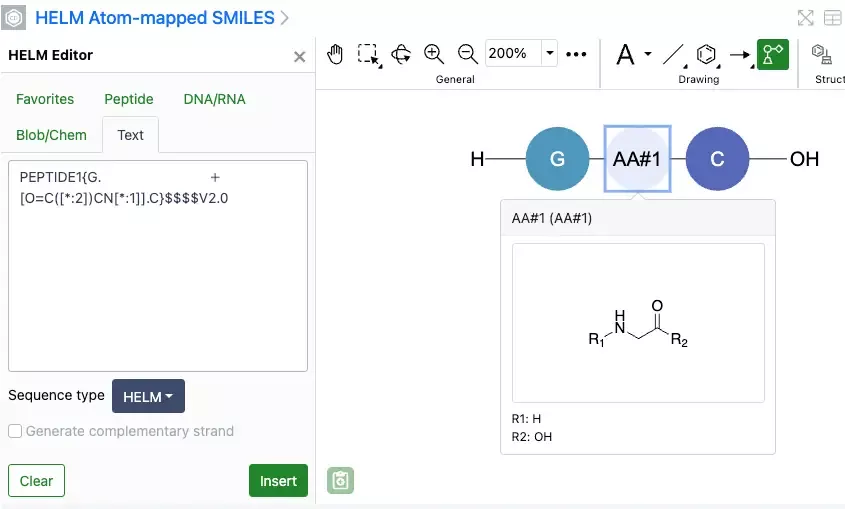
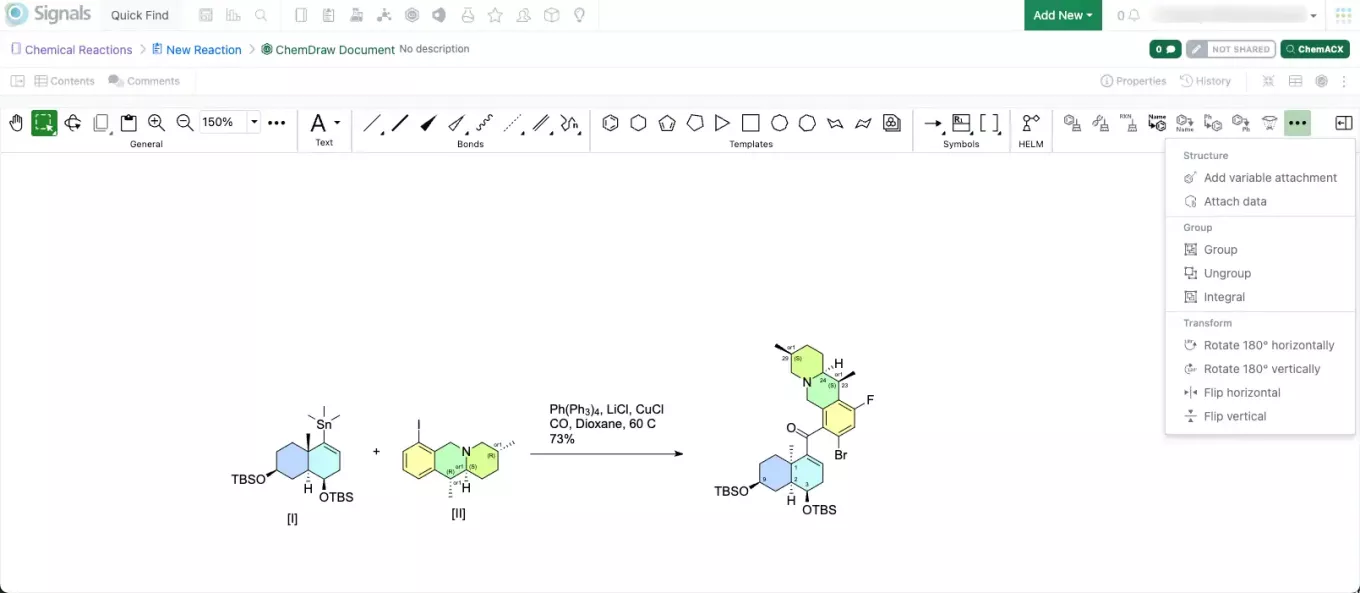
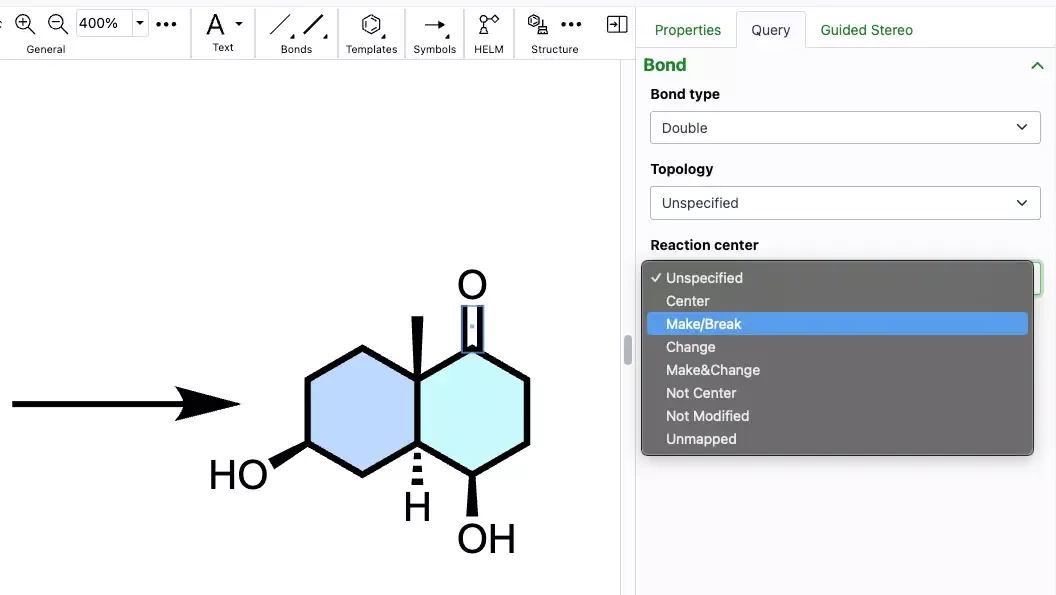
– API update to allow chemical drawing import via HELM
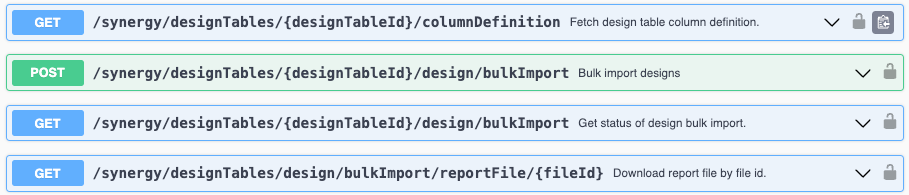
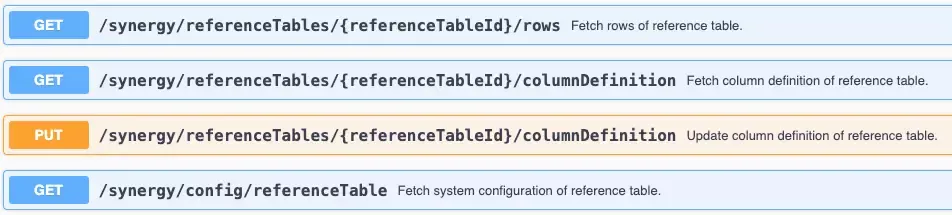
– API for fetching bulk import success reports
– API for fetching Worksheet field definitions
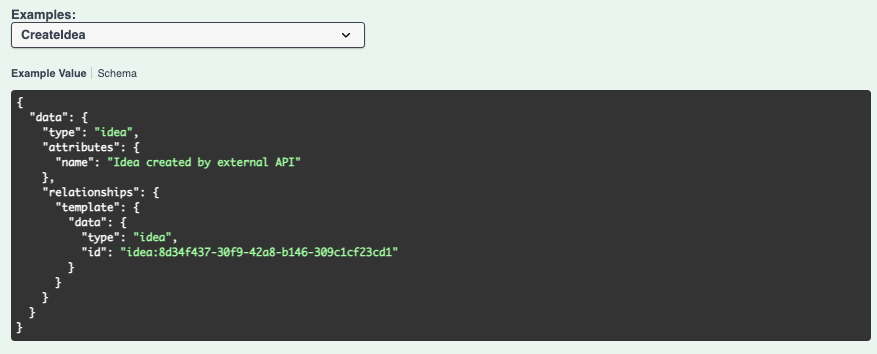
– APIs for fetching and creating CRO users
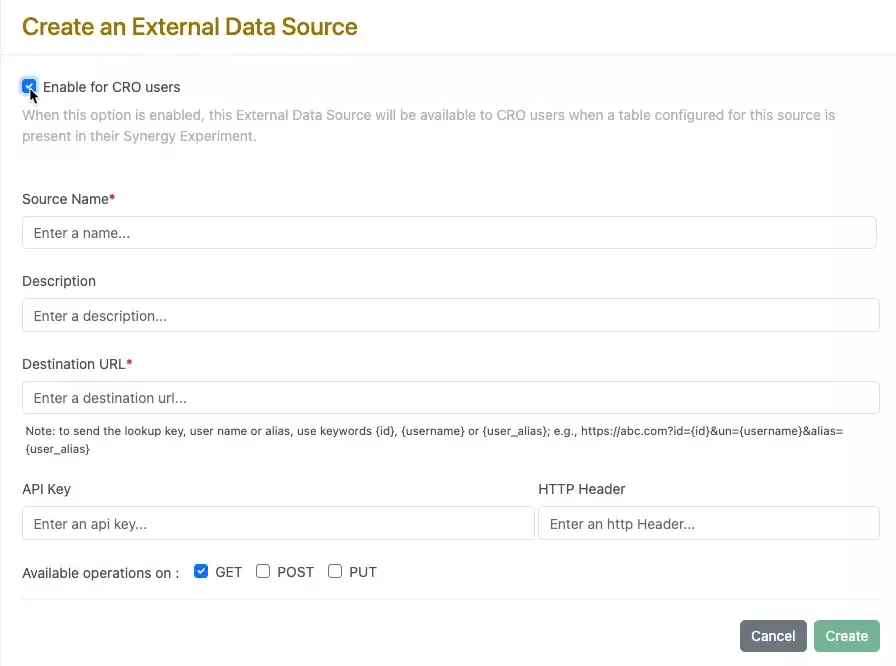
– External Actions can be hidden from CROs
We also fixed several small bugs in this release. Details of the enhancements are described below.
The following OnDemand videos for Signals Notebook End Users are now available
- Materials Table: Register and Manage Materials within an Experiment
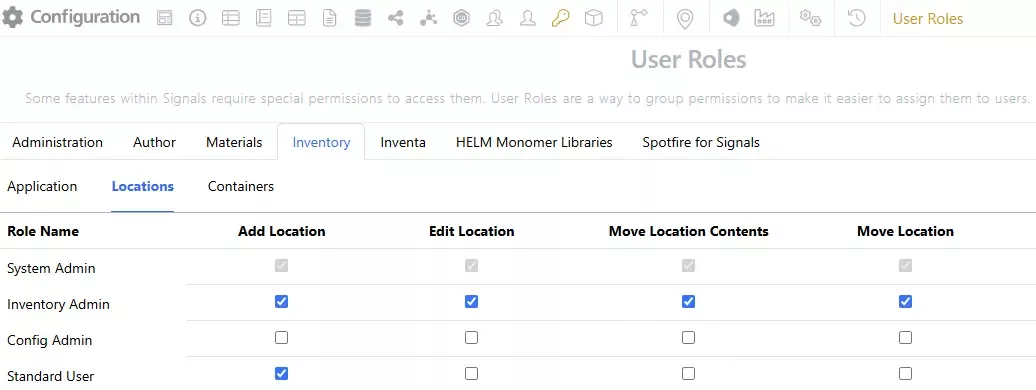
System administrators of Signals Synergy should be aware that there is a new privilege called Add Work Orders that is now required to create Work Orders. Previously, no privilege was required to create Work Orders. For users to continue creating Work Orders, you must grant them this privilege via a role.
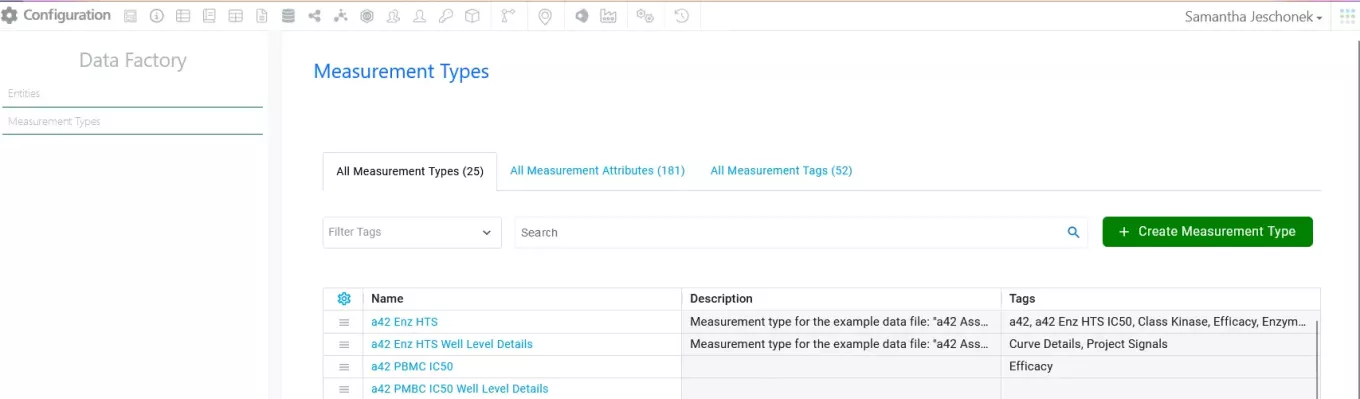
Data Factory administrators should be aware that job-service/postJobserviceLoad primary API is now asynchronous and will immediately respond with a 202 and the string “accepted”. It will no longer return the job’s information.
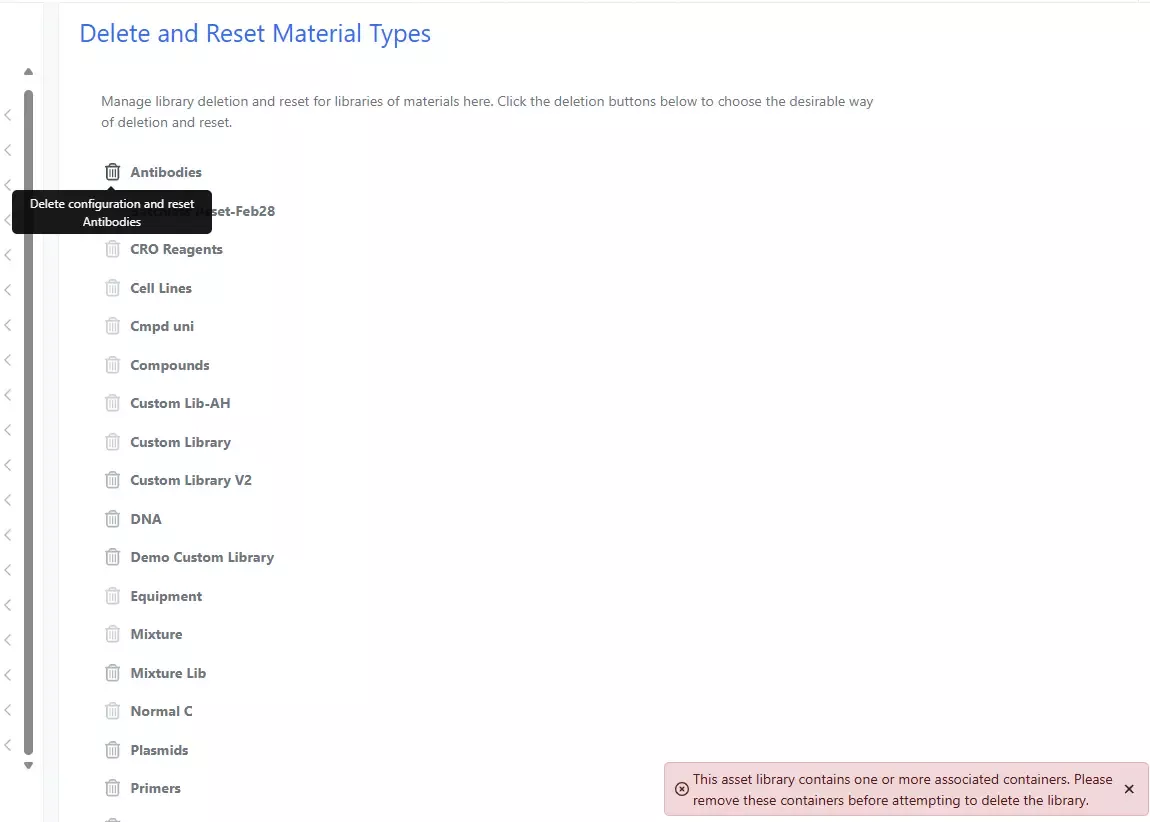
Data Factory administrators should be aware that the DELETE /information-design-service/mtypes/{name} primary API now returns 409: Conflict when trying to delete a measurement type linked to an Experiment, ADO, or Table in Signals One.
Developers should note that we have changed the GET/entities endpoint to no longer allow for both “trashed” and “untrashed” items to be fetched simultaneously. The "includeOptions" will continue default to "untrashed" when no explicit parameters are specified. This change only impacts customers who are explicitly setting “includeOptions” to “trashed,untrashed” or any combination including both.
Administrators are recommended to subscribe to the channels within our support news site found at https://support.revvitysignals.com/hc/en-us/categories/360004446171-Support-News which contains more information about releases and other pertinent product information.
This content is anticipated for release on our Production E3 environments, and for Private Cloud customers on our deferred release schedule, in November 2025.
Further Details
The following improvements are available for users, administrators and developers on the Signals platform. Certain features may only be available with appropriate licensing and/or with enablement by an administrator.
Fundamentals
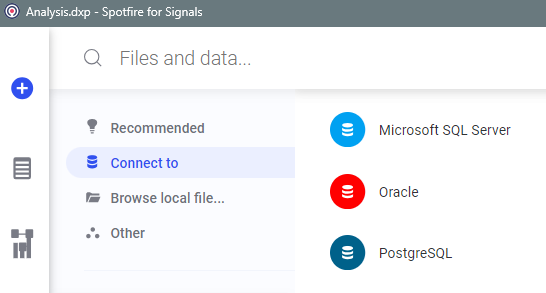
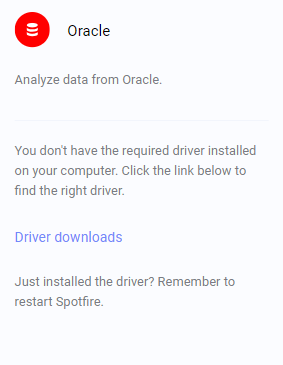
Spotfire Connector Oracle is available within Spotfire for Signals. The end user must install the required driver for function in Spotfire for Signals Analyst. Data Connection information must be embedded in analysis file. Authoring, editing, and creating new is supported in Spotfire for Signals Analyst while Spotfire for Signals Online can consume existing.
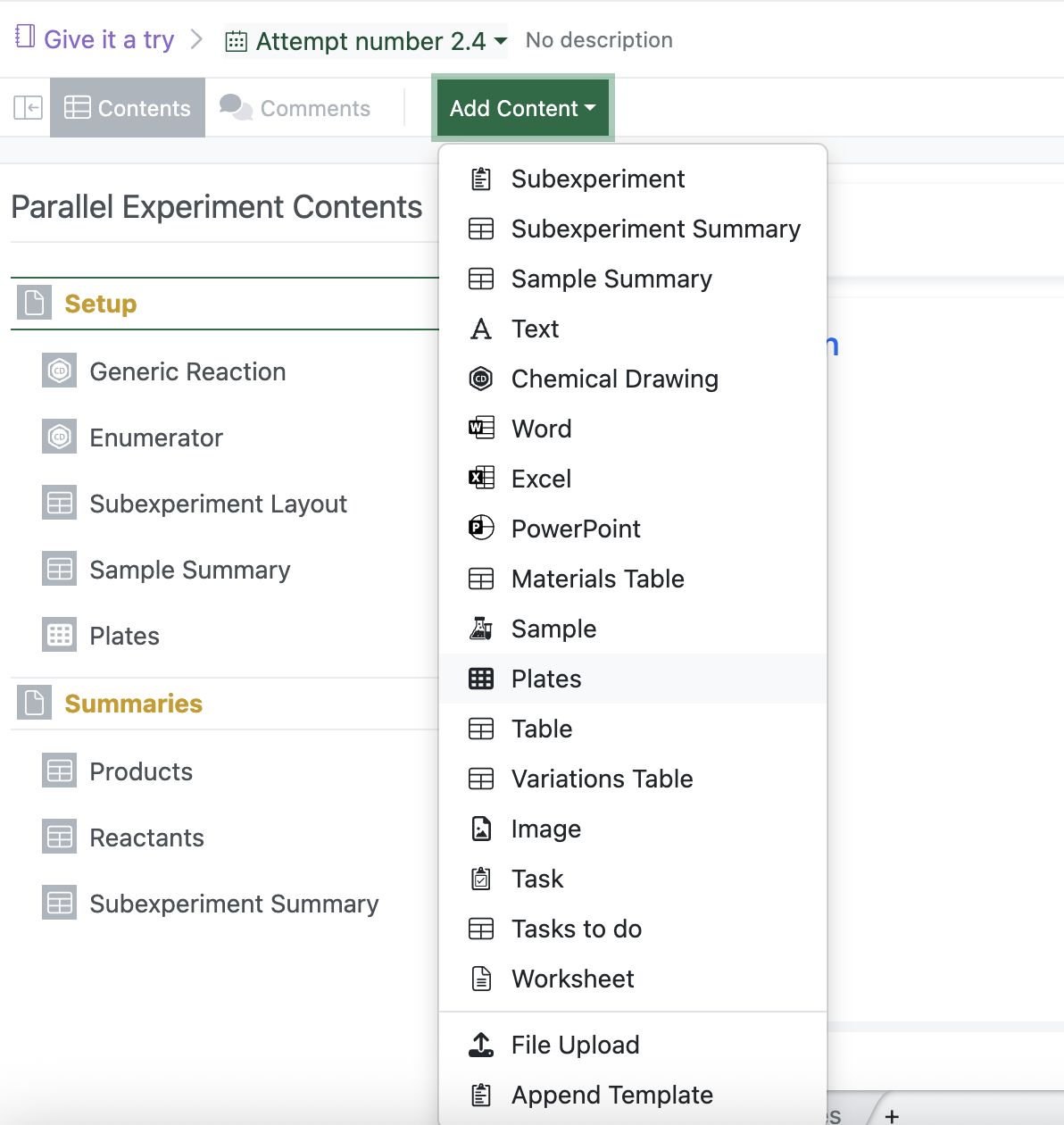
Users are now able to add the standard Plate element in Parallel Experiments using the Add Content dropdown. When populating the plates using Autofill, the user now can populate that plate with samples from the Sample Summary table.
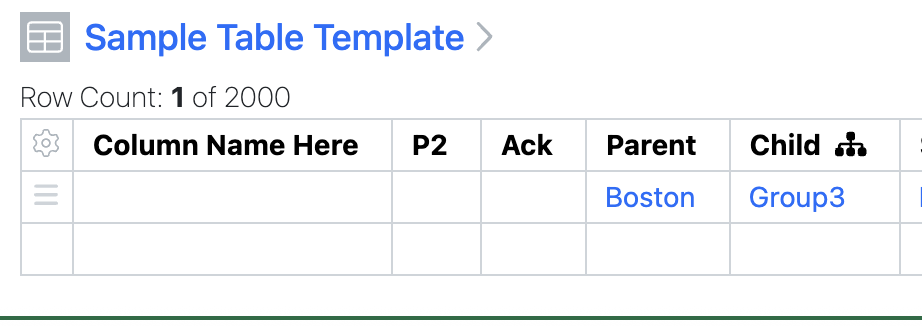
In a click reduction effort, child fields in a Parent/Child Hierarchical Attribute pair will automatically fill if the user only has access to a single child of their selected parent. This is no way alters user access to values in the HA. Users are still able to remove any auto-filled child attributes.
SAR & Decisioning
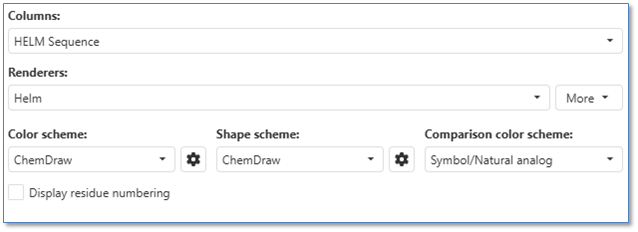
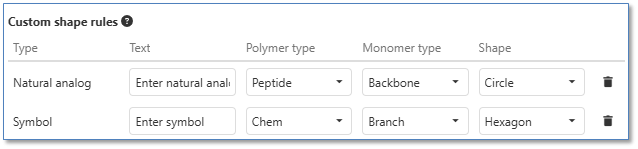
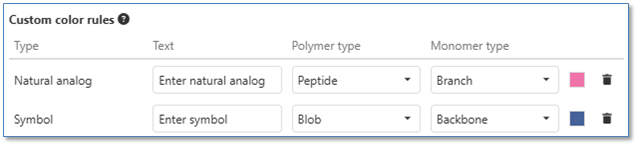
Users can now customize HELM rendering in ChemCharts visualizations by selecting predefined ChemDraw or Pistoia styling, or by creating their own custom color and shape schemes
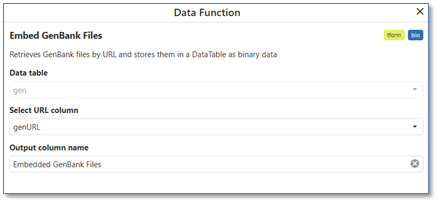

Users can now embed GenBank files into Inventa Analysis using the ChemCharts 'Embed GenBank Files' data function, which extracts GenBank IDs and file content from URLs in Spotfire tables
Users can leverage the new 'Nanobody Dashboard' ChemCharts data function to generate comprehensive visualizations for nanobody developability assessment, including 3D structure prediction, antibody numbering, surface area analysis, developability metrics, and sequence liability identification
Synergy
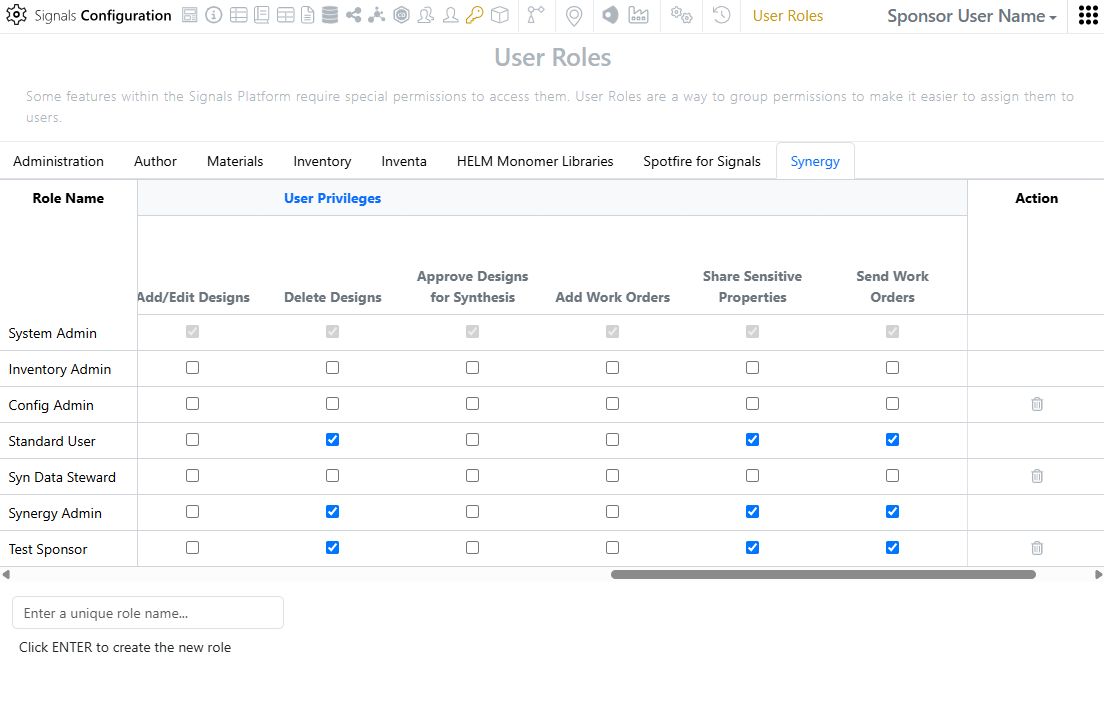
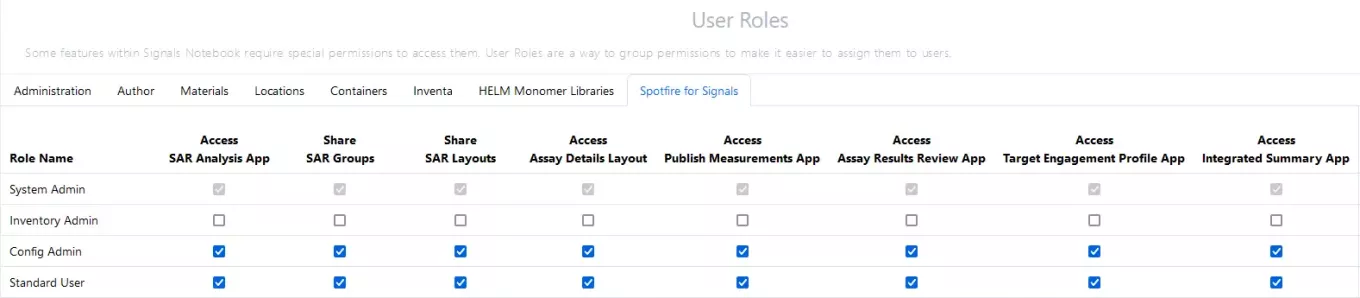
The System Admin can now control which Roles can create Work Orders using the new Add Work Orders privilege. Previously, all users with access to the Synergy App (Synergy App privilege) could create Work Orders; now, users must be granted this privilege in Signals Configuration to create Work Orders.
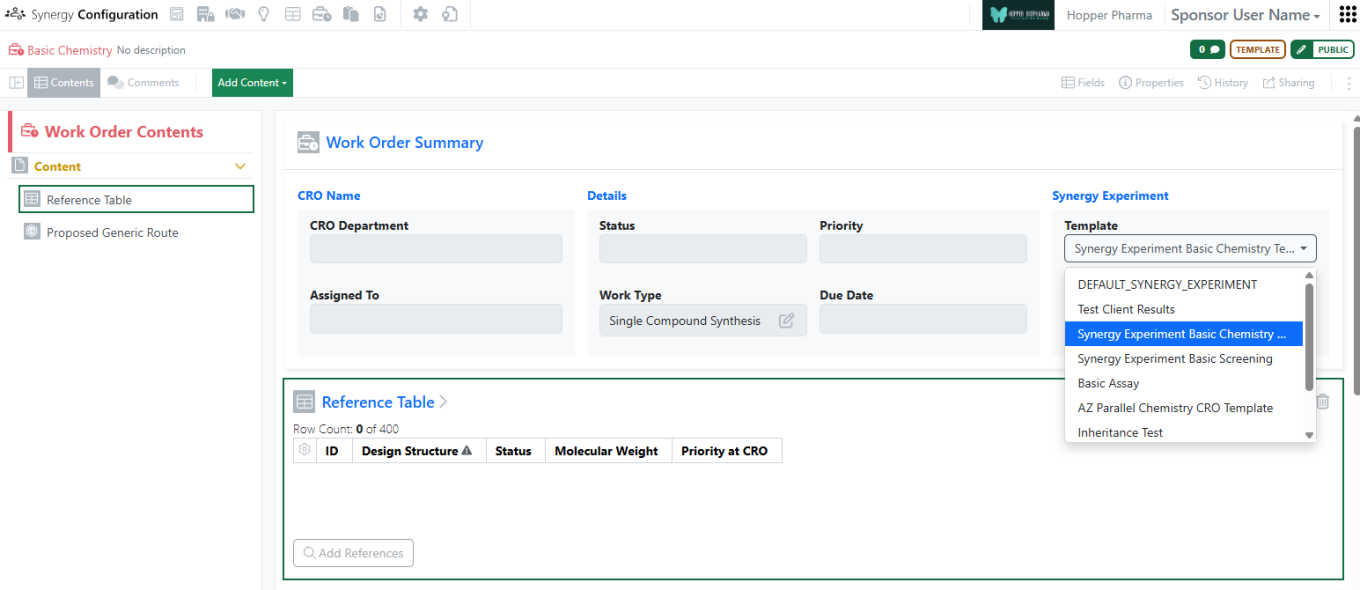
For commonly used workflows, several improvements have been made to reduce the number of clicks required by the Sponsor end user. First, a default Synergy Experiment template can be selected for a given Work Order Template. This allows the Sponsor end user to create a Work Order and the Draft Synergy Experiment using a single creation screen. In addition, the admin can now add a Reference Table to the Work Order Template and pre-configure the default shared properties.
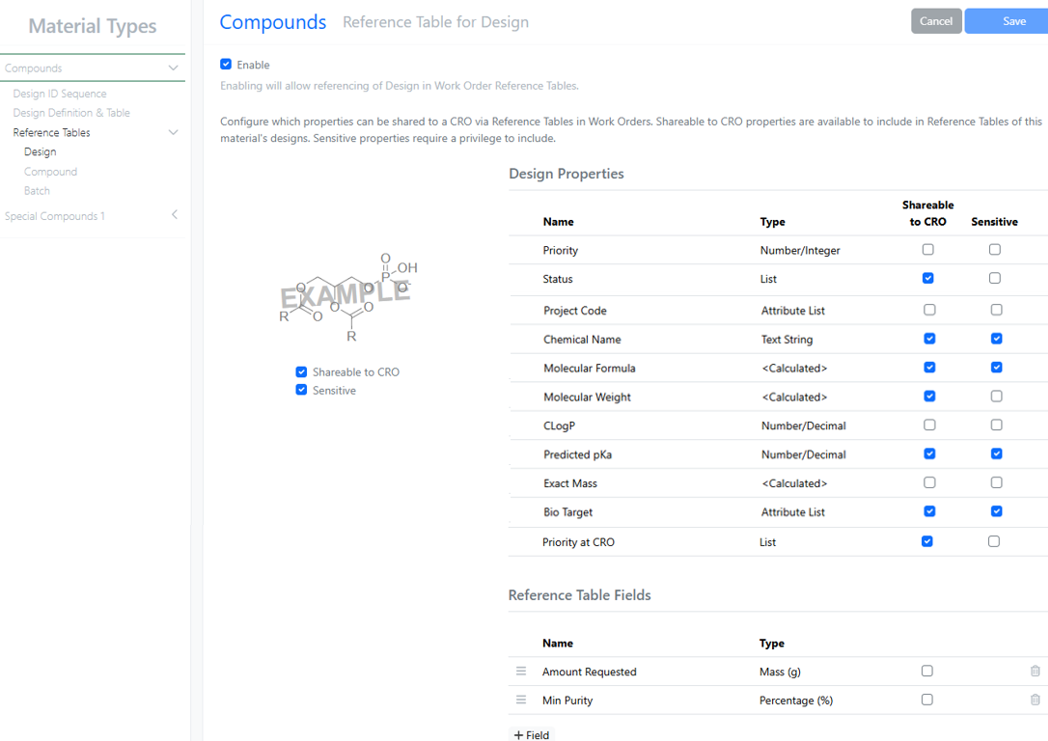
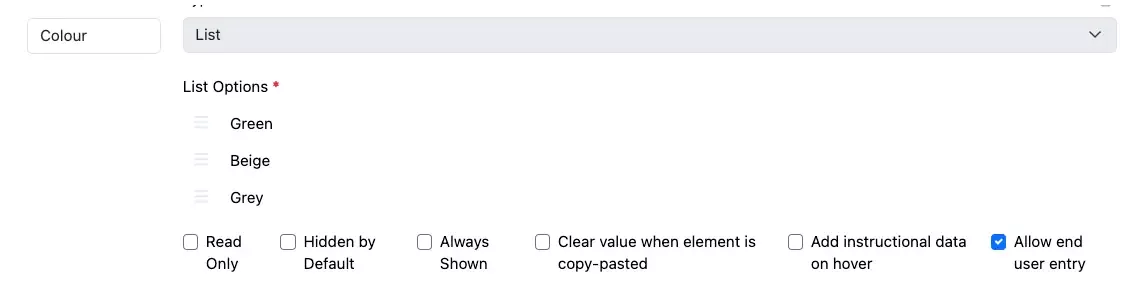
Reference Table configuration also now supports admin-defined fields, in addition to the shared properties of Designs or Material Assets and Batches. Reference Table admin-defined fields can be used to convey additional information to the CRO, such as which assays to run on specific compounds or the amount and minimum purity requested for Design synthesis.
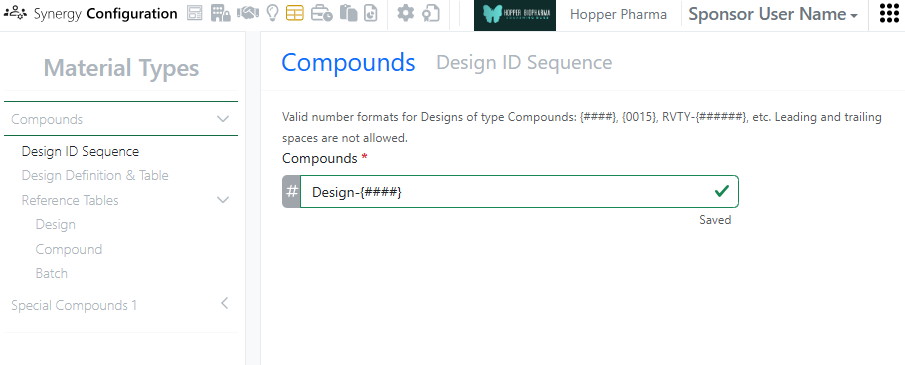
For Designs, the Design ID is now customizable by the admin in Synergy Configuration. In addition, Designs from multiple Ideas (e.g., across chemistry teams or across projects) can now be added to a Reference Table in a single Work Order.
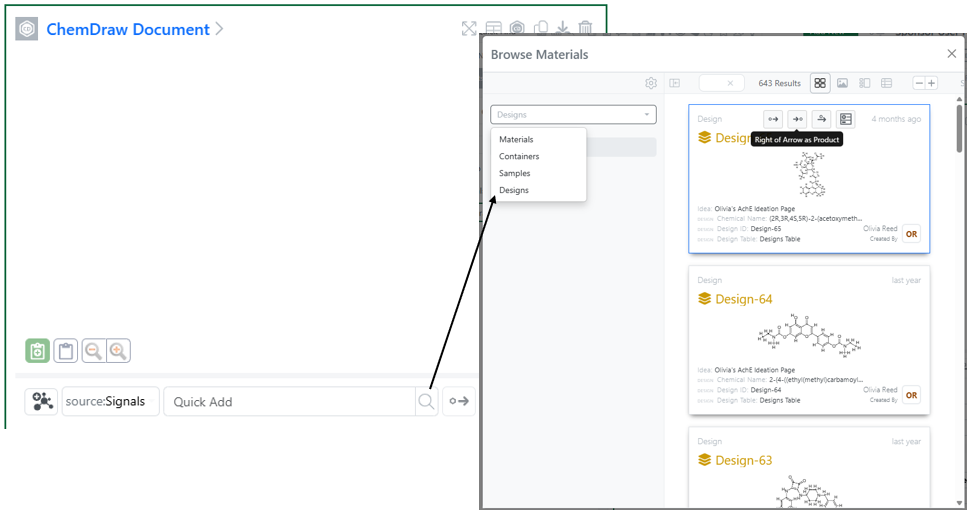
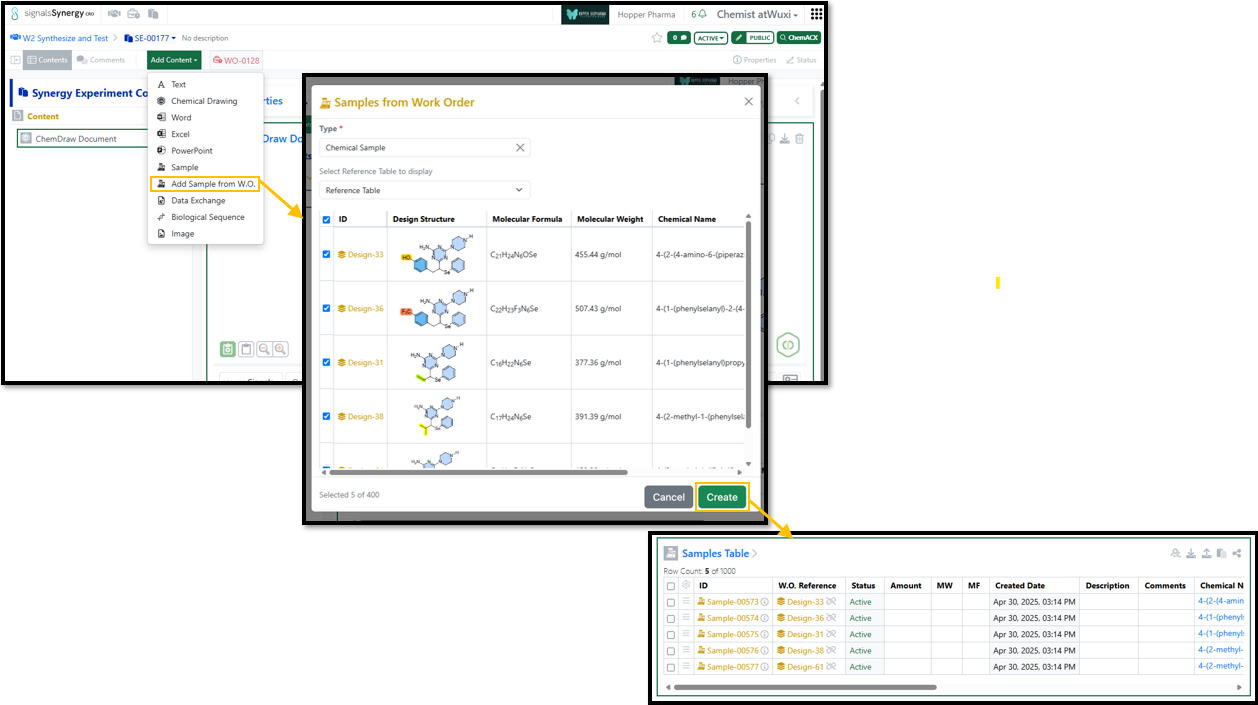
Finally, internal users can now use the Quick Add toolbar to easily add Design structures to Chemical Drawings in Experiments, admin-defined objects, and Synergy Experiments. The Design ID will be added to the stoichiometry grid Product or Reactant Table and propagated to any subsequently created Sample(s) and then into the Originating Design on registered Material(s) from the Sample(s).
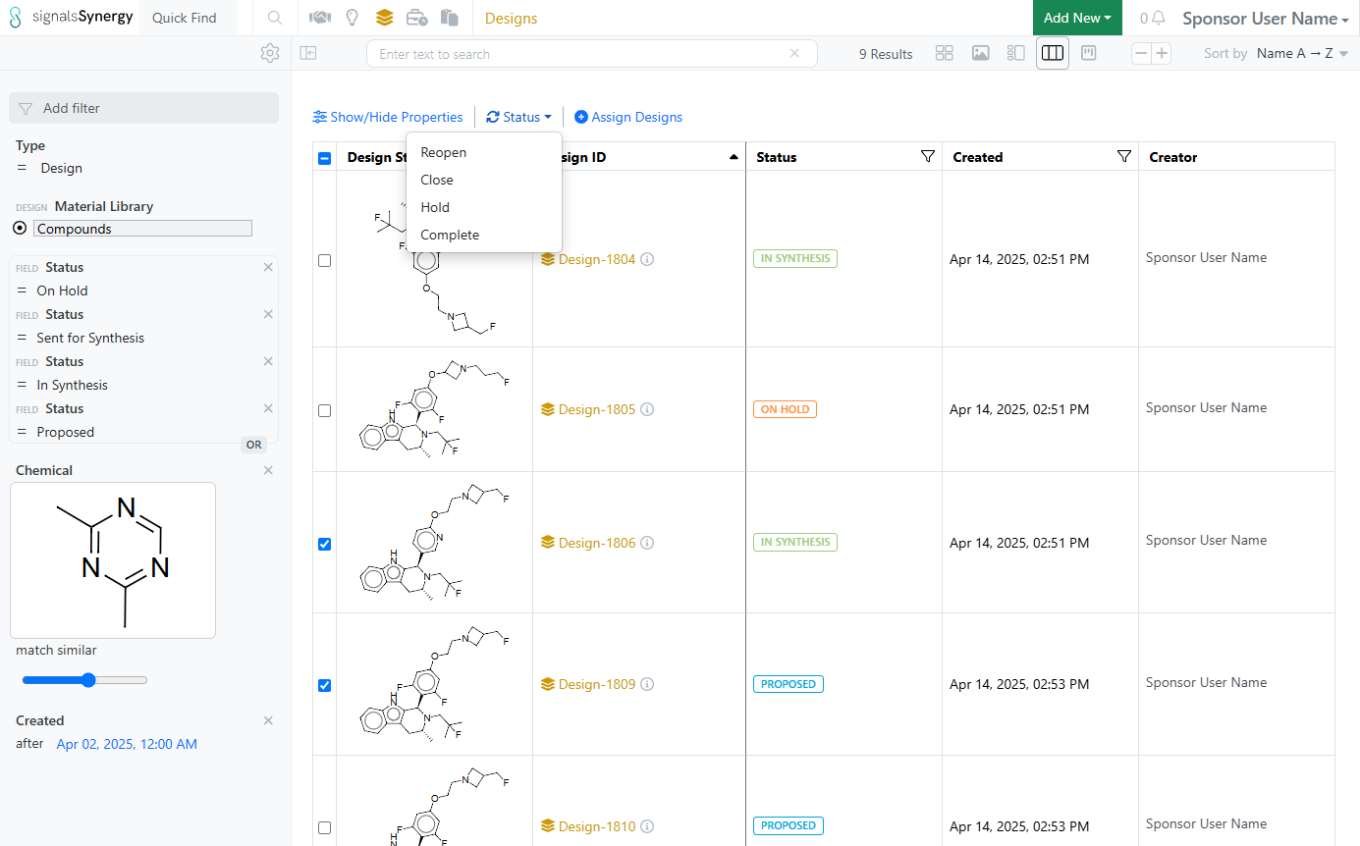
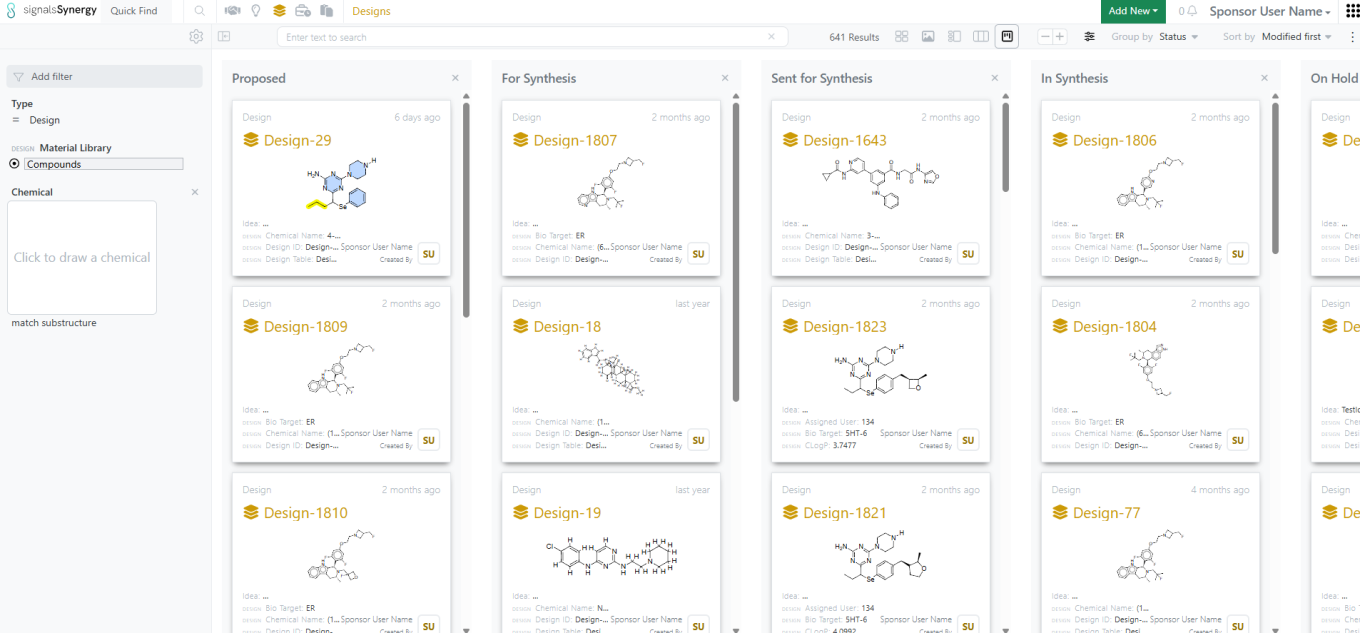
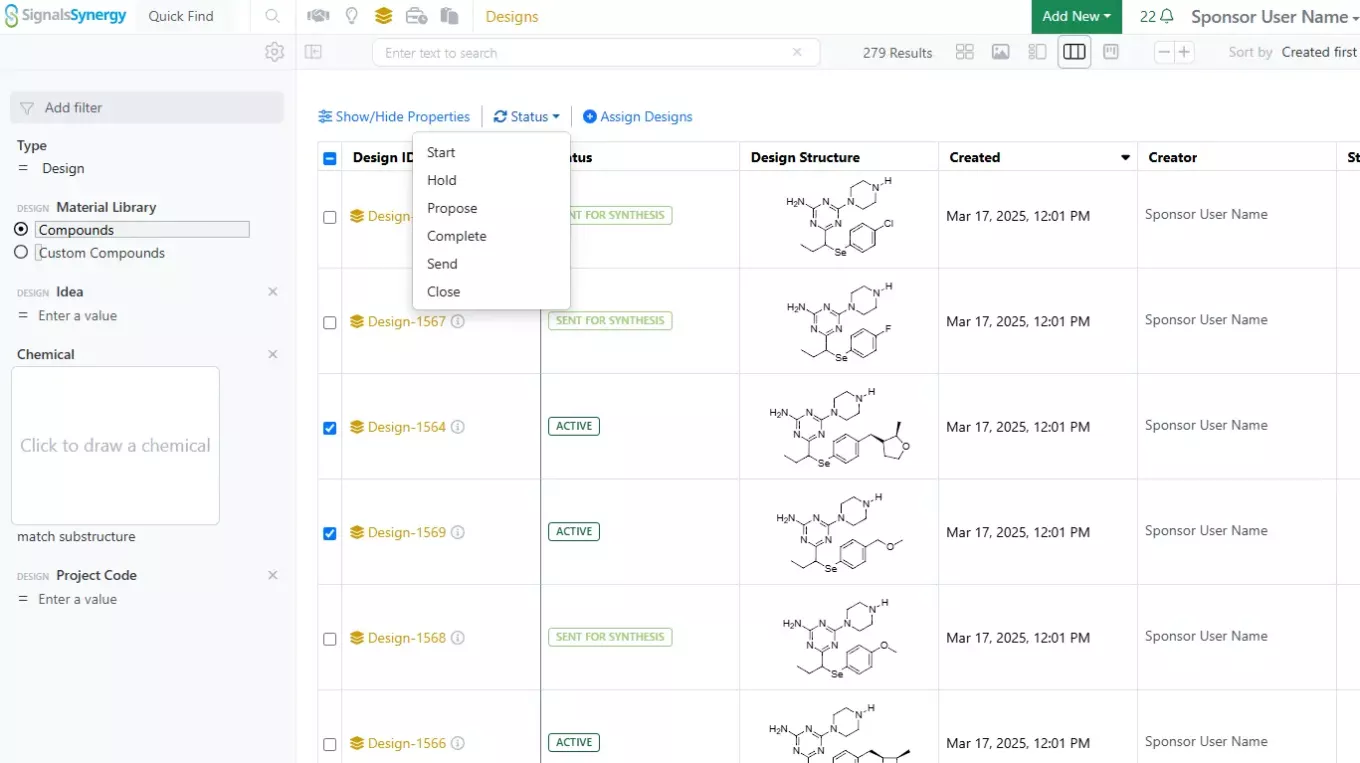
Finally, expanded Design statuses for Design synthesis tracking, Approve Designs privilege, bulk status updates, and a Kanban Board view of Designs by Status in the Designs Smart Folder are now available to all systems.
Admin Defined Tables & Variation Tables
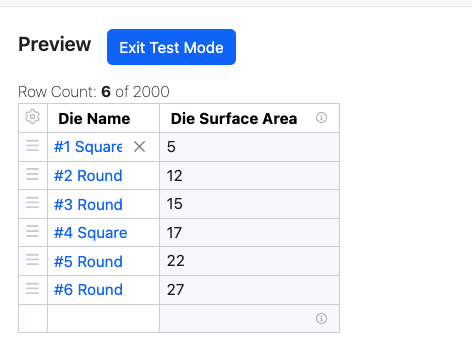
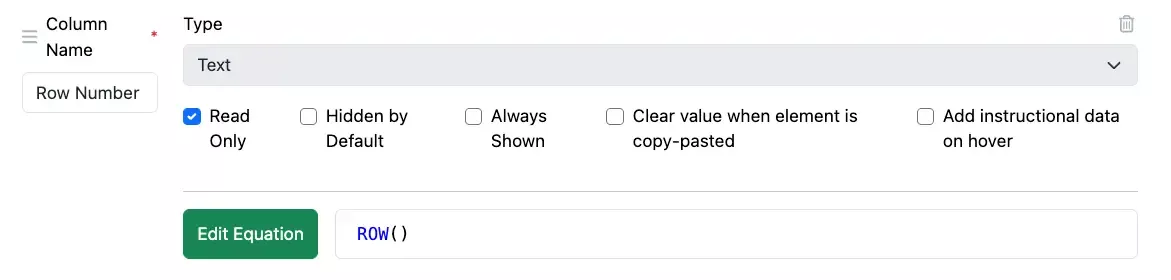
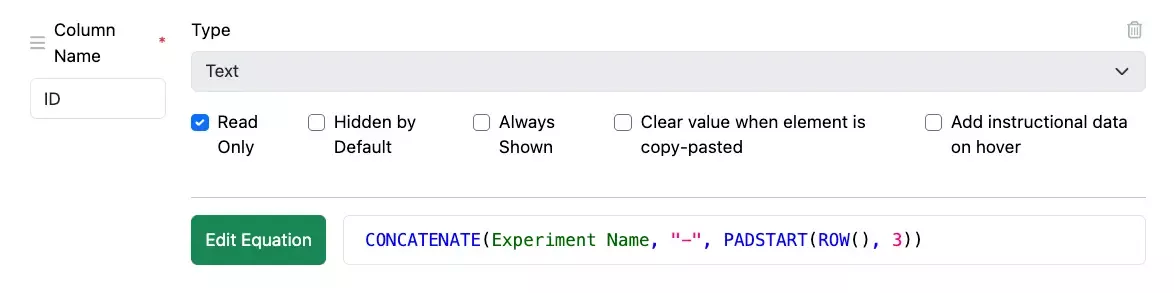
We have added a new conditional function, CASE, to the equation editor in Admin Defined Tables and Variation Tables. The CASE statement allows the admin to define a series of up to 20 different outcomes based off of the results in a given comparison column. The first matching result is provided. The admin can define a final result should no outcomes match. This provides a more elegant alternative to nested IF statements.
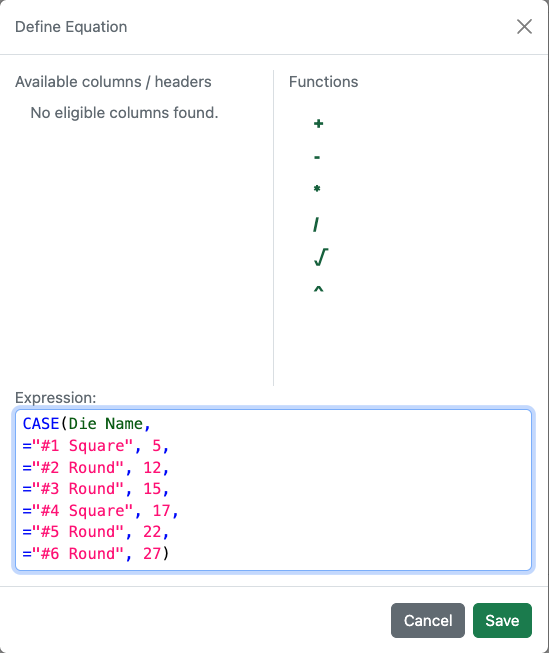
We have also updated the equation editor to allow multirow editing to aid in the definition of the equations for more complex equations such as those using the CASE function above.
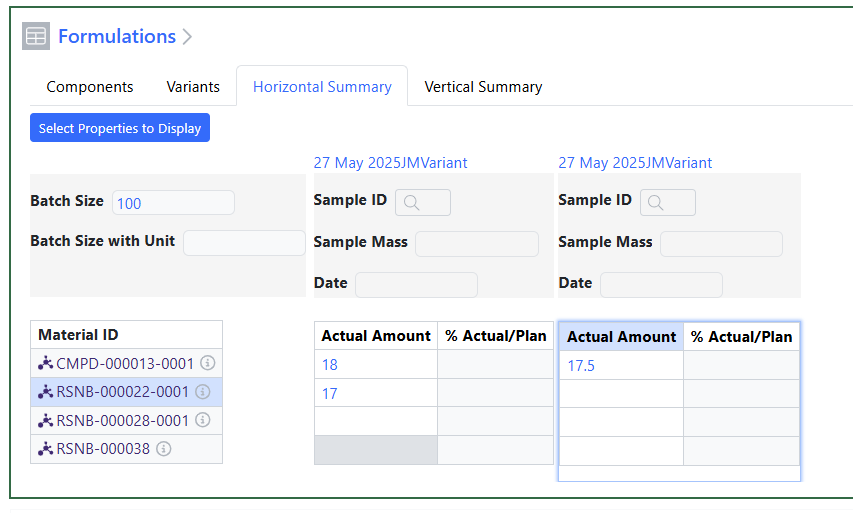
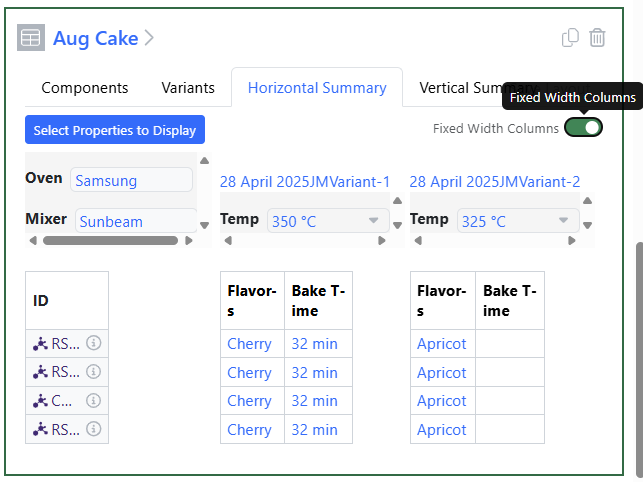
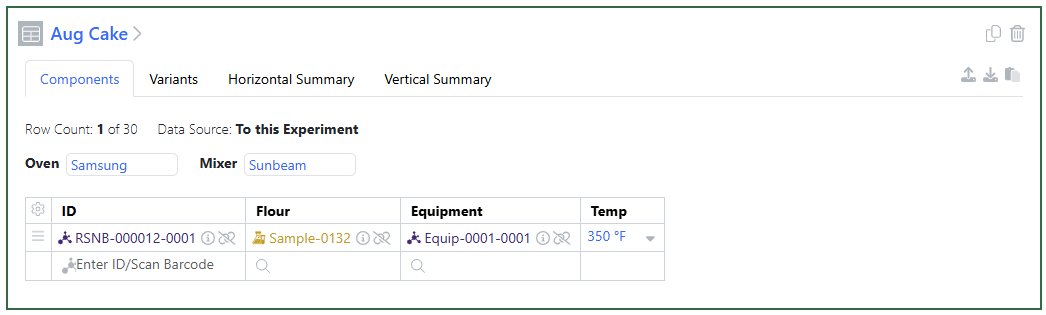
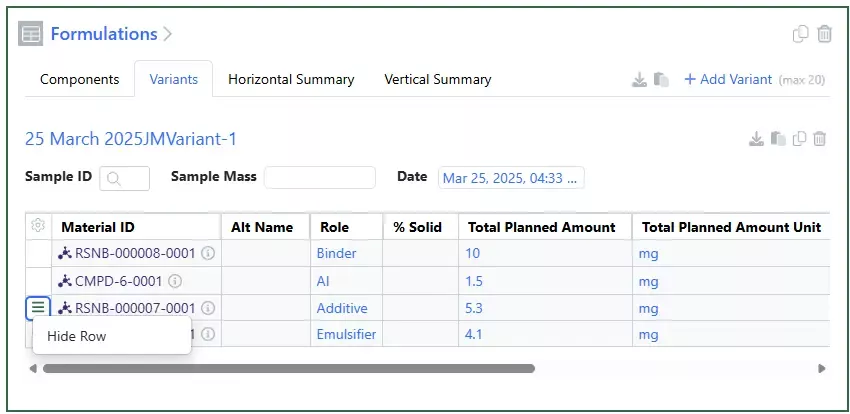
The Horizontal View in Variation Tables has been updated to highlight the variant, the component and the header of the column so users can easily see where they are entering values:
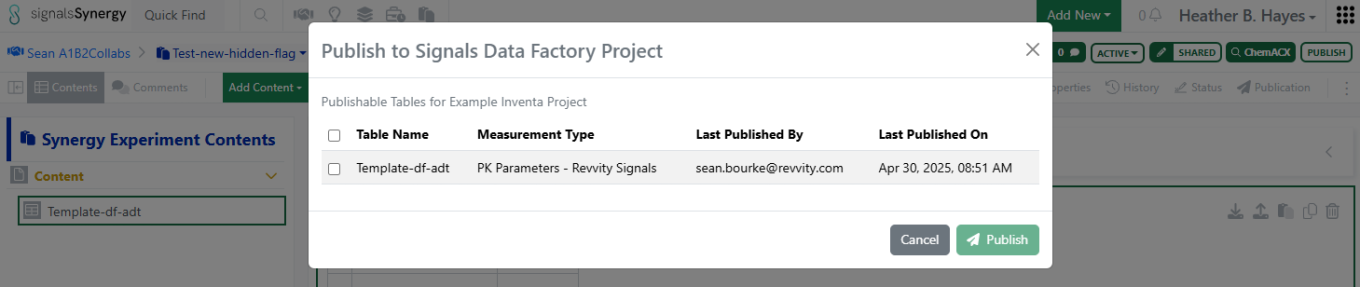
The publication of Variation Tables to Inventa is now available to all systems.
Samples
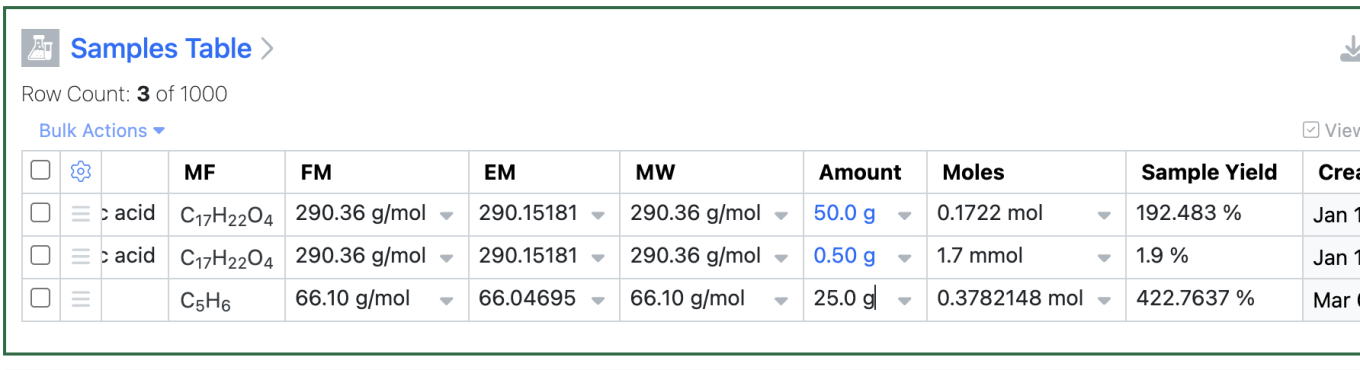
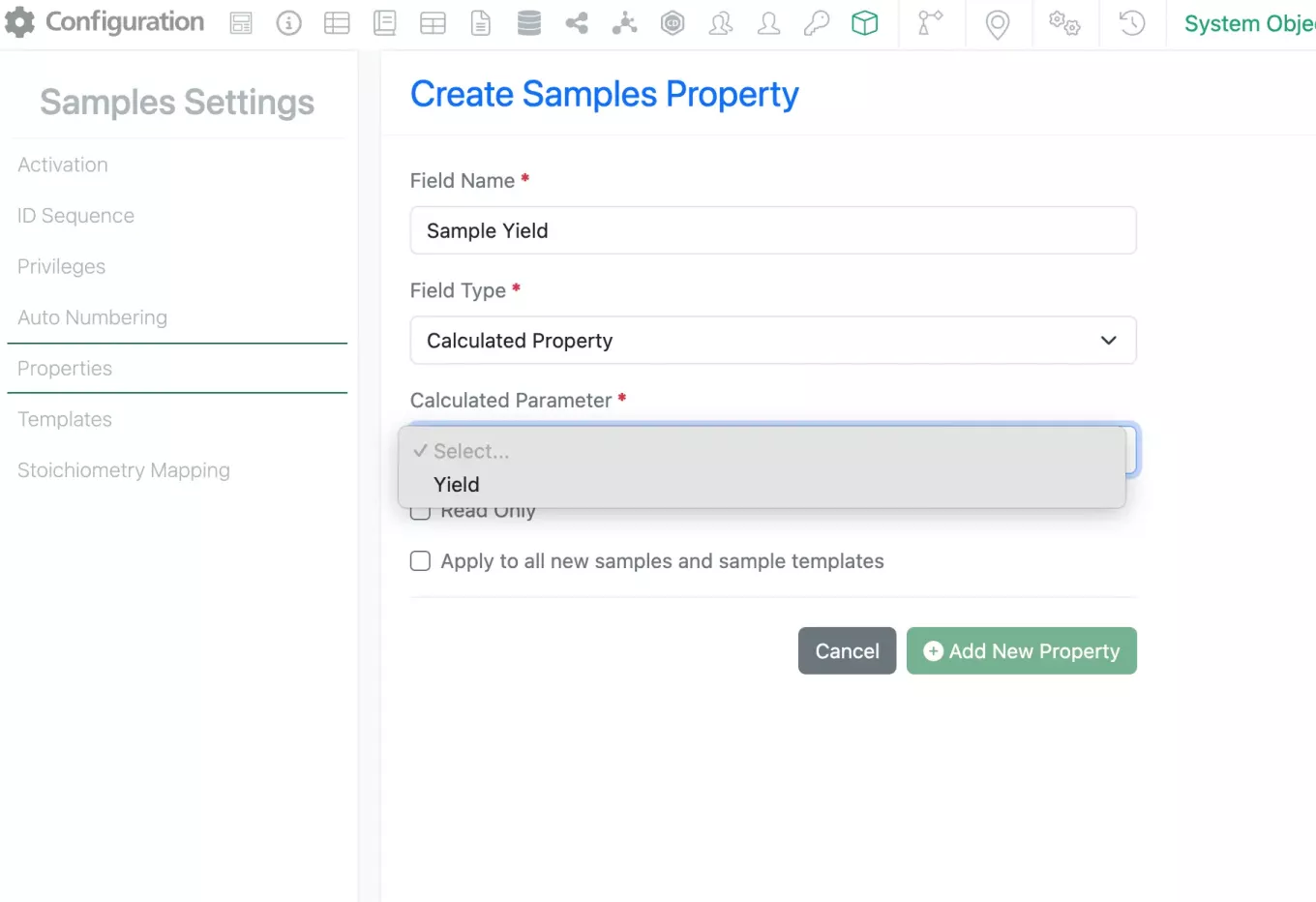
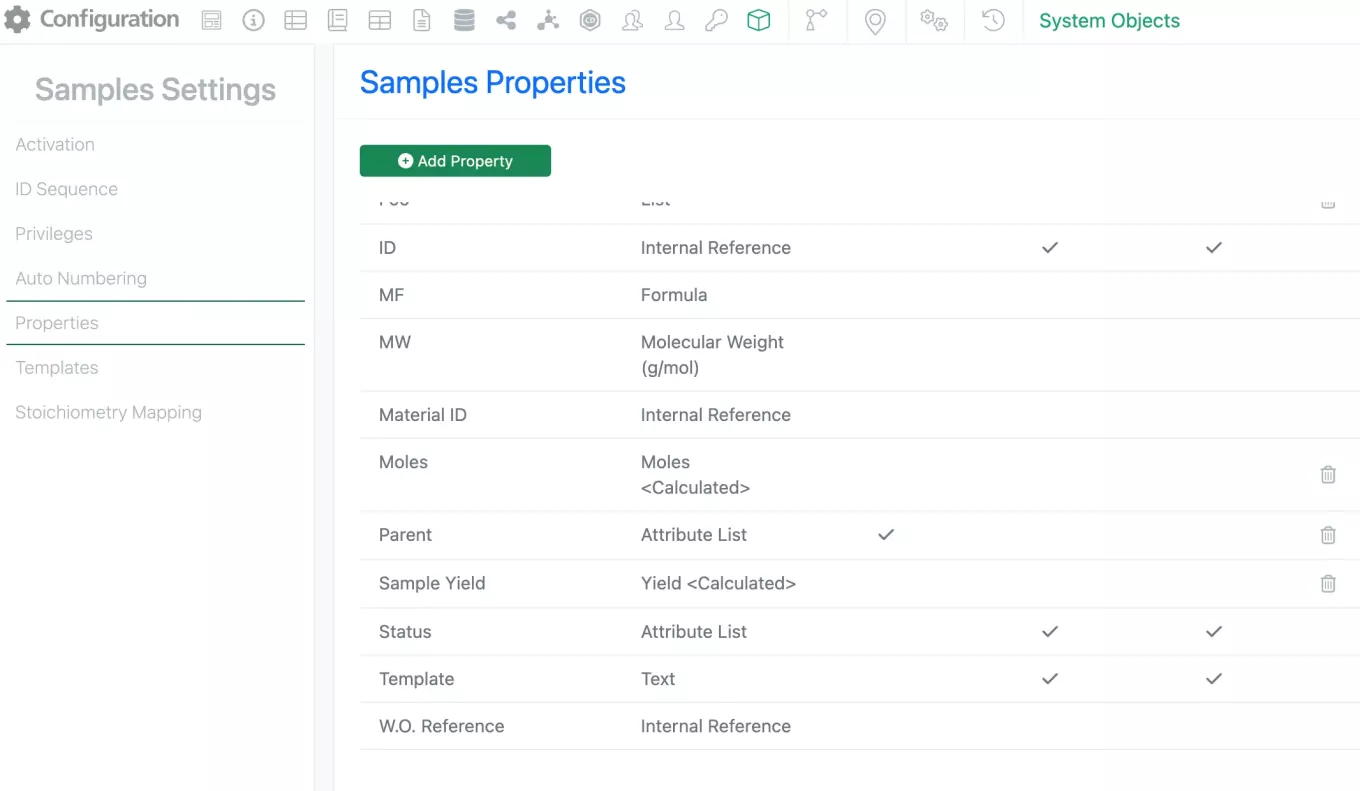
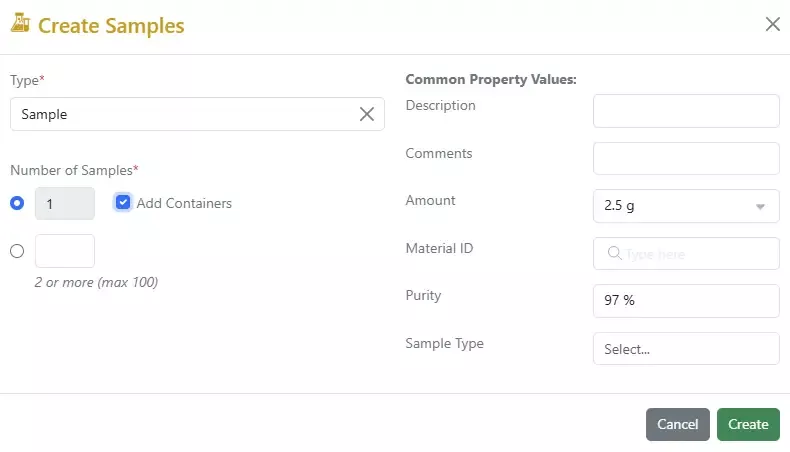
To conserve the behavior from calculations in the stoich grid in the Sample calculations, autoscaling of units for Sample Moles calculation have been added along with Significant figure handling improvements in Sample calculations.
Significant Figures are now applied to calculated values for Sample Yield and Moles in Samples: Moles should have the same number of Significant Figures as Amount, Sample Yield should have the same number of Significant Figures as Moles in Samples when the number of Significant Figures for Theo Moles in Products is higher, and Sample Yield should have the same number of Significant Figures as Theo Moles in Products when the number of Significant Figures for Moles in Samples is higher.
Inventory
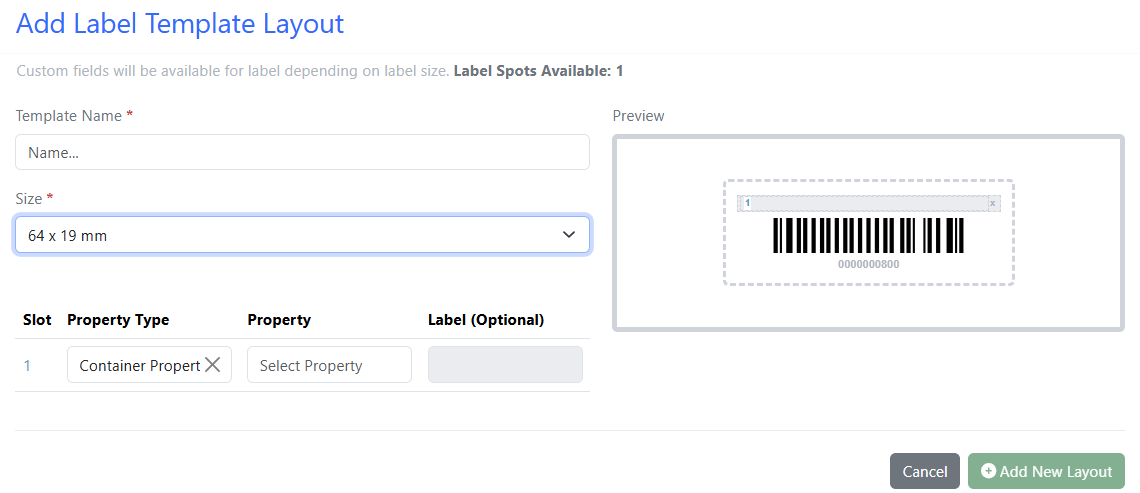
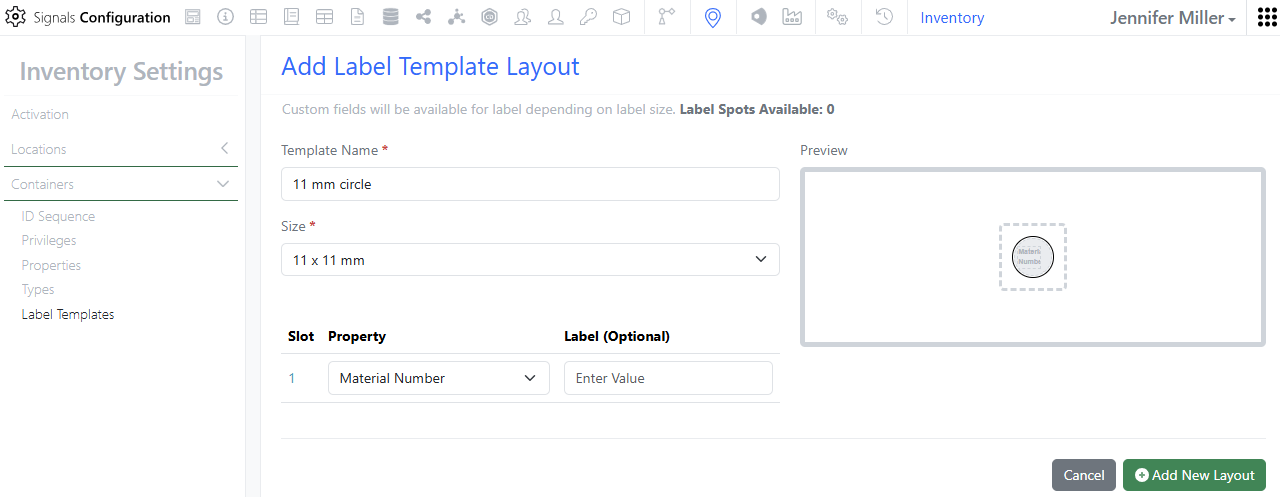
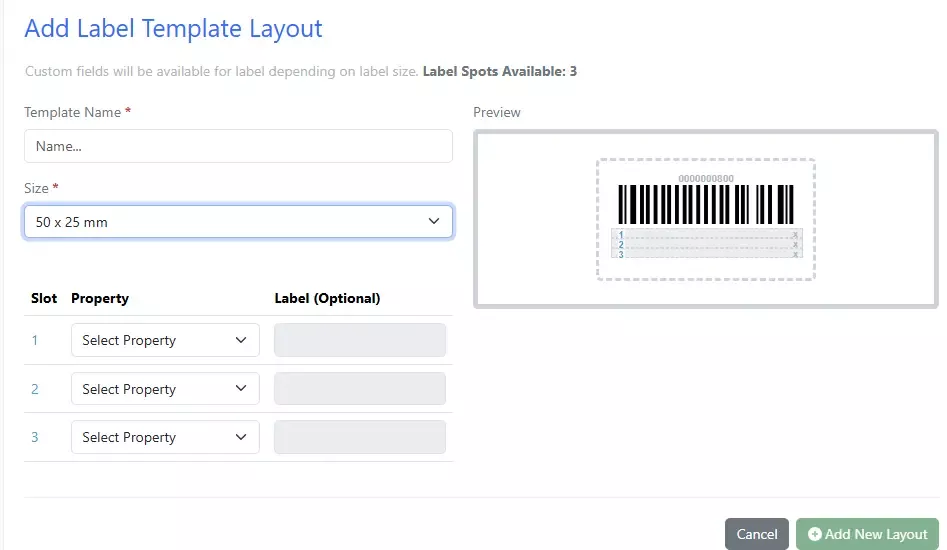
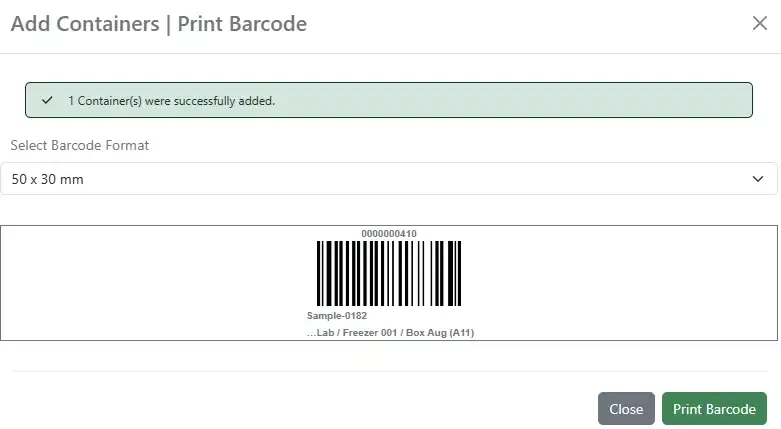
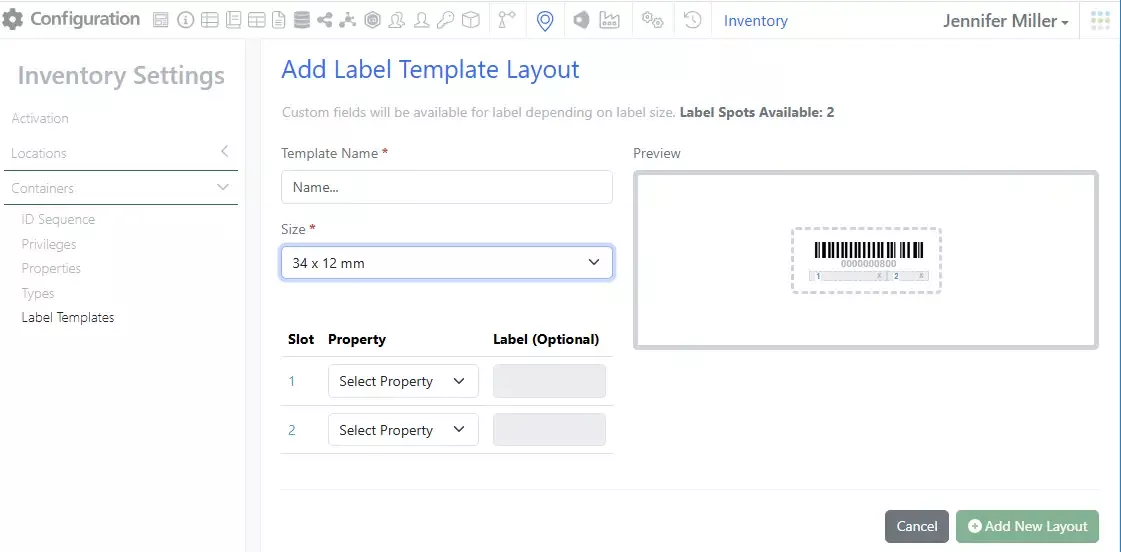
We have added a 64 by 19 mm label:
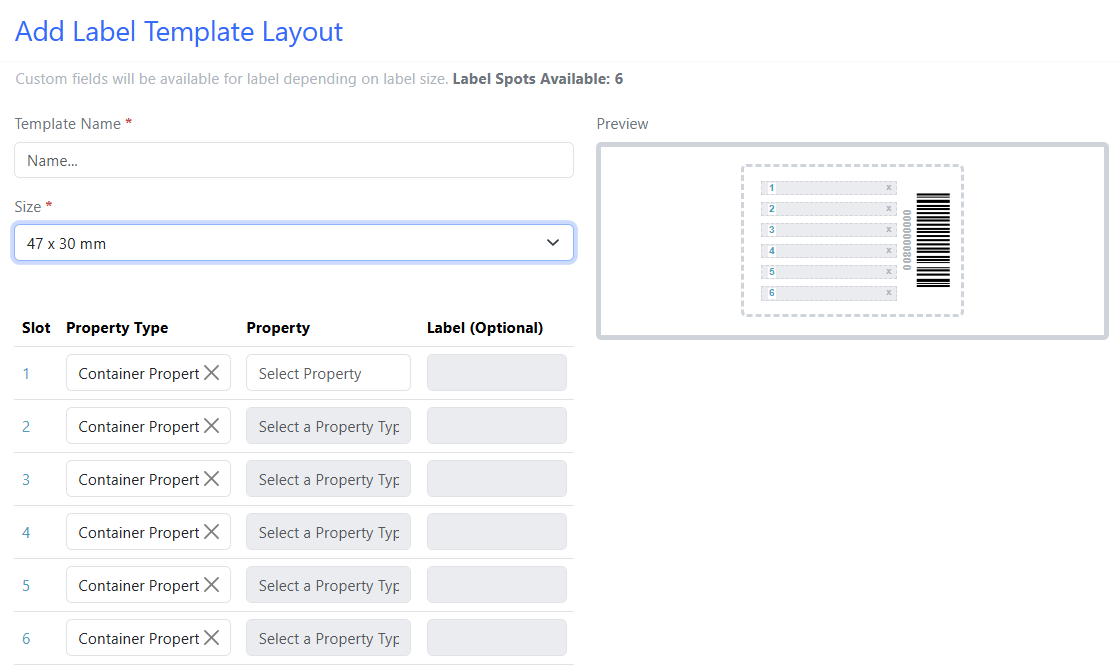
A 47 by 30 mm label:
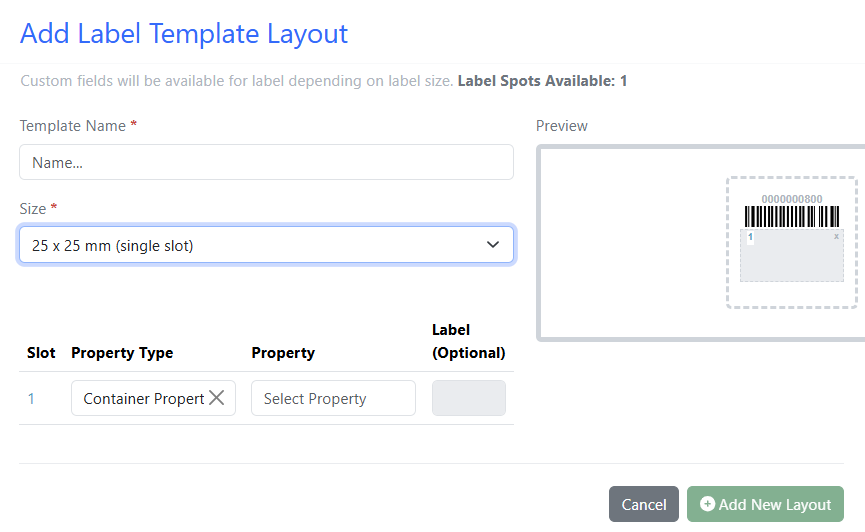
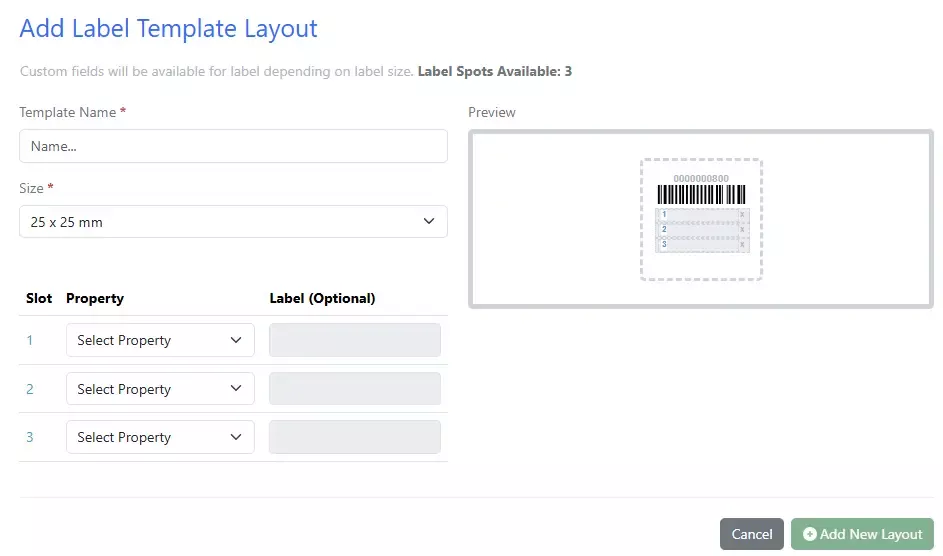
And a 25 by 25 mm option with 1 slot:
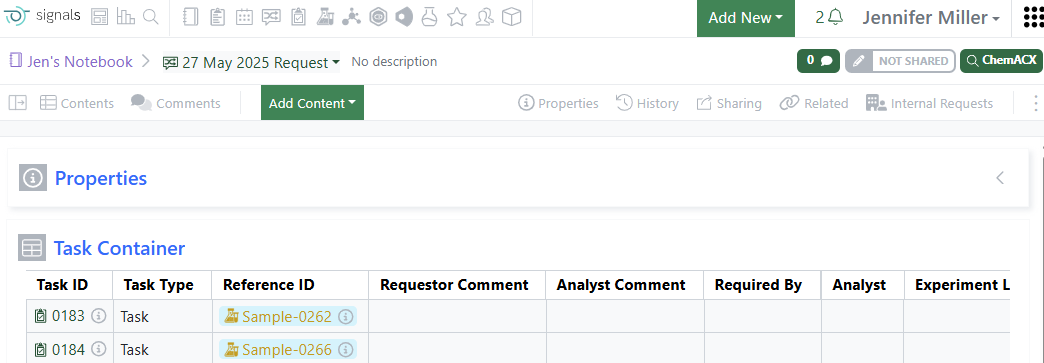
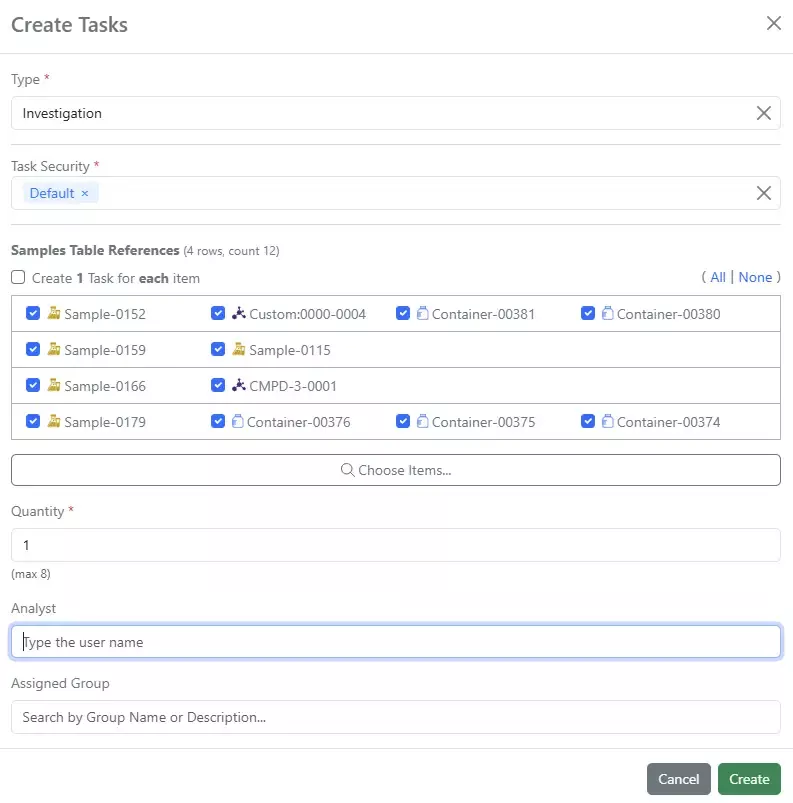
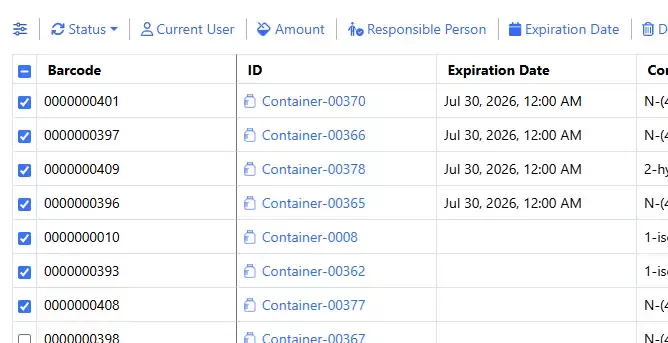
Requests support Internal Request workflow. Users can now use the Internal Request workflow from inside of a Request in the Task and Request workflow:
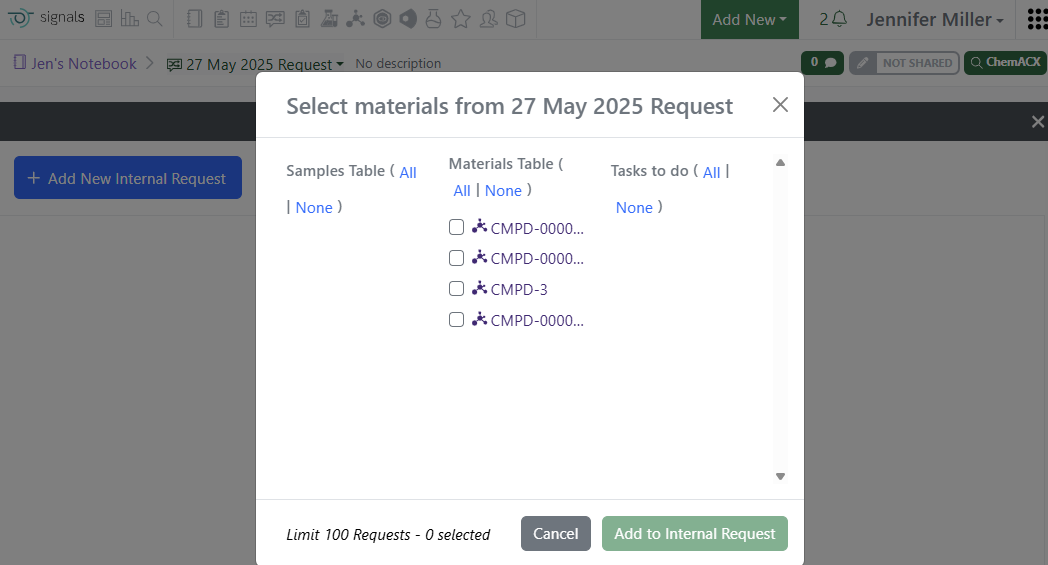
Adding an Internal Request will allow users to choose materials from the Samples, Task To Do or Materials Tables:
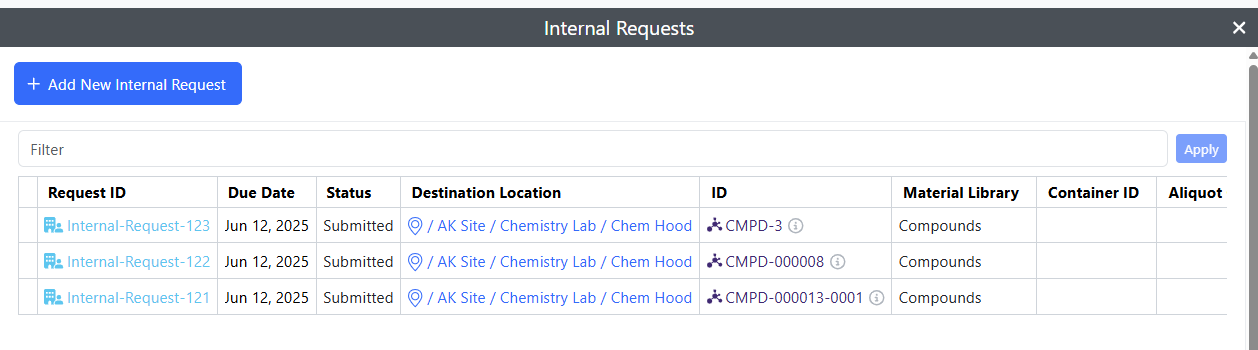
The Internal Request will be available from inside of the Request:
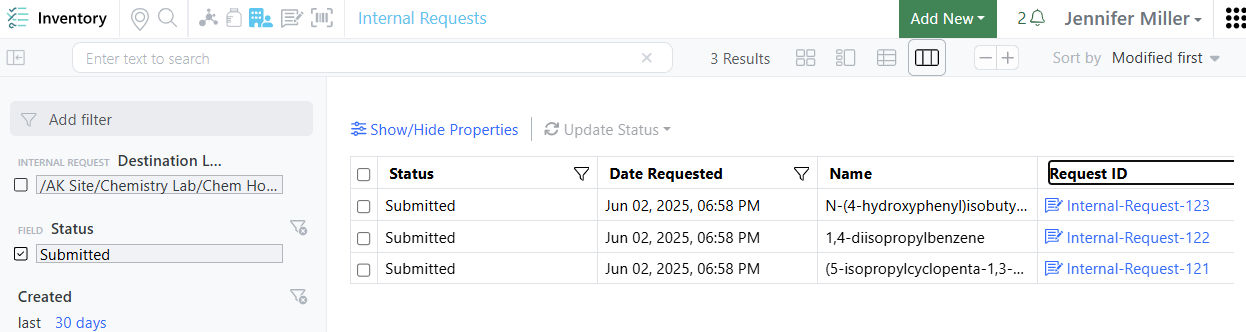
And can be seen in the Internal Request Table:
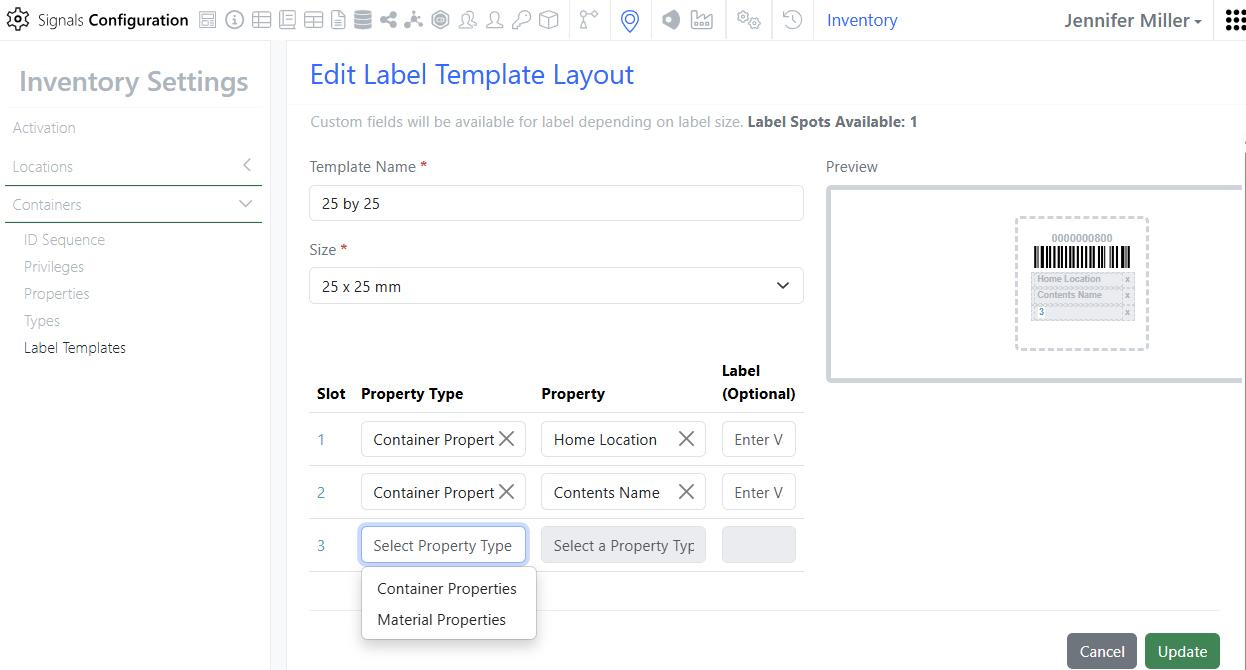
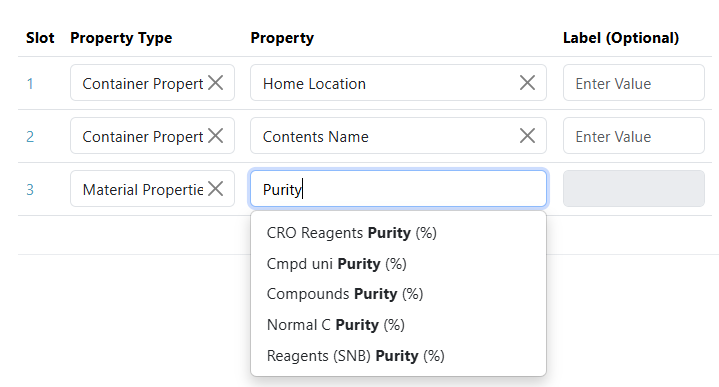
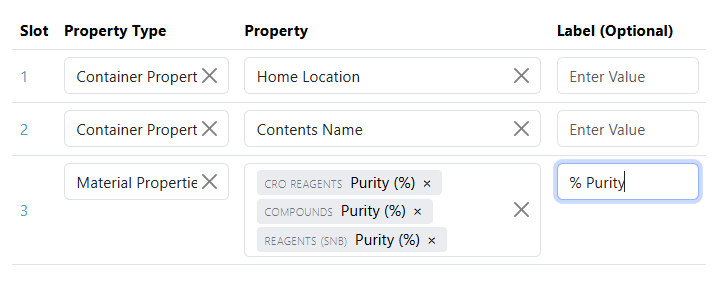
Add Material Library properties to container labels. Some properties make sense to store on the material in the Material Library. To not duplicate data, administrators can now pull the data from Material Libraries into the container label. If multiple Material Libraries have the same property to be printed on a label (ex: purity), the administrator can select the property to be added to the label from multiple Material Libraries in one slot on the label:
Materials
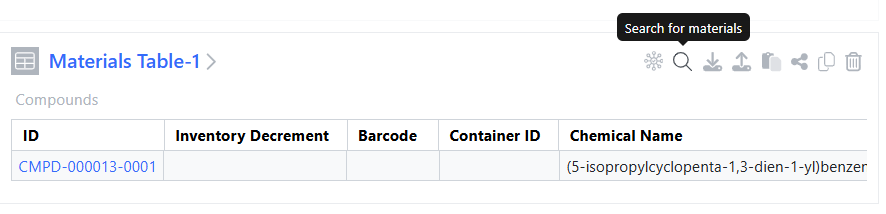
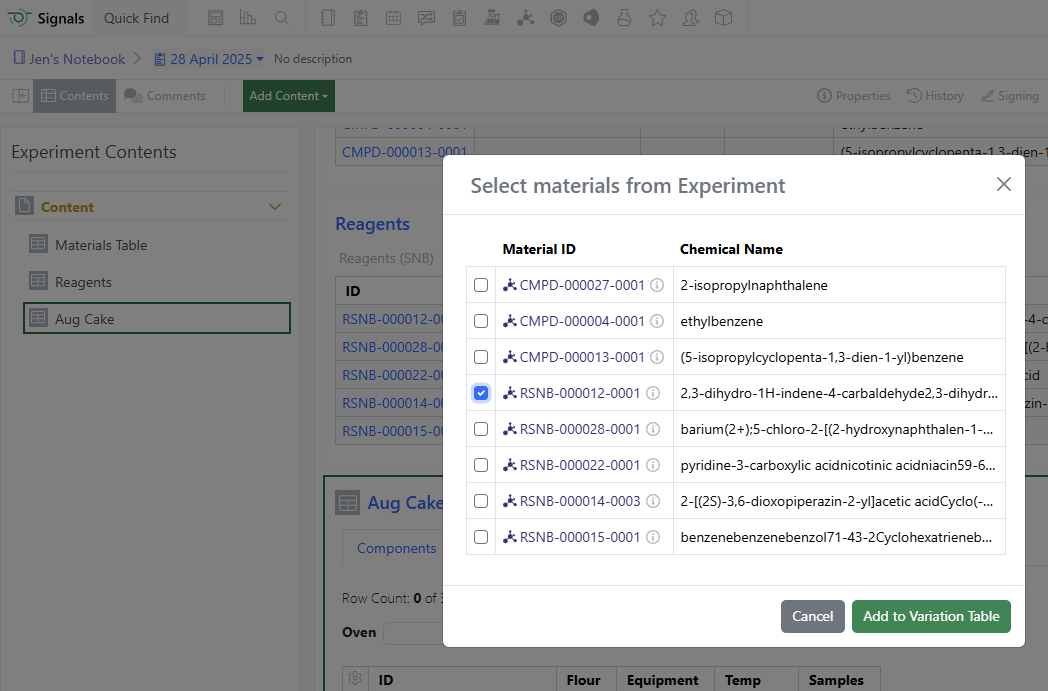
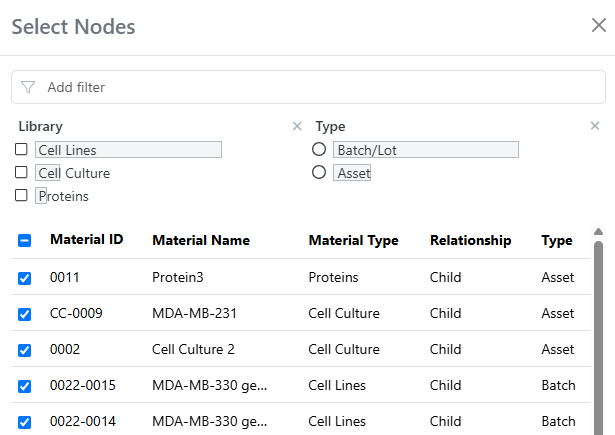
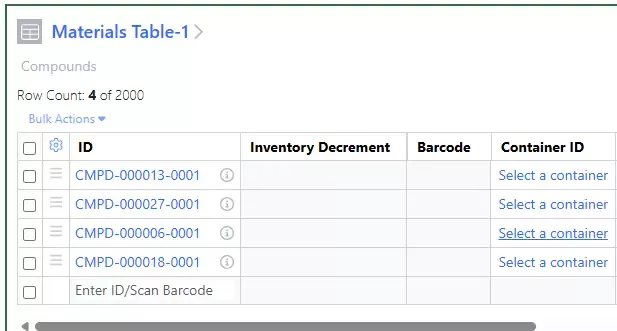
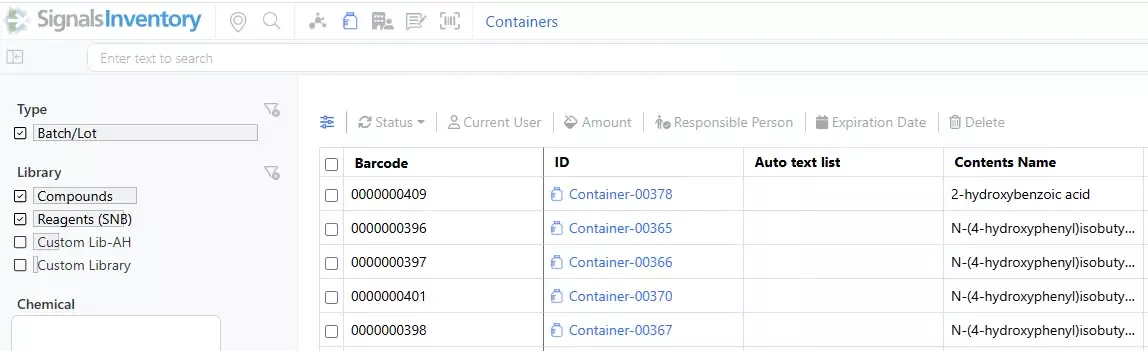
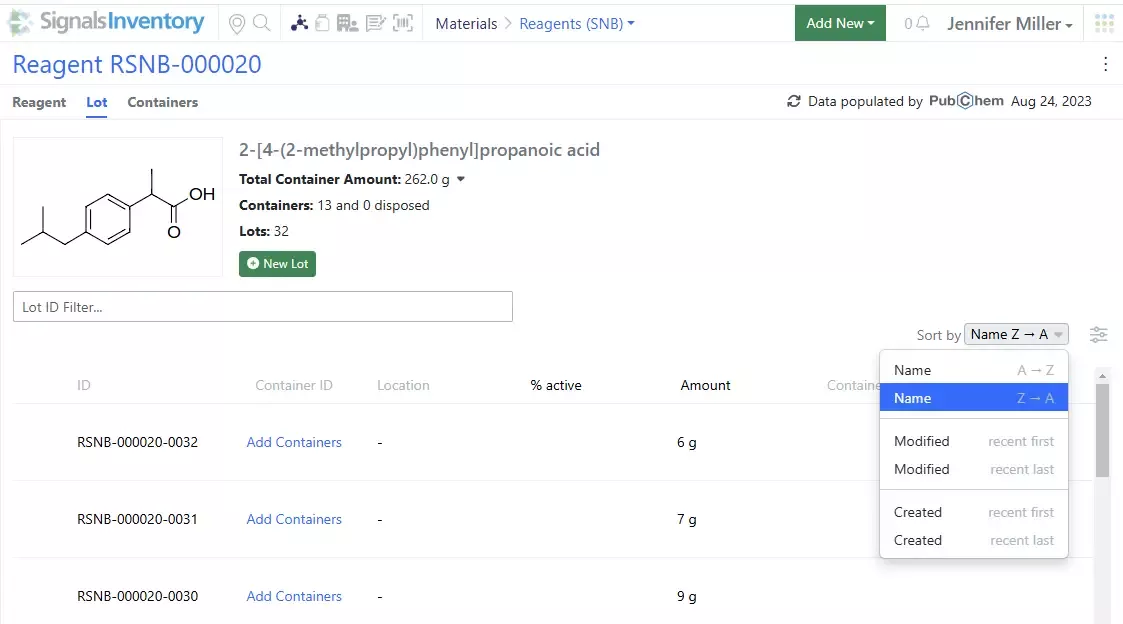
Updates to the Material Table materials selection. Users can now select the asset or the batch/lot to be added to a Materials Table:
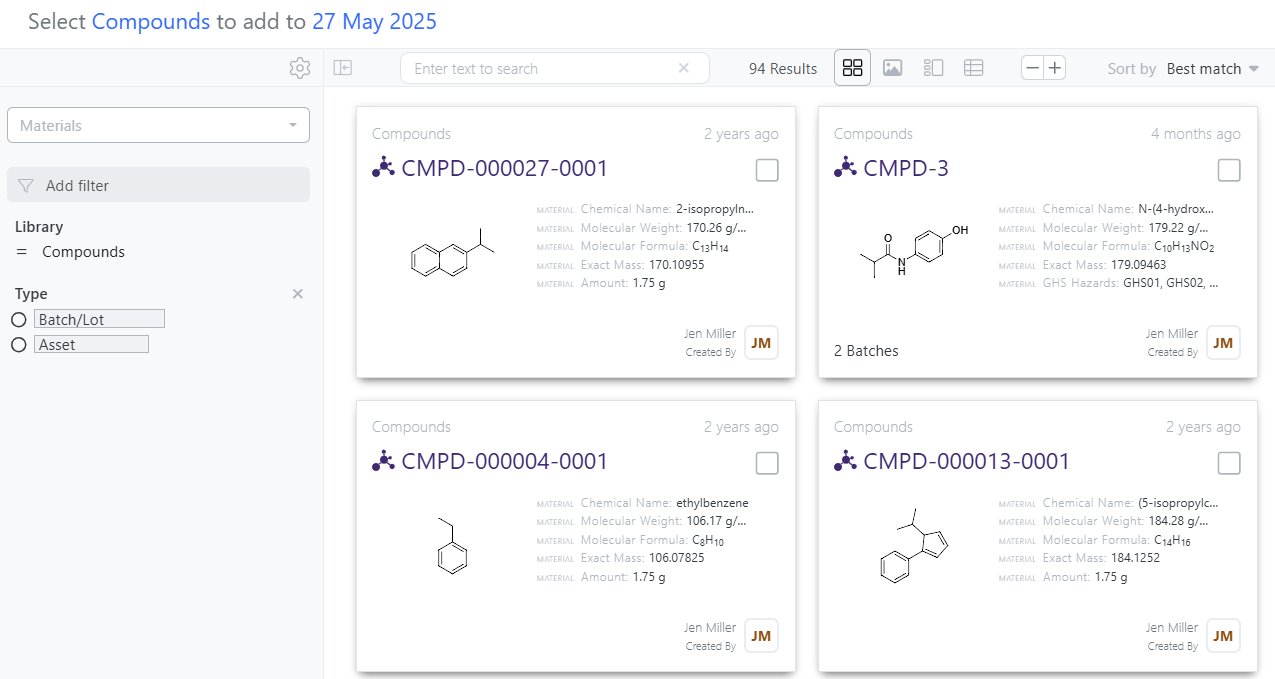
Users can select the Batch/Lot or Asset option in the filter on the left to narrow the selection:
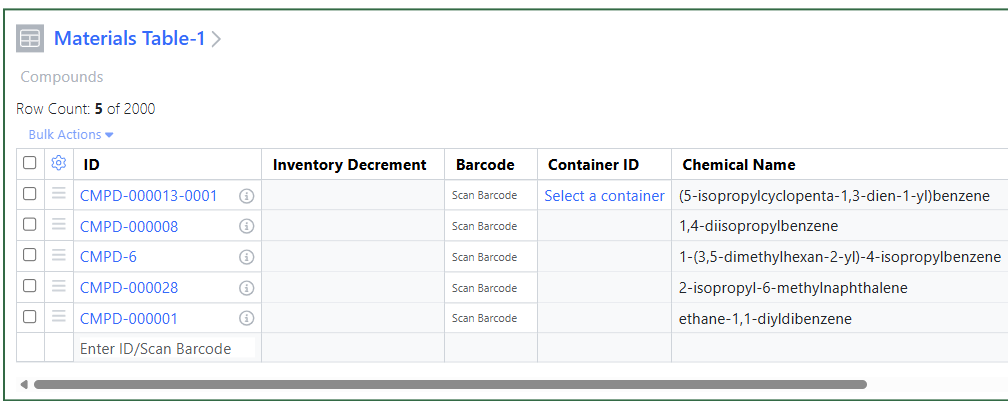
Both Assets and Assets with Batch/Lots will be added to the table:
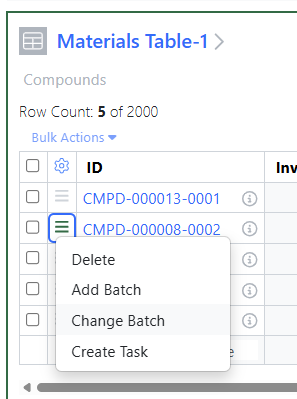
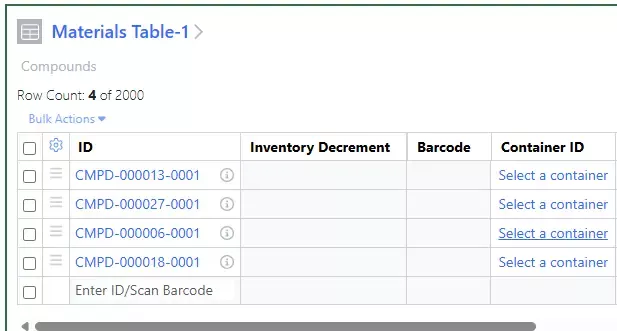
Change the batch/lot of a selected material. If users have selected a specific batch/lot of a material, they can update the batch/lot to a different one:
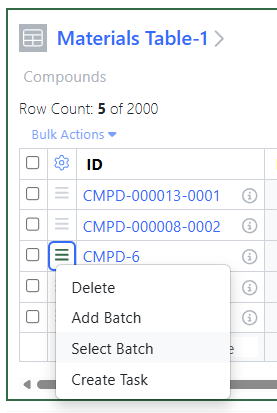
If a batch/lot is not currently selected, one can be selected:
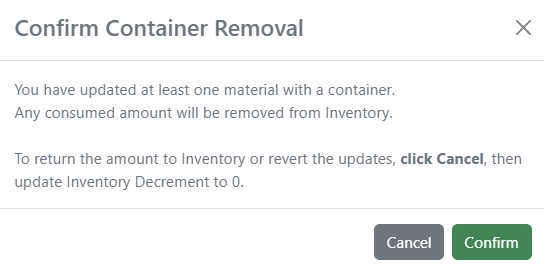
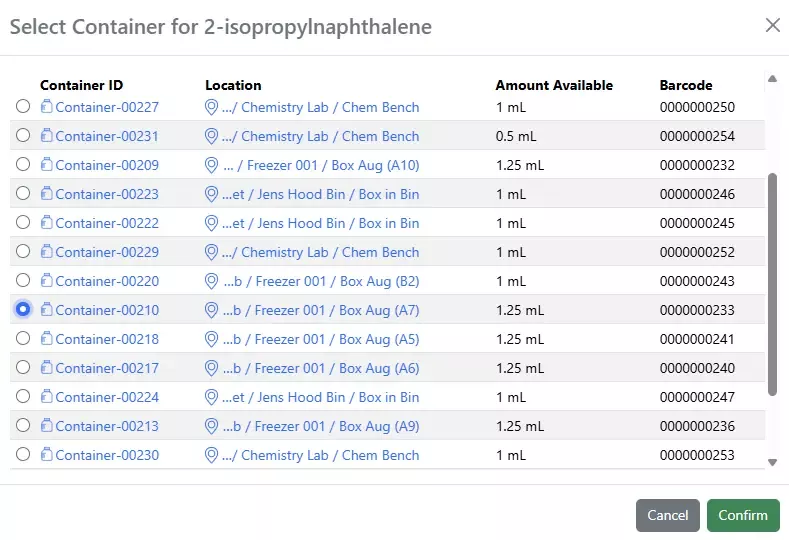
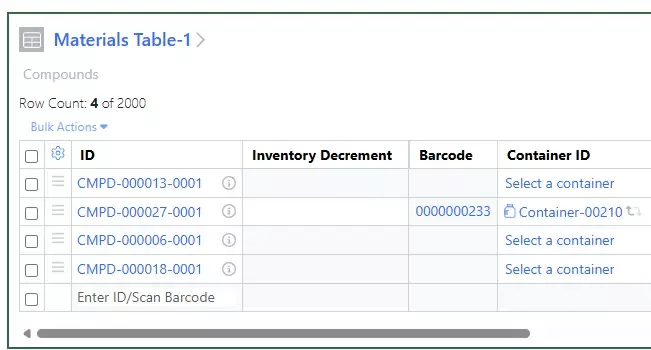
If a container has already been selected and a decrement has been entered and the user wants to update the batch/lot, a message will appear:
If a container has already been selected and a decrement has been entered and the user wants to update the batch/lot, a message will appear:
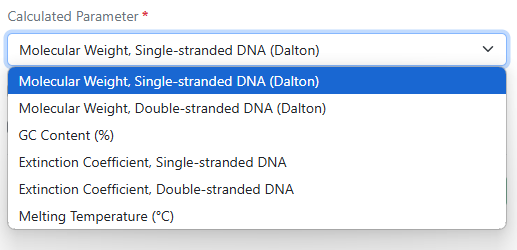
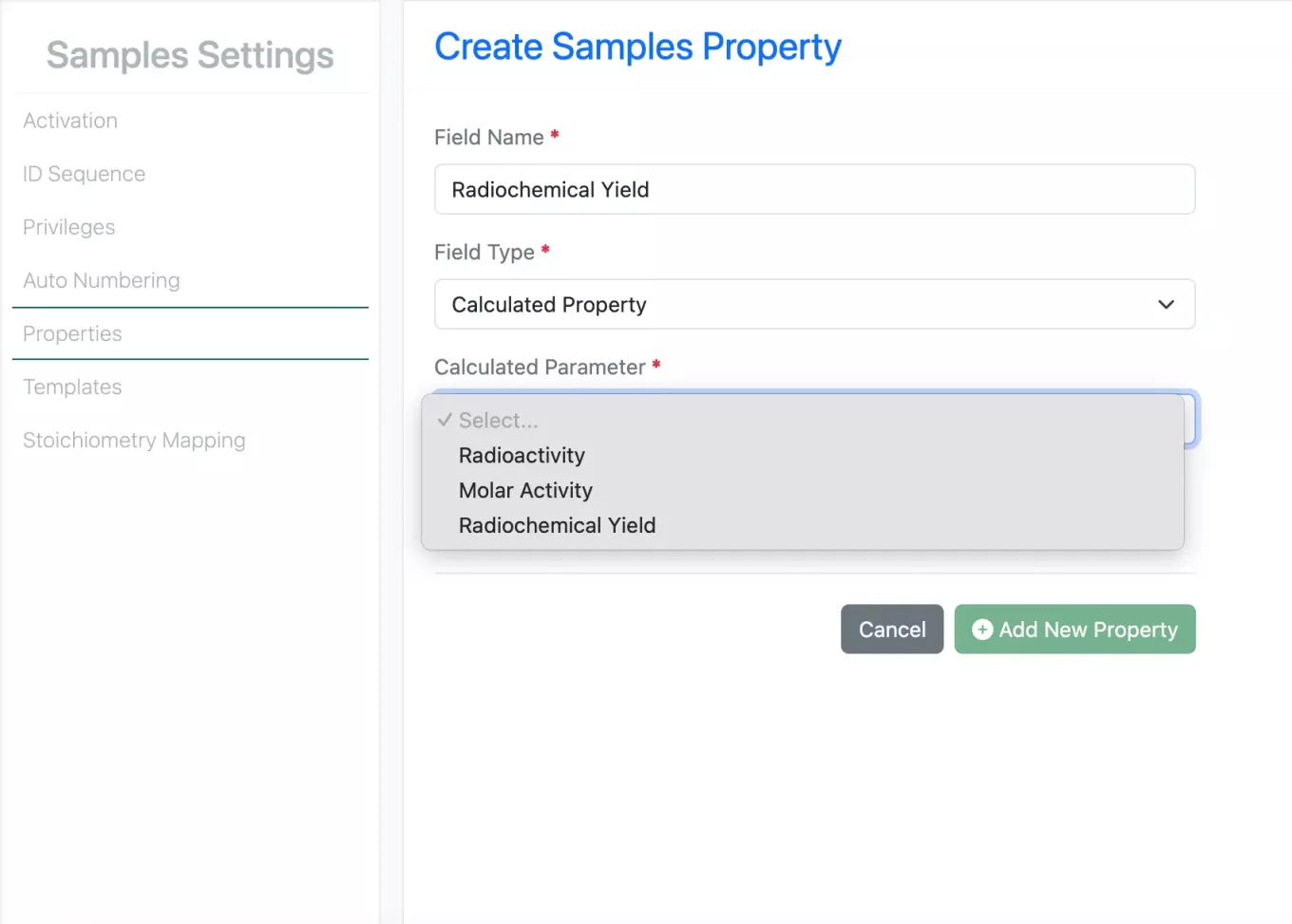
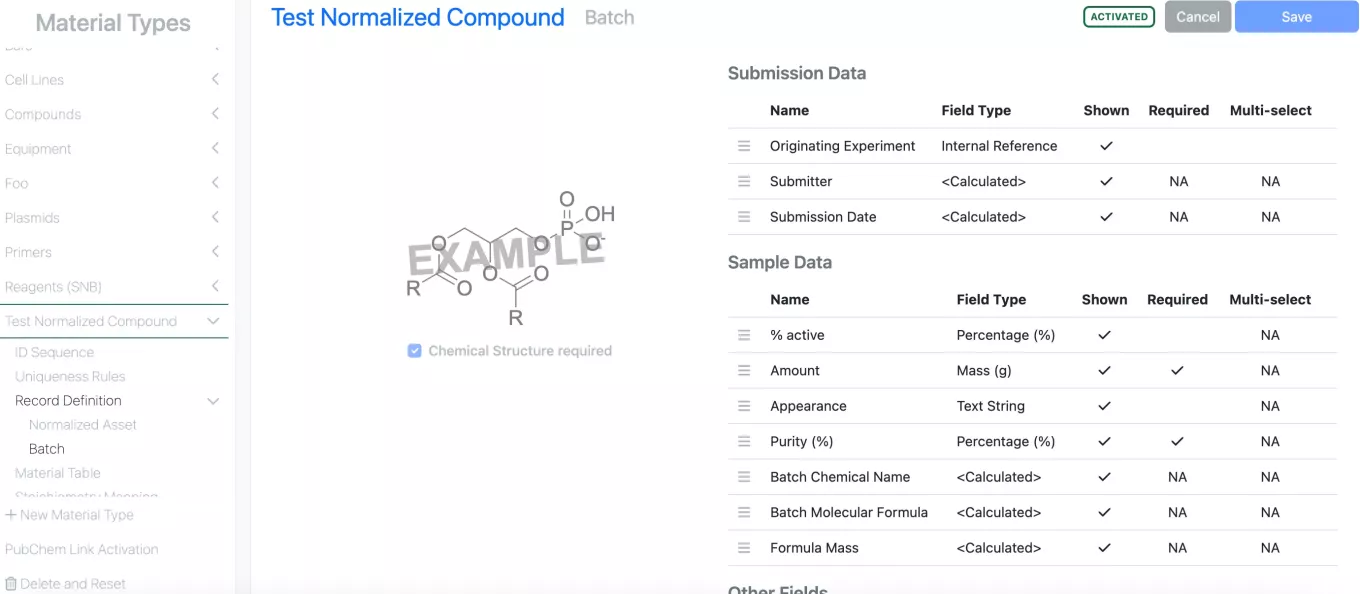
Calculated properties are now available for DNA and RNA material types and in the preconfigured Primers and Plasmids libraries. Molecular weight, GC content, extinction coefficient, and melting temperature are available for single-stranded and double-stranded molecules.
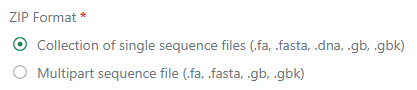
Multipart GenBank and FASTA files can now be bulk imported into a DNA or RNA materials library. Workflows are available to bulk import a collection of single sequence files (current capability), a single multipart GenBank or FASTA file and corresponding meta-data (via .zip folder), or a single multipart GenBank or FASTA file with fixed values (via multipart .gb or .fa file).
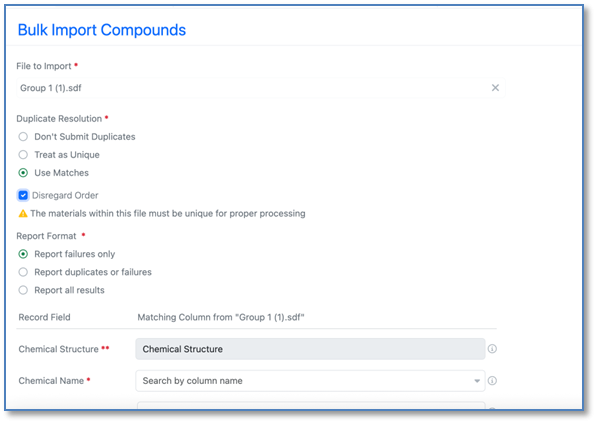
There is a new option that allows for the parallelization of Material import while still utilizing matching against materials already stored in SNB. It is critical to note that for uniqueness checking to occur correctly there can be NO DUPLICATE values within the file to be uploaded as these values will be parallelized for import and checked against values within the system.
Administration
The Signals Research Suite license is now renamed Signals One and can be seen in the Users pages within Signals Configuration. The bulk update user file and integrations such as APIs are unchanged.
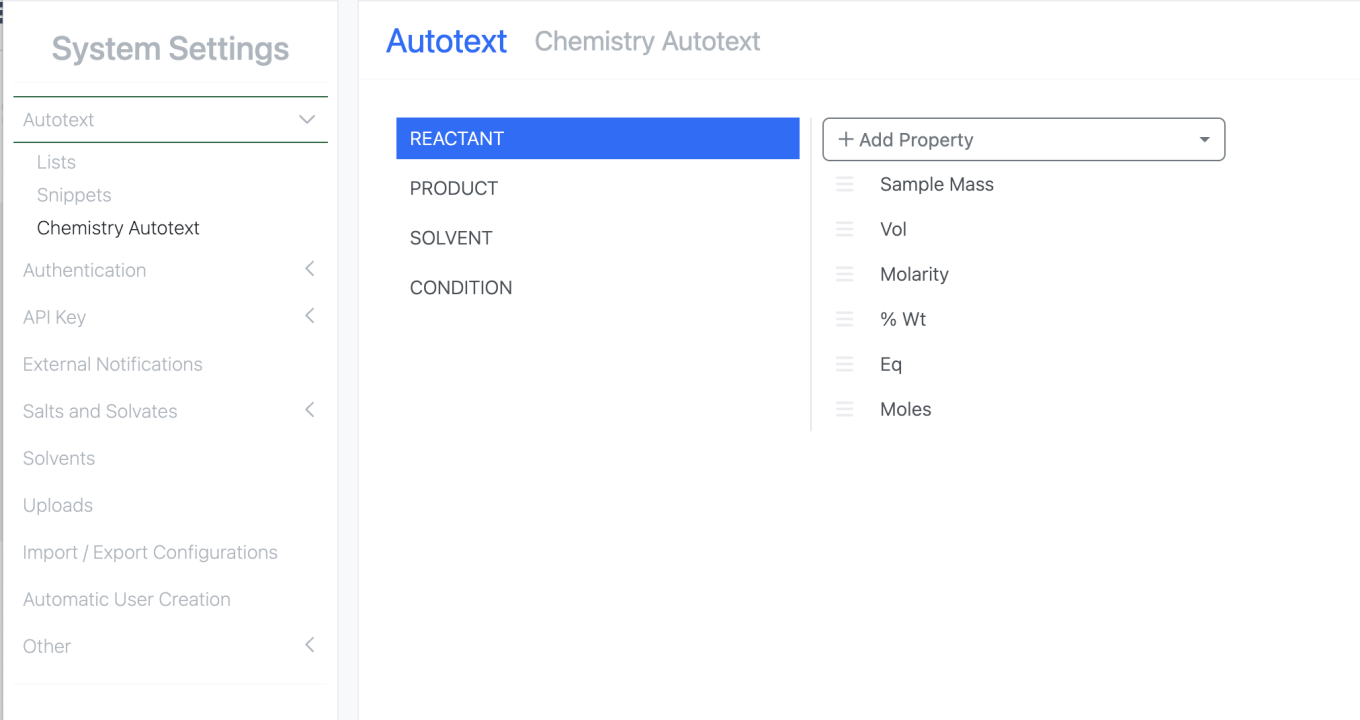
Admins are now able to manage the chemistry autotext. Under System Settings, there is a new Chemistry Autotext option that allows the admin to select which properties available in the Stoich grid appear in the Chemistry Autotext. Admins are now able to include custom admin defined stich properties in their Chemistry Autotext.
Integrations & APIs

This update brings additional endpoints for our Synergy product. New APIs have been added to fetch and create CRO users. CRO users may be fetched by CRO using the CRO or you may fetch the CRO a user belongs to by user ID.

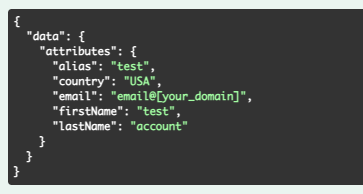
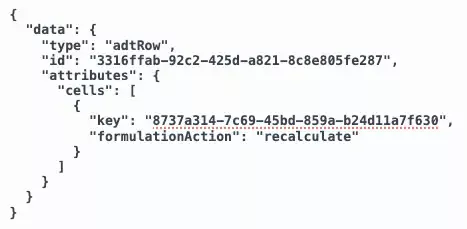
To create a user as member of a CRO the CRO must be specified as part of the URL parameters by CRO ID. The request body should contain the details of the CRO user.
As a reminder CRO IDs can be fetched using GET /synergy/cros.
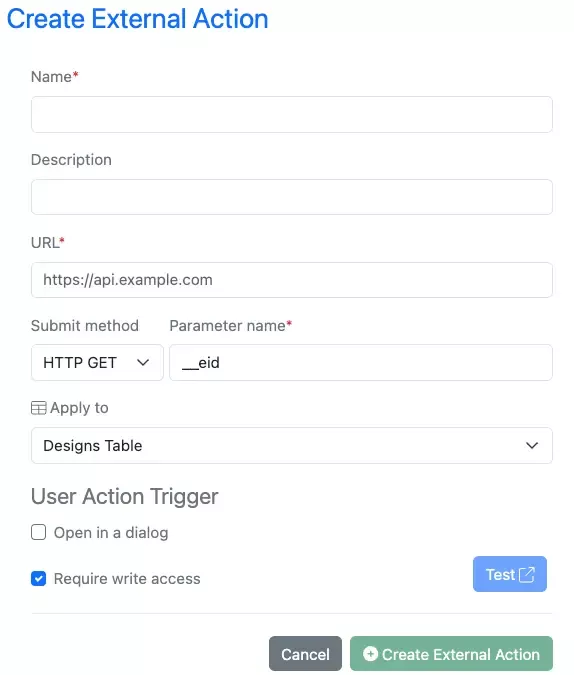
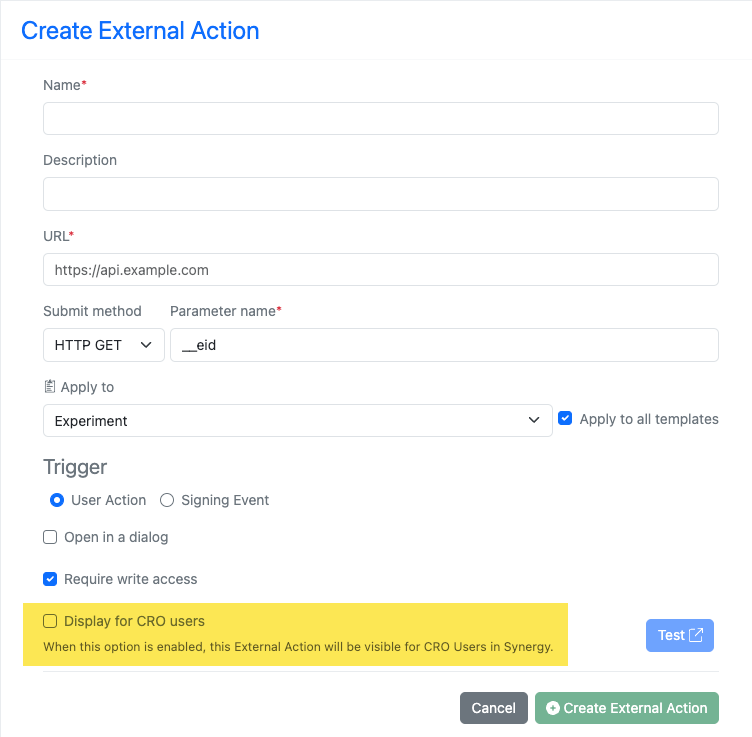
Additionally, External Actions may now be configured by an Admin to be displayed or not to CRO users similar to External Data Sources. This is specific to each External Action and toggleable during creation or while editing an existing External Action. Existing External Actions and newly created ones will default to not display for CROs.

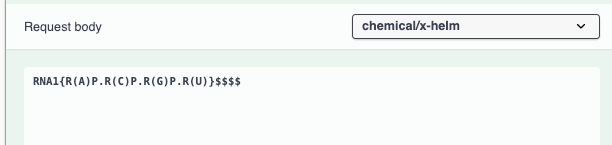
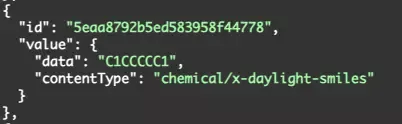
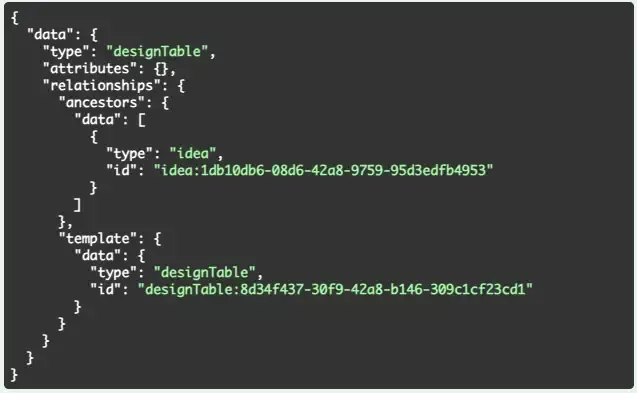
POST /entity/children/{filename} has been enhanced to allow for using HELM strings for creating child chemical drawings. The content-type should be specified as chemical/x-helm and send a request body containing a HELM string.


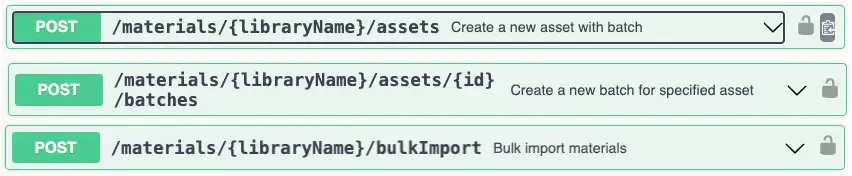
POST /materials/{libraryName}bulkImport has been enhanced. You may now specify a reportFormat via URL parameter when creating a bulkImport job: 'FAILURES_ONLY', the report only includes the materials which failed to import. This is the default value; 'DUPLICATES_AND_FAILURES', the report includes the materials which failed to import or duplicated.; 'ALL_RESULTS', the report includes the materials which imported successfully, failed to import or duplicated.
The API now allows for matching the available behavior for report generation via UI.

An API has been added to fetch the report by the jobID returned by the bulkImport request.

A new API has been added to fetch worksheet field definitions via API by a worksheets entity ID. This behaves similar to fetching ADT column definitions.
Further Details
The following capabilities are in beta and are available for users, administrators and developers on the Signals platform upon request. Please contact your account representative or our support team if you would like access to the following features.
AI
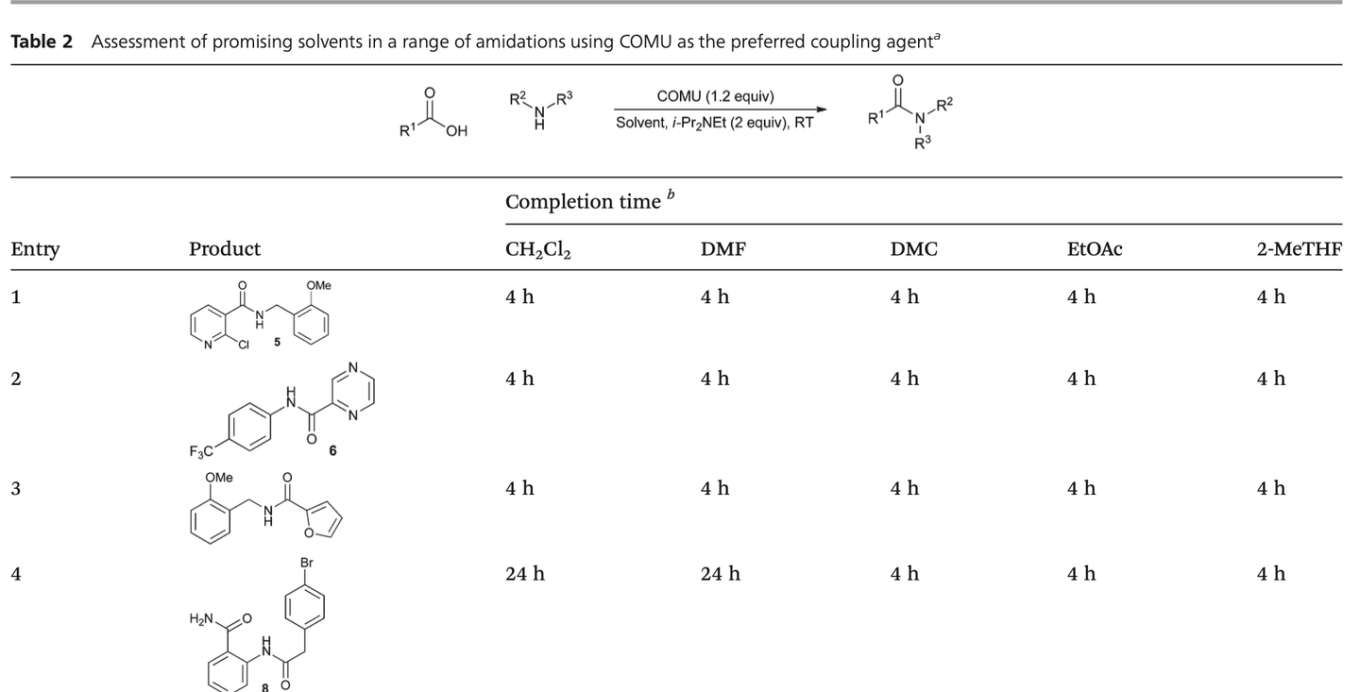
For tenants with a Signals One license, users will now be able to utilize AI to extract and search by text from uploaded Images. This includes files of JPEG, PNG, and TIFF. This will apply to newly uploaded images only. Should a user load an image similar to the one shown here they would be able to search for it using keywords from the image like DMF, DMC, etc.
SAR & Decisioning

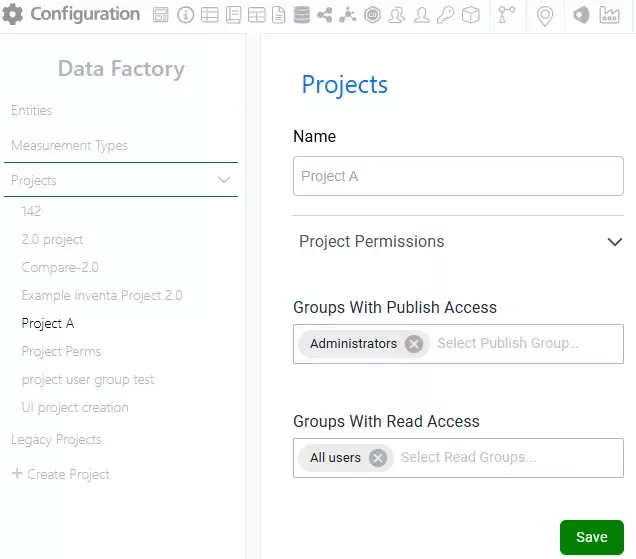
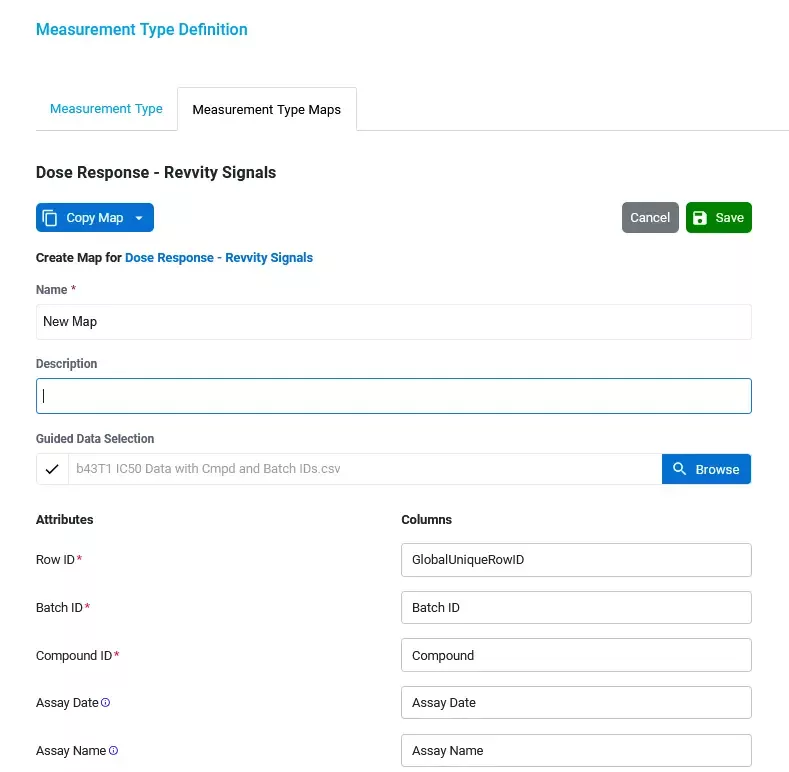
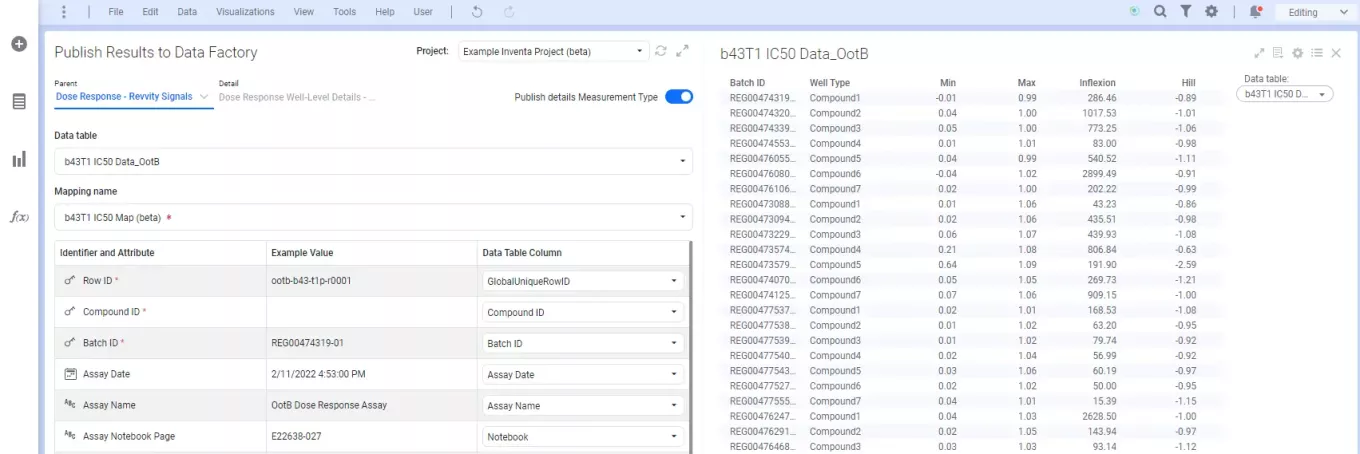
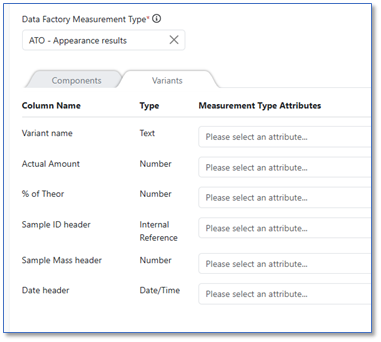
As part of the Data Factory beta, enhancements to mapping and reporting are now available.
Data Factory Publication Reports now include downloadable summaries for successful publications, providing key metadata such as file details, project information, and publication date.
The Publish Results to Data Factory app introduces convenient mapping controls including automapping, filtering options for mapped/unmapped columns, and the ability to reset to default mapping
Inventory
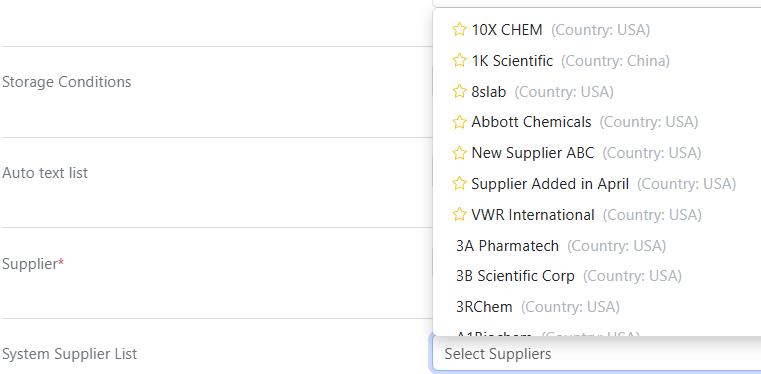
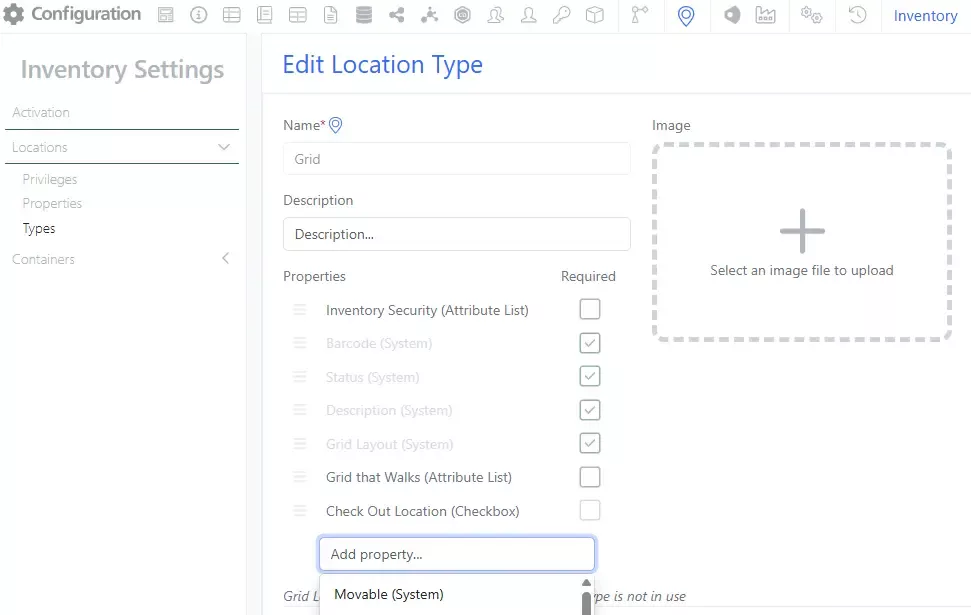
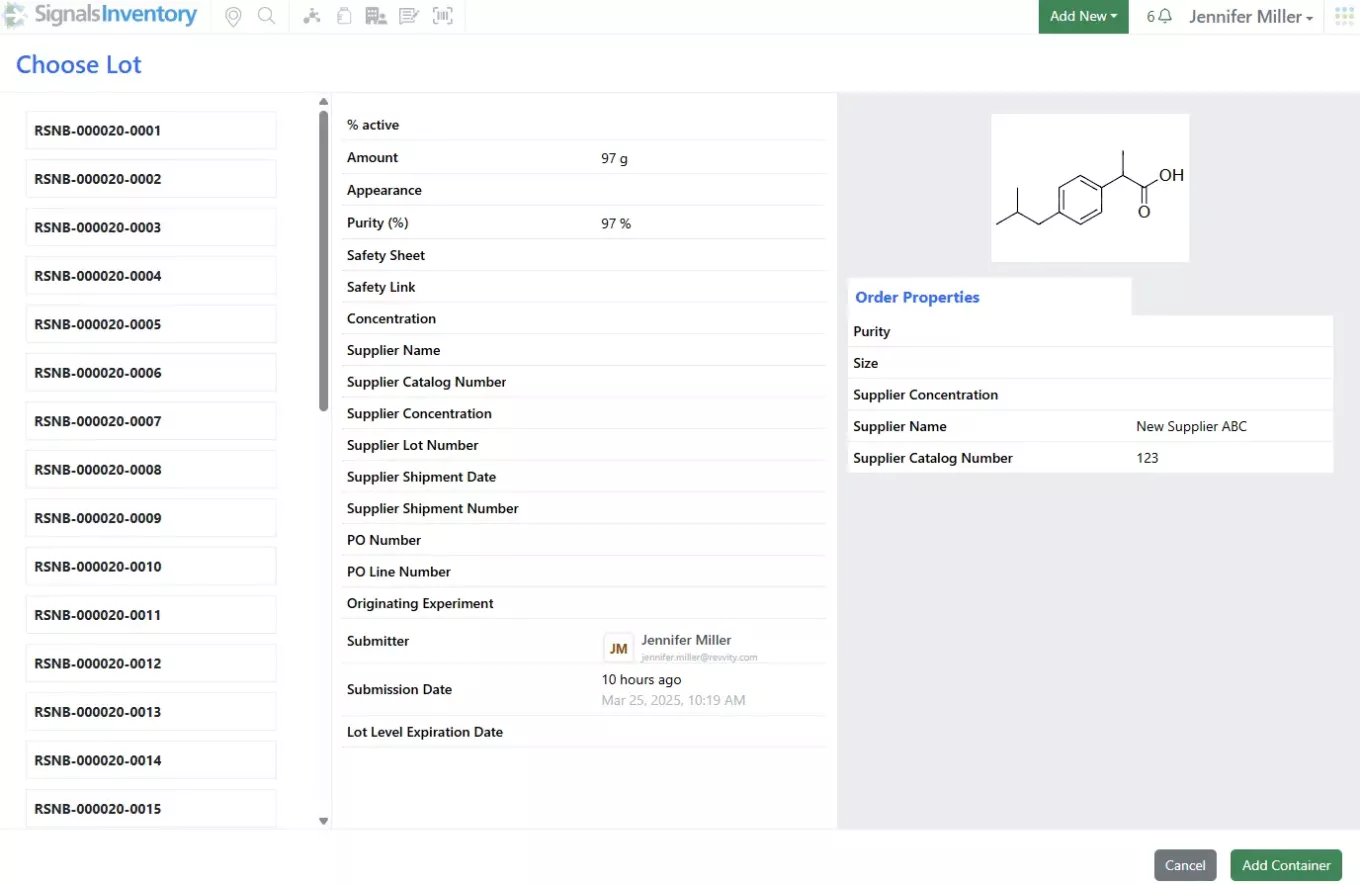
System Supplier List available in new container creation workflow:
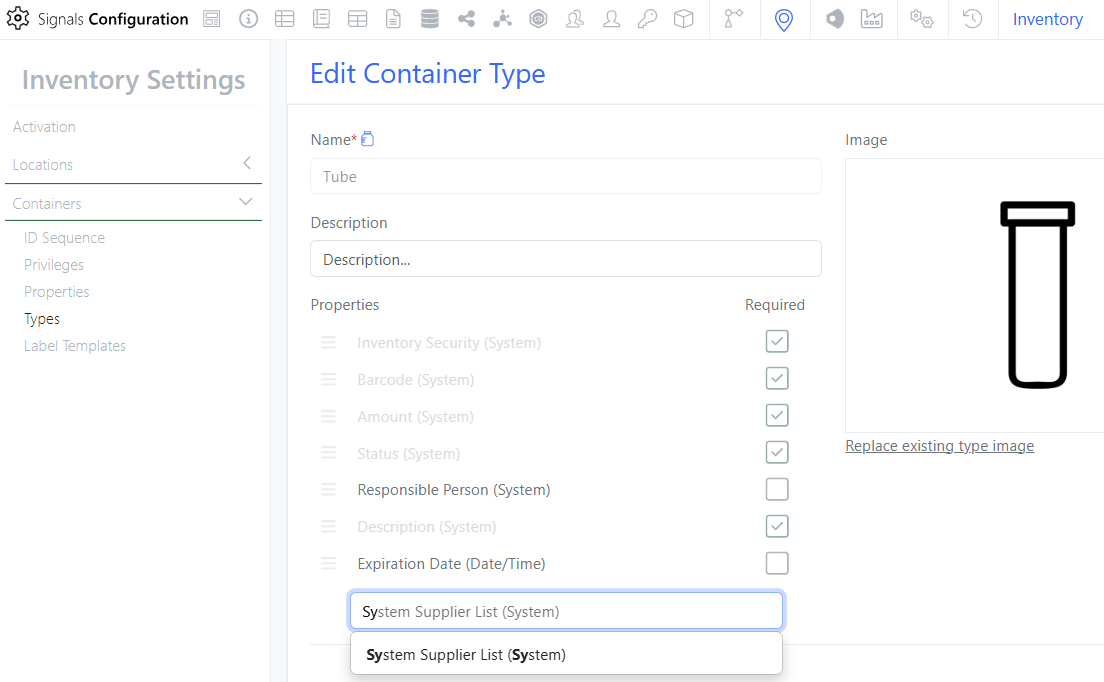
Administrators of existing systems can update the Container Type by selecting the System Supplier List to be added to the Container Type: