What's New
We are delighted to release our new version of Signals, 26.8.
The following improvements are available for users, administrators and developers on the Signals platform. Certain features may only be available with appropriate licensing and/or with enablement by an administrator.
- Fundamentals
- SMILES management in Solvate list
- Product selection on Bulk Sample creation in Parallel Experiments
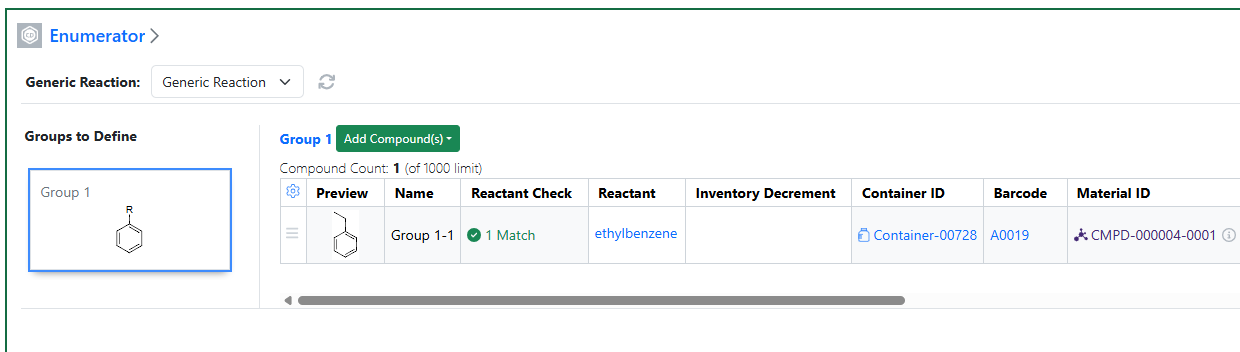
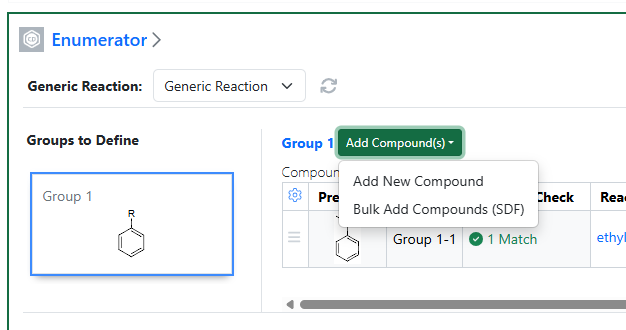
- Mapping of HELM string in External Enumerator
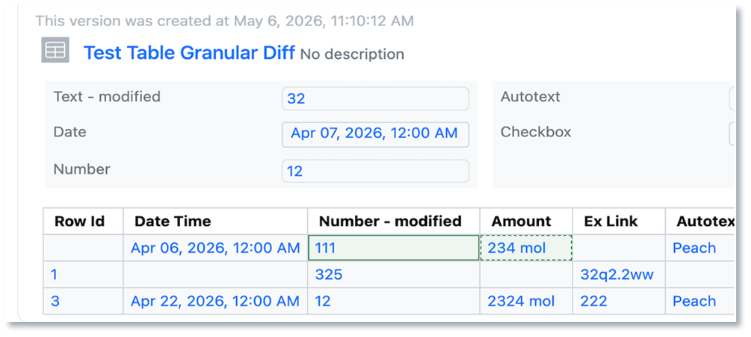
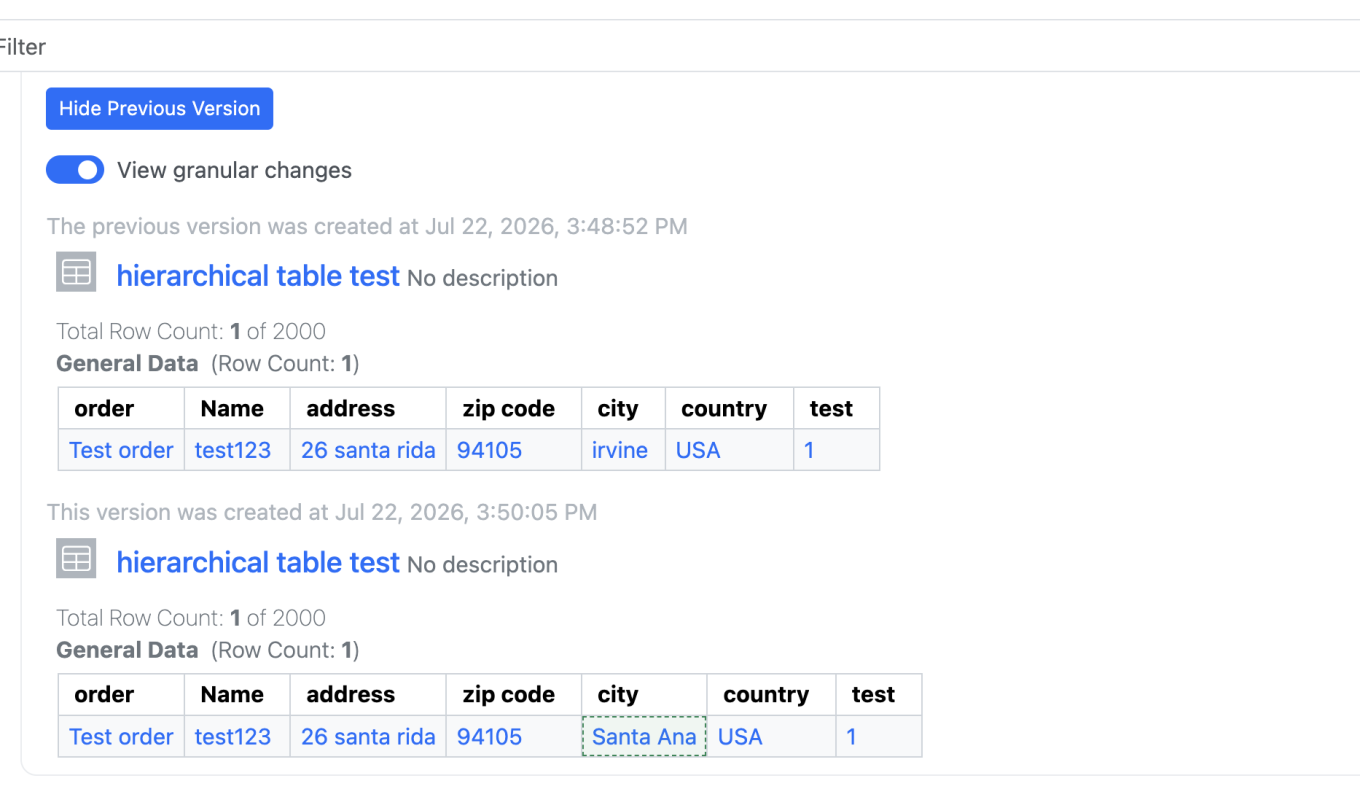
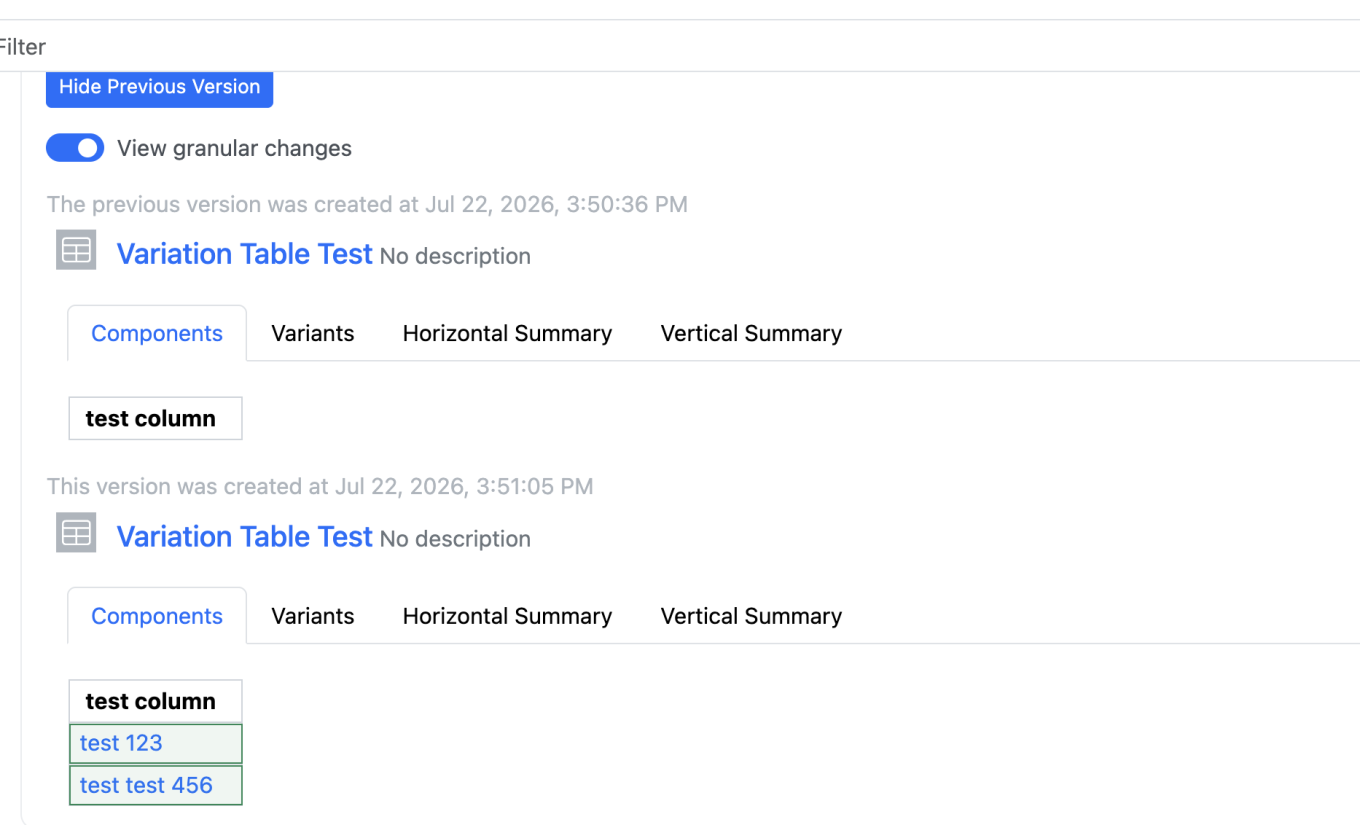
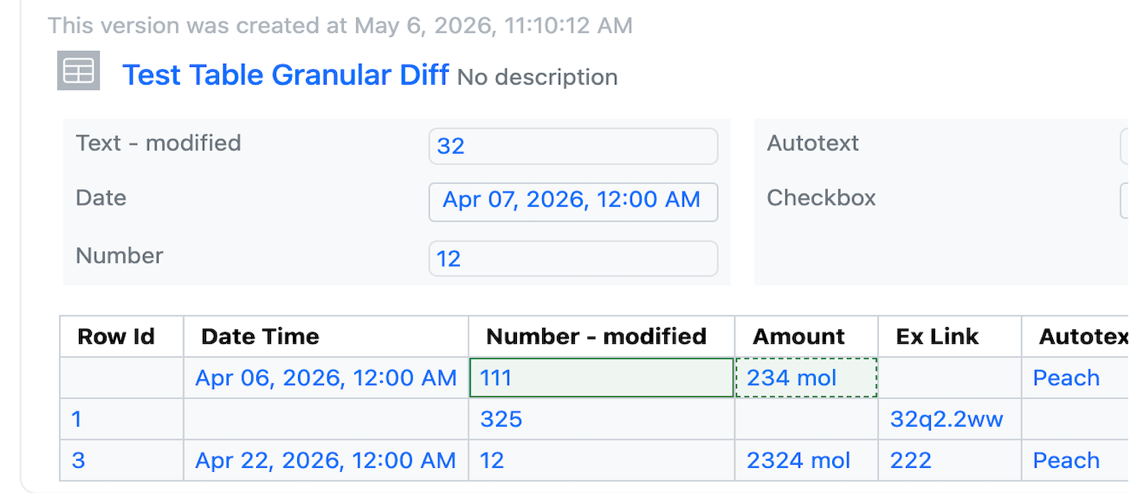
- Audit trail displays highlighted granular changes for structured tables such as hierarchical tables, variations tables, materials tables, etc is available to all systems
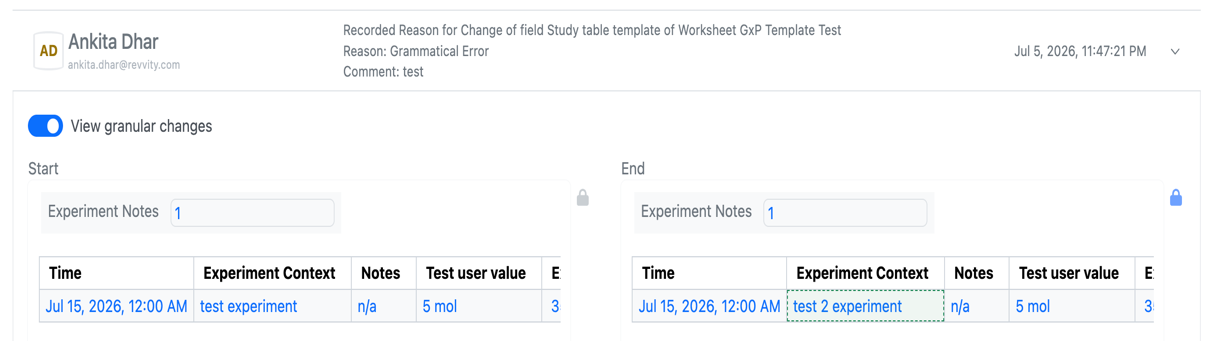
- Audit trail displays highlighted granular changes for worksheets is available to all systems
- Audit trail displays highlighted granular changes for ChemDraw Stoich Grid
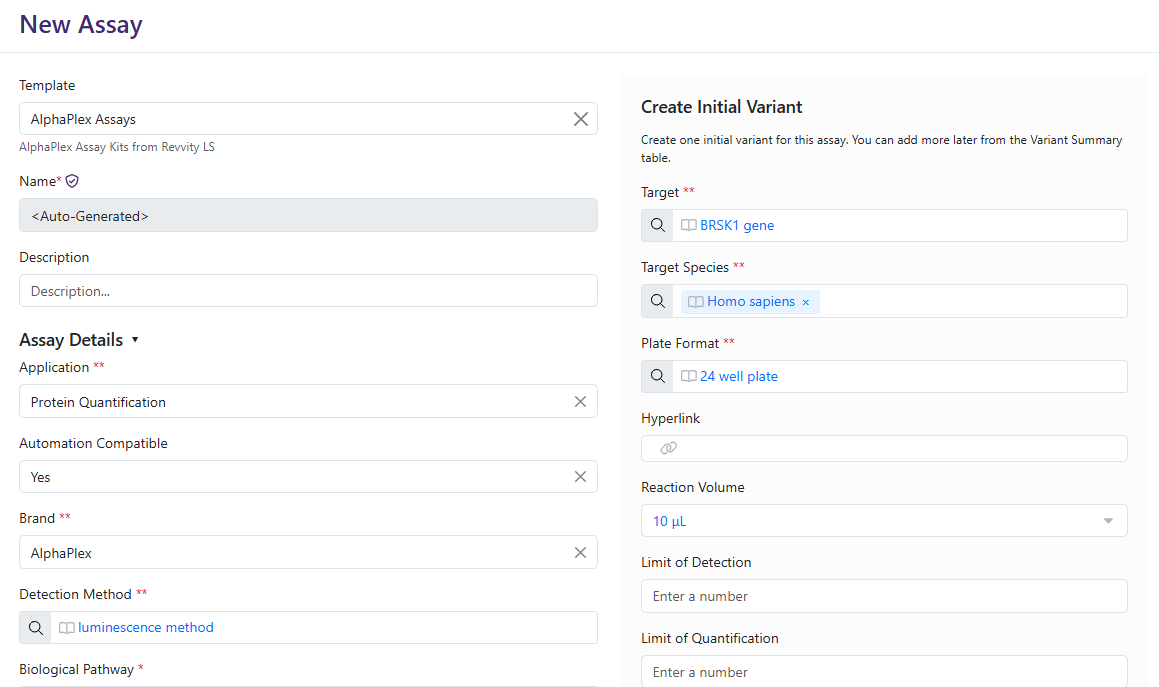
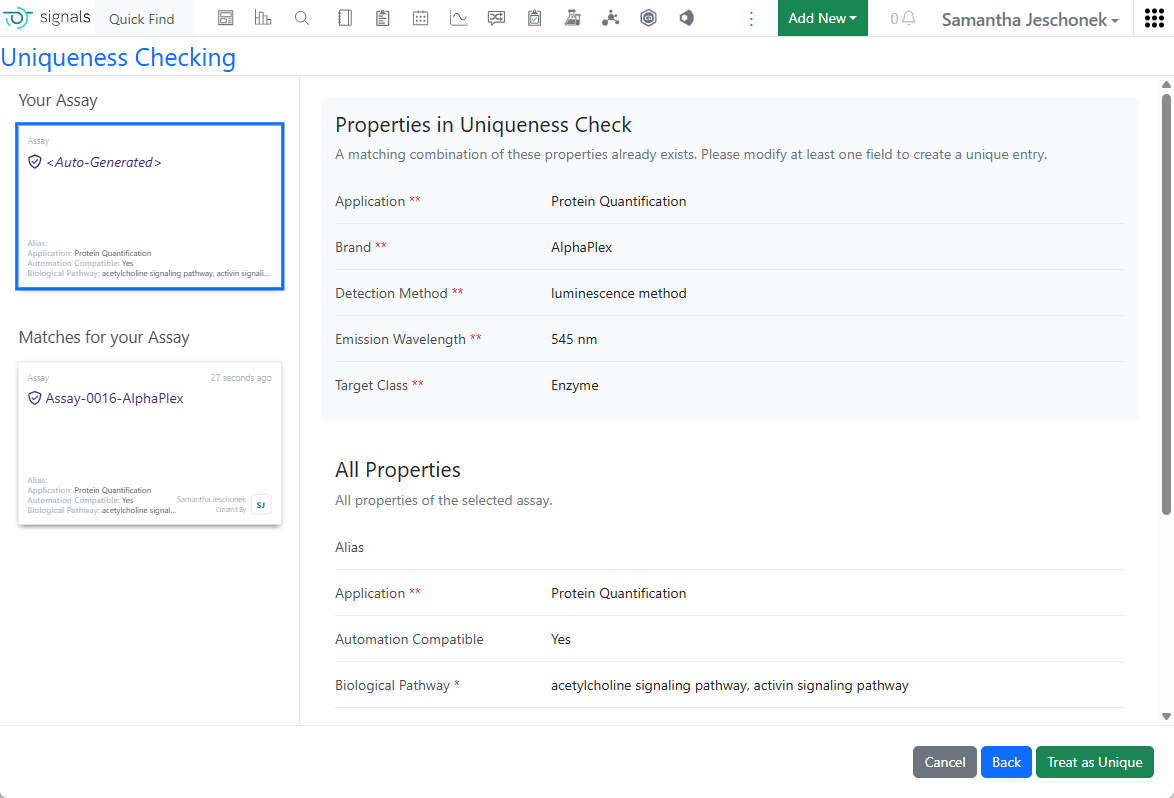
- Manage assay variant lifecycles and compliance* (beta) - Data Workflows & Analytics*
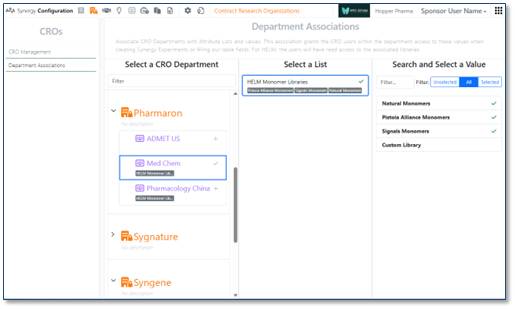
- Create and assign custom parameter sets
- Fit linear concentration data using new system Agonist and Antagonist dose-response models - SAR & Decisioning*
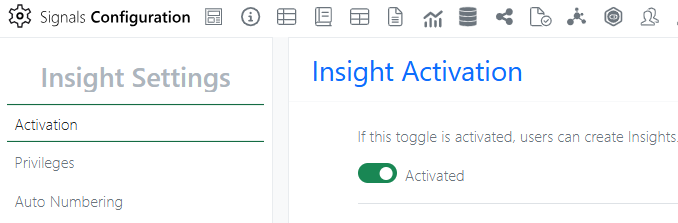
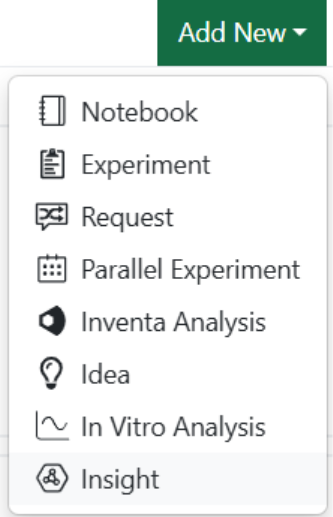
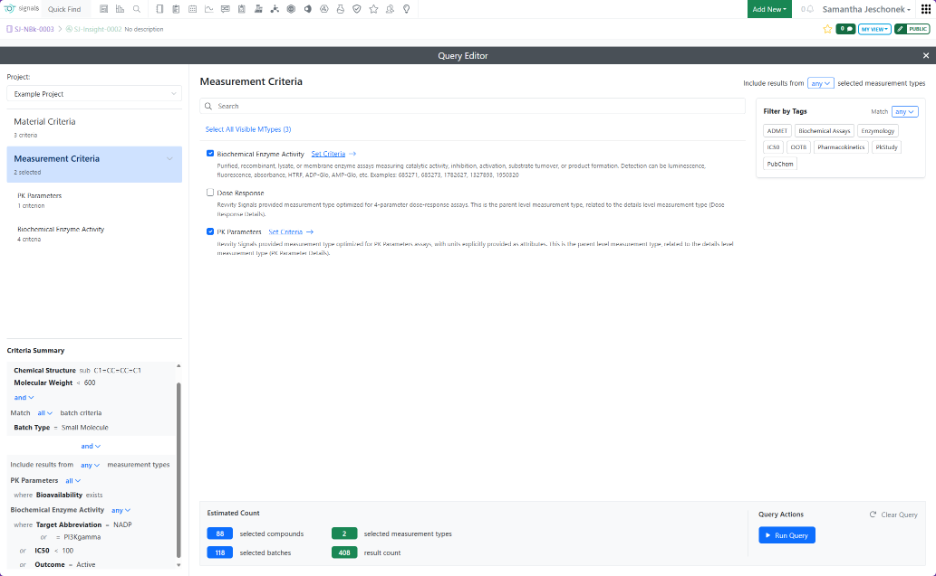
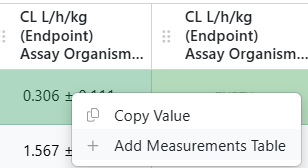
- Use Insights to query, generate, and analyze Measurement and SAR Tables directly in Signals is available to all systems
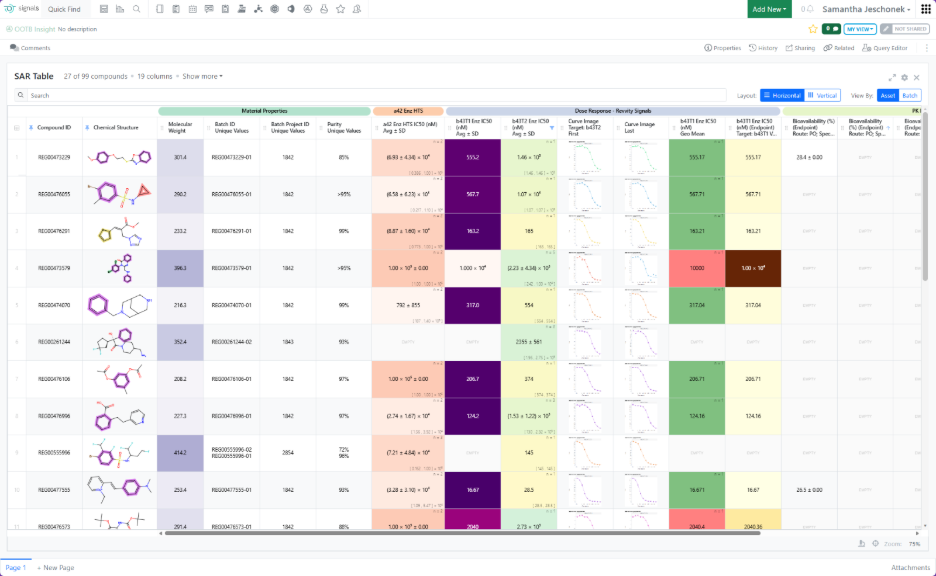
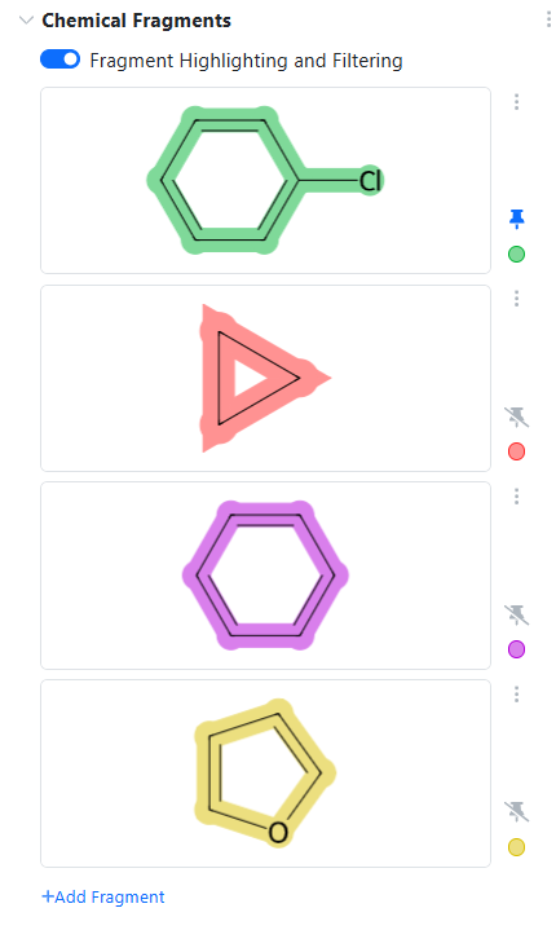
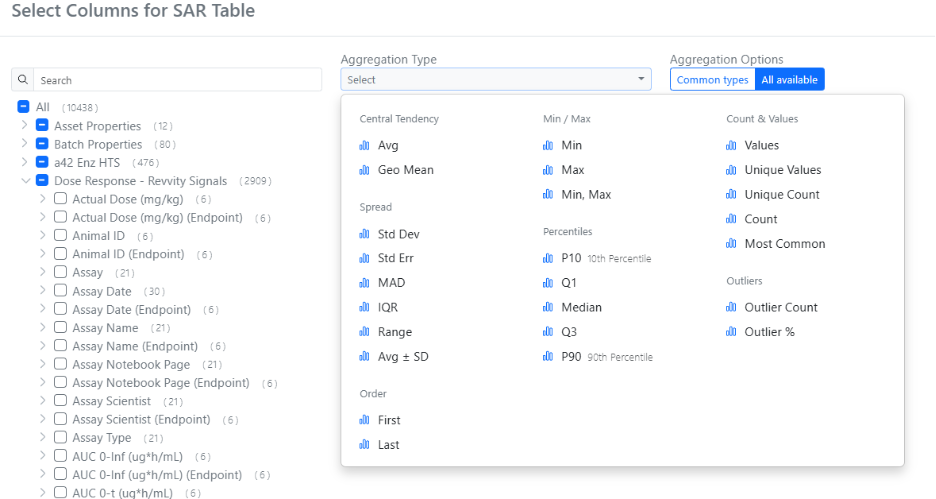
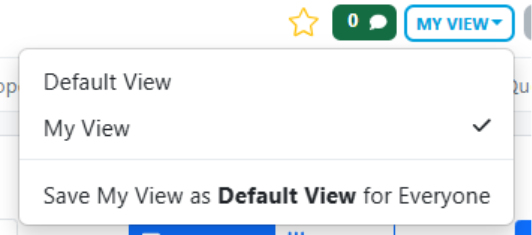
- Explore key results faster in Insights with a cleaner default SAR table and dynamic chemical structure filtering directly
- ChemCharts: New antibody engineering and molecule alignment data functions, plus updates to visualization settings including visual cloning and per-column tooltips - Synergy†
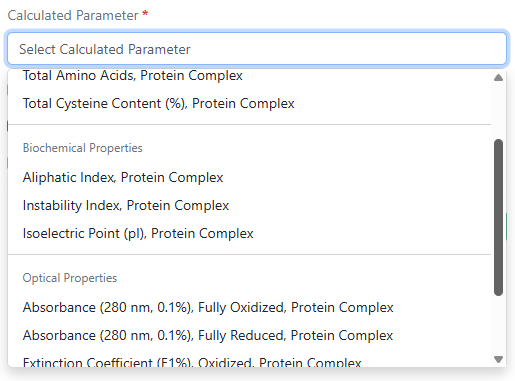
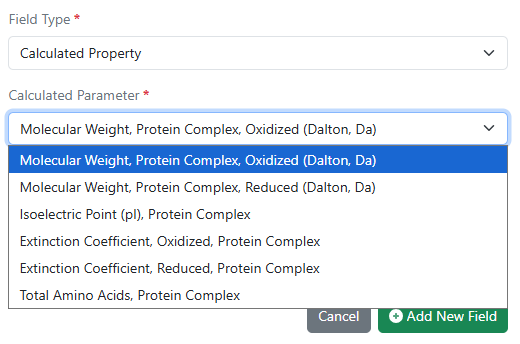
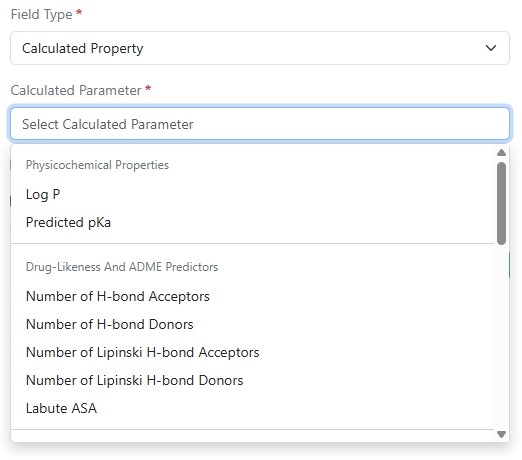
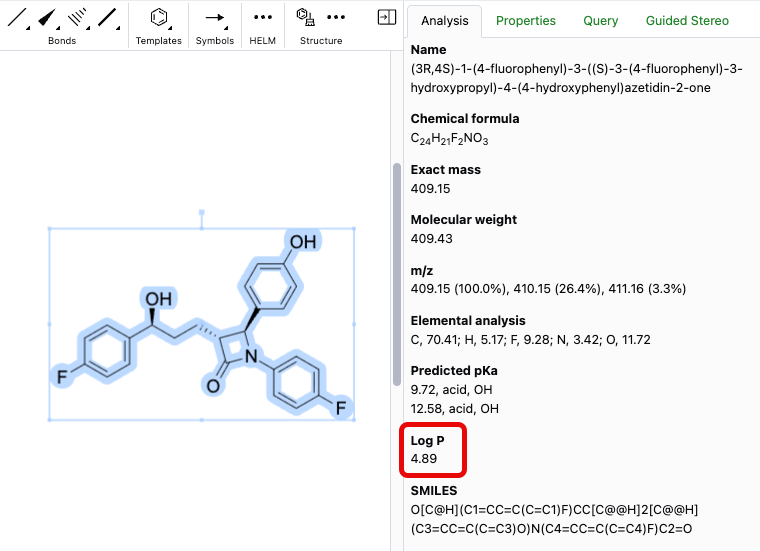
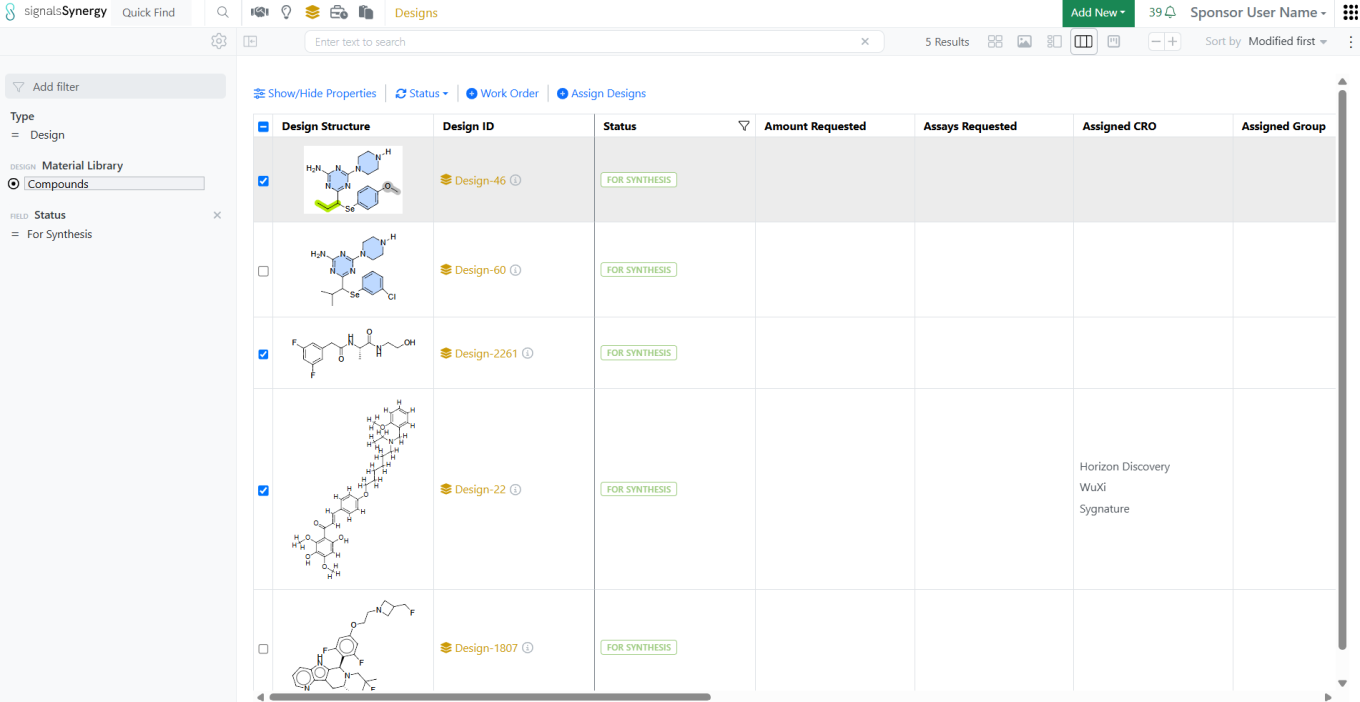
- Designs now support LogP, predicted pKa, Labute ASA, and other calculated properties
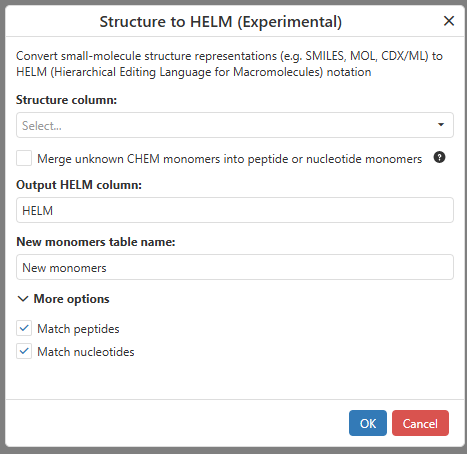
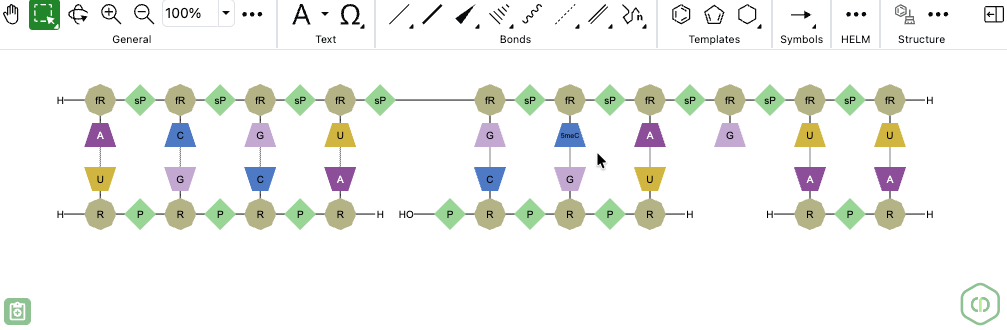
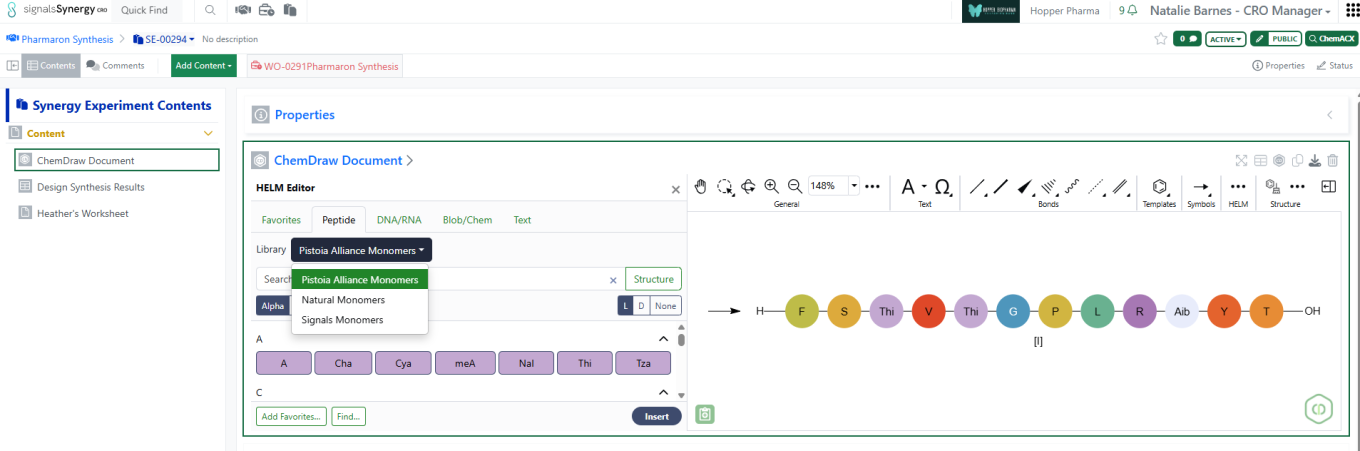
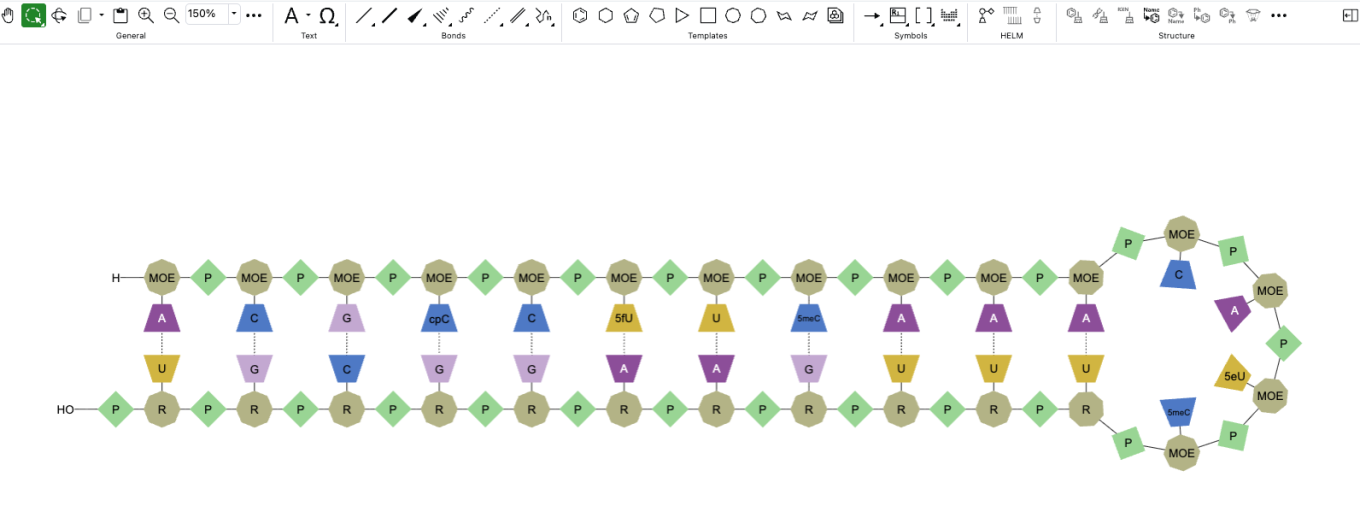
- Designs import now supports CSV with HELM notation
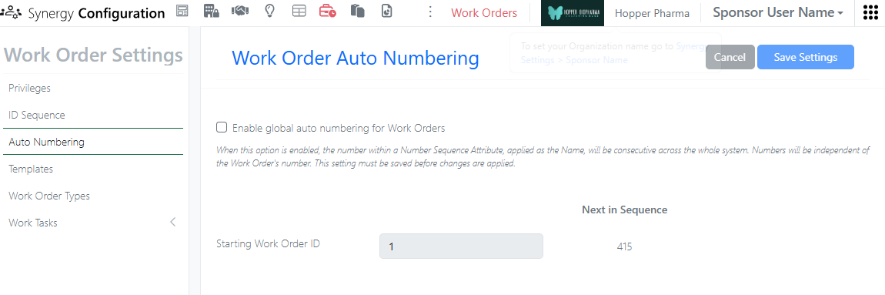
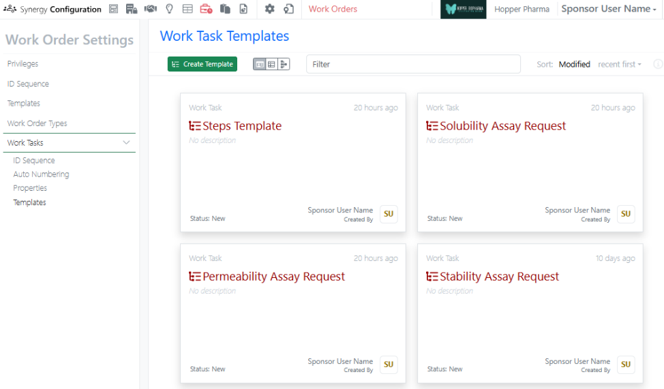
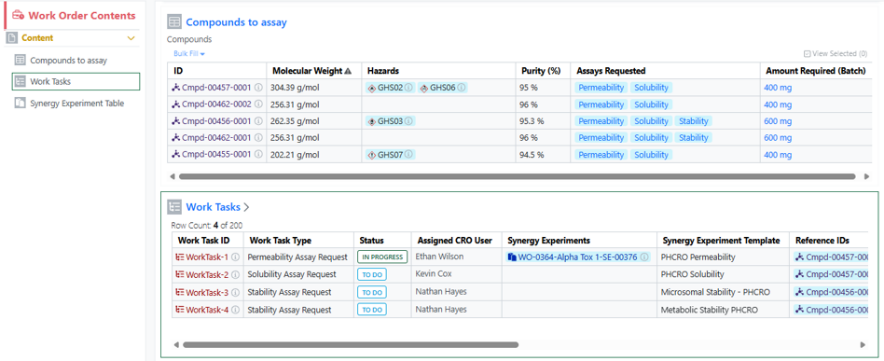
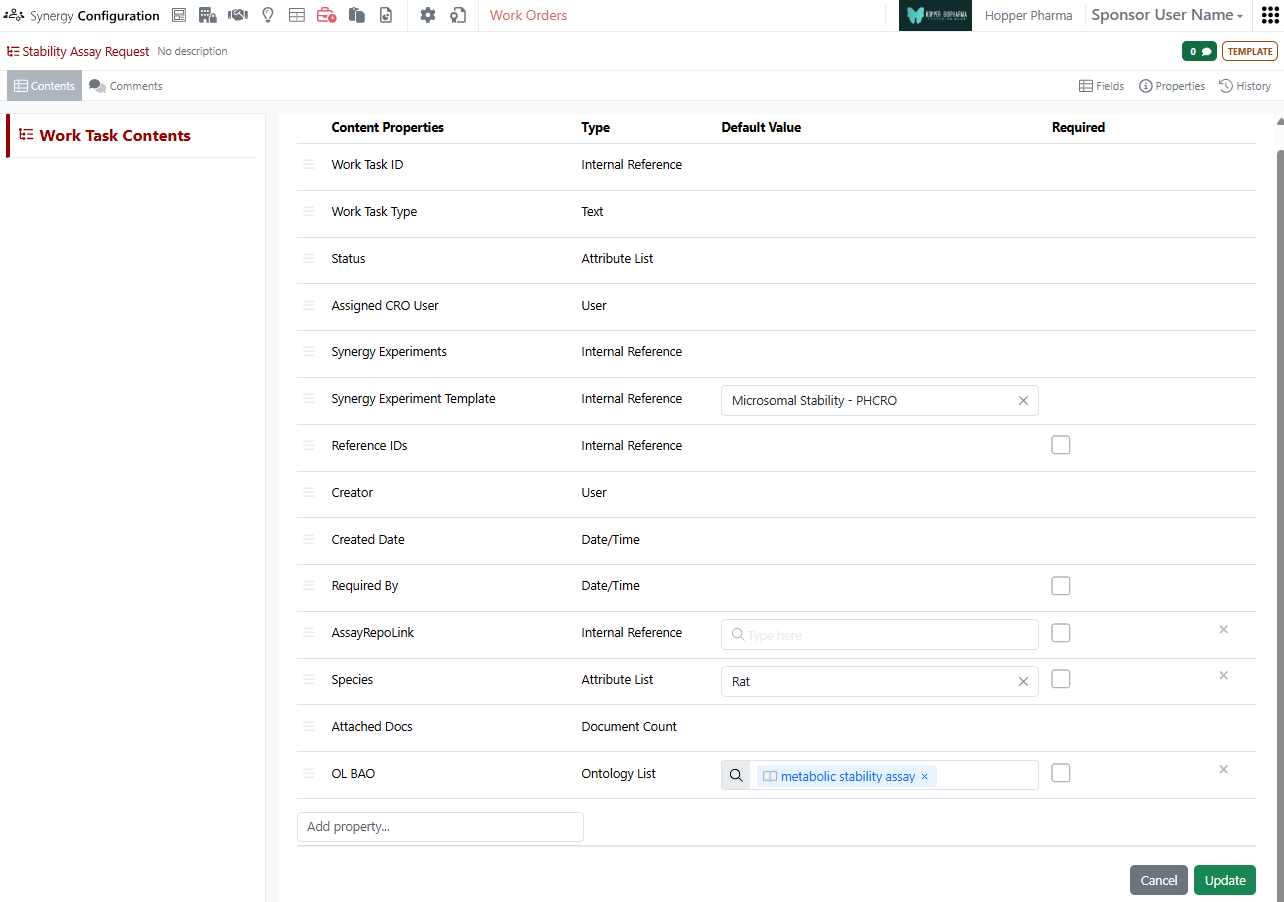
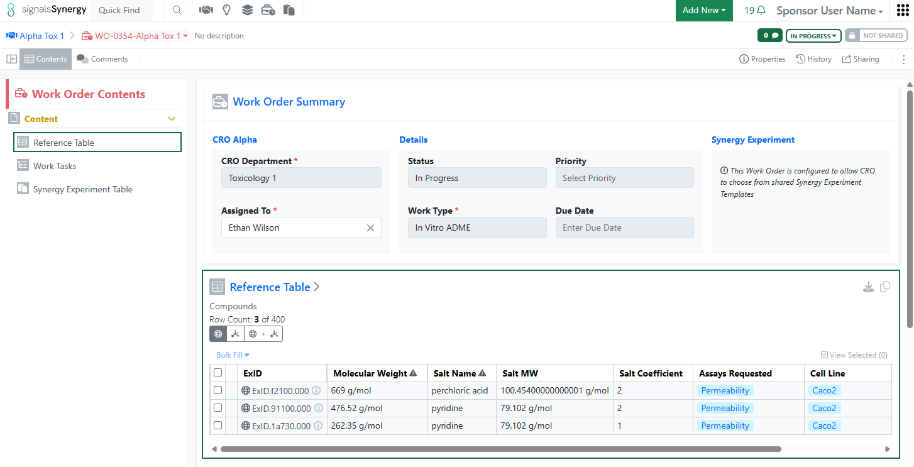
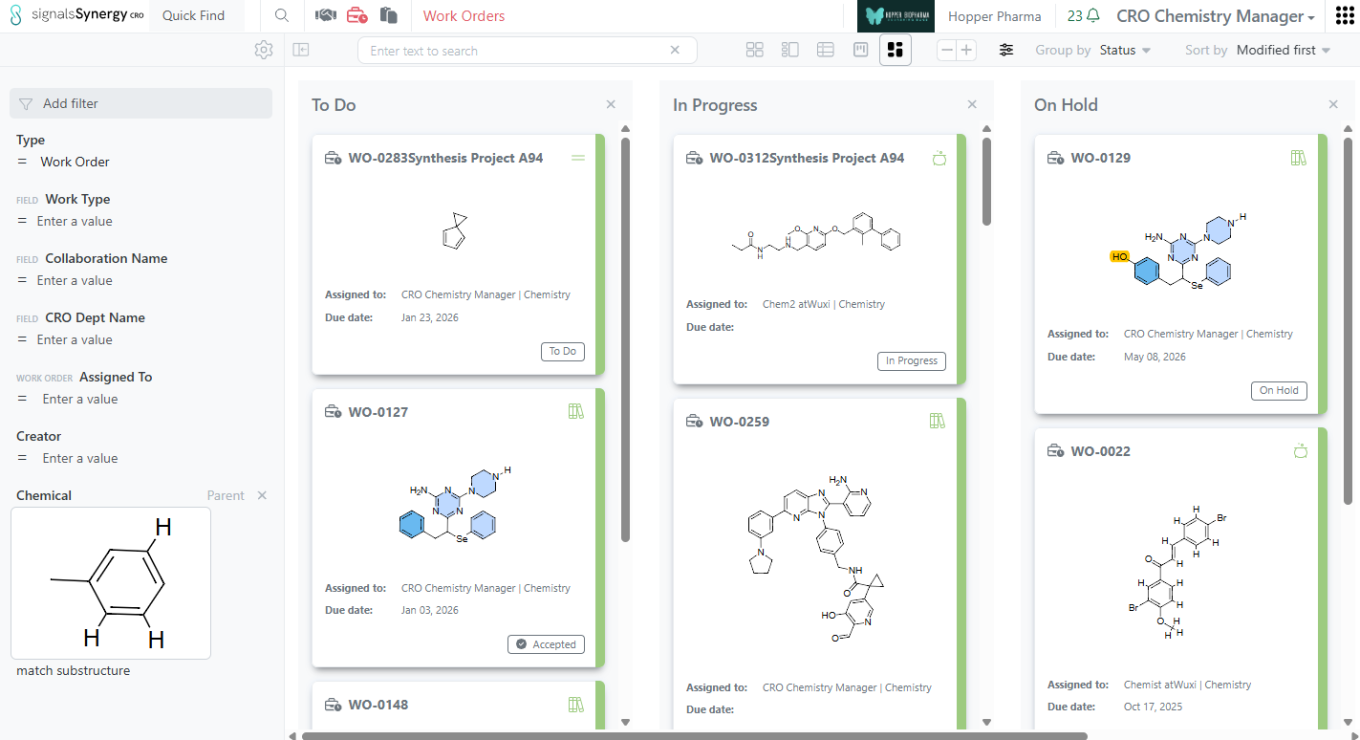
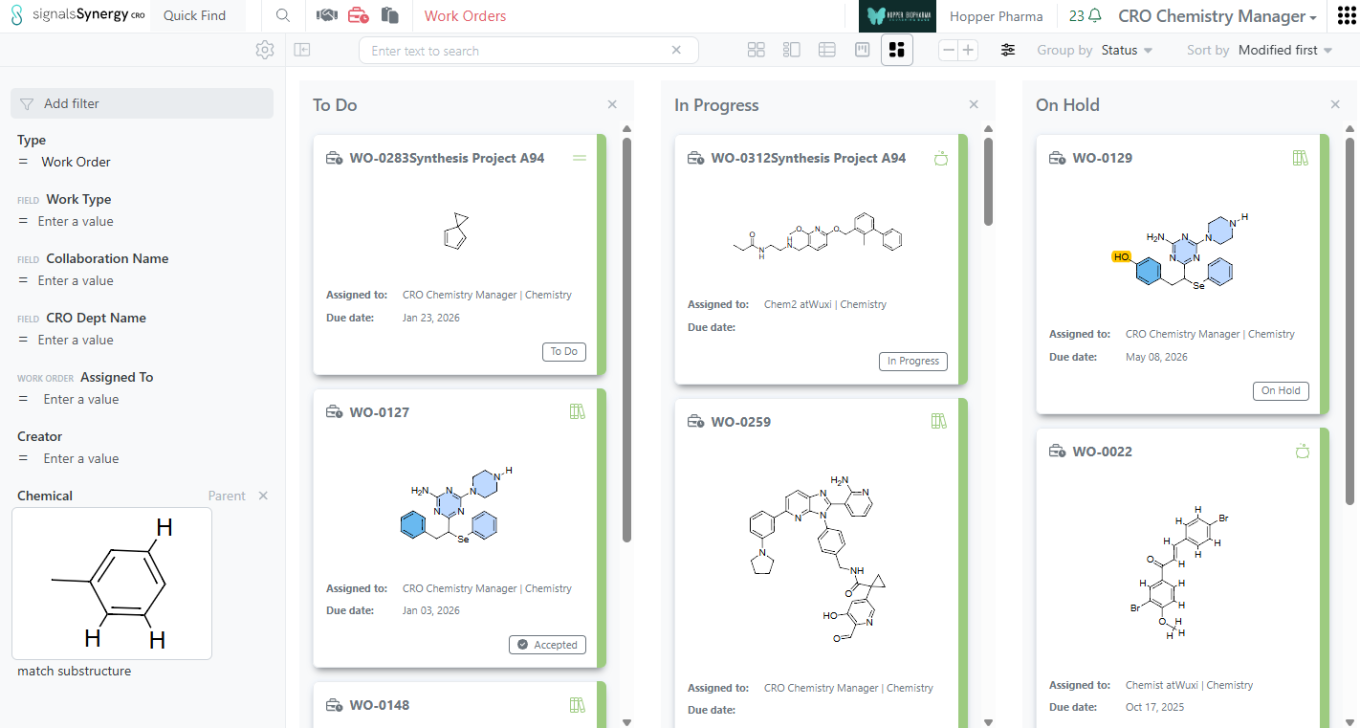
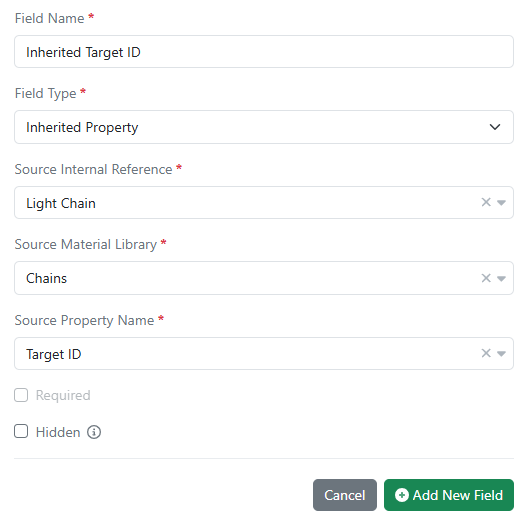
- Work Order properties can inherit from Collaboration properties
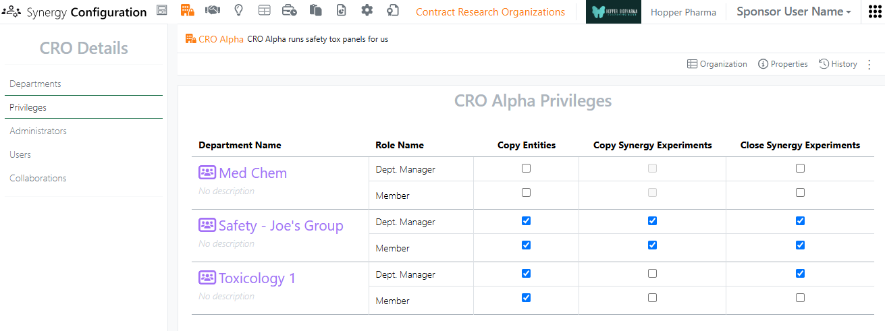
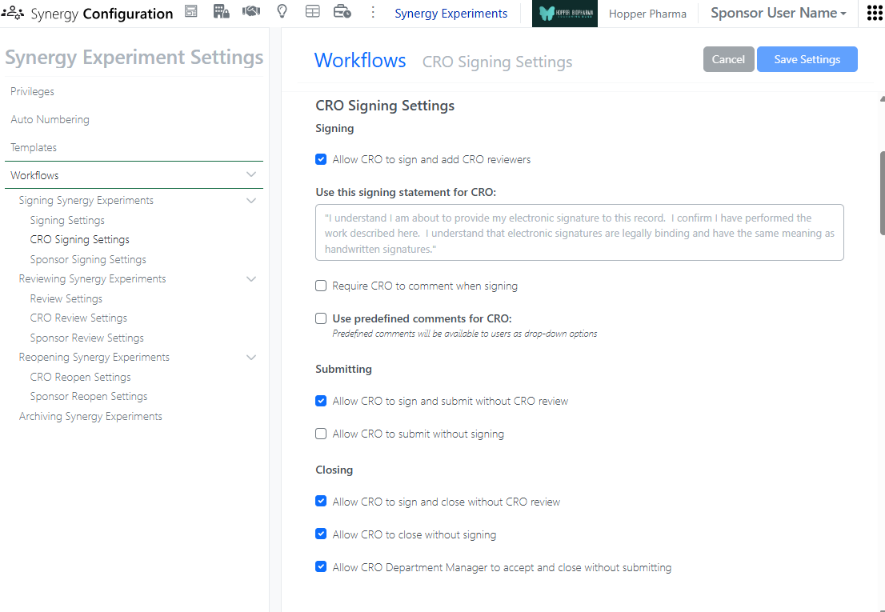
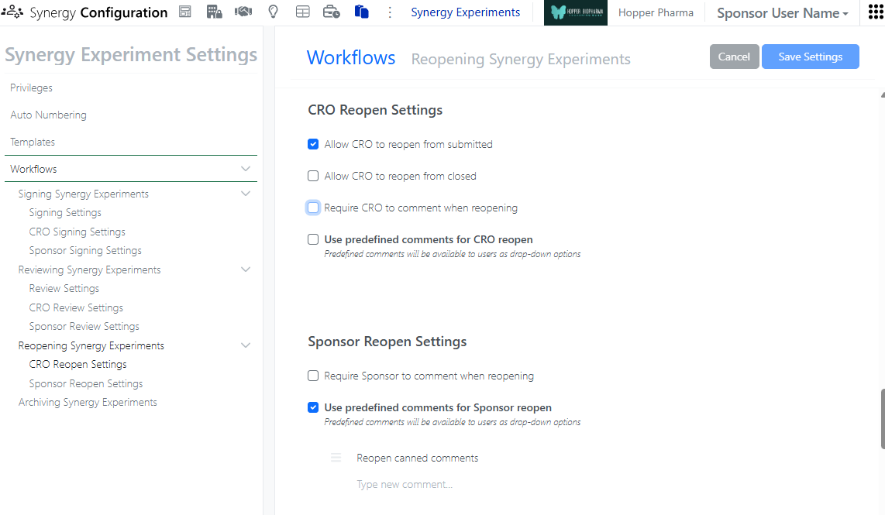
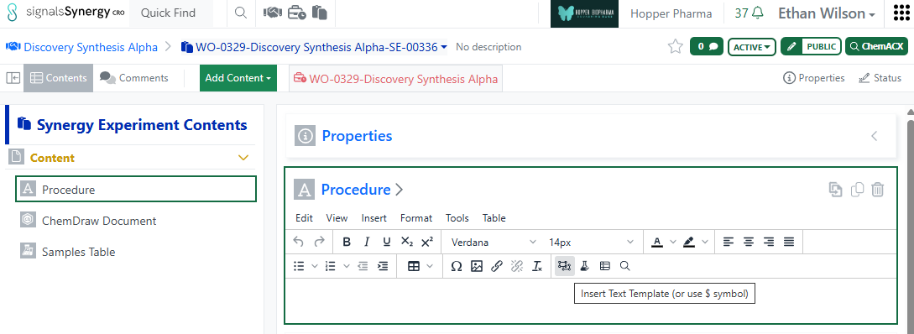
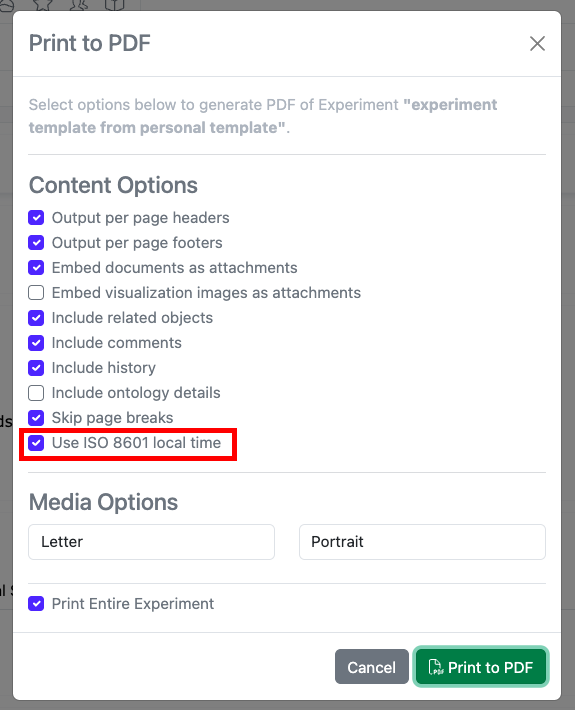
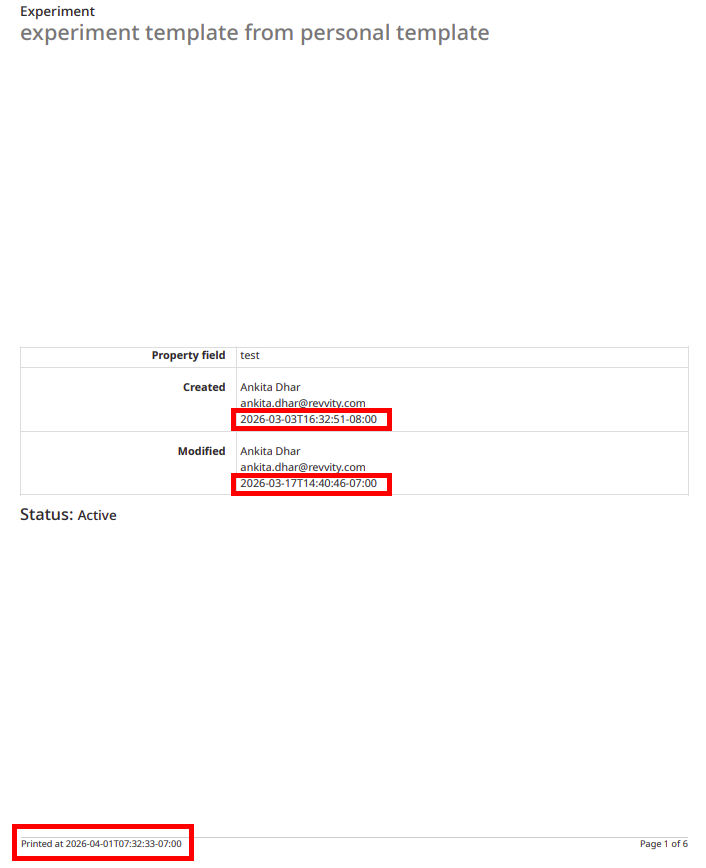
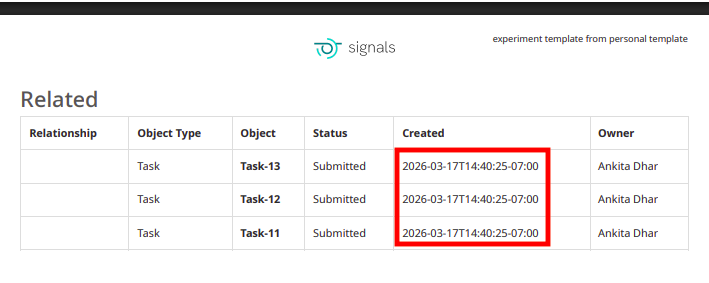
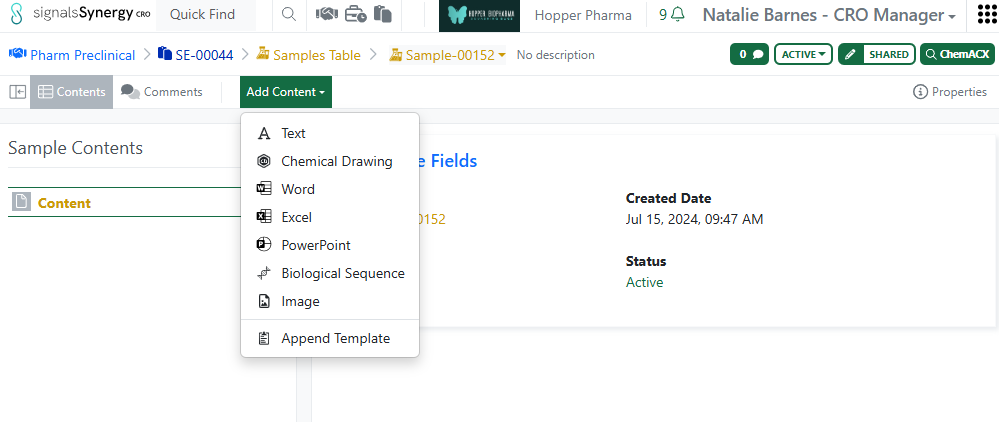
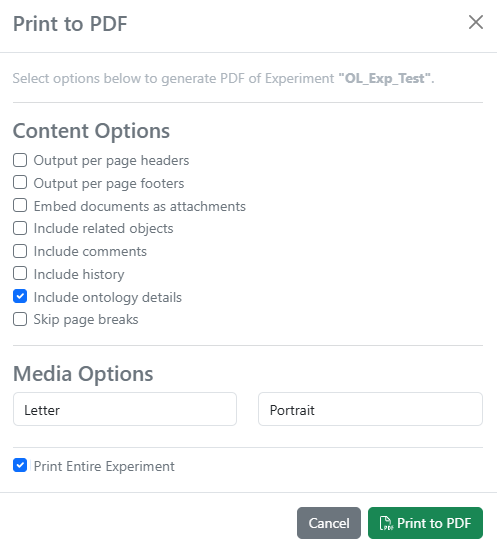
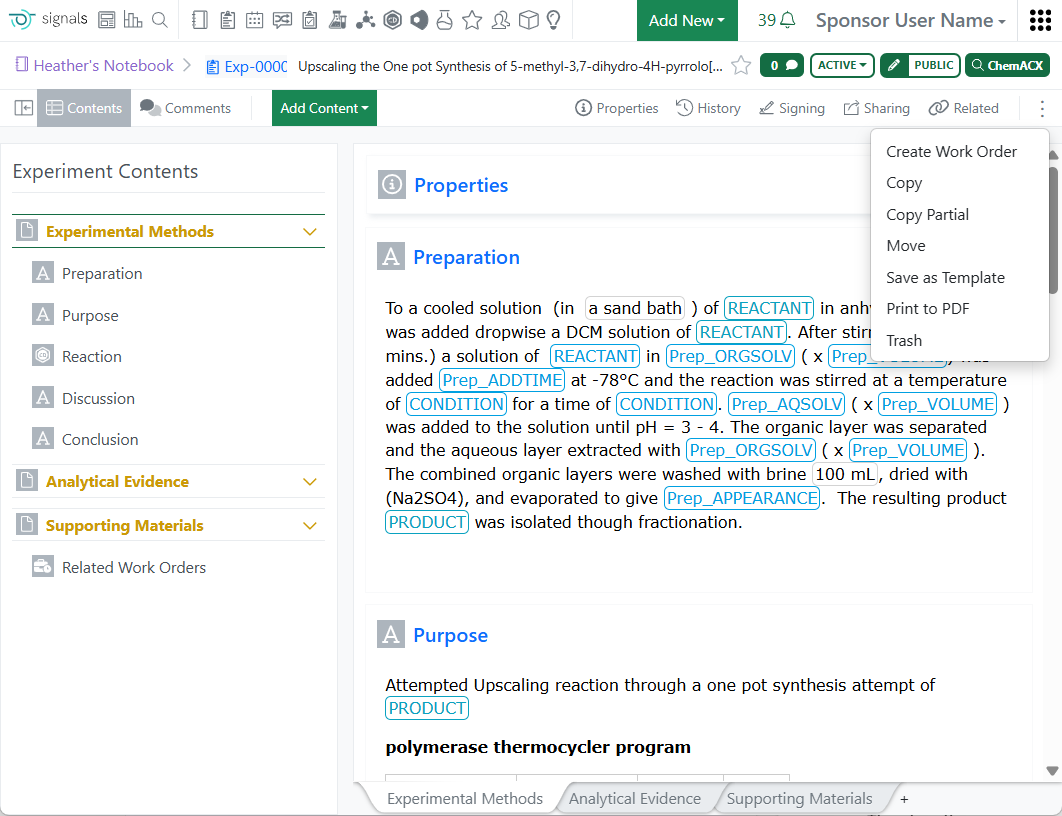
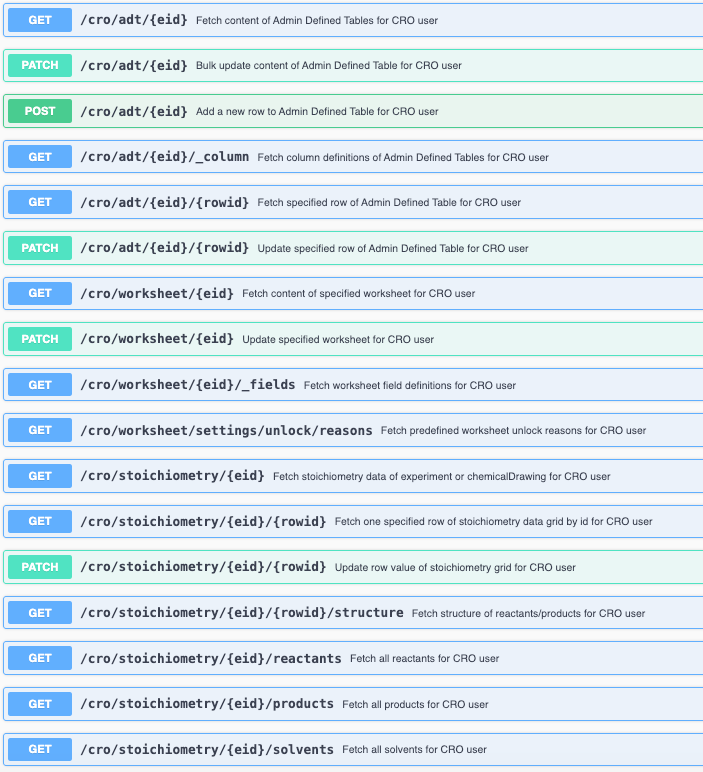
- CRO users can print Synergy Experiments to PDF
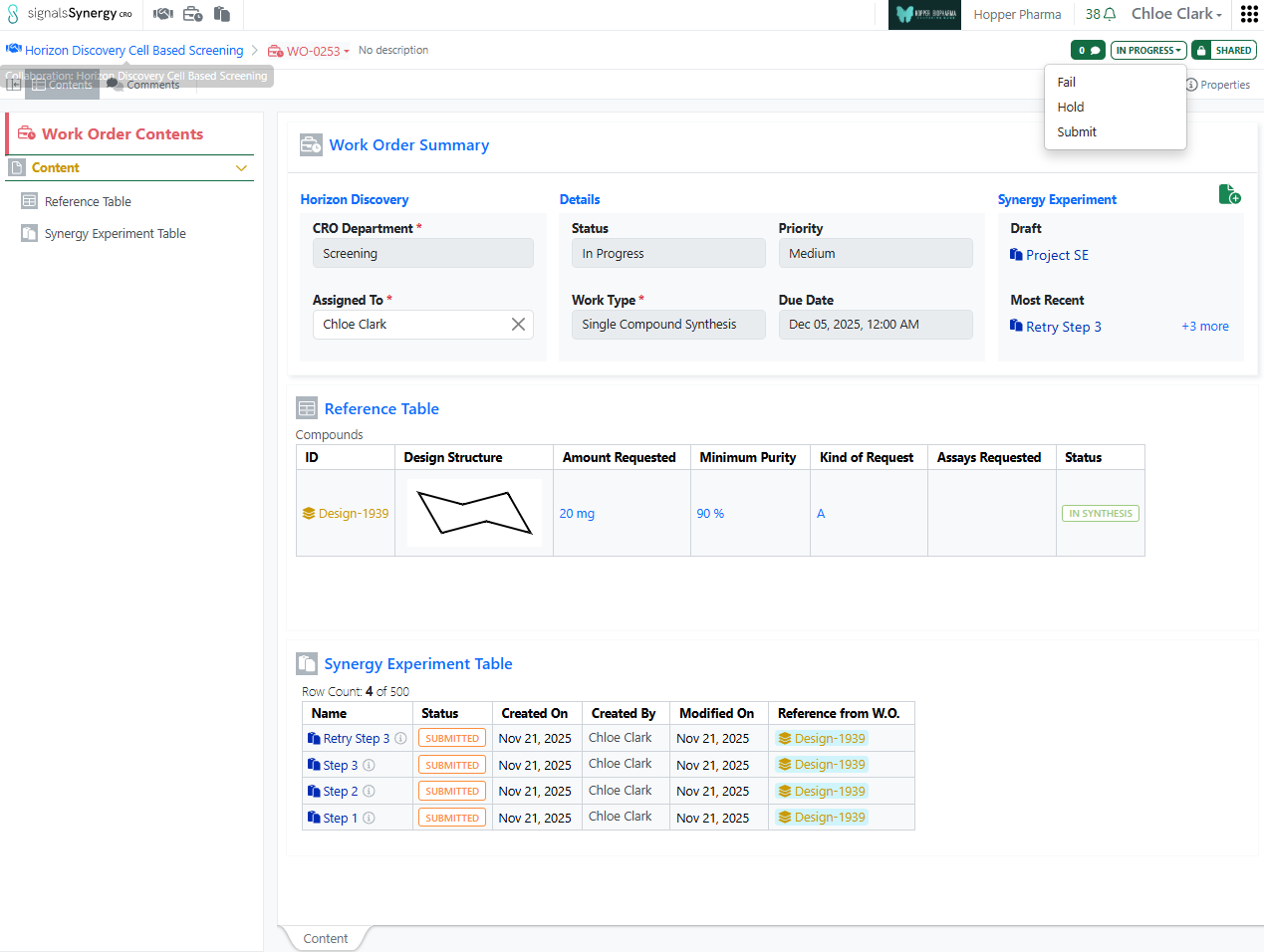
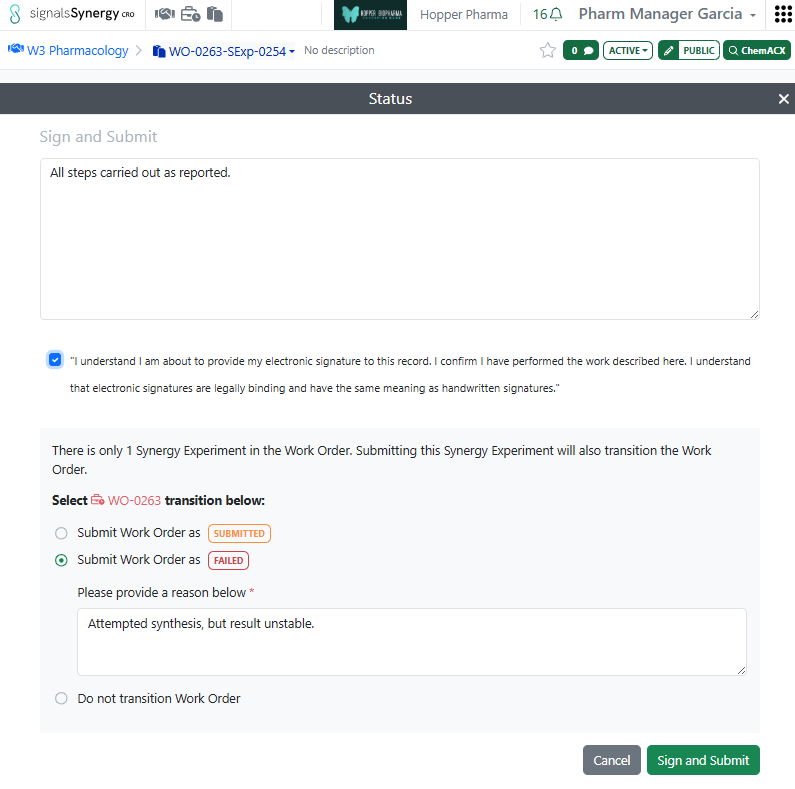
- New Sponsor notification when a CRO user puts a Work Order On Hold
- Audit trail displays highlighted granular changes for Design tables - Tables
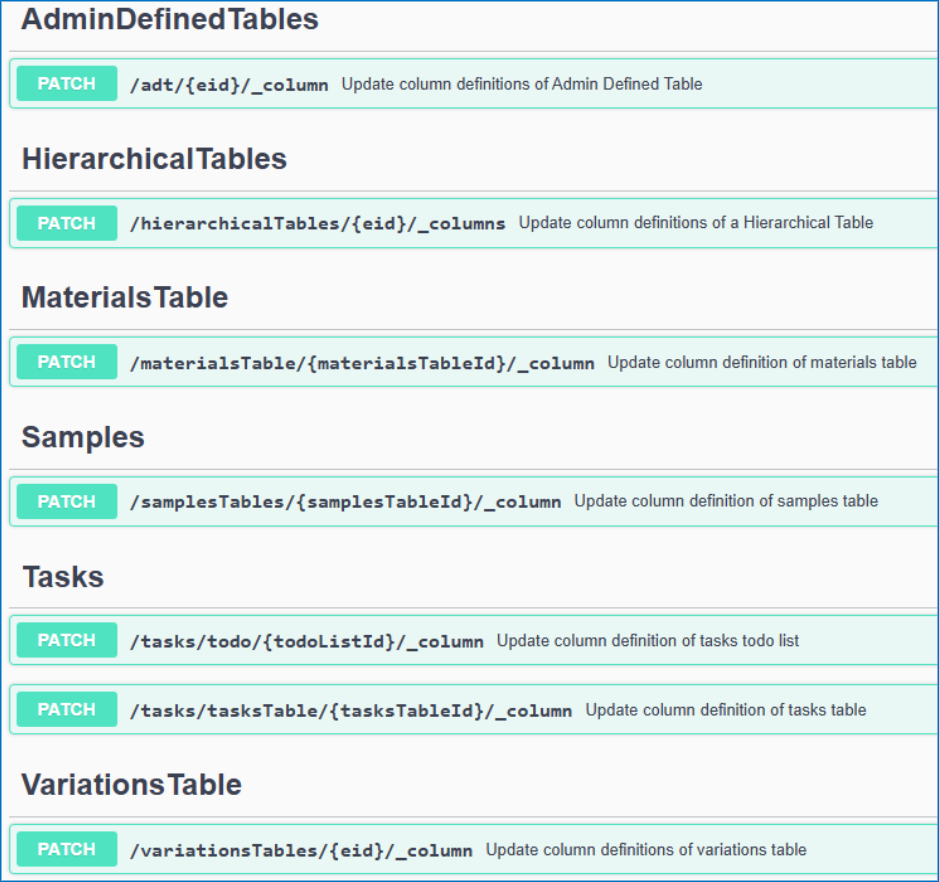
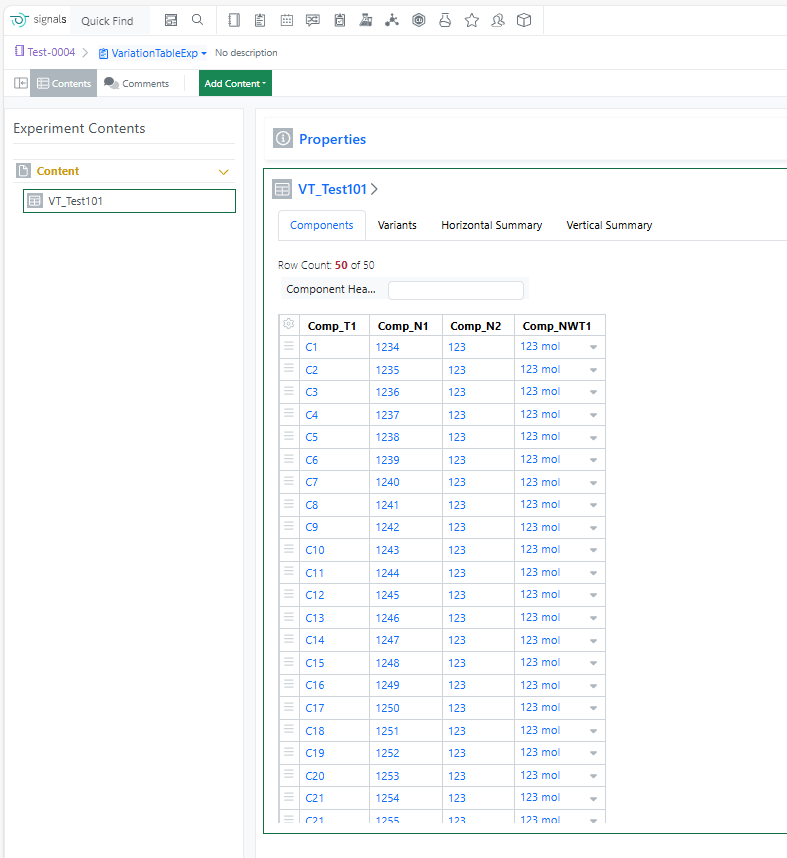
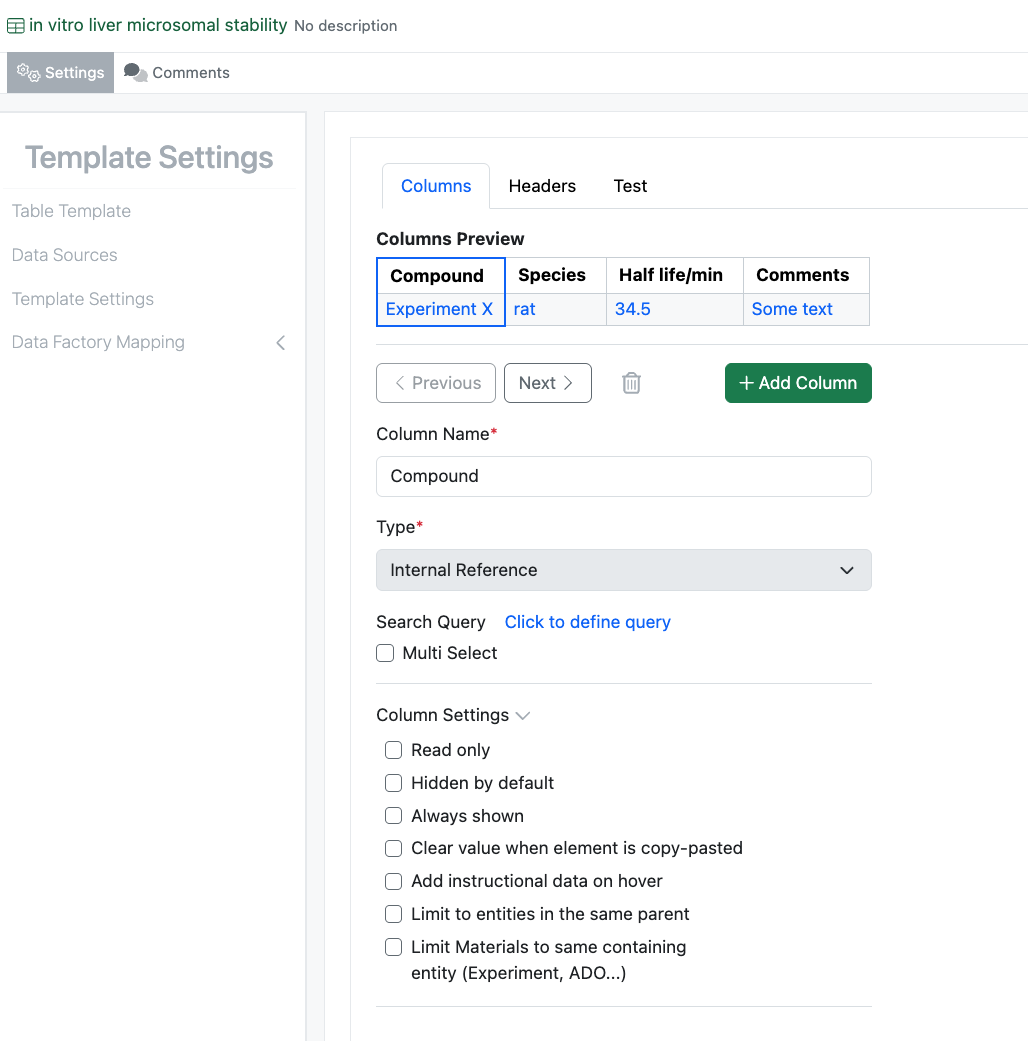
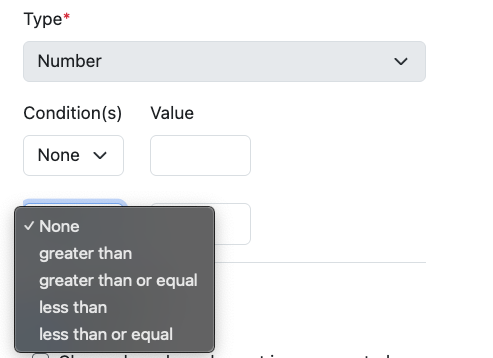
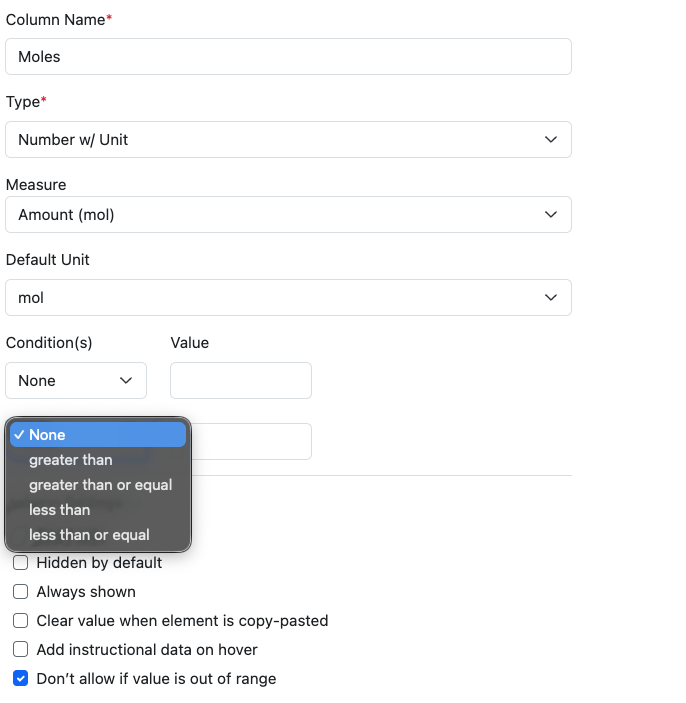
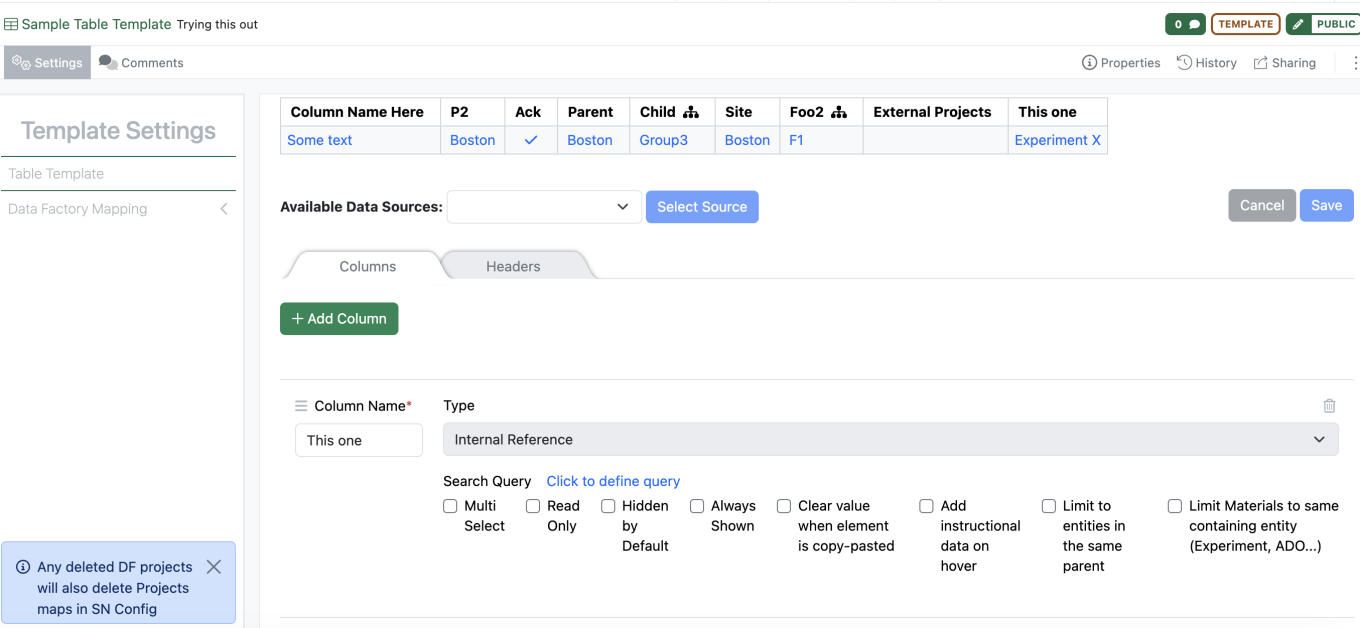
- Default values for Headers and Properties in Admin Defined Tables and Variation Tables
- Default values for Headers and Properties in Hierarchical Tables*
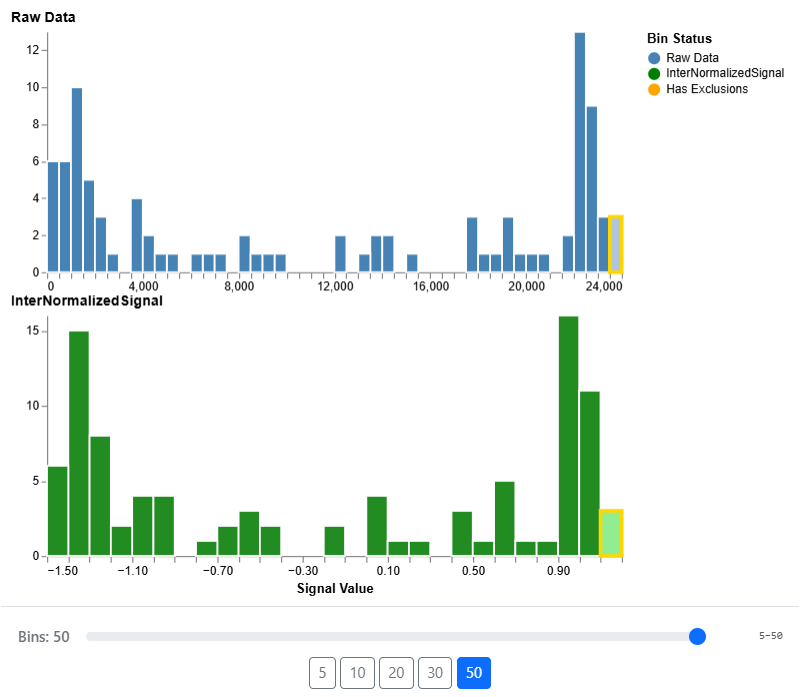
- Display Mean in Box Plots*
- Define Reference Lines on charts*
- Define charts on Variation Tables* - Plates
- Hide column in table when Annotation layer is hidden - Inventory
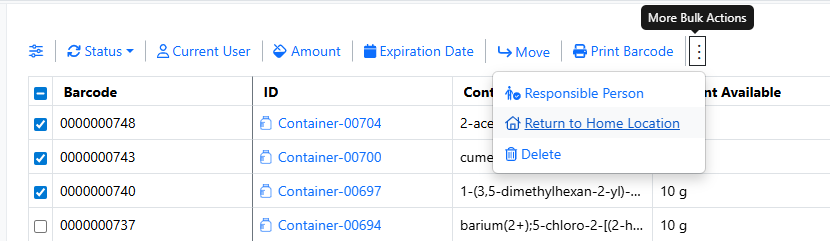
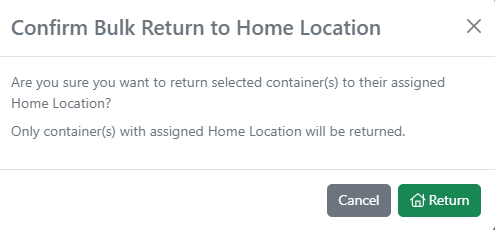
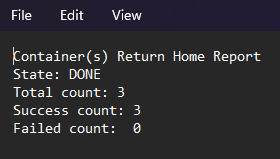
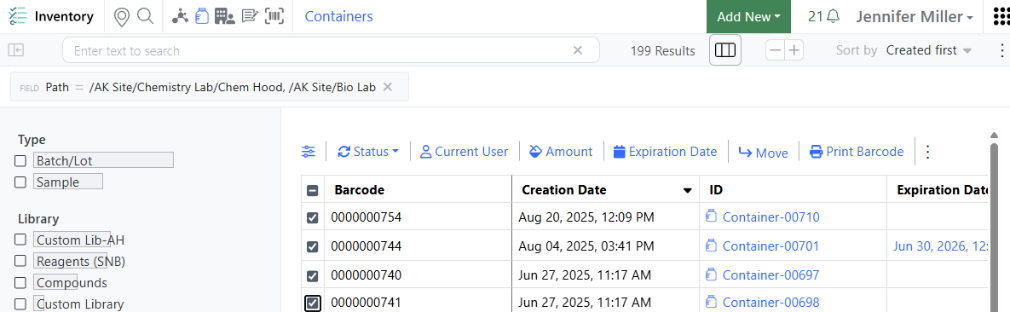
- Record consumed quantities directly from a container while automatically tracking the remaining balance and vice versa
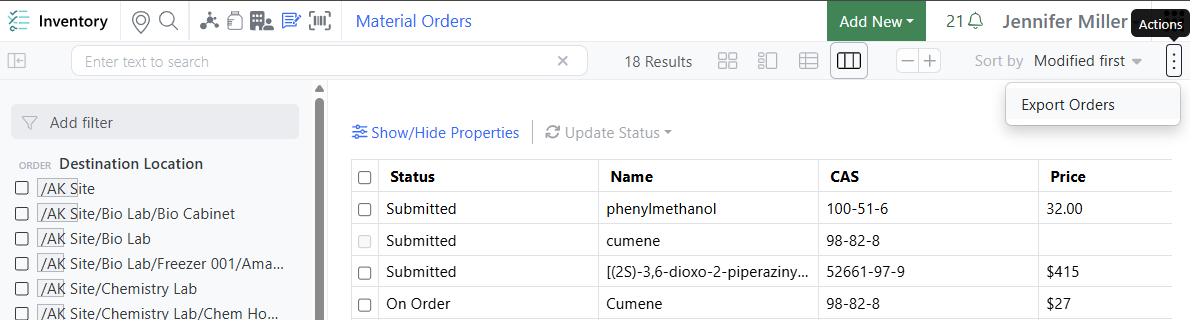
- Support for Material Orders custom field types
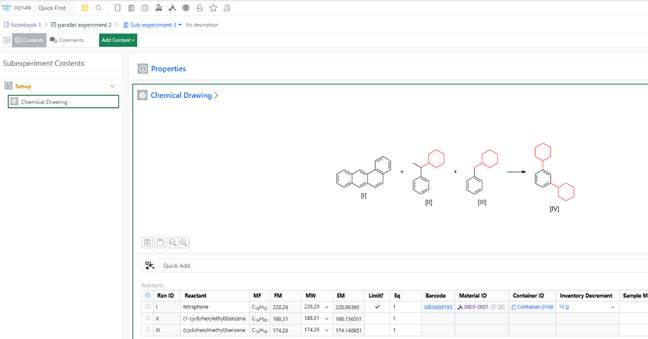
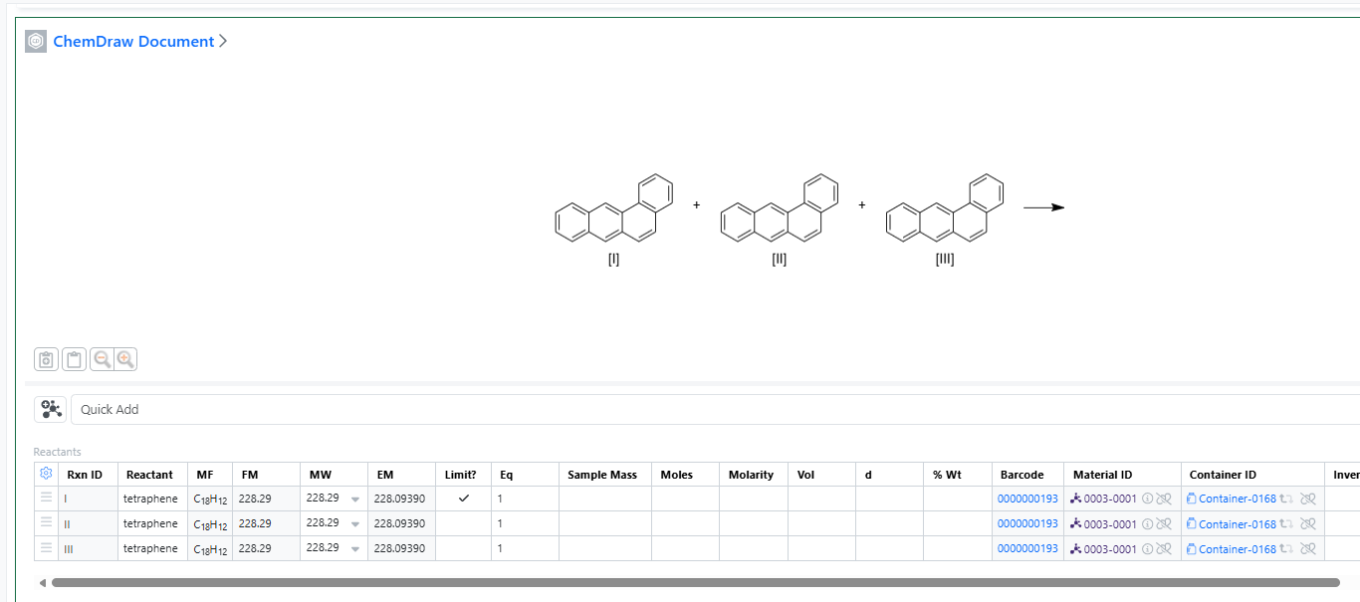
- Faster Quick Add Workflow in ChemDraw Document
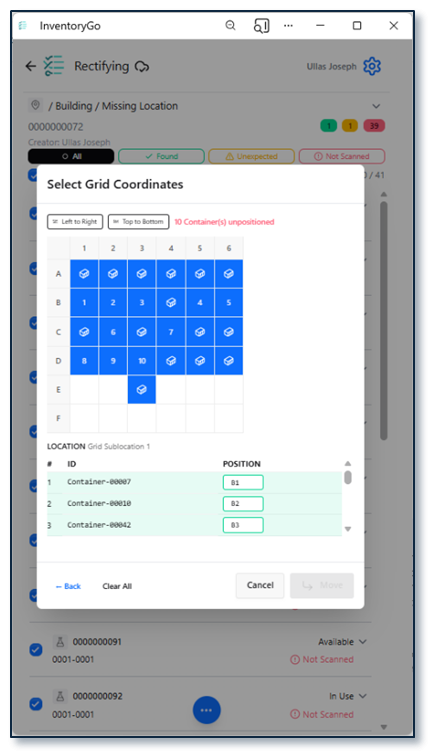
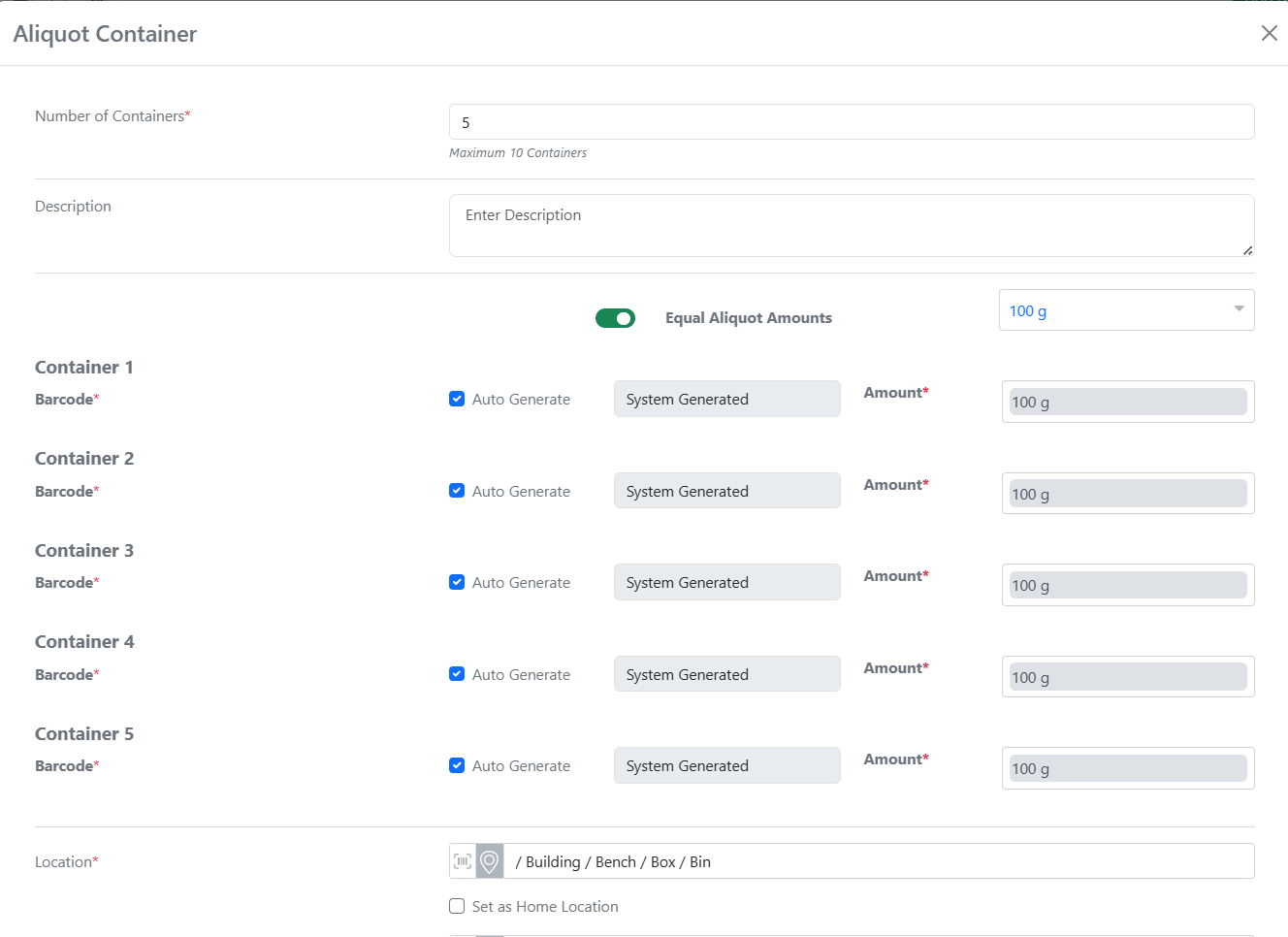
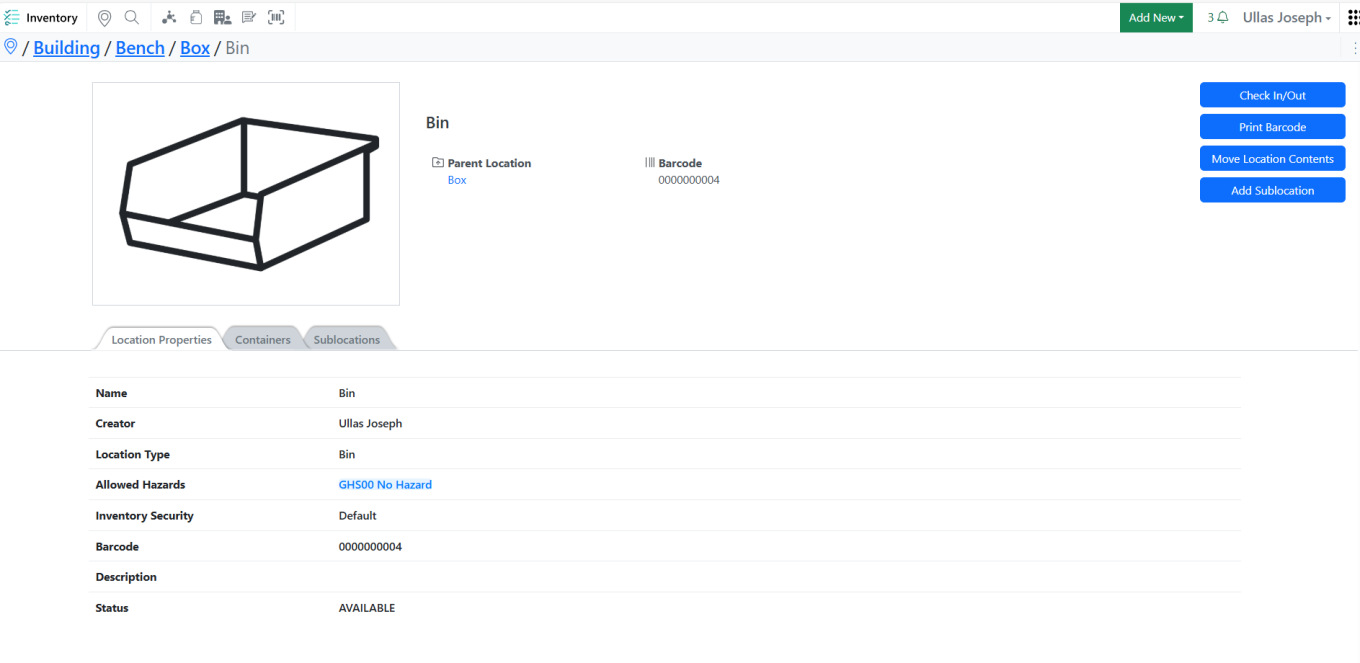
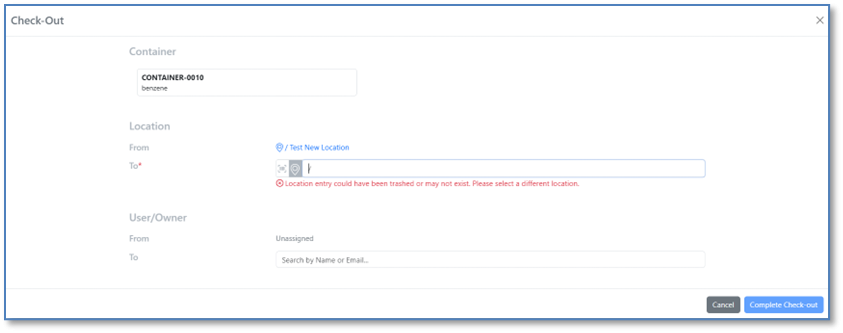
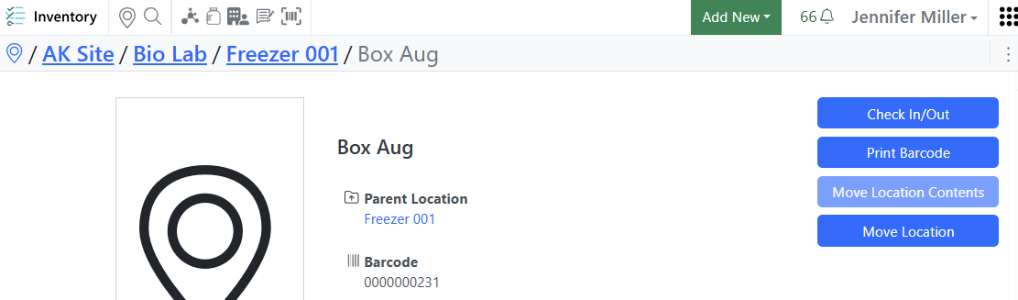
- Prevent the creation of grid sub-locations within designated home location cells
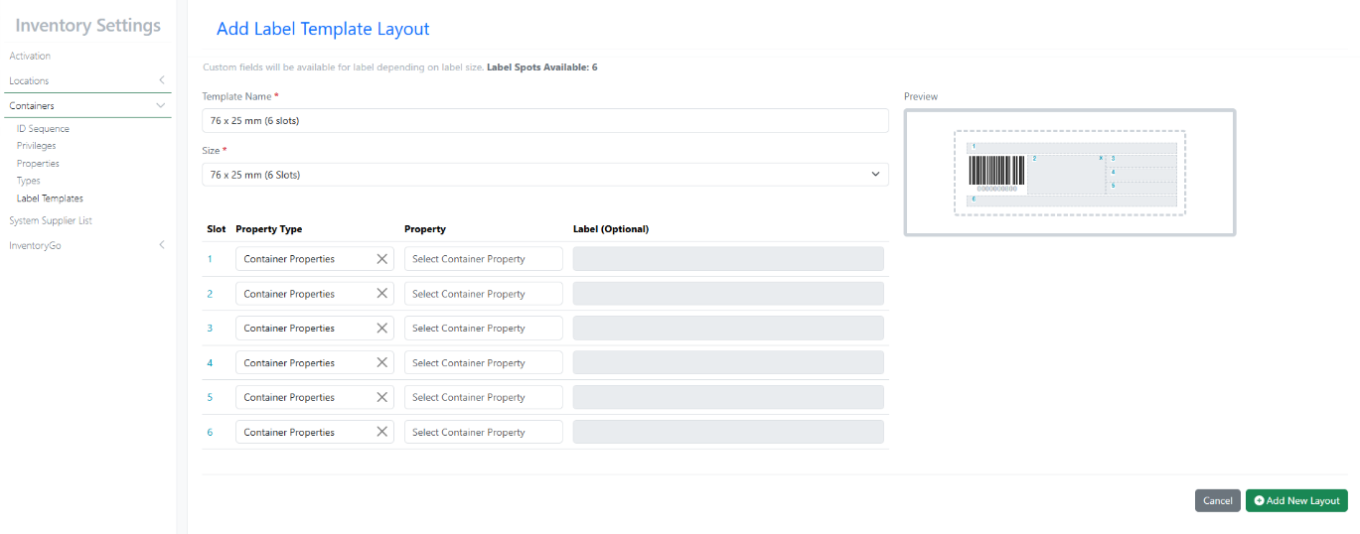
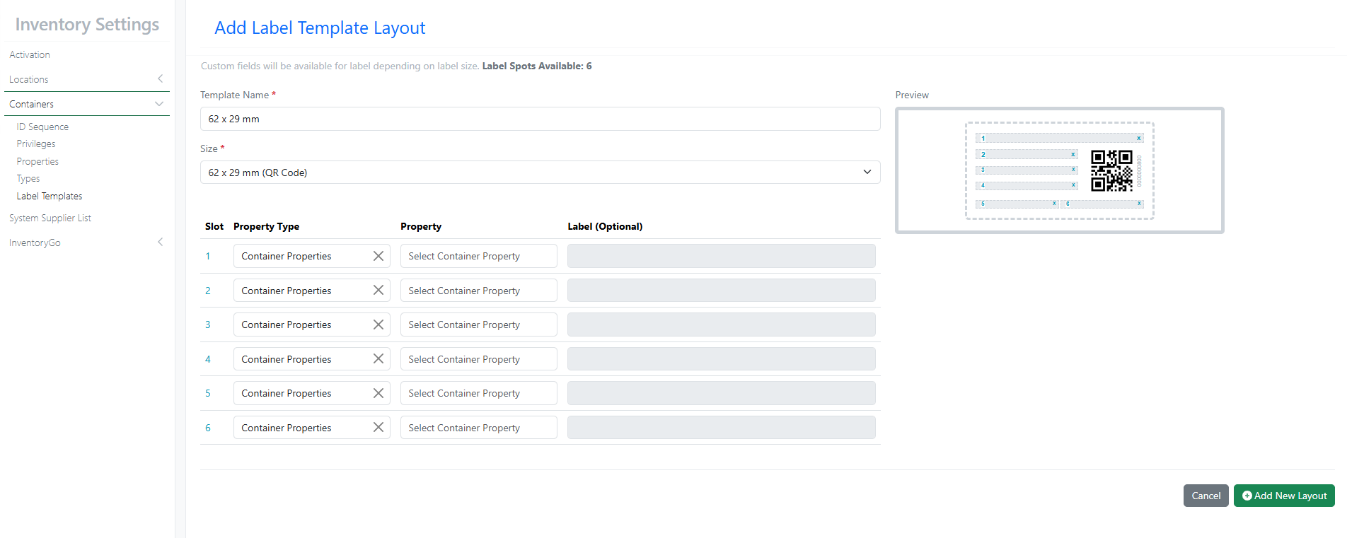
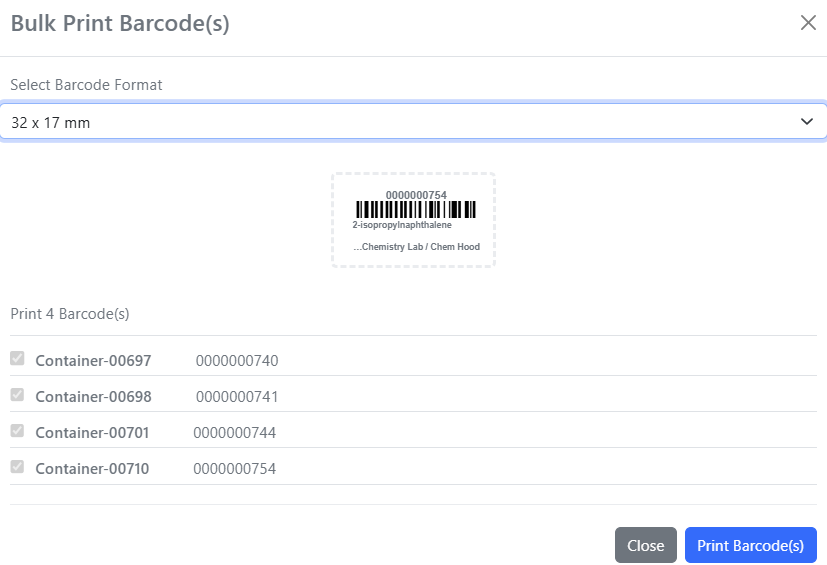
- New Container Label Templates - 50 x 30 mm (QR Code) and 50 x 30 mm (4 slots)
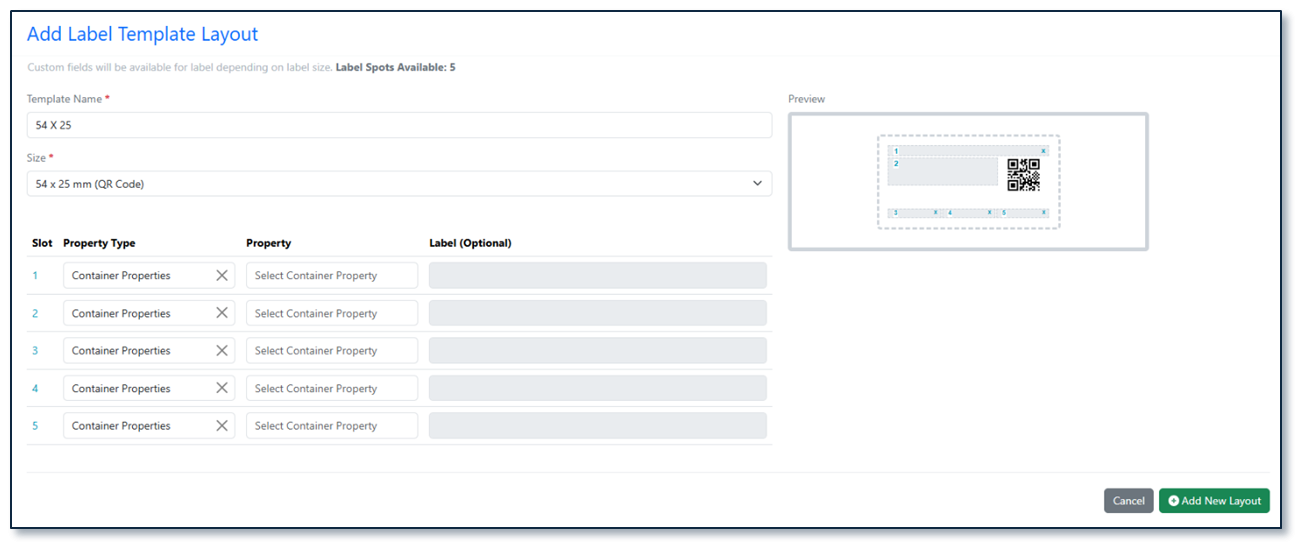
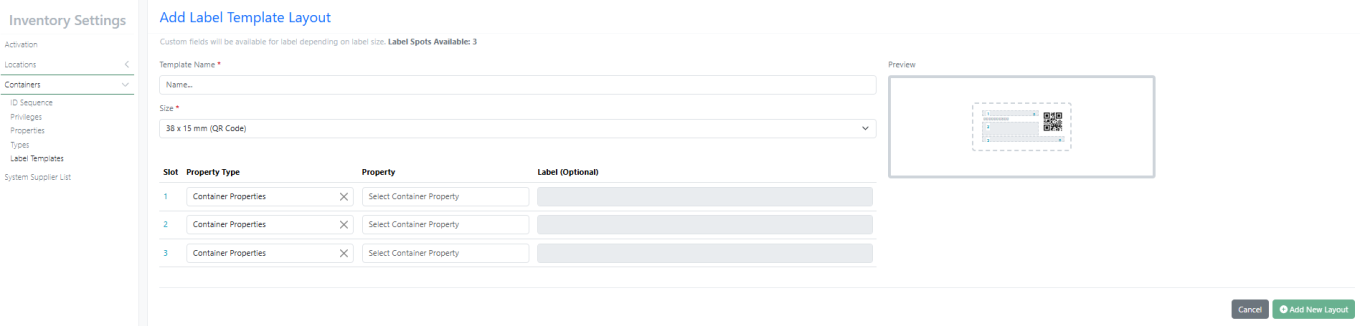
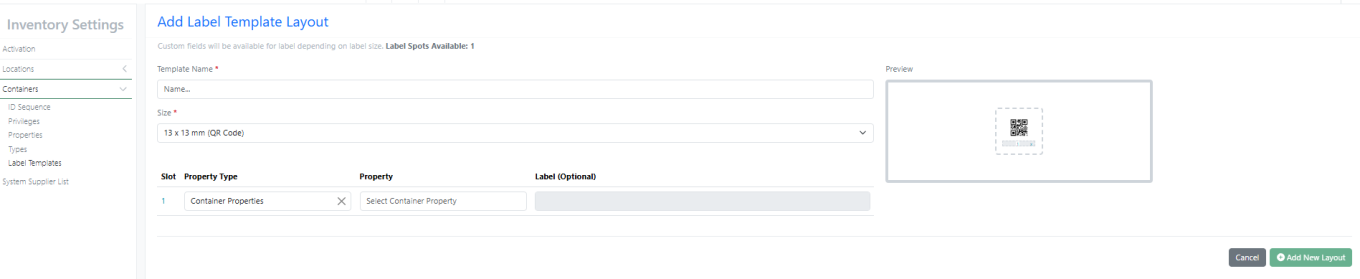
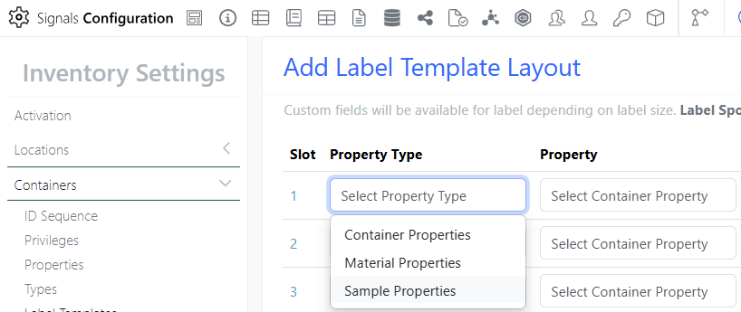
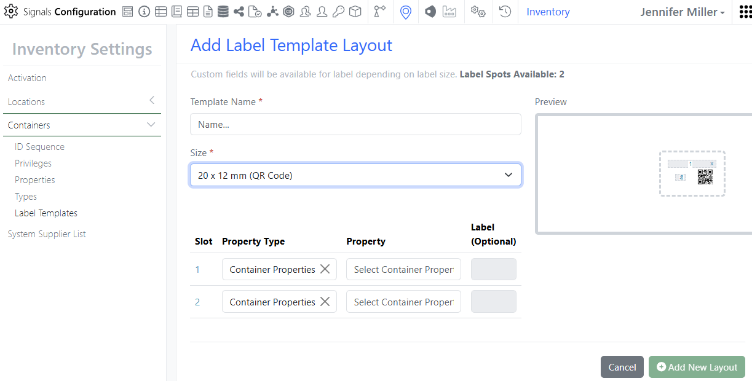
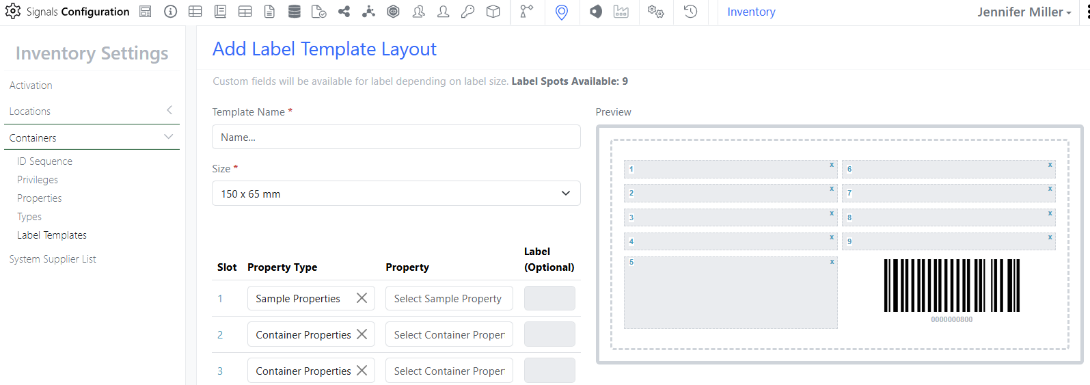
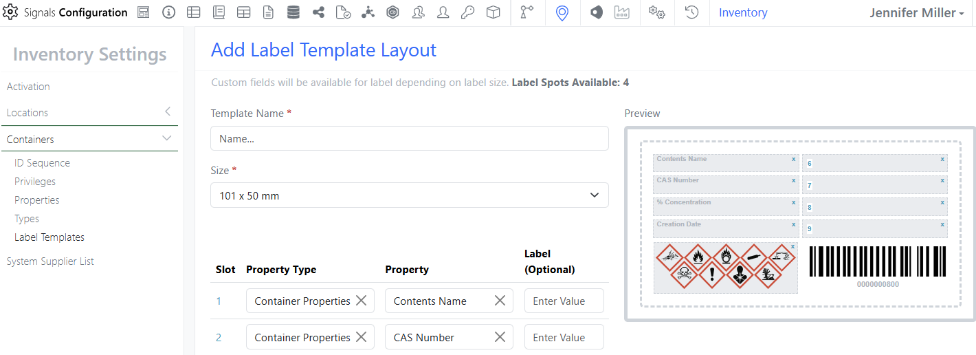
- Design and customize Inventory label templates layouts (beta)
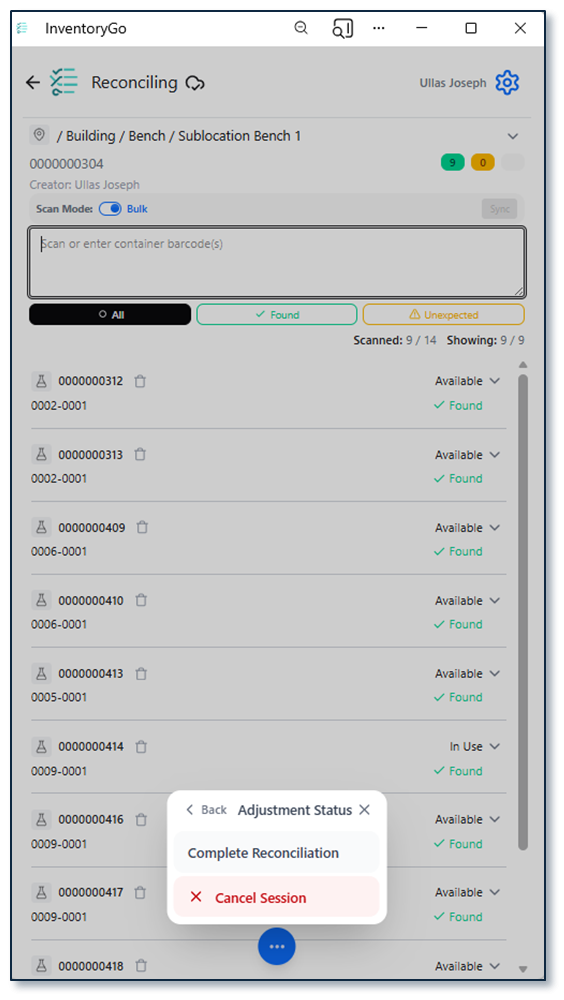
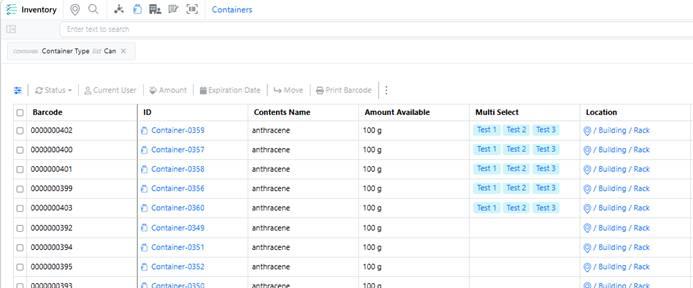
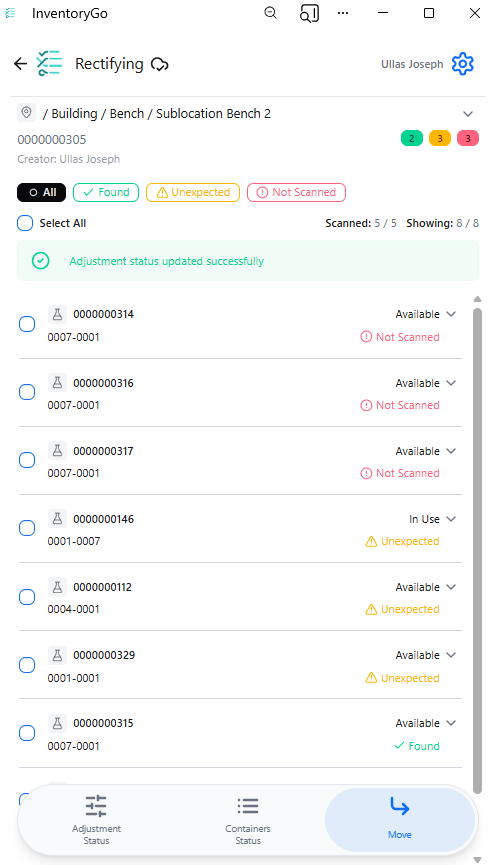
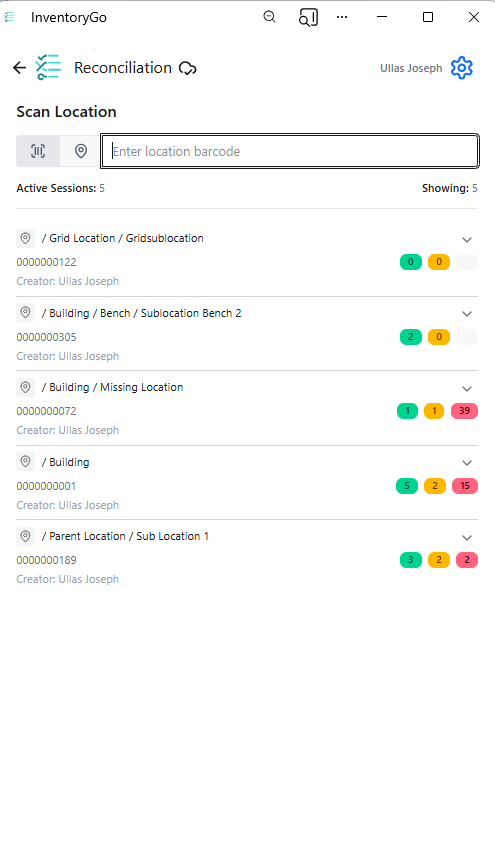
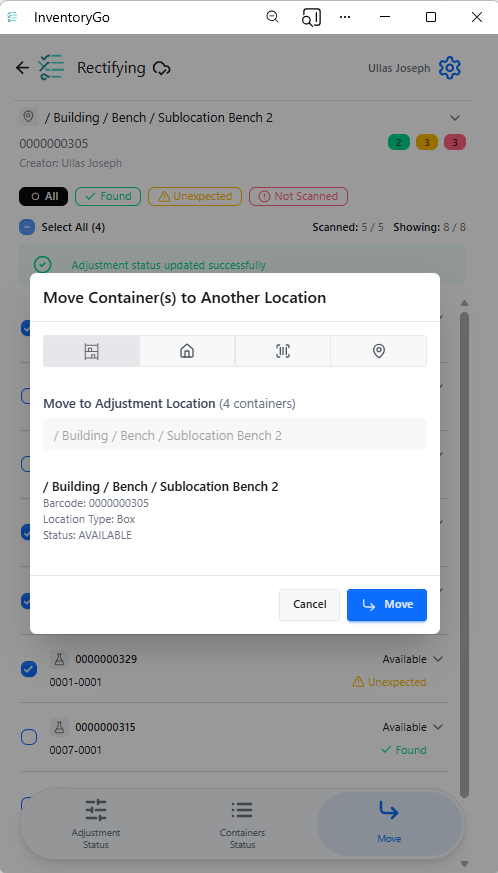
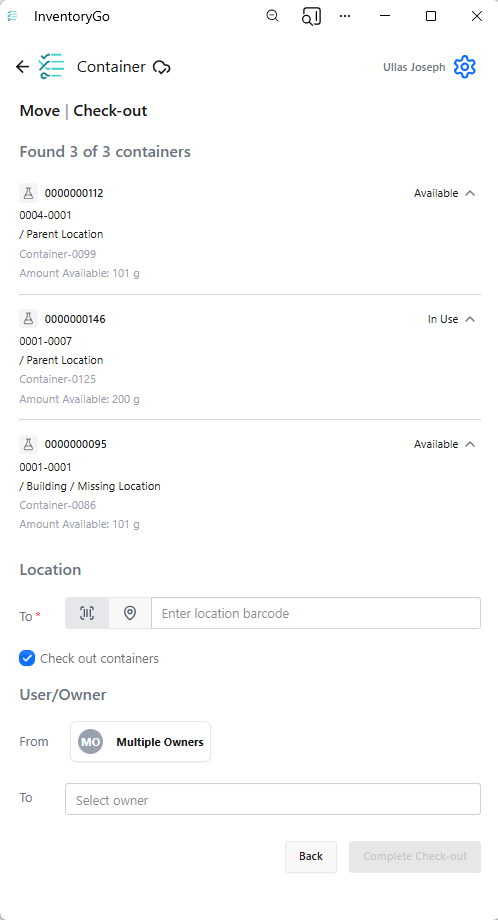
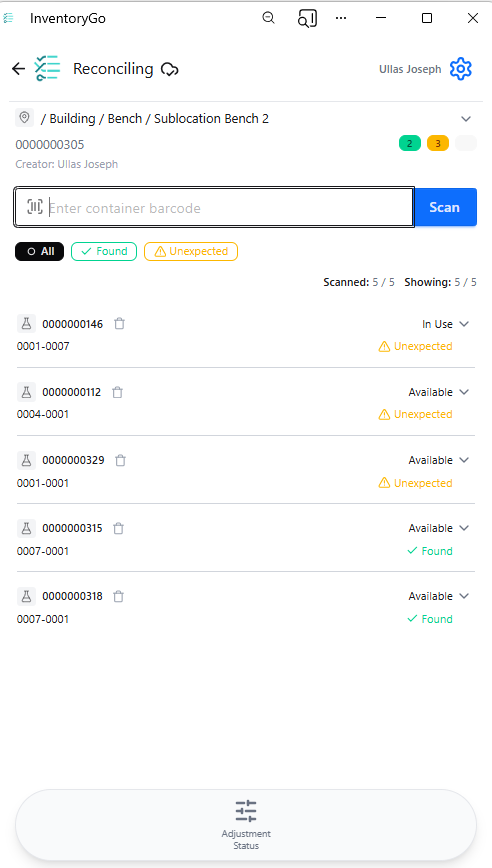
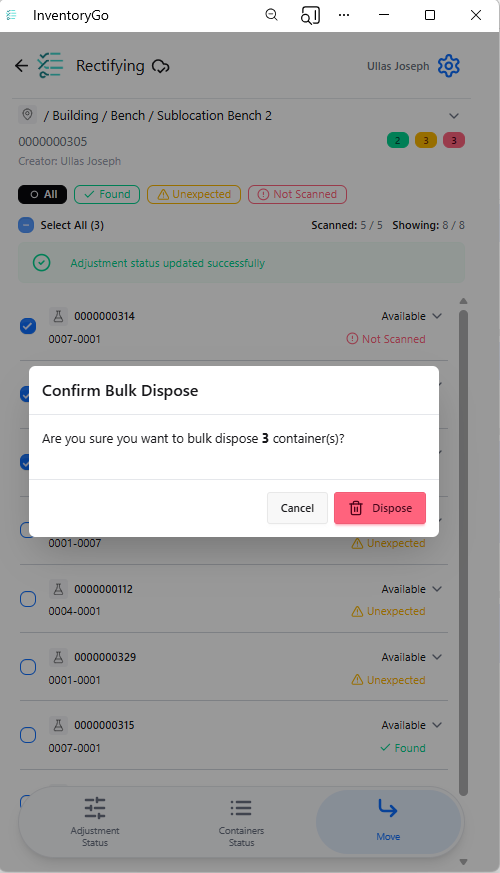
- Reconciliation and Rectification details added to Container Search Table - InventoryGo ‡
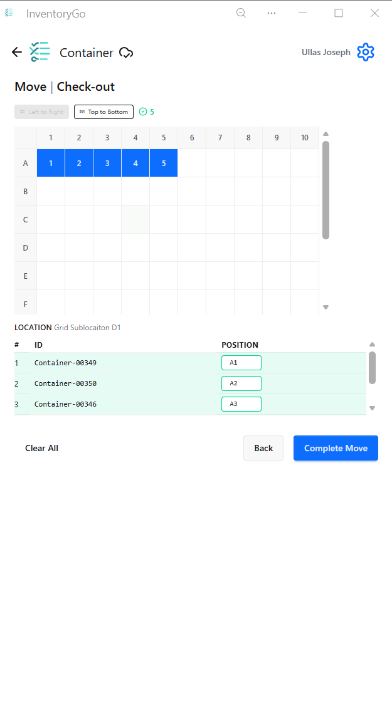
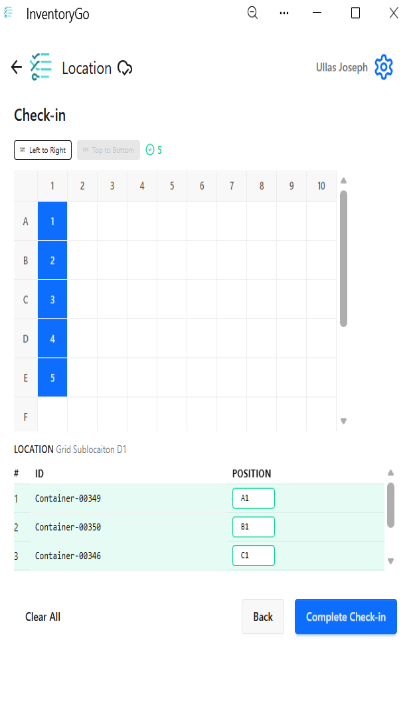
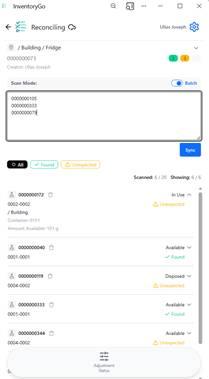
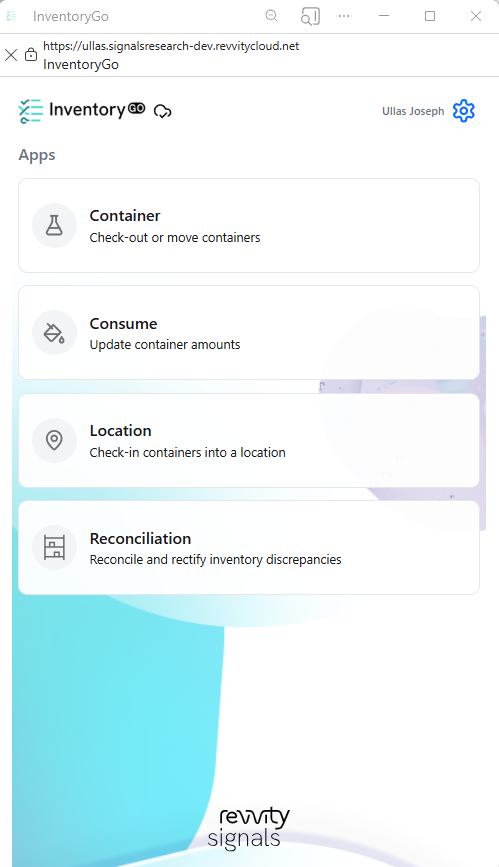
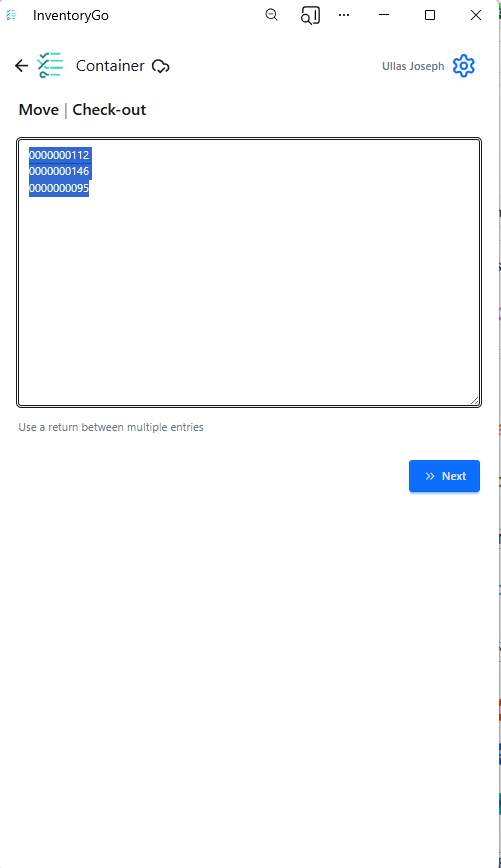
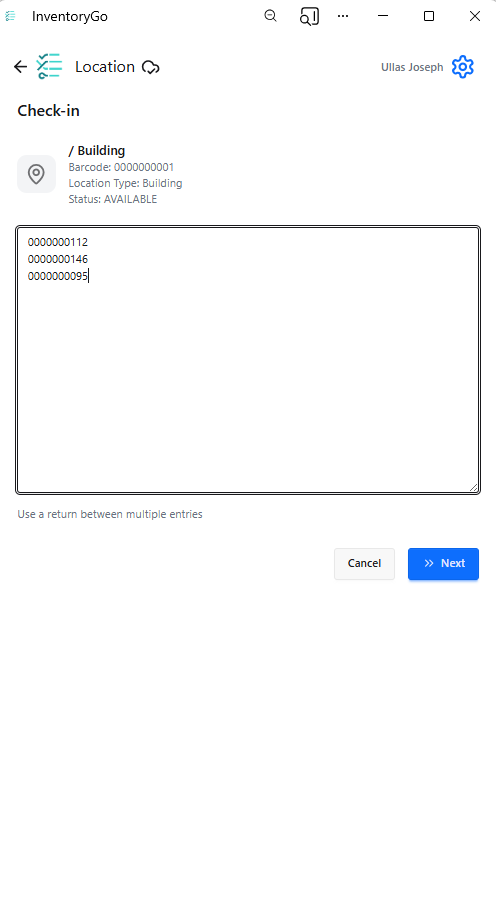
- Support for Barcode and QR Code Scanning via Camera scanning - Materials
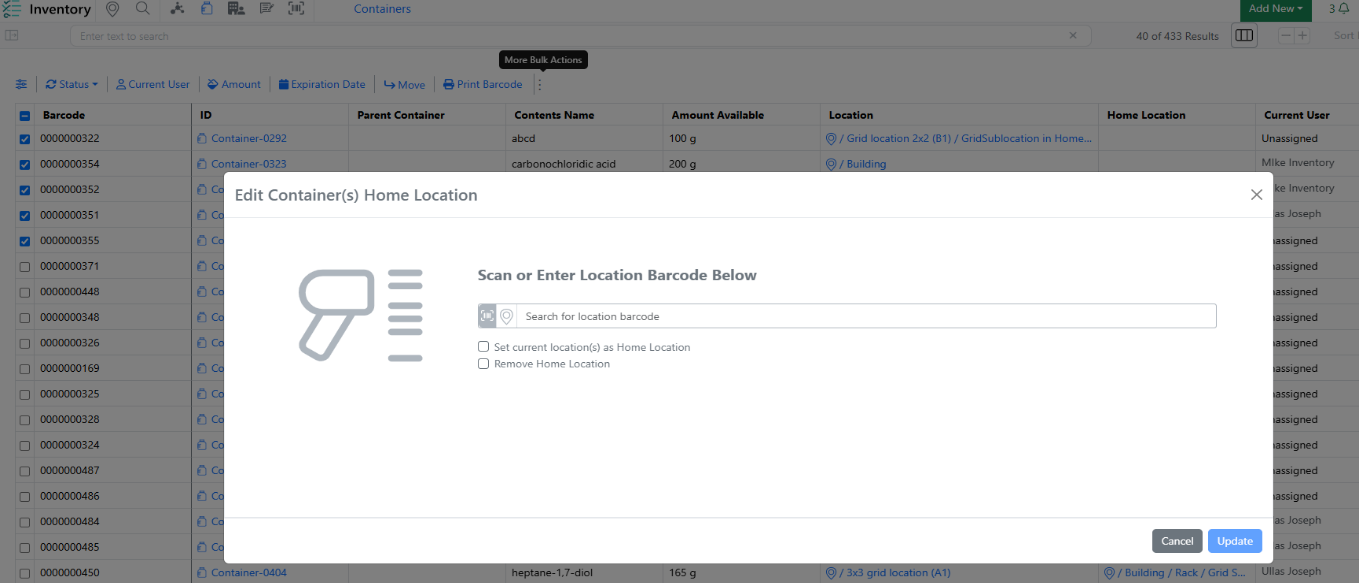
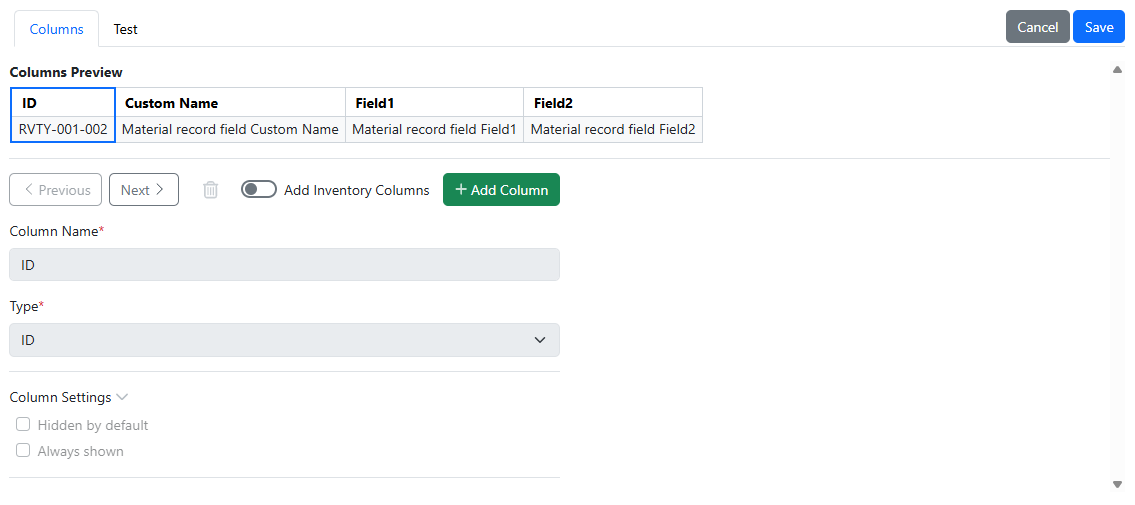
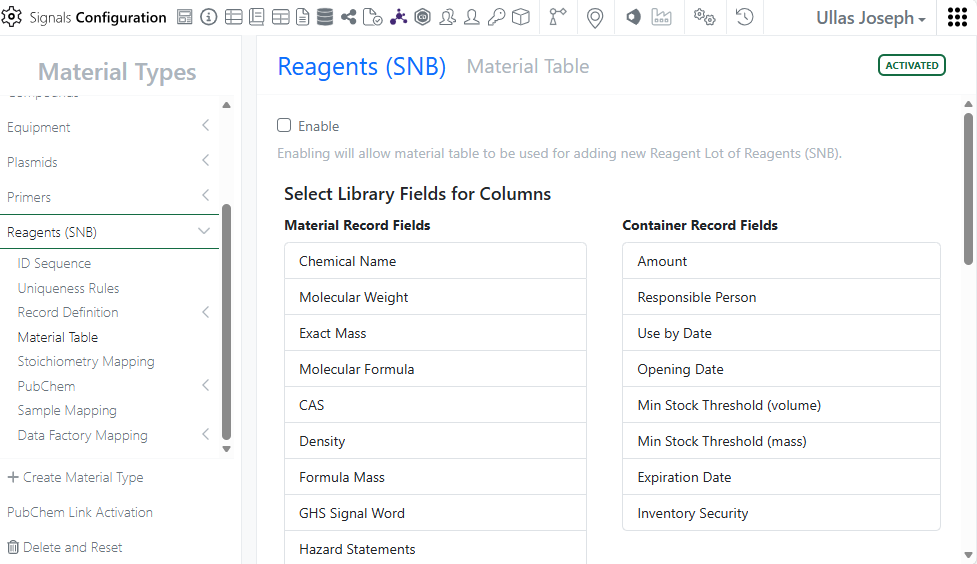
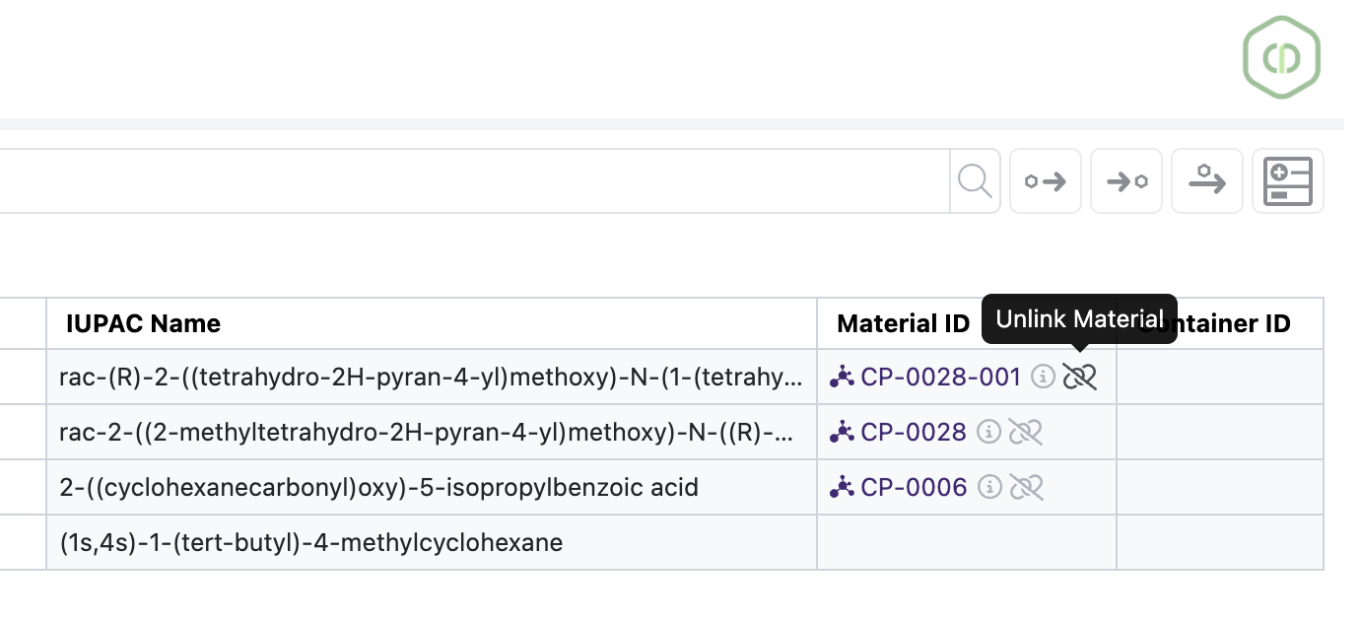
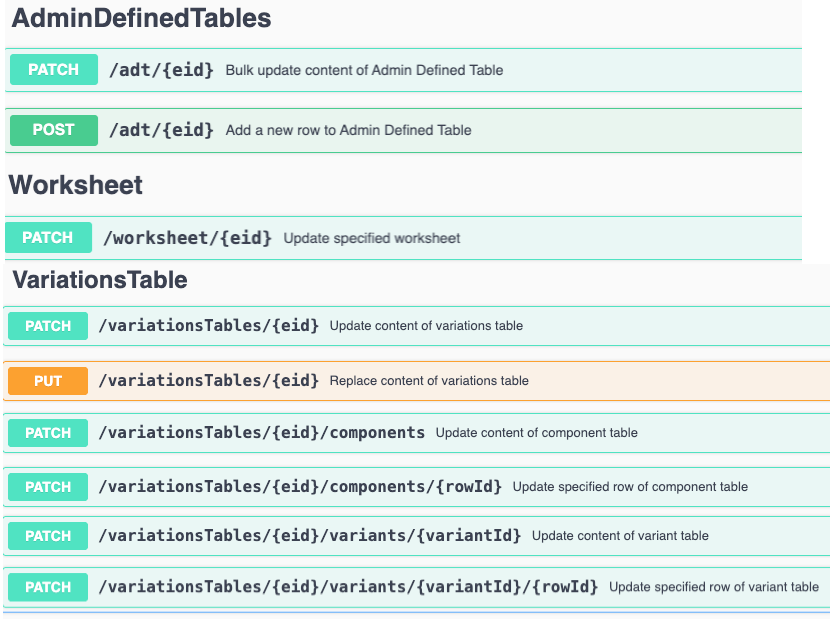
- Bulk update materials tables
- HELM String calculated property - ELN Archive
- Combined ELN Archive and Signals Search (beta) - Administration
- Configure Data Factory maps to support user-defined fixed values* - Integrations & APIs
- Create Material Order via API
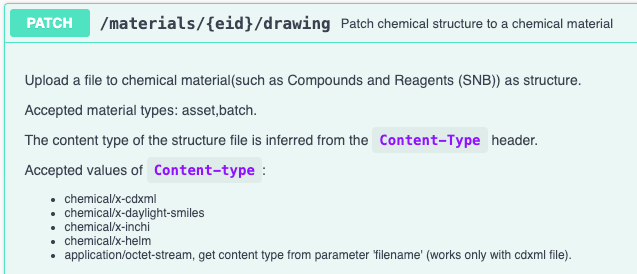
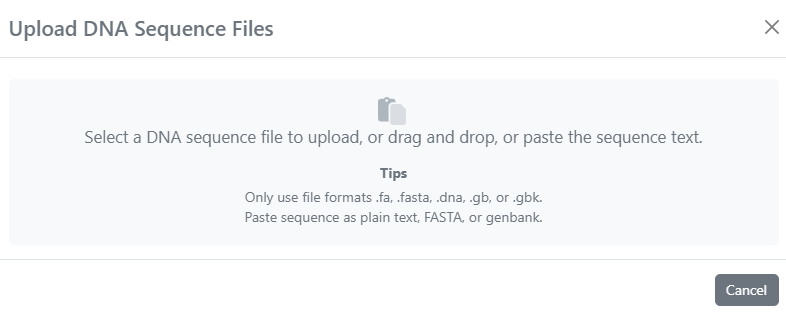
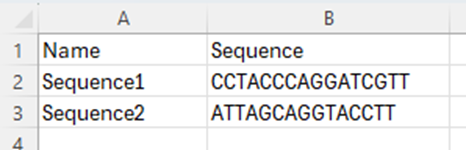
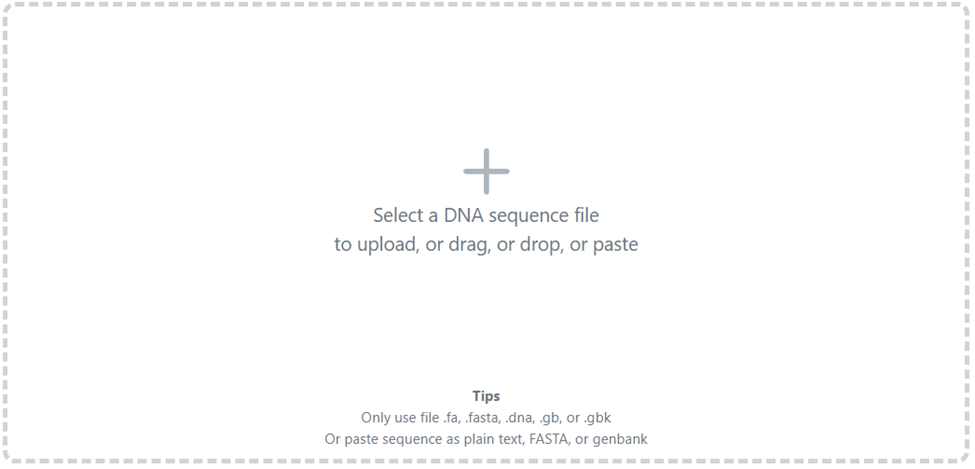
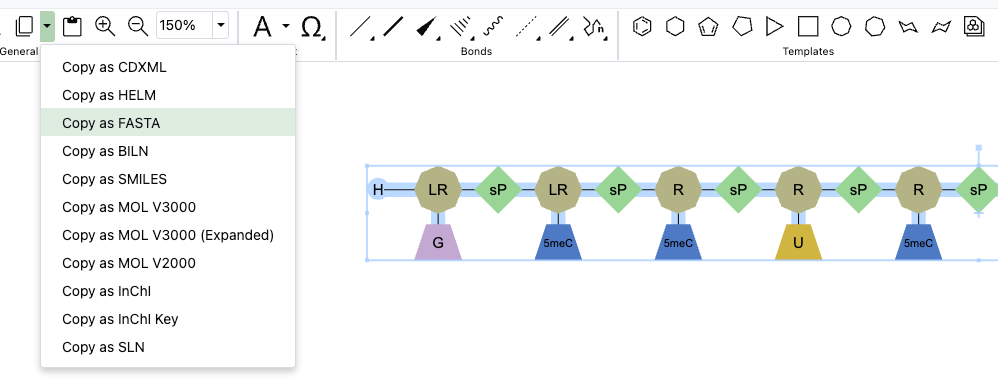
- FASTA support for writing to Chemical Drawings via API
- Fetch Material Reports via API - Xynthetica*
- Xynthetica Administrative UI (beta) - Formulations*
- Formulations Development (beta)
* Requires Signals One license
† Requires Signals Synergy license
‡ Requires InventoryGo license
We also fixed several small bugs in this release. Details of the enhancements are described below.
The following OnDemand videos for Signals Notebook Administrators are now available:
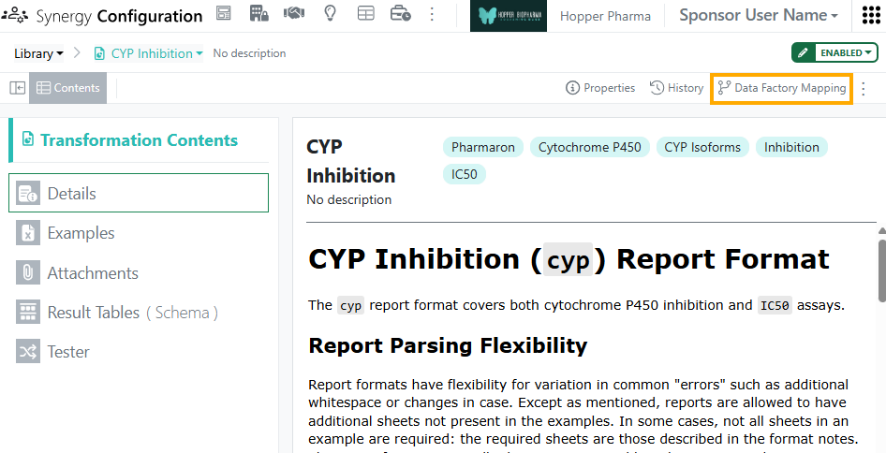
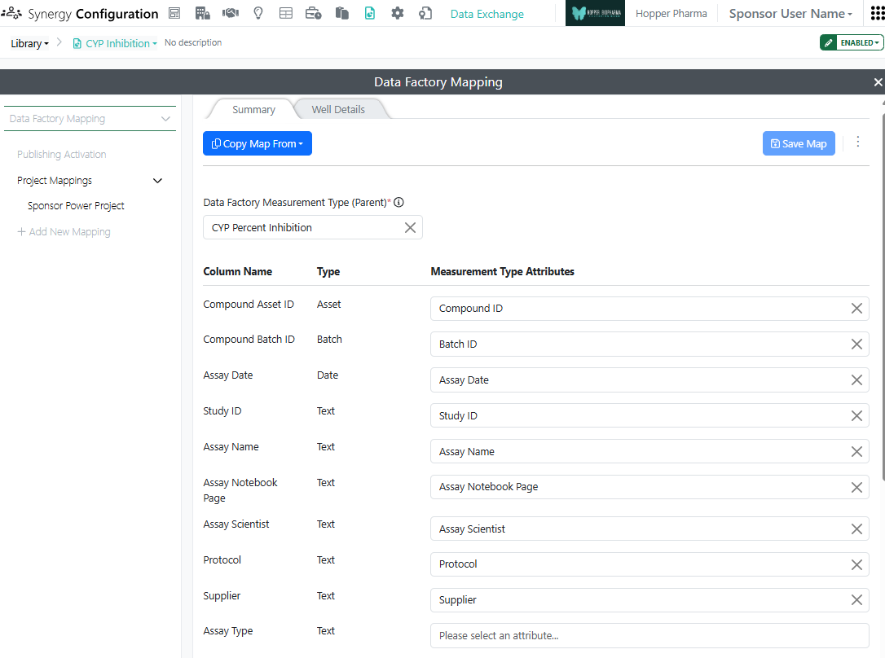
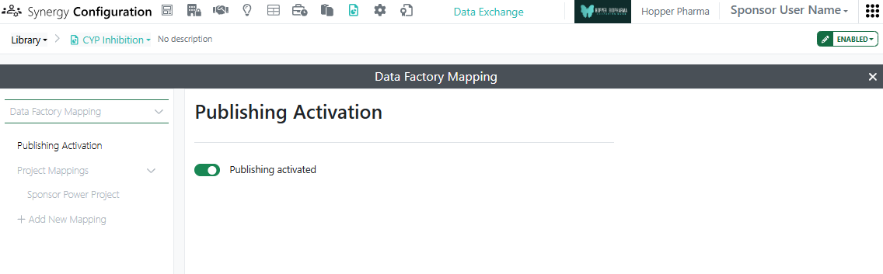
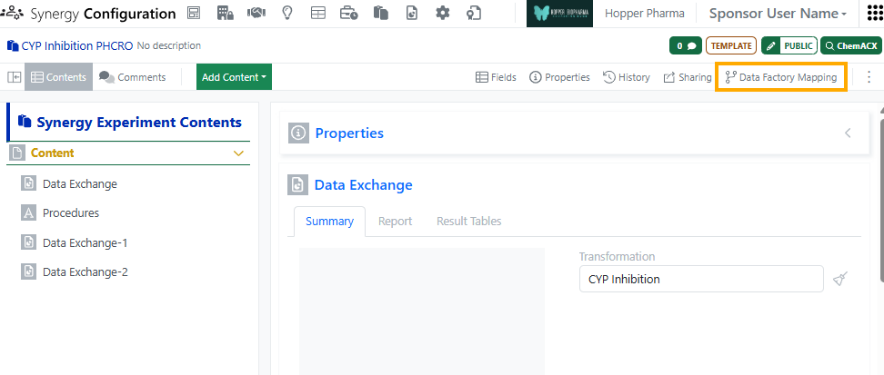
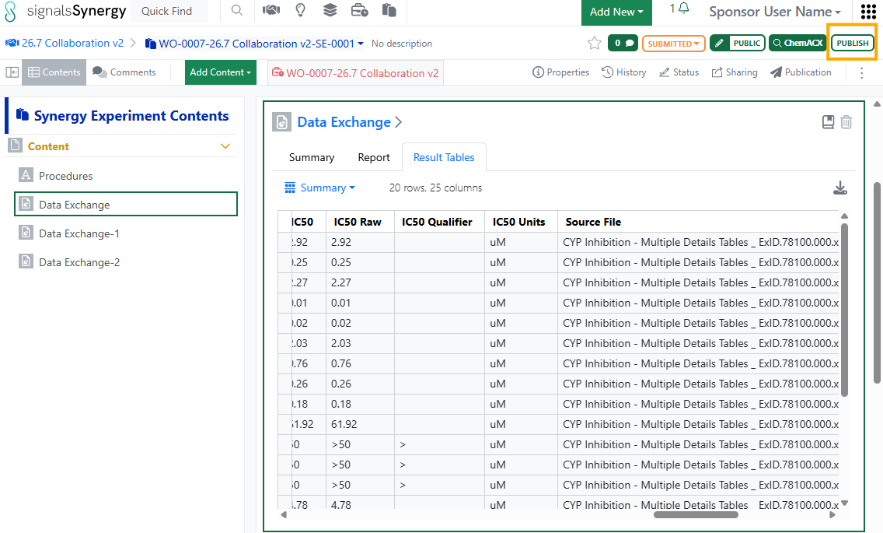
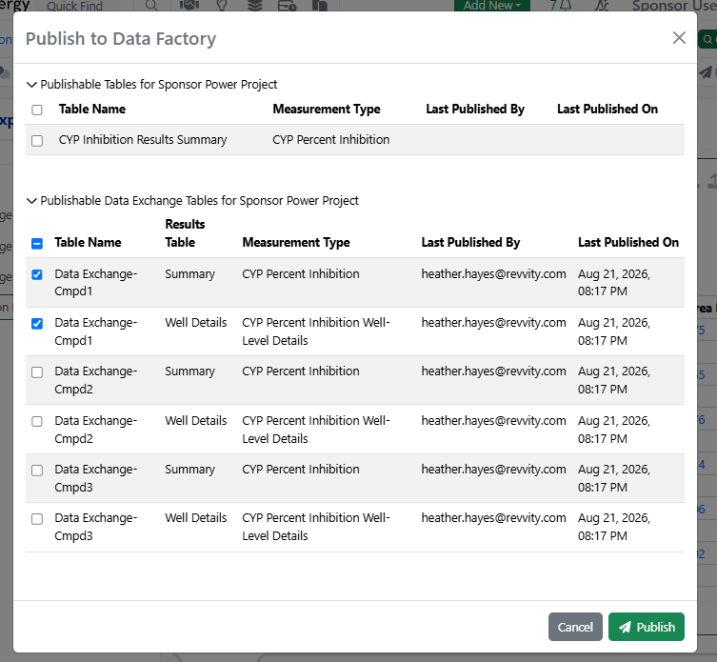
- Data Exchange Mapping Settings for Publication to Data Factory
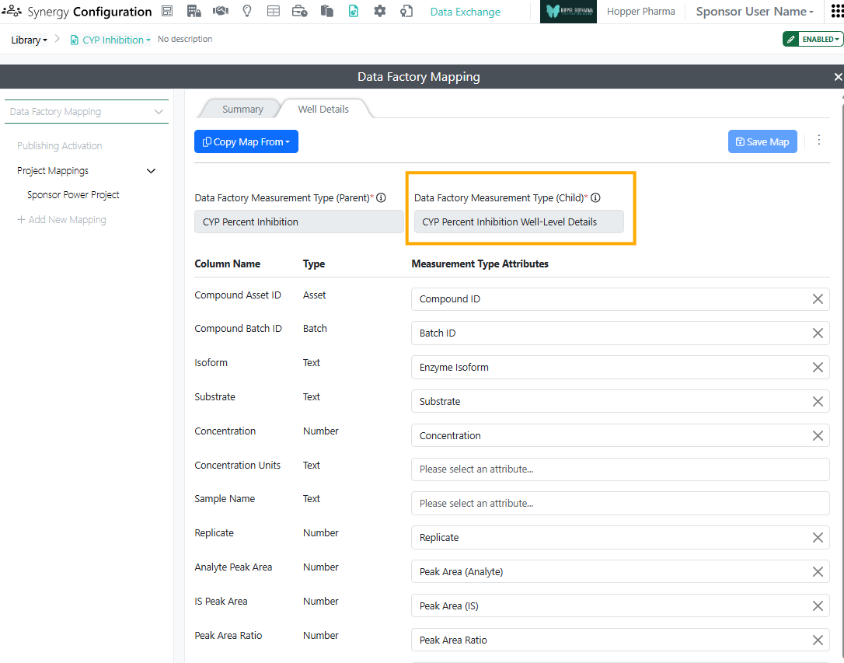
- Synergy Experiment Mapping Settings for Publication to Data Factory
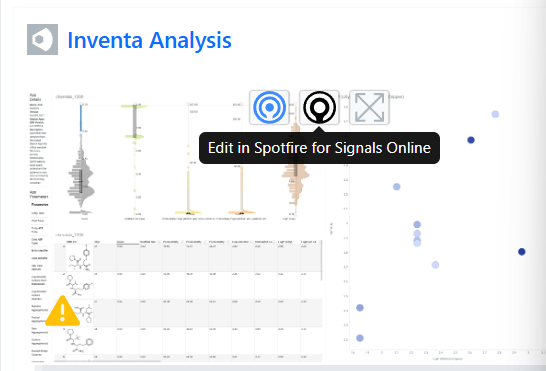
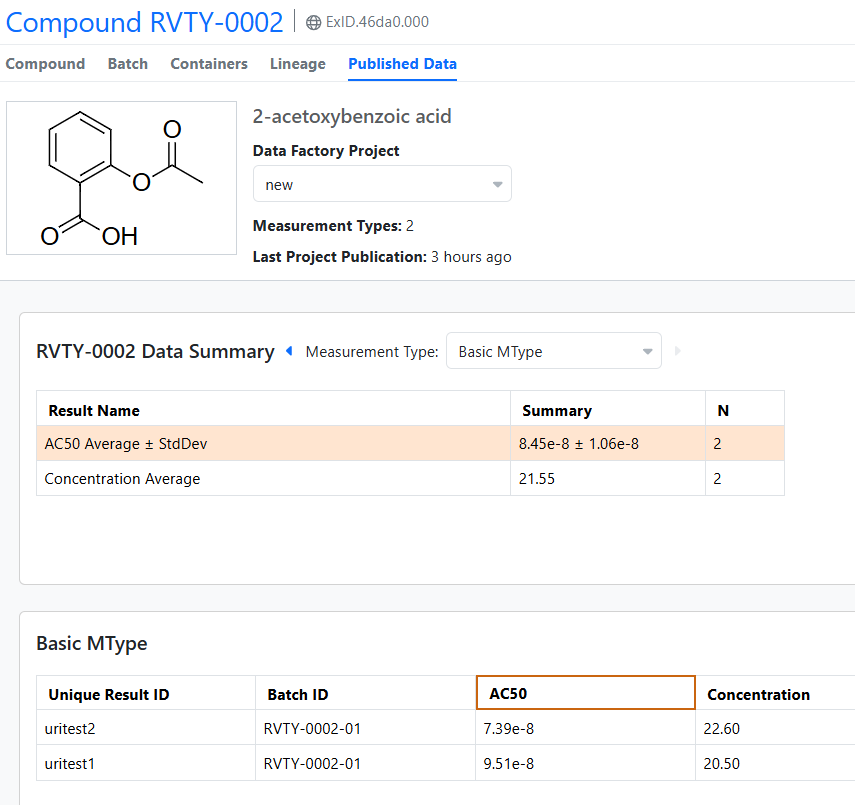
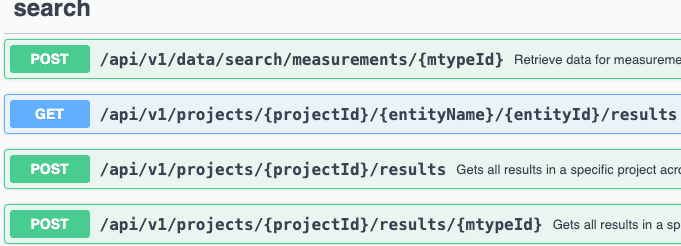
Data Factory now enforces a limit of 100 endpoints per measurement type
Data Factory administrators should be aware that all primary APIs will be deprecated in a future release.
Data Factory administrators should be aware that ‘username’ has been removed from the primary API GET /datafactory/search-service/my-saved-searches
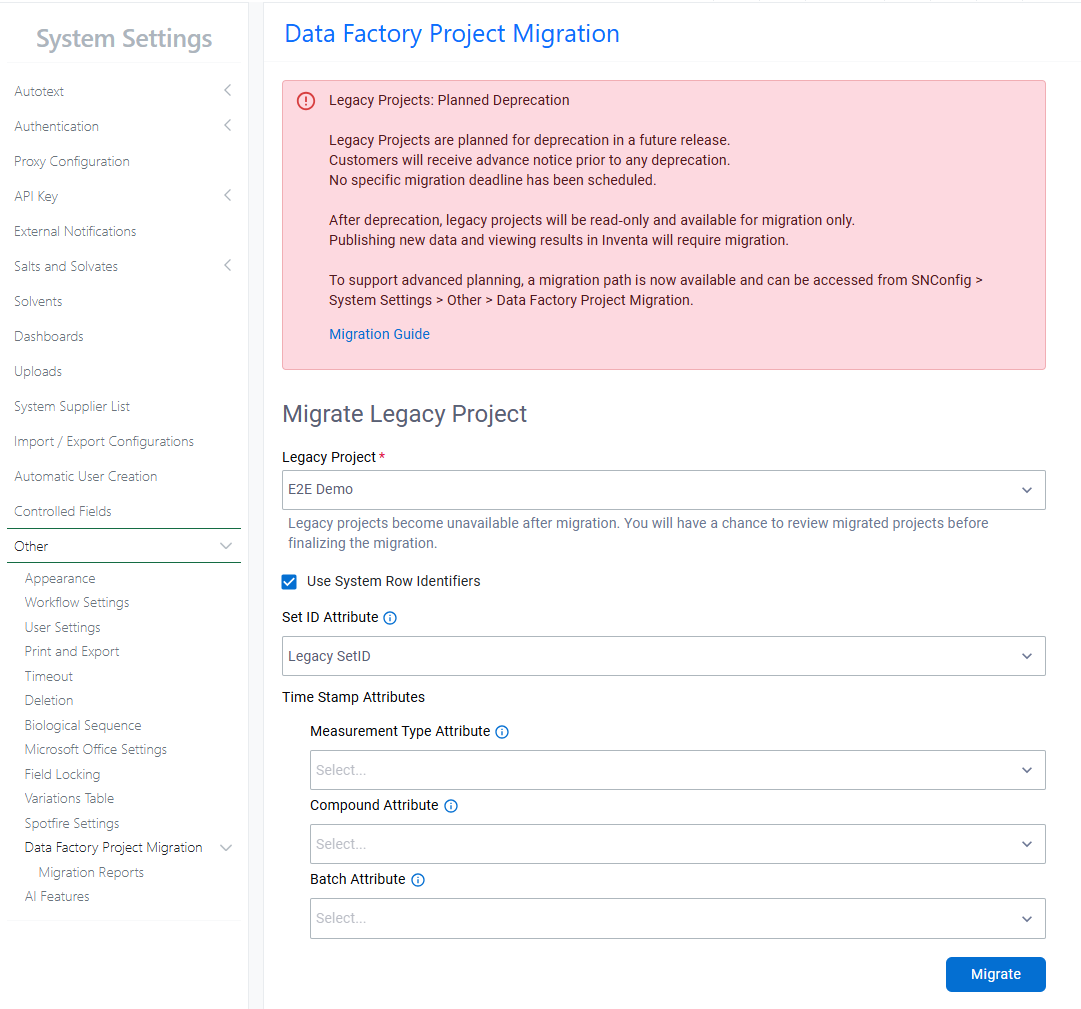
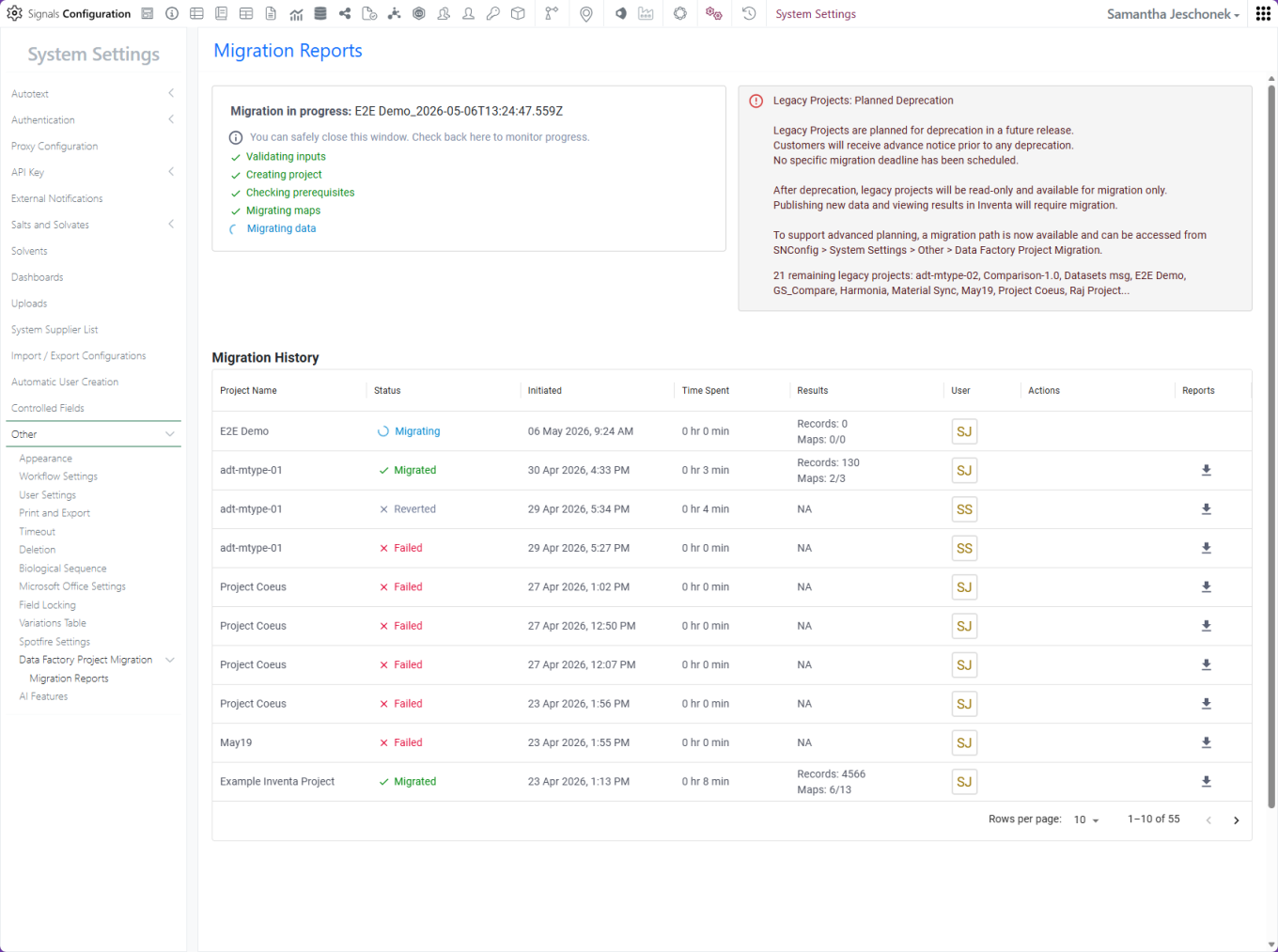
Data Factory Administrators should complete migration of legacy data factory projects before 27.4; after this the migration deadline, legacy projects will become read-only and no longer support data publication.
Data Factory administrators should also note that the Advanced Security policies in Inventa apply an “AND” logic across all user groups, restricting access if any groups lack permissions. This behavior differs from the standard Signals security model and will be fixed to align with the standard in a future release.
Administrators are recommended to subscribe to the channels within our support news site found at https://support.revvitysignals.com/hc/en-us/categories/360004446171-Support-News which contains more information about releases and other pertinent product information.
This content is anticipated for release on our Production E3 environments, and for Private Cloud customers on our deferred release schedule, in March 2027.
Further Details
The following improvements are available for users, administrators and developers on the Signals platform. Certain features may only be available with appropriate licensing and/or with enablement by an administrator.
Fundamentals
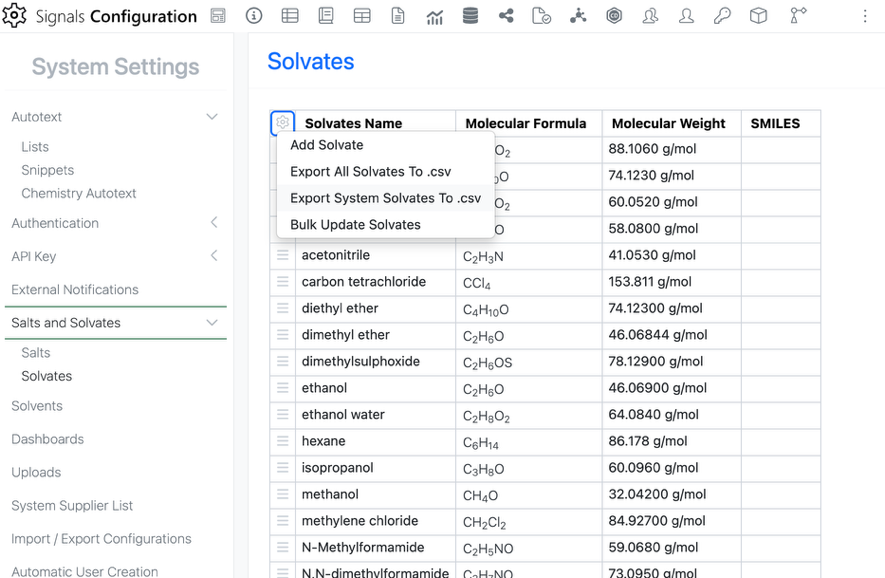
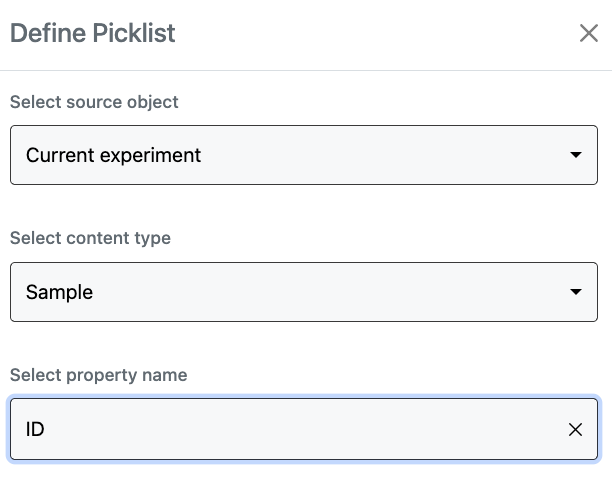
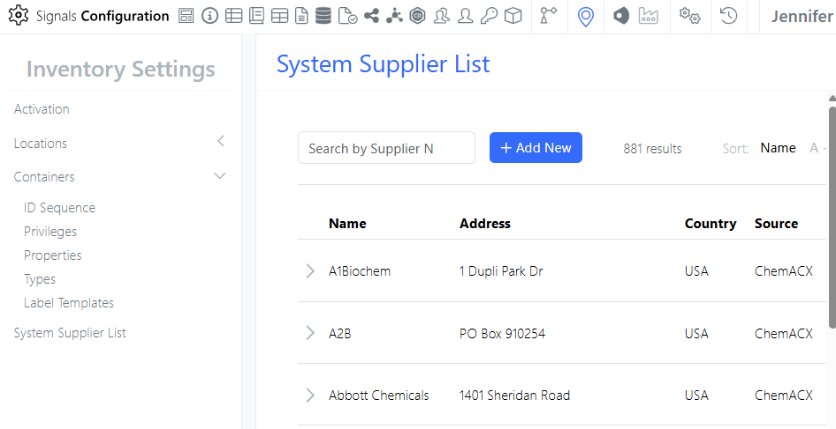
In preparation for expanding the Salt Stripping functionality of Normalized Compounds to Solvates, the Solvates list in the SN Config has been updated to allow for SMILES management as well.
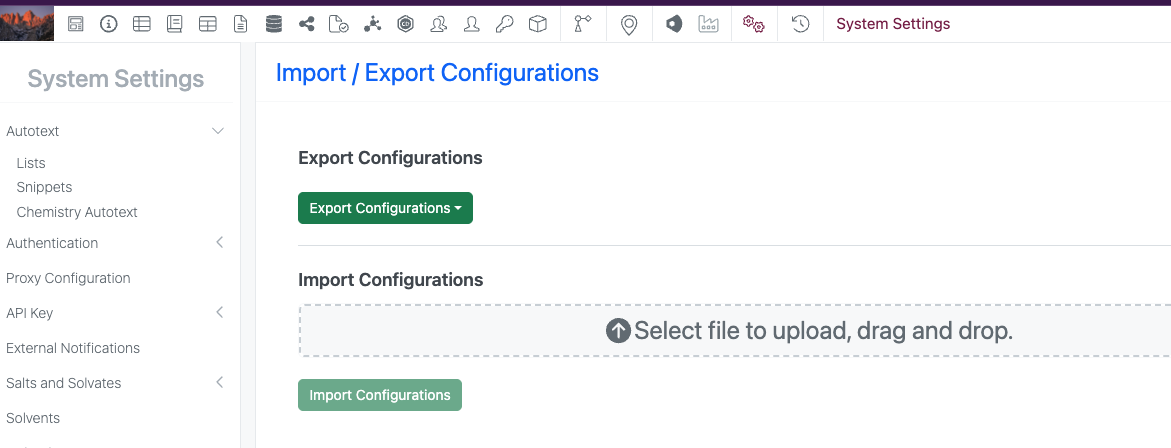
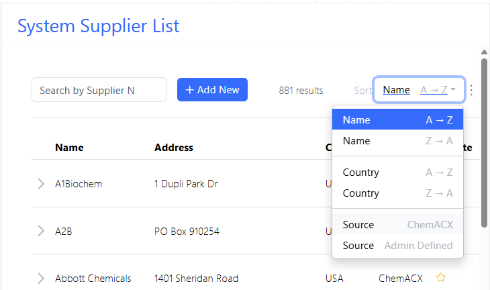
To manage Solvate SMILES, the user can navigate to the Solvate list in the System Settings
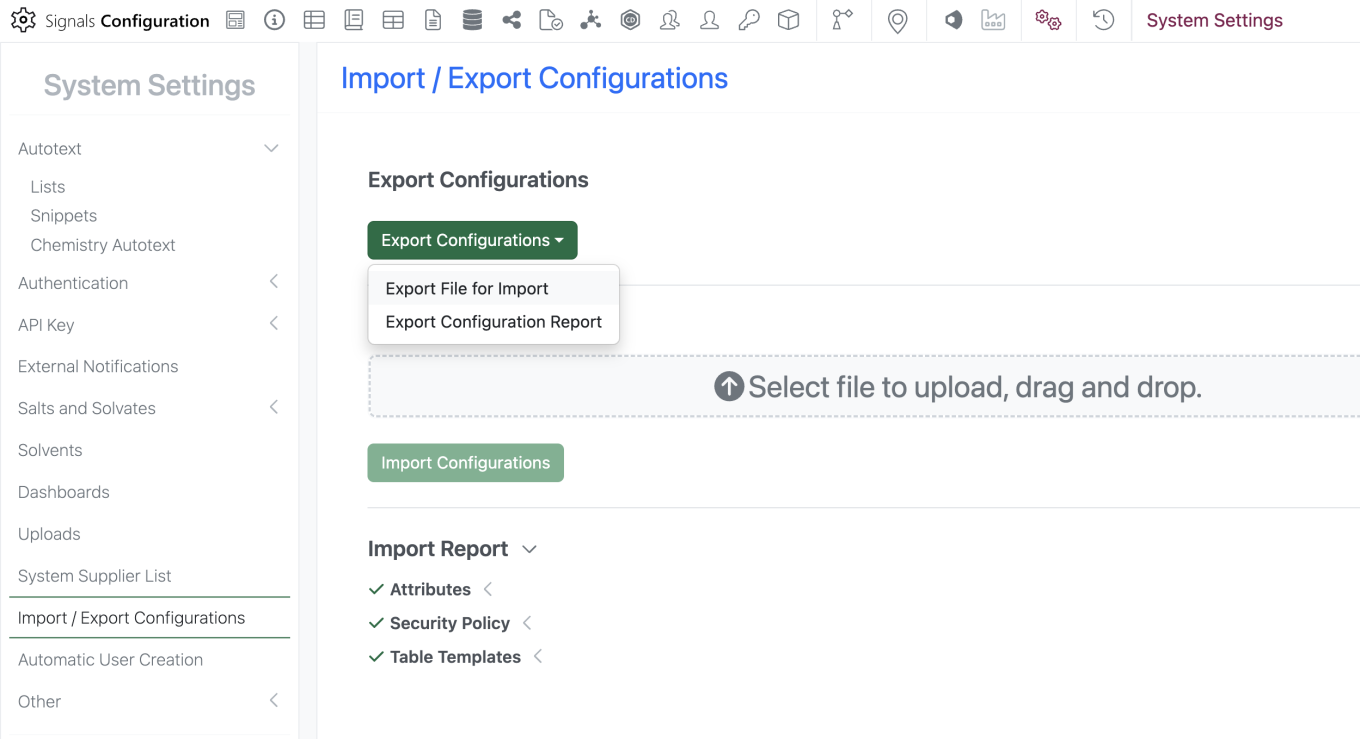
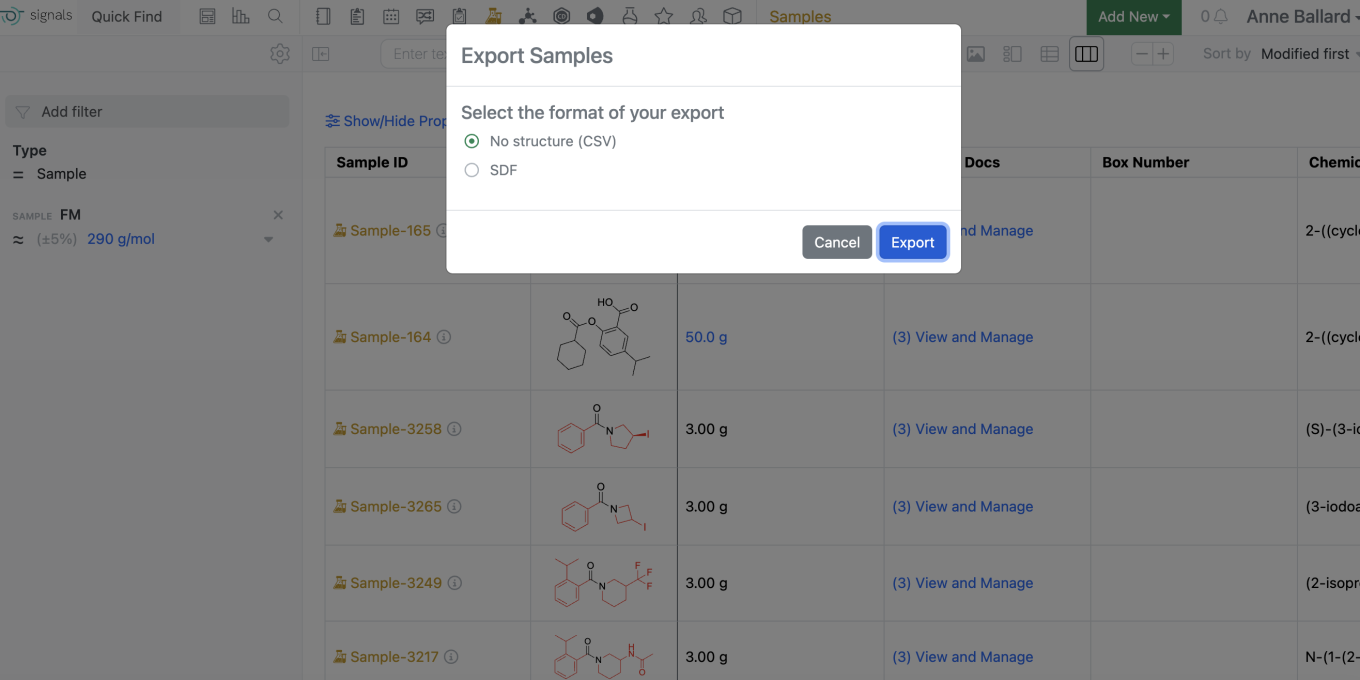
The SMILES for the System provided Solvate list can be added by “Exporting System Solvates To .csv” and Bulk updating Solvates. Individual Solvate SMILES can be entered directly in the Text SMILES column.
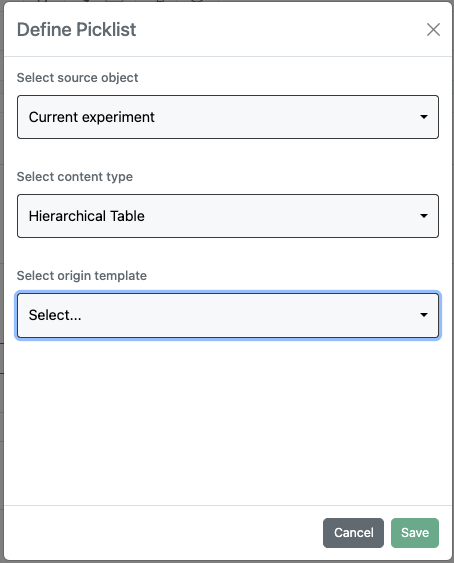
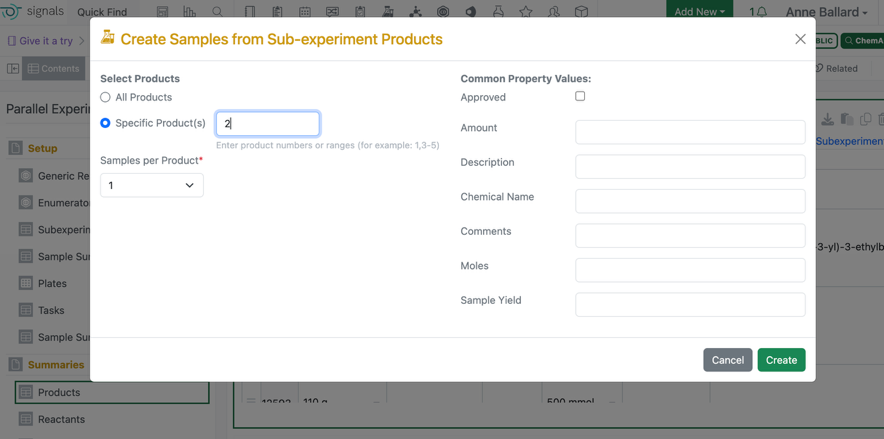
In Parallel Experiments, users will now have the option to select which Product to use on Bulk Sample creation. When the user goes to Bulk create samples, there will now be an option to select which product to use in sample creation, ie. P1 or P2. Utilizing the “All Products” selection will preserve existing behavior.
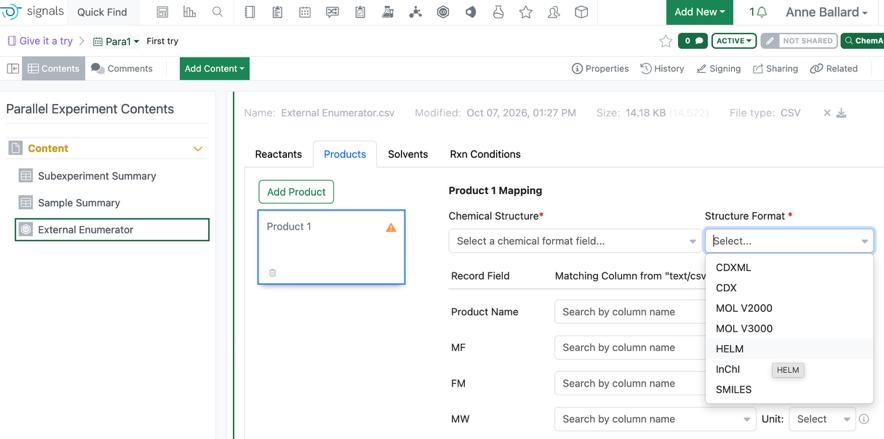
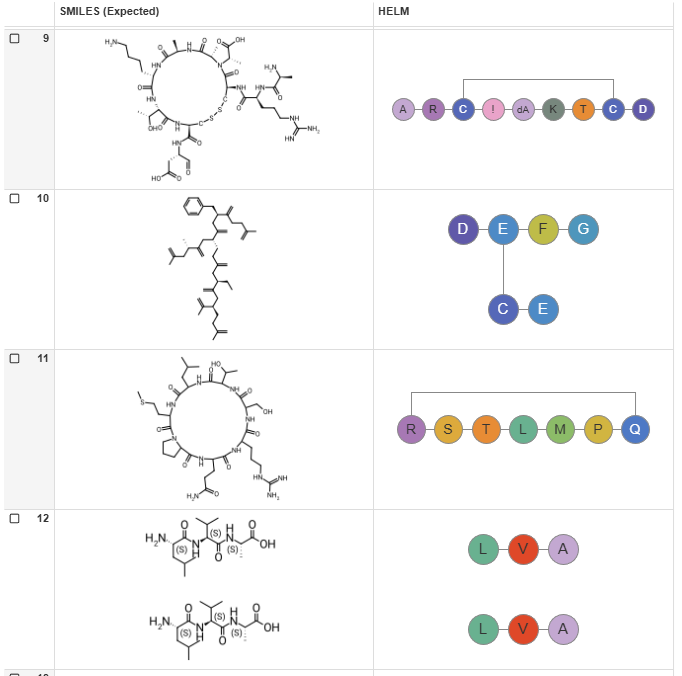
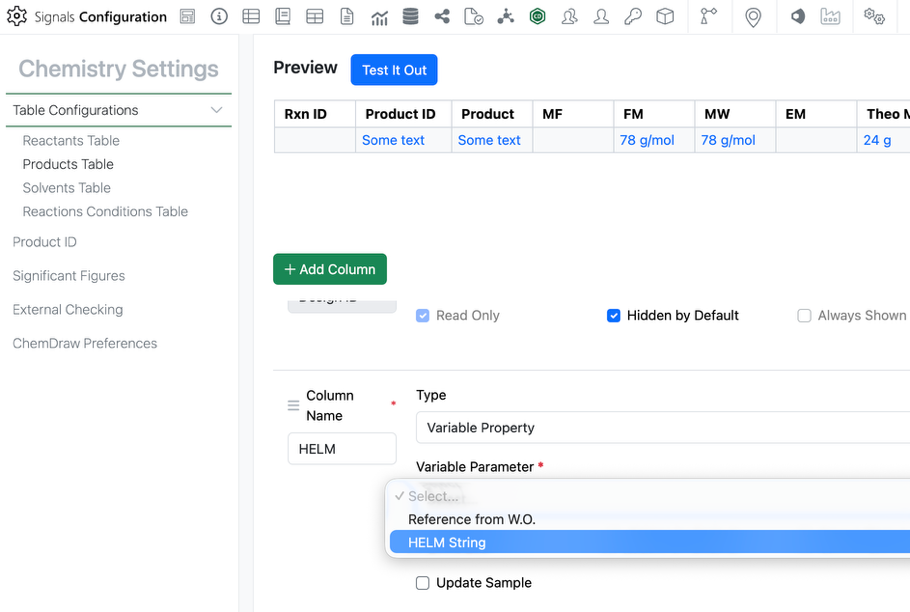
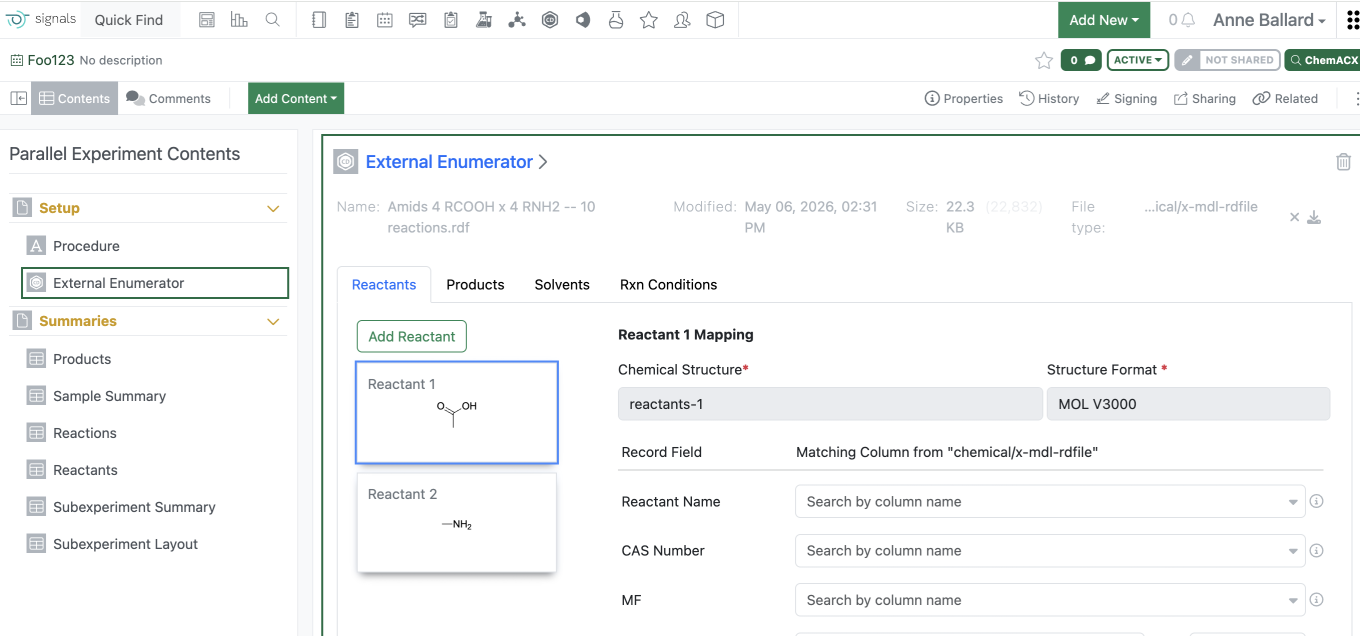
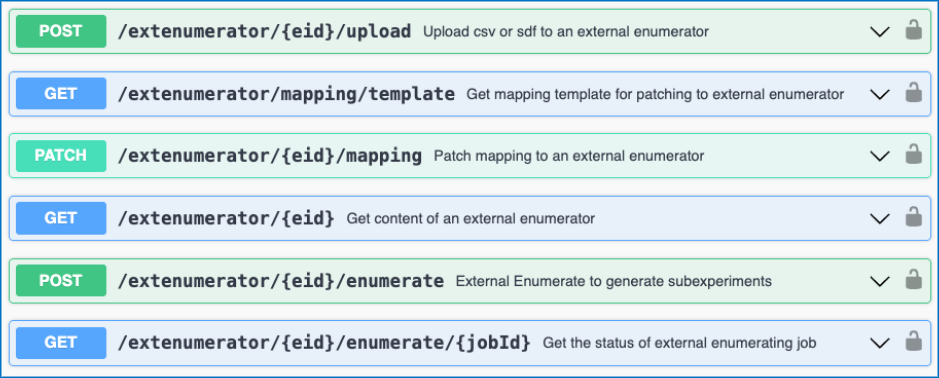
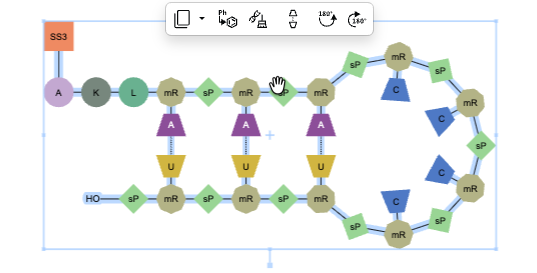
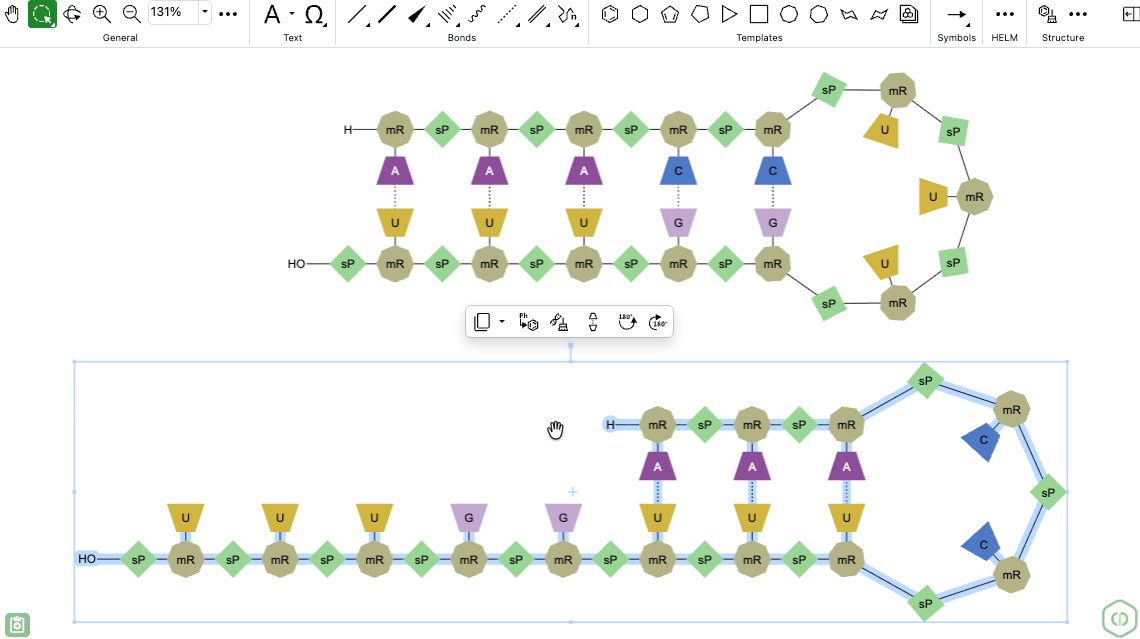
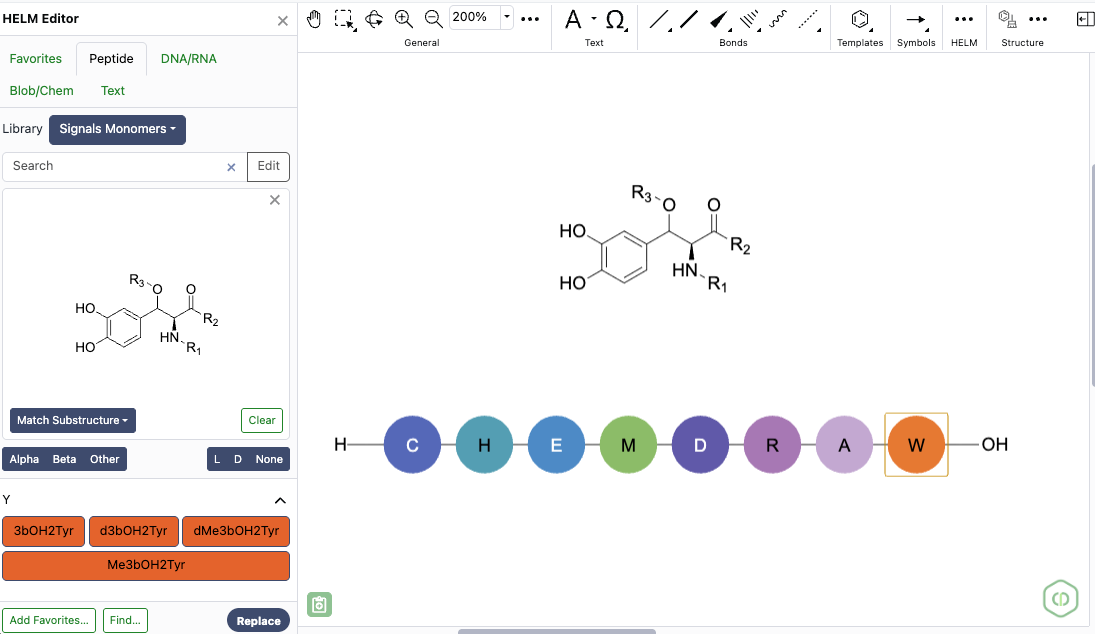
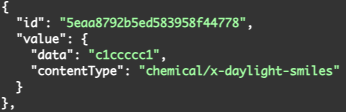
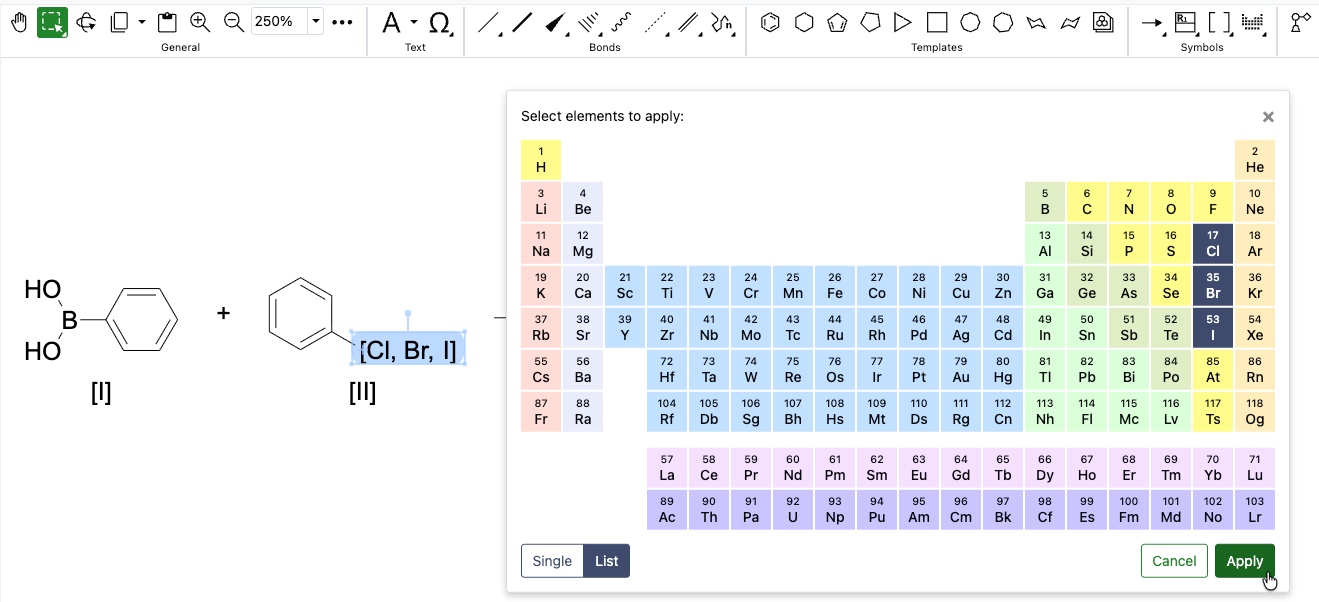
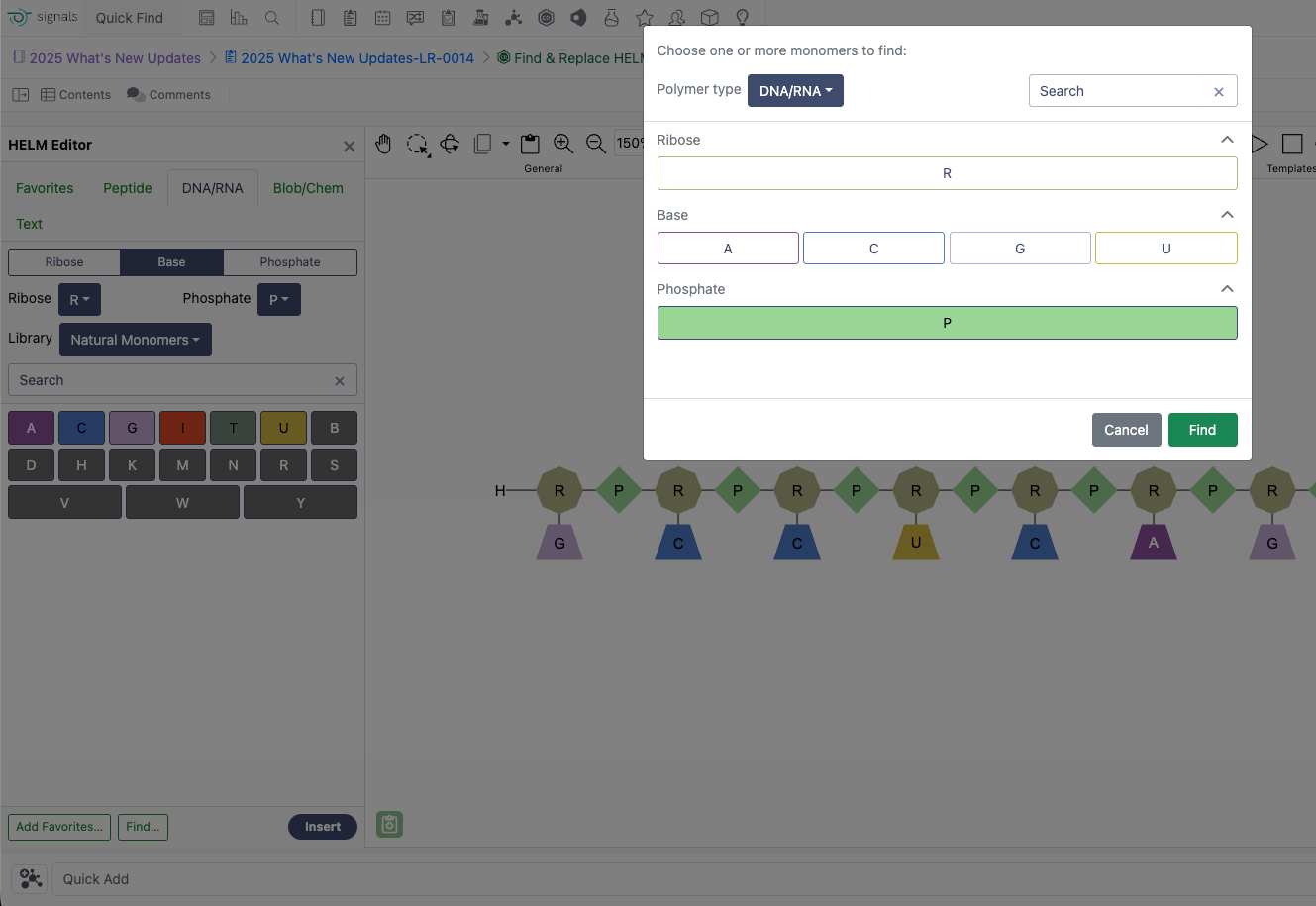
The HELM string is now an available option for mapping the Chemical Structure in the External Enumerator.
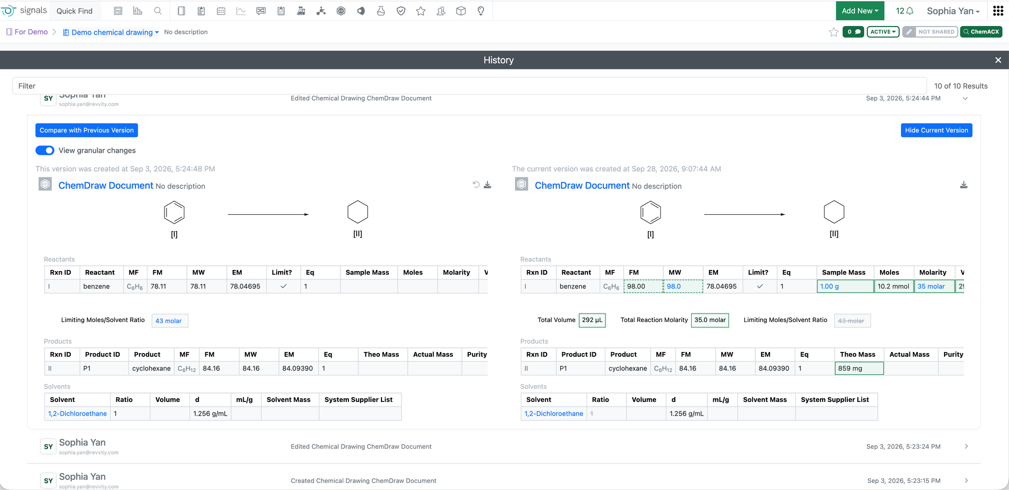
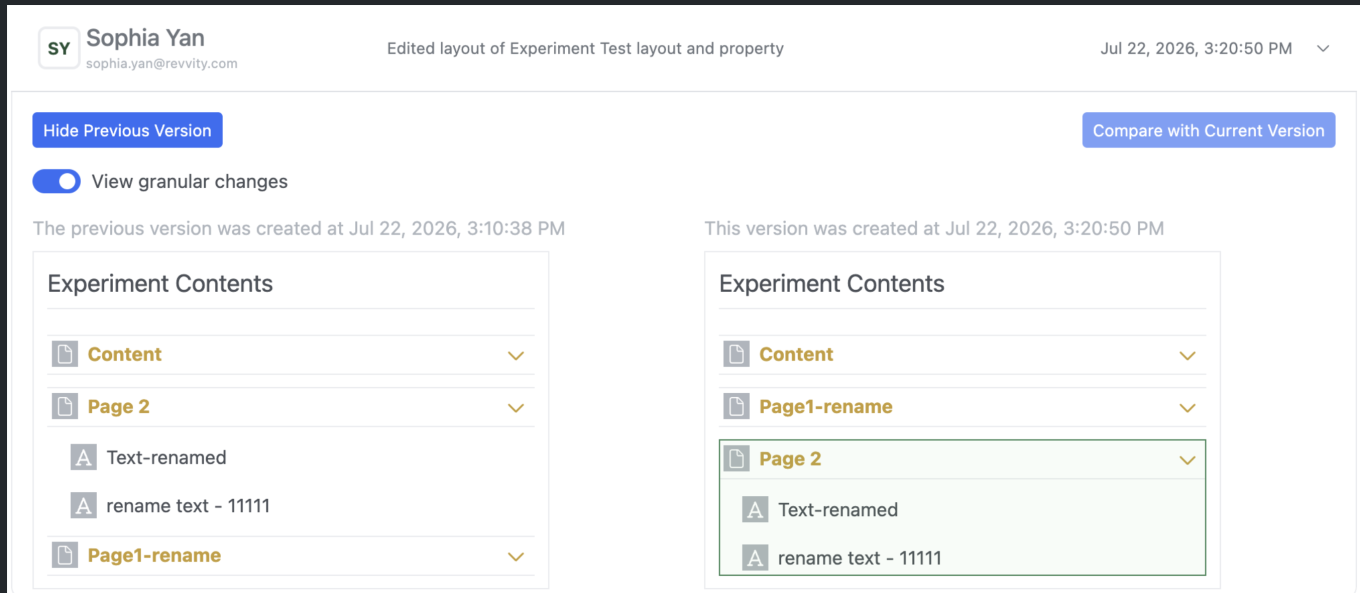
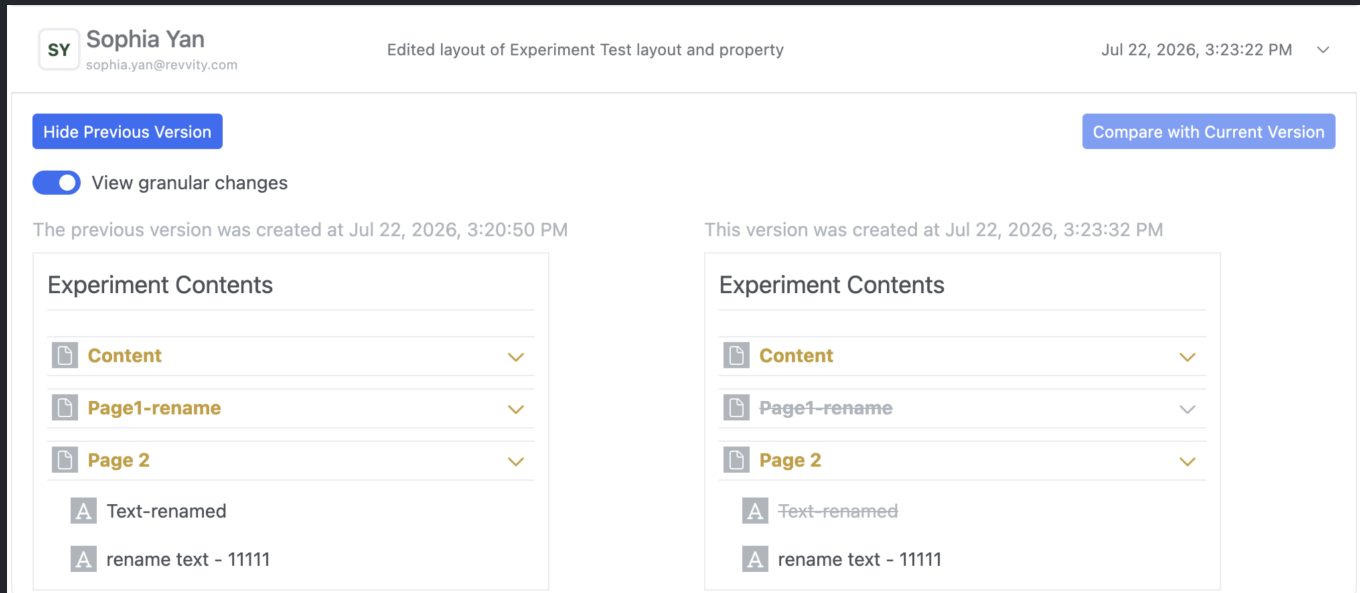
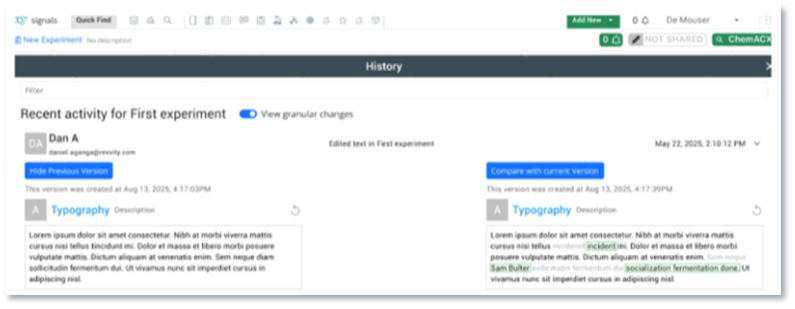
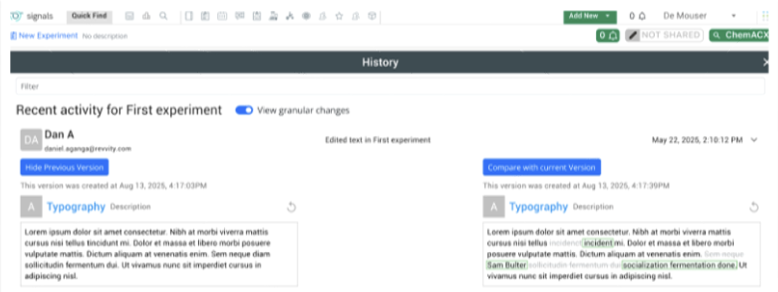
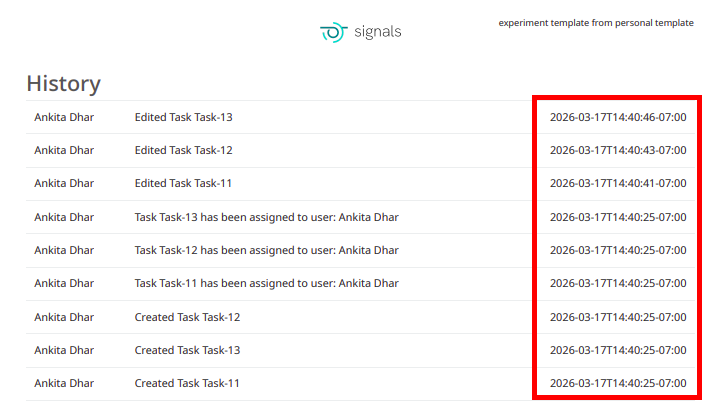
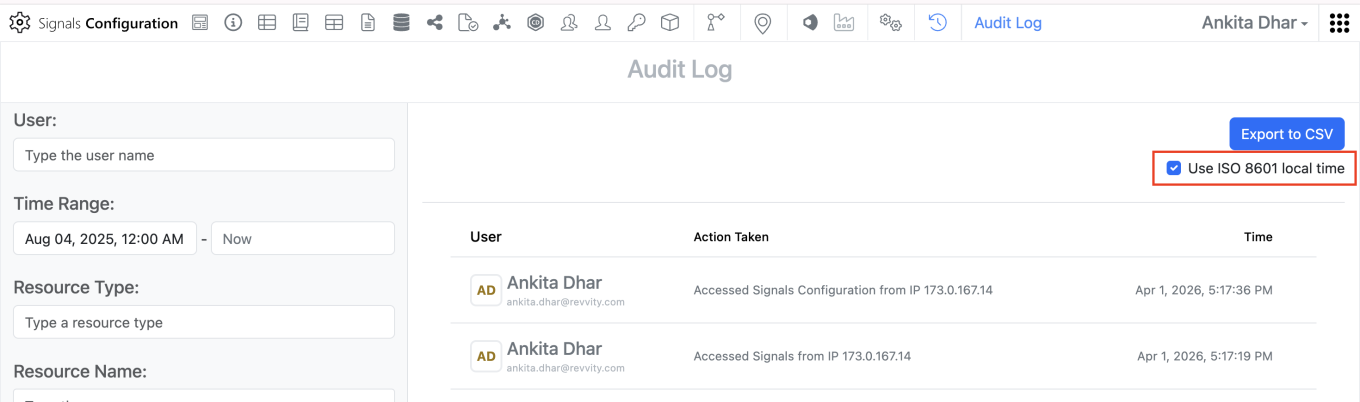
Users can view visual granular change comparisons for ChemDraw Stoichiometry Grids in the audit trial. When enabling the “View granular changes” toggle, field and value updates are clearly highlighted: green indicates newly added data, a green dashboard boarder denotes modified data, and gray represents removed entries. This visual comparison also applies to the Reactants Summary table as well as table visibility changes (showing or hiding stoichiometry tables). Note: visual diffs for Chemical drawings (molecular diagrams) are not supported by this tool.
Data Workflows & Analytics
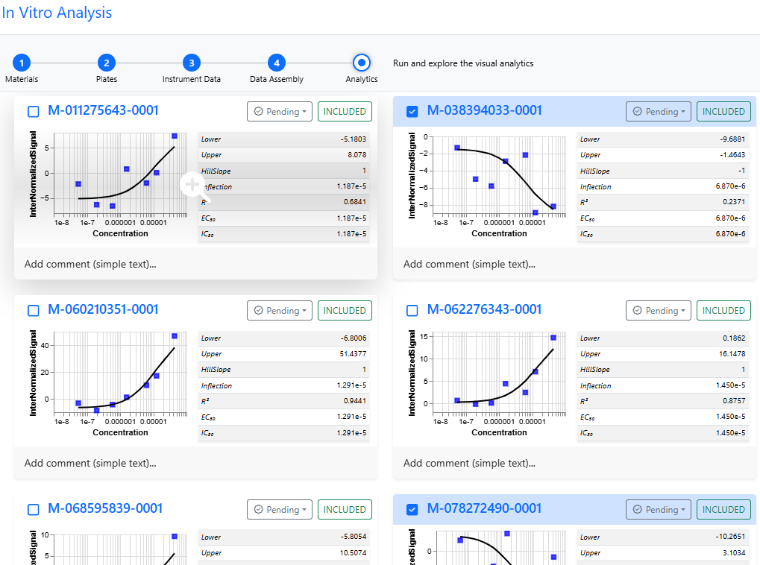
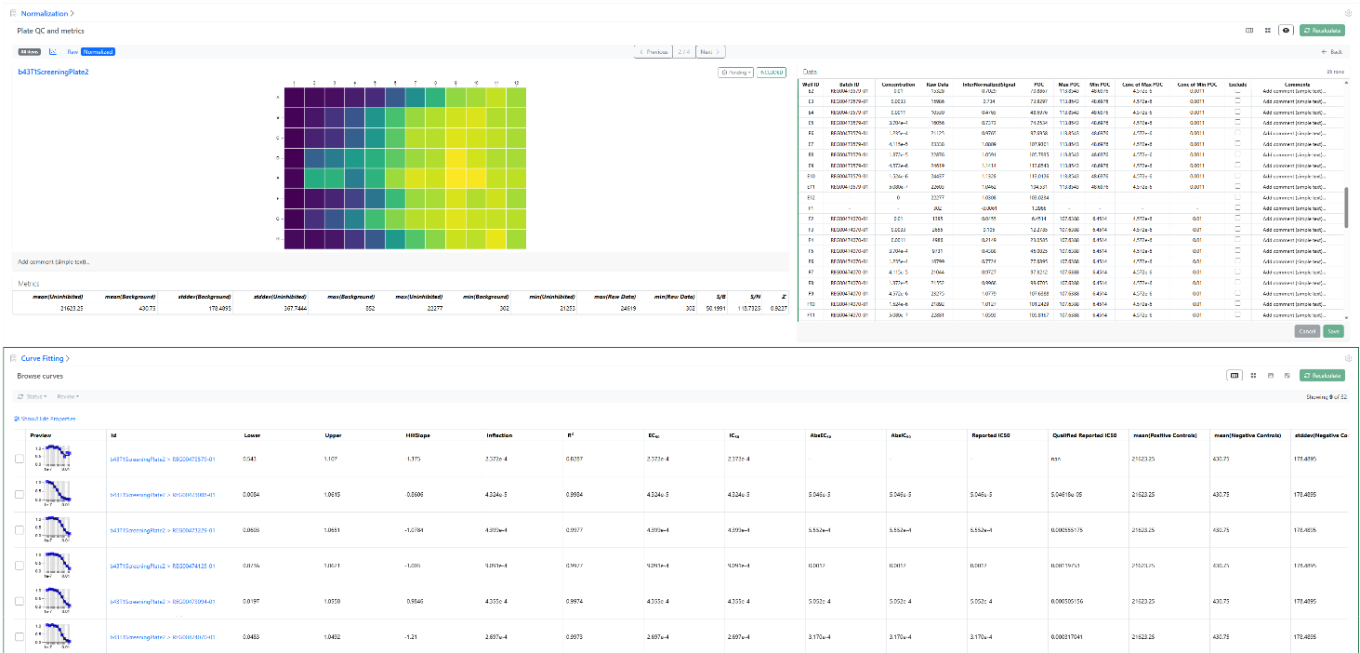
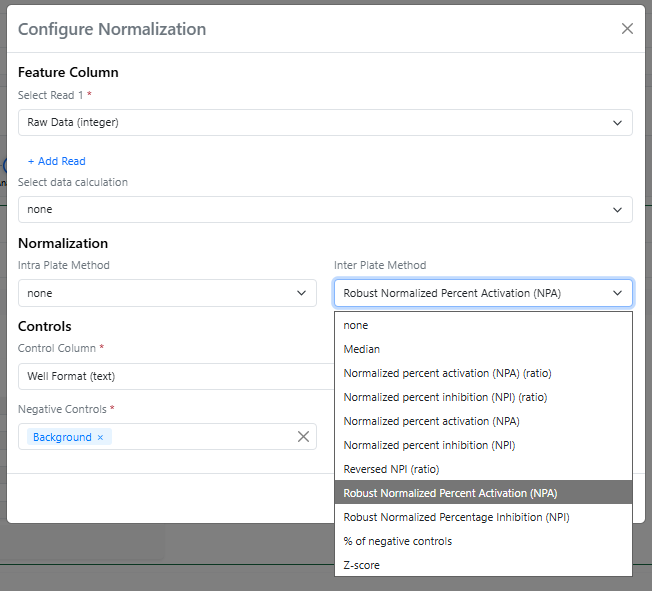
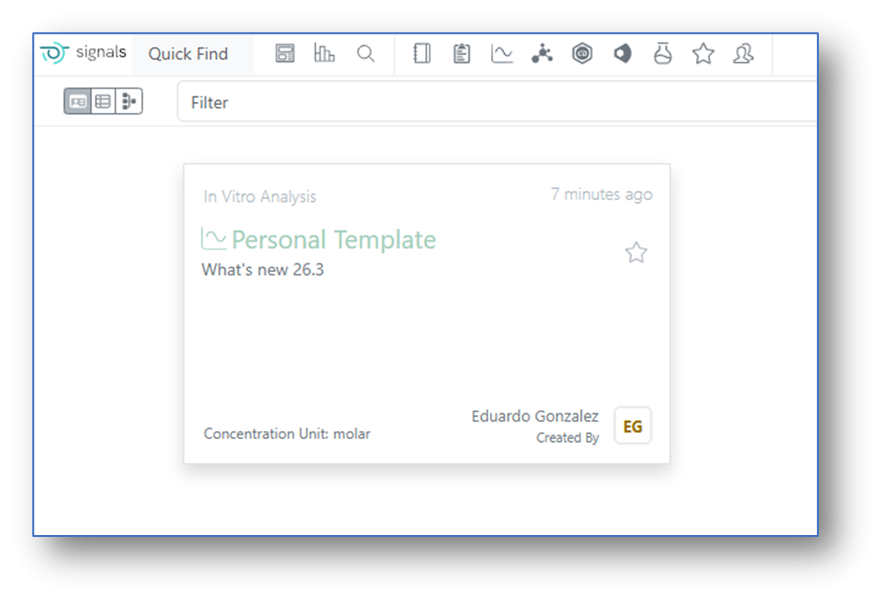
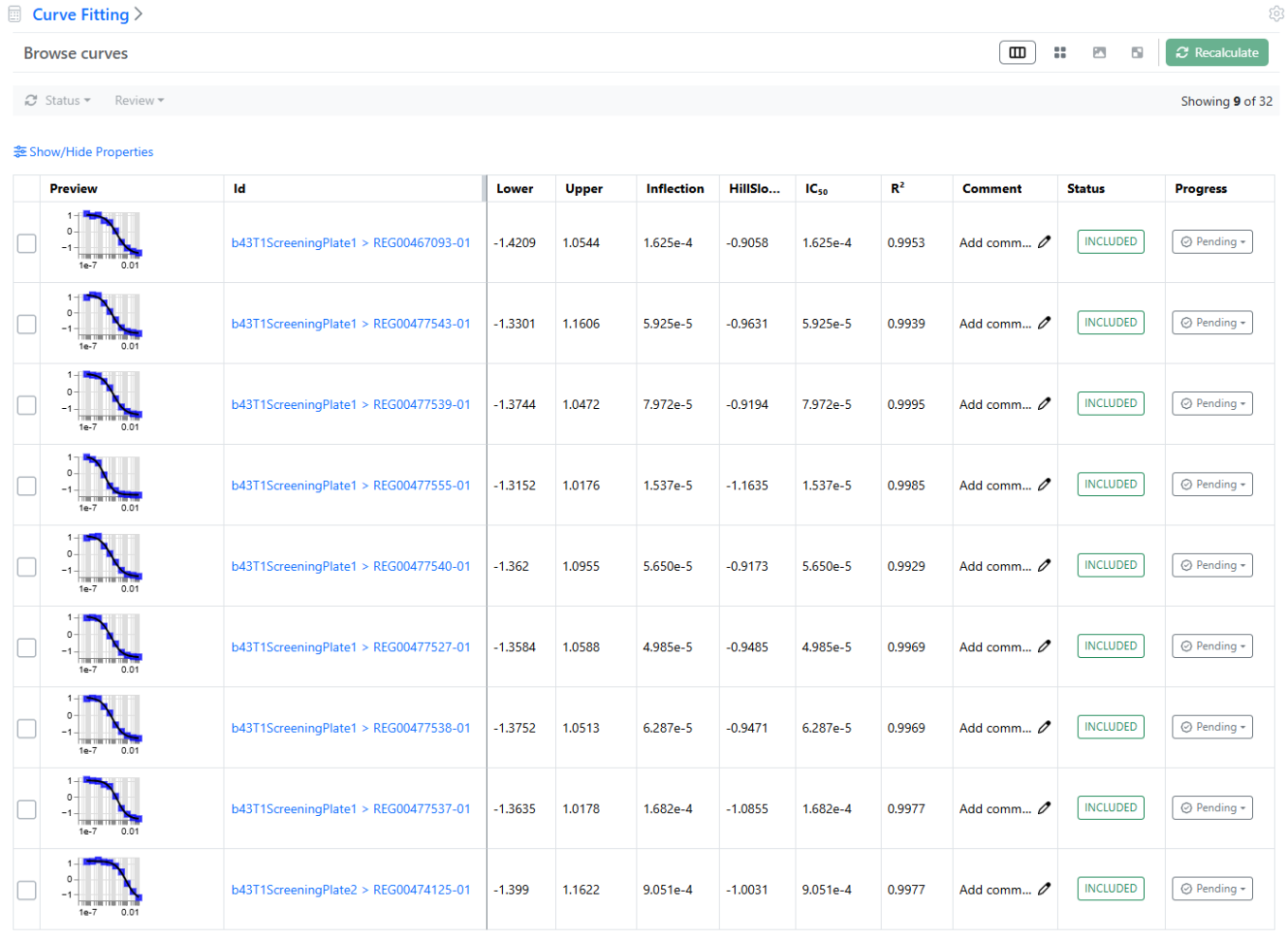
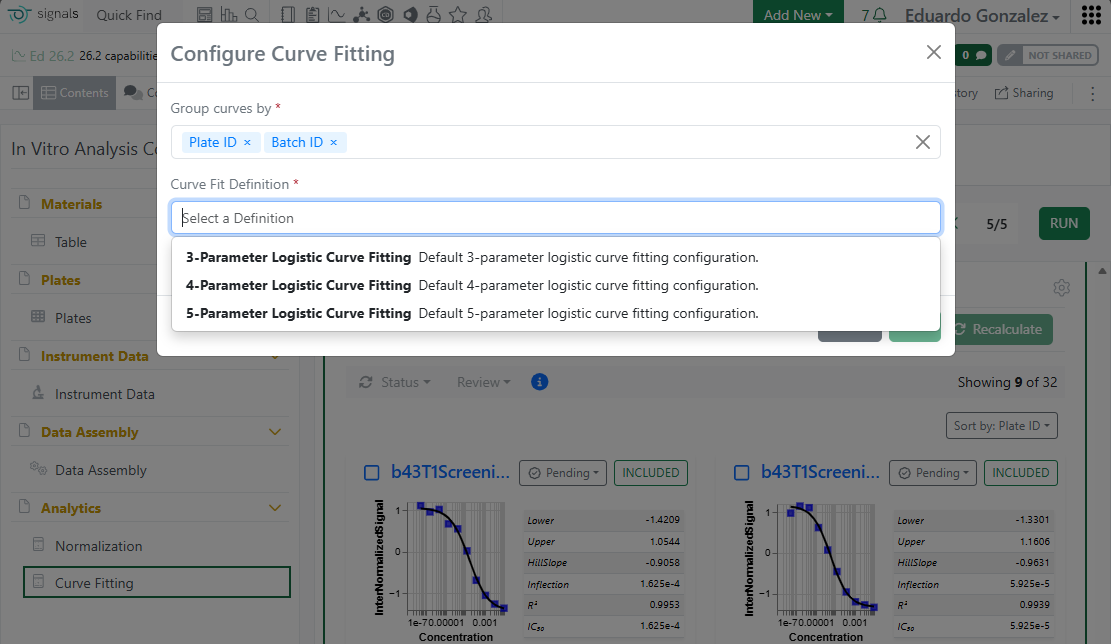
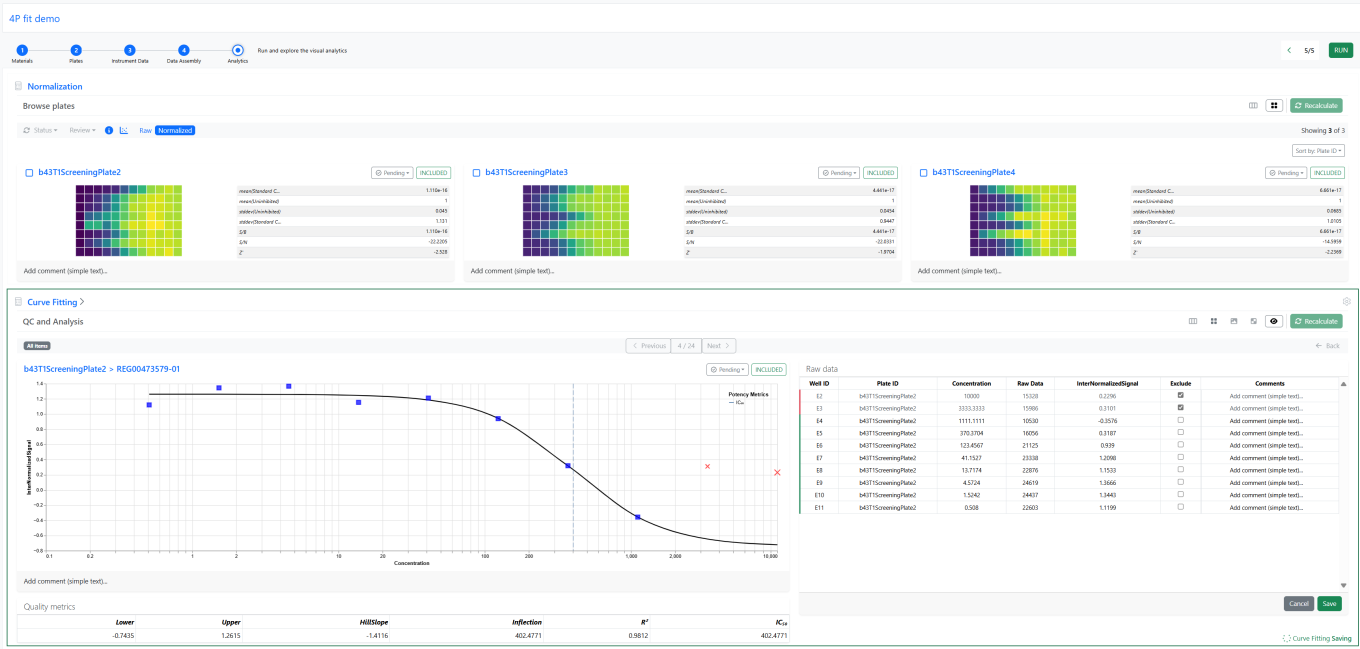
In the Curve Fitting step of the In Vitro Analysis, following an analysis run, it is now possible for Signals One users to select some of the curves and apply a new set of fit parameters to these curves specifically to improve their curve fitting.
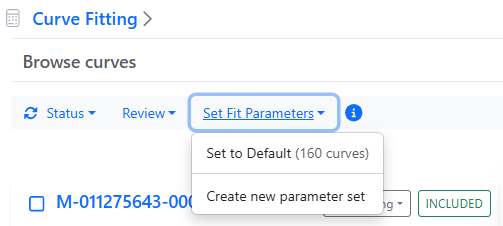
A new pull down menu in the bulk actions bar is now available to set the fit parameters:
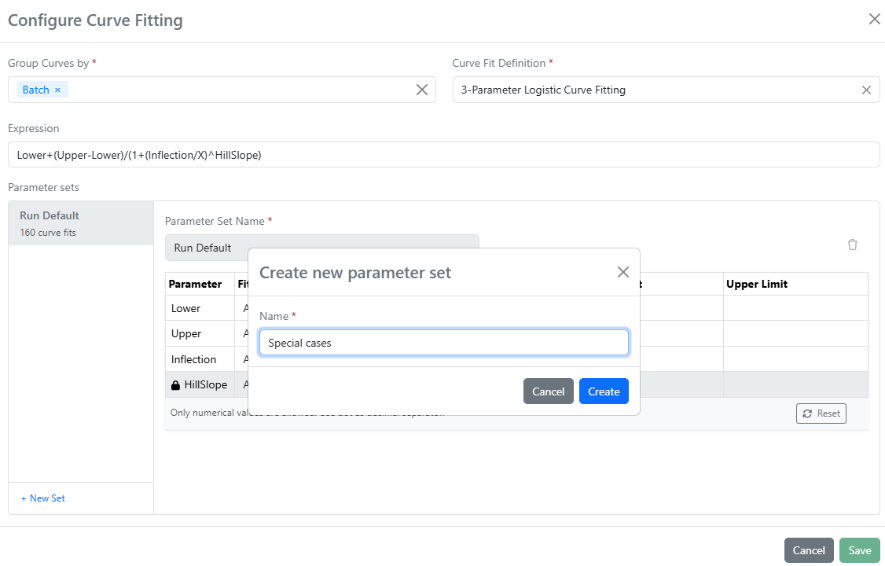
Each new set of curve fitting parameters, identified by a name, can then be applied to the selected curves for recalculating the curve fits.
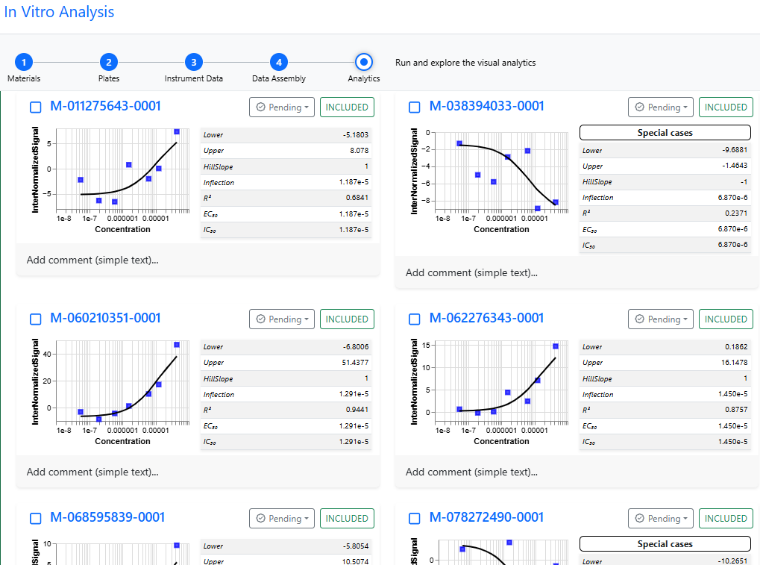
The name of the parameter set remains associated with the curves that were recalculated with it.
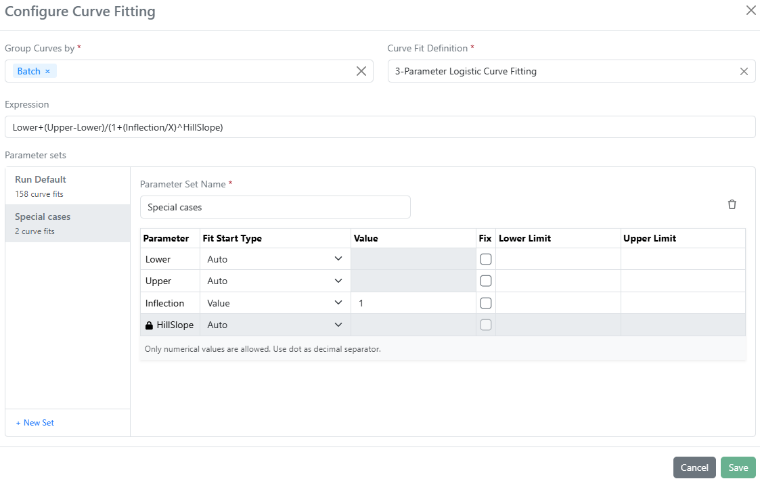
Finally, the parameter sets in the analysis, which can be part of the In Vitro Analysis template, can be managed by clicking on the cog wheel in the upper right corner of the Curve Fitting element. The number of curve fits using each of the parameter sets is visible:
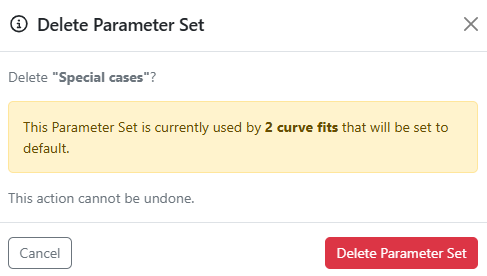
When deleting a set of parameters used to recalculate some of the curves, the default parameters used for the initial global run are automatically reapplied.
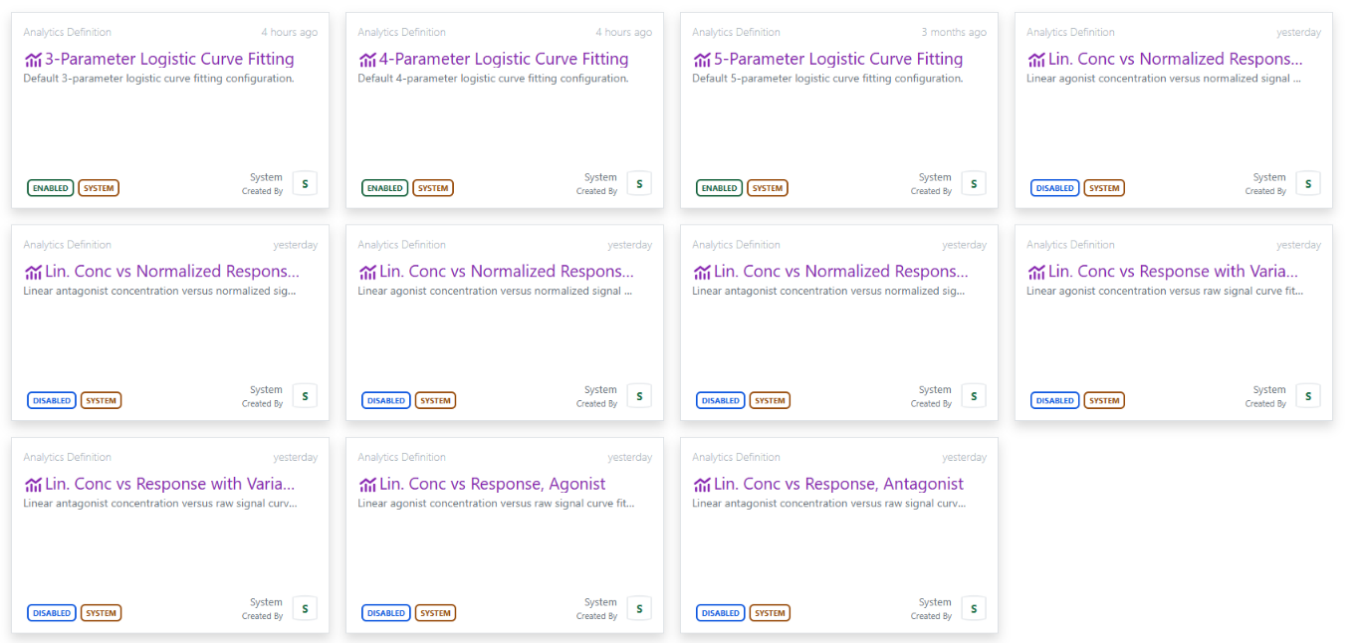
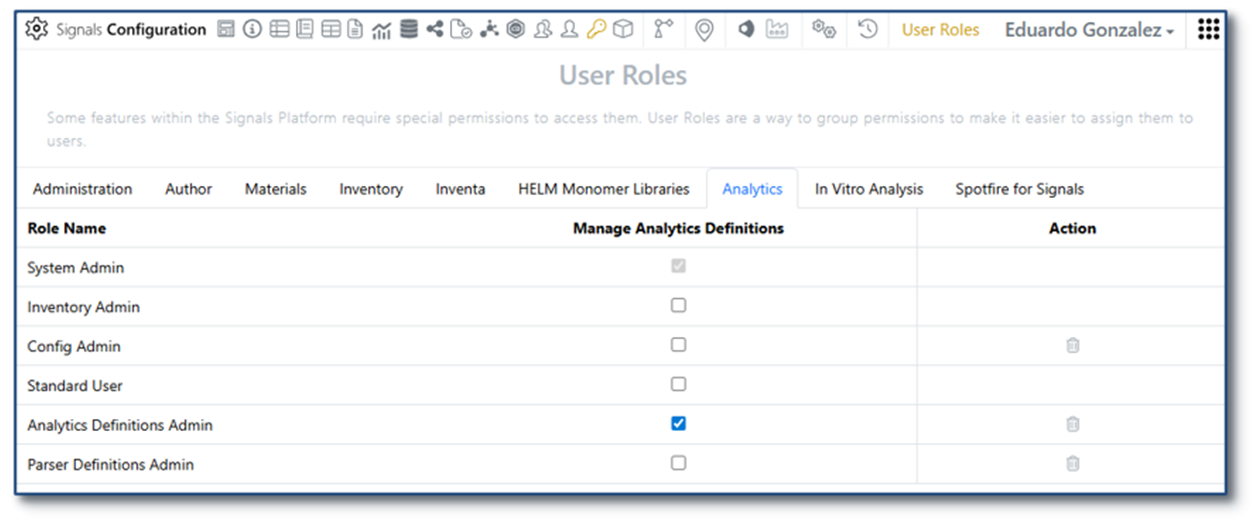
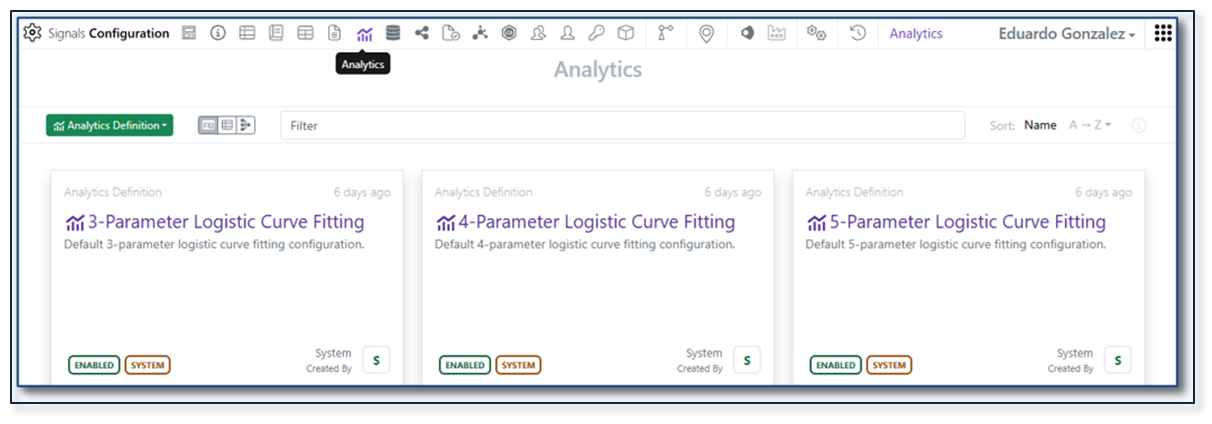
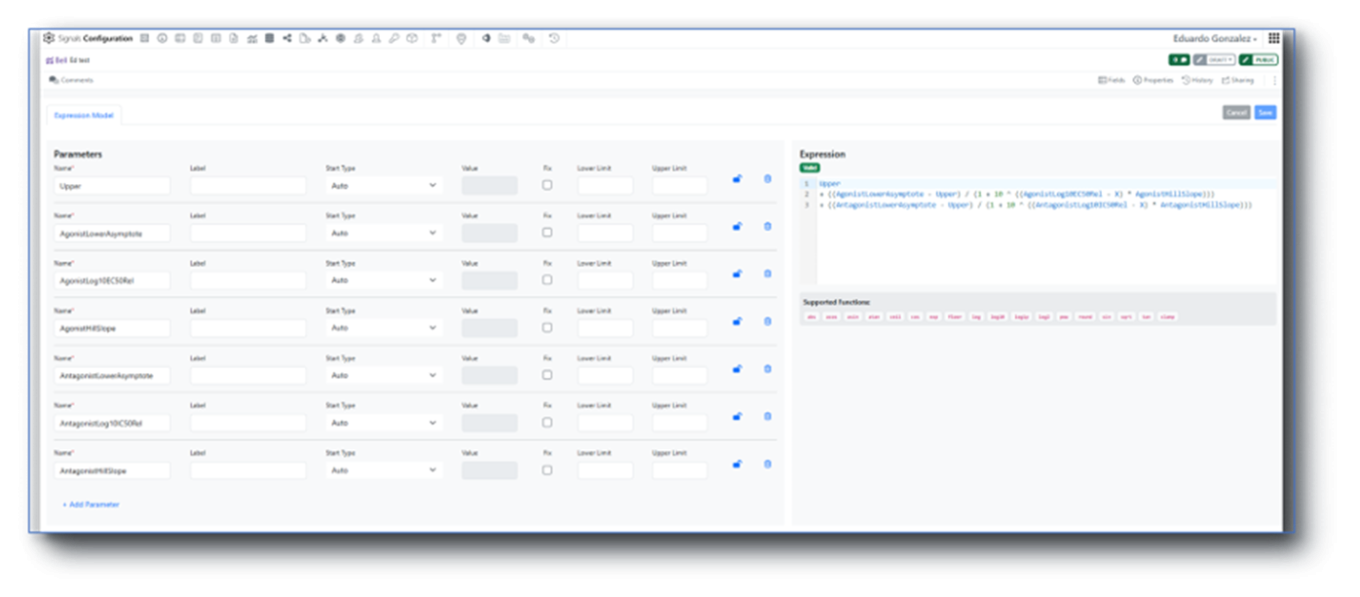
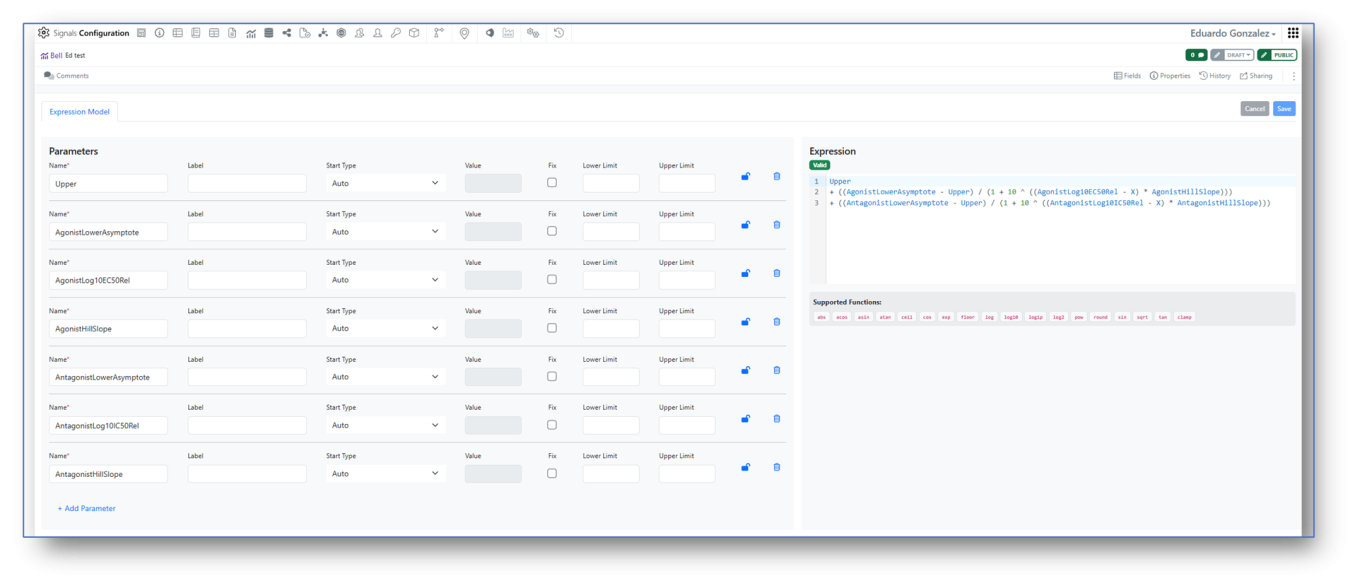
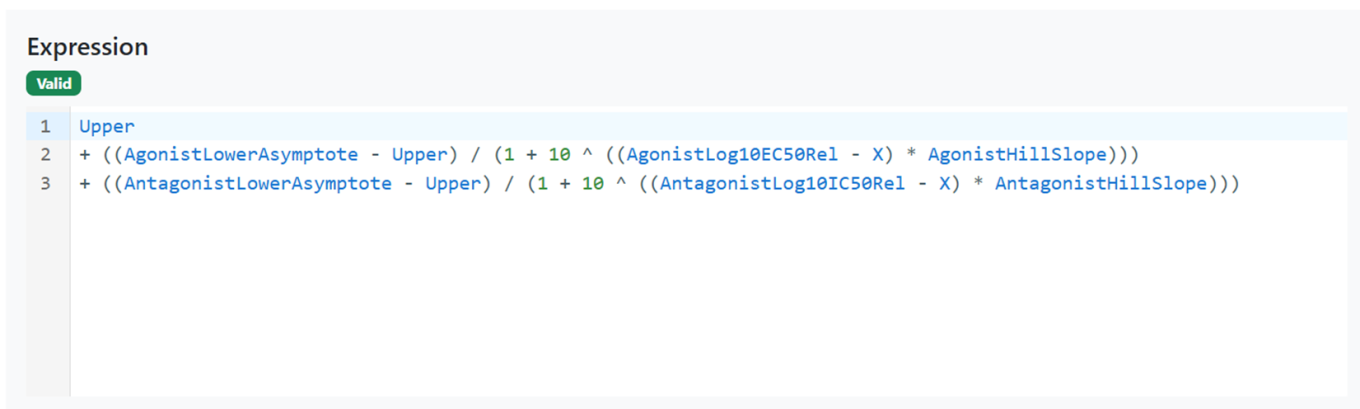
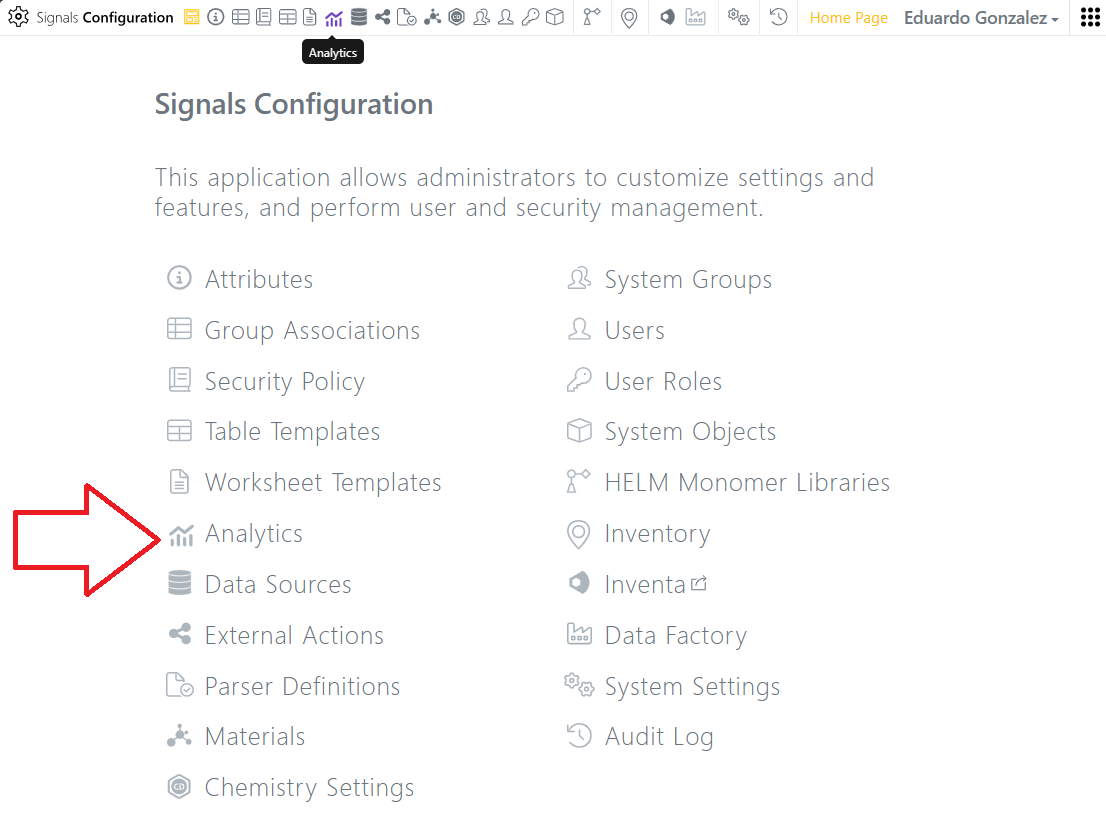
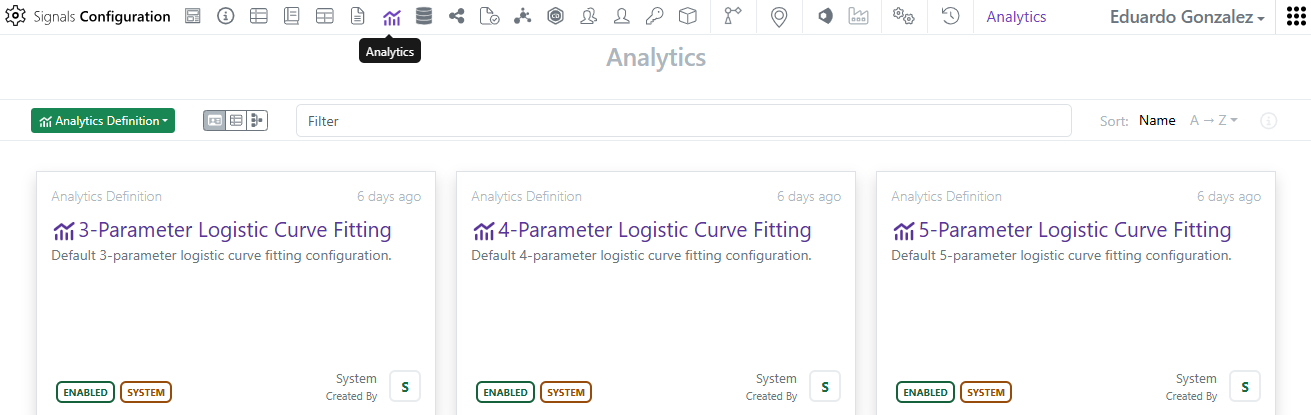
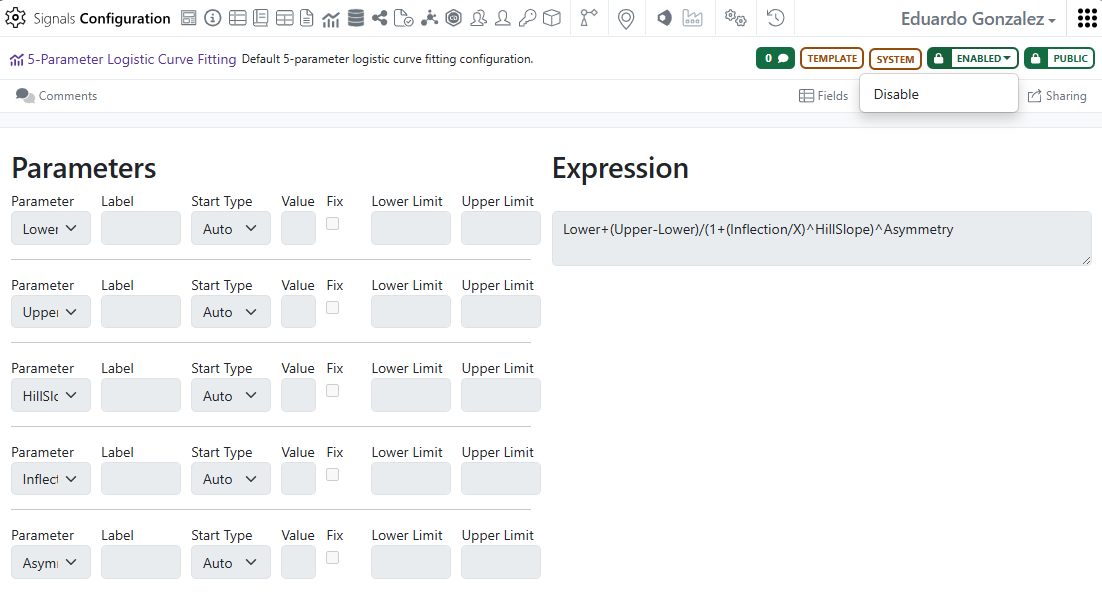
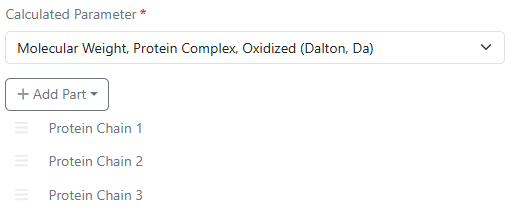
Moreover, in addition to the 3, 4 and 5 Parameters logistic curve fitting definitions, eight new system definitions are now available in the Analytics smart folder of Signals One configuration.
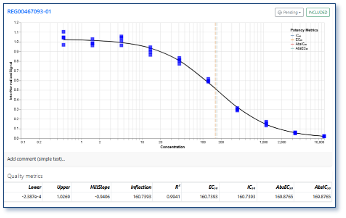
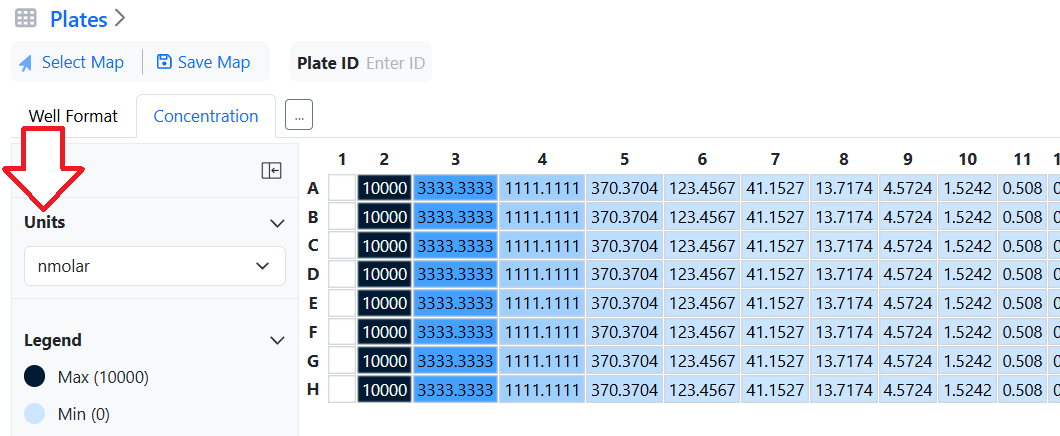
These new definitions, which can be enabled or disabled, allow using linear concentrations of agonists or antagonists with either raw or normalized signal.
SAR & Decisioning
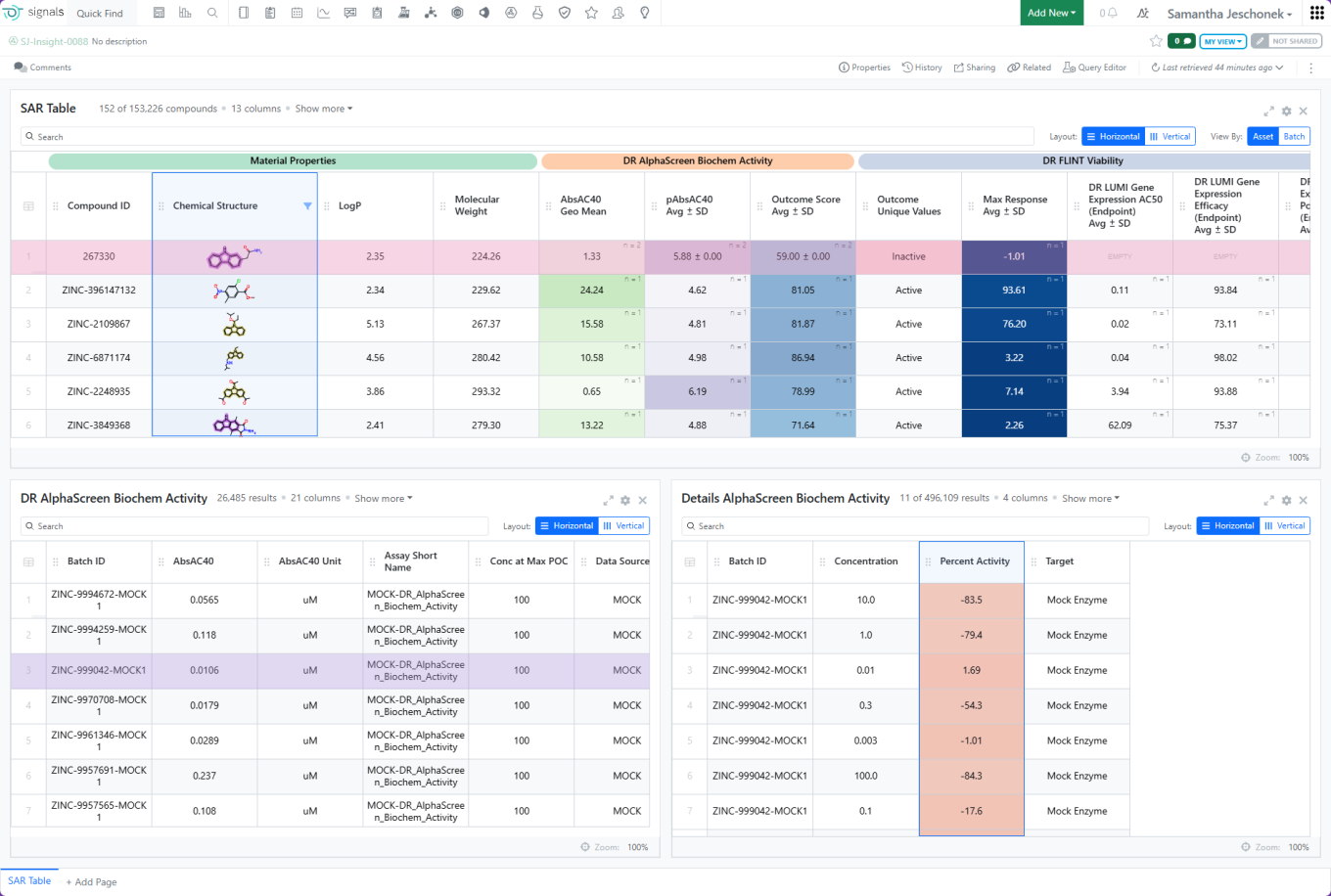
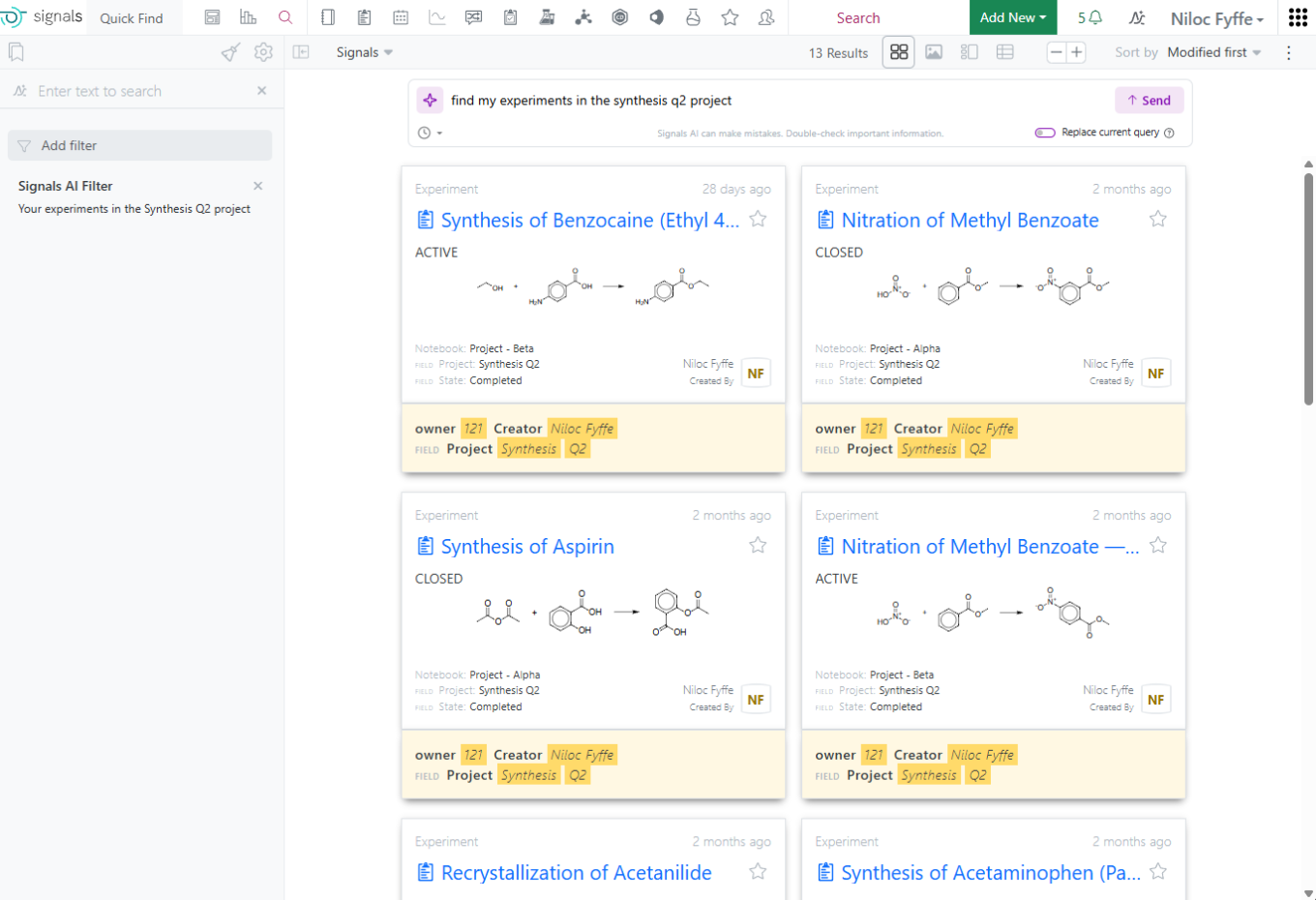
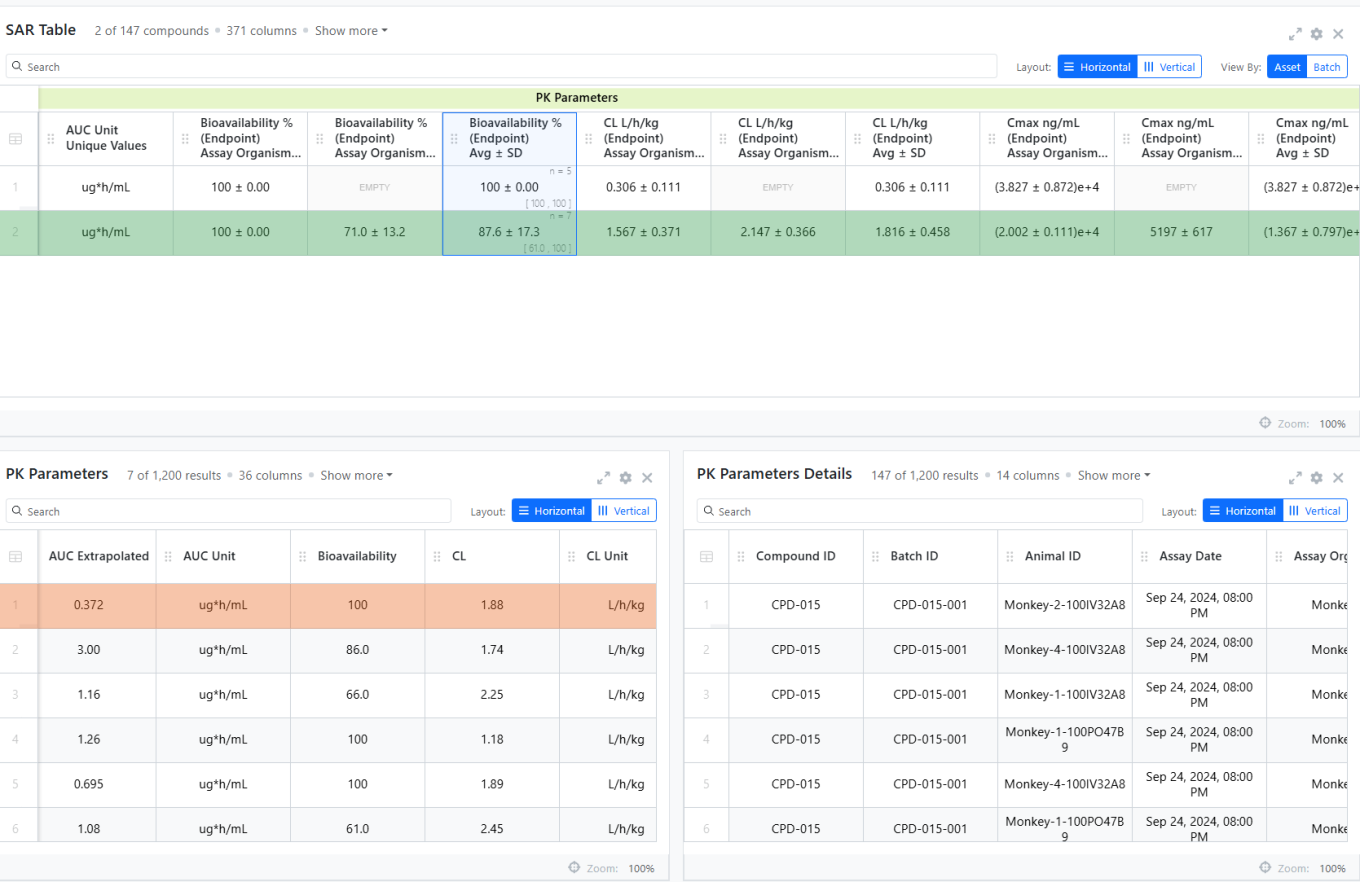
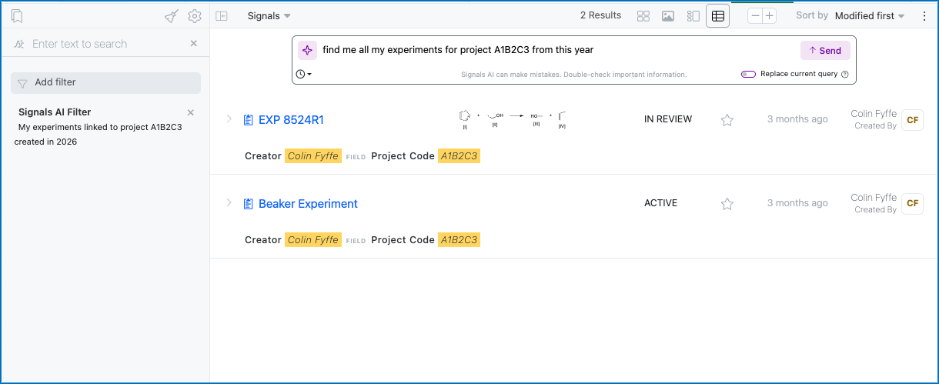
Use Insights to query, generate, and analyze Measurement and SAR Tables directly in Signals is available to all systems
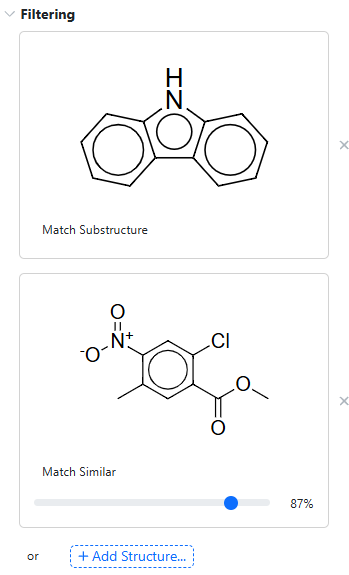
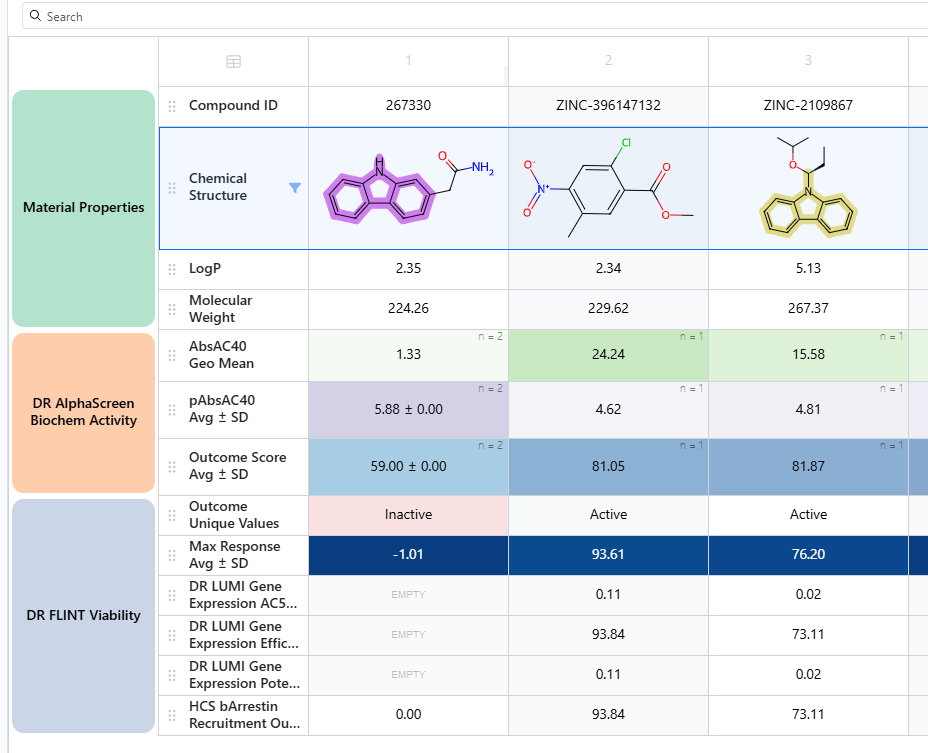
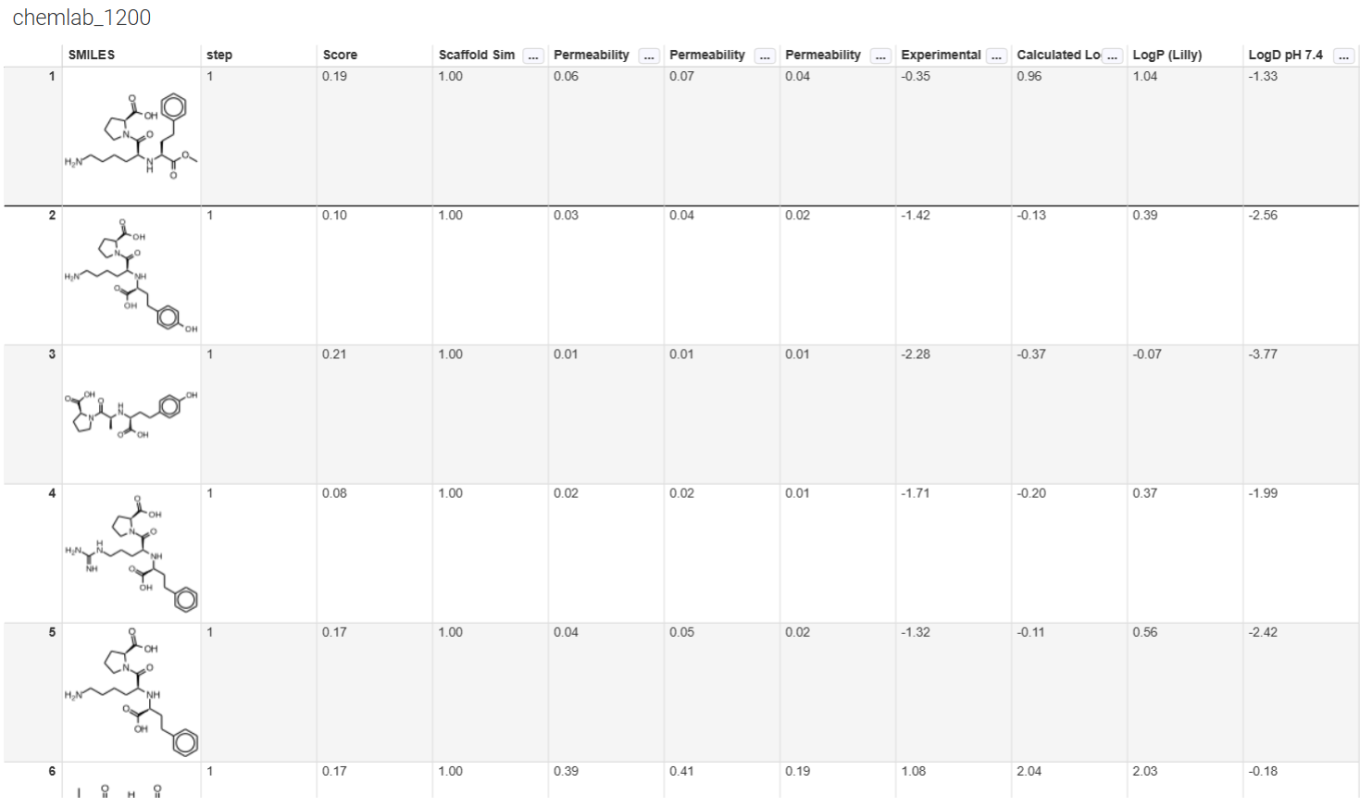
Insights now supports advanced chemical filtering within SAR and Measurement Tables, including substructure, similarity, exact, full-structure, and tautomer matching. Multiple filters can be combined to refine results, while chemical fragment highlighting provides additional context during analysis. A cleaner default SAR table layout helps users focus on key endpoints, with additional data available through table configuration options.
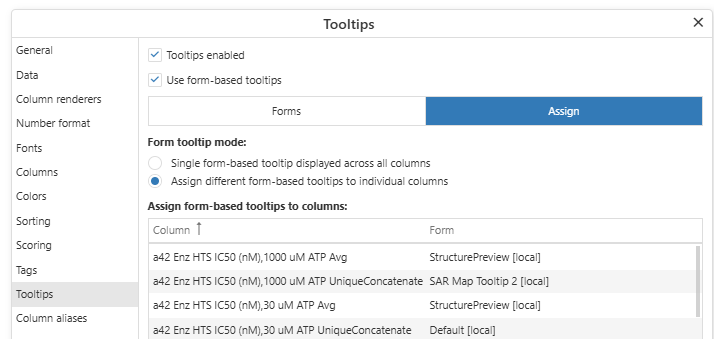
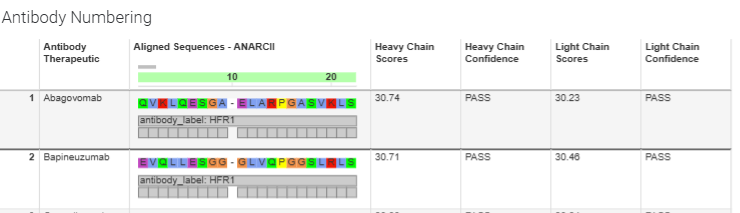
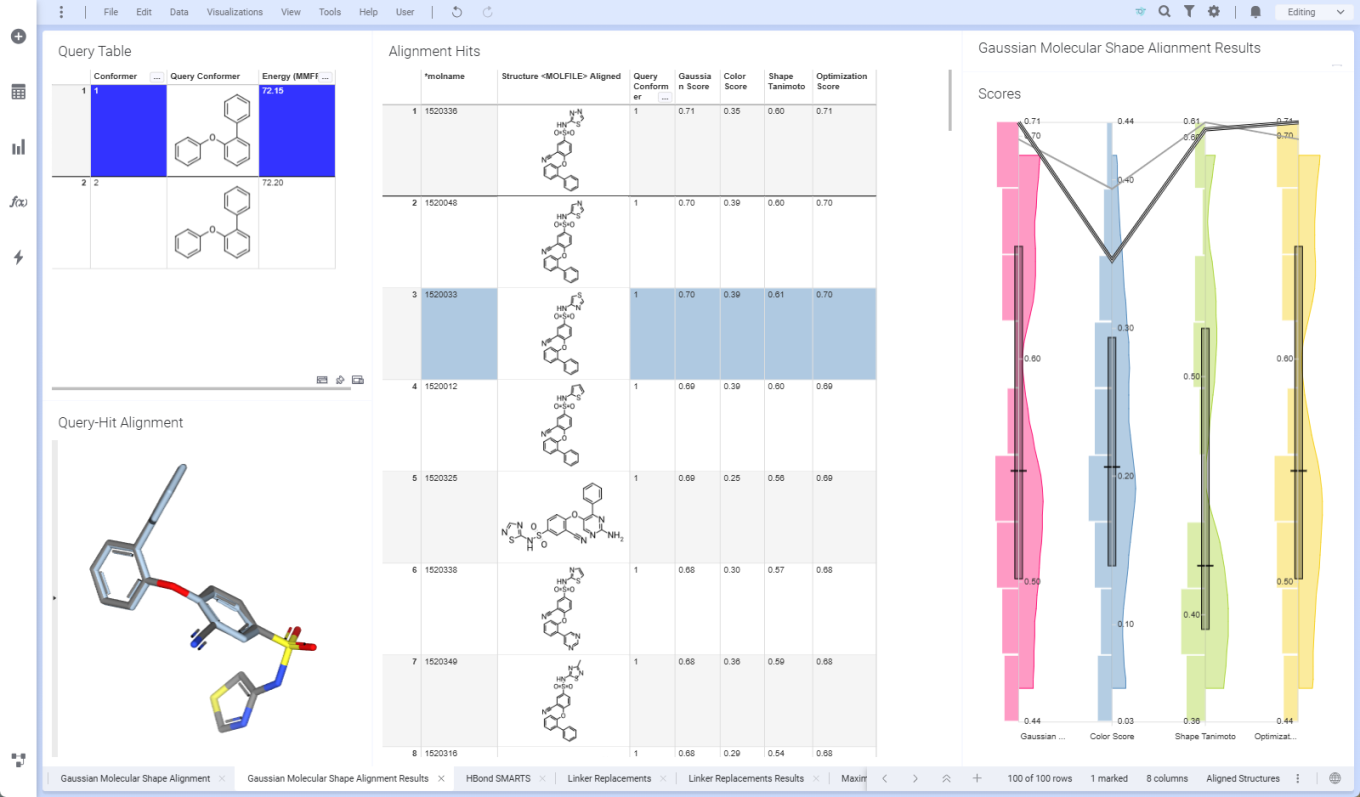
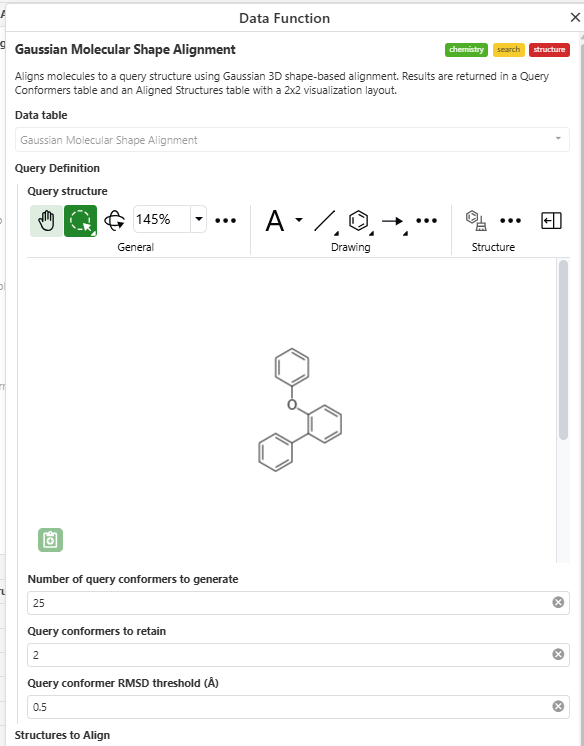

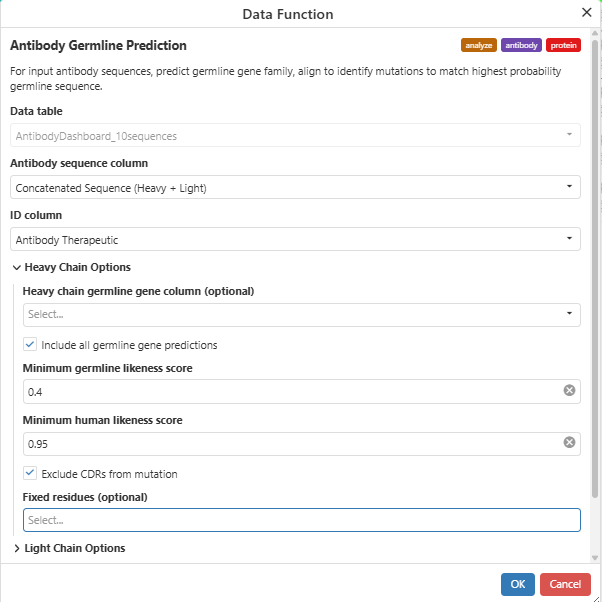
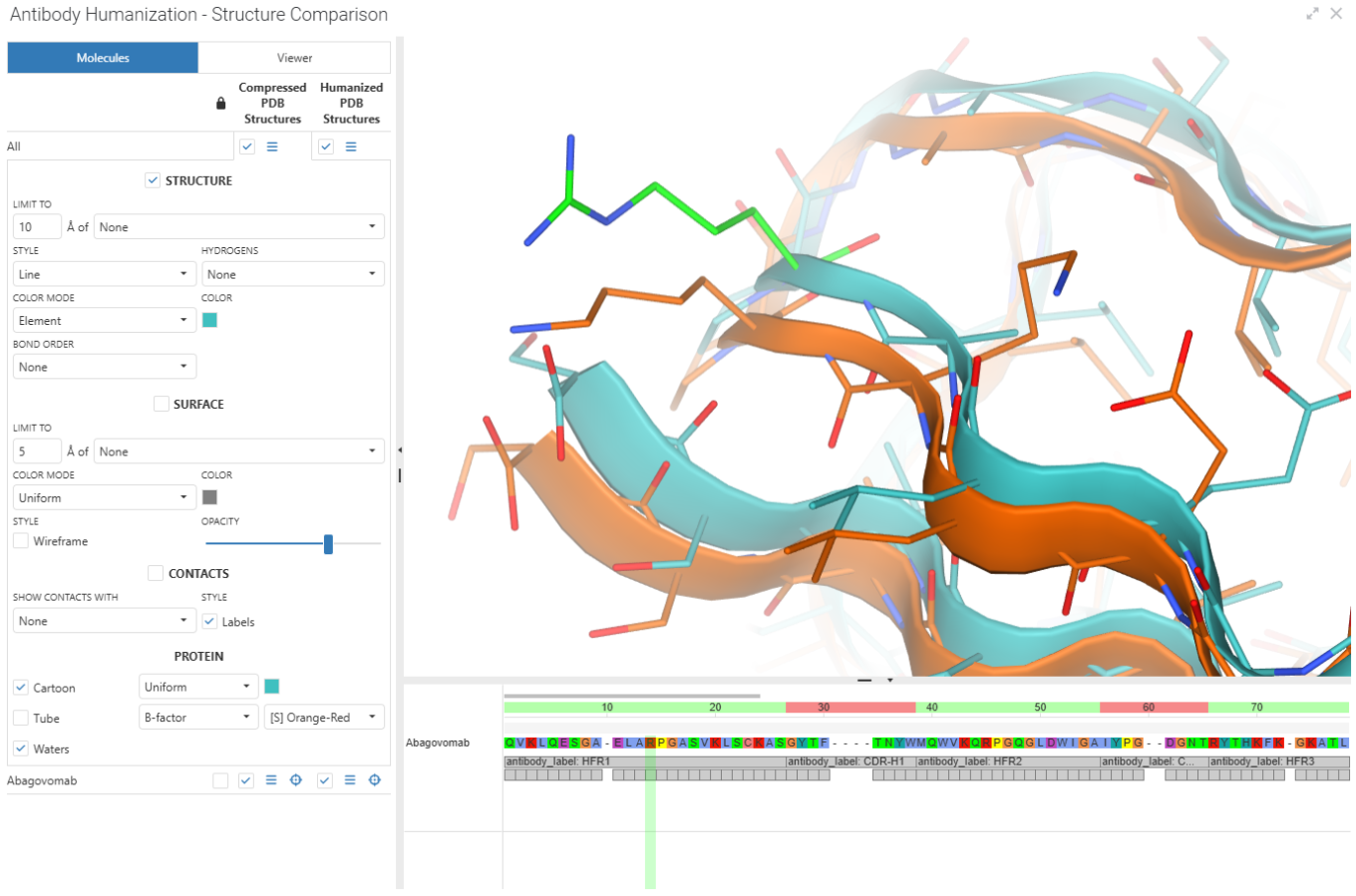
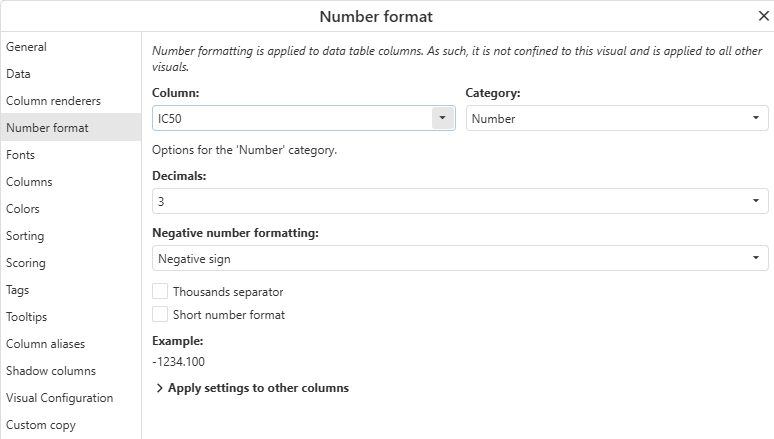
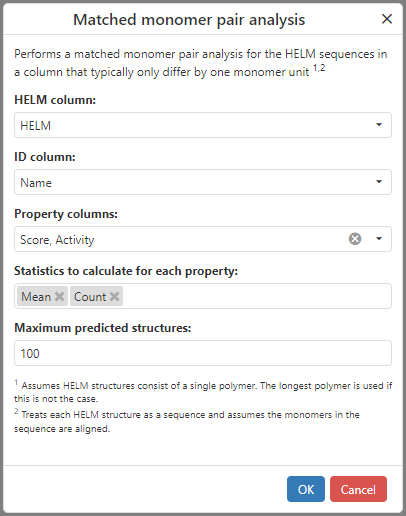
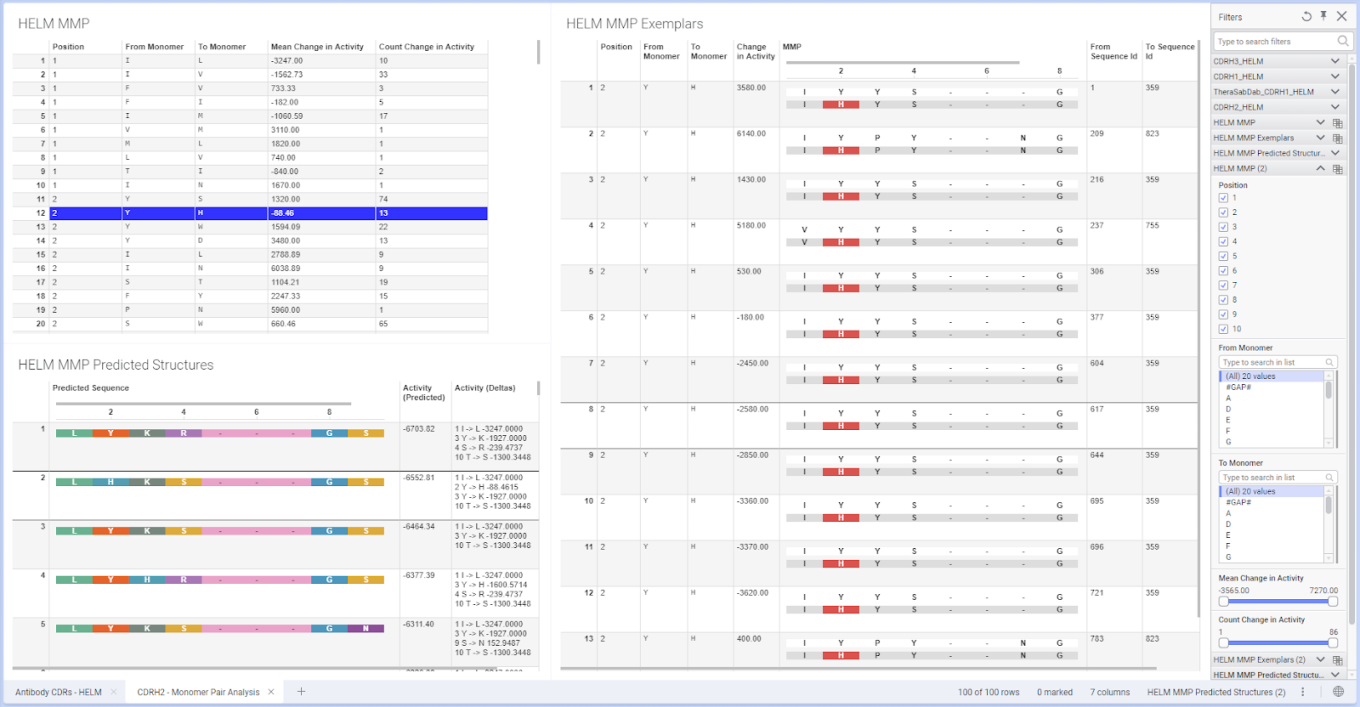
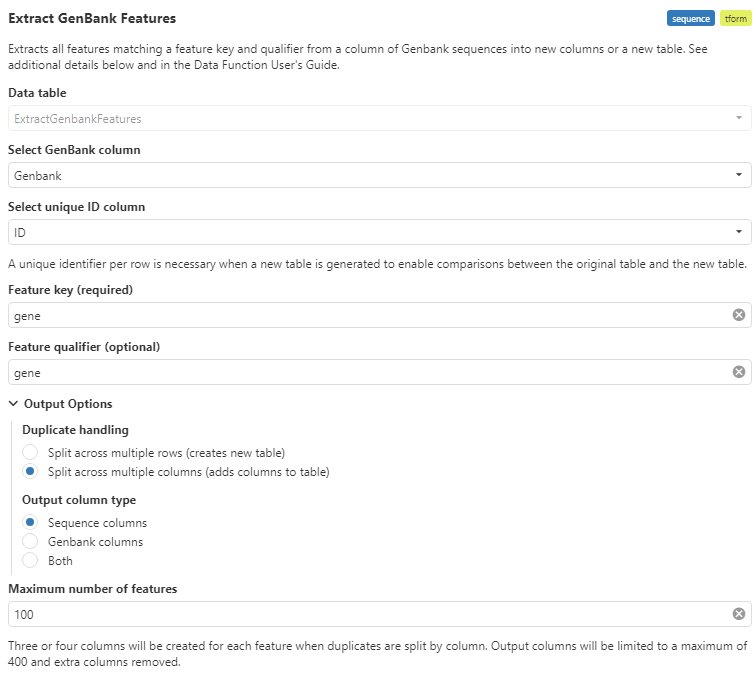
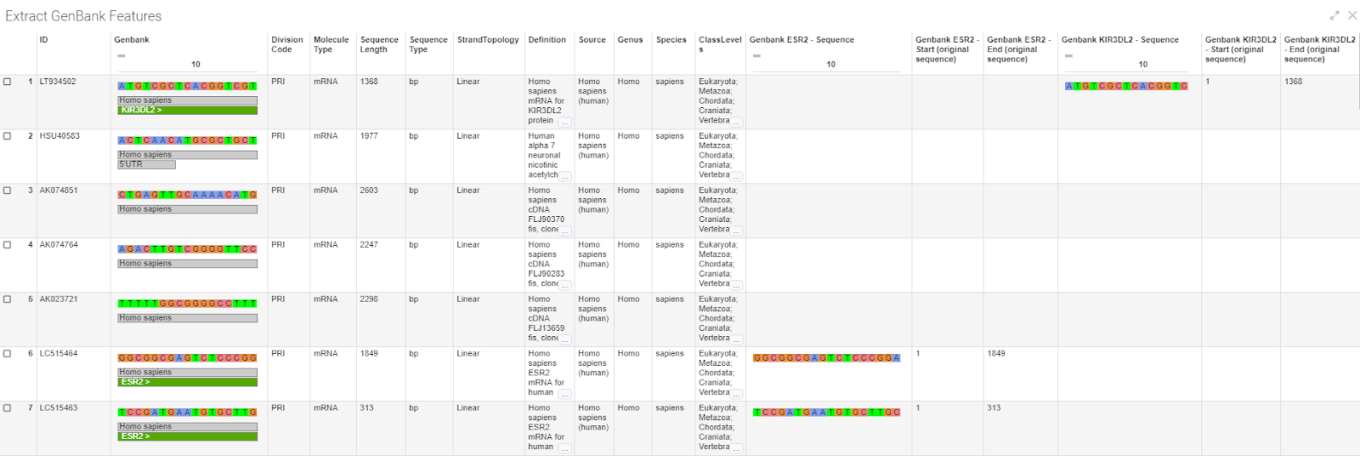
ChemCharts introduces new data functions for antibody engineering and molecular alignment, along with visualization enhancements such as visual cloning and per-column form tooltips.
ChemCharts now supports assigning different form-based tooltips to individual columns, providing greater control over the contextual information displayed throughout a visualization. New visual cloning capabilities also make it easier to duplicate and adapt existing visualizations.
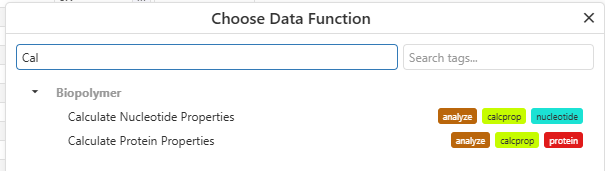
The Antibody Numbering data function now supports ANARCII and can return prediction scores and confidence values for heavy and light chains.
The Gaussian Molecular Shape Alignment data function aligns small molecules to a query structure using Gaussian 3D shape-based alignment. Results are returned in Query Conformers and Aligned Structures tables and can be explored using the Molecule Viewer.
The Antibody Germline Prediction and Antibody Humanization data functions support complementary antibody engineering workflows. Germline Prediction identifies the most likely germline gene families for heavy and light chains and aligns sequences to identify mutations relative to the highest-probability germline sequence. Humanization then suggests sequence changes intended to improve predicted human-likeness while maintaining antibody chain pairing characteristics. When used with the Biomolecule Viewer, users can compare the original and predicted humanized structures.
Synergy
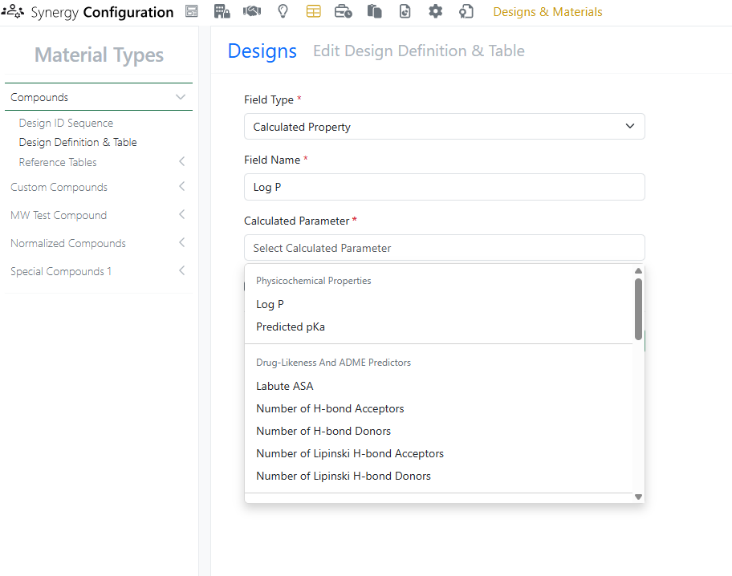
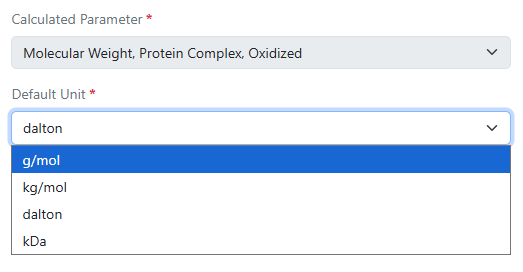
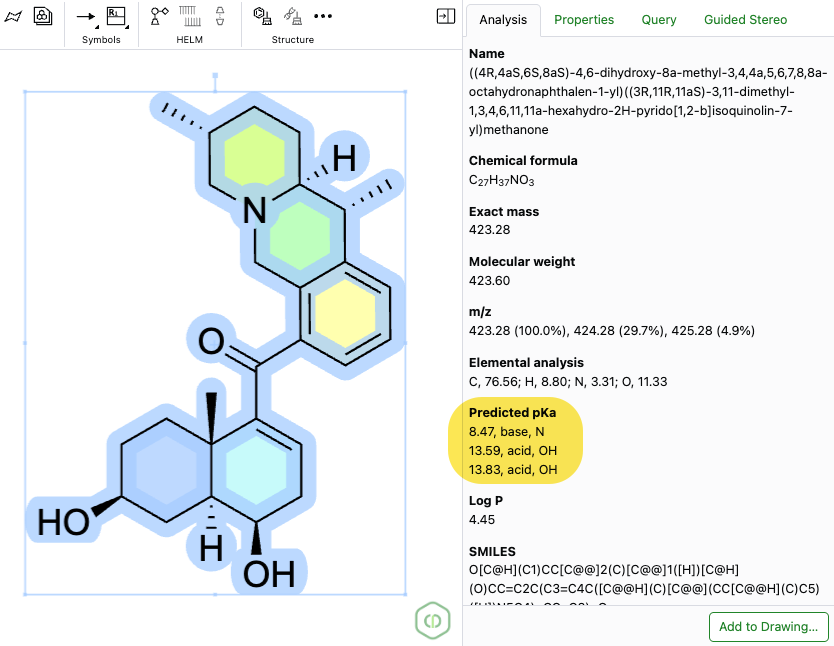
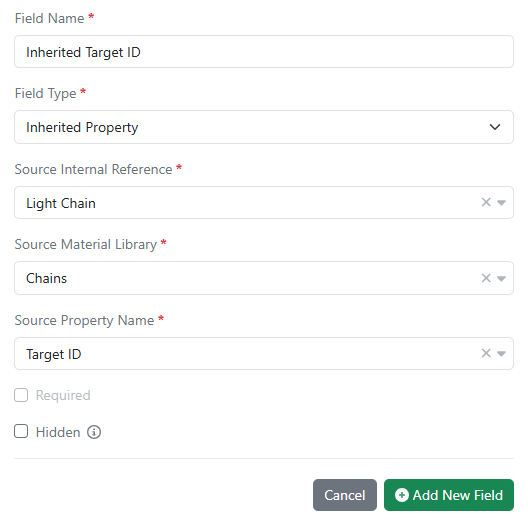
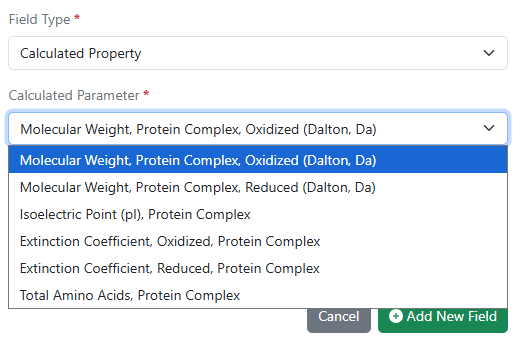
Release 26.8 brings several updates to Synergy Designs. First, calculated properties, including a variety of physicochemical properties (e.g., Log P, predicted pKa), drug-likeness and ADME predictors (e.g, Labute ASA, Lipinski H-bond acceptors), structure and topology, ring system, atomic composition, and stereochemistry calculations, are now available for Synergy Designs. Administrators can selectively configure which properties to include in each library’s Designs Definition and Design Tables in Synergy Configuration by adding a new field and selecting Calculated Property.

When new Designs are created, properties are automatically calculated and represented on the Design.
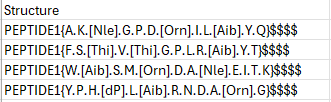
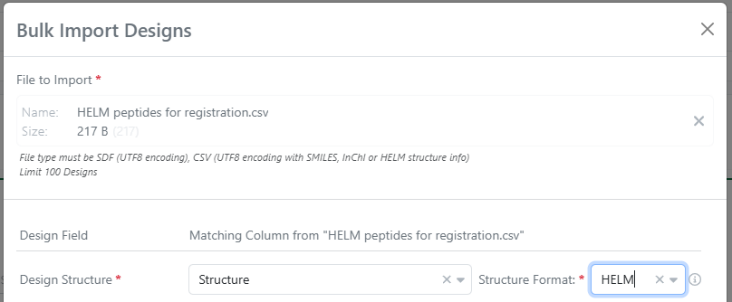
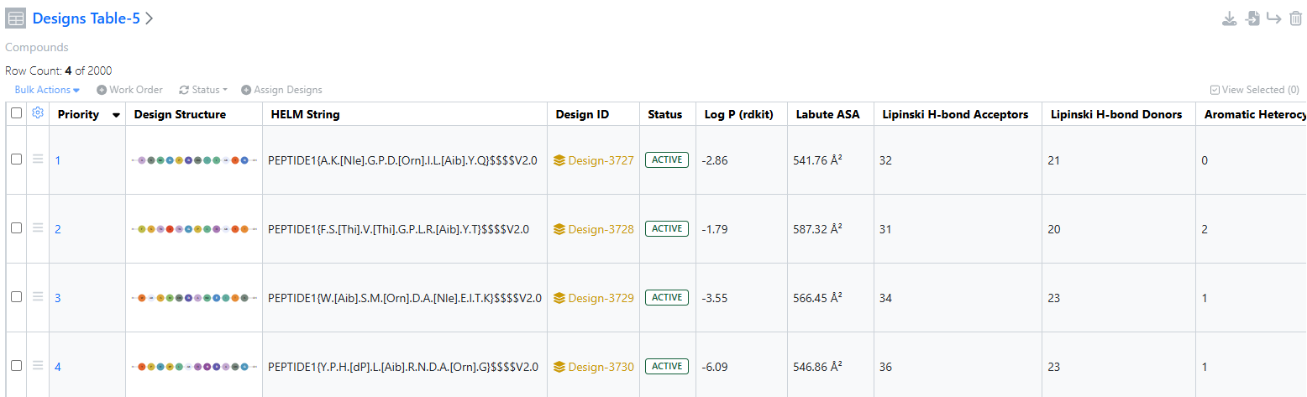
In this release, bulk Import Designs to Designs Table now supports CSV files with HELM notation. Note that Designs already support HELM notation; this is an expansion of the import file CSV file support.
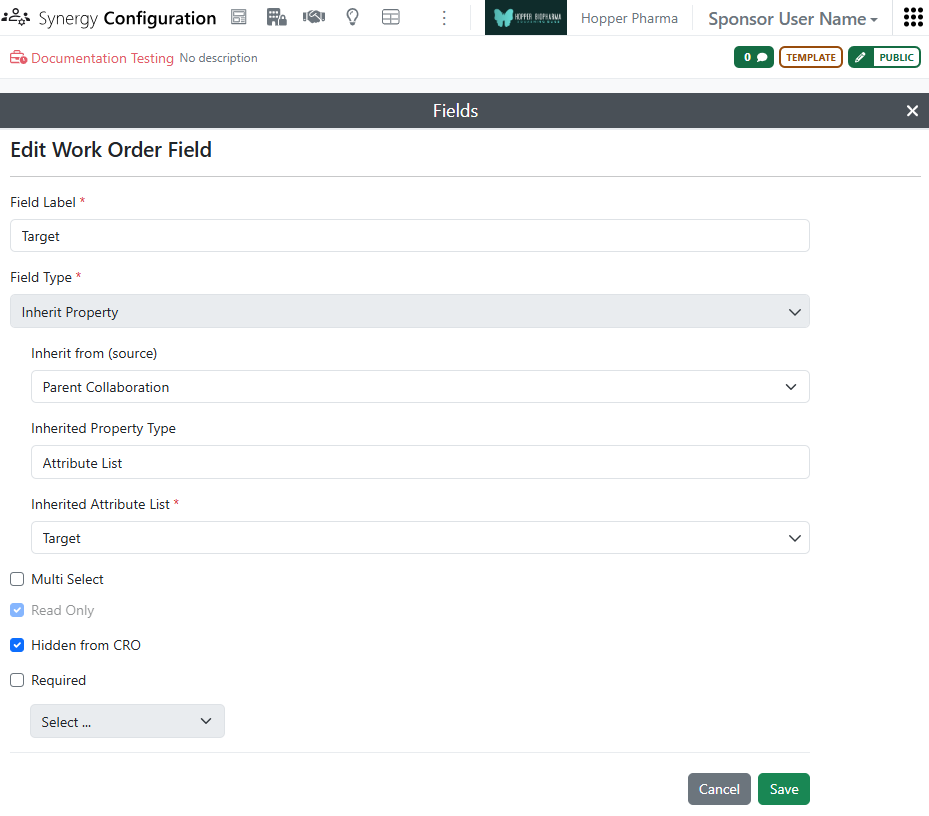
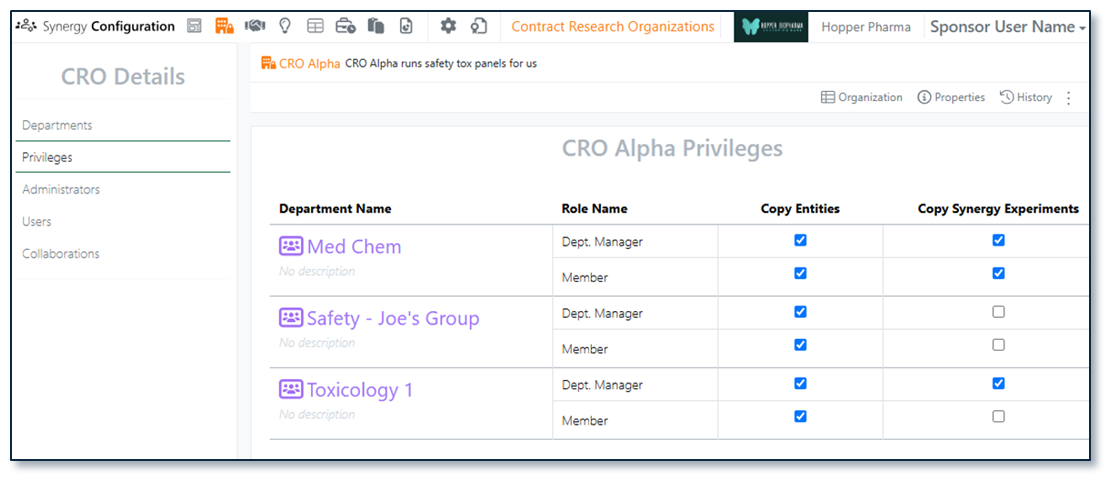
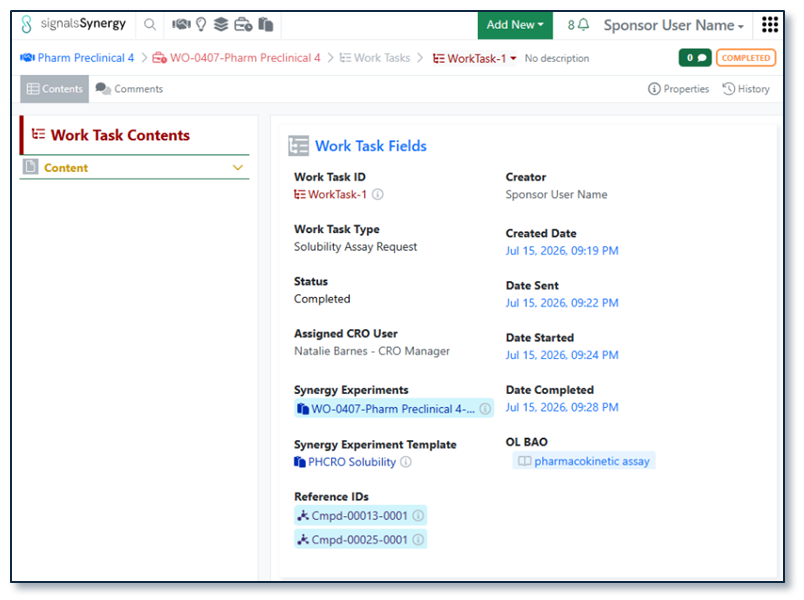
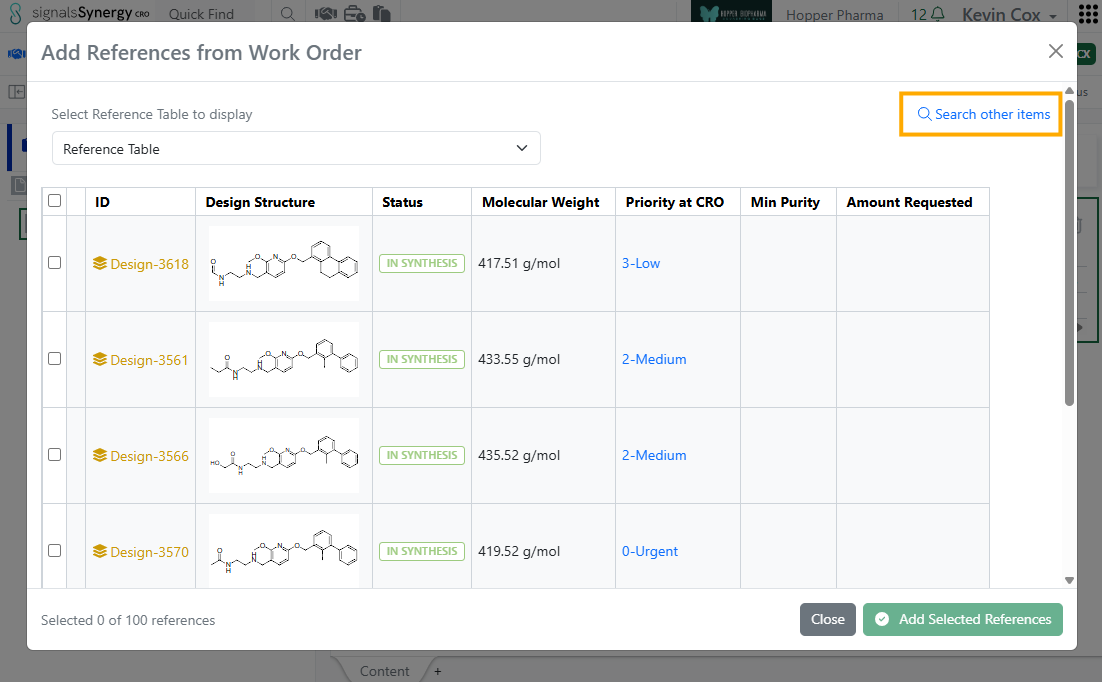
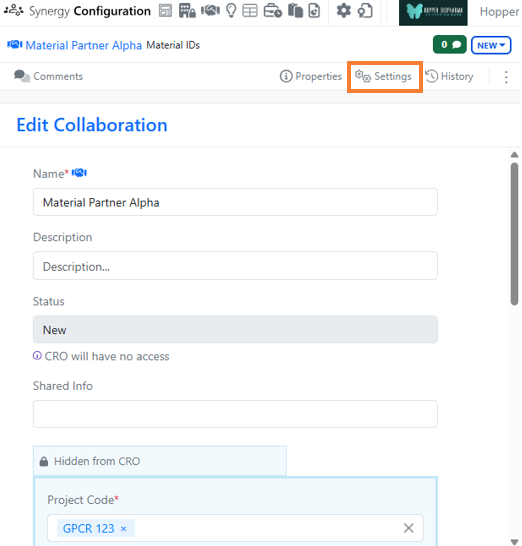
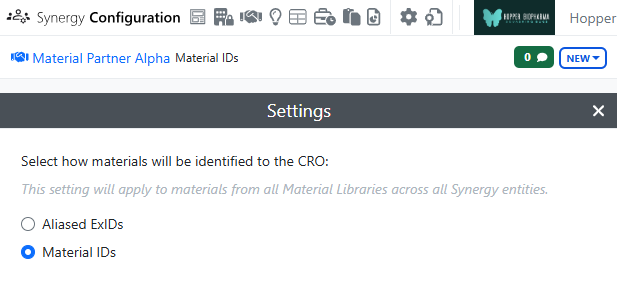
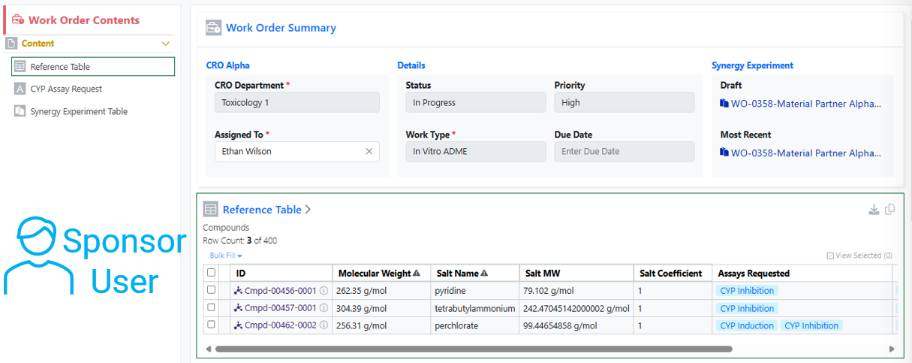
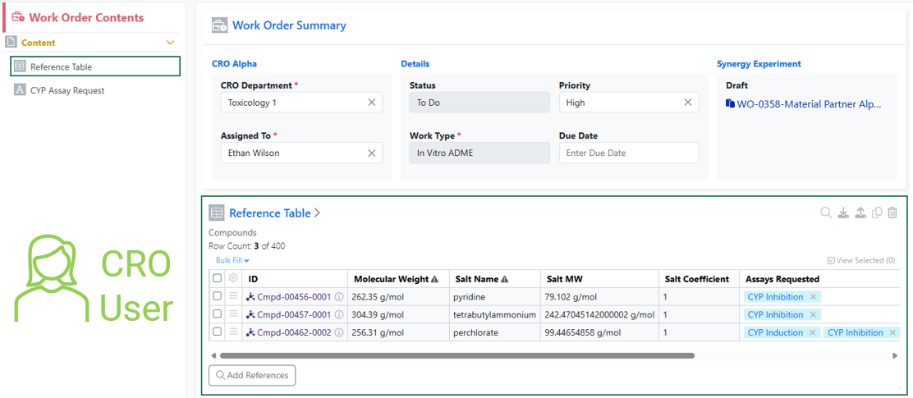
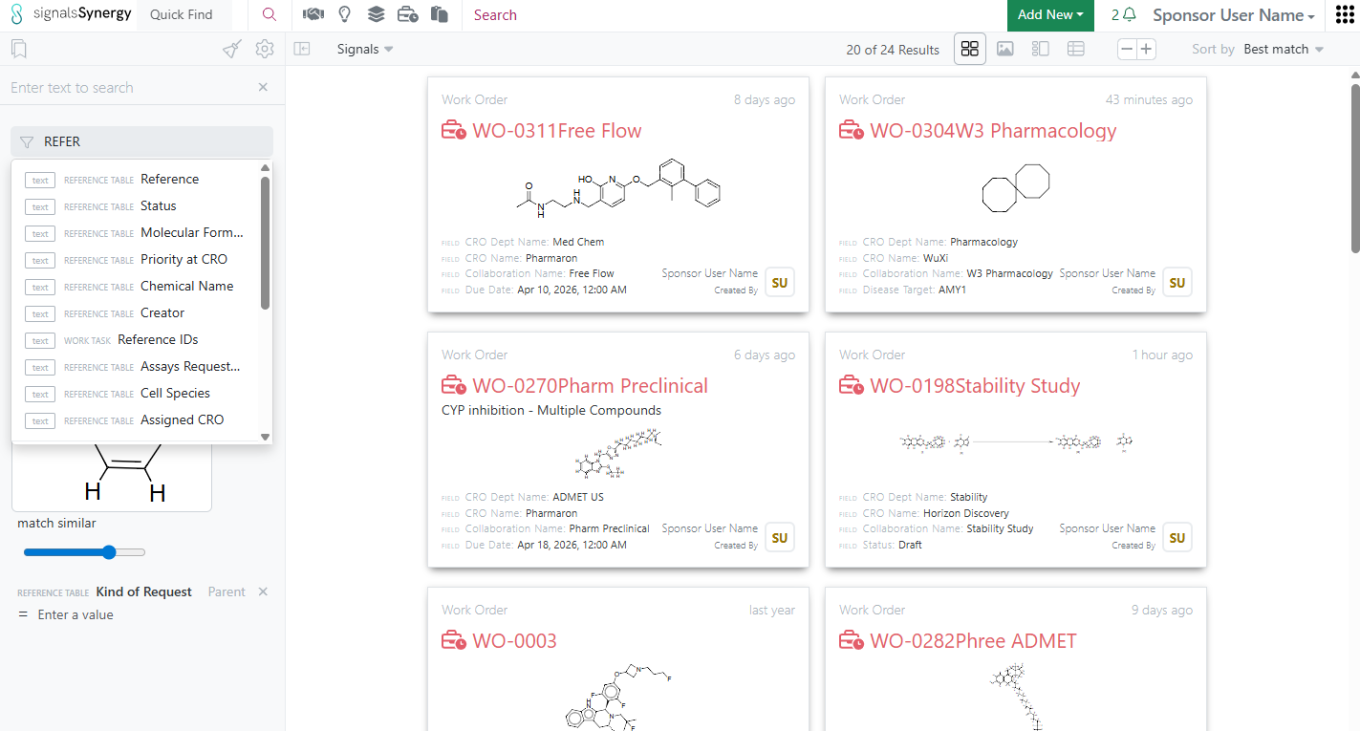
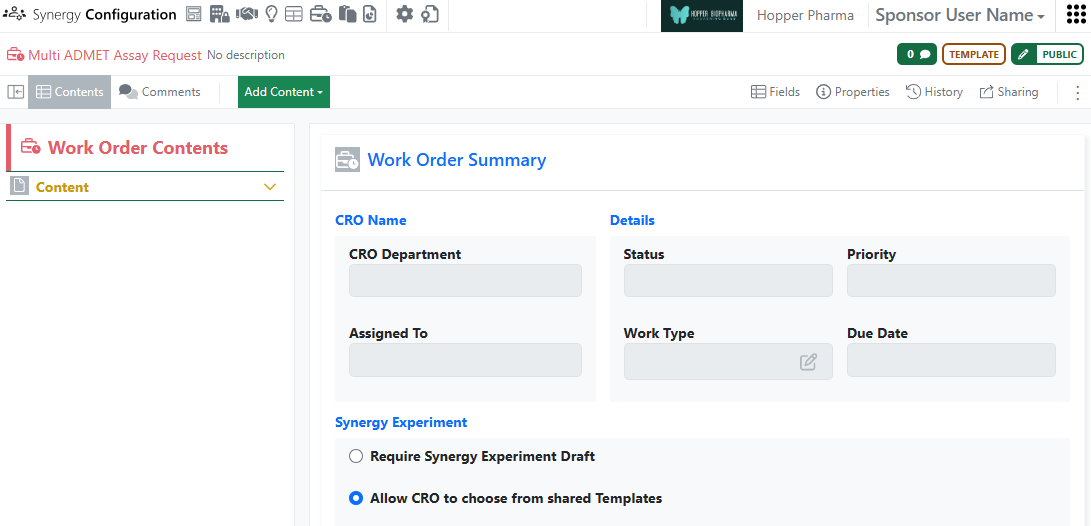
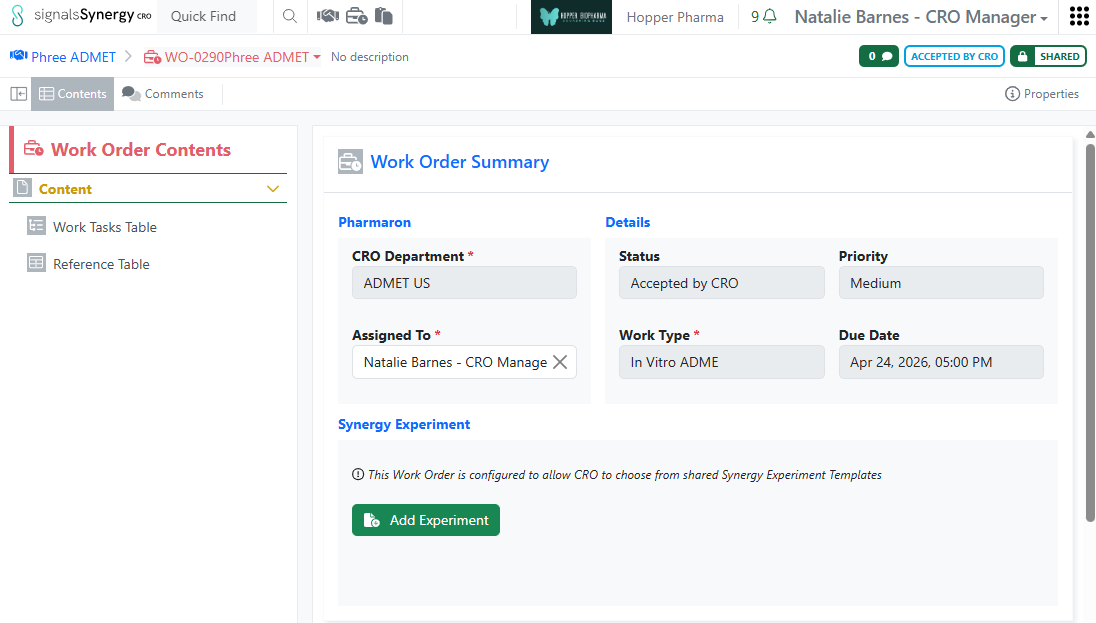
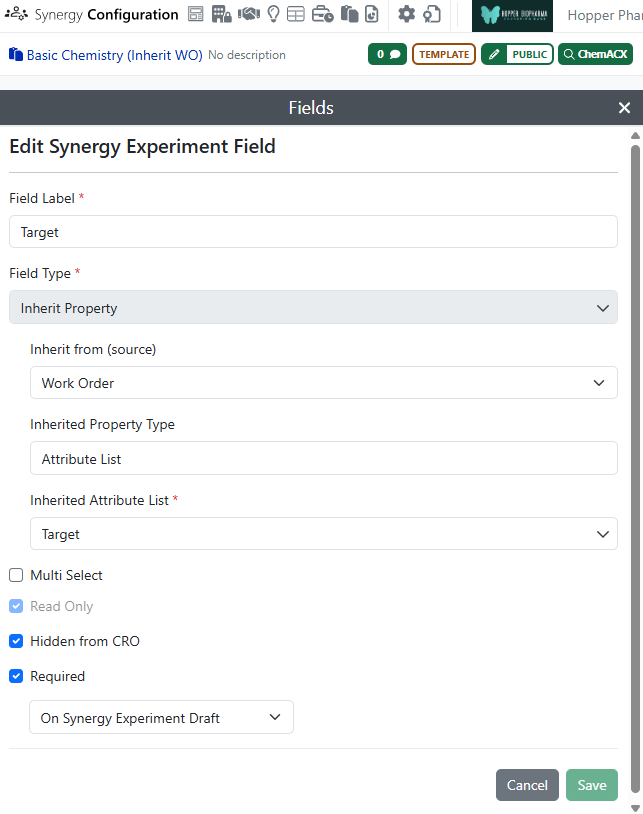
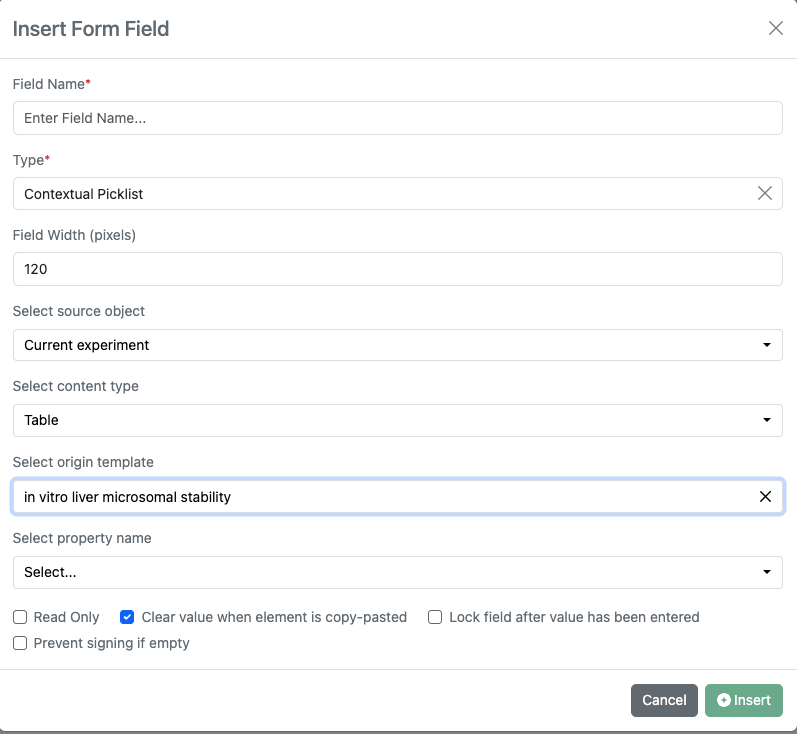
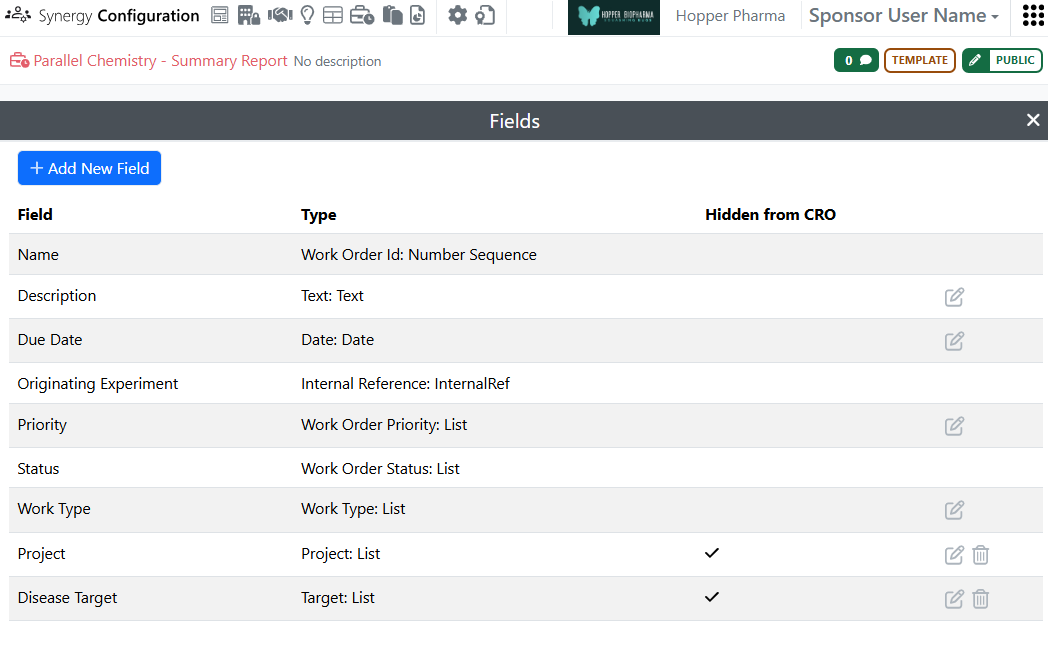
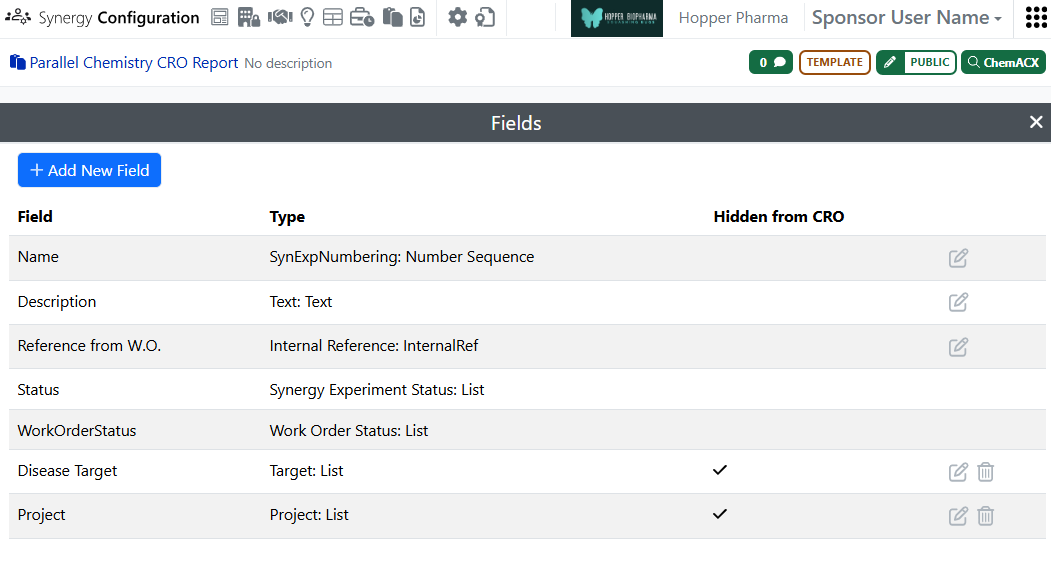
Currently, Synergy Experiment properties can be configured to inherit property values from the parent Collaboration or associated Work Order. In 26.8, we extended this feature to Work Orders. Work Order Template attribute list fields can be configured to inherit a corresponding property value from the parent Collaboration. If a field is set to inherit from the Collaboration, the Work Order field will automatically populate with the corresponding value from the parent Collaboration at creation. As a result, the Sponsor user does not have to repeatedly populate the same property, such as Project Code or Disease Target, even when this property is Hidden from CRO.
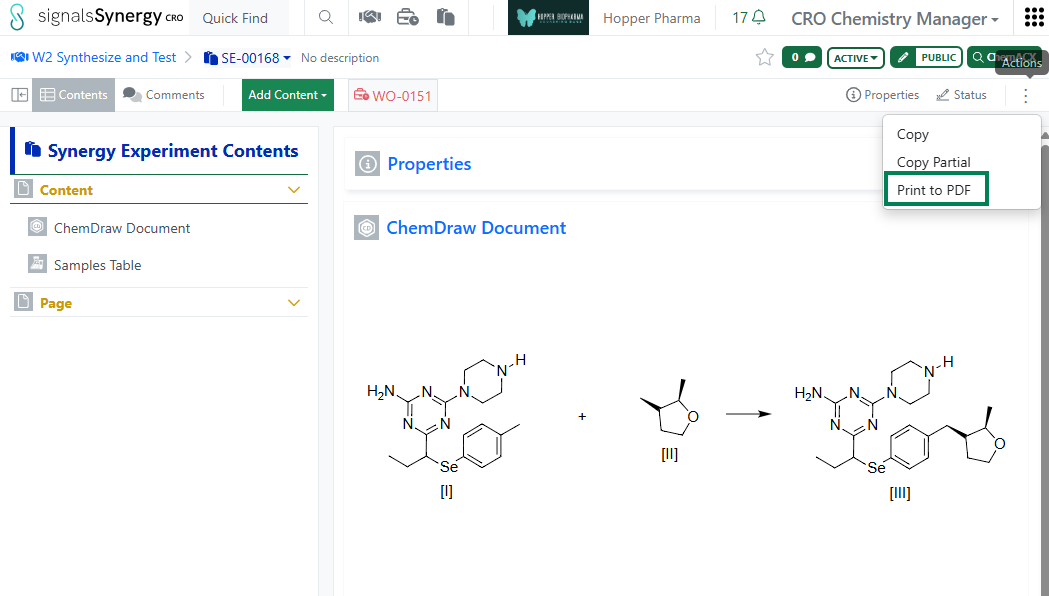
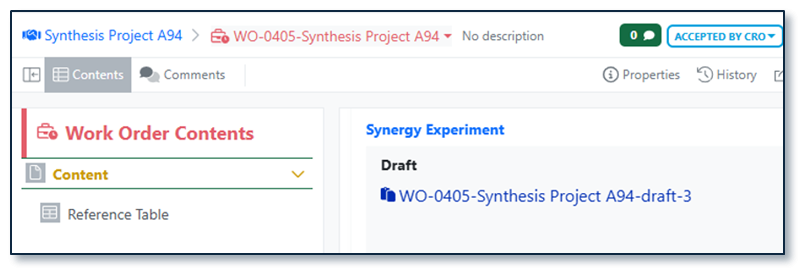
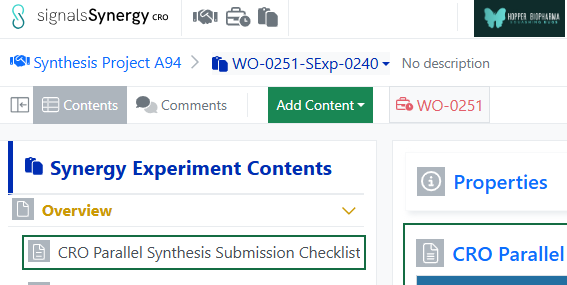
Similar to Sponsor users, CRO users can now Print to PDF their Synergy Experiments. As always, Hidden from CRO metadata is excluded from the print PDF functionality for CROs.
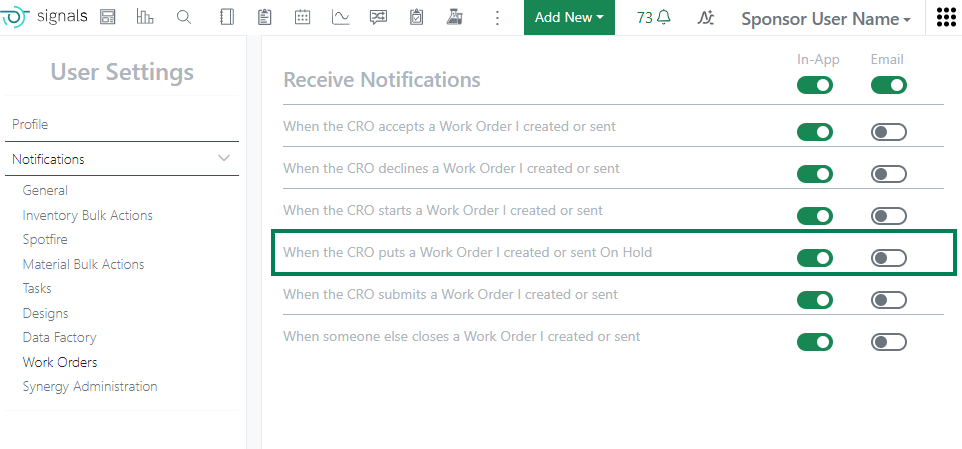
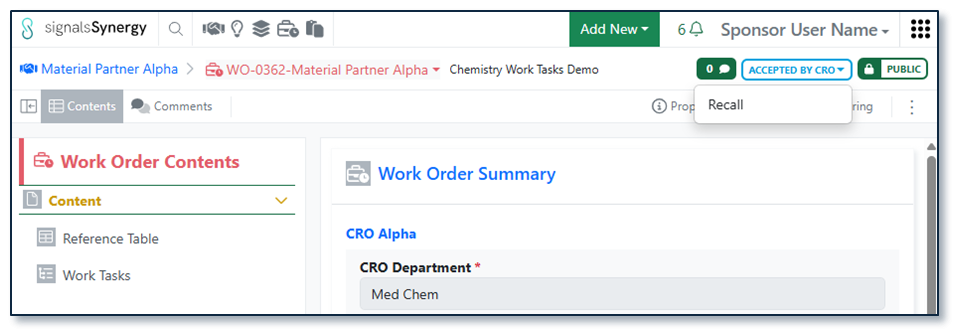
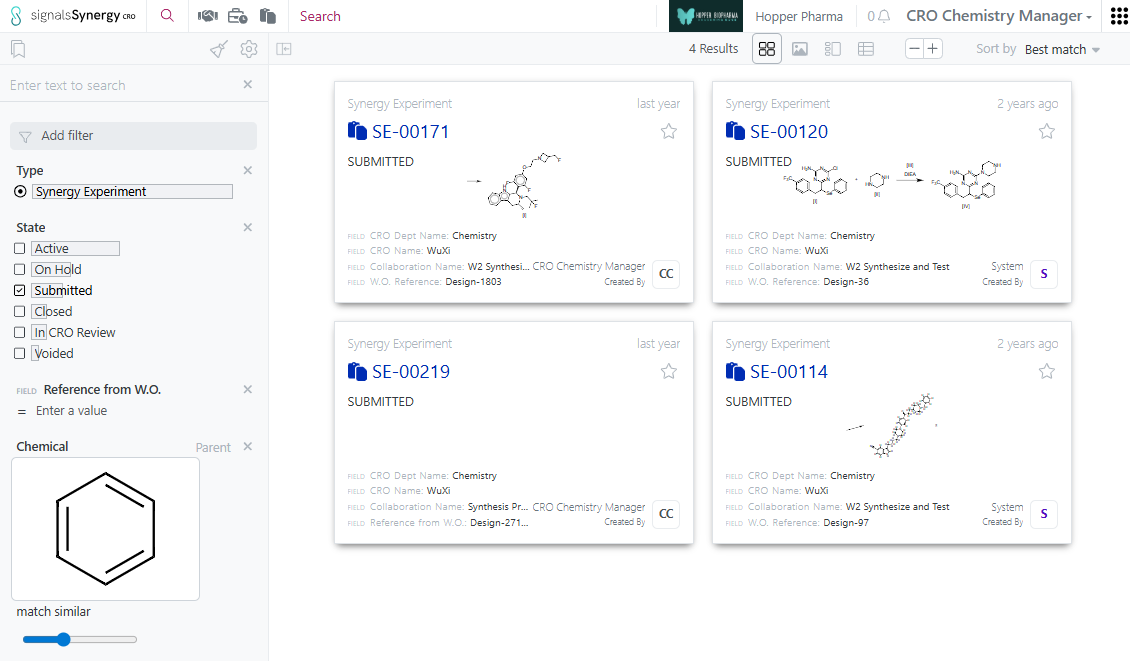
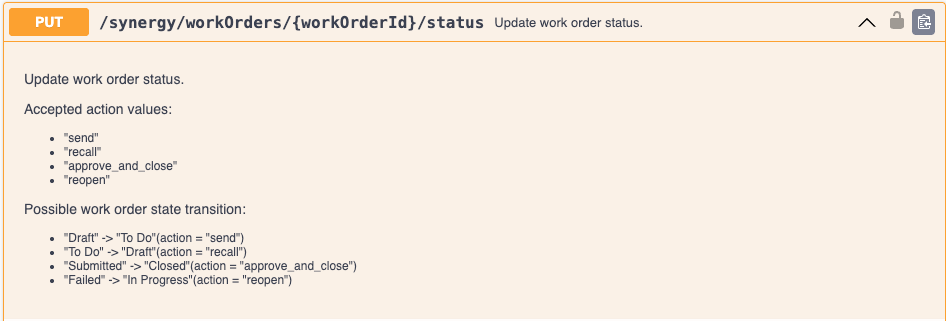
Sponsor users can receive an in-app or email notification when a CRO user puts a Work Order On Hold.
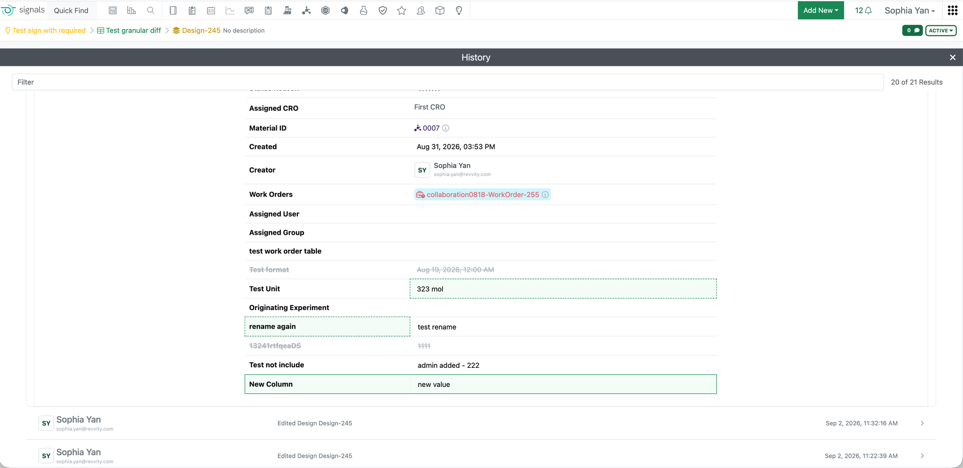
Sponsor Administrators can view visual granular change comparisons for fields in Synergy Design tables in the audit trial. When enabling the “View granular changes” toggle, field updates are clearly highlighted: green indicates newly added data, a green dashboard boarder denotes modified data, and gray represents removed entries. Use cases addressed include adding a new field to a Design, updating or clearing field values, renaming a field header, removing a field or reordering columns. Note: Design Structure previews are not supported by this tool.
Tables
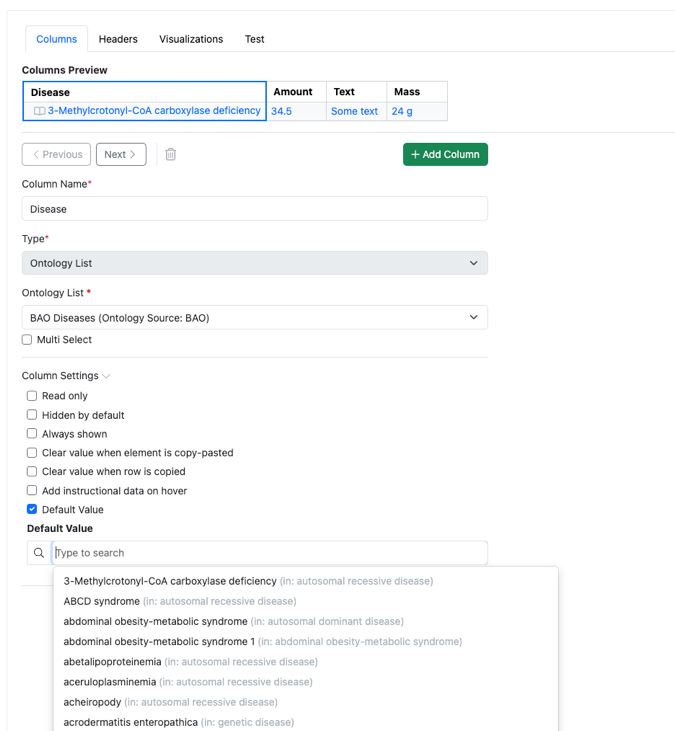
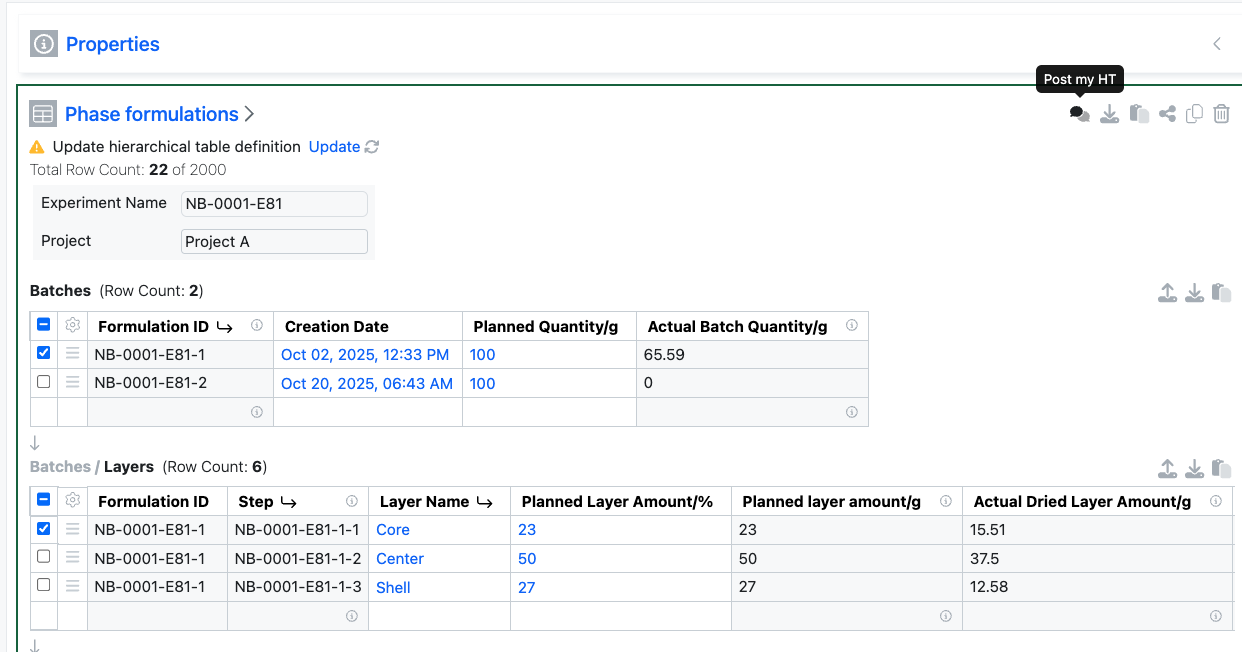
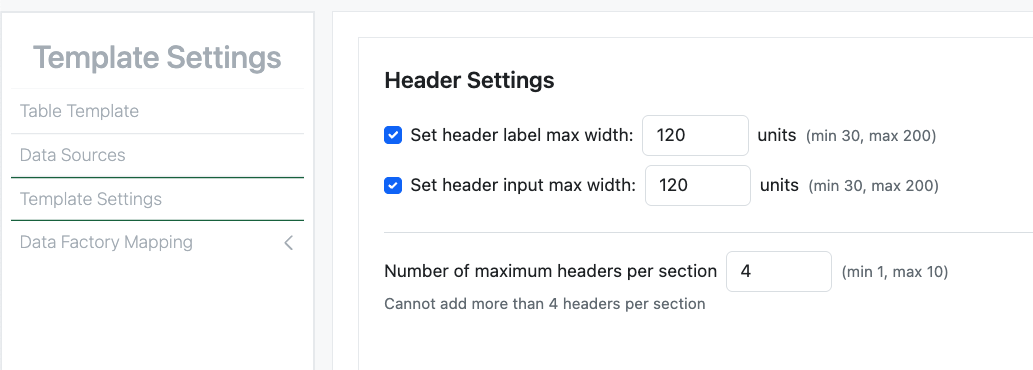
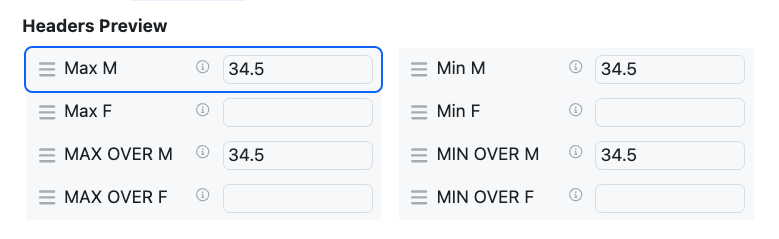
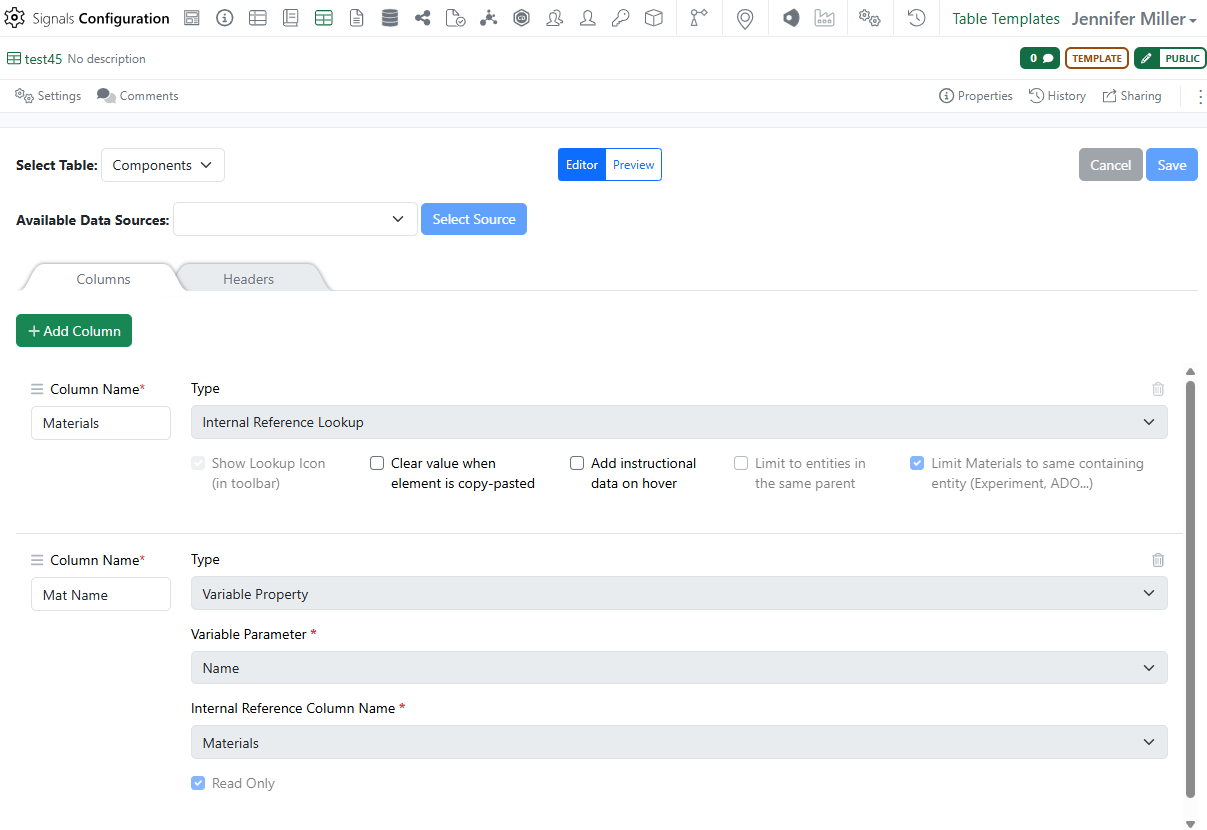
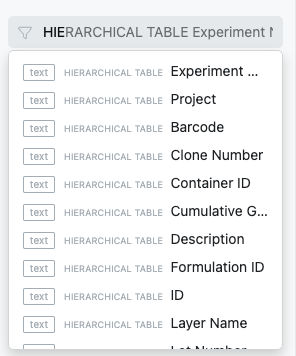
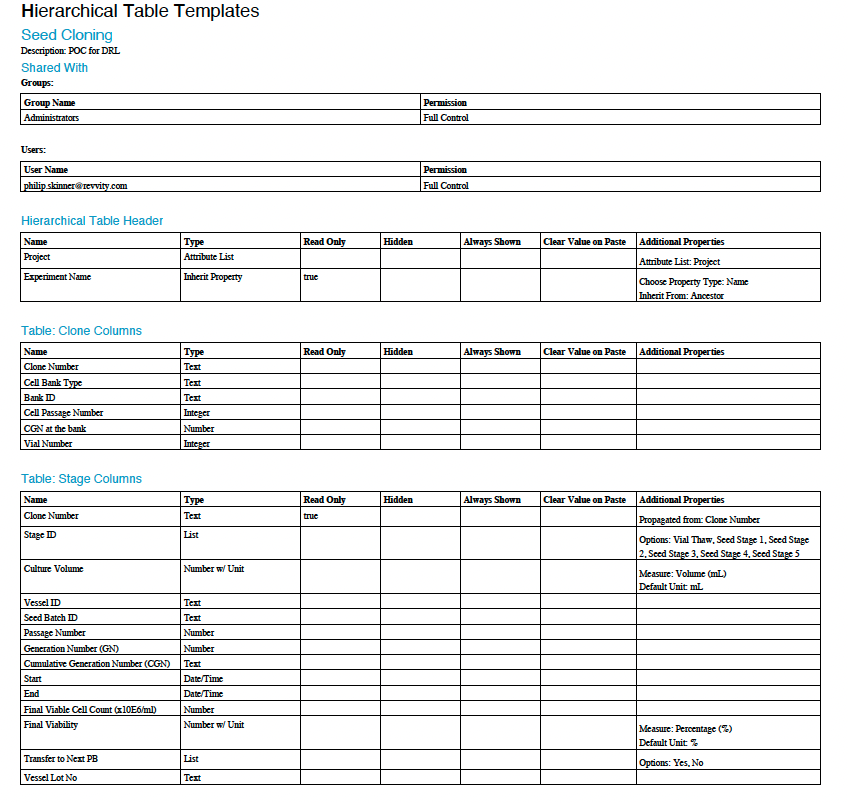
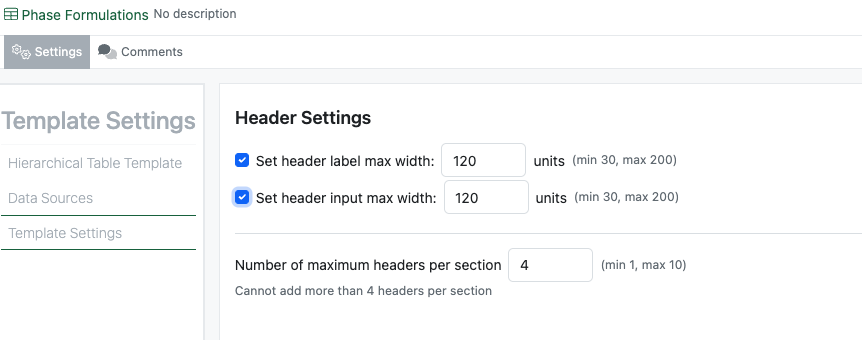
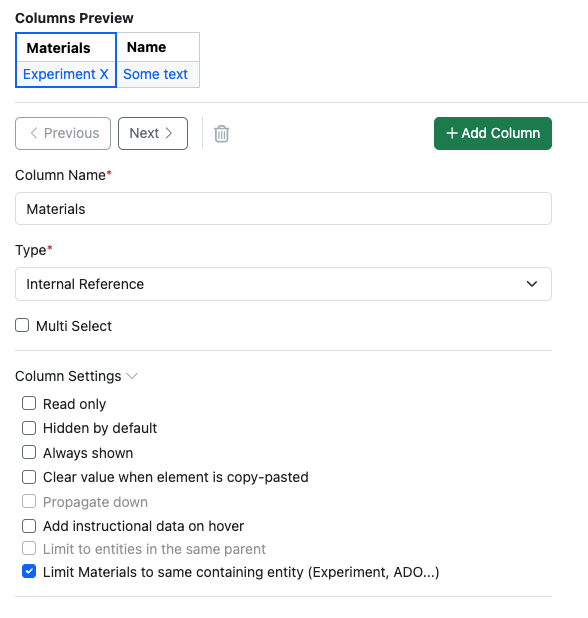
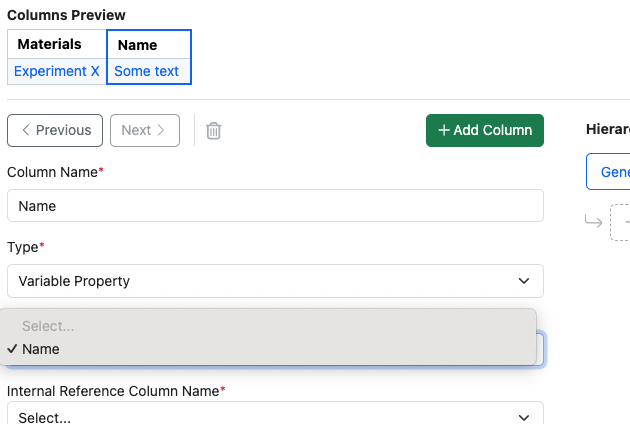
Configuration administrators can now define default values for Headers and Properties in Admin Defined Tables, Variation Tables and Hierarchical Tables. Default values can be set for all appropriate property types.
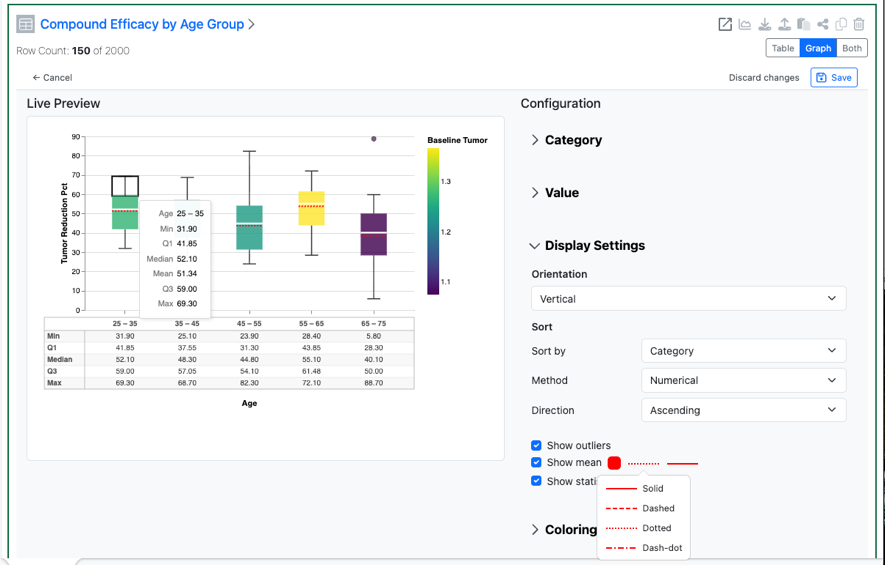
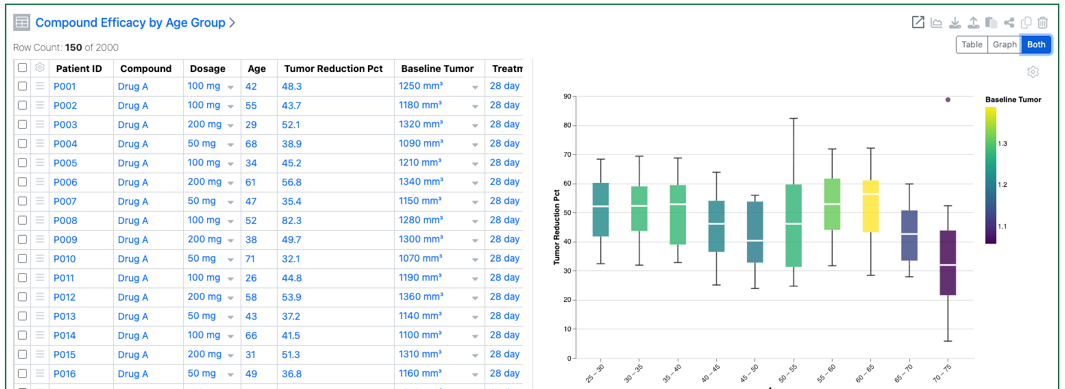
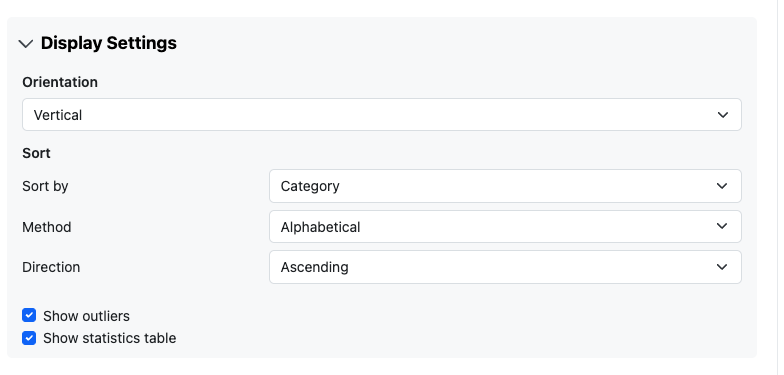
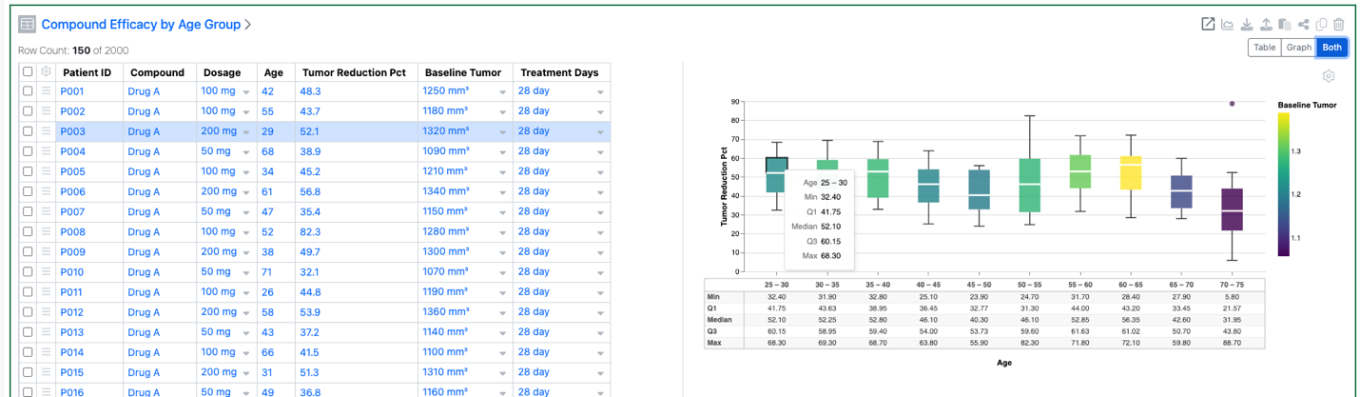
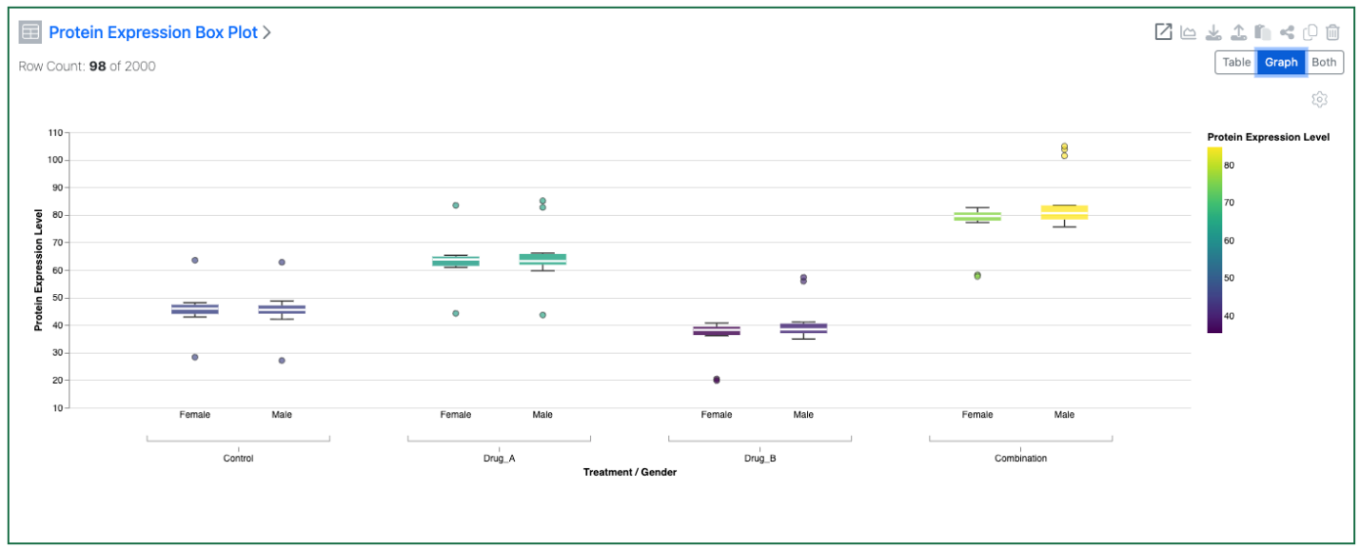
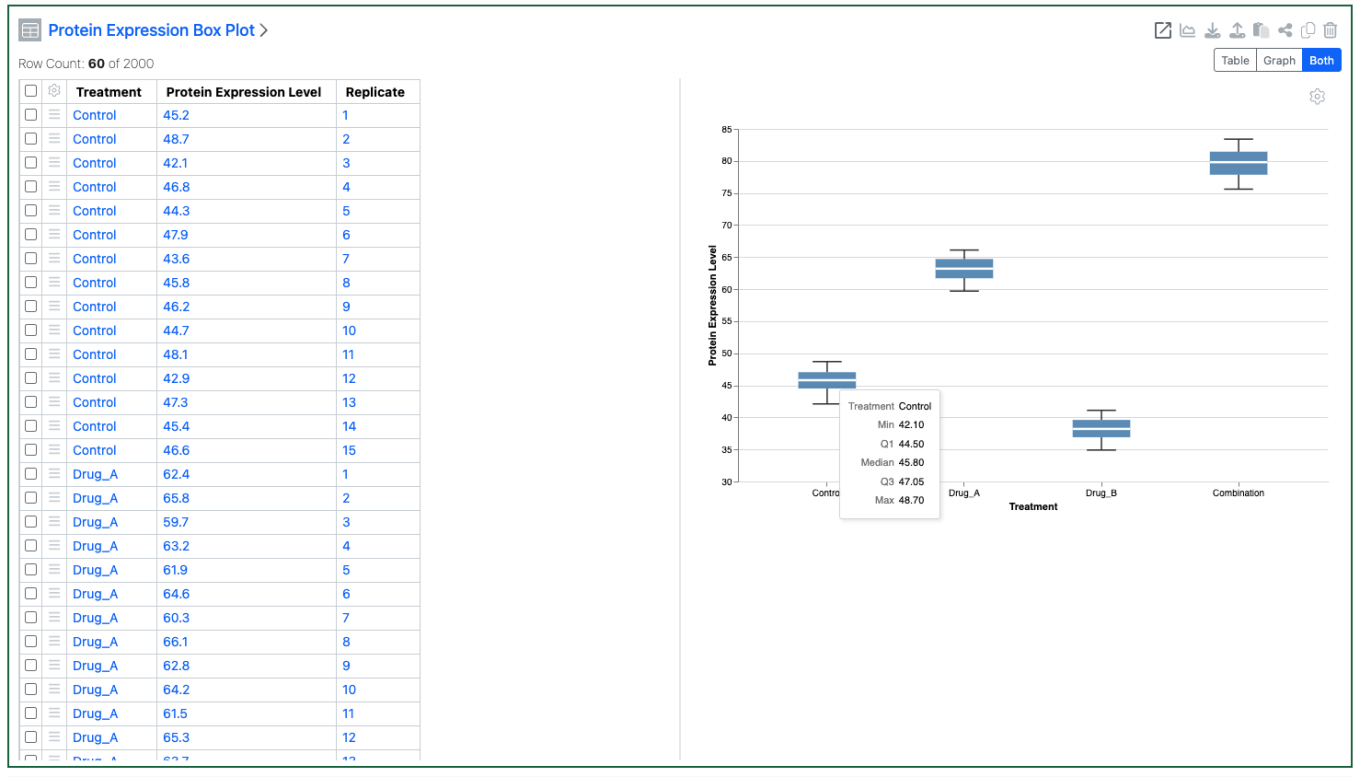
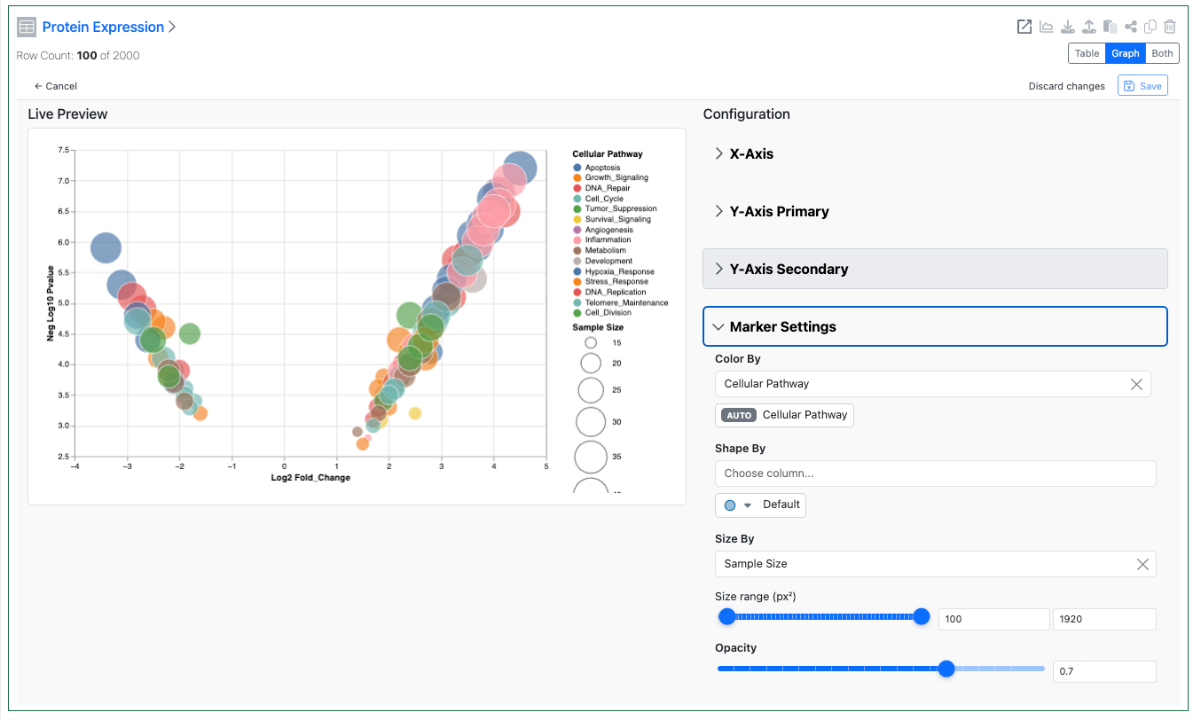
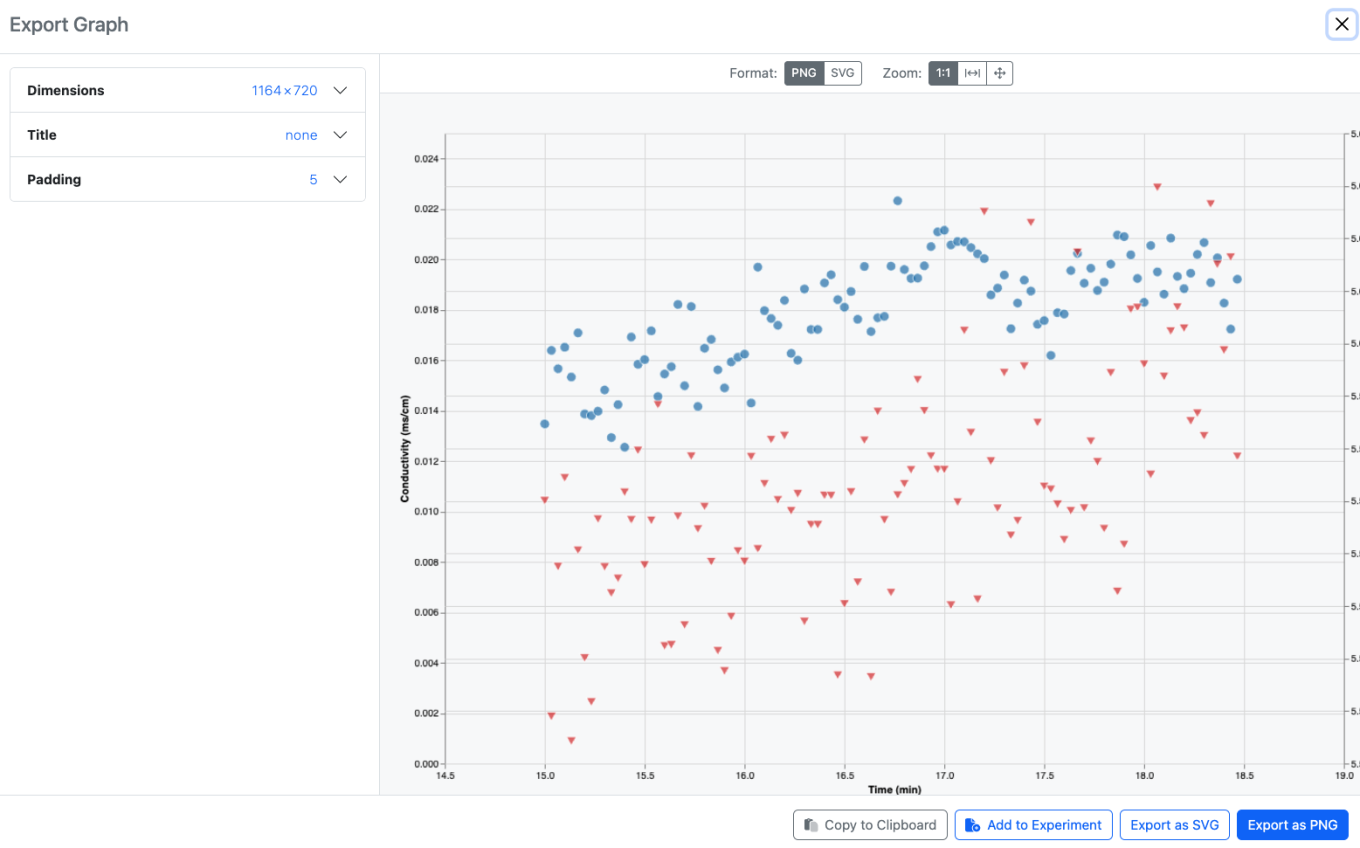
The Mean can now be displayed in Box Plots. The Configuration Administrator, or optionally the end user, can set if the Mean is displayed or not, and define the color, line style and line thickness.
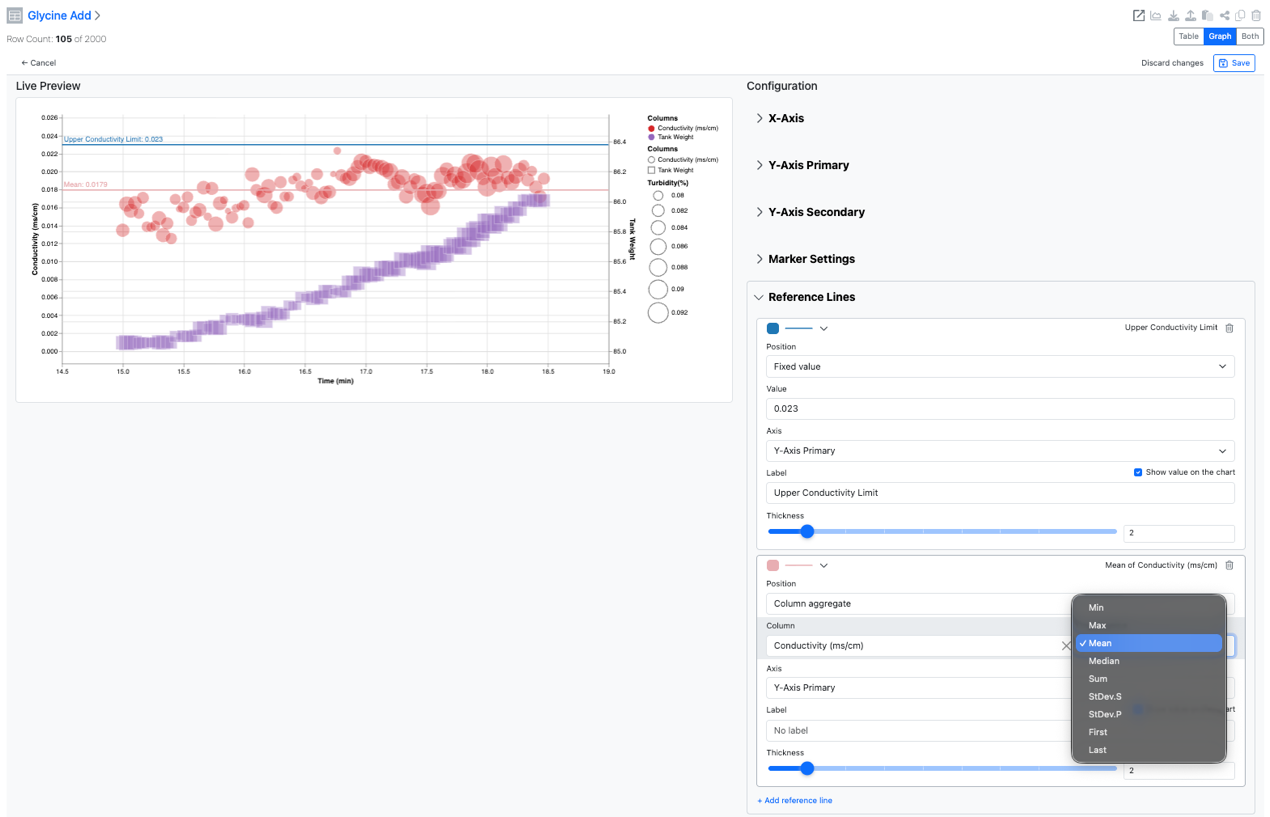
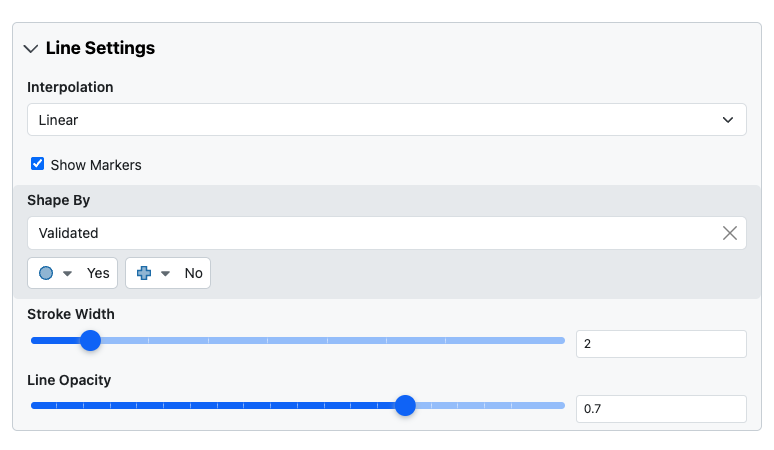
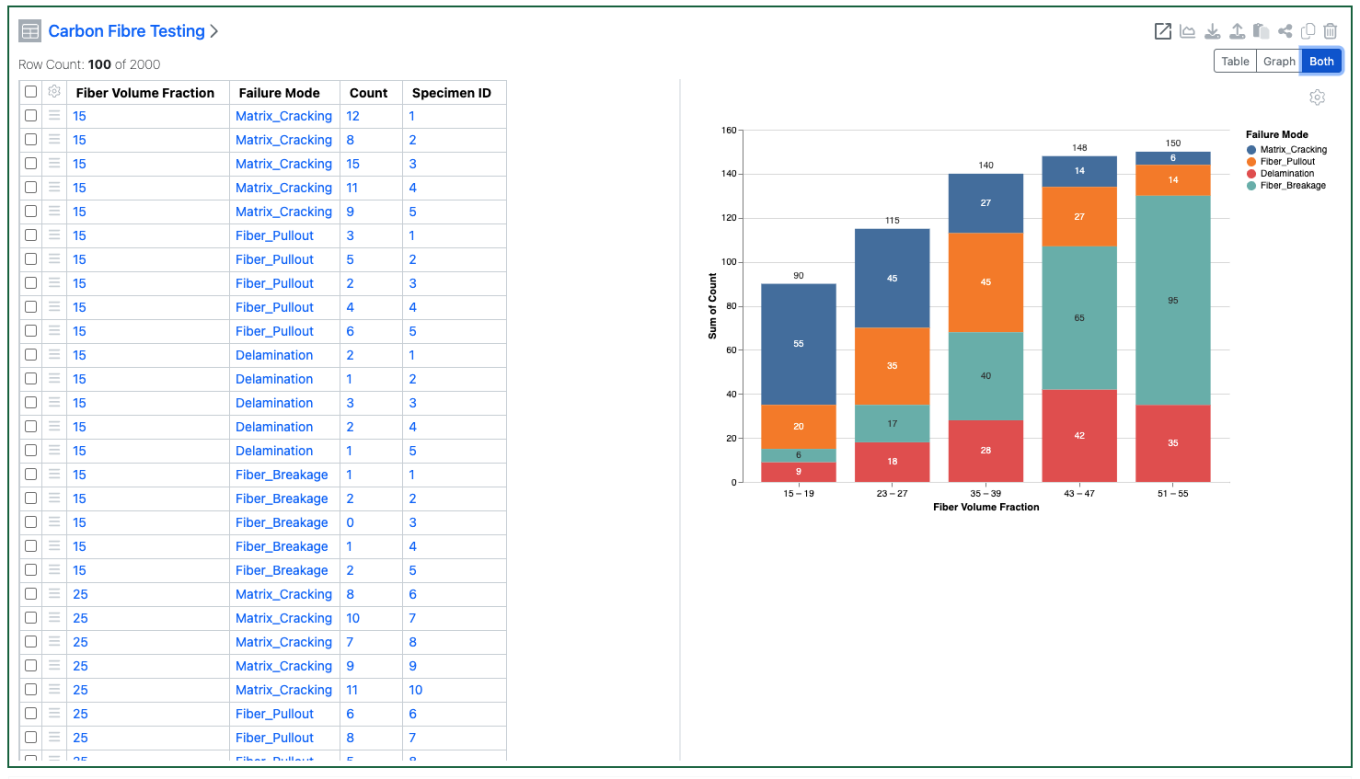
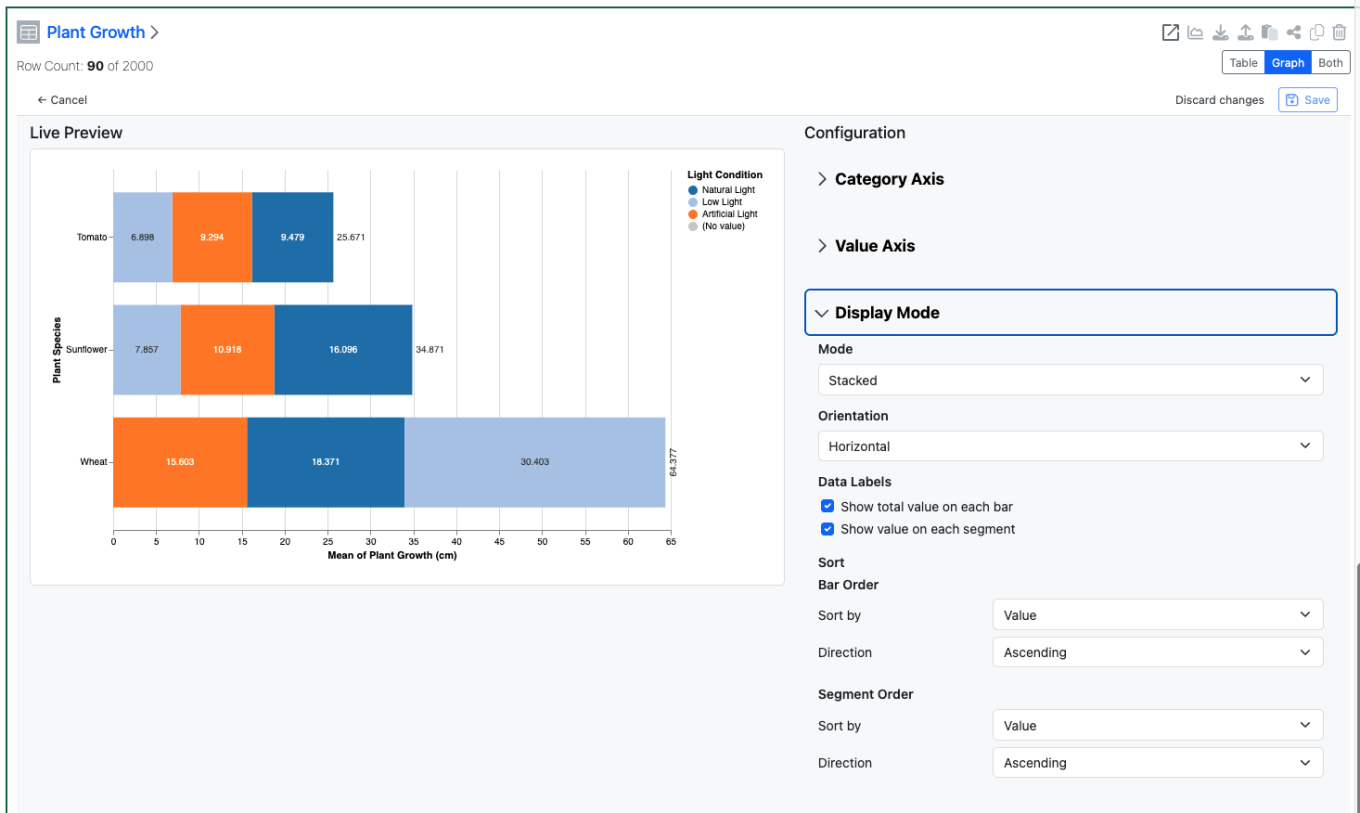
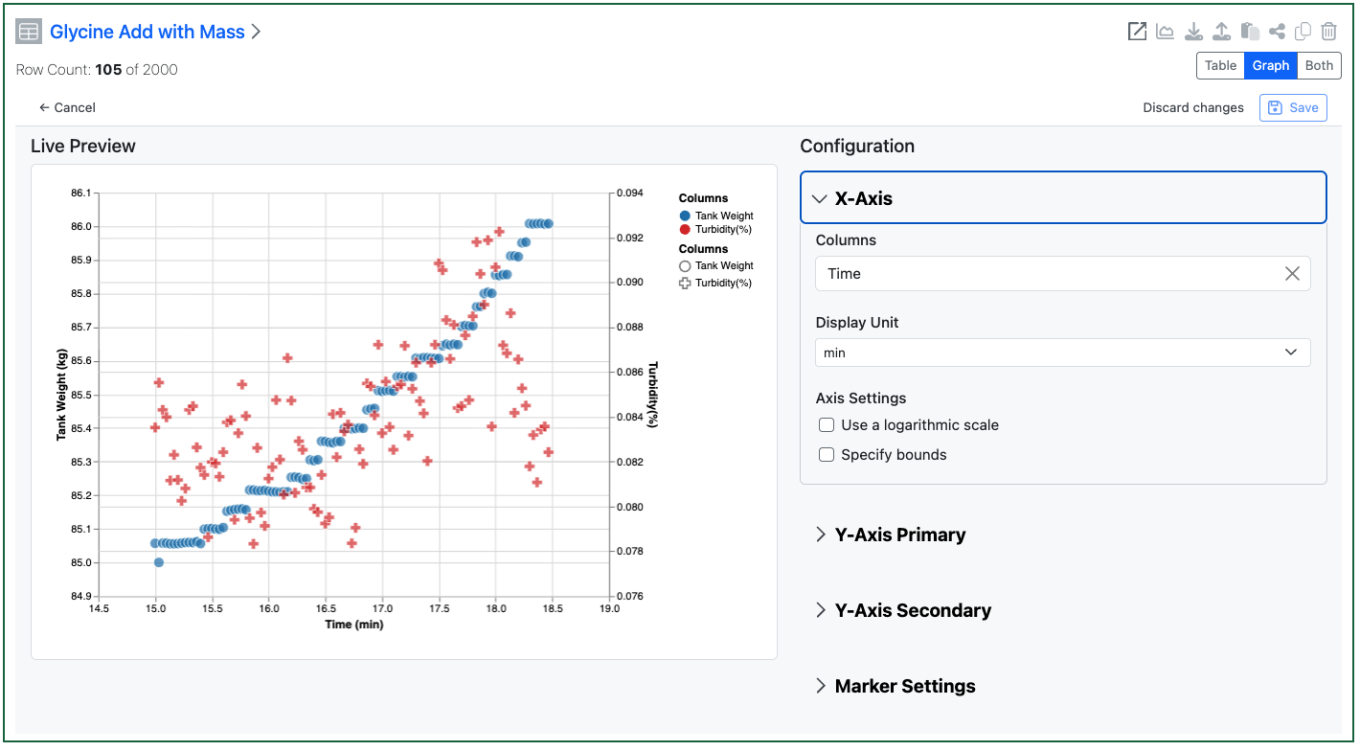
Reference Lines can be displayed on numerical axes of charts. Lines can be set to be either a fixed value or at a calculated aggregate of a numerical column. The configuration administrator, or optionally end user, can define the line color, style and thickness, and the label display, for the reference lines.
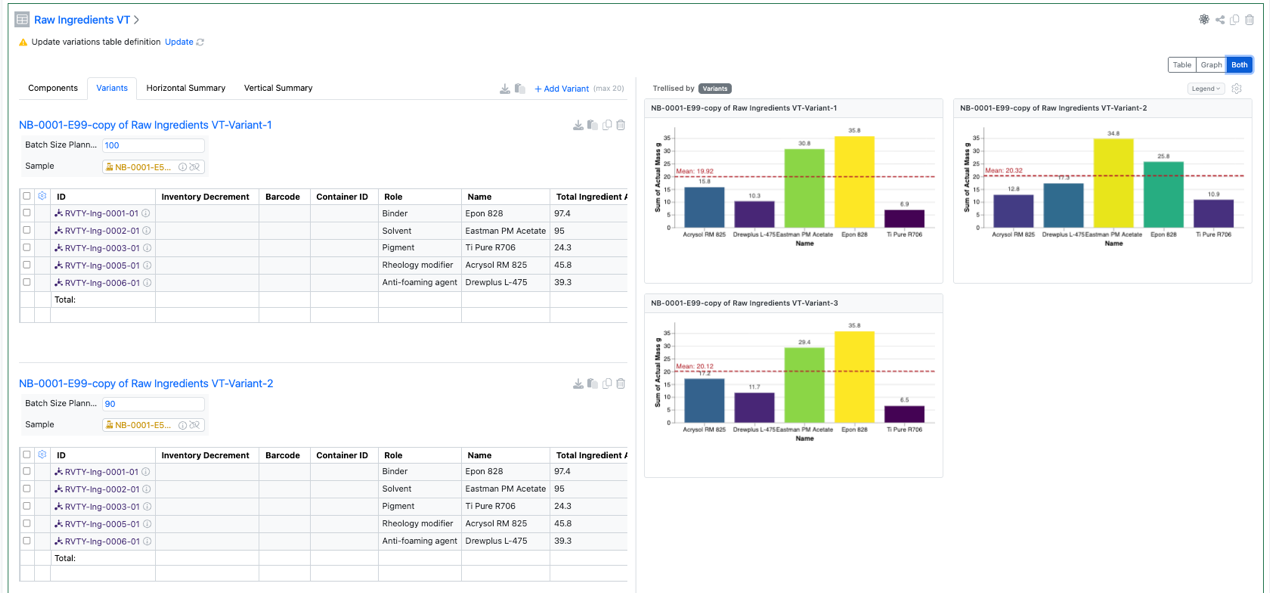
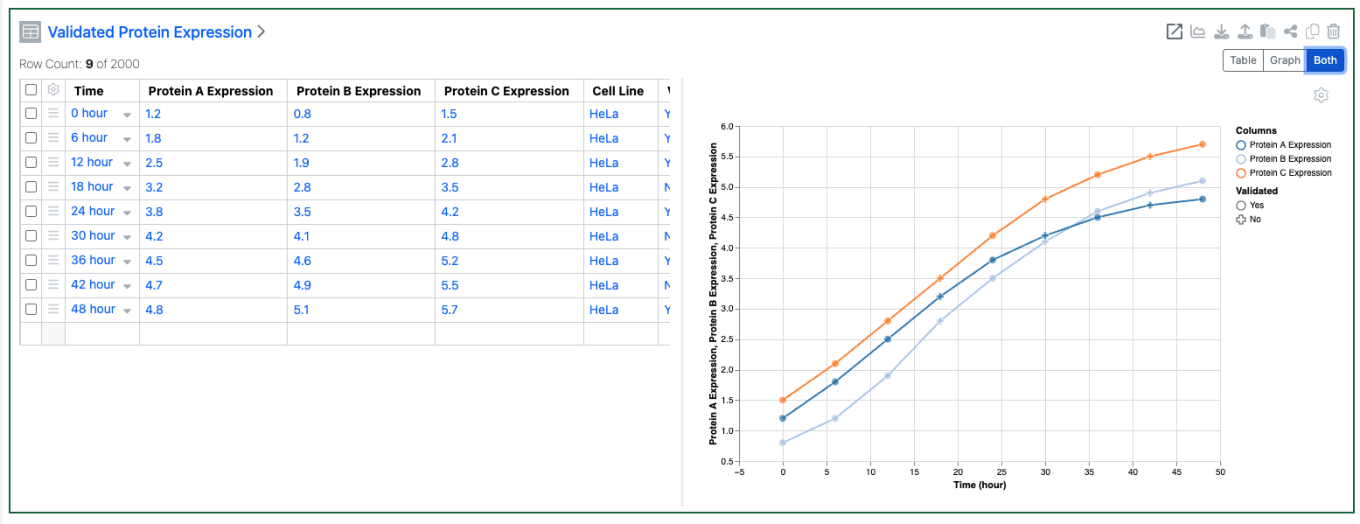
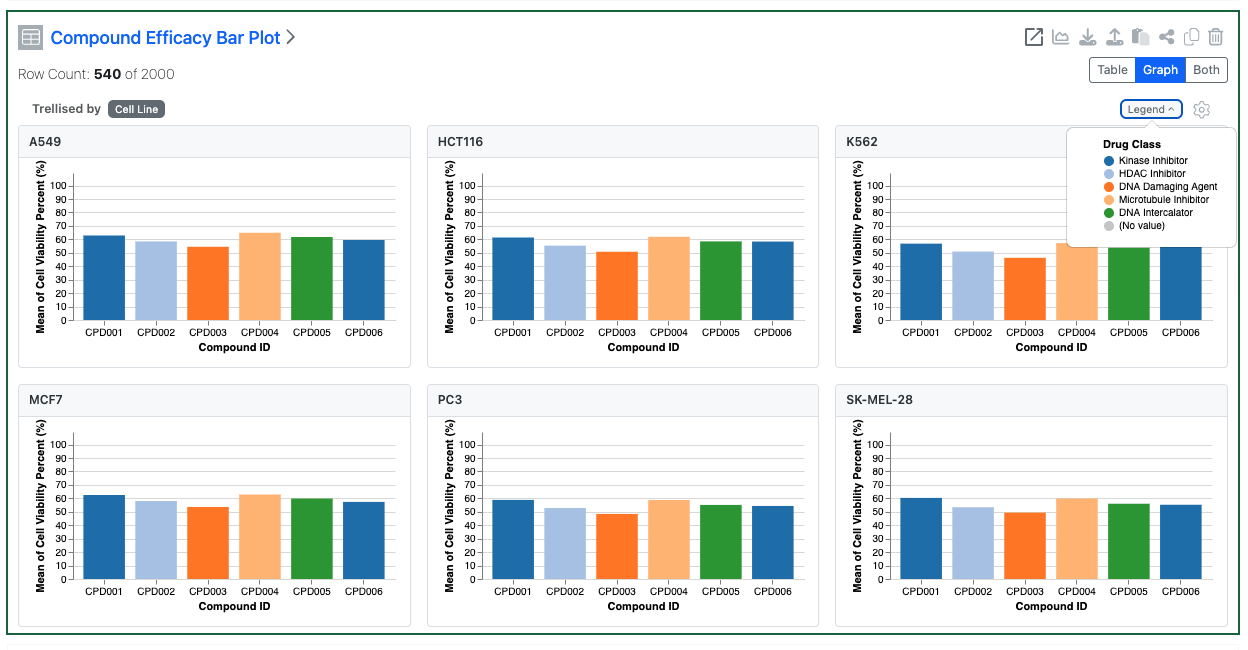
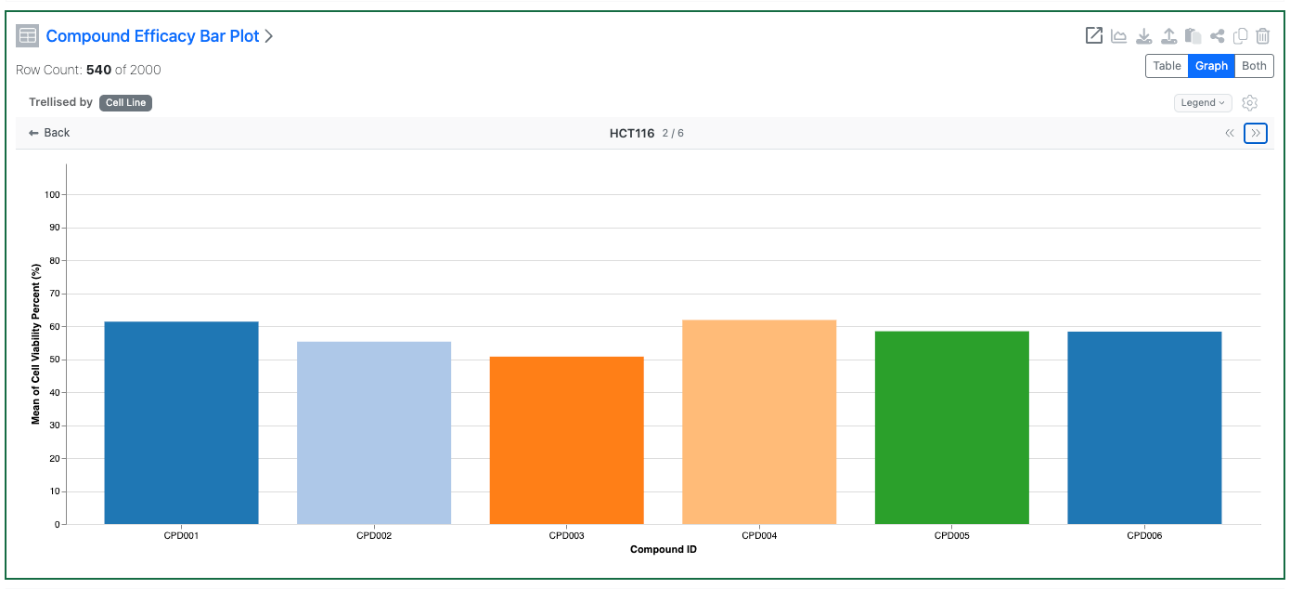
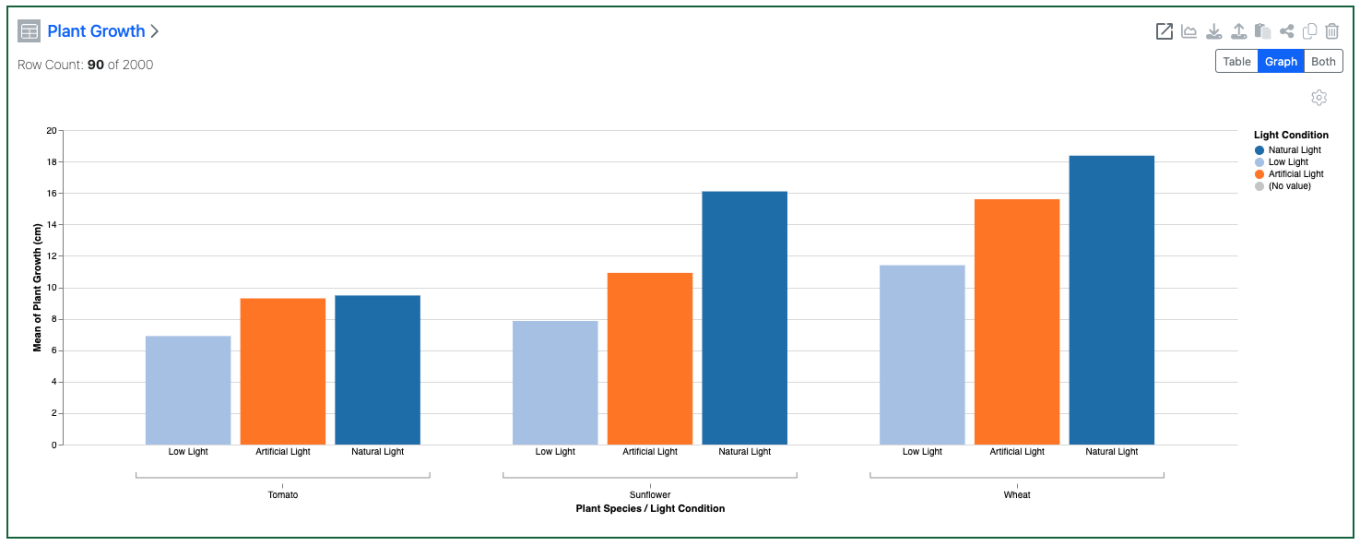
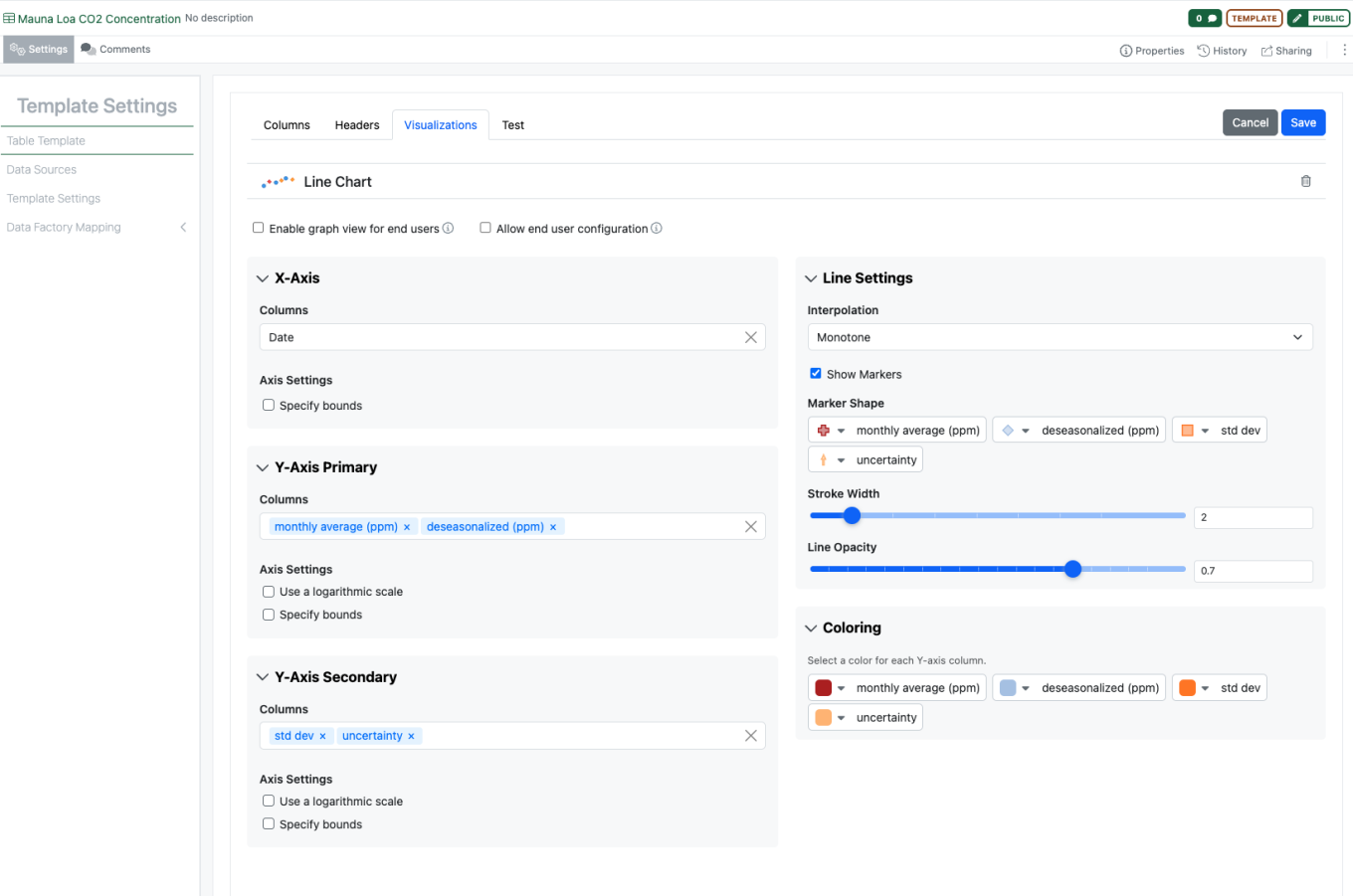
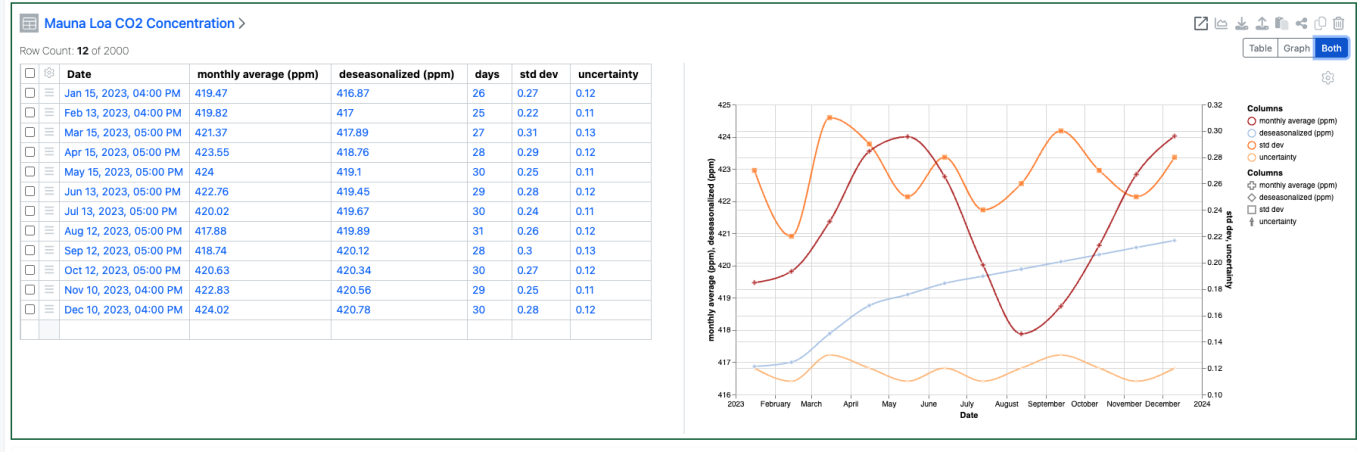
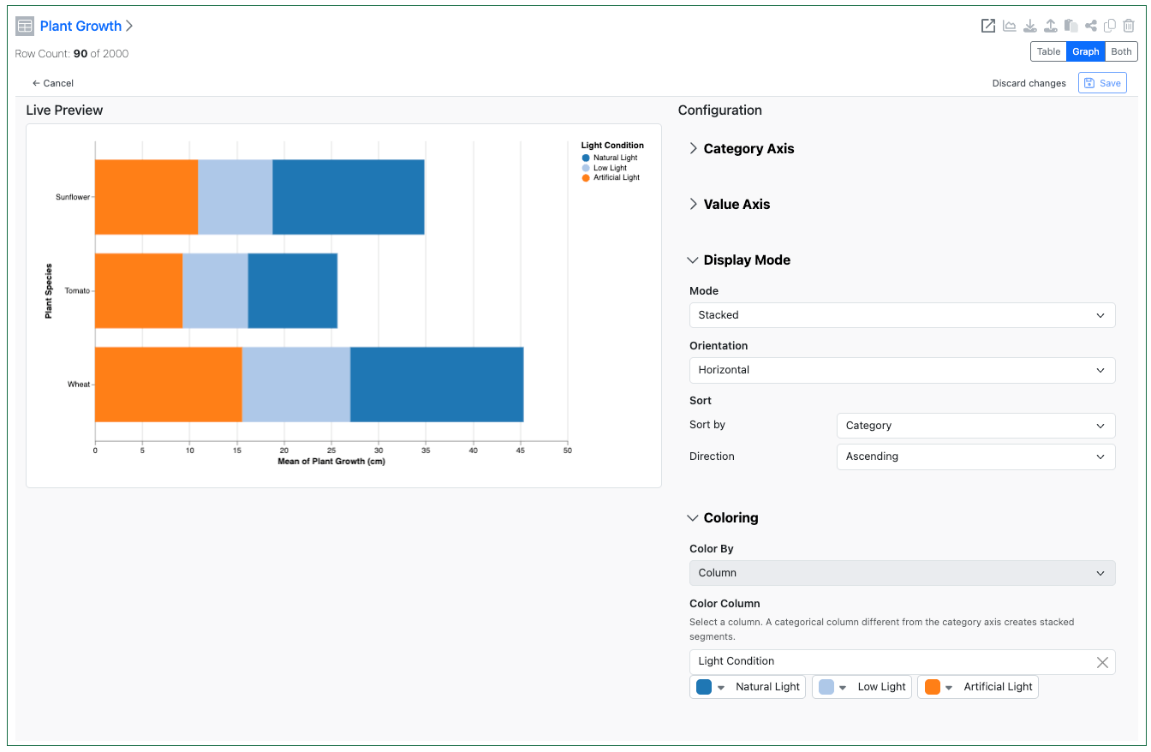
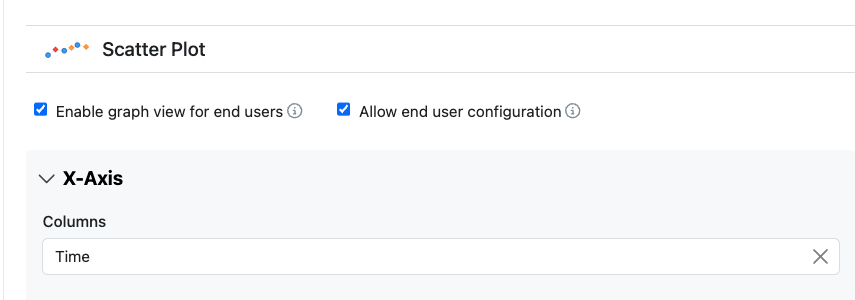
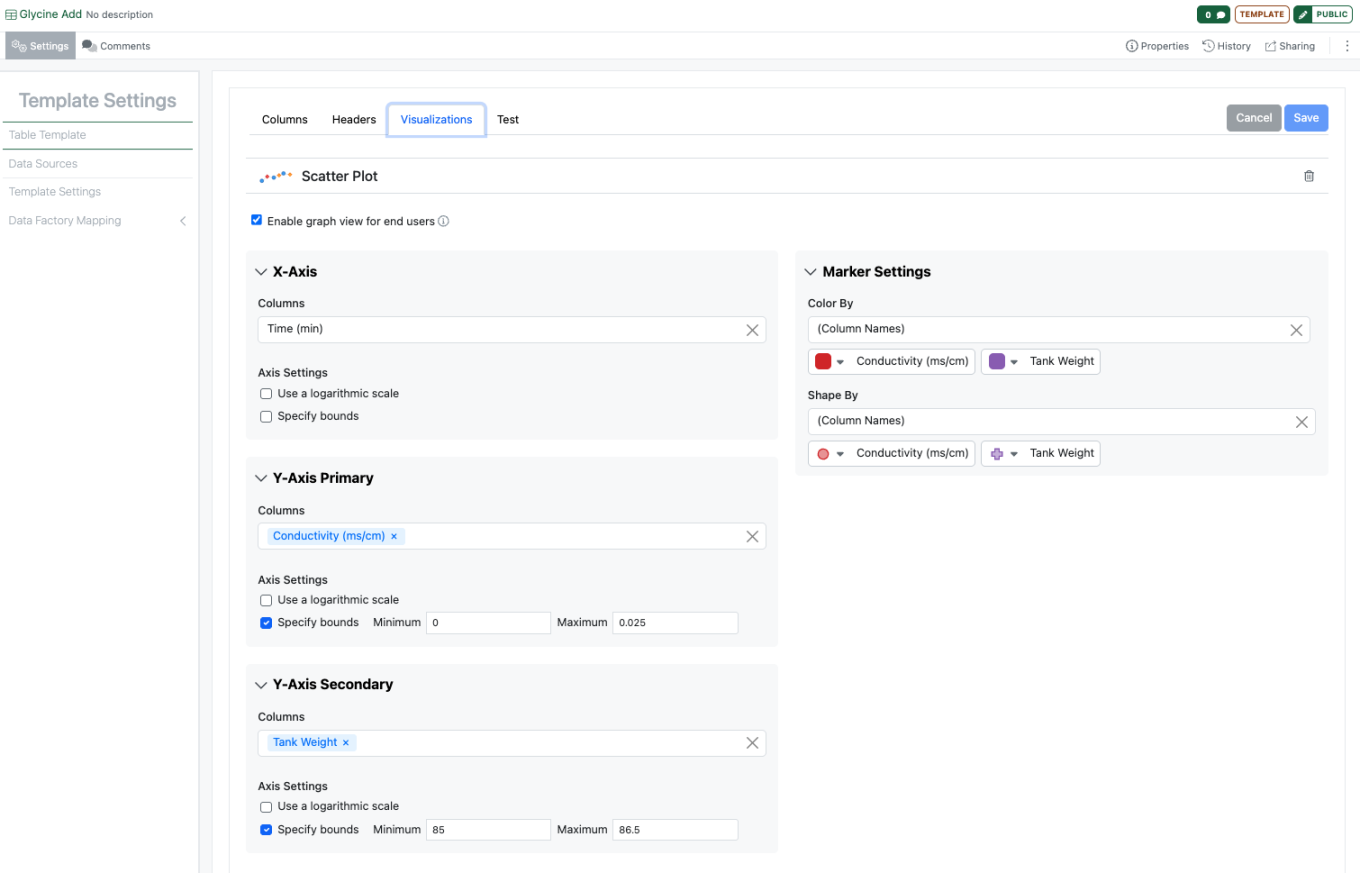
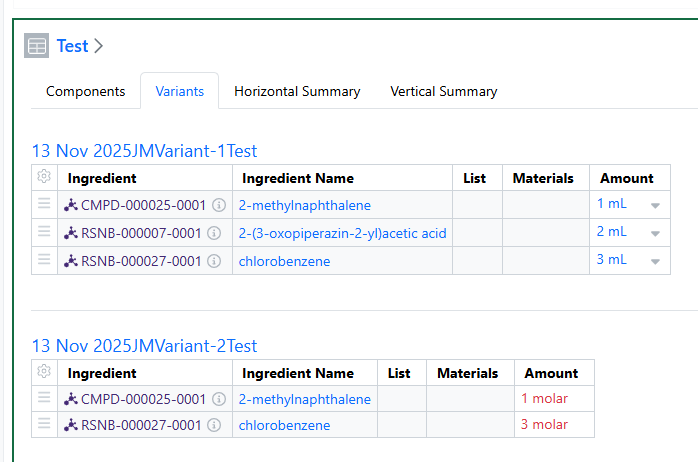
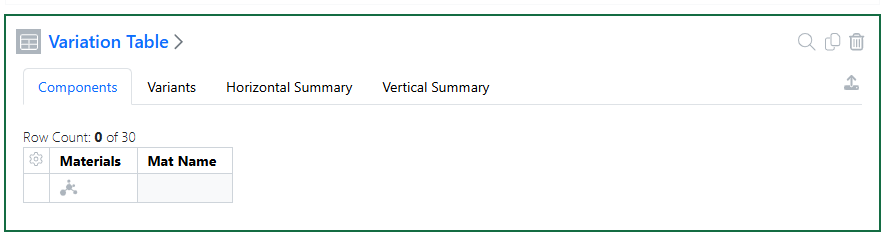
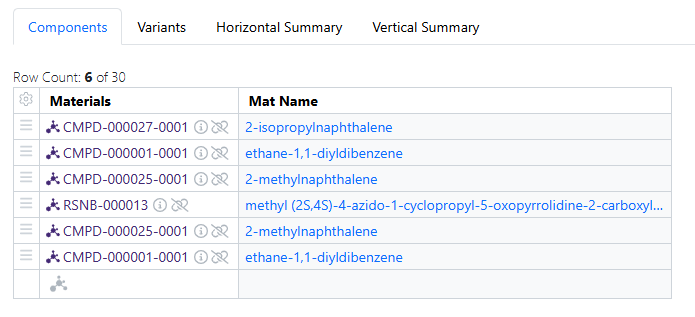
Graphing has also been extended to Variation Tables. All included chart types, namely Scatter Plots, Bar Charts, Bar Charts and Box Plots can be configured on Variation Table Templates. The Variant Name can be used as a categorical property, such as to Trellis By.
Plates
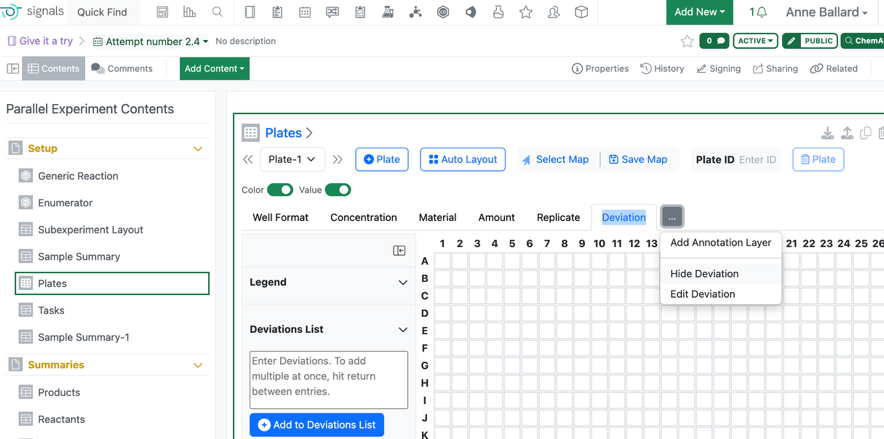
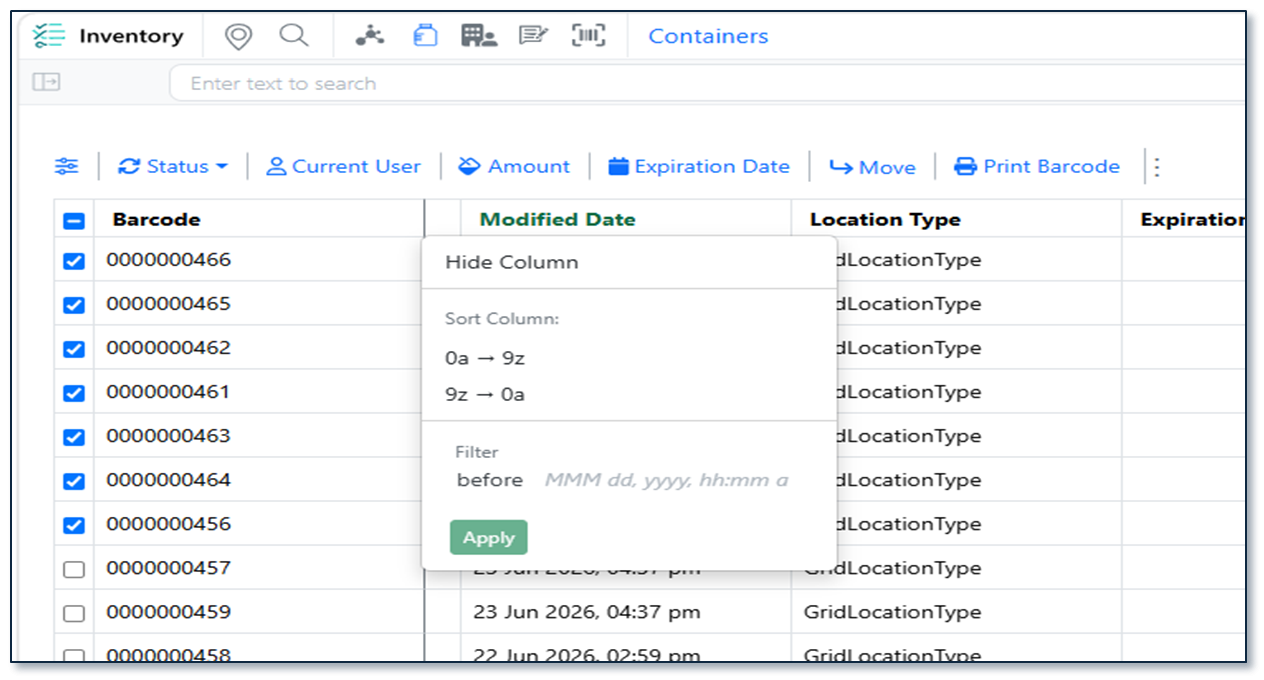
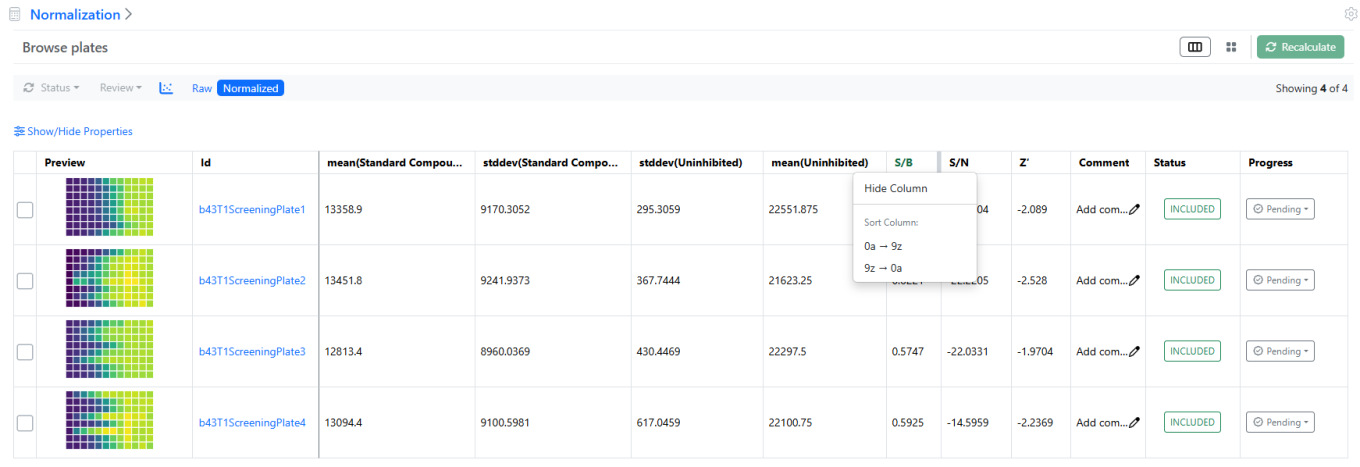
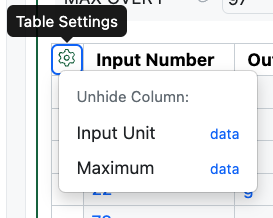
When users Hide an Annotation layer in the plate, the corresponding column in the Plate table is also hidden. This will not alter the data stored on the plate.
Inventory
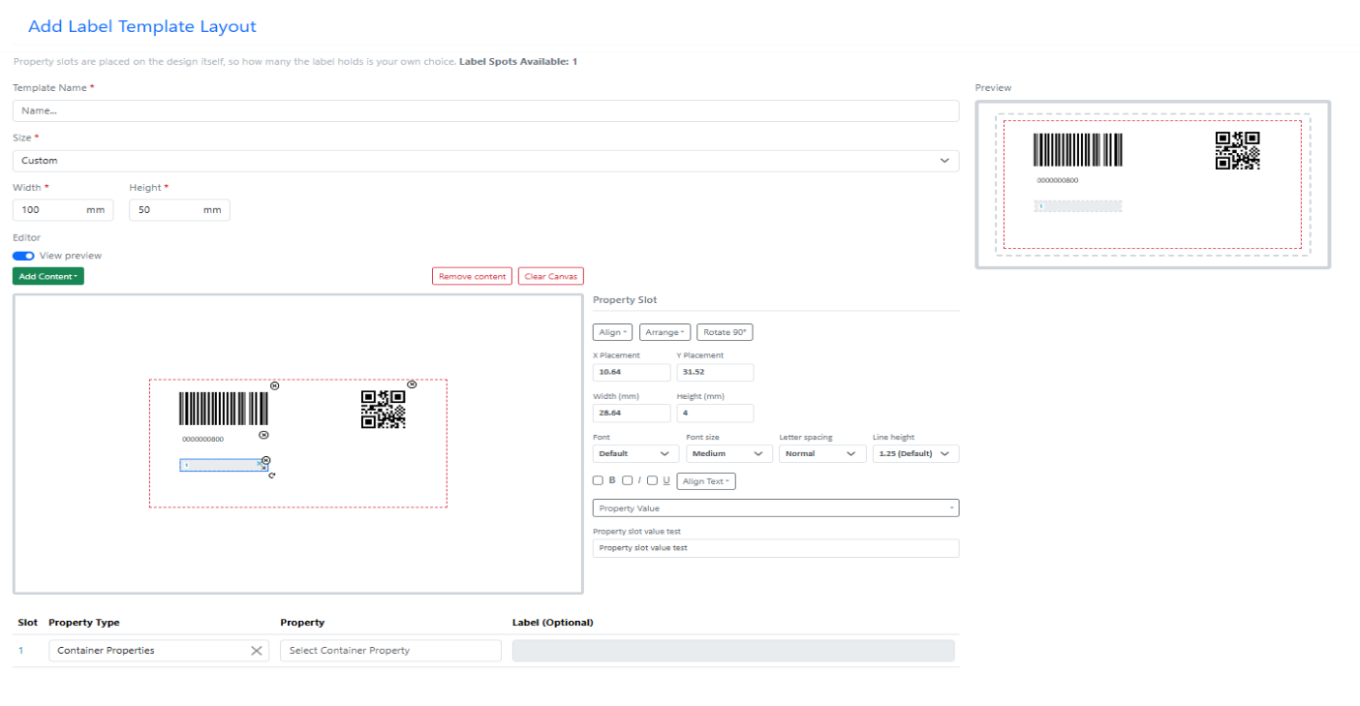
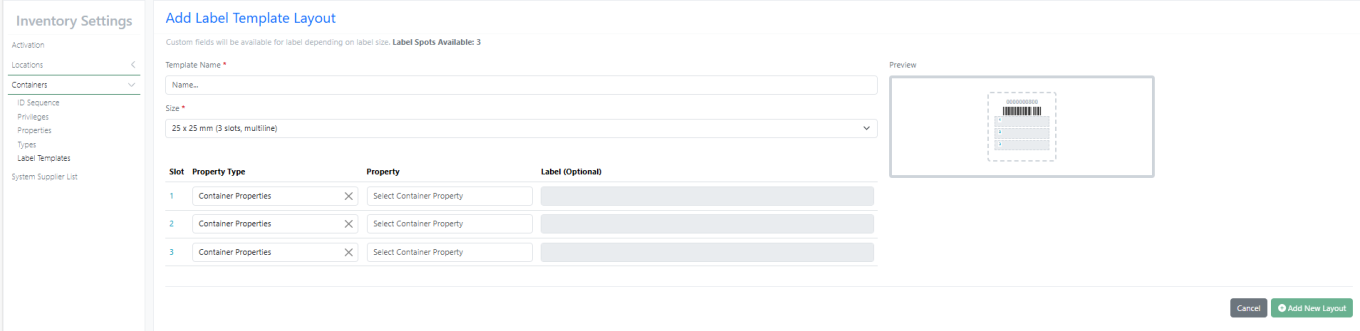
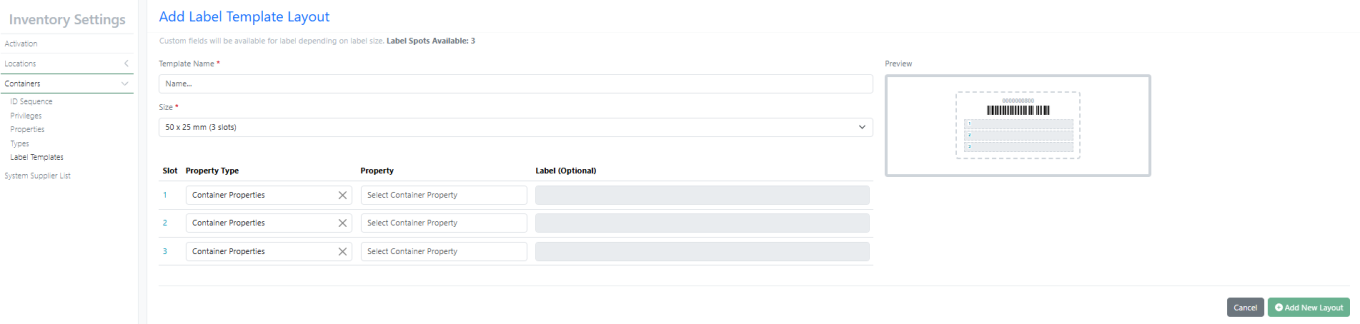
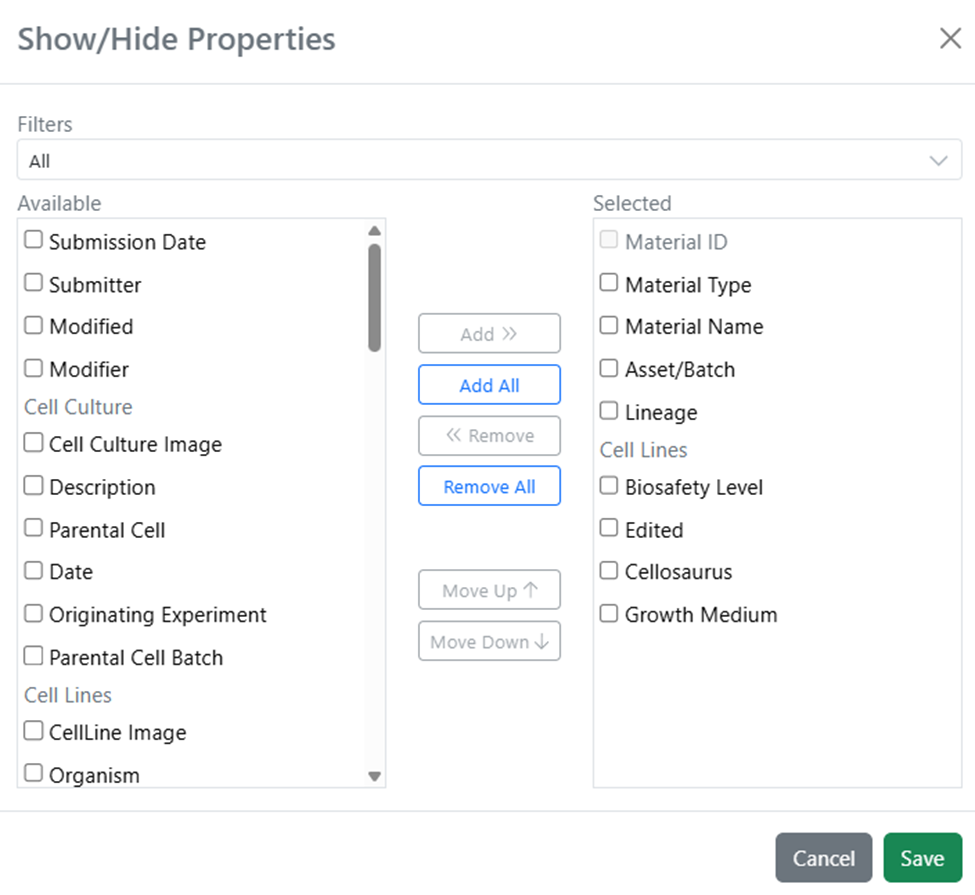
Create and customise inventory label templates by defining label sizes, selecting displayed fields, positioning content, and configuring formatting options such as fonts, barcodes, and QR codes to meet site-specific labelling requirements.
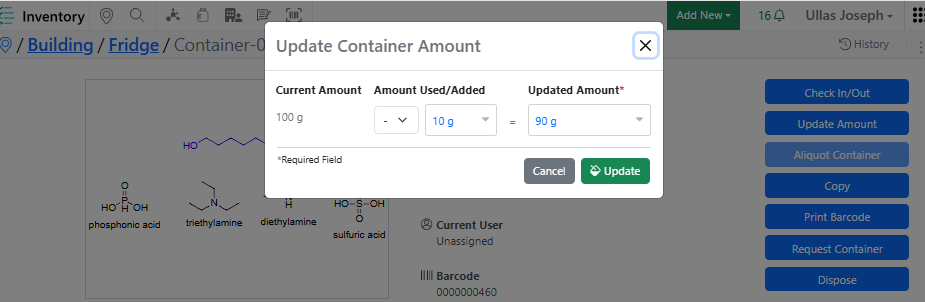
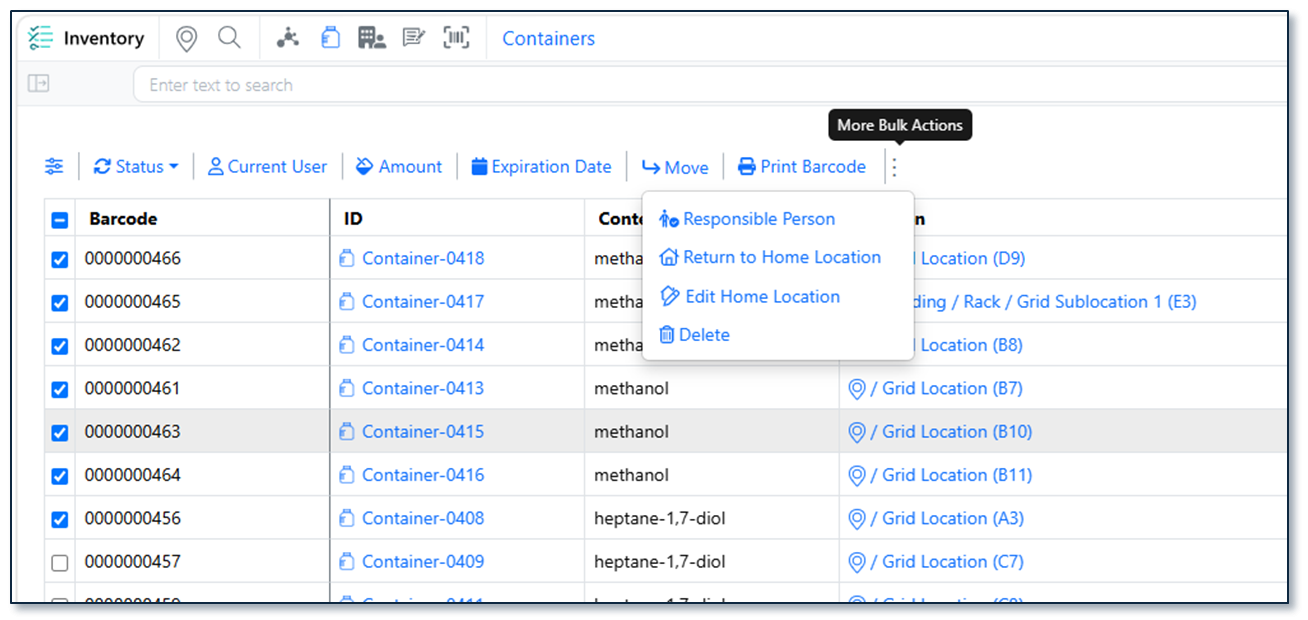
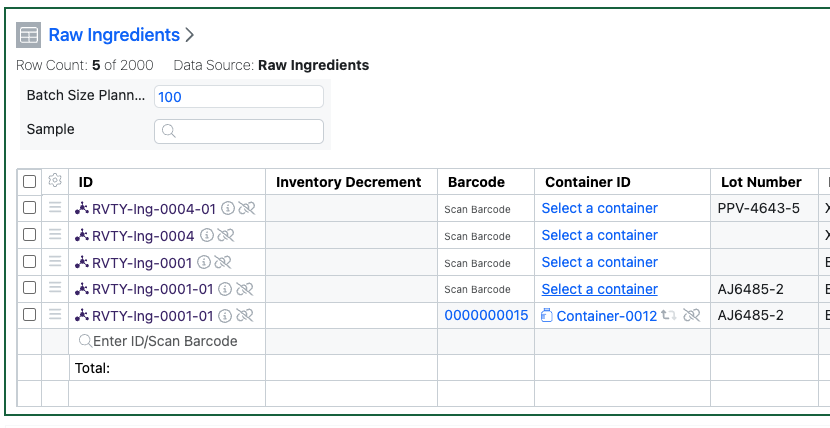
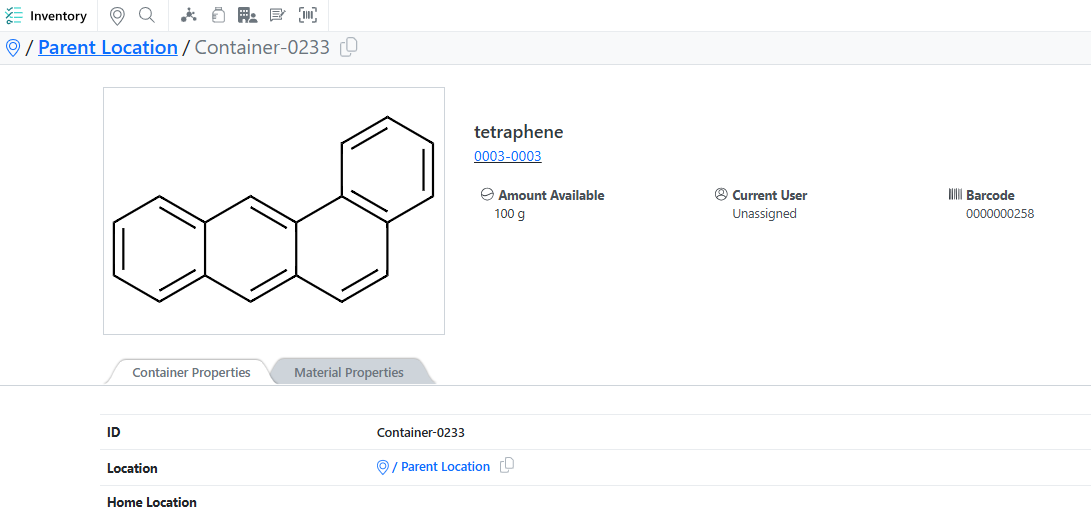
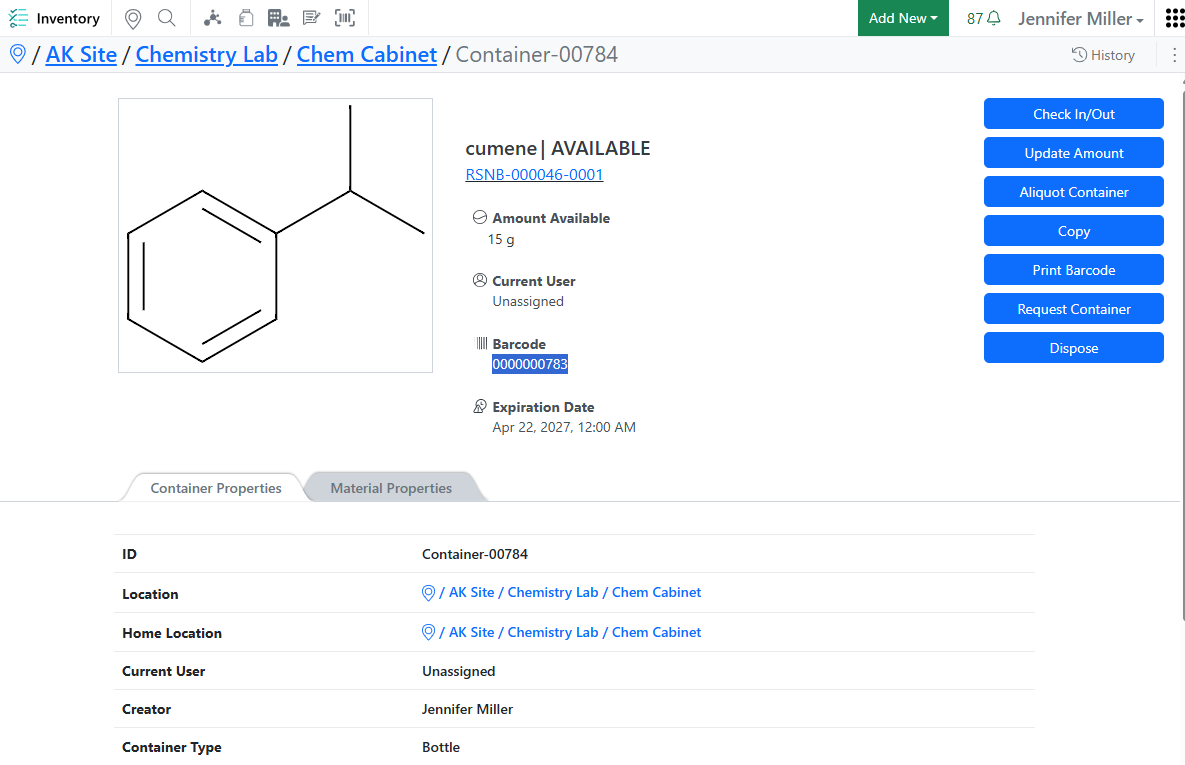
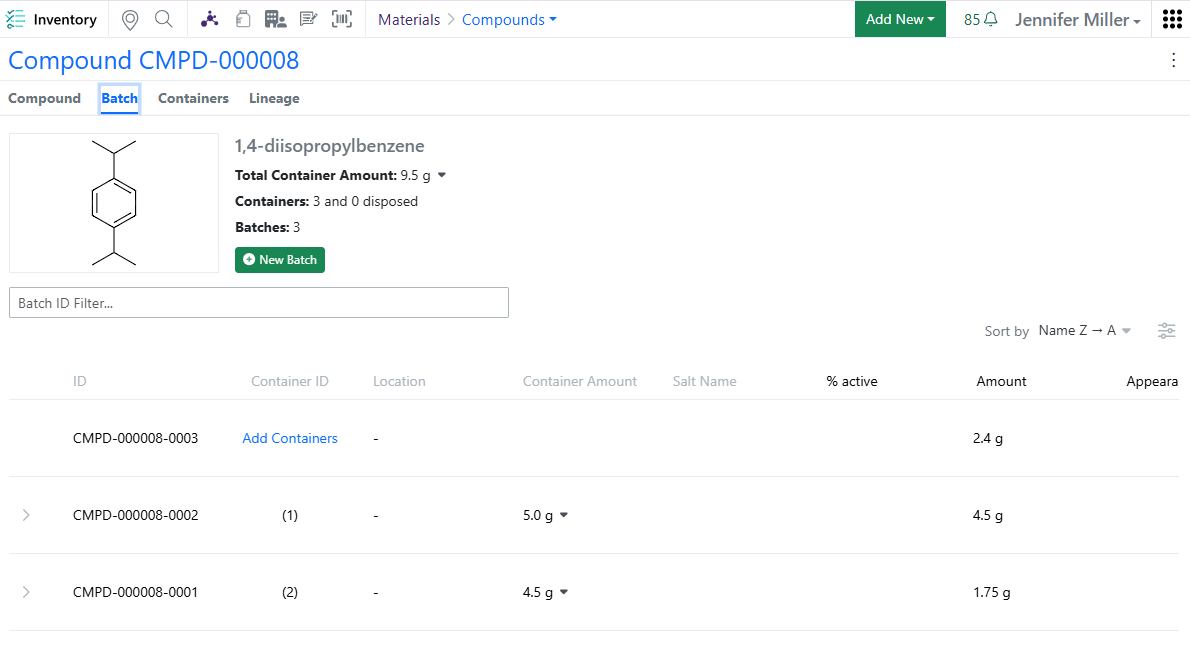
Enter the amount consumed directly during inventory updates. The system automatically deducts the consumed quantity and displays the remaining balance, simplifying inventory consumption tracking.
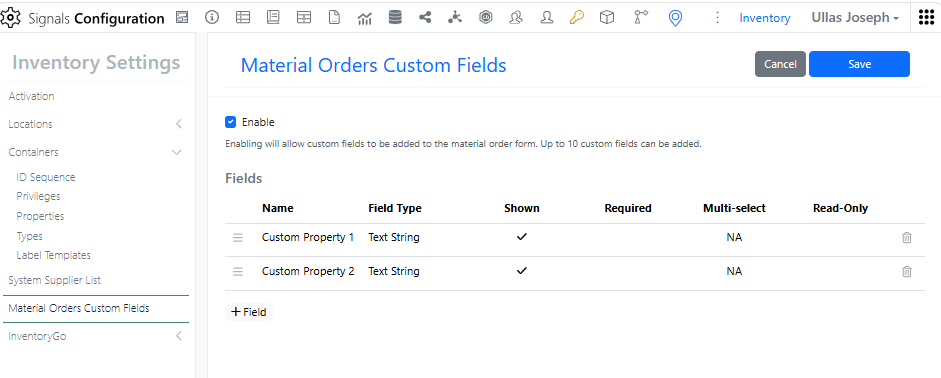
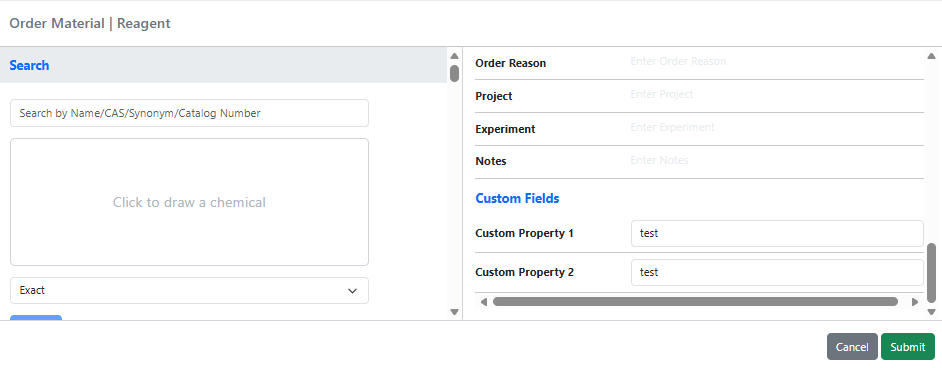
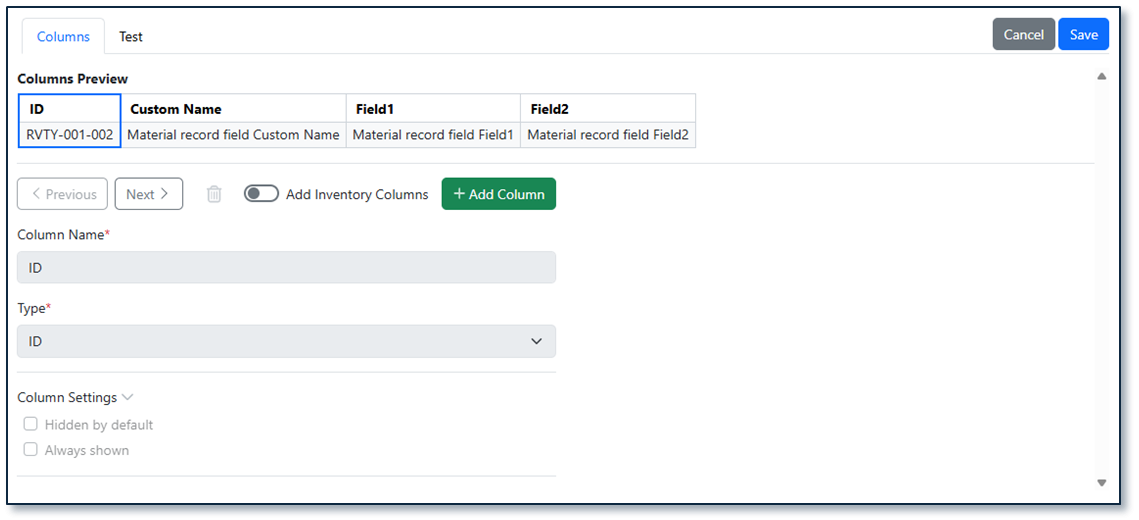
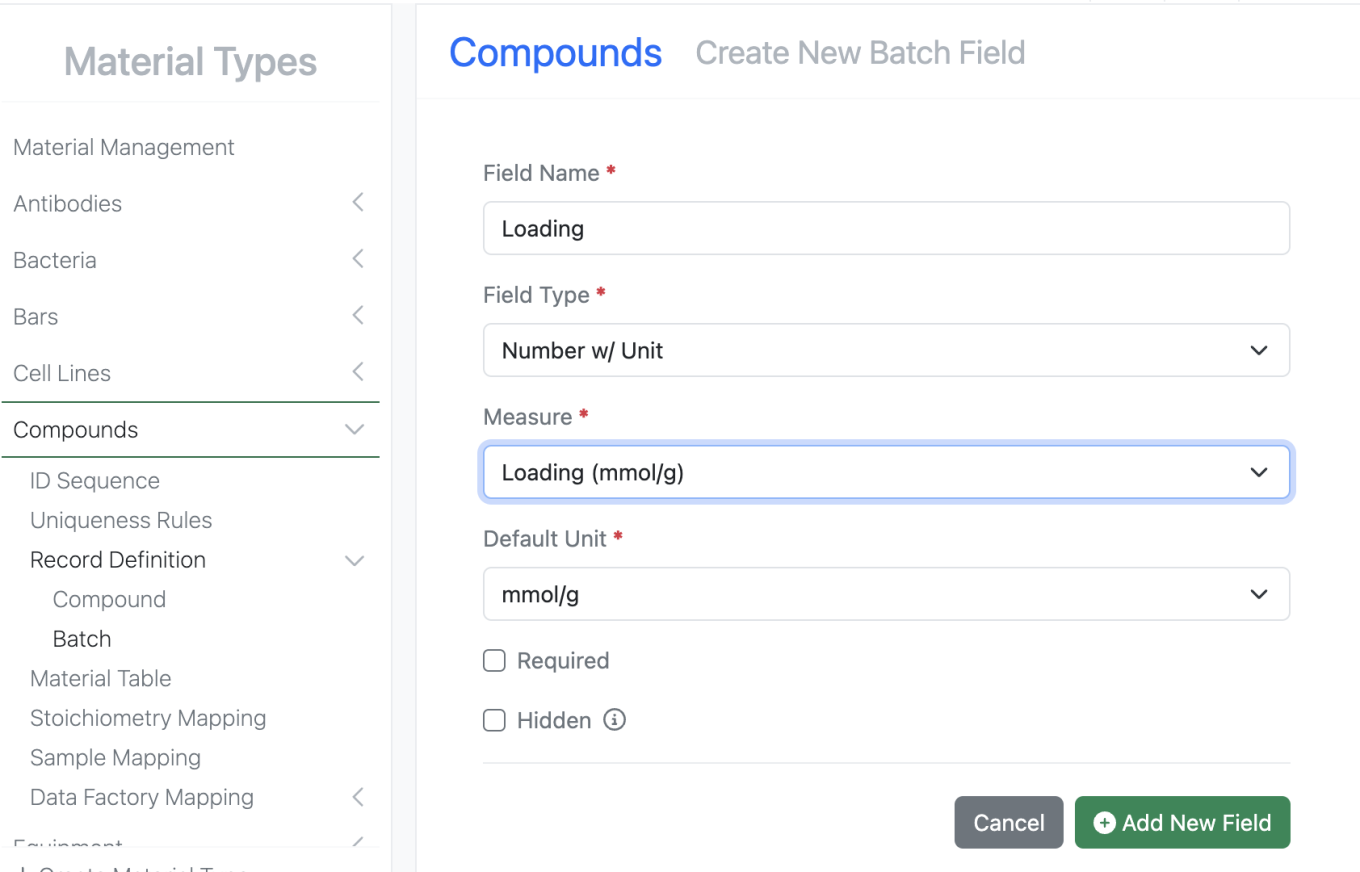
Configure custom fields for material orders and capture additional information tailored to your organization’s procurement and inventory workflows.
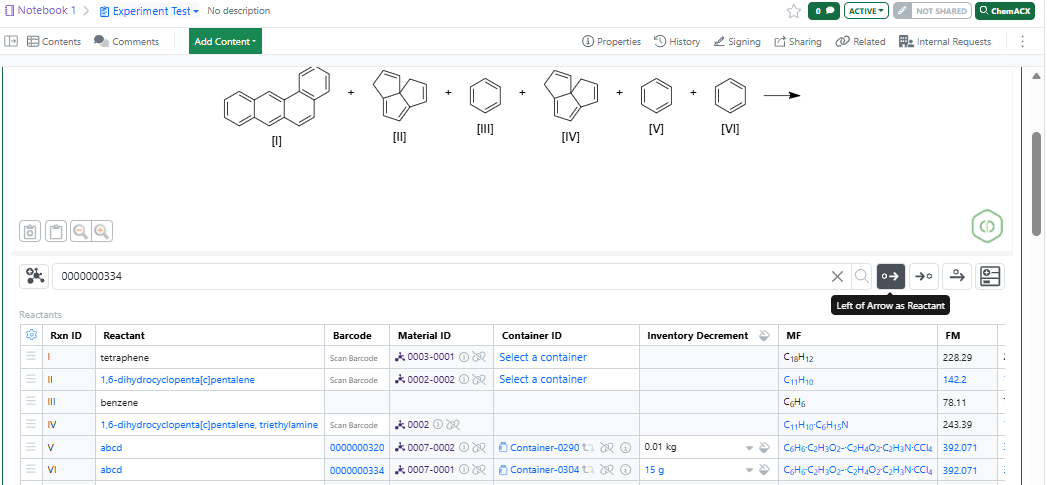
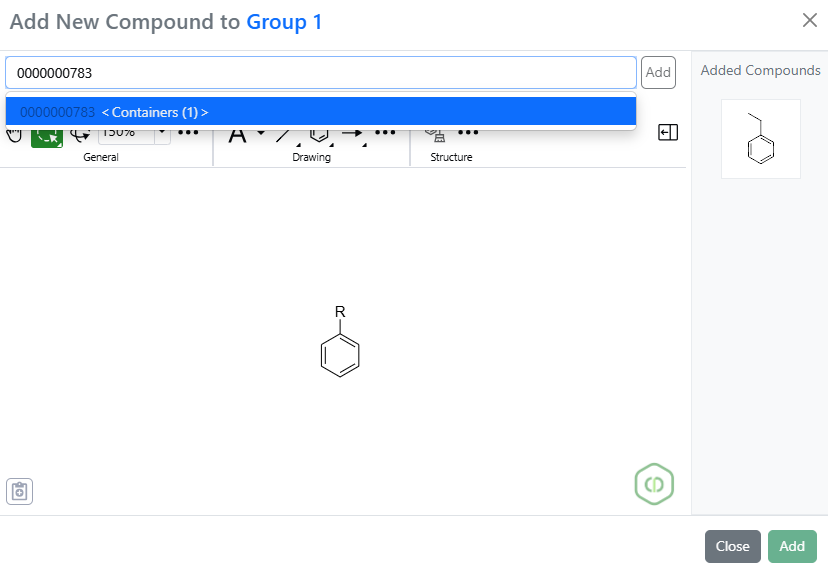
When searching for items in Quick Add (via barcode scan, container ID, material name, or sample search), the system now automatically selects the item and bypasses the search
modal whenever a single match is found, eliminating unnecessary dialogs and clicks.
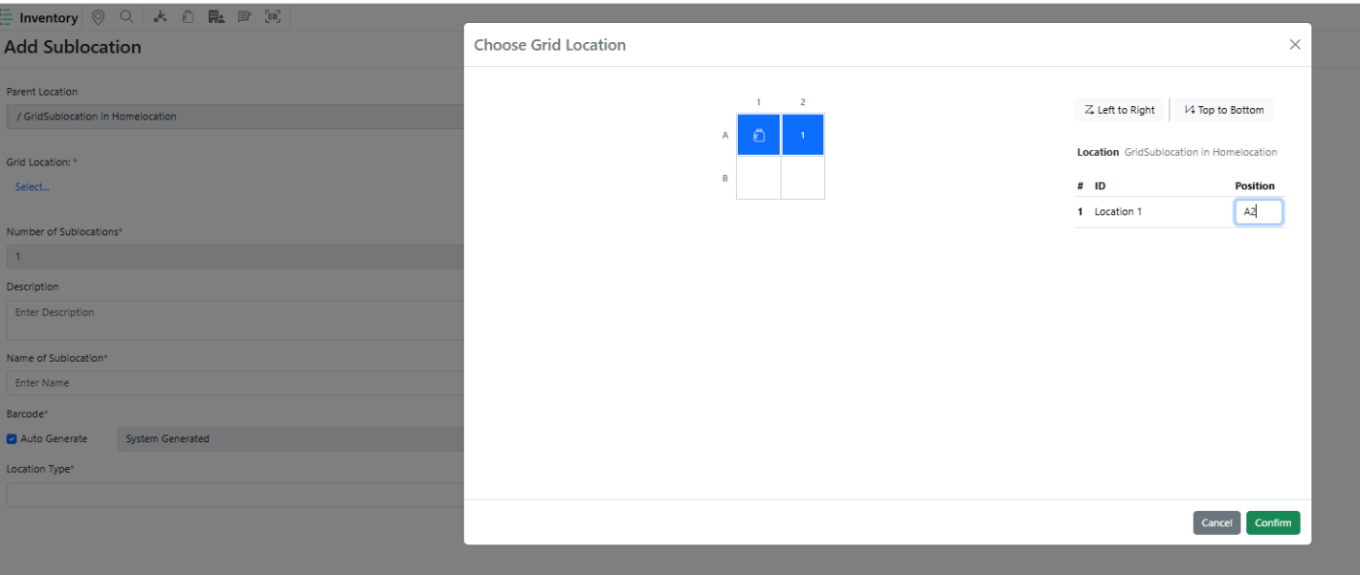
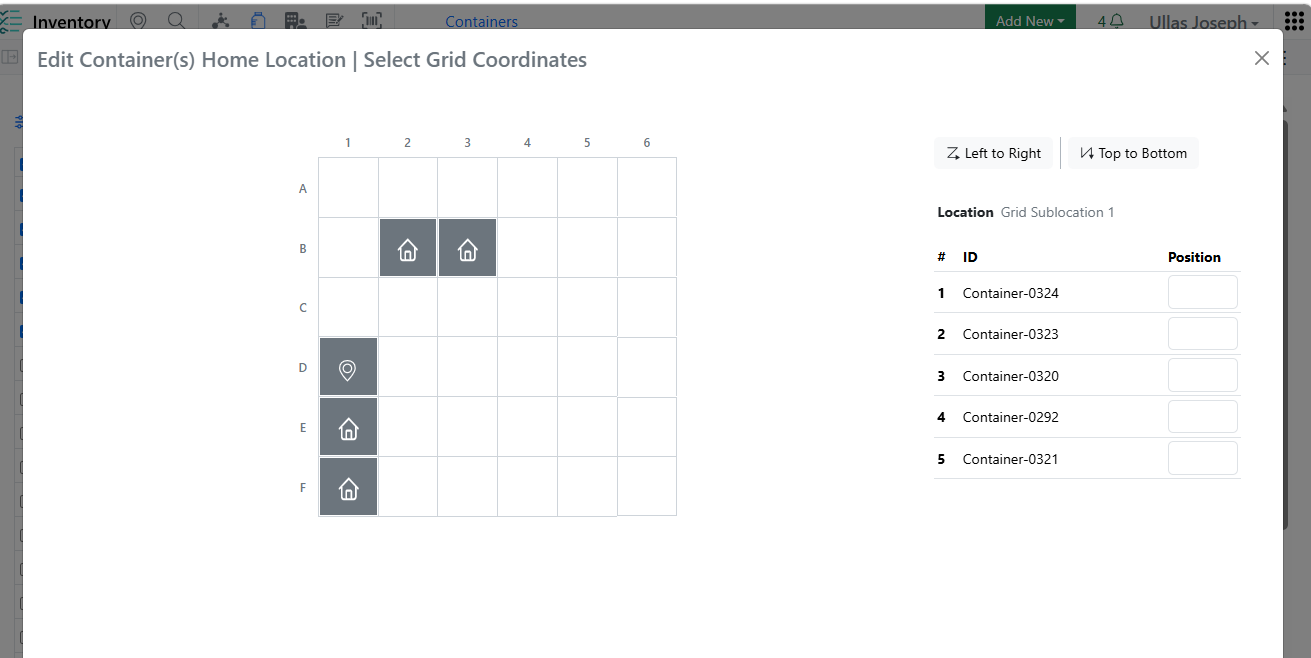
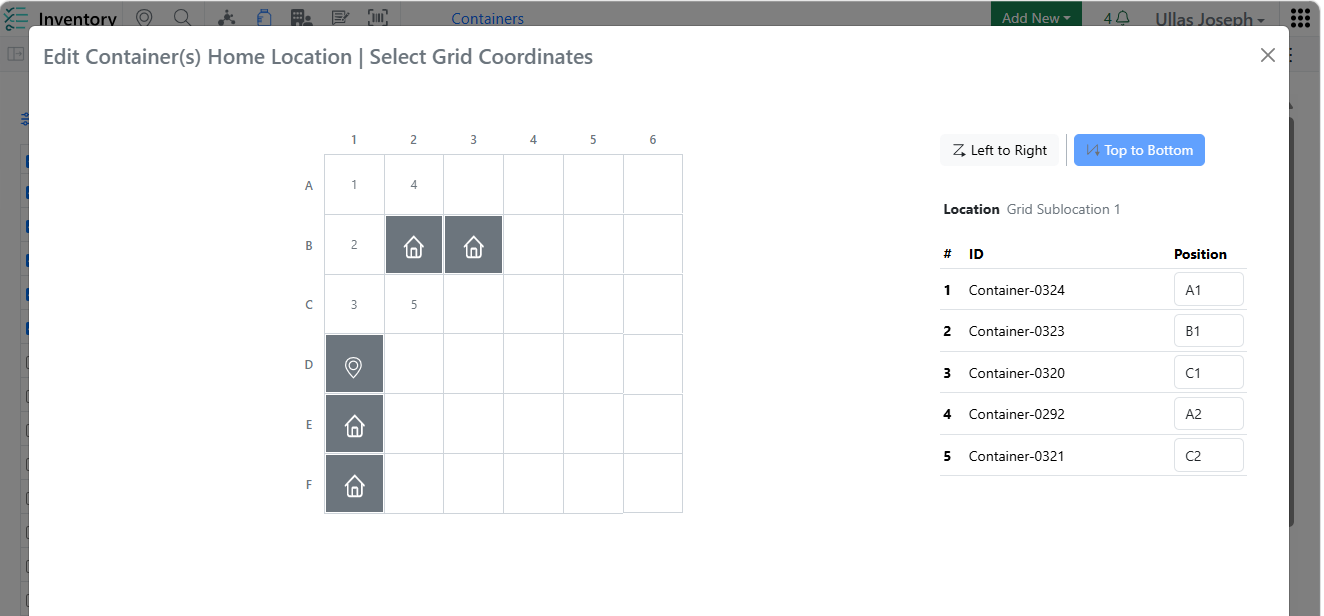
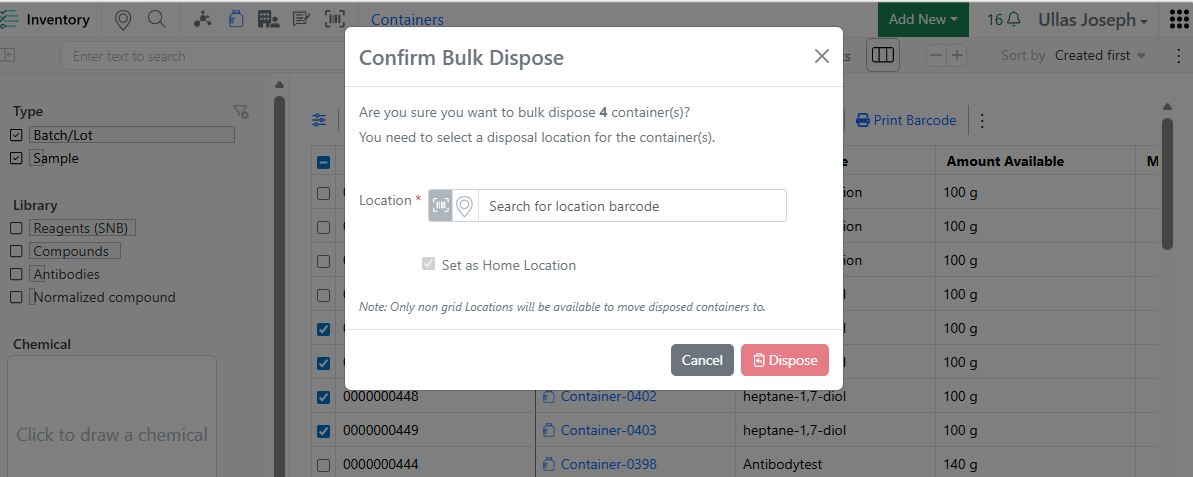
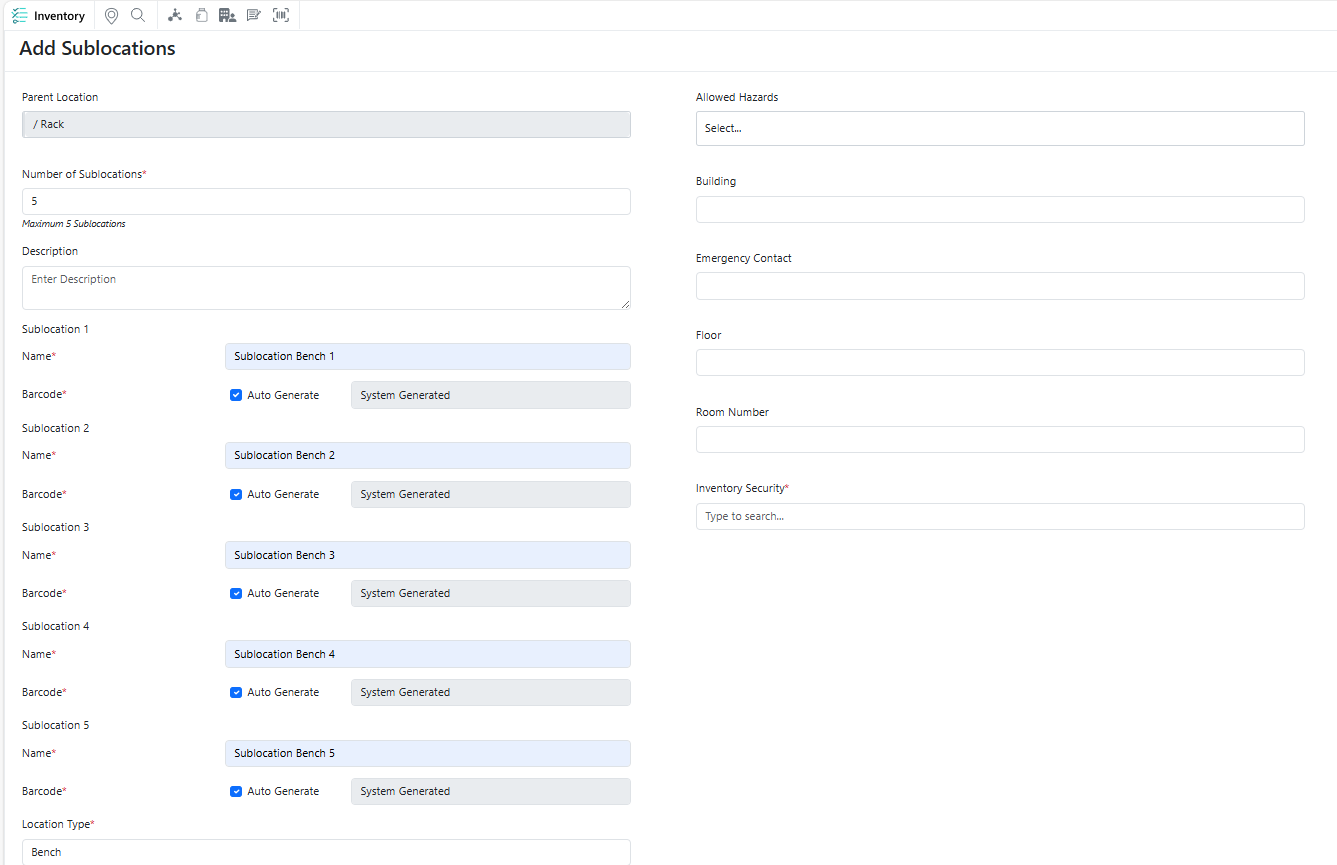
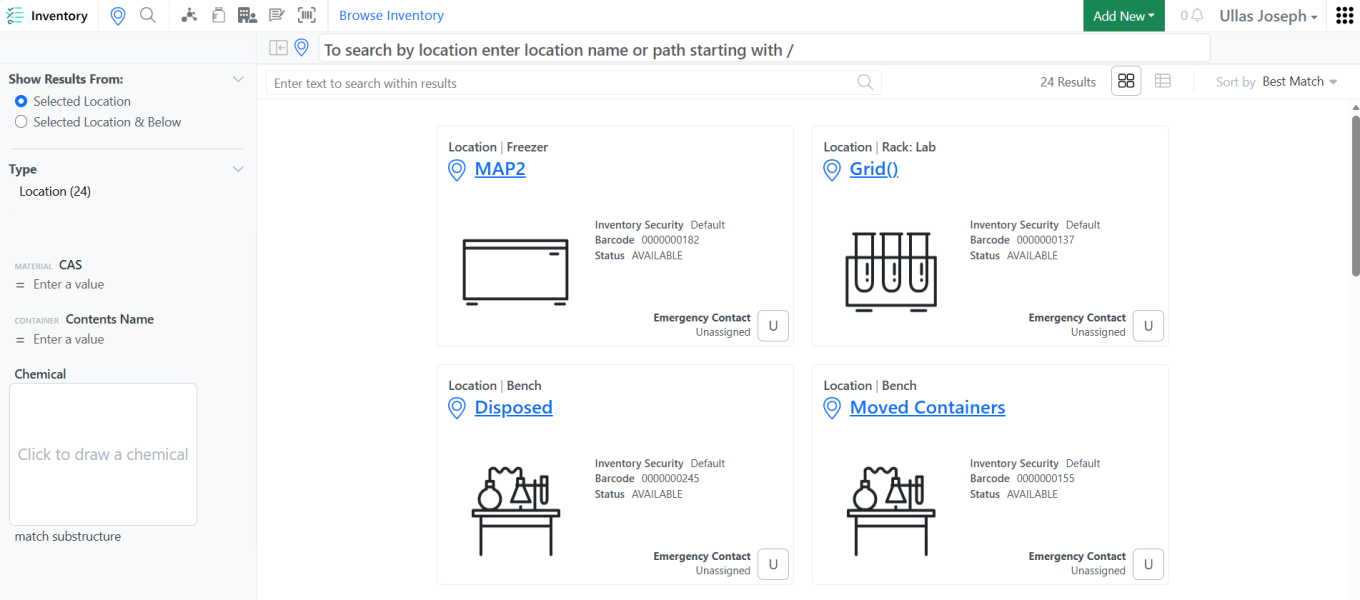
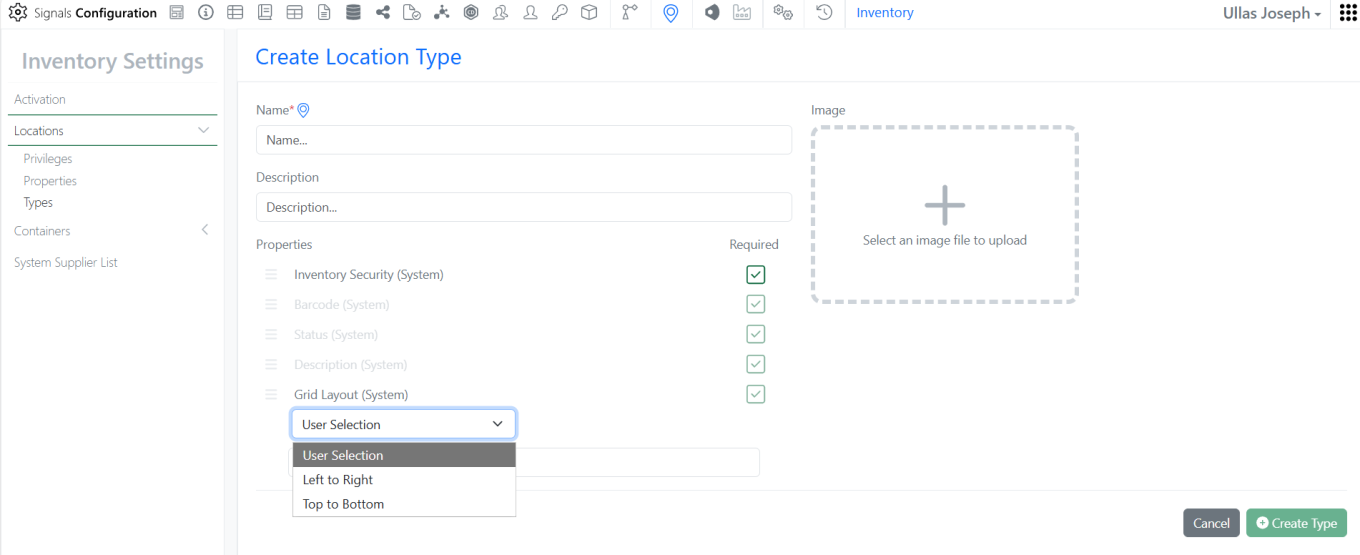
To maintain location hierarchy integrity and prevent configuration conflicts, the system now validates grid cells before sub-location creation. Users are prevented from converting any grid cell that is already assigned as a container’s Home Location into a Grid-type sub-location.
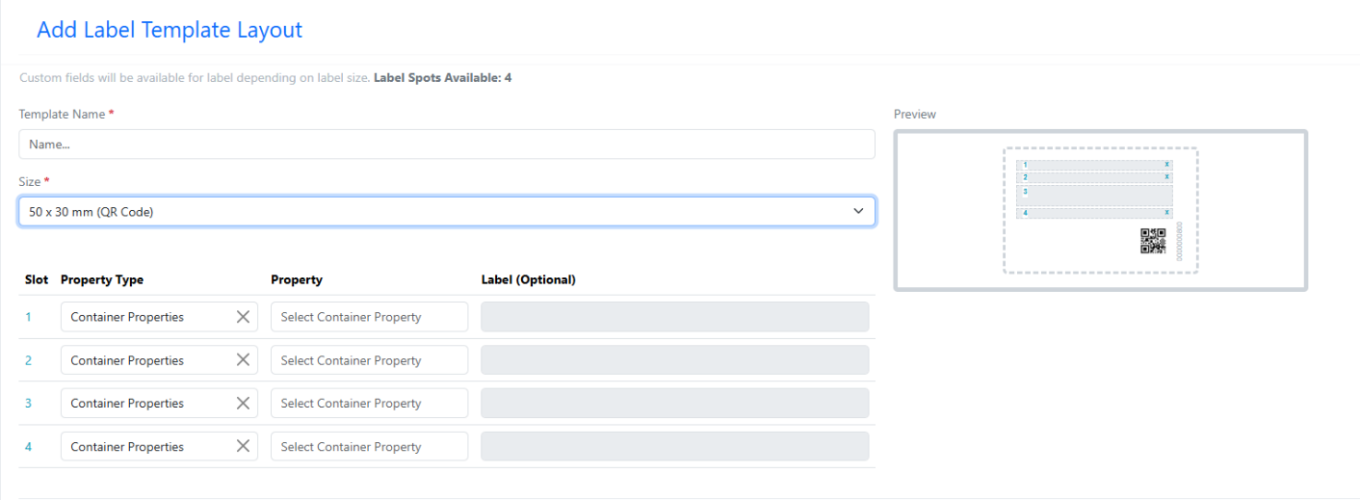
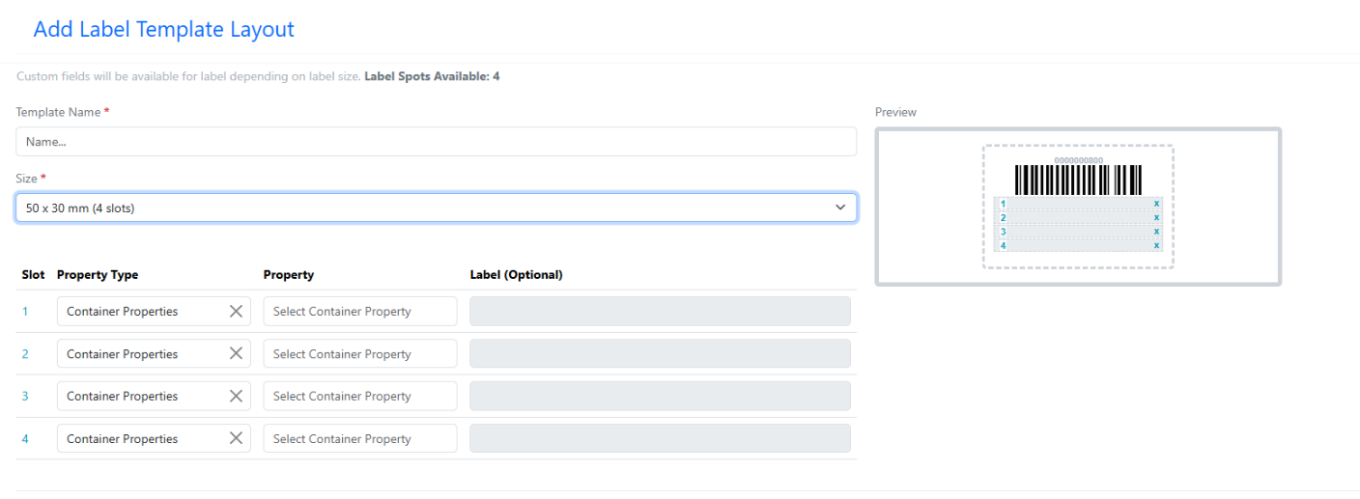
New Container Label Templates - 50 x 30 mm(QR Code) and 50 x 30 mm(4 slots)
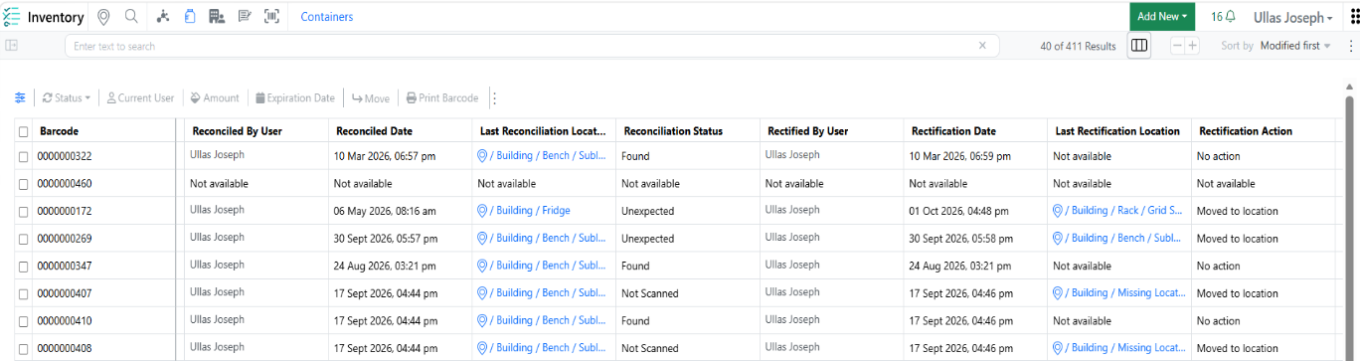
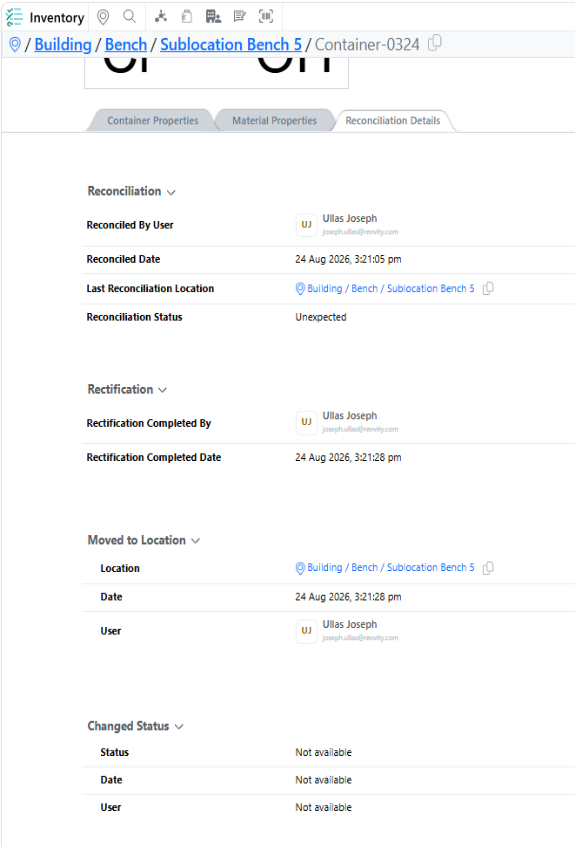
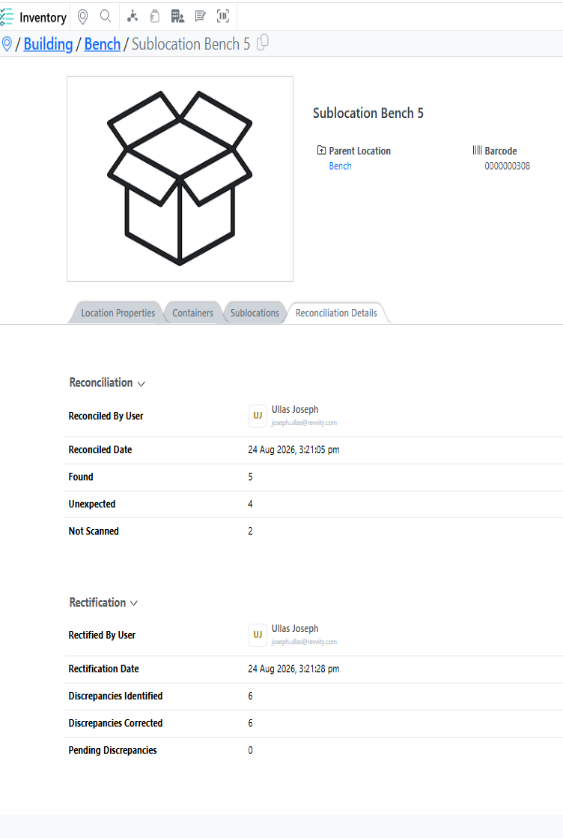
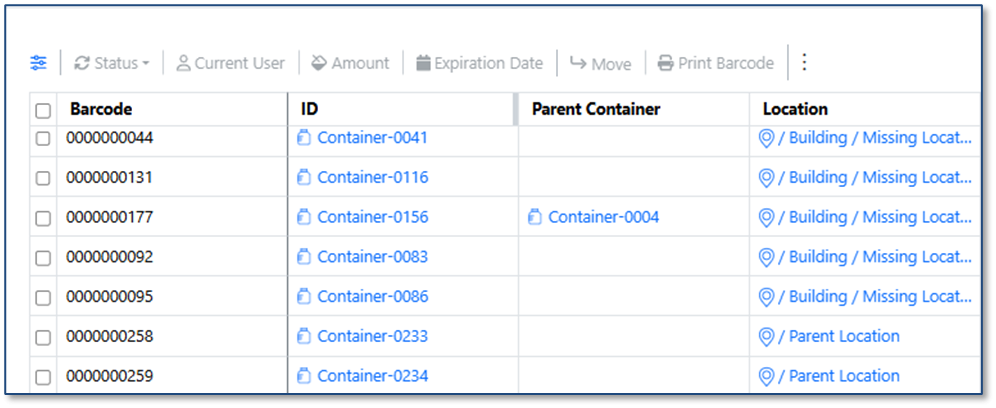
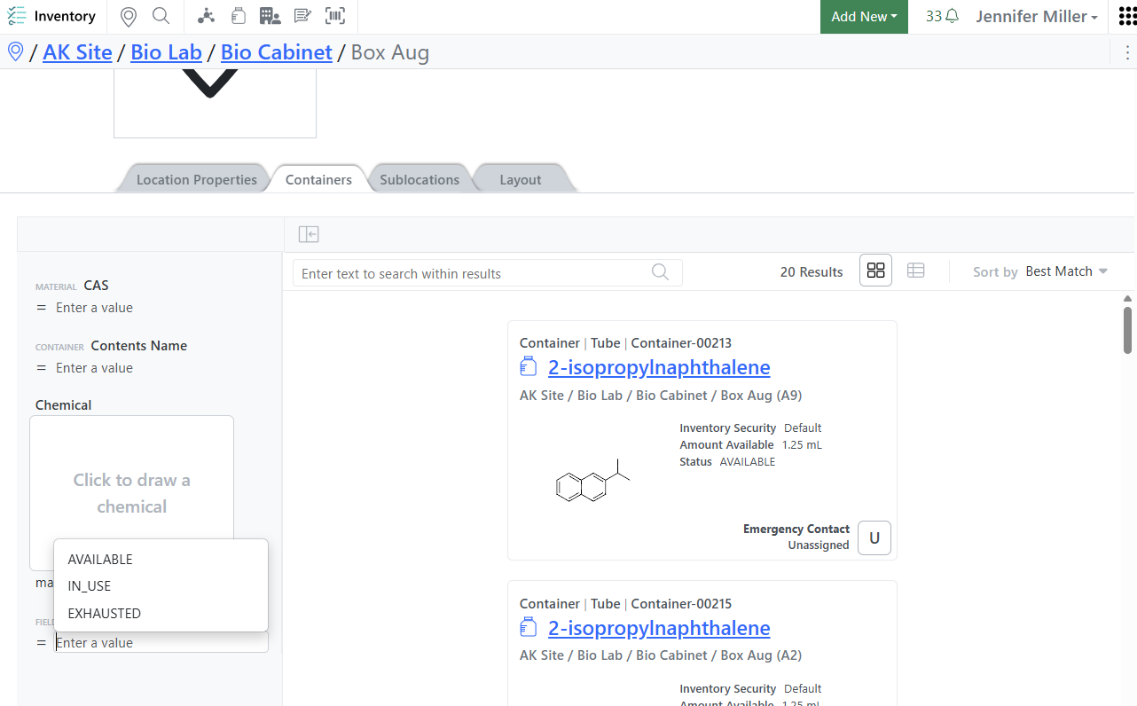
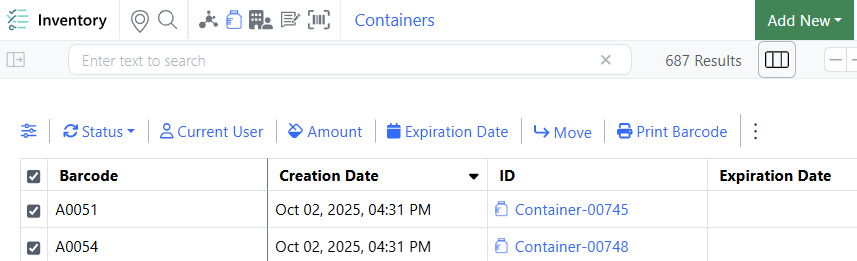
Container search results now display reconciliation and rectification details, providing greater visibility into inventory status and recent inventory adjustments.
InventoryGo
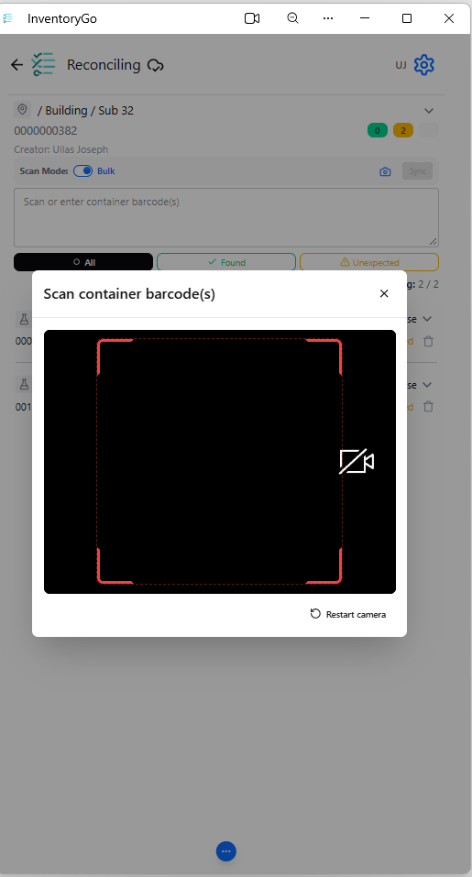
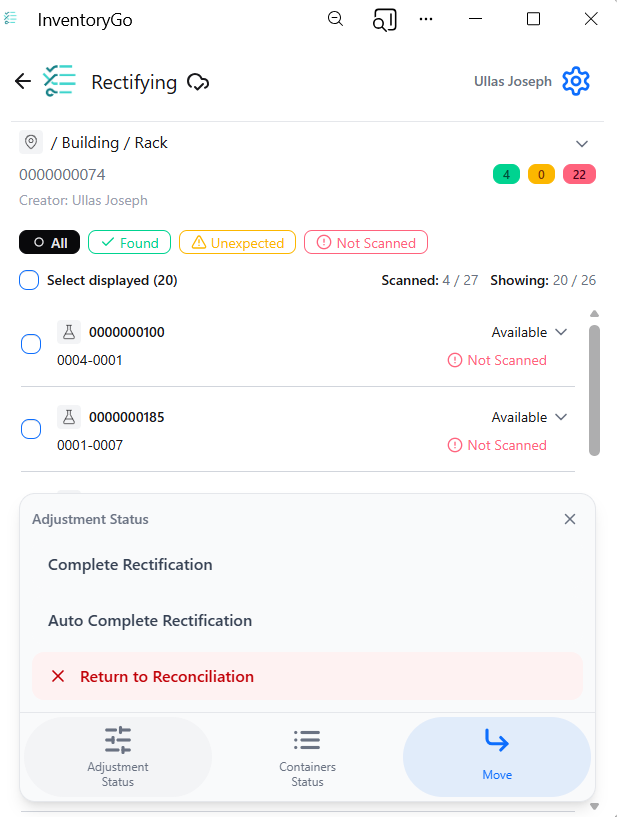
Scan barcodes and QR codes directly using your device’s camera, enabling faster identification and management of inventory items without dedicated scanning hardware.
Materials
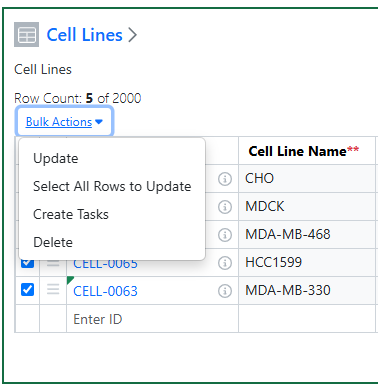
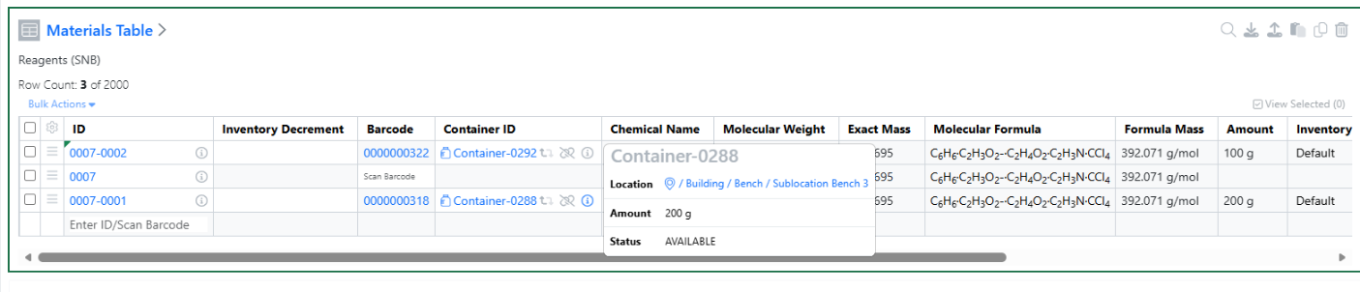
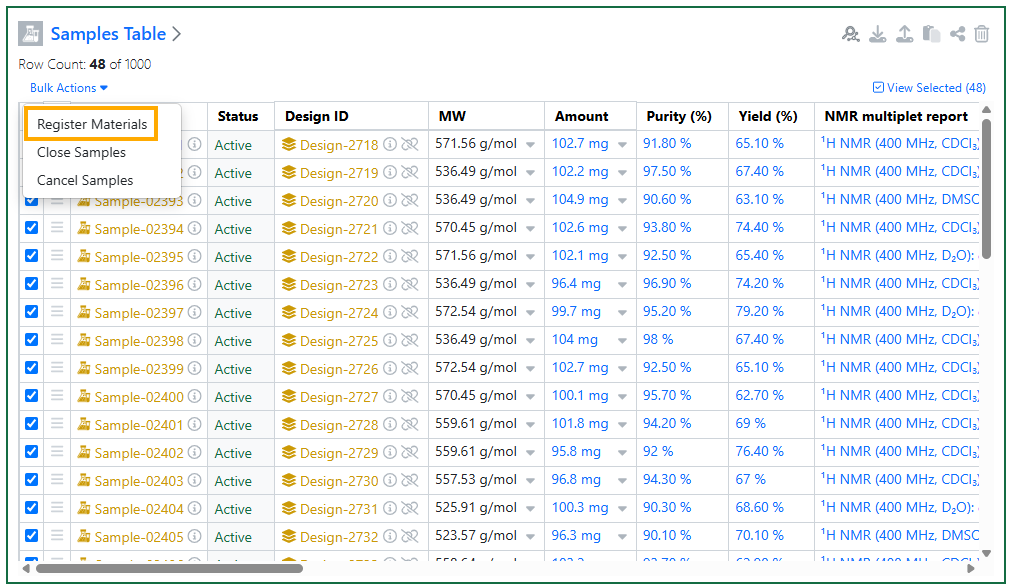
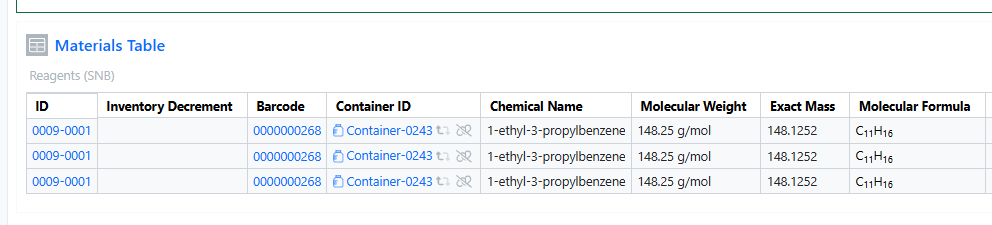
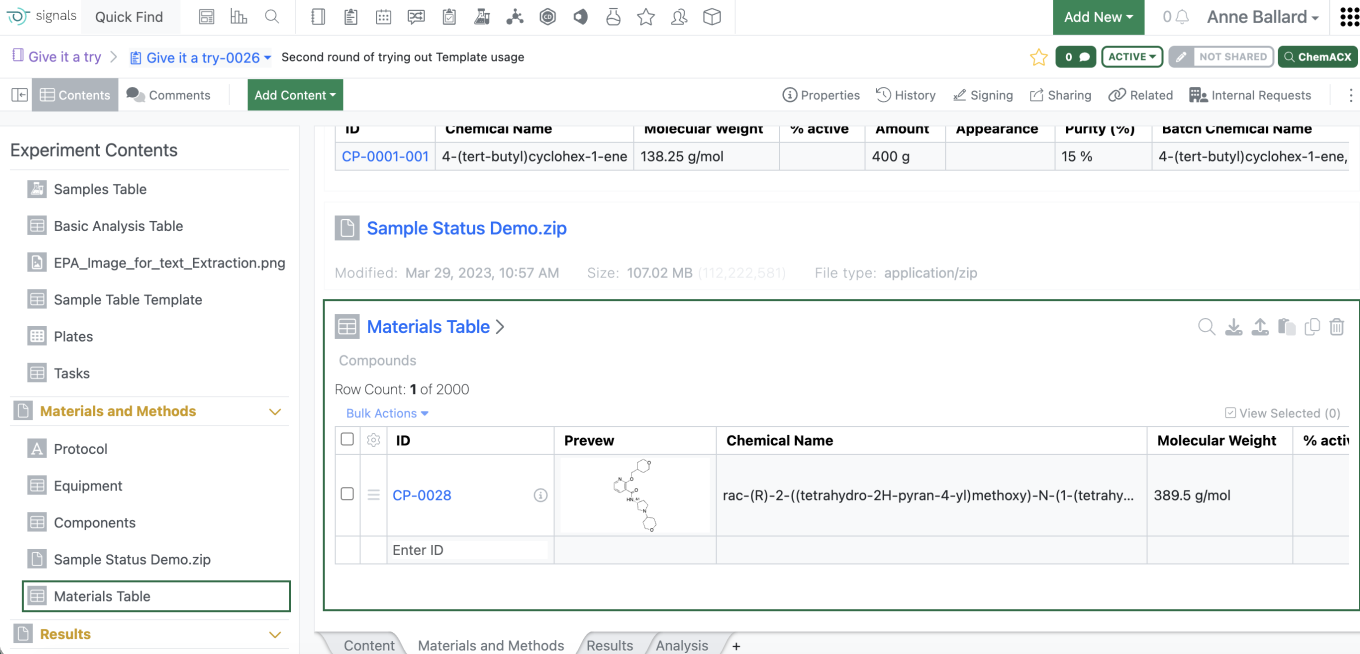
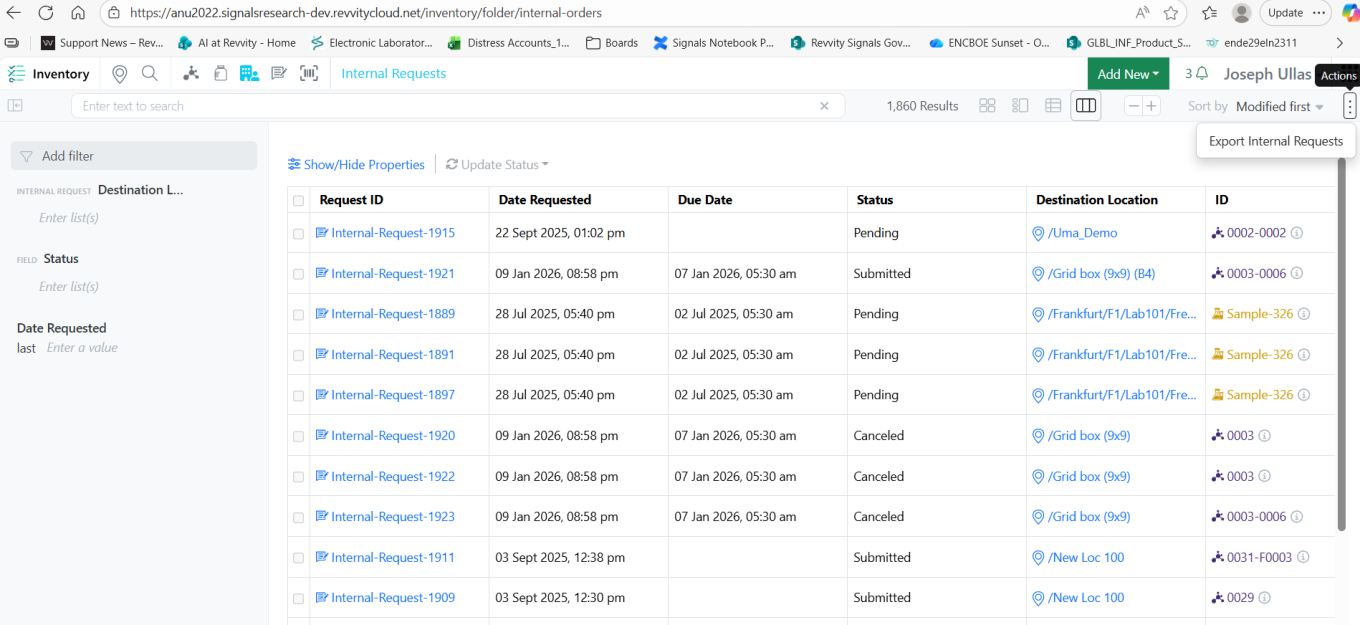
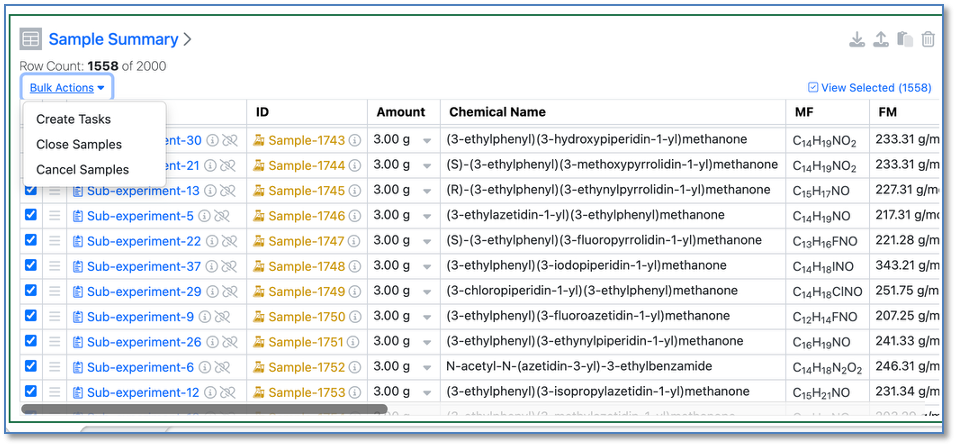
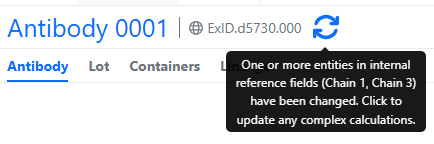
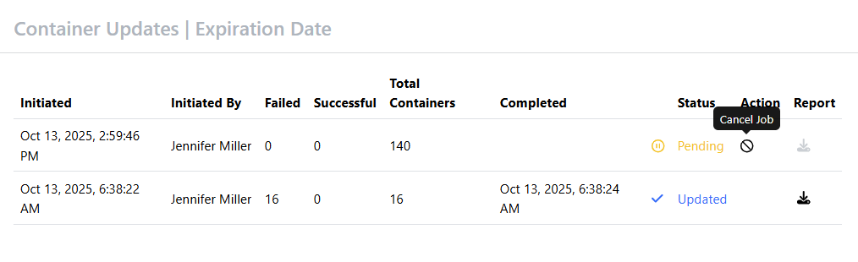
Materials tables within an experiment can now be updated in bulk to reflect the latest material changes. Users can now select multiple rows that contain stale data and update them in one action.
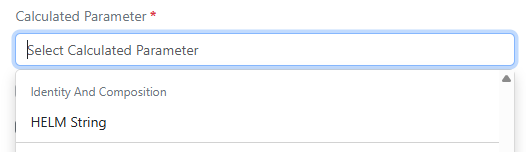
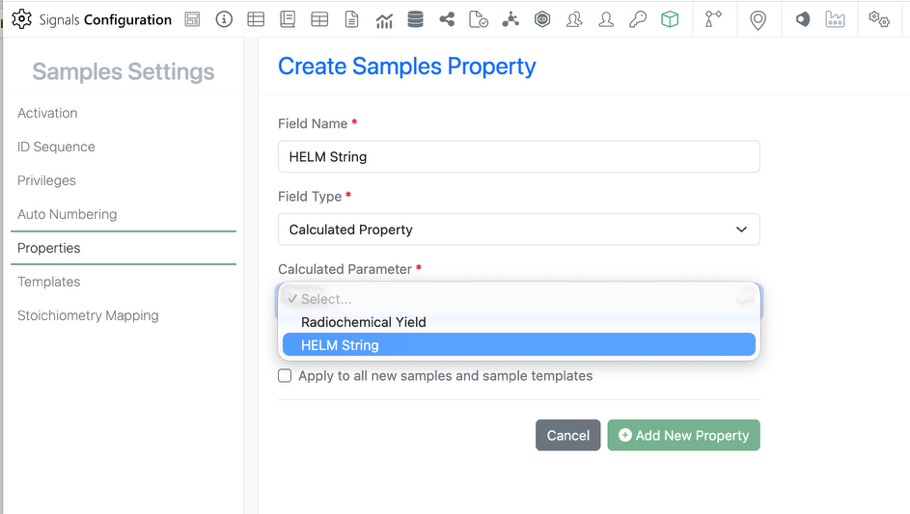
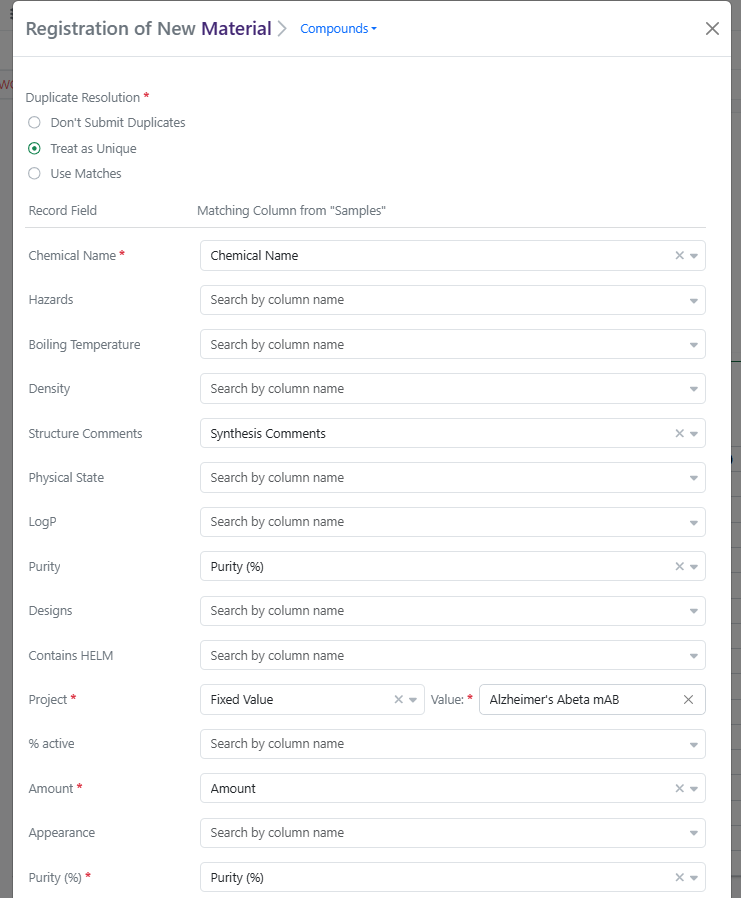
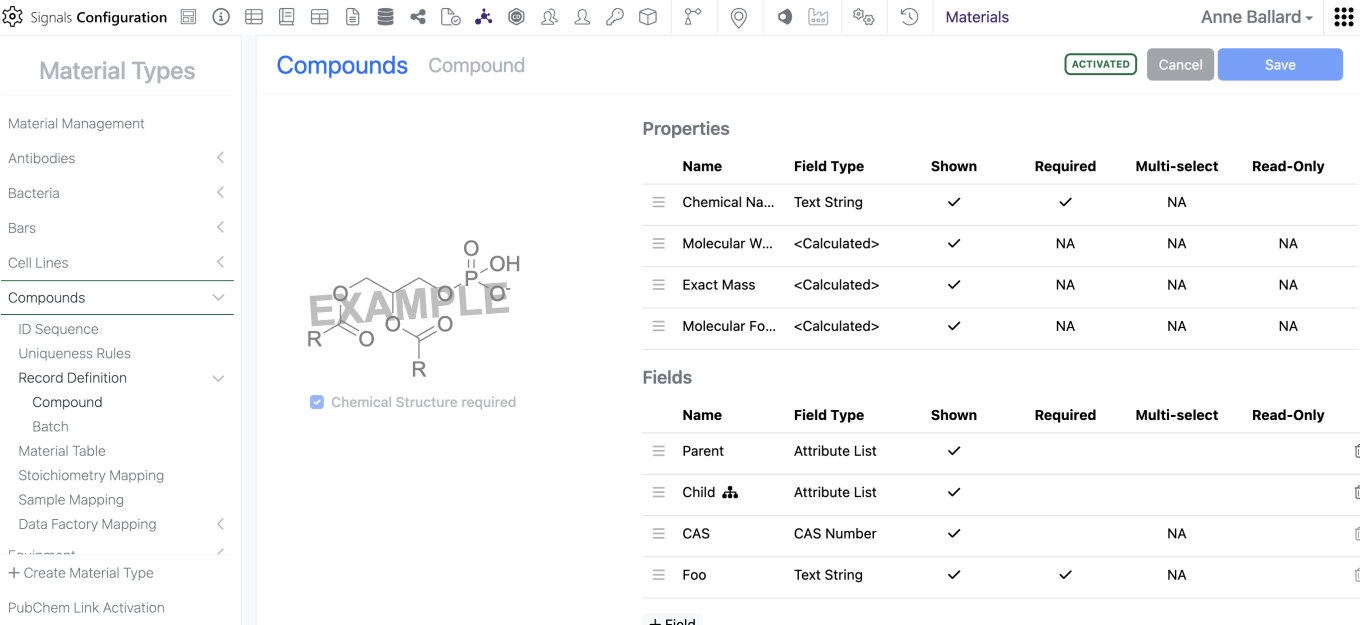
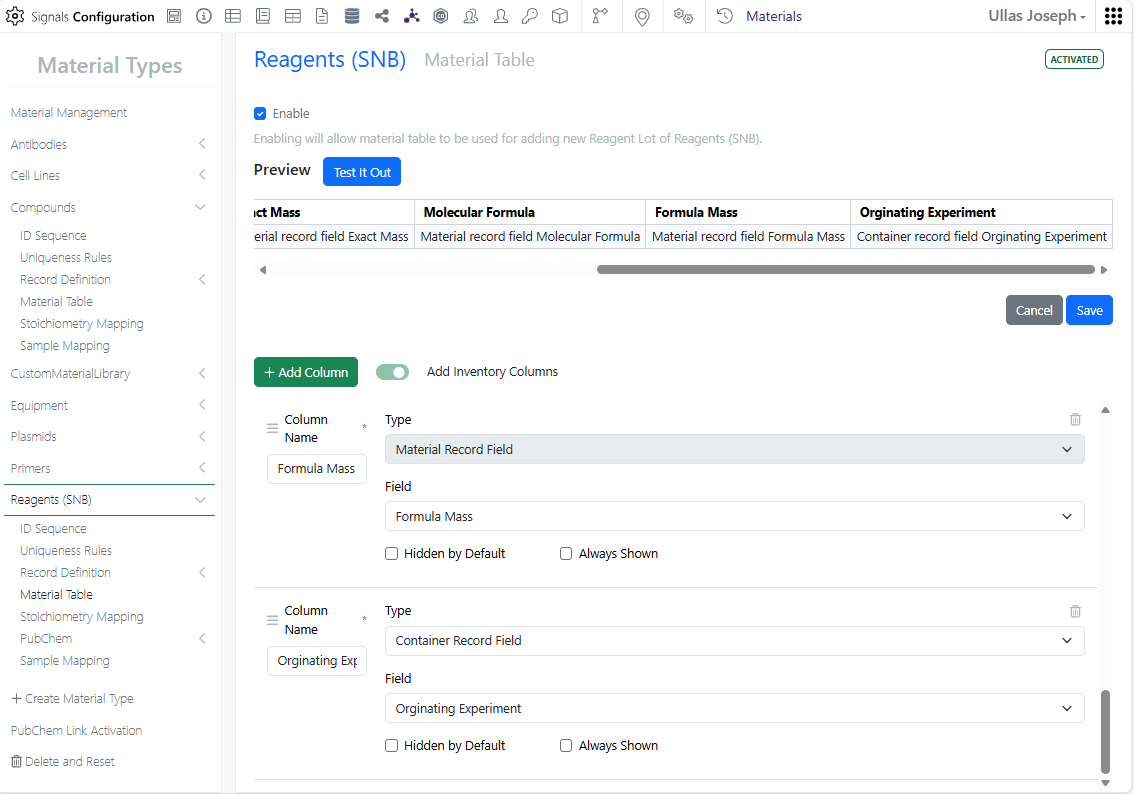
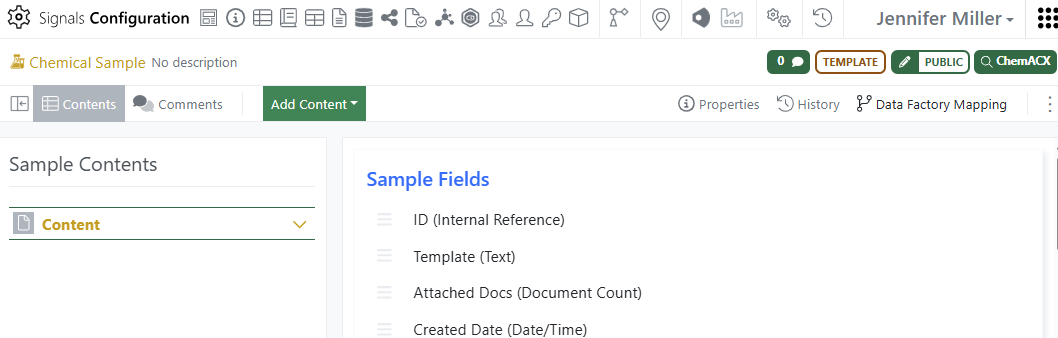
A new calculated property in Compounds and Normalized Compounds libraries and the pre-configured Reagents (SNB) library is available to generate a HELM string of the structure drawn in the ChemDraw canvas.
Administration
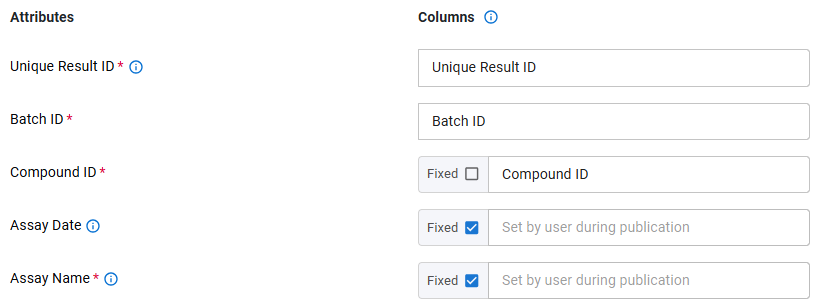
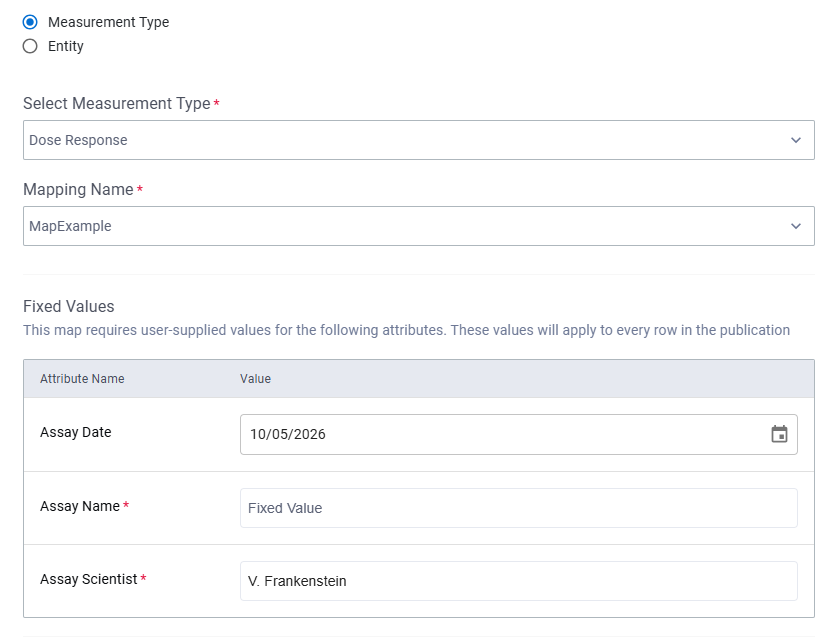

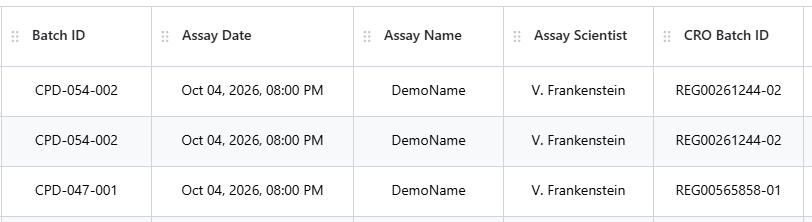
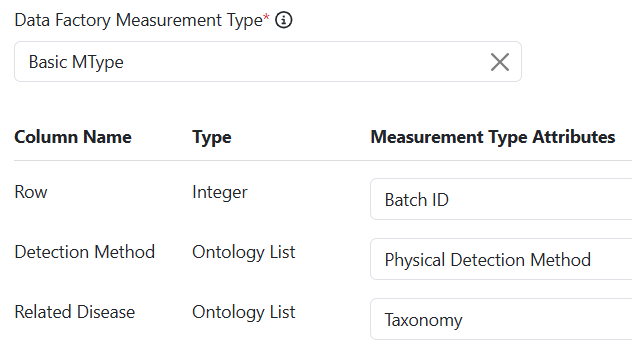
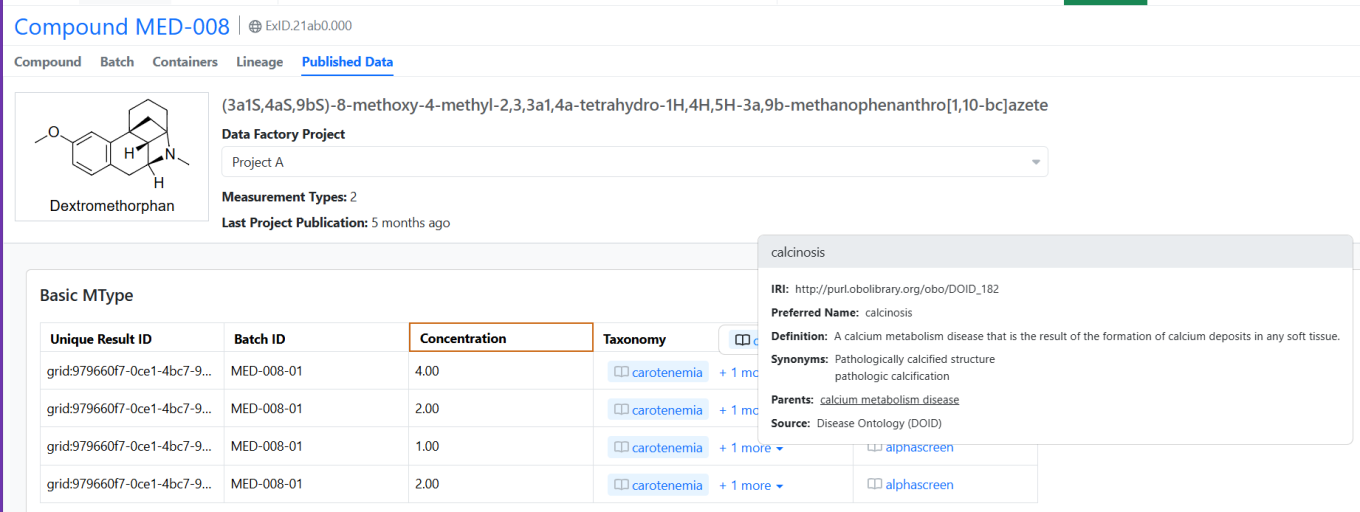
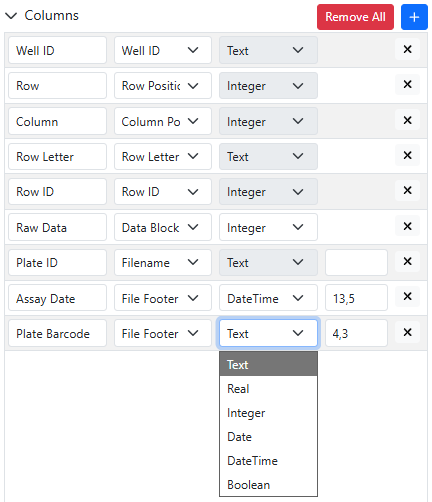
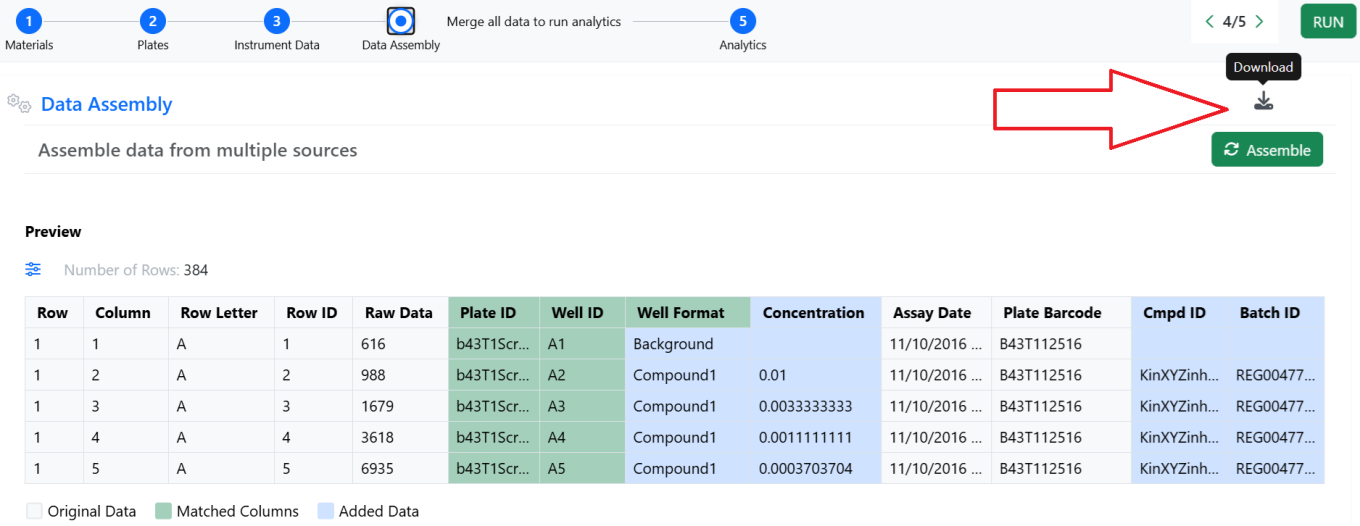
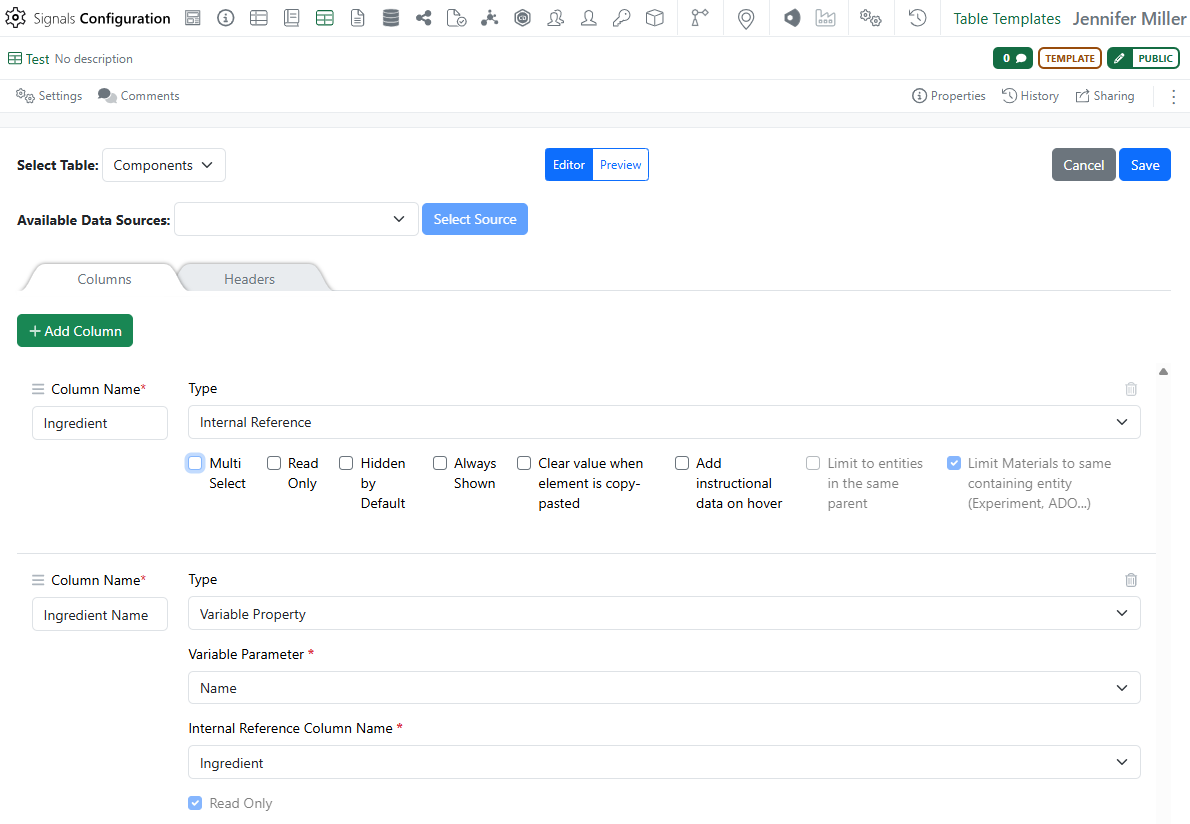
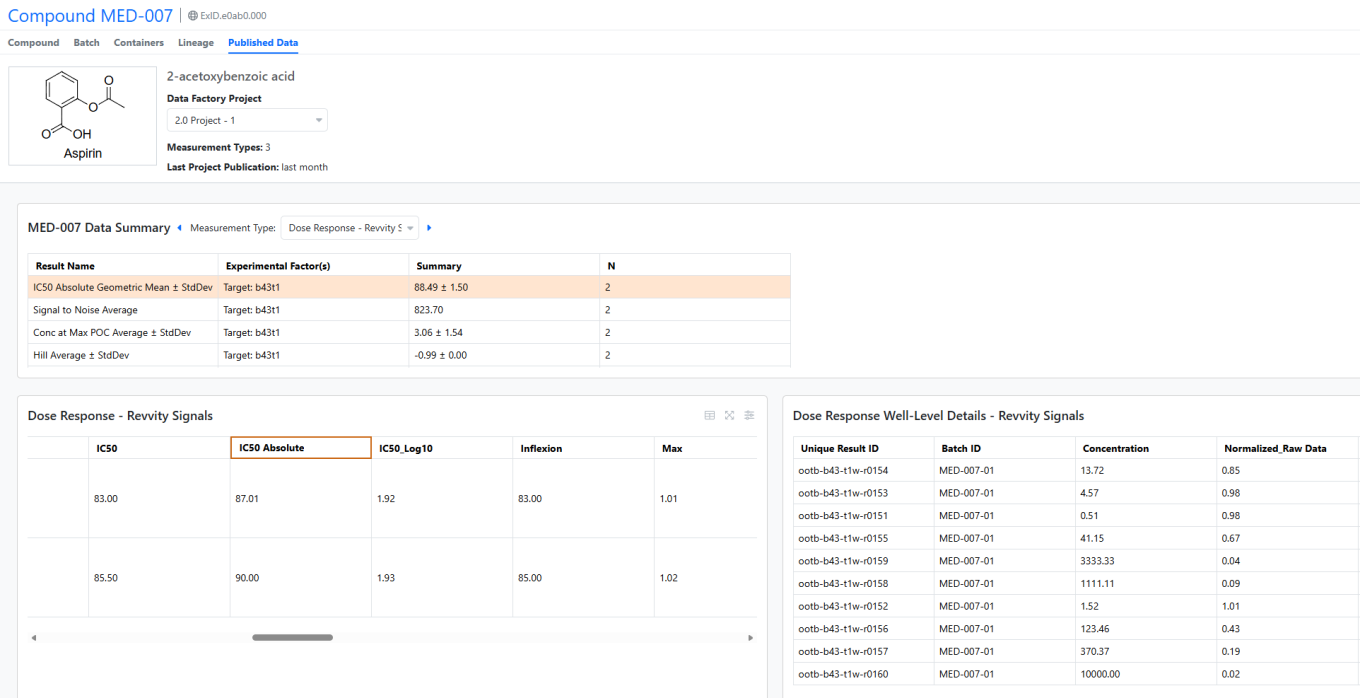
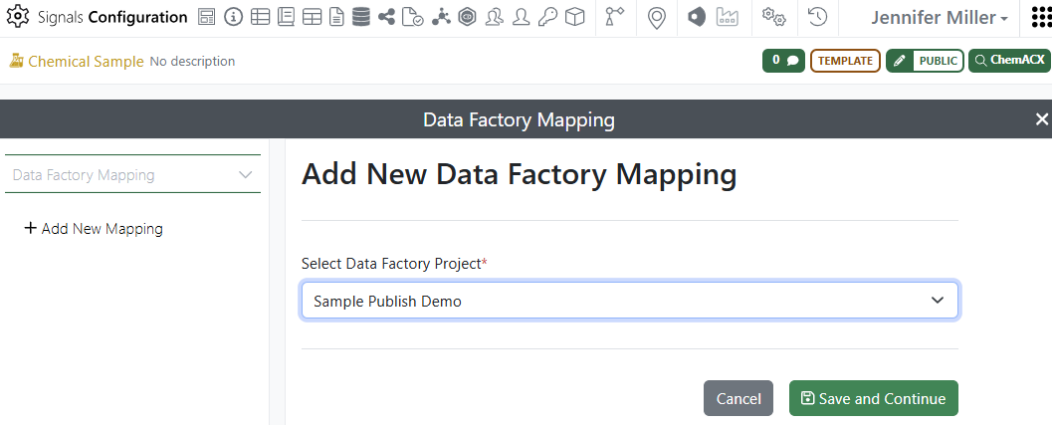
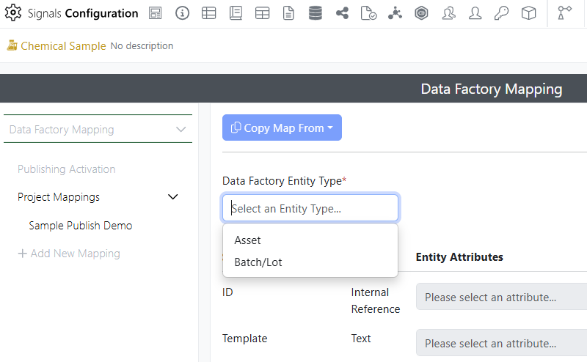
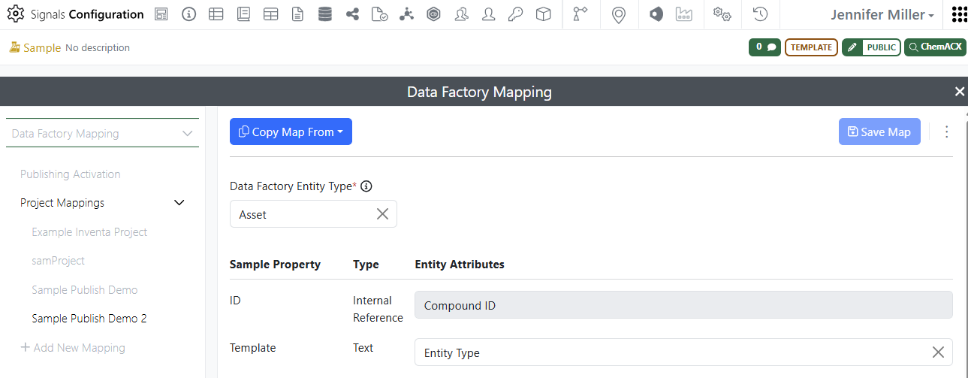
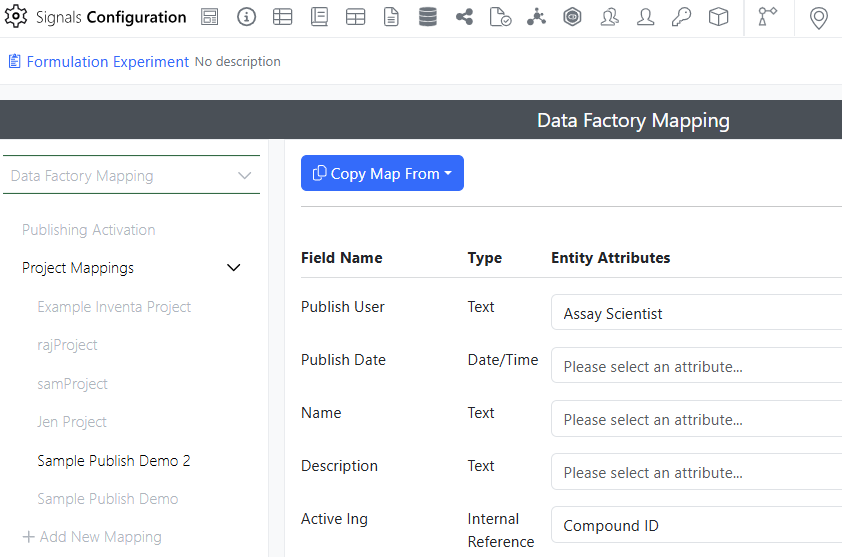
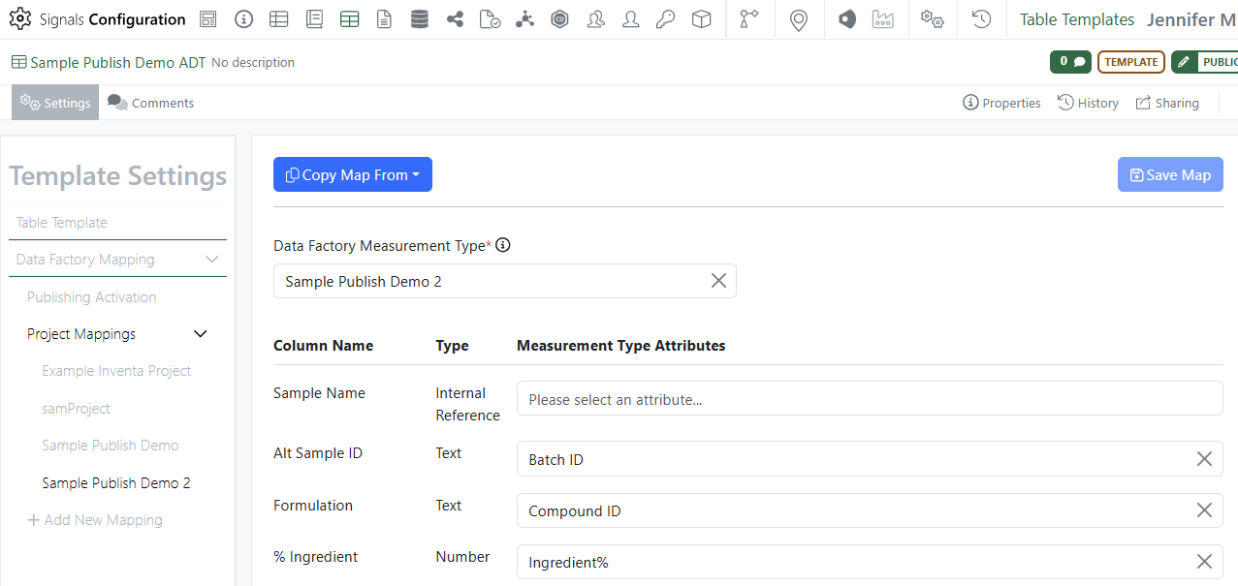
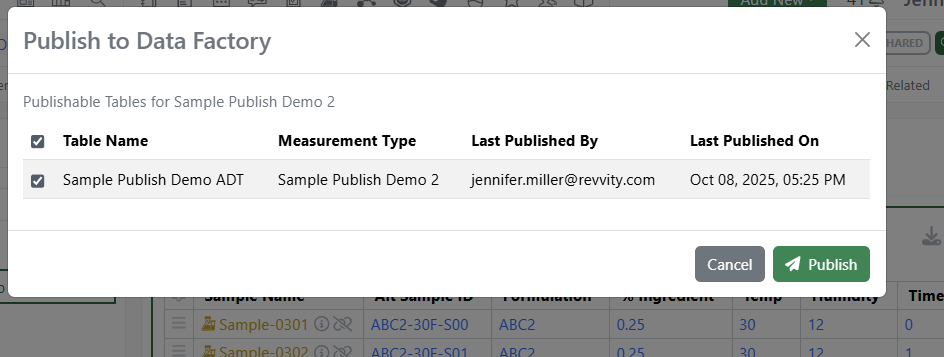
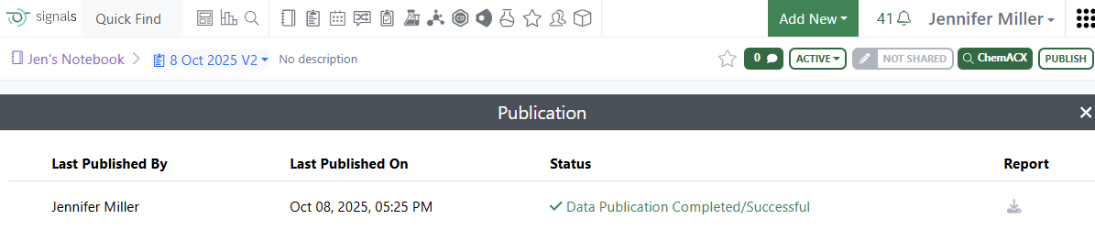
Data Factory file maps now allow user to supply a constant value when publishing data via the Inventa Dashboard or Publish Results to Data Factory app. Administrators can enable the “Fixed” value from an Entity or Measurement Type map from the Data Factory configuration. When users select this map during publication either via the Inventa Dashboard or the Publish Results to Data Factory app they are prompted to enter a value. This value will appear on every row for that column in the publication.
Integrations & APIs
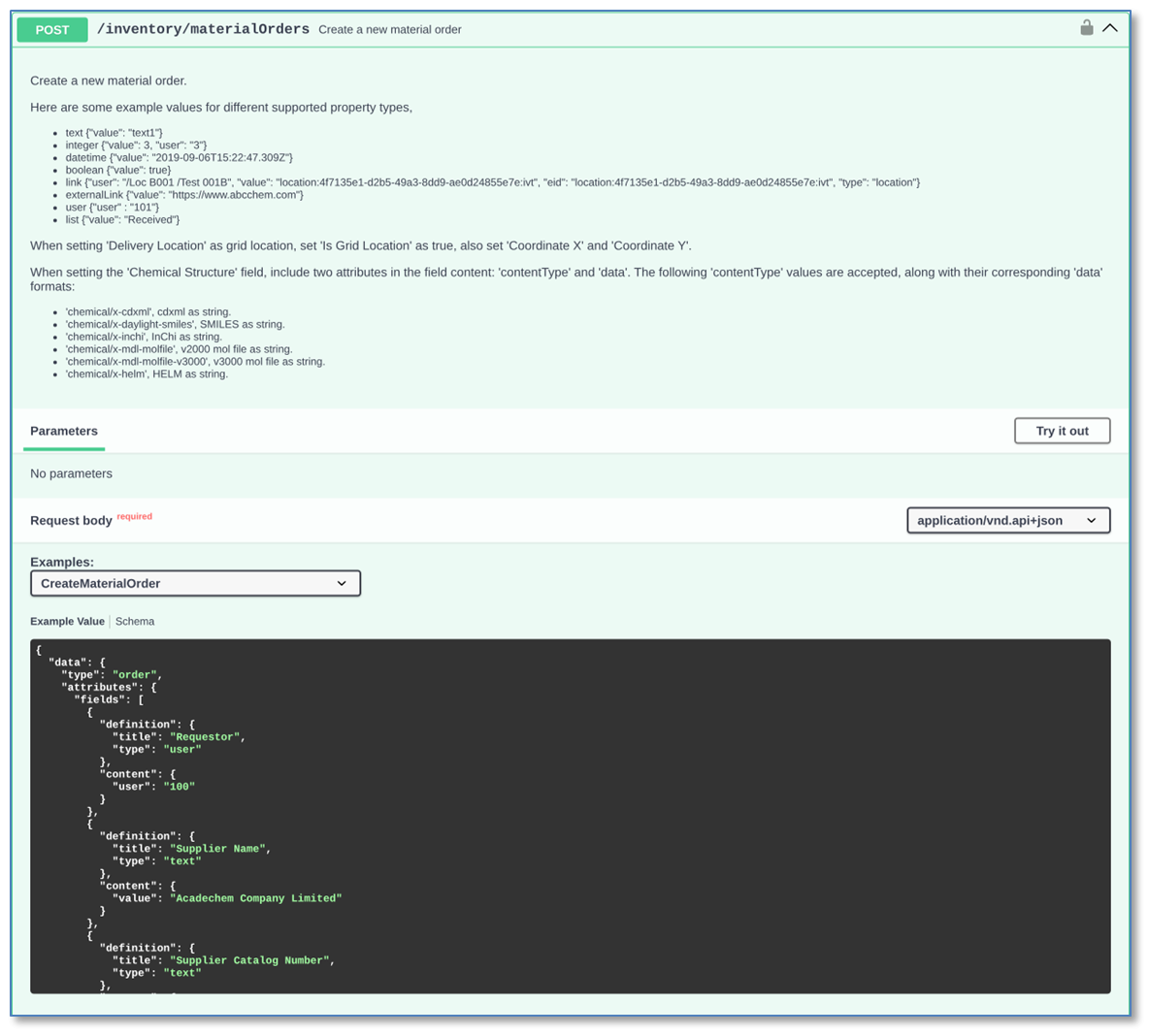
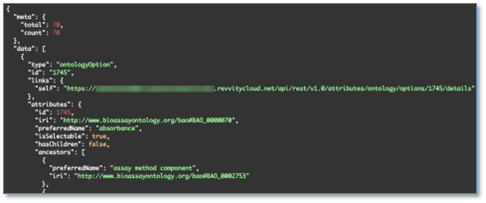
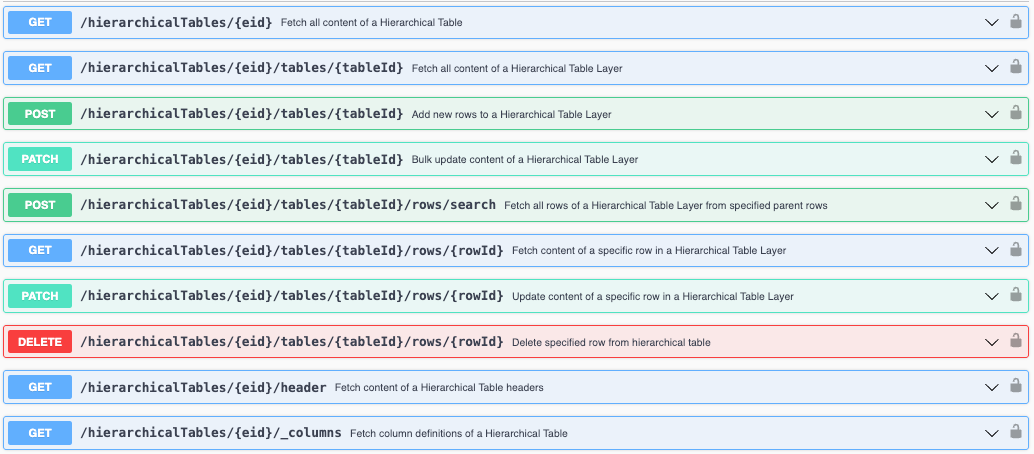
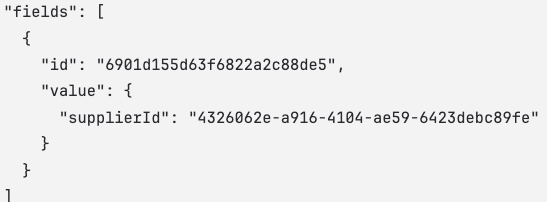
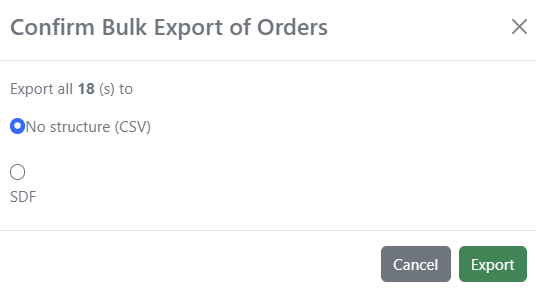
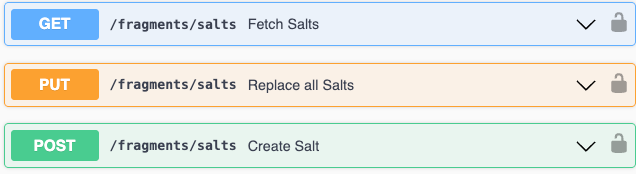
We have added a new API to create material orders (POST /inventory/materialOrders). The request sets the order fields, for example Requestor, Supplier Name, Supplier Catalog Number, Destination Location and Status. The Destination Location can be a grid location. The Chemical Structure field accepts CDXML, SMILES, InChI, MOL V2000, MOL V3000 and HELM.
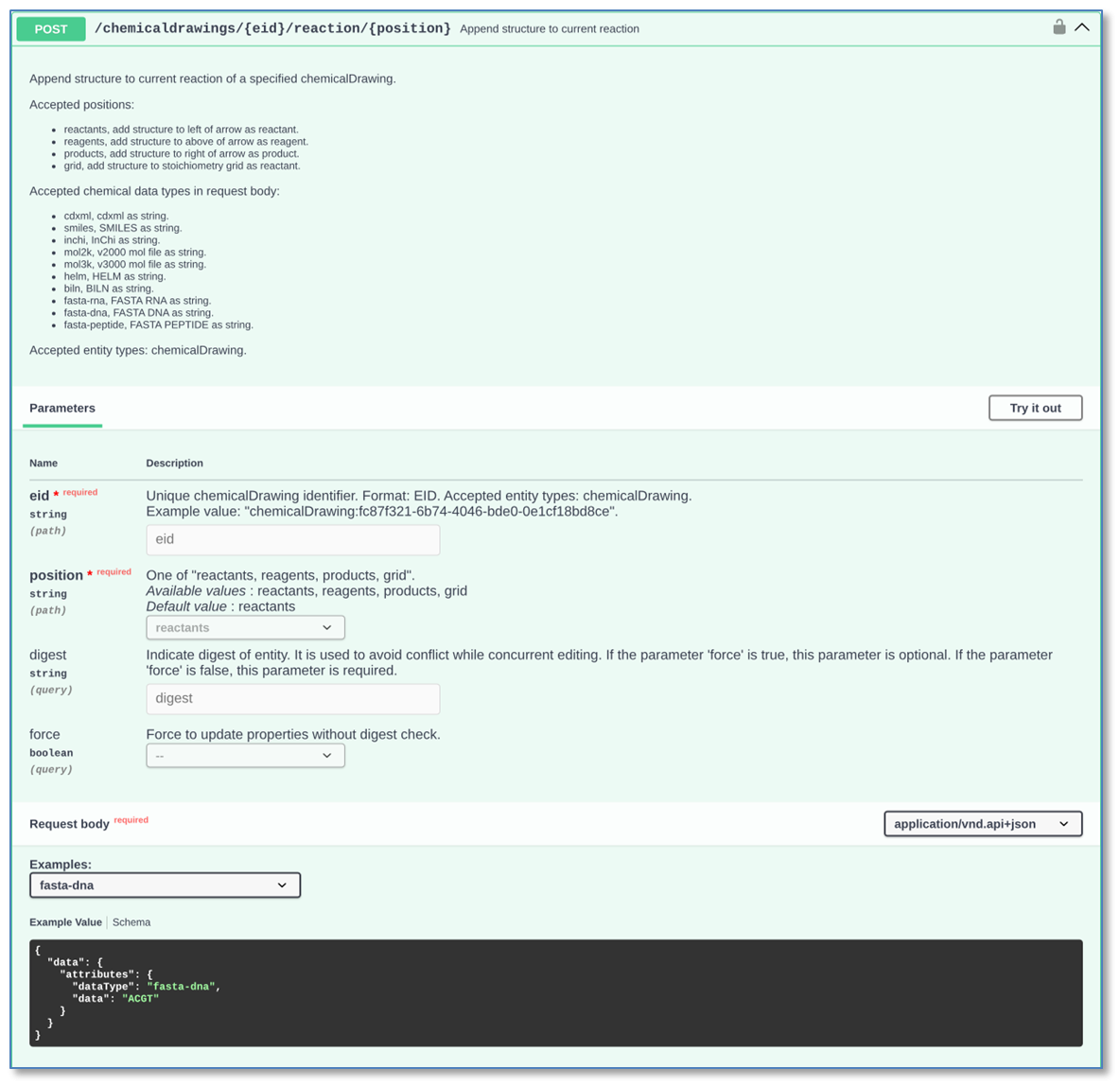
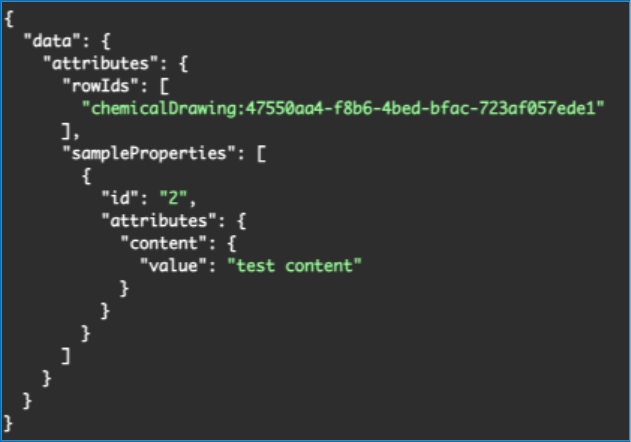
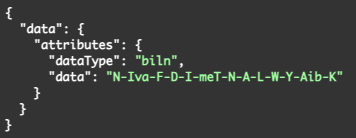
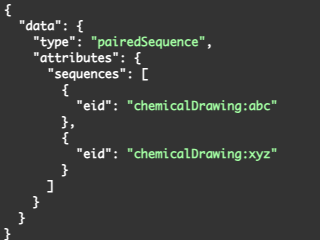
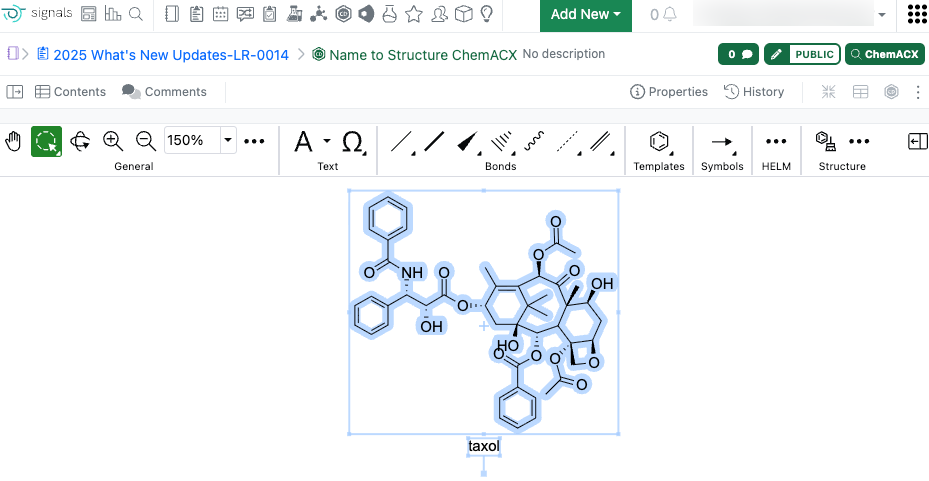
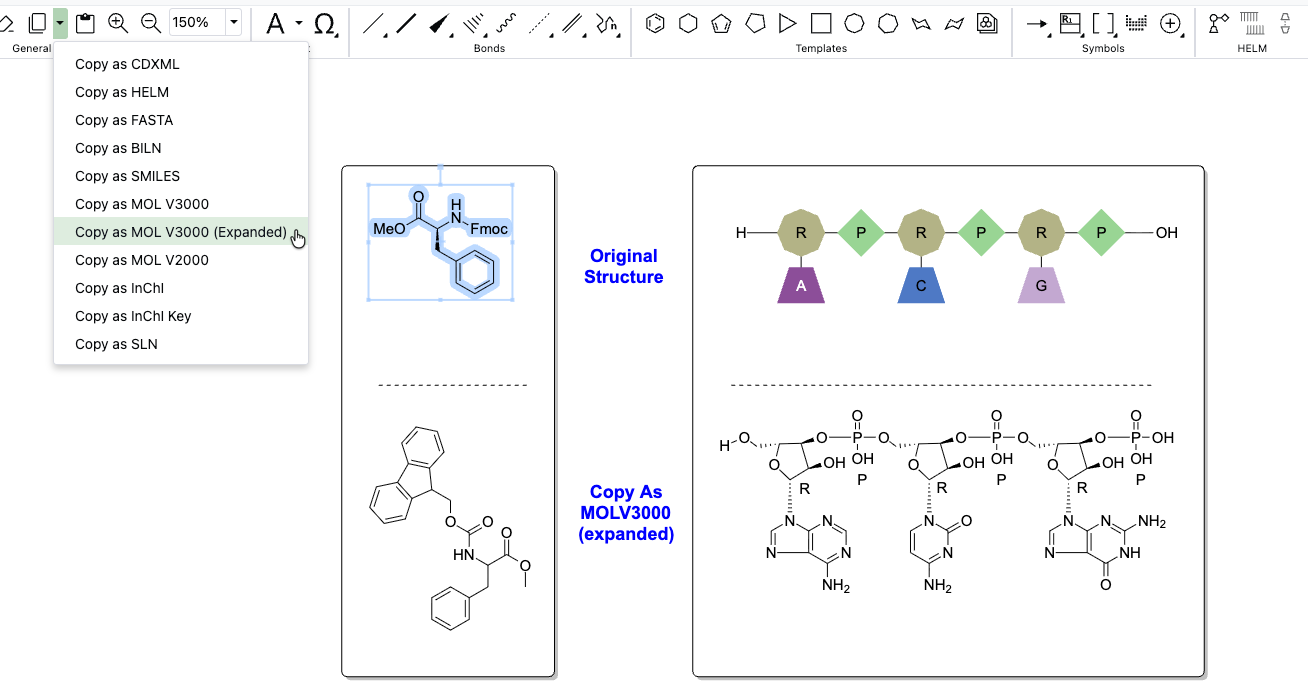
We have enhanced the Chemical Drawing APIs to support FASTA sequences. The API to append a structure to a reaction (POST /chemicaldrawings/{eid}/reaction/{position}) now accepts the data types “fasta-dna”, “fasta-rna” and “fasta-peptide”.
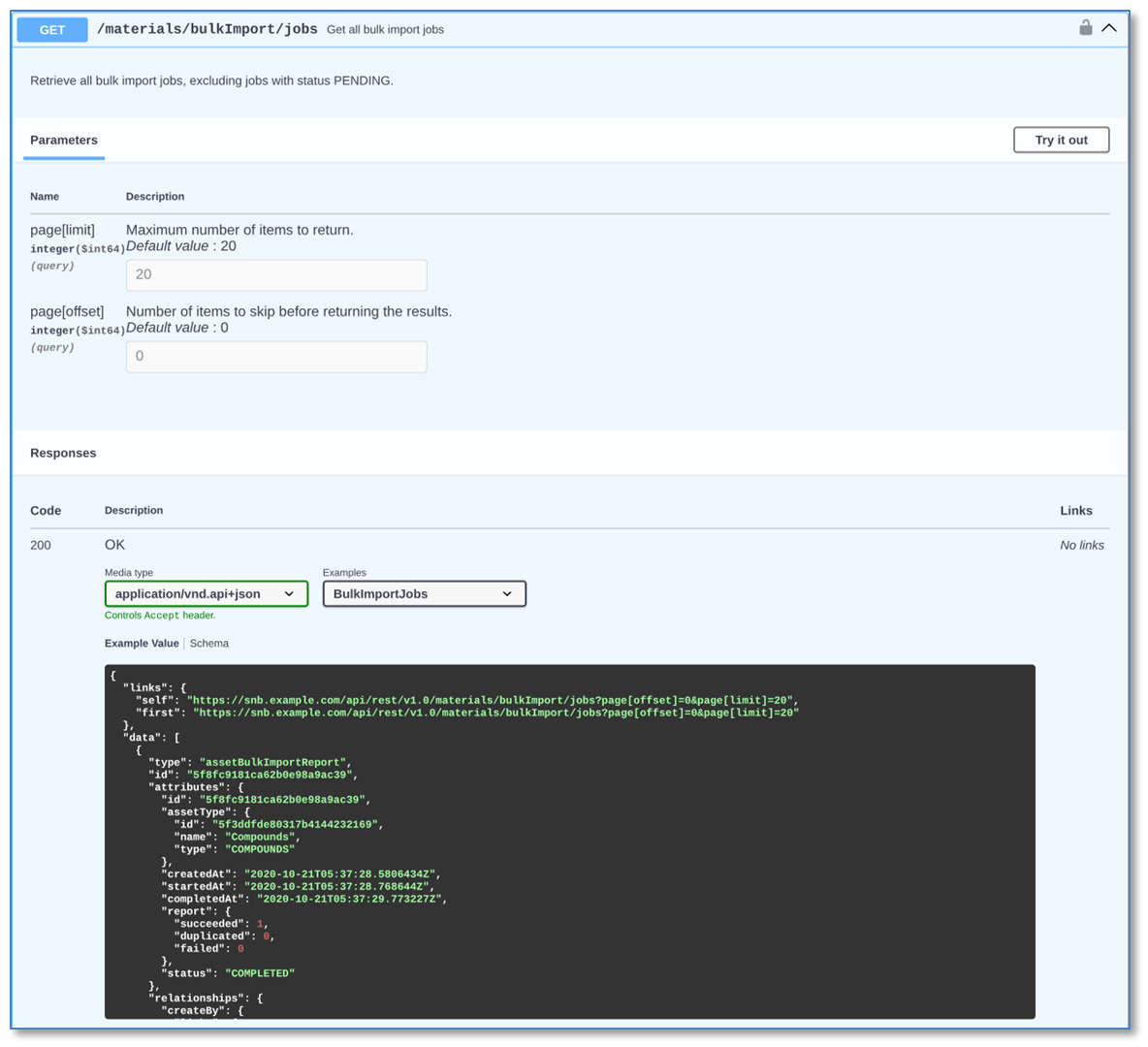
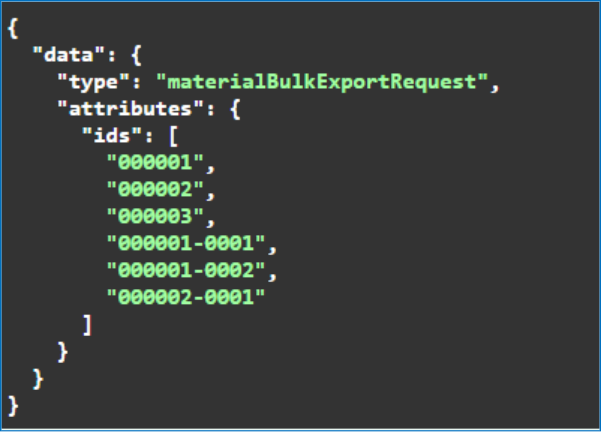
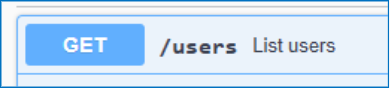
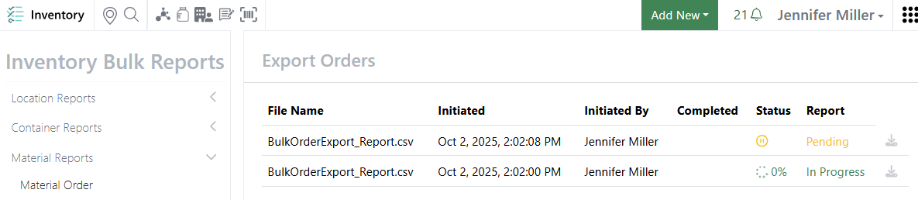
We have added new APIs to fetch the reports of all material bulk import, bulk export and bulk update jobs (GET /materials/bulkImport/jobs, /materials/bulkExport/jobs and /materials/bulkUpdate/jobs). Each API returns a paged list of jobs with their status and results.
Beta Features
The following capabilities are in beta and are available for users, administrators and developers on the Signals platform upon request. Please contact your account representative or our support team if you would like access to the following features.
Fundamentals
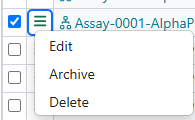
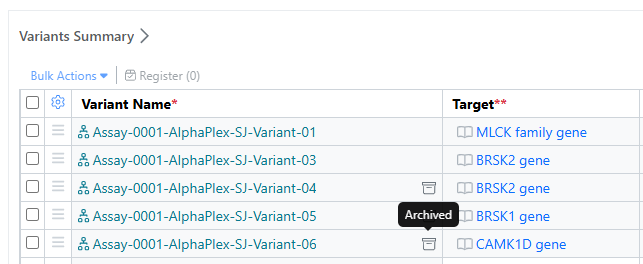

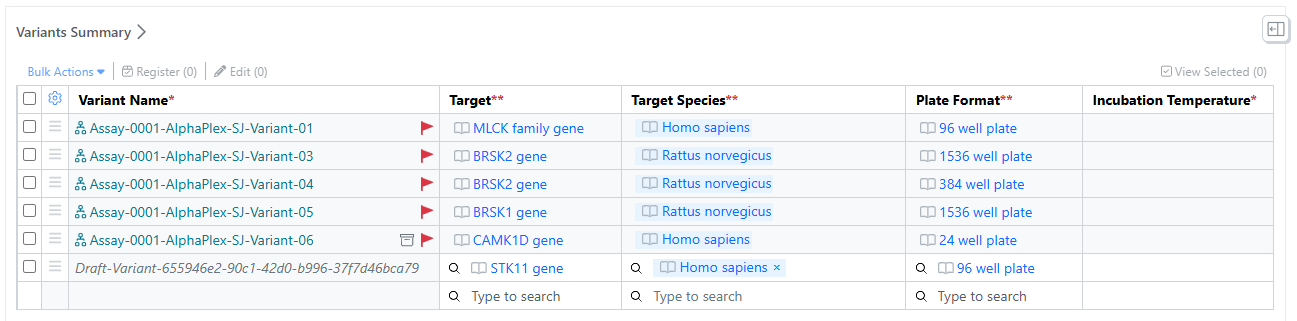

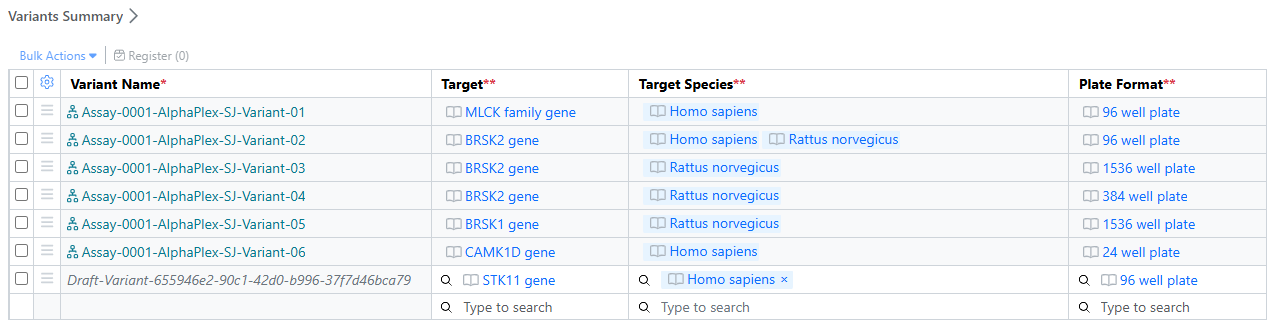
Assays and their Variants now support Archiving. If a Variant is no longer needed for production use, it can be marked as Archived, which will prevent further editing of the Variant, unless it is restored
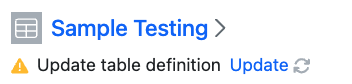
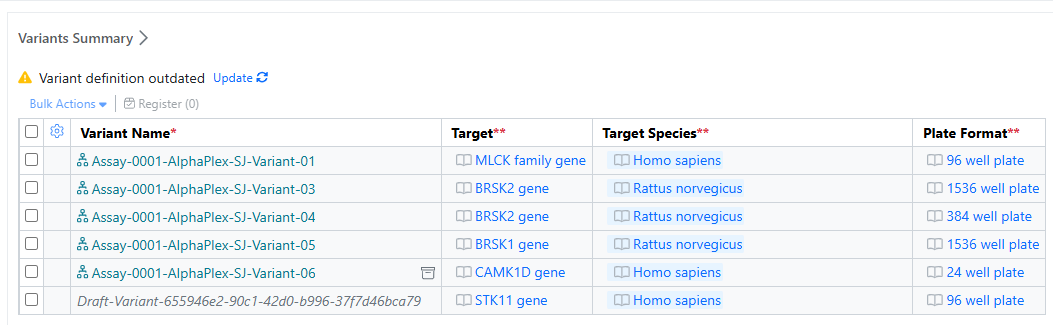
Configuration admins may need to update a Variant template after its in use, for example to add an additional data capture field. When a administrator modifies a template, users will see an outdated message on the Variants Summary table. When they select update, the table will be updated with the latest definition, and the existing Variants checked for compliance with that new definition. Users can individually edit Variants to meet the up dated definition requirements. Assay state and compliance are both searchable fields and clear labels on the Variant. The parent Assay’s state and compliance is automatically updated based on it’s Variants.
ELN Archive
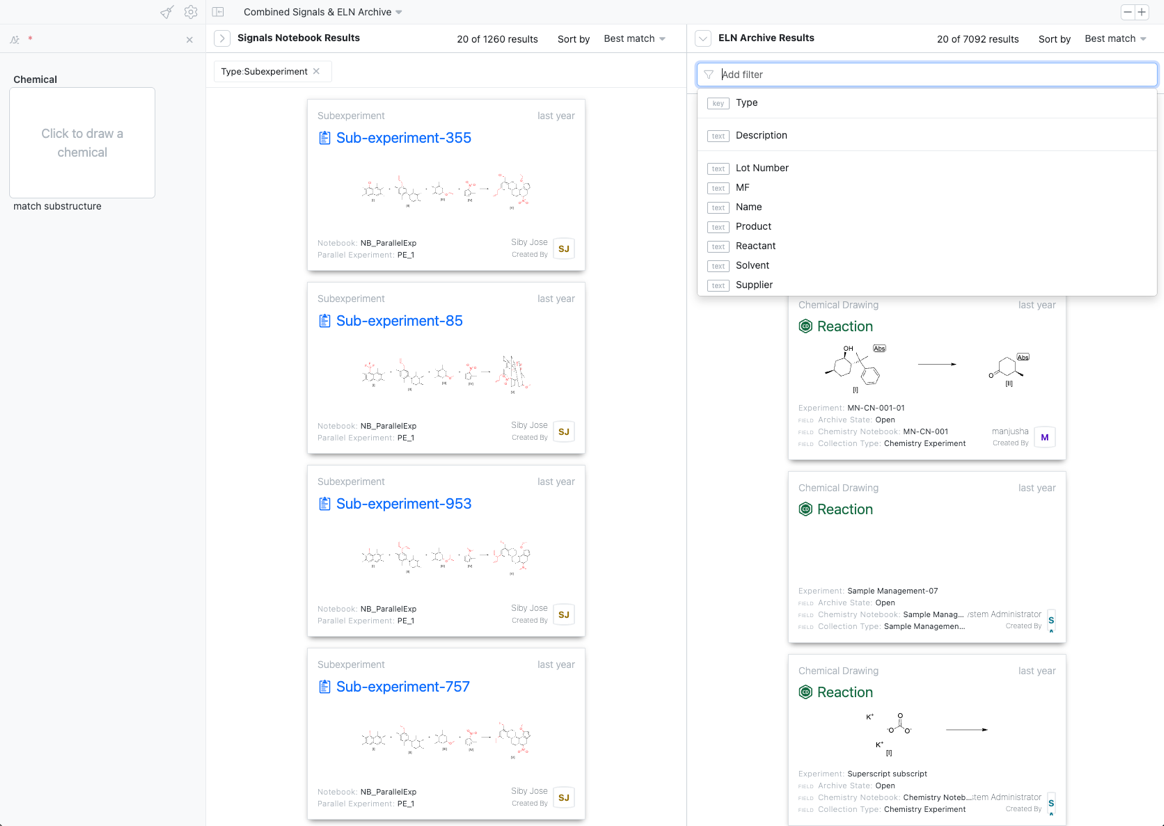
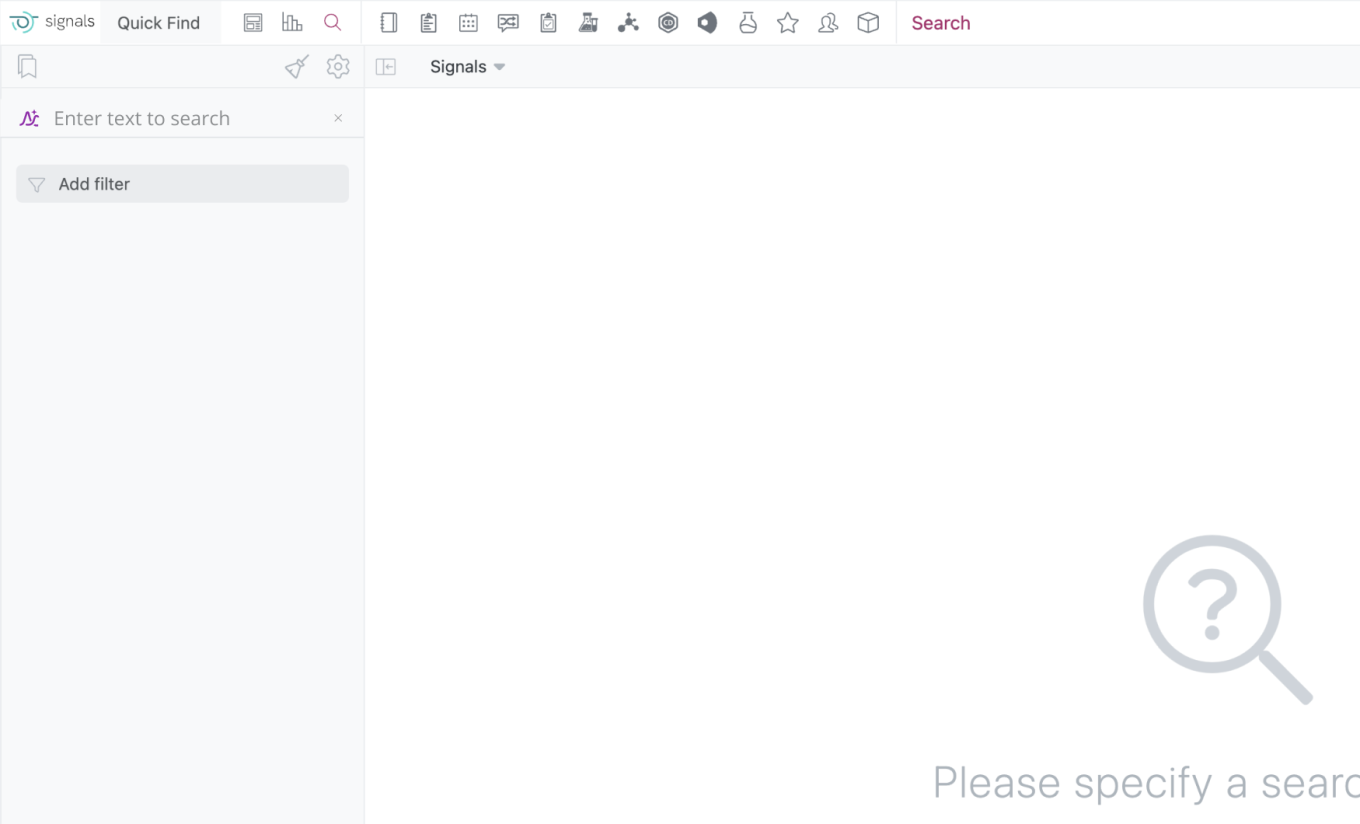
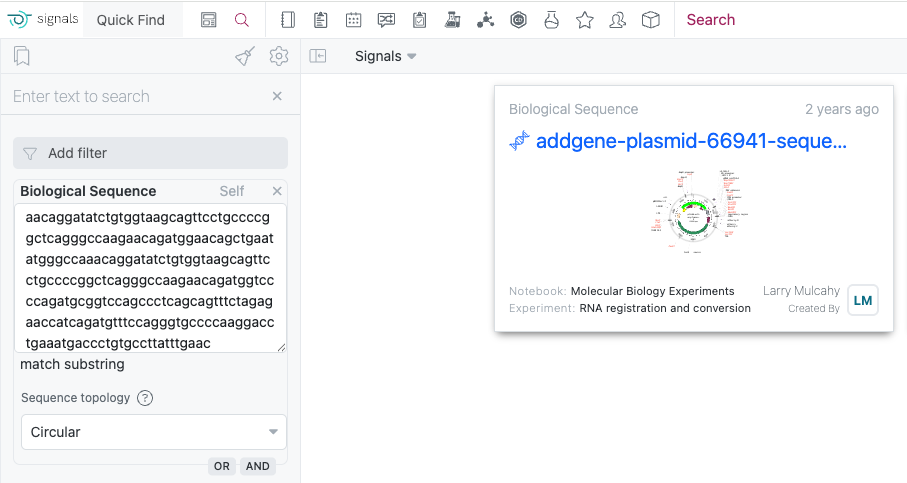
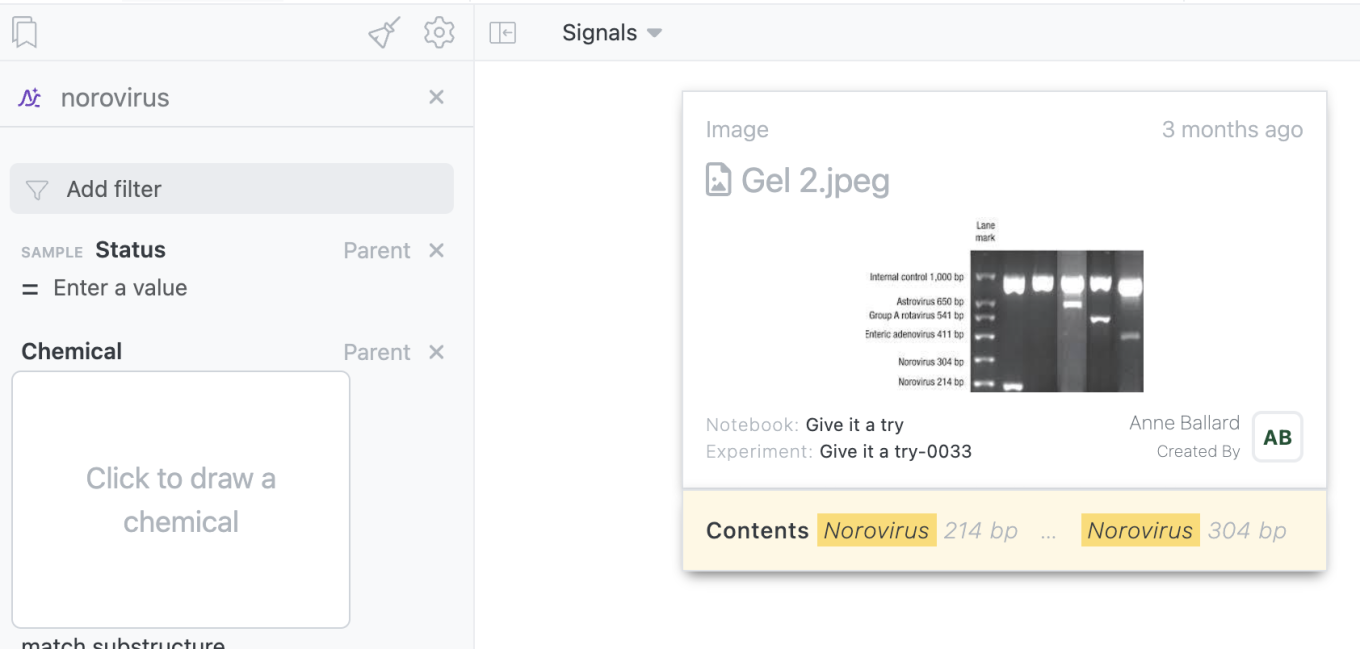
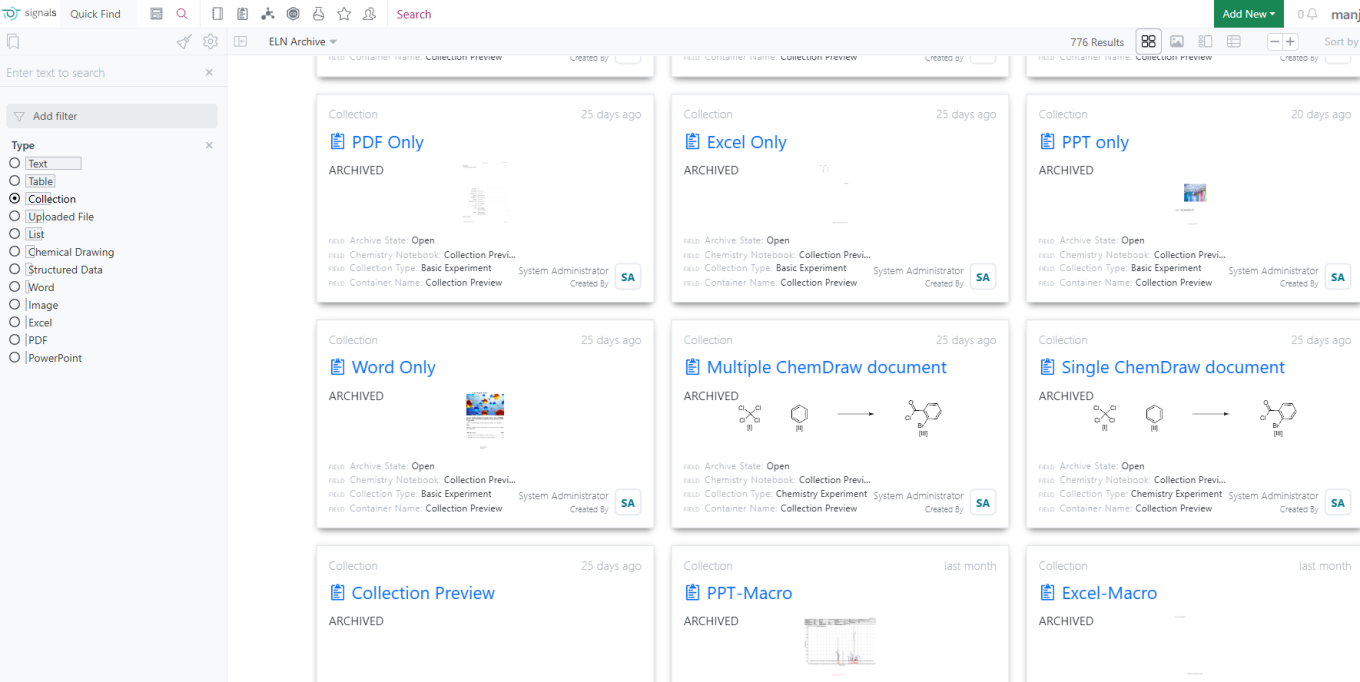
Users can now conduct a simultaneous search across Signals Notebook and ELN Archive content. This search is available via a new combined Source and allows users to query both sets of content by text and chemical structure. Each set of content can be further refined using facets specific to that set of content.
Xynthetica
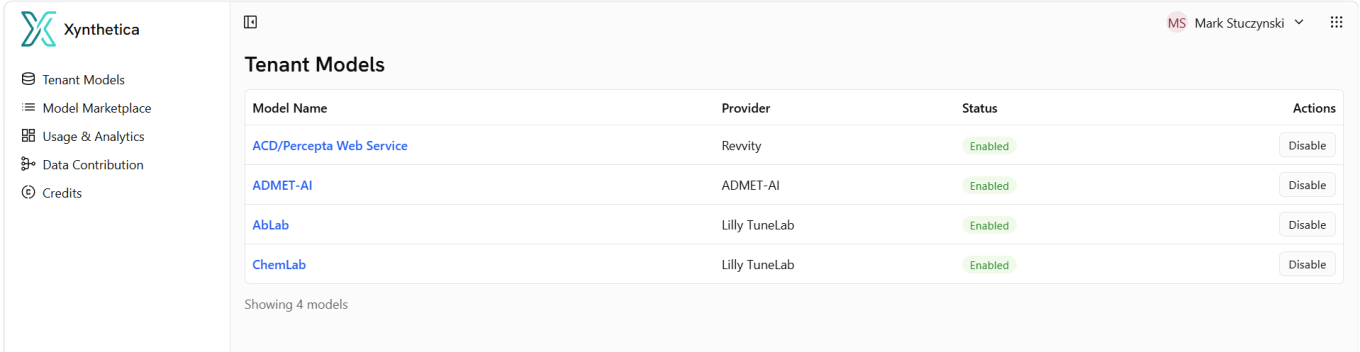
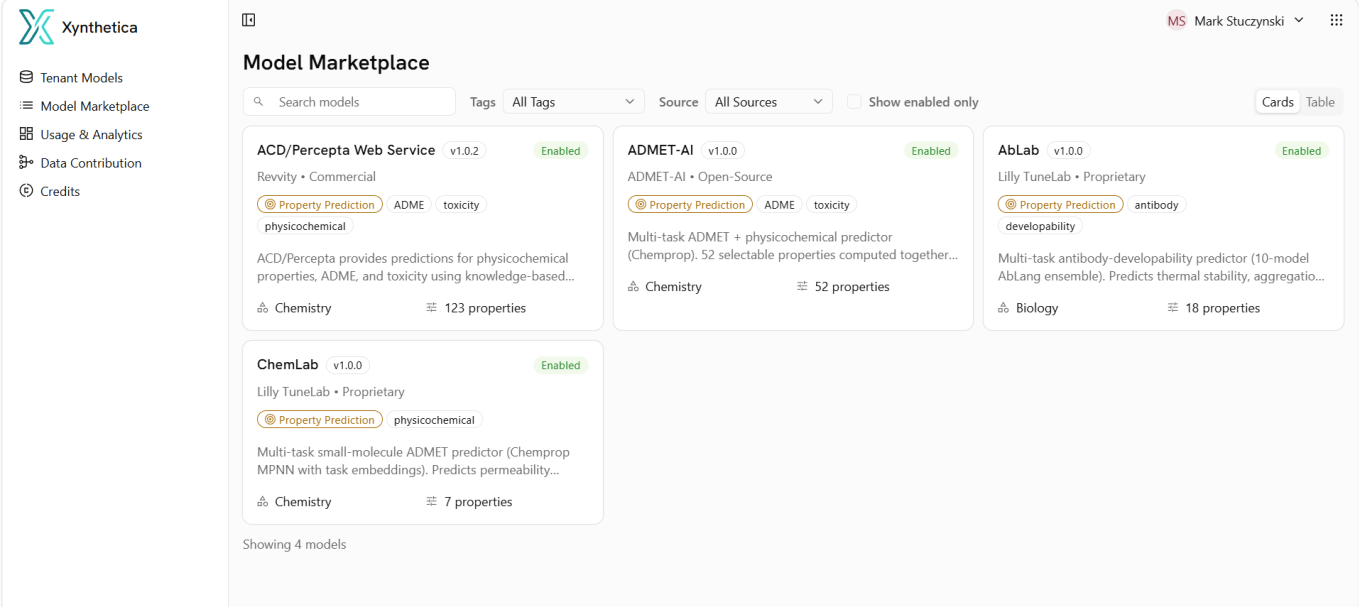
Xynthetica now supports a native admin UI.
The Tenant Models pane gives the administrator a navigable UI to see details around how their users are leveraging Xynthetica models.
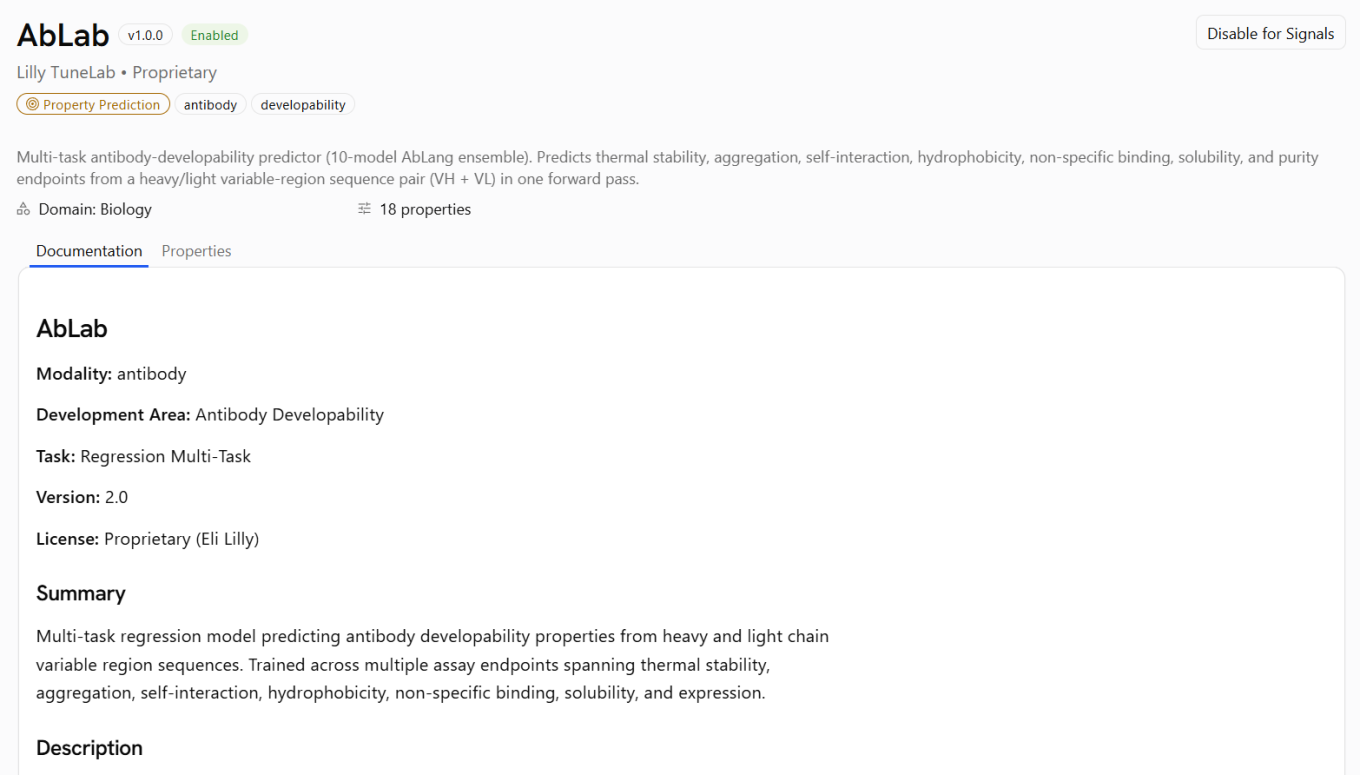
The Model Marketplace is used to gain access to models, and their model card information can be viewed by simply clicking into the relevant model of interest.
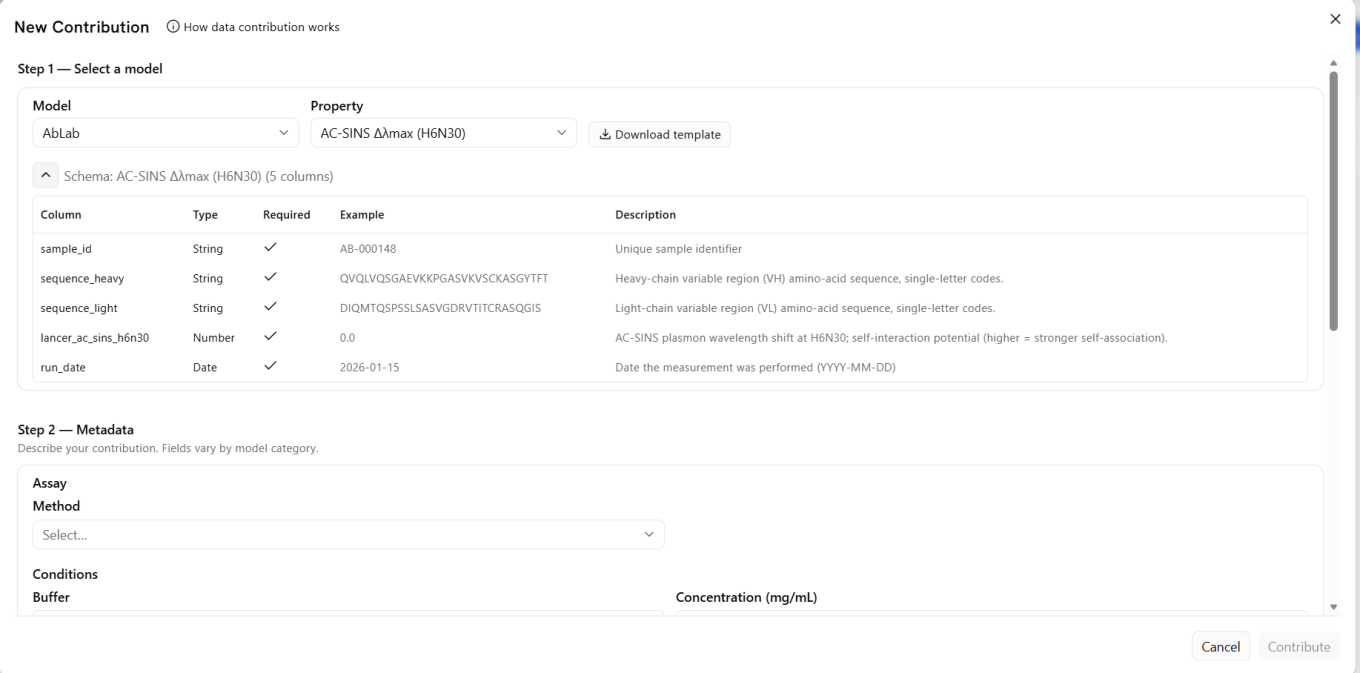
Data Contribution allows users to commit training data to federated models. User selects values of interest and parameter, then submits relevant metadata to improve.
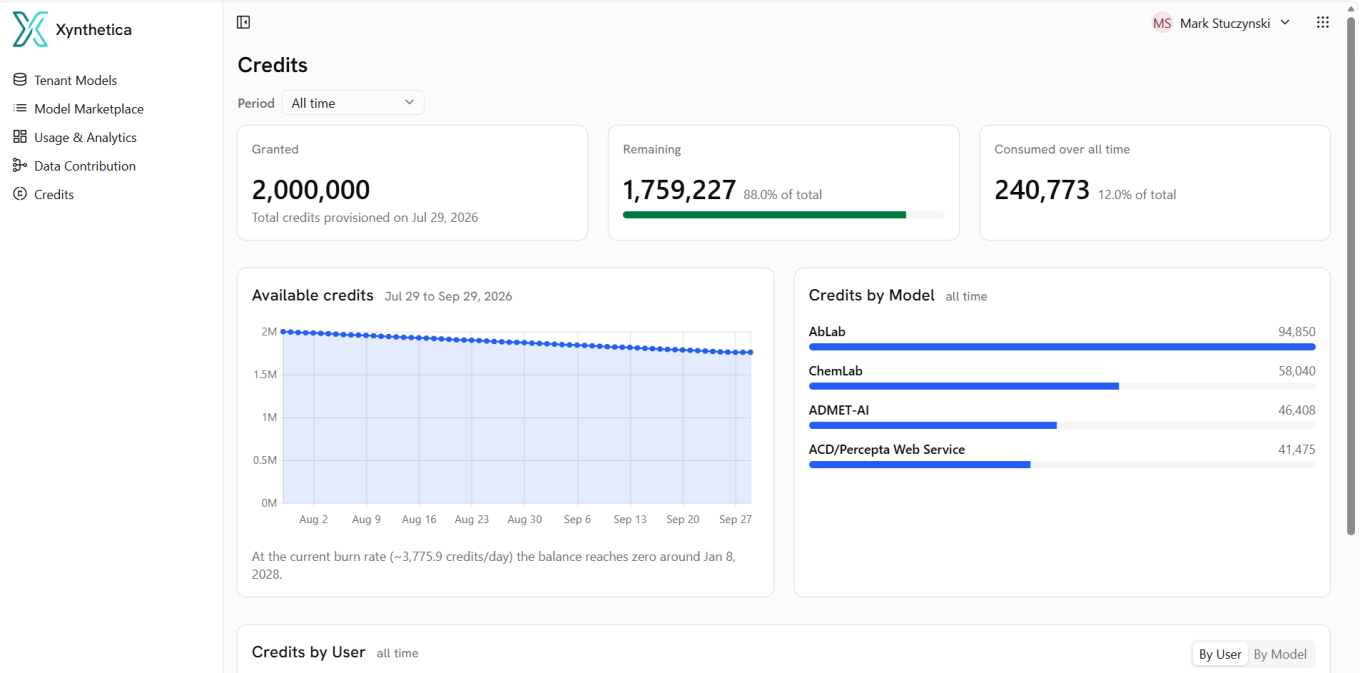
Monitor credit spend in the Credits panel. The Xynthetica-Tunelab bundle includes 2M starter credits.
Formulations
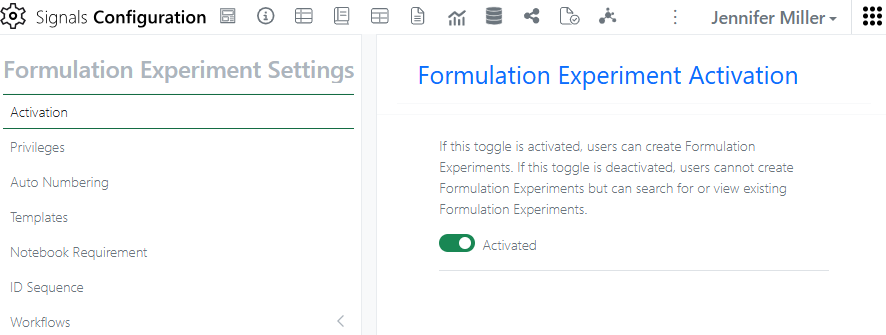
Formulation Development will need some administration set up before it can be used. Activation is in the System Objects à Formulation Experiment:
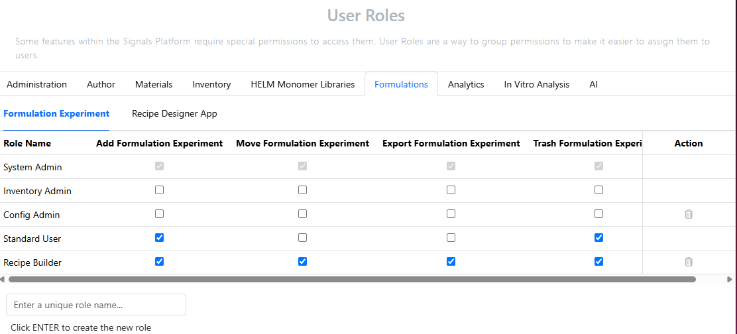
There is only 1 Default System Template currently supported. User Roles has a heading for managing permission to User Roles. Formulation Experiments permissions are for Signals Notebook users:
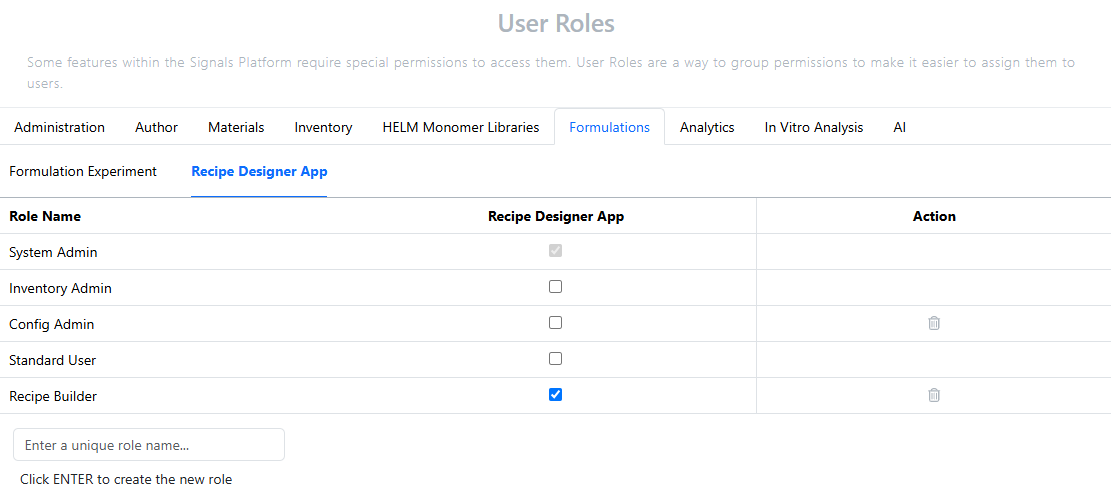
Recipe Designer App is for users that will be creating Parameters, Steps, Recipes and Formulation Experiment Designs:
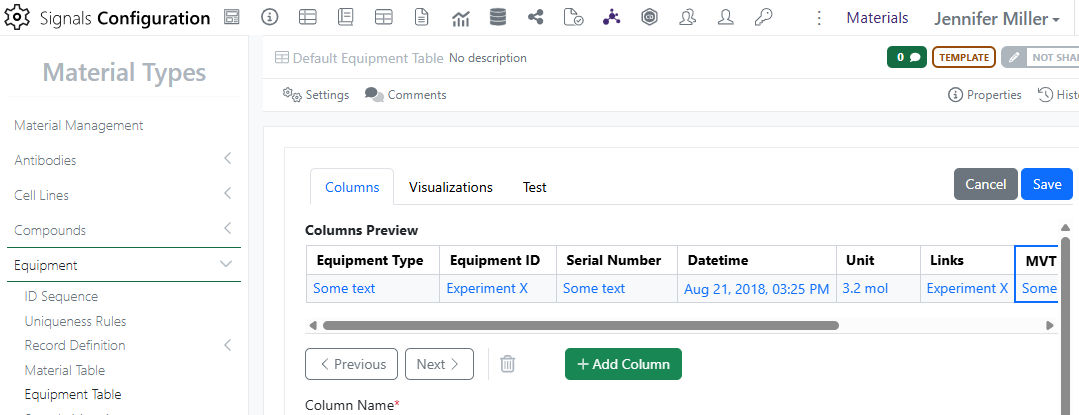
There is a new System Group called Recipe Builders. All Steps, Recipes and Formulations Experiment Designs are automatically shared with the Recipe Builder group by default. The Equipment Table for Formulations can be adjusted in the Material Library:
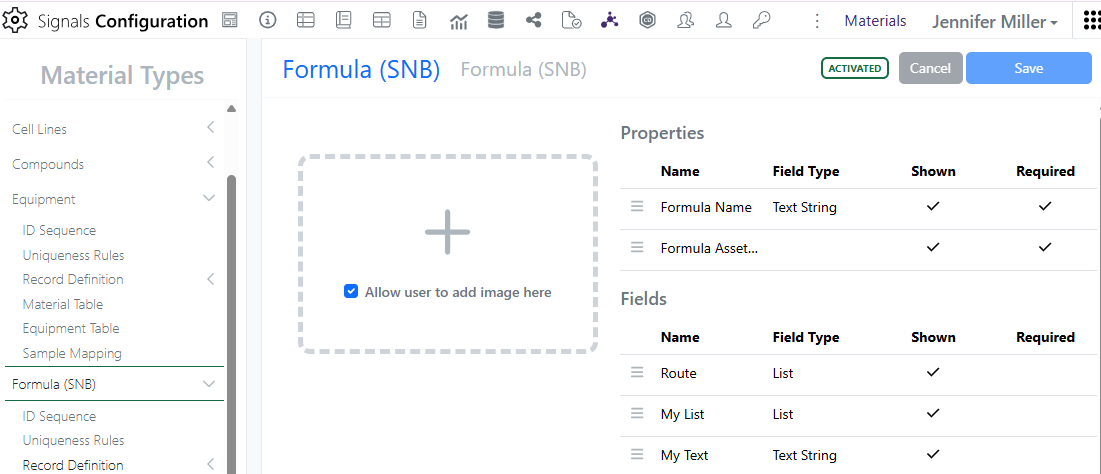
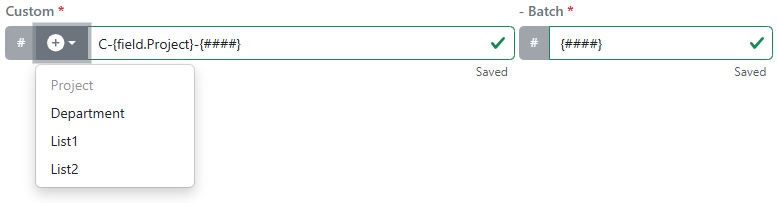
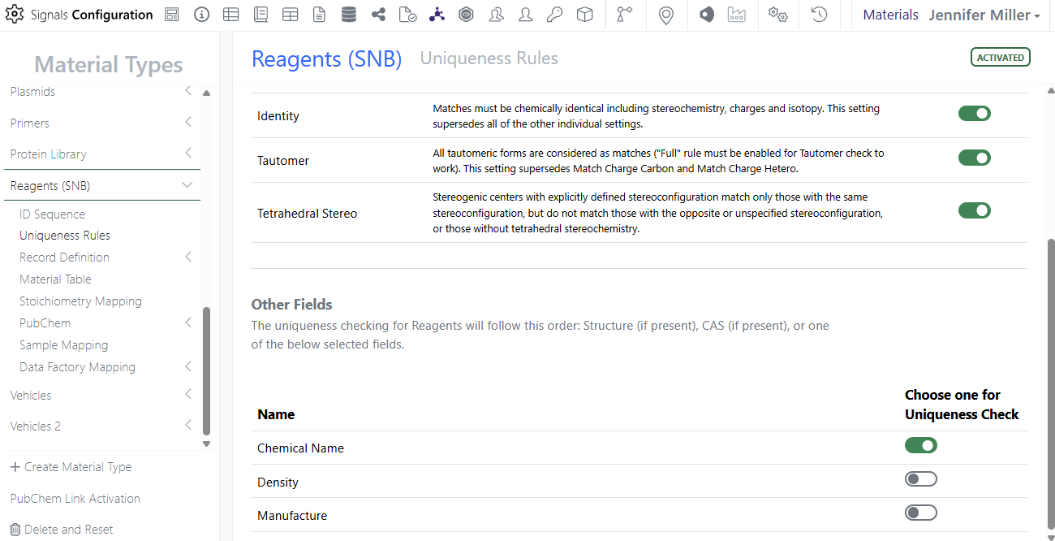
A new Material Library called Formula (SNB) has been created and will need to be set up with an ID Sequence, Uniqueness Rule and Record Definition for both the Material and the Batch/Lot, as well as activated:
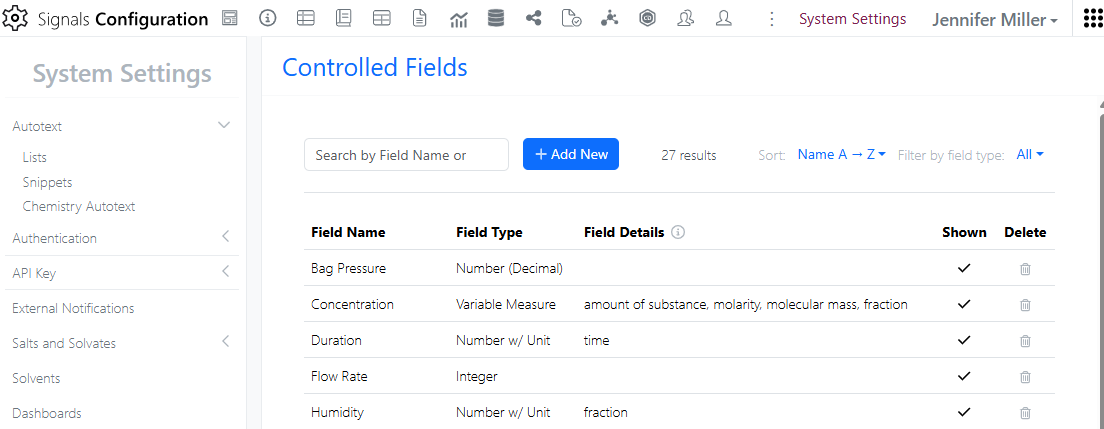
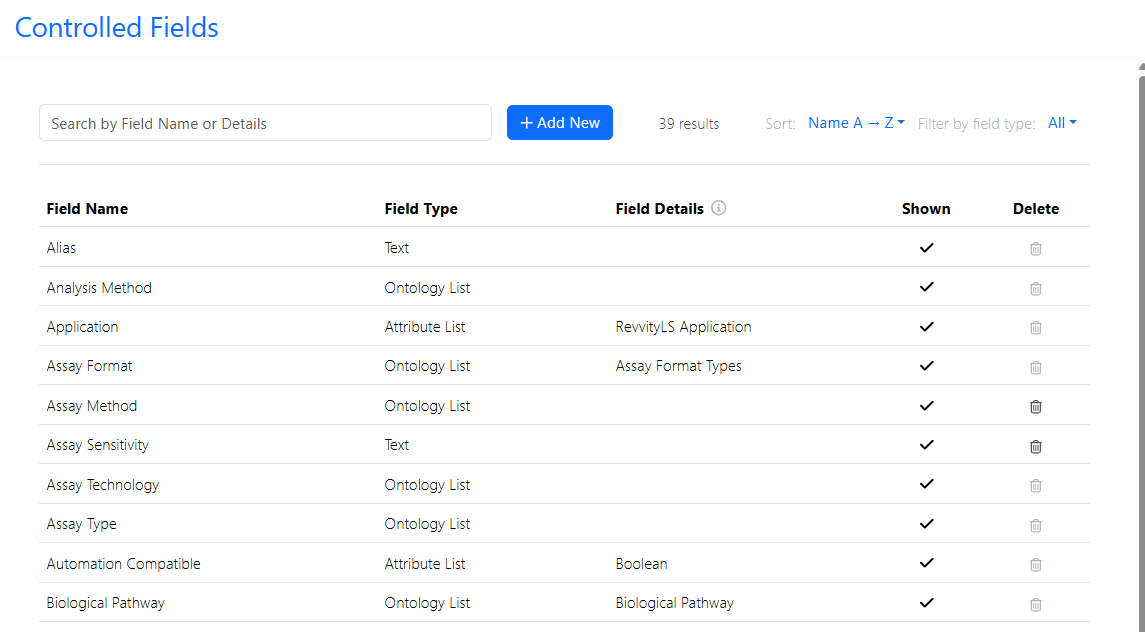
Before any parameters can be created, the System Administrator must set up the Controlled Fields in the System Settings in SN Config:
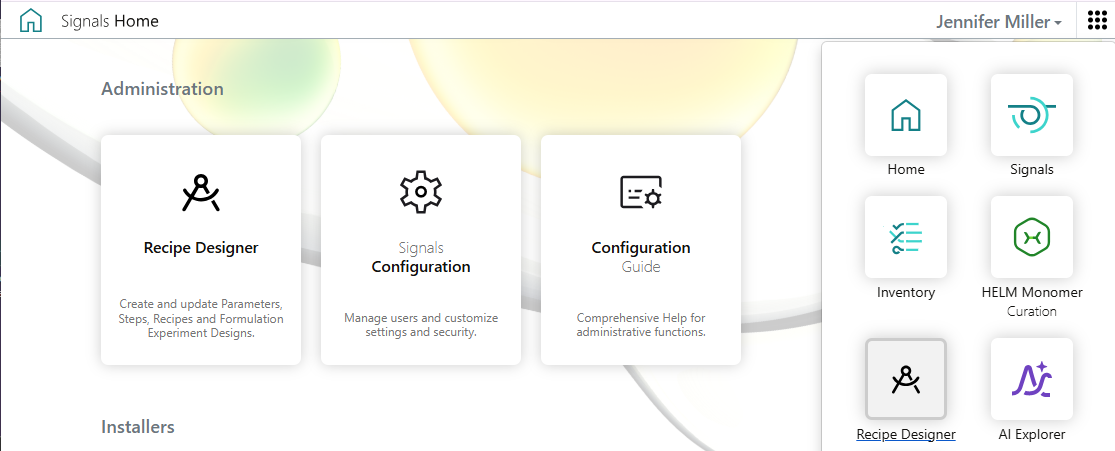
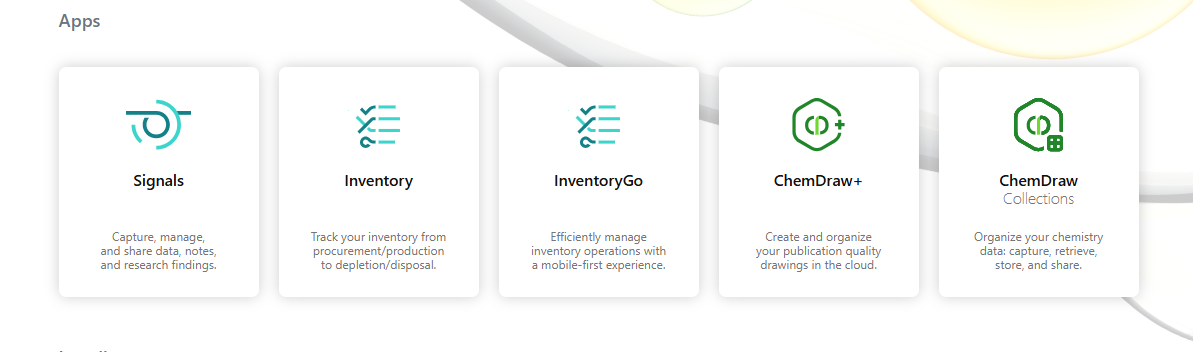
Once the above items have been configured, users with the role with Recipe Builder/permissions to the Recipe Designer App can log into the new app from the home page or via the top right navigation:
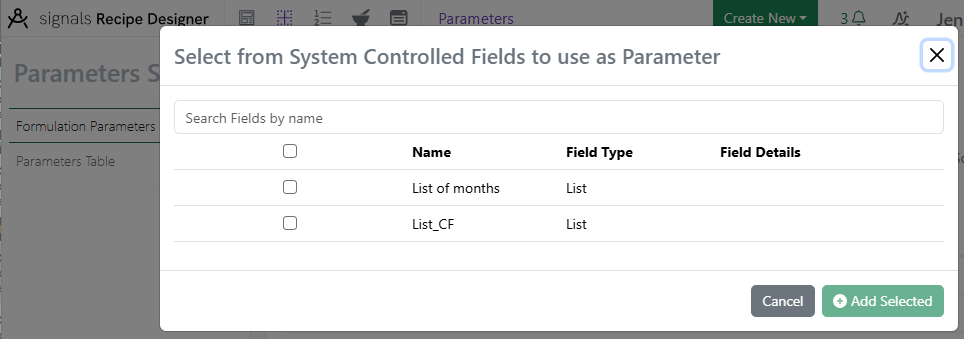
In the Recipe Designer App, users can create Parameters, Steps, Recipes and Formulation Experiment Designs. Parameters are created from the Controlled Fields that the System Administrator has created:
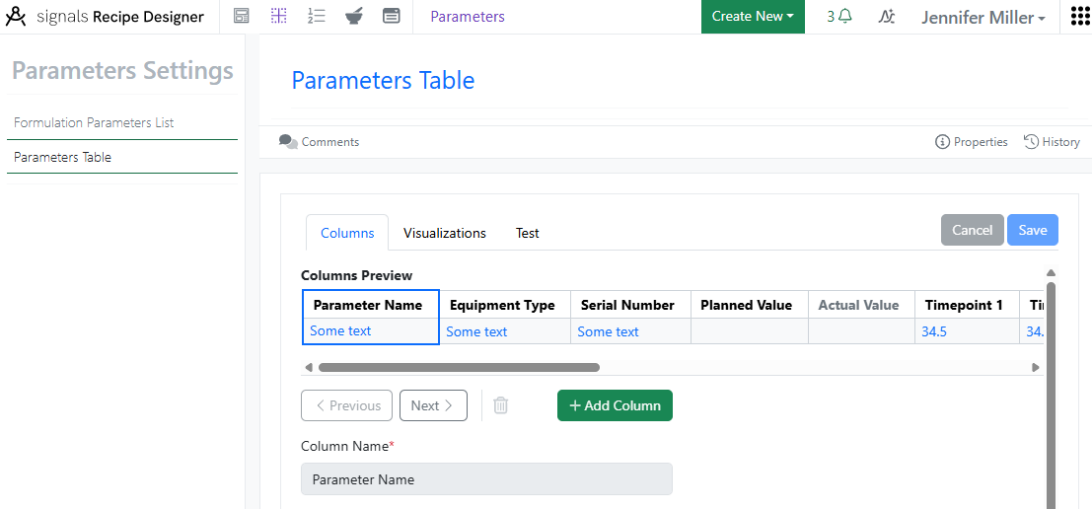
Parameters Table can have additional columns and calculations added to them:
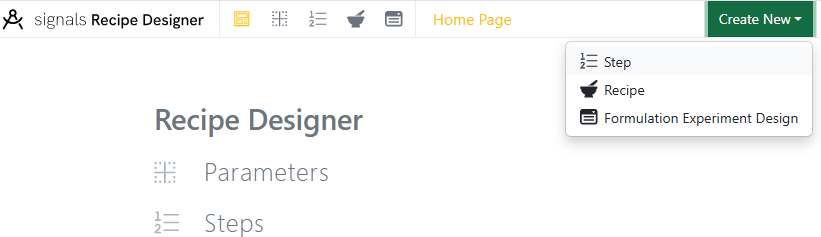
Use the Create New menu to create Steps, Recipes and Formulation Experiment Designs:
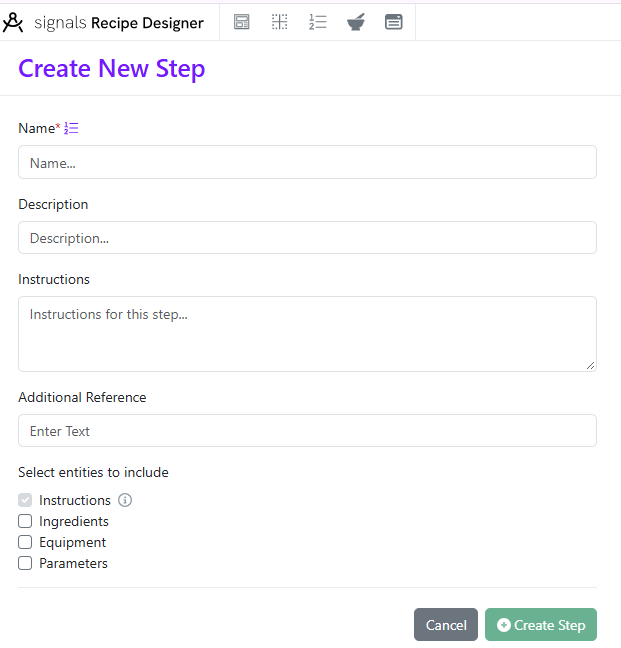
Steps require the Instructions box, but Ingredients, Equipment and Parameters are optional. Steps can be deleted if not used, otherwise they can be retired.
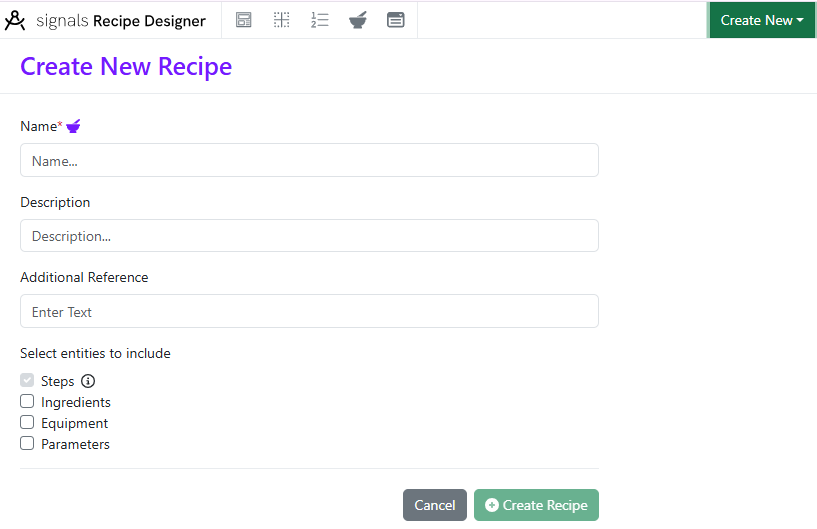
Recipes require space for Steps, but Ingredients, Equipment and Parameters are optional. Recipes can be deleted if not used, otherwise they can be retired.
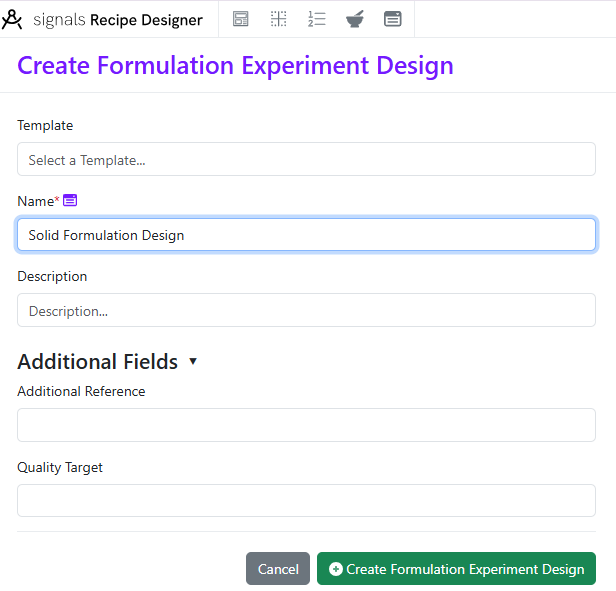
Parameters, Steps and Recipes can be used to create a Formulation Experiment Design. The Formulation Experiment Design acts like a template that Formulators can use to create new Formulation Experiments from.
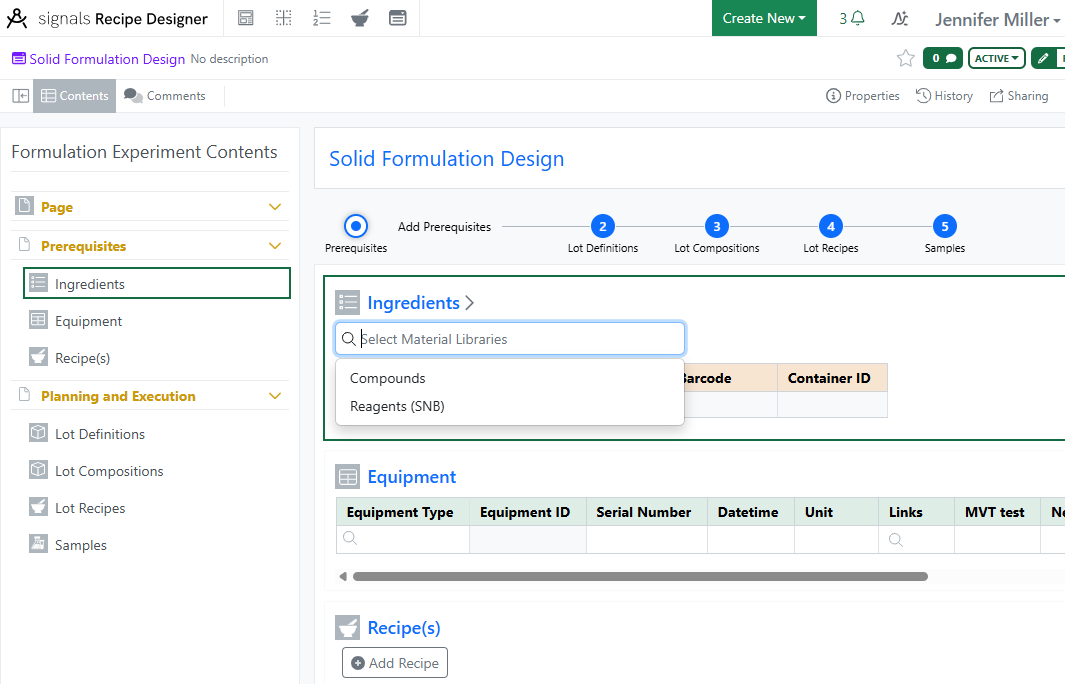
Select the Material Libraries that will be needed:
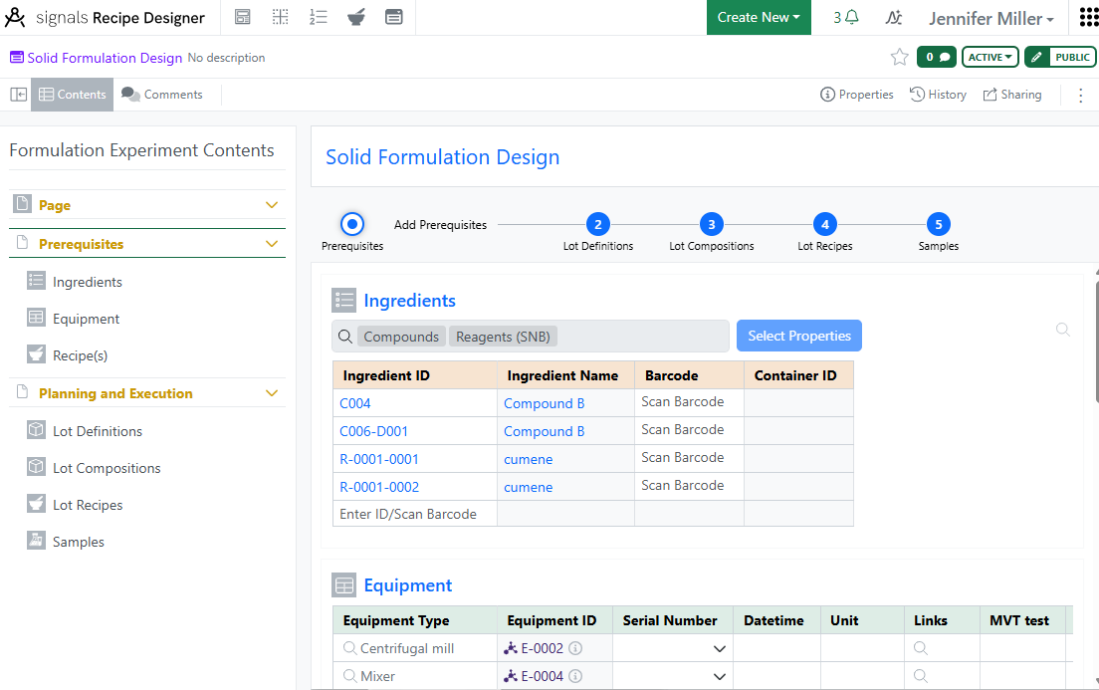
Select Properties and Ingredients can be adjusted in the Ingredients Table in the Formulation Experiment Design or in the Formulation Experiment. Equipment types can be filled in. Recipes, Steps and Parameters can be added and adjusted on the Formulation Experiment Design. Once ready, share the Formulation Experiment Design with the correct Users or User Groups to be used in Signals Notebook. Formulation Experiment Designs can be deleted if not used or retired in the top right corner.
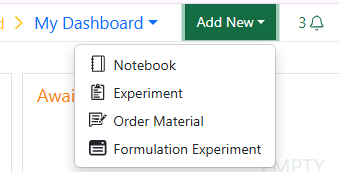
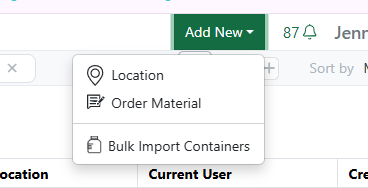
Users in the role with permission to create Formulation Experiments will see the option under the Add New menu:
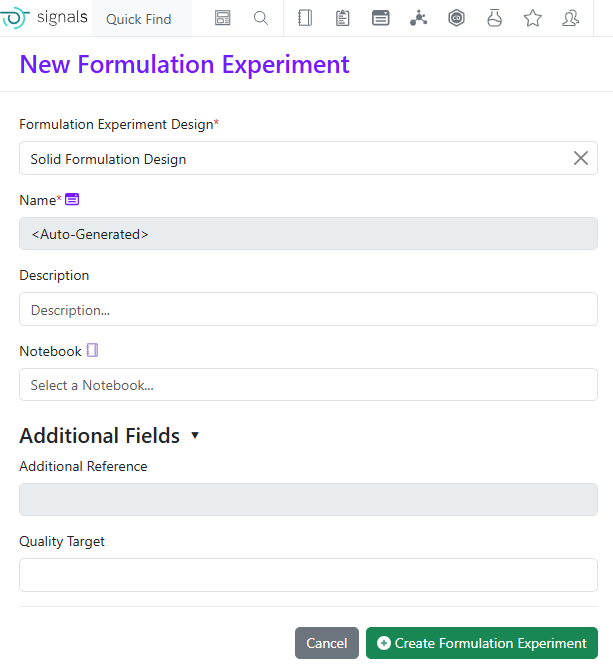
Select a Formulation Experiment Design to start a new Formulation Experiment:
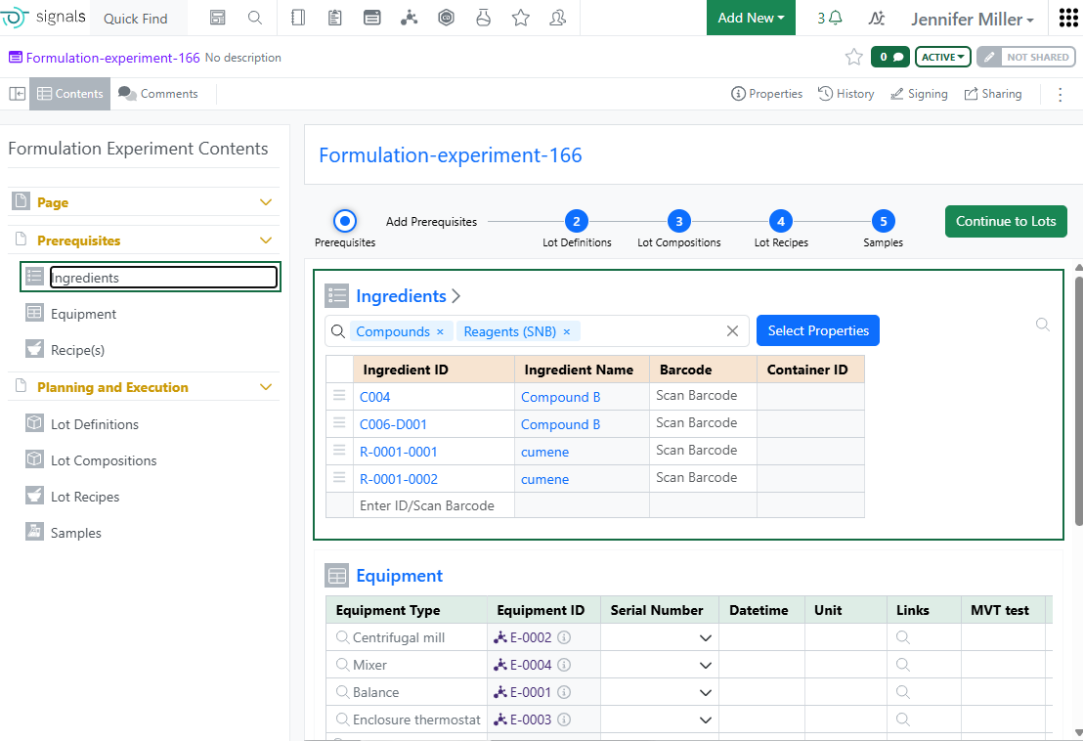
Make updates to the Ingredients, Equipment, Recipes, Steps and Parameters as needed:
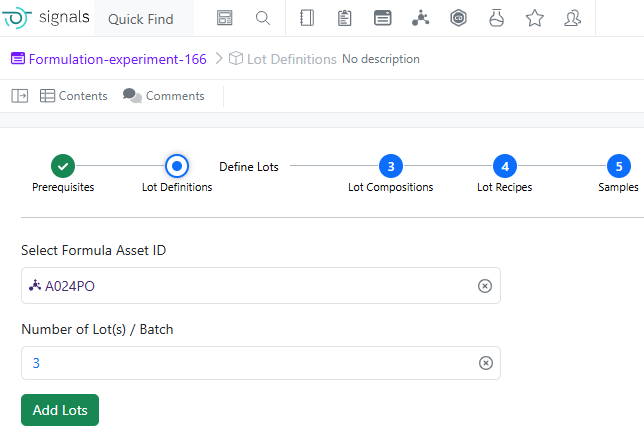
When done making changes, click the Continue to Lots button. Select an asset from the Formula Library and enter the number of batches/lots to create for this experiment:
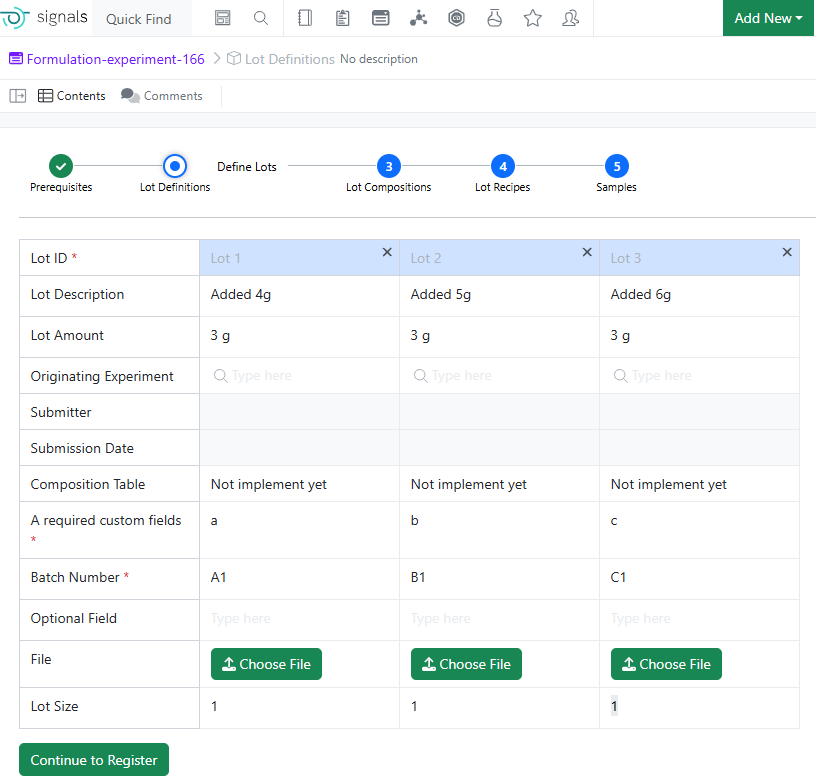
Enter required data on the Lot Definitions before moving to the Lot Composition:
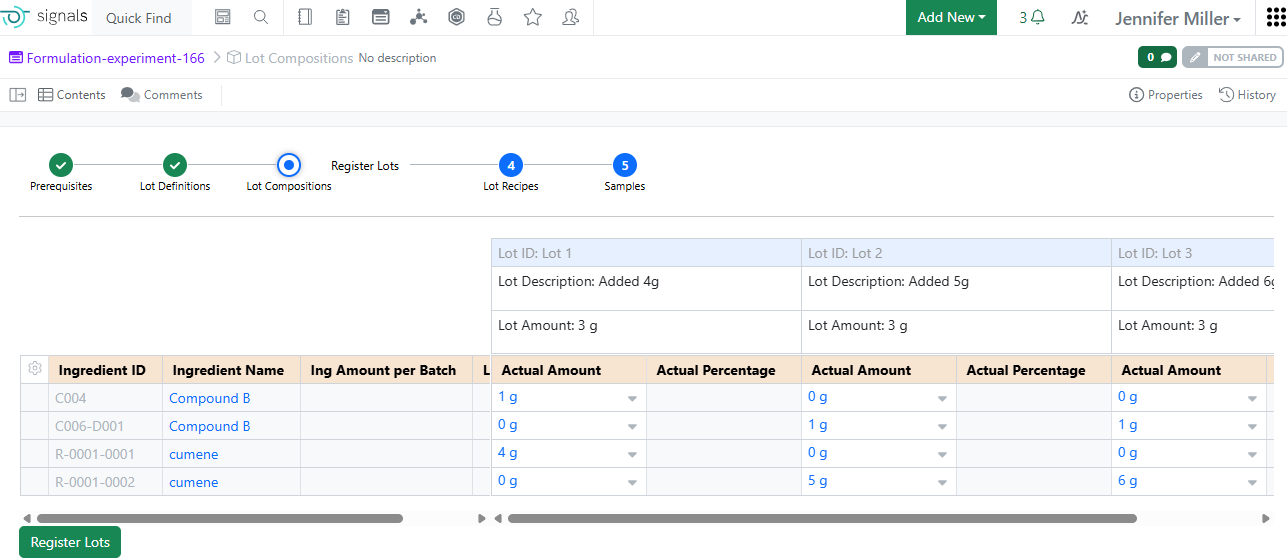
Fill in the Lot Composition to Register the lots directly from the Formulation Experiment:
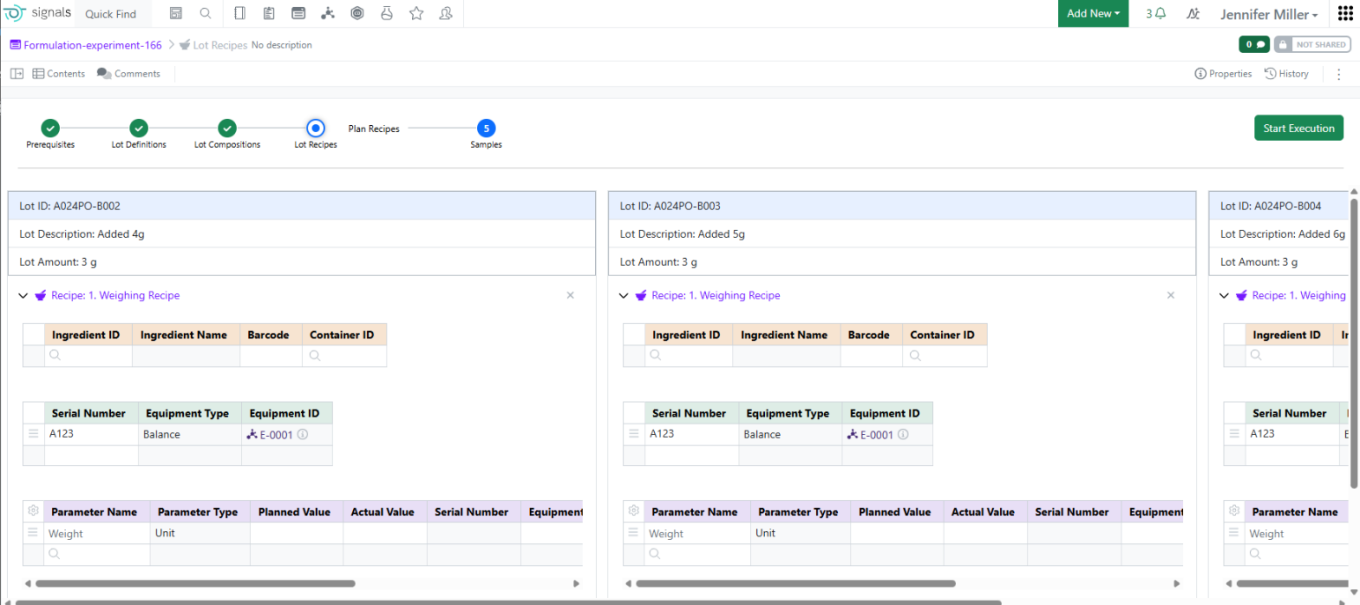
Once the lots have been registered, users will see the Lot IDs have been replaced with real Material IDs and the Lot Recipes will be repeated on a per lot basis:
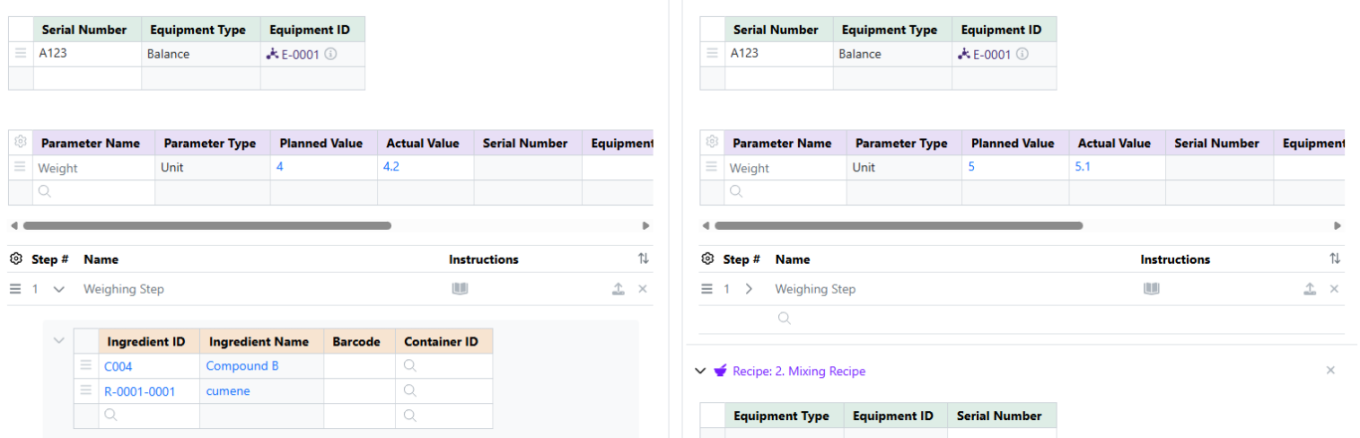
Users can make changes on a per lot basis to the Recipe, Steps or Parameters. Once changes are completed, users can click the Start Execution button to capture the experiment data as they run the experiment: