What's New
We are delighted to release our new version of Signals, 25.10. This release brings enhancements in versioning, equations, Variation Tables, Inventory and Synergy amongst others. We have new beta capabilities for viewing published data from Material libraries and around calculating protein properties. We have extended beta capabilities around Hierarchical Tables and Contextual Lists. The beta capabilities around text extraction from images and publishing samples are now available to all systems. Finally, we have also fixed a number of small bugs.
The following improvements are available for users, administrators and developers on the Signals platform. Certain features may only be available with appropriate licensing and/or with enablement by an administrator.
- Fundamentals
– Origin Template (Original Name) property for versioning
– Increase of Task creation limit to 2000 - AI
–Text Extraction from Images for Signals One customers available to all systems*
–Admin options to enable/disable AI functionality in Signals One available to all systems* - Data Workflows & Analytics*
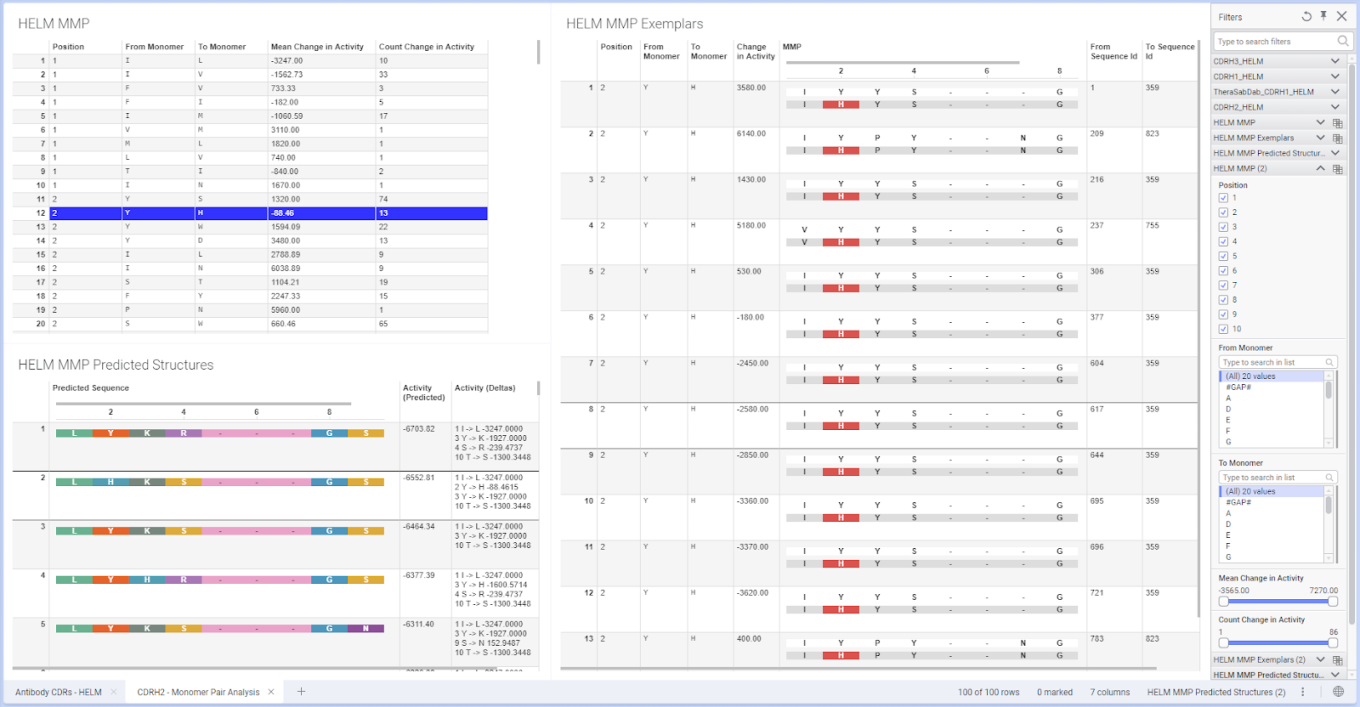
–SPR Data Import App available in Spotfire for Signals now supports Carterra file schema versions up to 10 - SAR & Decisioning*
–View Published Data from Material Library (beta) - Synergy†
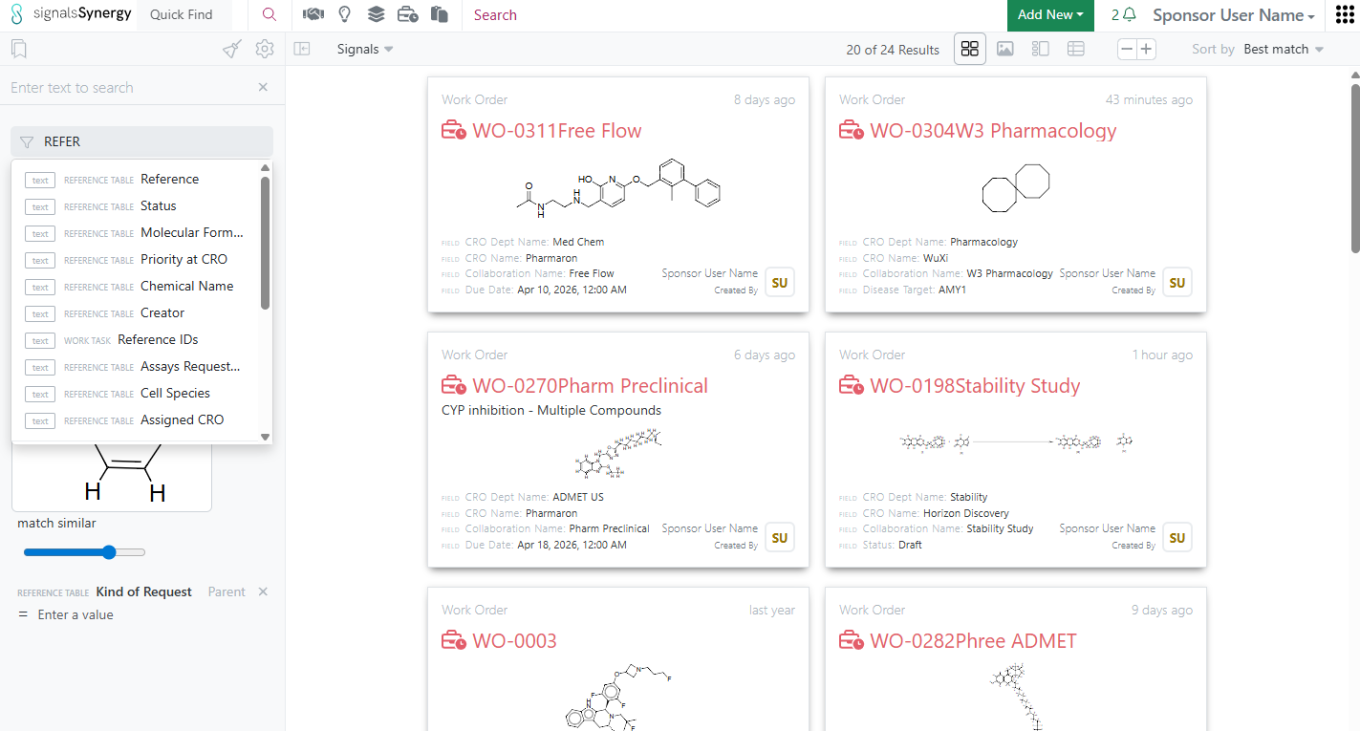
–Failed Status on Work Orders
–Choice of Work Order transition when submit the only Synergy Experiment - Chemistry
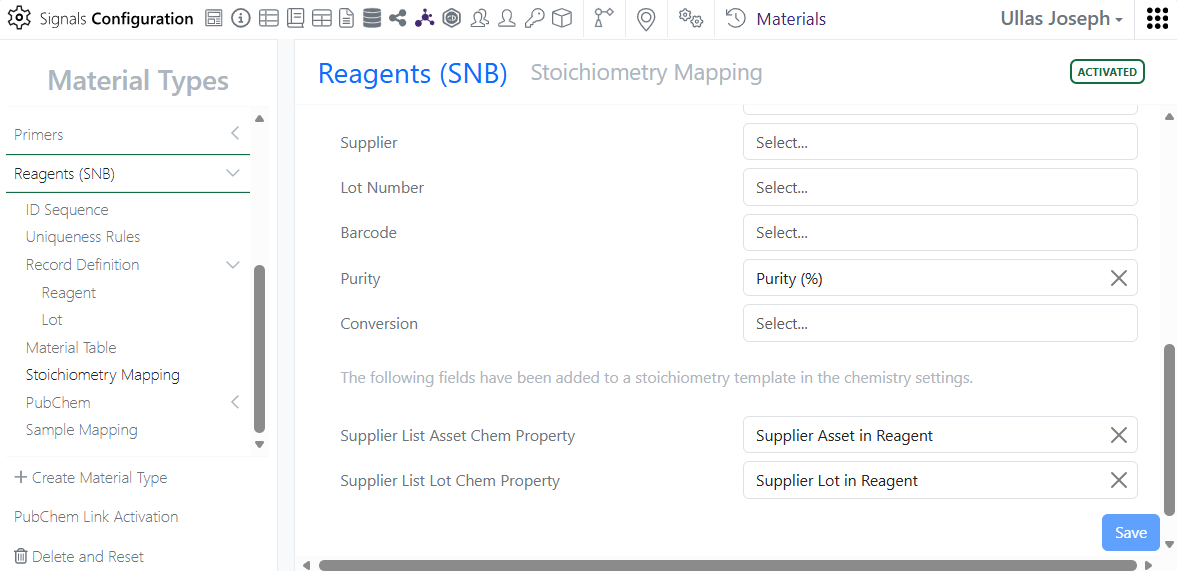
–Inclusion of Barcode to Internal Enumerator mapping
–Inventory Decrements from Parallel Experiments
–Context-sensitive ChemDraw floating toolbar
–Drag-and-drop RXN files onto the ChemDraw canvas converts to CDXML
–Atom numbers can now be enabled via a checkbox in the Properties panel - Admin Defined Tables, Variation Tables and Hierarchical Tables
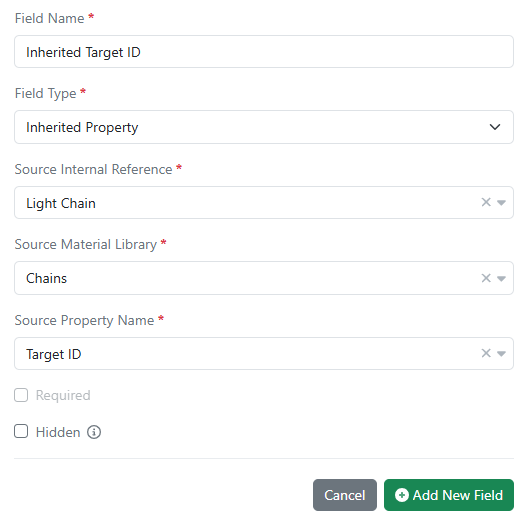
–Calculate Number with Unit from a Number property
–Calculate Maximum
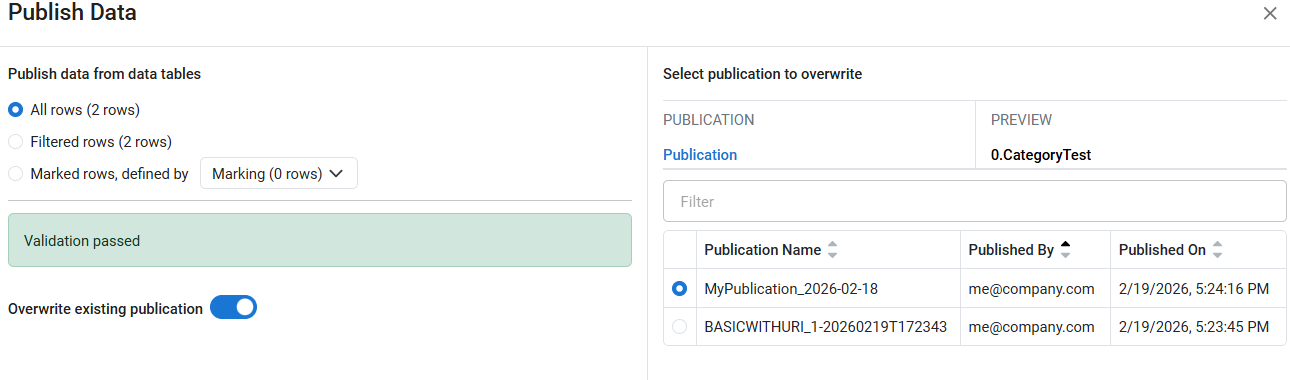
–Publish Samples available to all systems
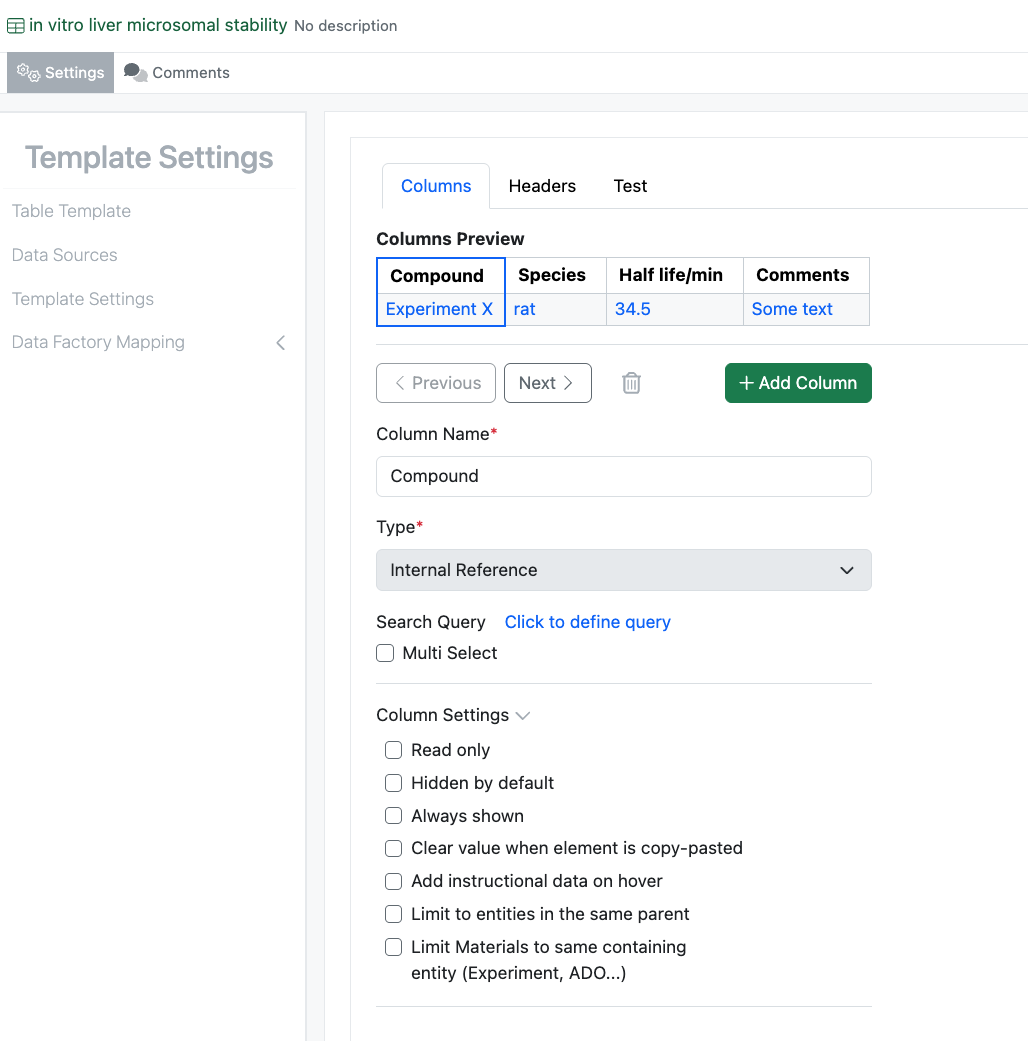
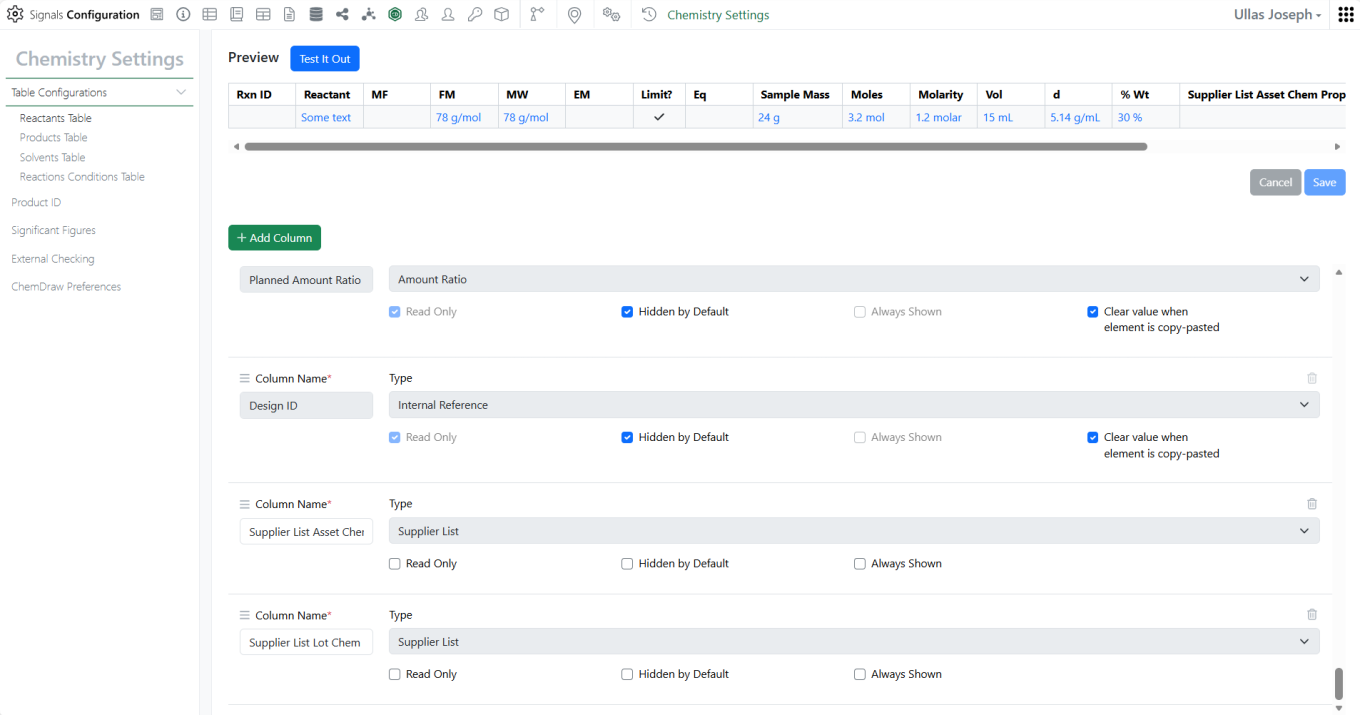
–Updates to the Internal Reference Column Name Configuration
–Addition of Internal Reference Lookup in Variation Table
–Copy/Paste with Hidden Rows in a Variant Table
–Internal Reference type properties can be used as source for Contextual Lists (beta)*
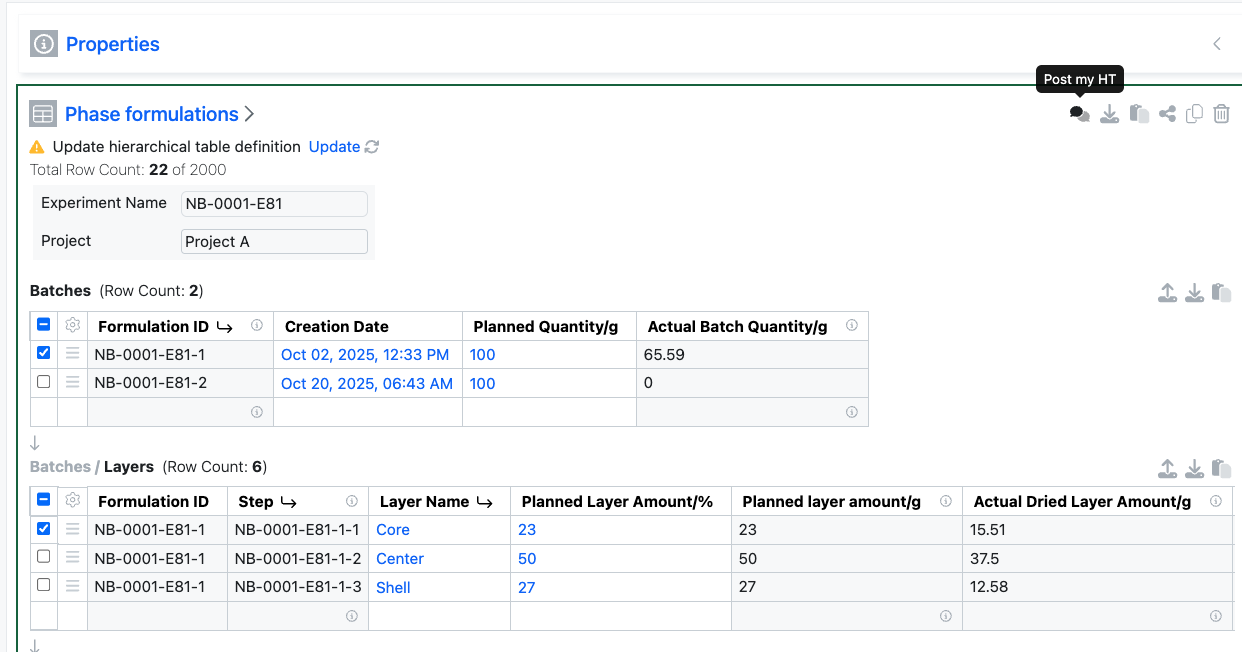
–Search of Hierarchical Tables (beta)*
–Hierarchical table data optionally included in exported PDF (beta)* - Inventory
–Updates to Bulk Container Import
–Return Containers to Home Location
–Updates to Container Aliquot Workflow
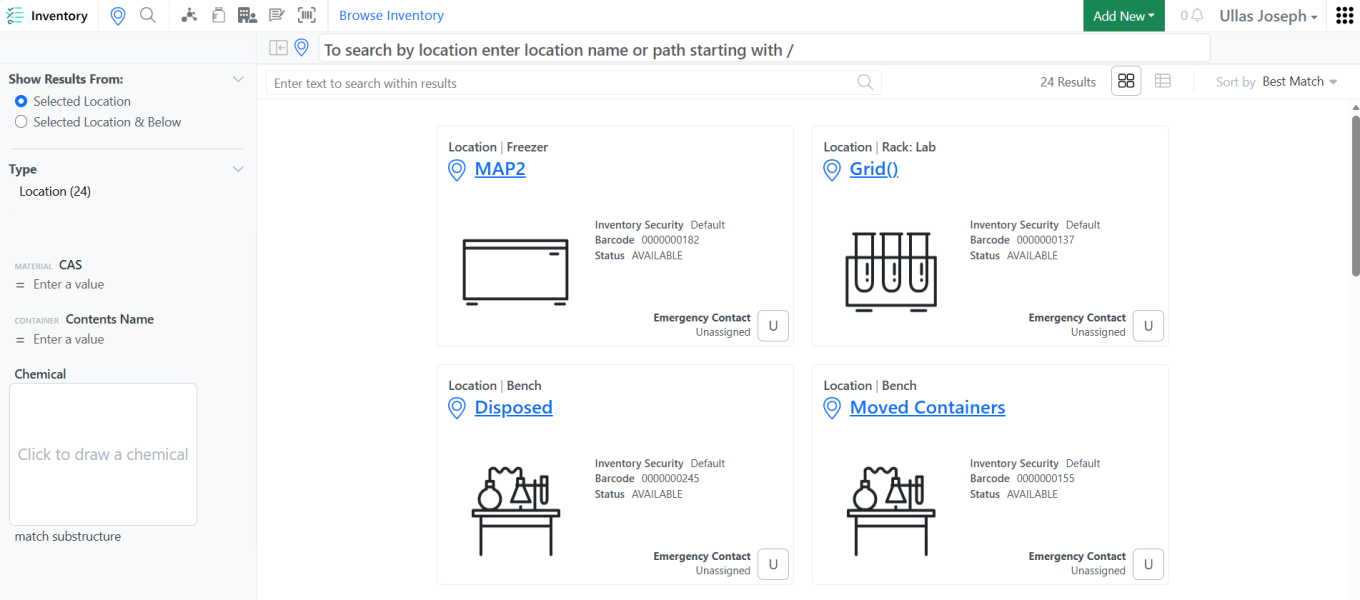
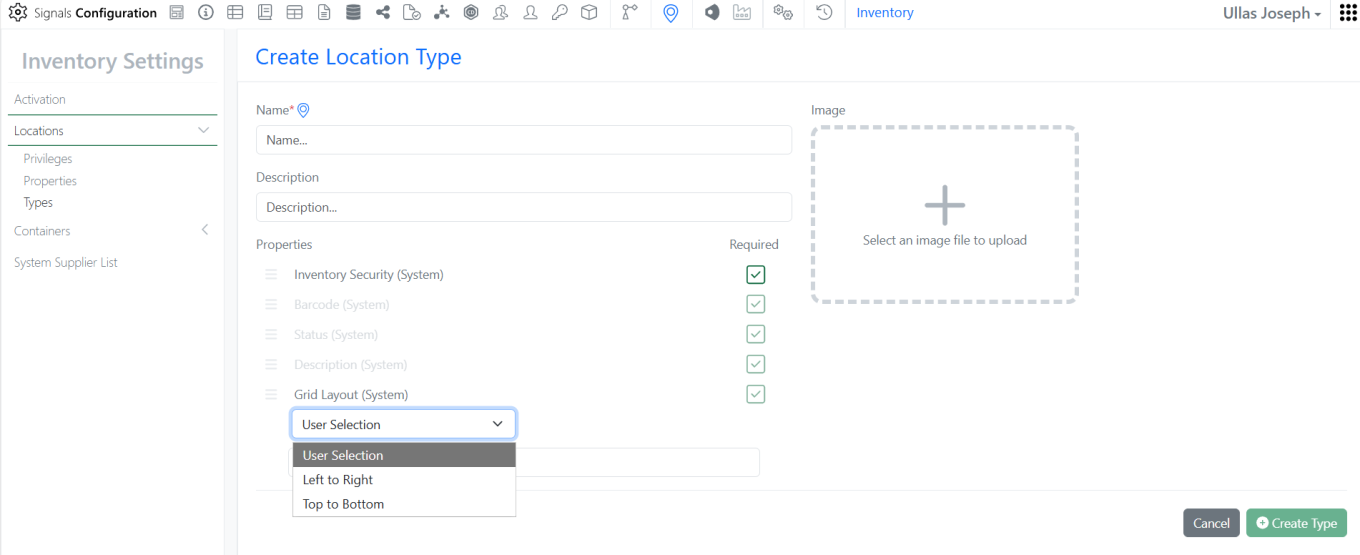
–Create Sublocations from Parent Location
–Deleted Locations removed from Recent Locations - Materials
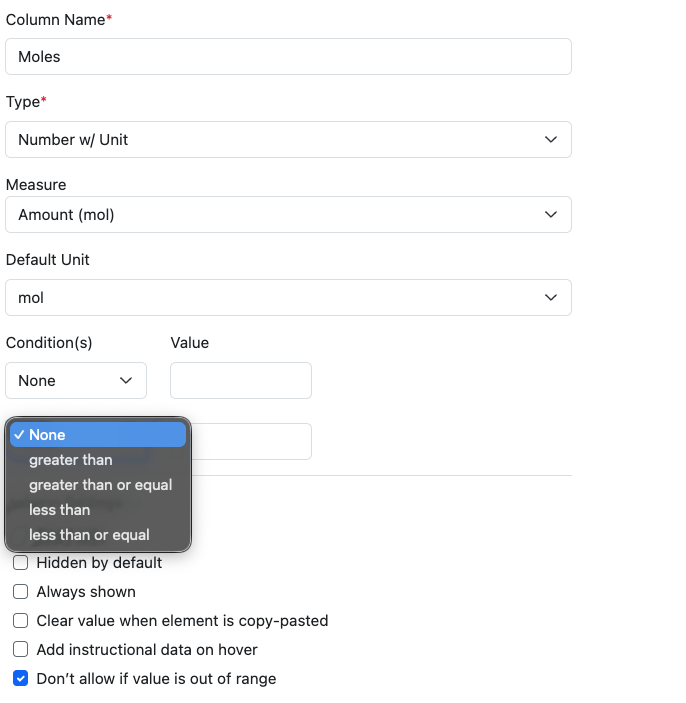
–Loading Measure Added to Number with Unit in Materials
–Update to Batch/Lot page
–Calculated properties for protein complexes (beta) - ELN Archive
–Preview ELN Archived Experiment Types directly in search results - Administration –Update Definition privilege
–Spotfire for Signals Custom Apps Configuration available for Private Cloud now tracks Custom App module version*
–Configuration Transfer of Contextual Lists in Worksheets (beta)
–Configuration Transfer of Hierarchical Table Templates (beta)
–Hierarchical Tables included in Configuration Report (beta)
–Contextual Lists included in Configuration Report (beta) - Integrations & APIs
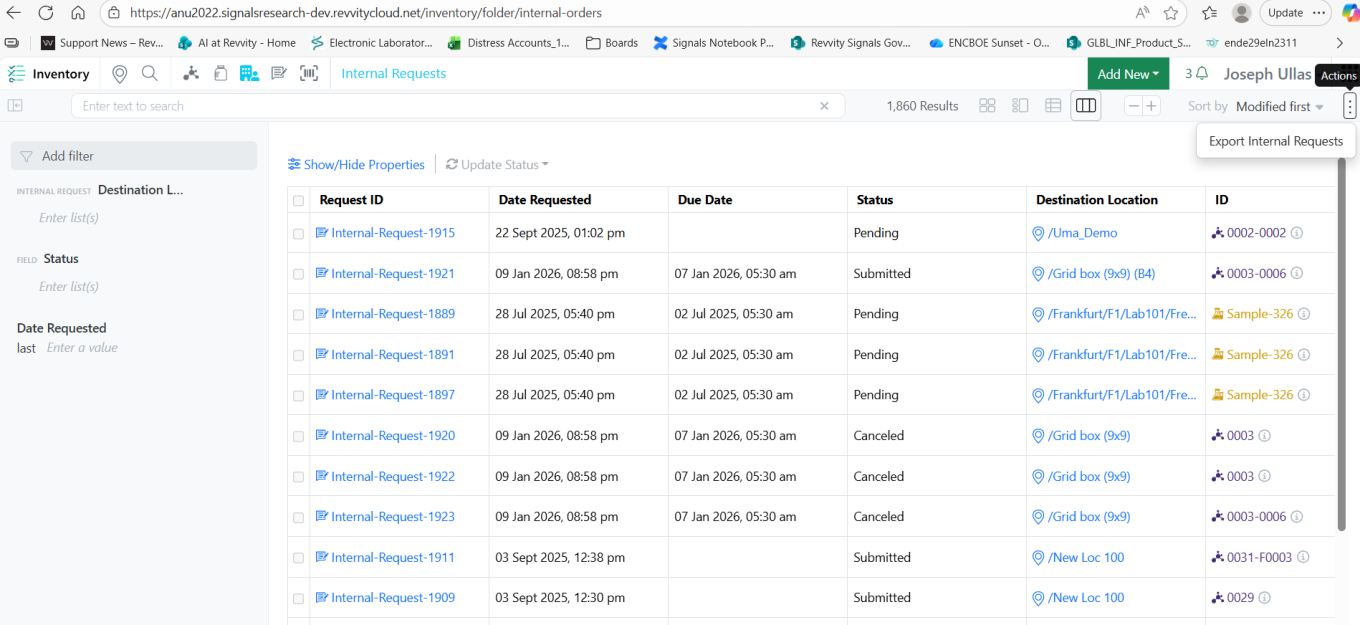
–New API for exporting Orders
–New APIs to support Supplier List
–Enhanced APIs to support Supplier List Fields
–Enhanced API for Text element export
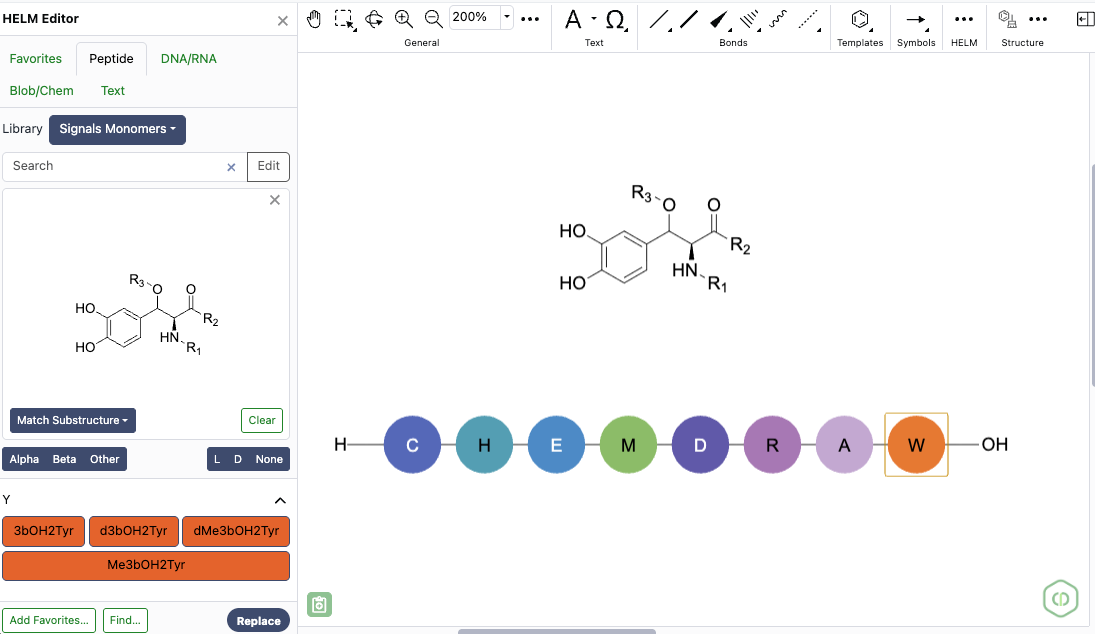
–New API to replace Chemical Drawing with a Duplex
–Enhanced API to allow expanded chemical formats for uniqueness checking
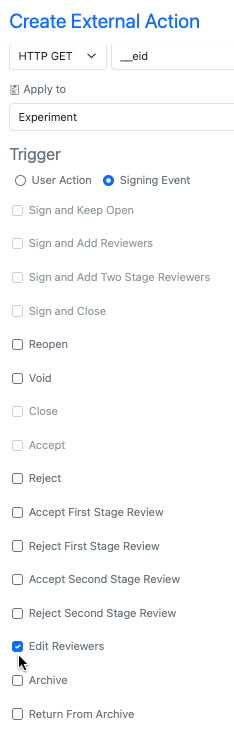
–New API to update Synergy Experiment Status
–New API to close Synergy Work Orders
–Enhanced API to allow creation of Work Orders with templates
* Requires Signals One license
† Requires Signals Synergy license
We also fixed several small bugs in this release. Details of the enhancements are described below.
Administrators should be aware that the Normalized Compound Salt Stripping tool will change to better handle fractional coefficients by altering how multi-fragment salts are interpreted from the Salt List. This change will occur in a future release and only apply to registrations subsequent to the change, existing compounds will remain with the prior understanding until edited.
Developers should note that this release addresses an issue with the GET /entities/{eid}/export endpoint, where the response returned an incorrect Content-Type header for Text entities. The header was set to text/plain, while the actual content is text/html. This only applies to text elements created through text file upload.
Data Factory administrators should be aware of several important updates. The latest version of Data Factory has officially exited beta, and all older versions of Data Factory projects and apps are now designated as “Legacy.” As part of this transition, it is no longer possible to create new legacy Data Factory projects through the user interface. We strongly encourage administrators to begin adopting the latest Data Factory features, as legacy projects will be fully deprecated in a future release. A simple migration path will be provided in a future release to support this transition.
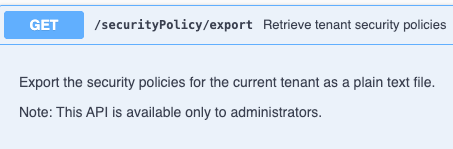
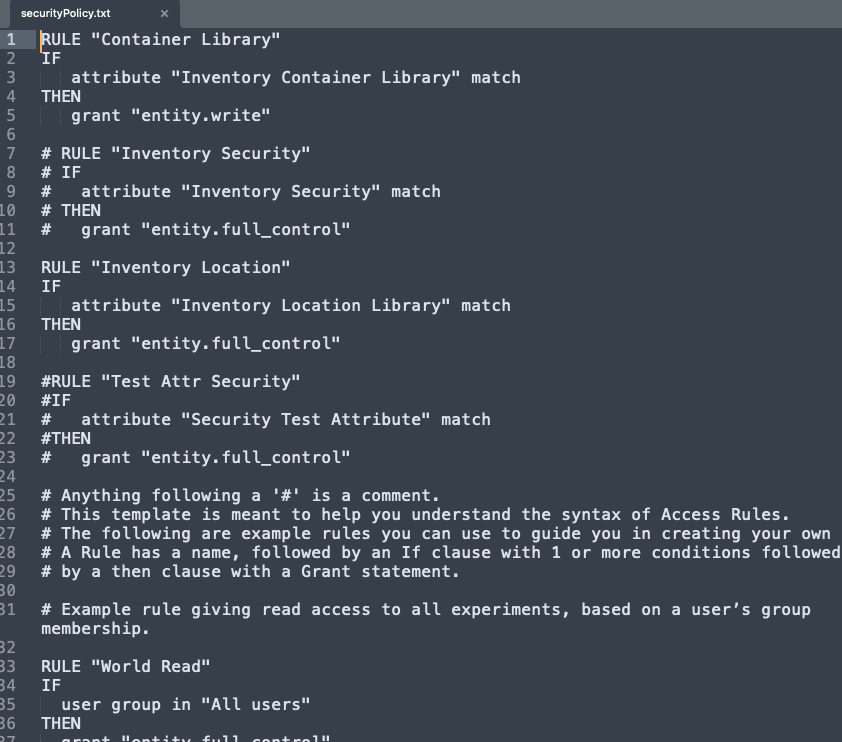
Data Factory administrators should also note that the Advanced Security policies in Inventa apply an “AND” logic across all user groups, restricting access if any groups lack permissions. This behavior differs from the standard Signals security model and will be fixed to align with the standard in a future release.
Administrators are recommended to subscribe to the channels within our support news site found at https://support.revvitysignals.com/hc/en-us/categories/360004446171-Support-News which contains more information about releases and other pertinent product information.
This content is anticipated for release on our Production E3 environments, and for Private Cloud customers on our deferred release schedule, in March 2026.
Further Details
The following improvements are available for users, administrators and developers on the Signals platform. Certain features may only be available with appropriate licensing and/or with enablement by an administrator.
Fundamentals
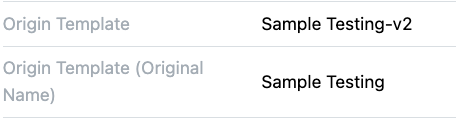
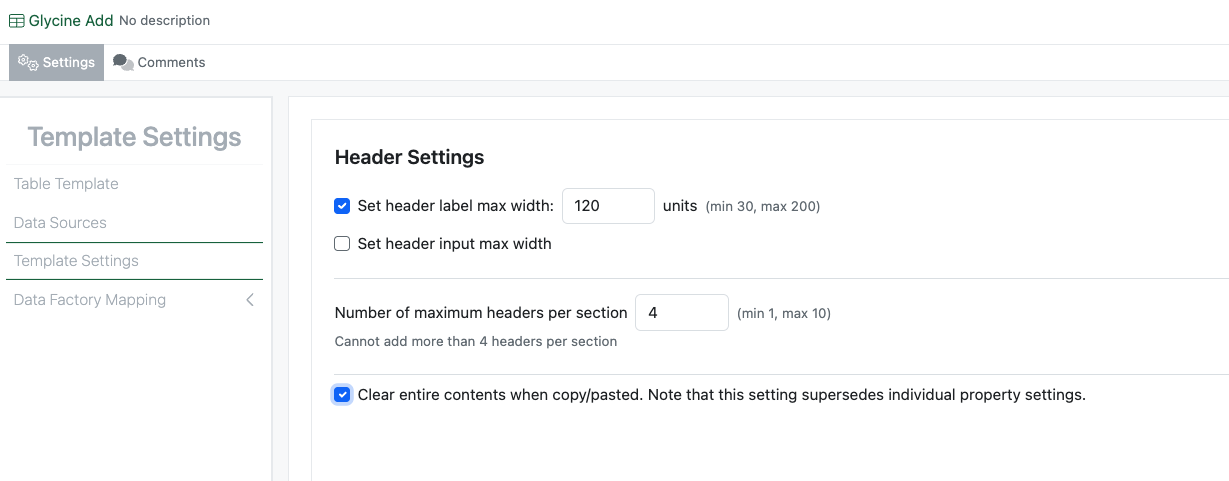
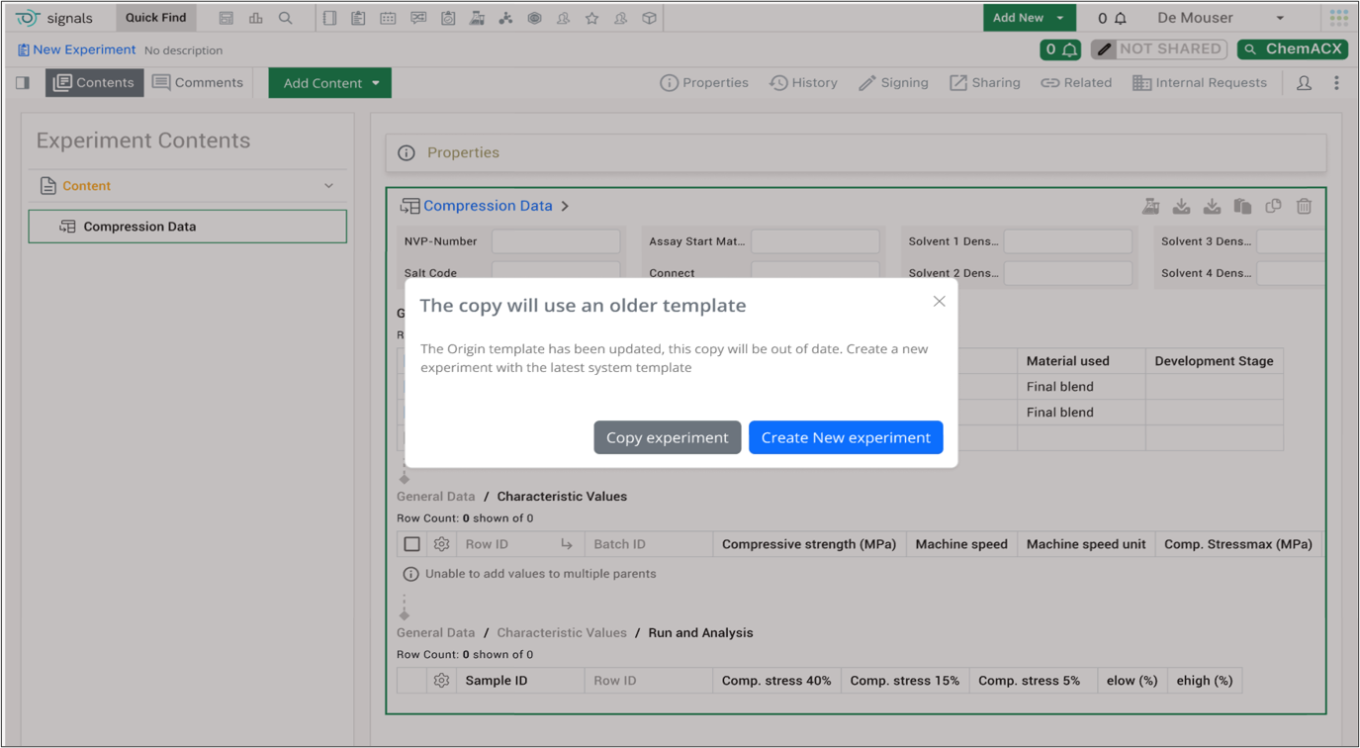
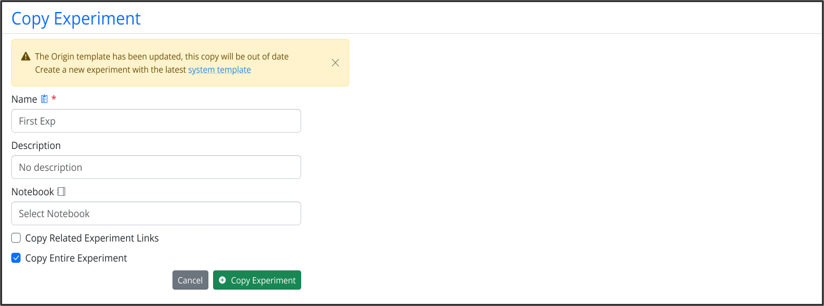
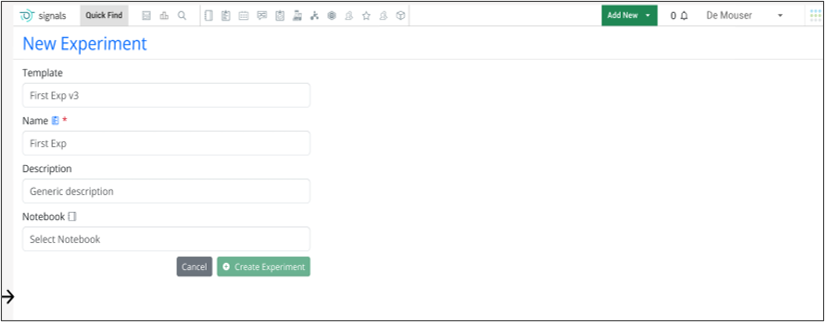
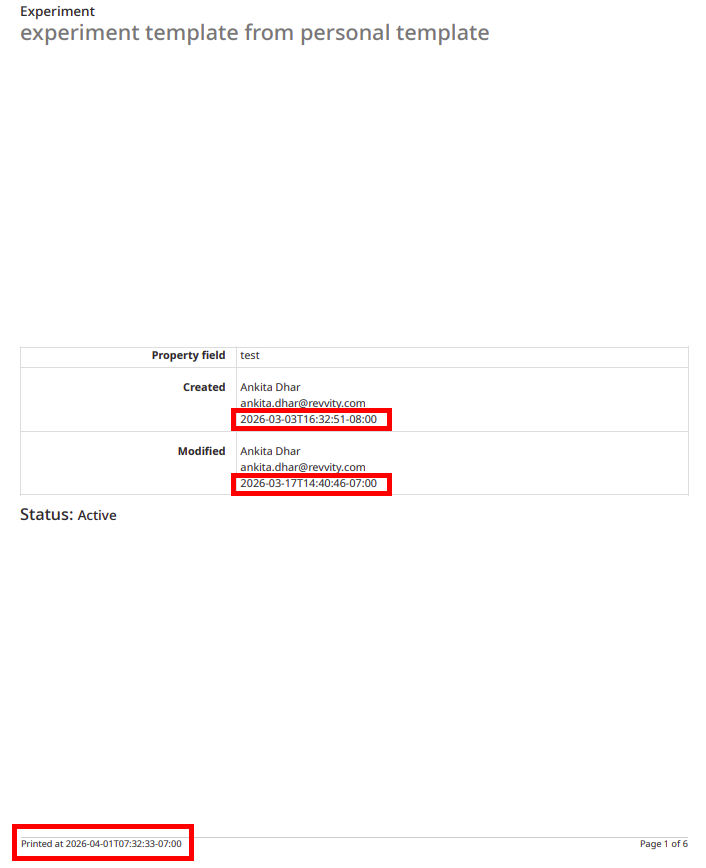
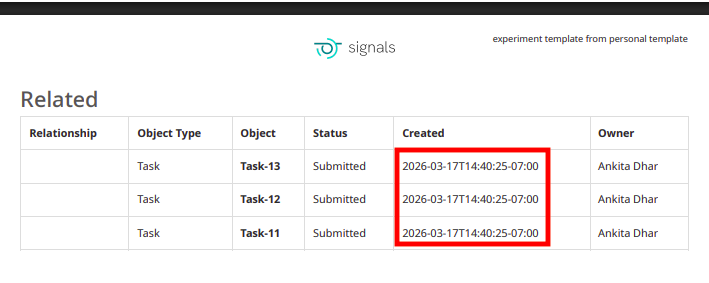
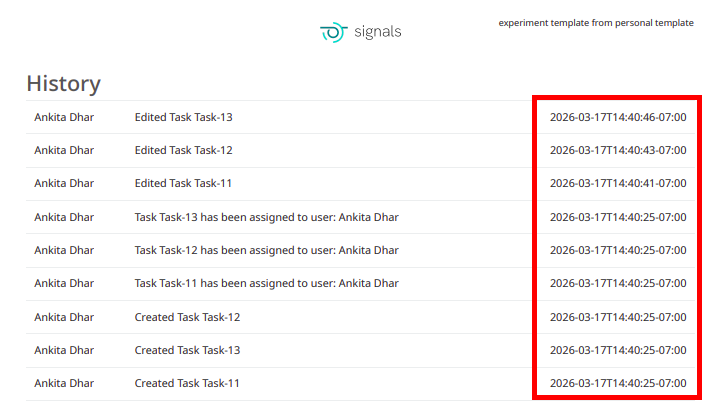
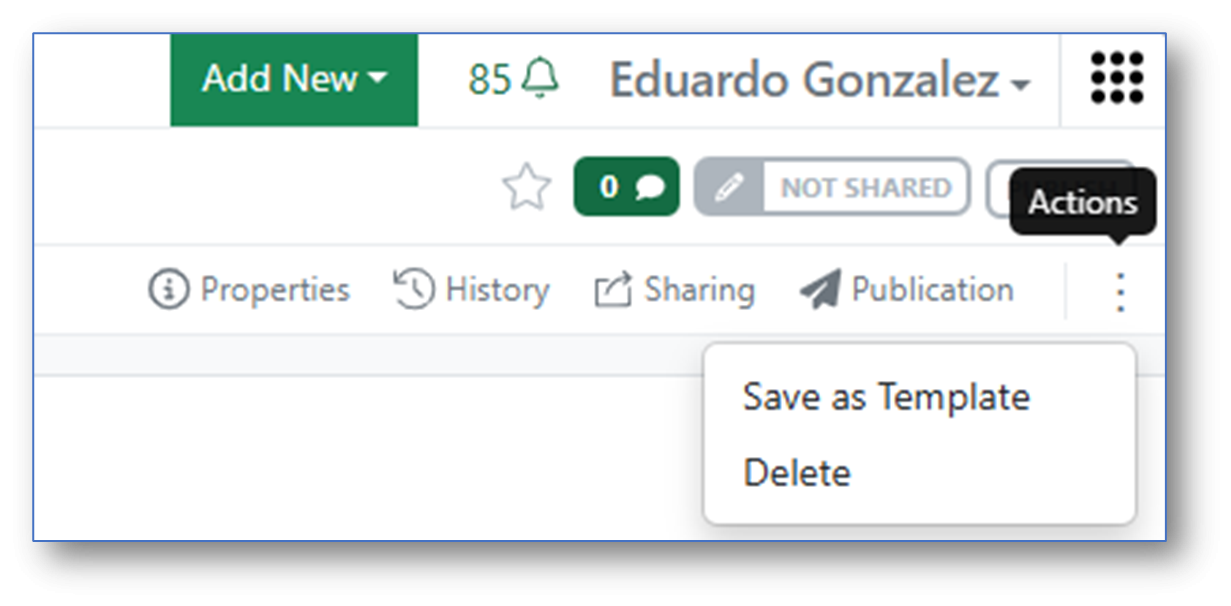
A new property, called “Origin Template (Original Name)” is now captured on templated content such as ADTs, Variation Tables, Hierarchical tables, Worksheets and Experiments. This searchable property captures the name of the template used to create the item. Unlike the existing Origin Template property, which updates to reflect the current name of the Template will show the name at the time of creation. For items where the definition can be updated, the captured value will be updated if you update the definition. This allows the name of the template to be used to indicate and update the version of the definition. Note that this property is only present for content added or updated after this change.
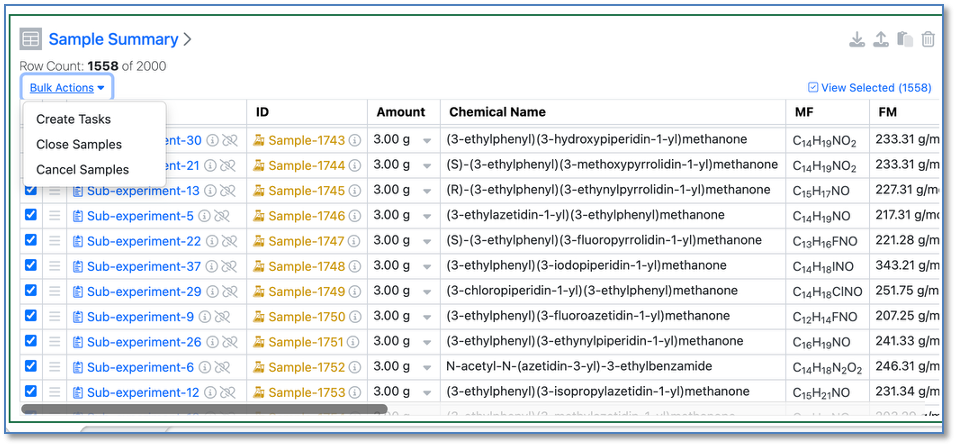
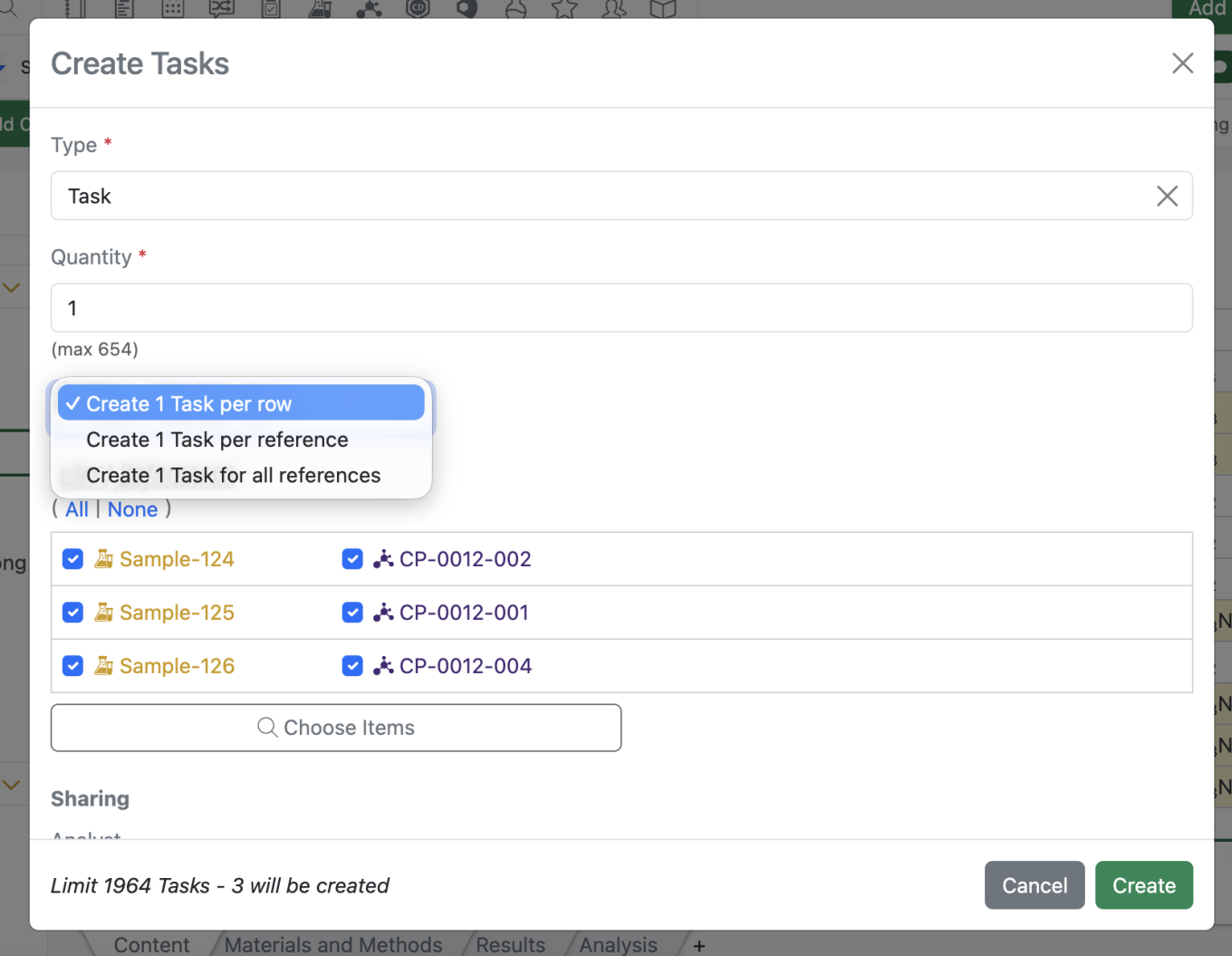
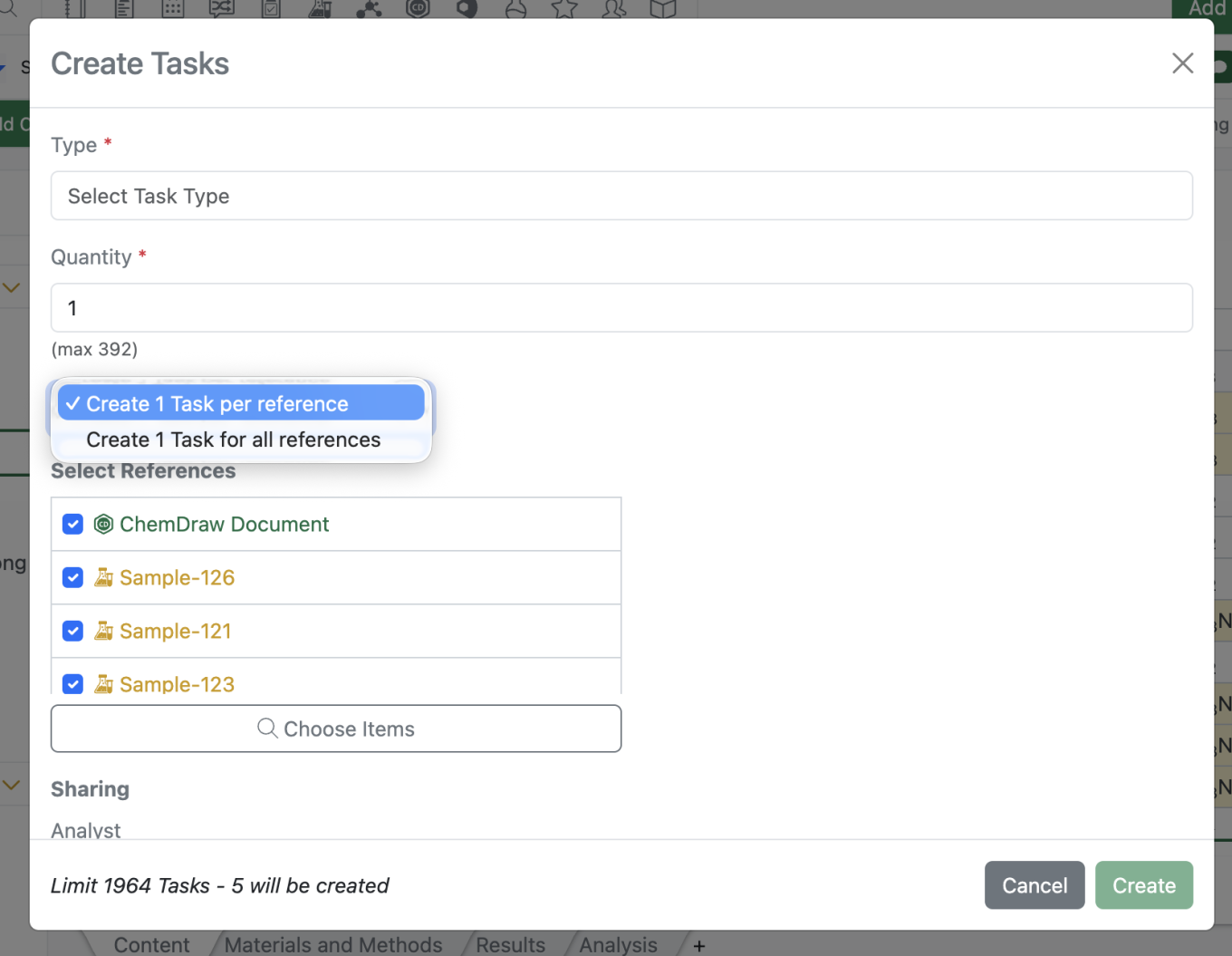
Users will now be able to create up to 2000 tasks at a time through the task creation modal and via bulk actions. It should be noted the behavior of task creation is unchanged only the limit has been extended.
AI
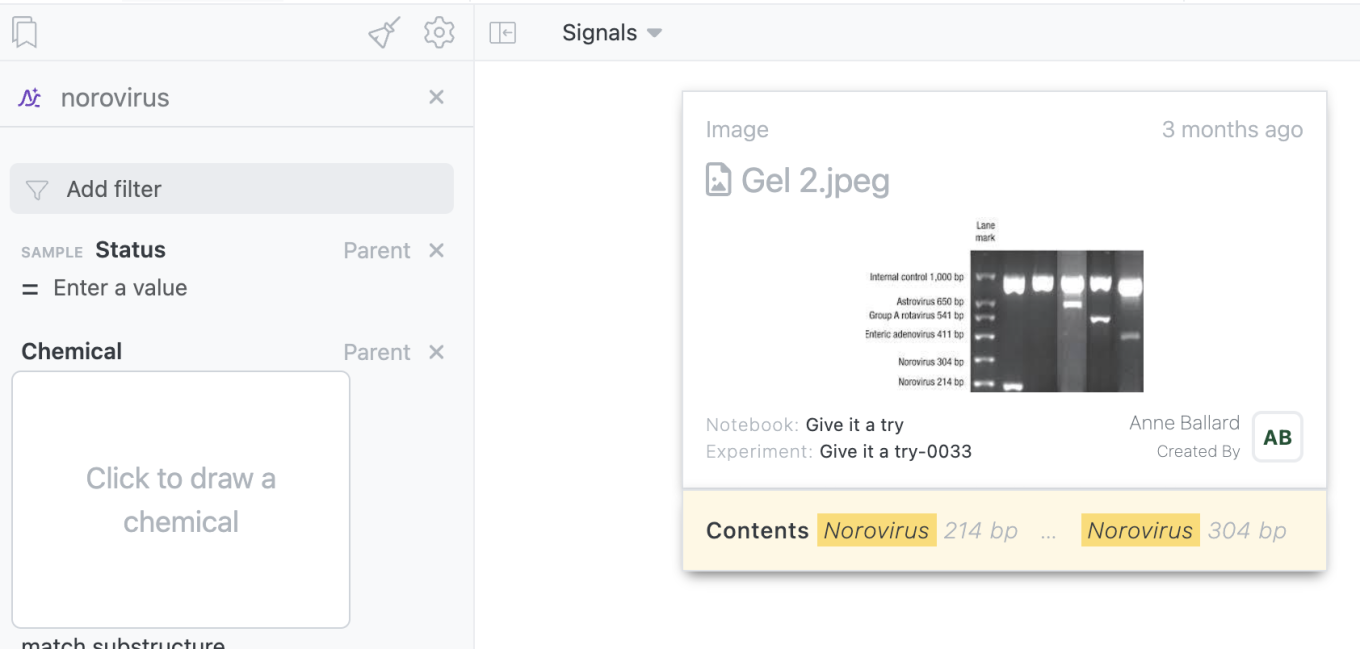
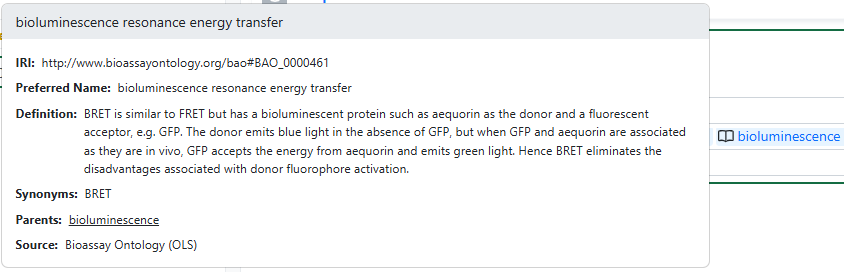
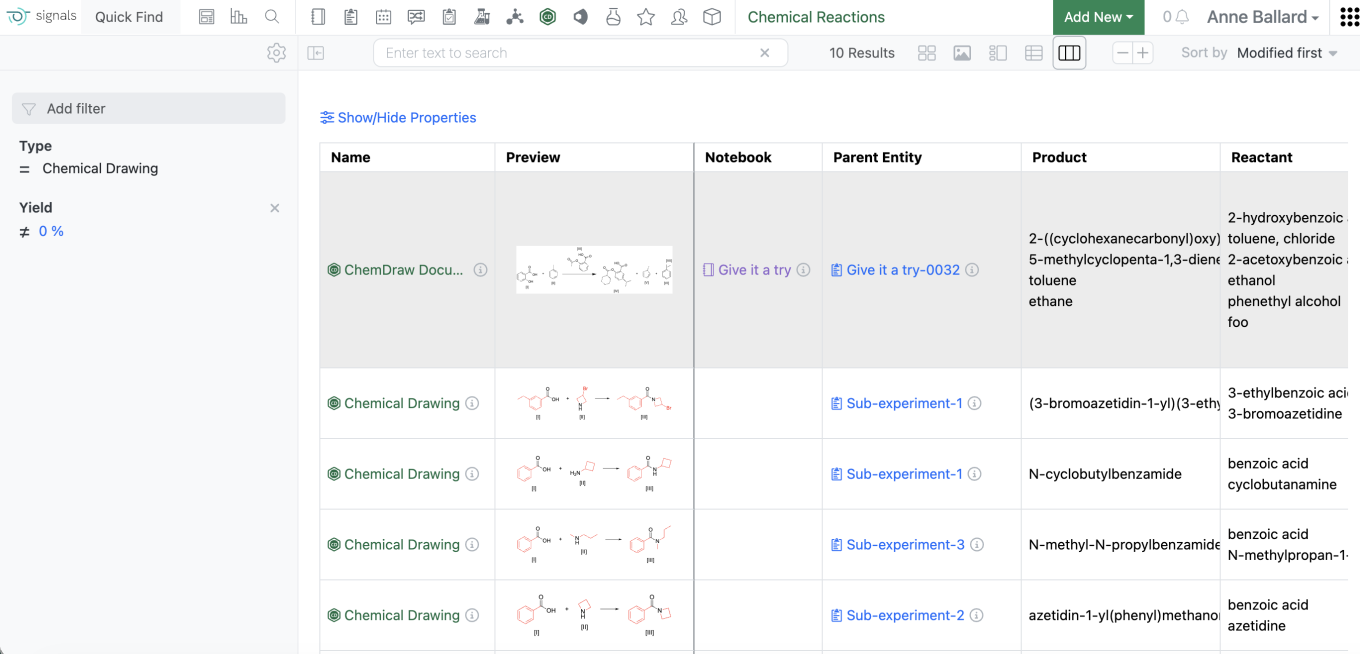
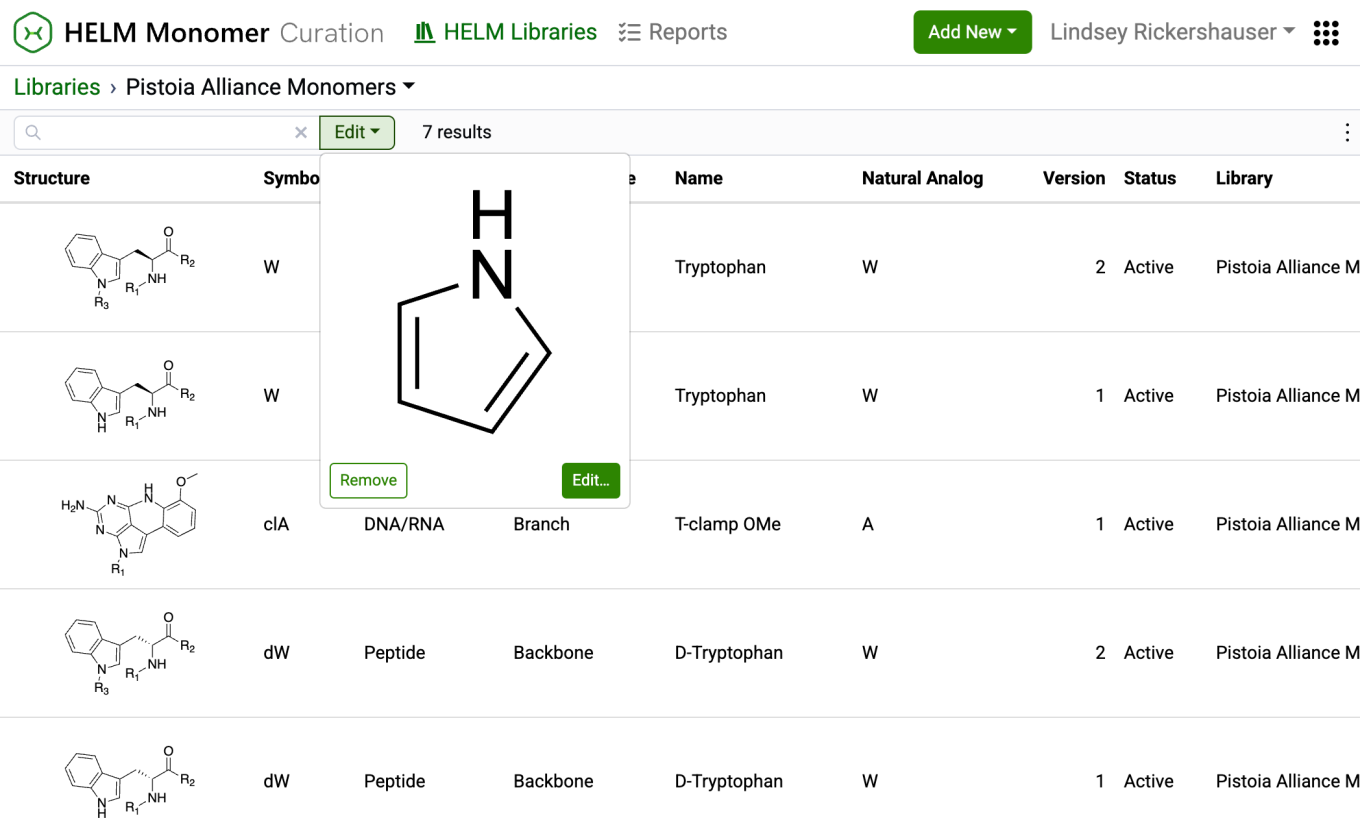
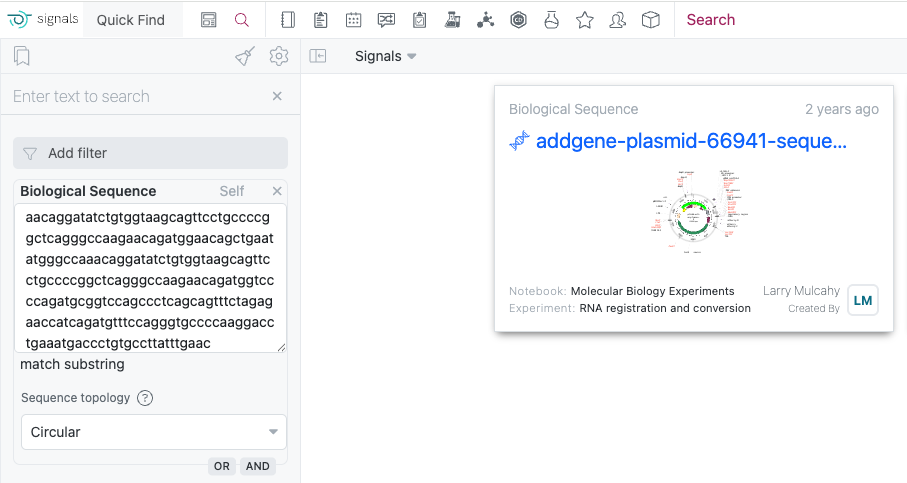
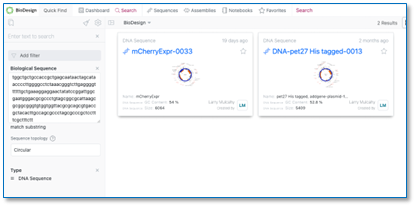
For tenants with a Signals One license, users will now be able to utilize AI to extract and search by text from Images uploaded to Signals Notebook. This includes files of JPEG, PNG, and TIFF. This will apply to newly uploaded images only. Should a use load an image similar to the one below they would be able to search for it using keywords from the image like Control, Norovirus, etc.
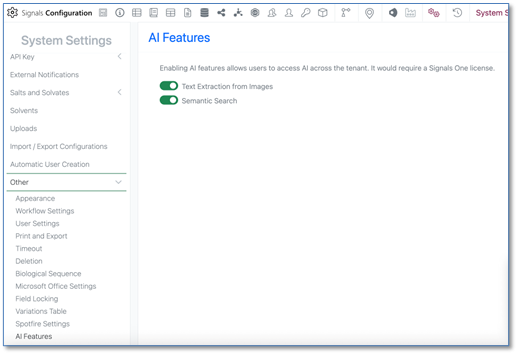
Administrators will now be able to enable or disable new AI features utilizing the AI settings options. AI features still require a Signals One license and infrastructure to function. This just allows the admin more granular control on when these features are made available to end users. This currently only includes Text Extraction from Images for all systems
Data Workflows & Analytics
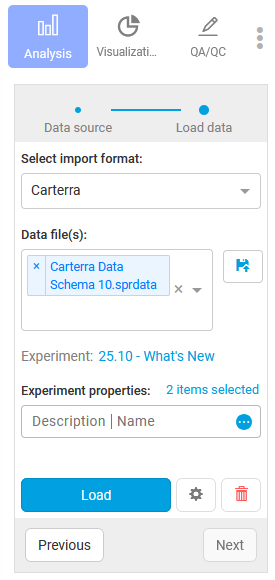
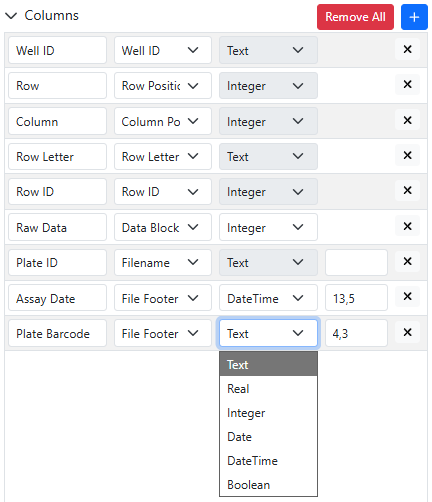
SPR Data Import App available in Spotfire for Signals now supports Carterra file schema versions up to 10.
Synergy
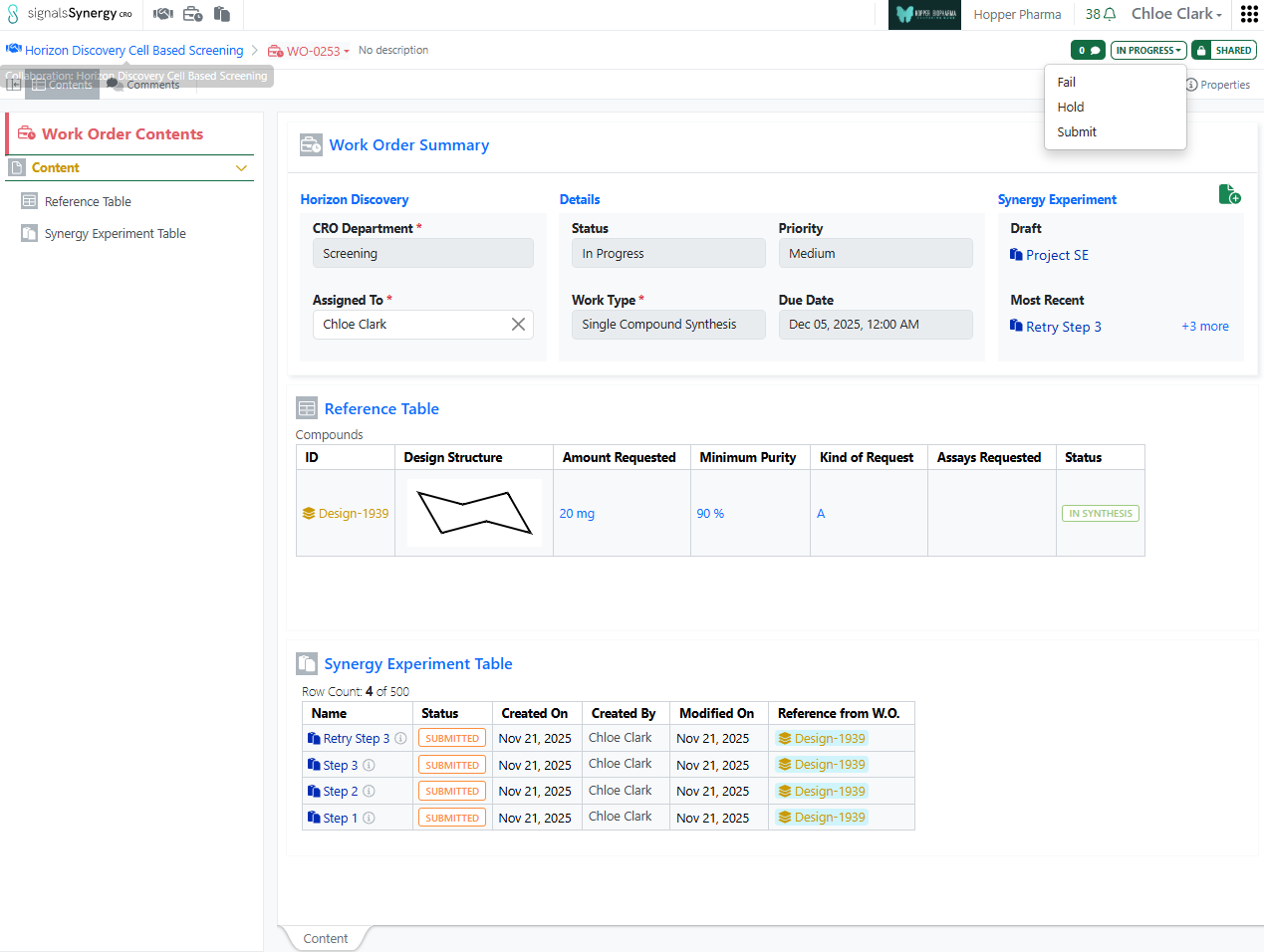
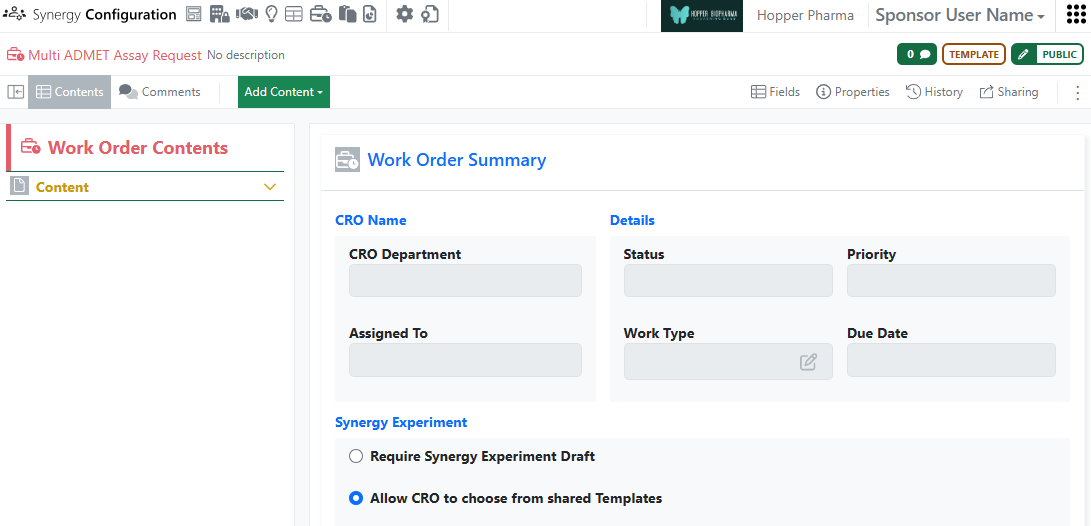
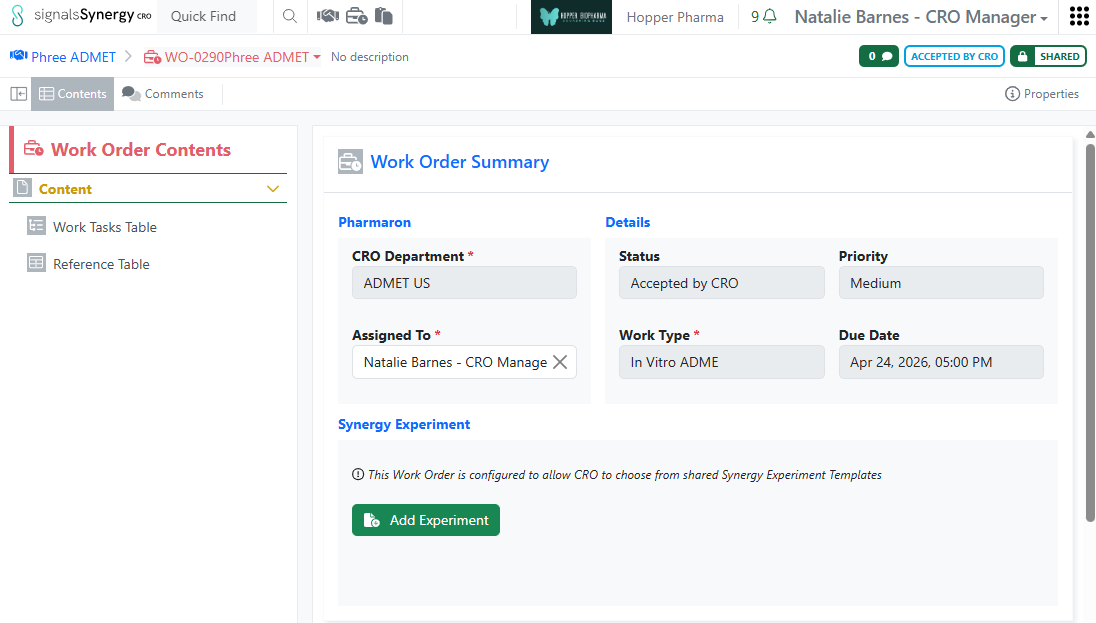
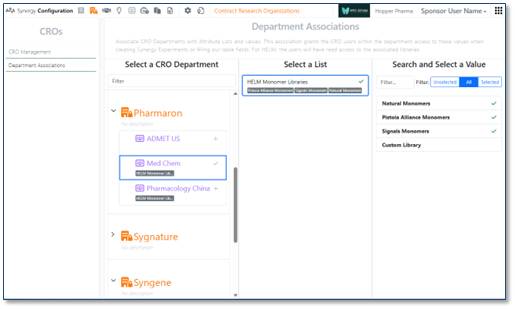
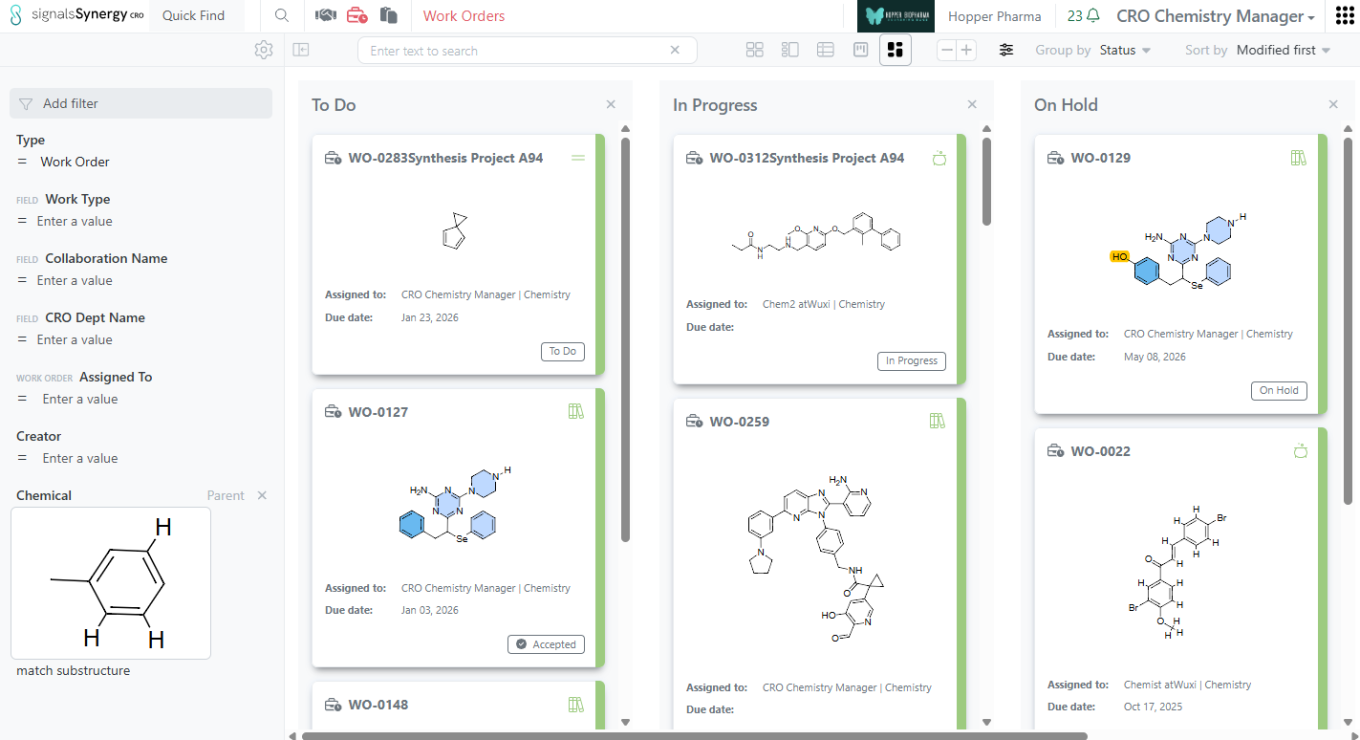
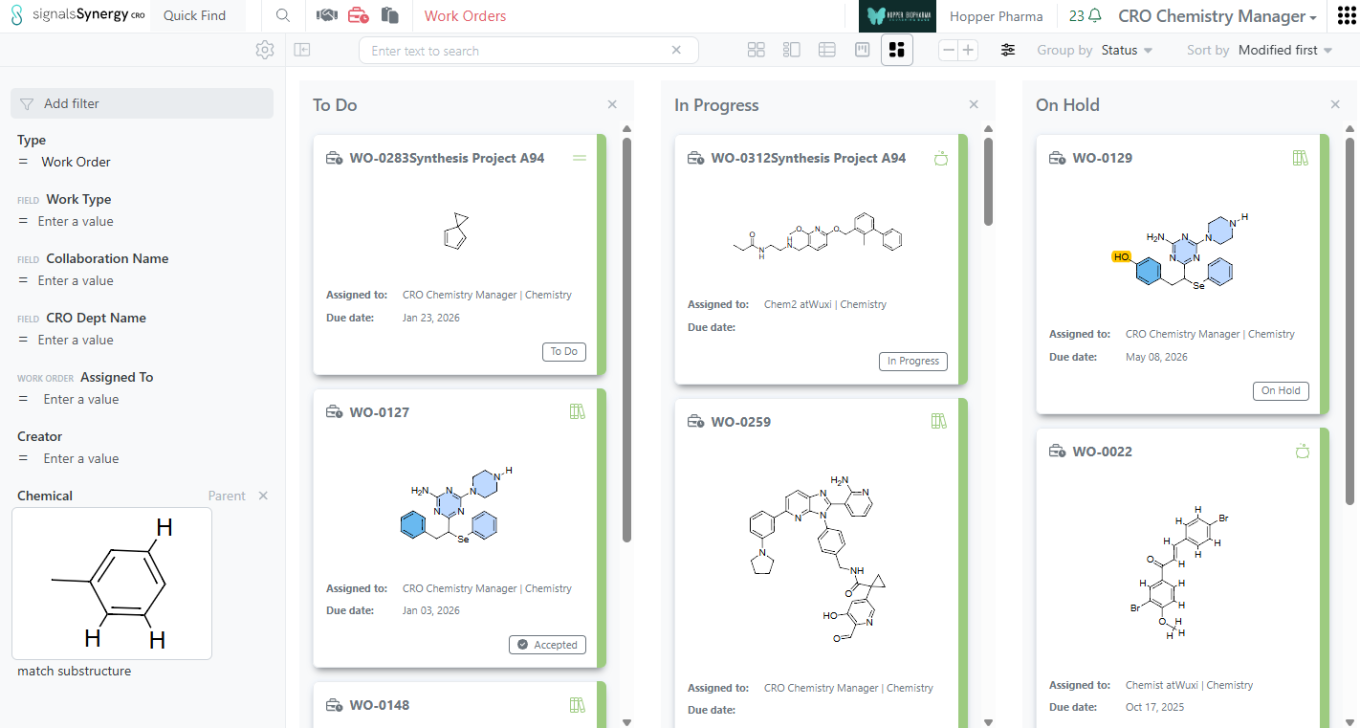
Sometimes a CRO is unable to successfully complete a Work Order for the Sponsor. For example, synthesis of a Design may fail, even after several successful steps or attempts, each submitted as a Synergy Experiment. Thus, at the time of Work Order submission, the CRO can alternatively submit a Work Order as Failed and provide a reason. The new Failed status is represented on the Work Order Kanban Board and included as an available External Notification.
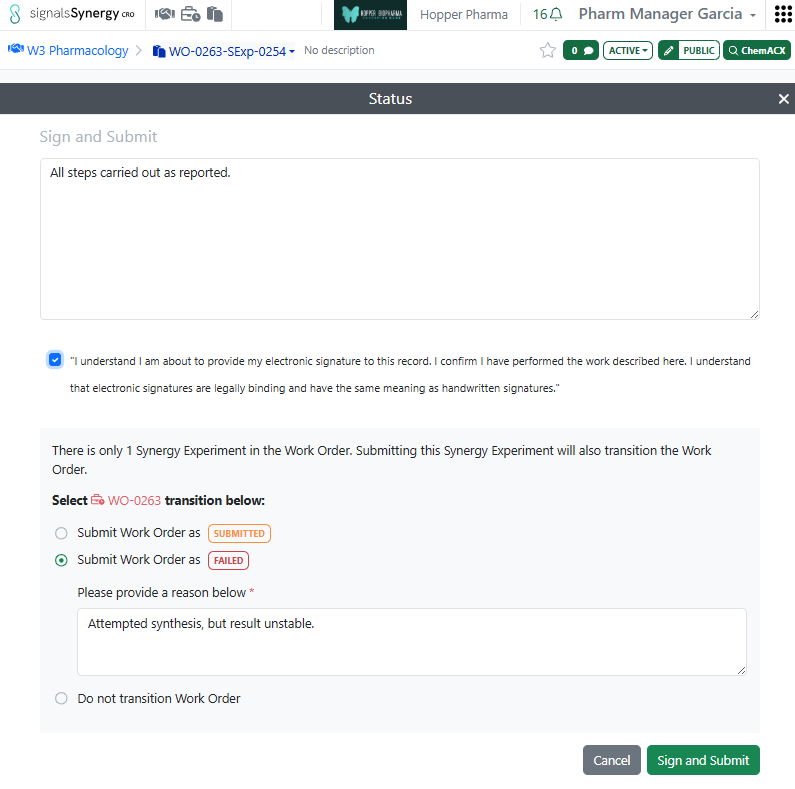
Previously, in the case where there was only 1 Synergy Experiment for a Work Order, submitting the Synergy Experiment automatically submitted the Work Order. We now allow the user to choose how to transition the Work Order when submitting the 1 Synergy Experiment. The user can Submit the Work Order along with the Synergy Experiment, Fail the Work Order as they submit the Synergy Experiment, or do nothing to the Work Order (e.g., desire to continue adding more Synergy Experiments to the Work Order).
Chemistry
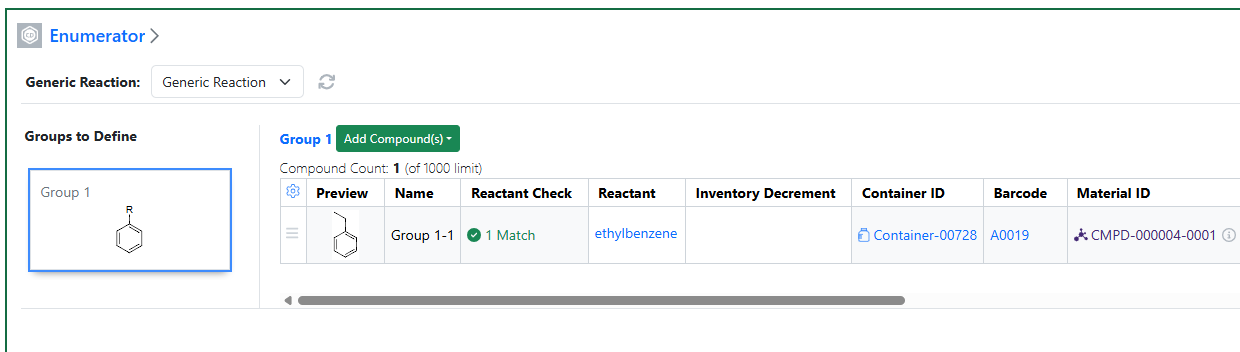
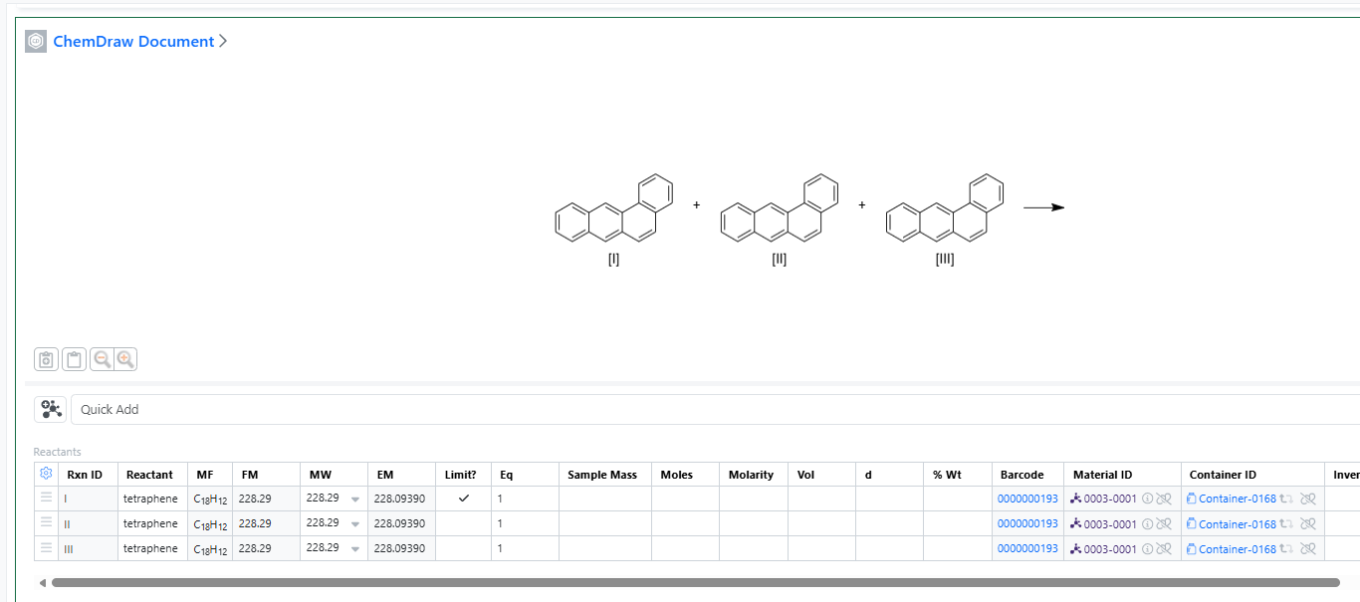
The barcode can now be mapped as part of importing SDFs into the Parallel Experiment internal enumerator along with the container ID. These values should also be visible in the stoich grids for the enumerated subexperiments.
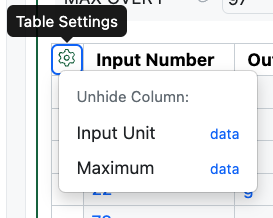
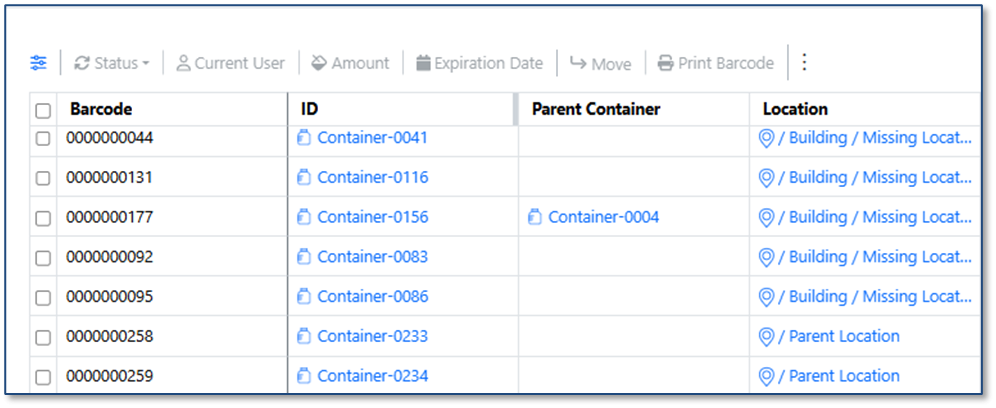
We are now able to support Inventory Decrements from Parallel Experiments. Users may need to unhide the Inventory Decrement, Container ID and Barcode in the table:
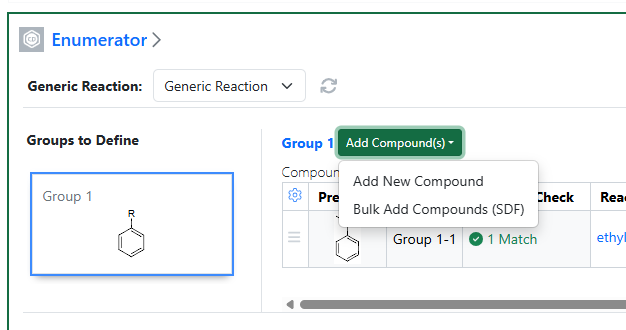
Add New Compounds:
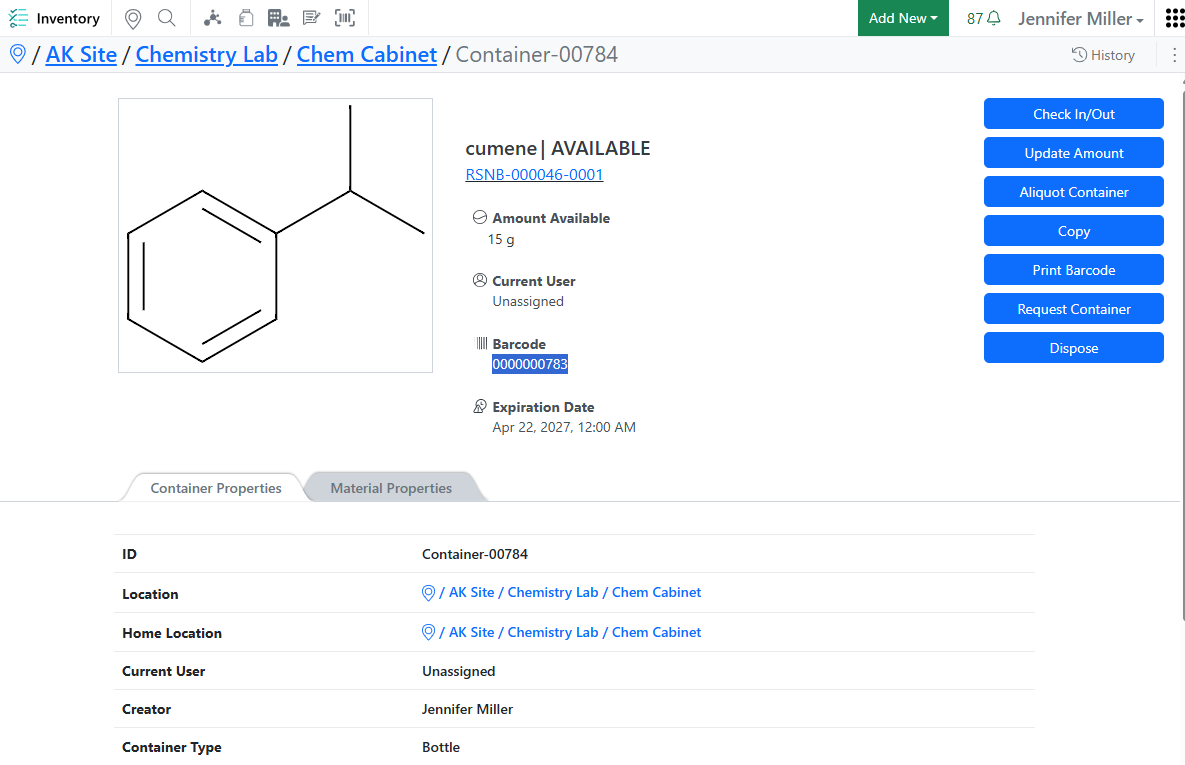
Containers will automatically update from Available to In Use and the Current User will update from Unassigned to the logged in user.
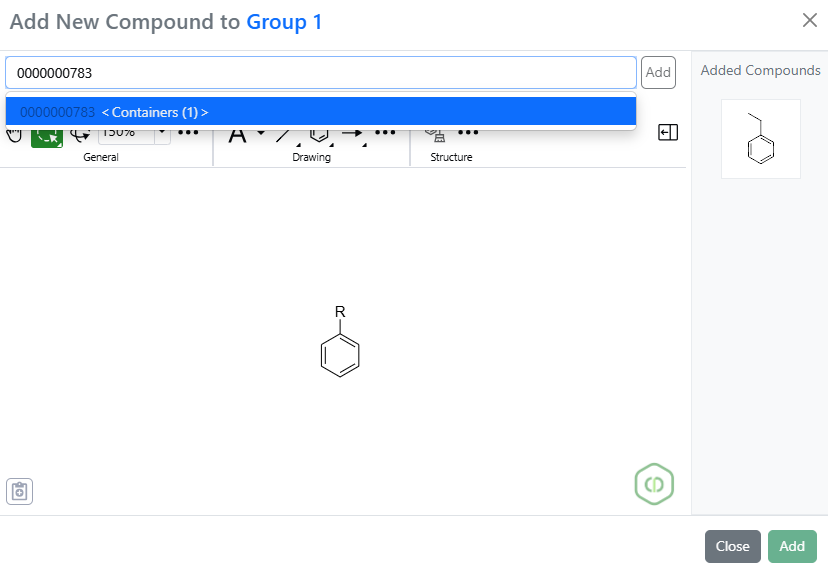
Scan or type the barcode into the search bar:
Add the container to the enumeration:

The container ID and Barcode will appear in the table. Users need to type in the full amount they will be removing from the container in the Inventory Decrements. This means that the user needs to know how much they will need for each sub experiment and put the total of that in the Inventory Decrement. This saves the user from having to navigate to every sub experiment to put in the Inventory Decrement:

Once the user types a value in the Inventory Decrement, the Current User, the Status and the Amount Available will be automatically updated. Users need to type in the Inventory Decrement before they enumerate the reaction:
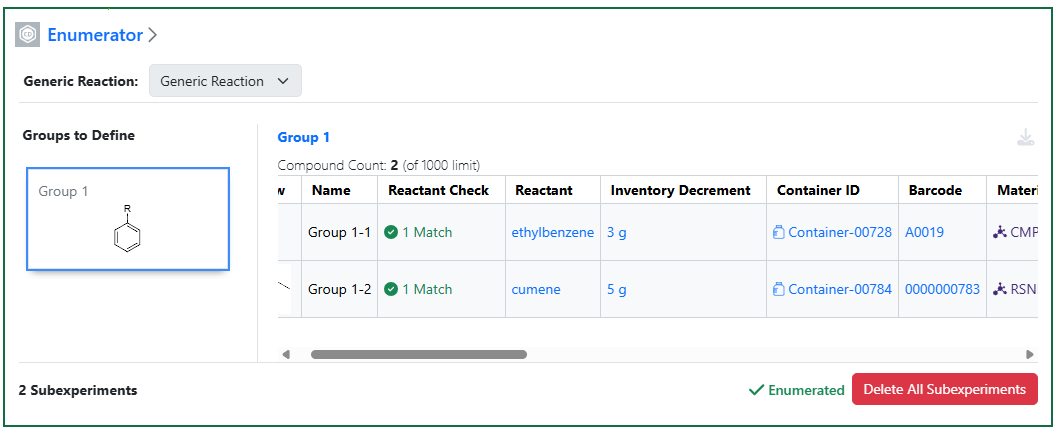
Once the reaction has been enumerated, the Inventory Decrement column can no longer be updated:
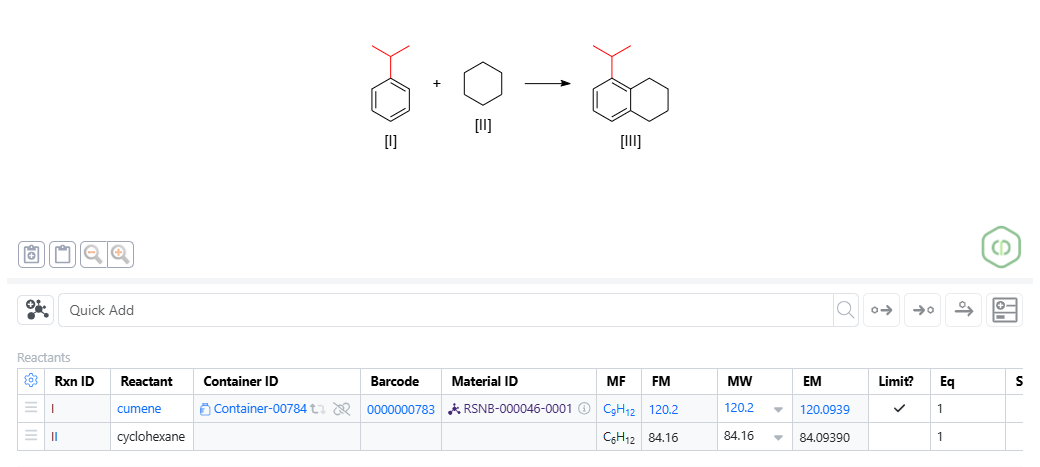
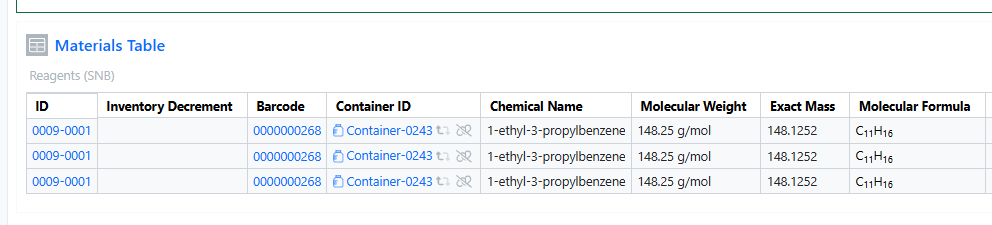
Each sub experiment will show the Container ID and the Barcode, but not the Inventory Decrement column. This is done on purpose, so that users do not try to update the Inventory Container from a Sub experiment:
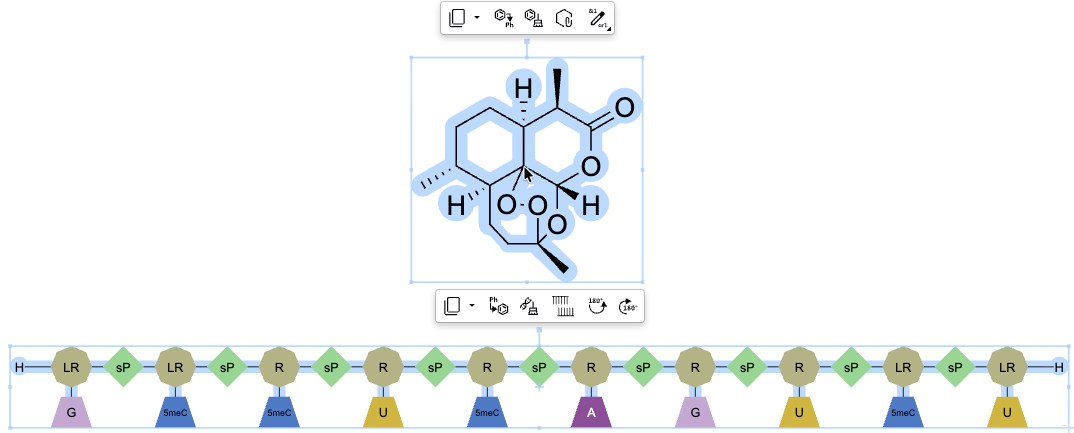
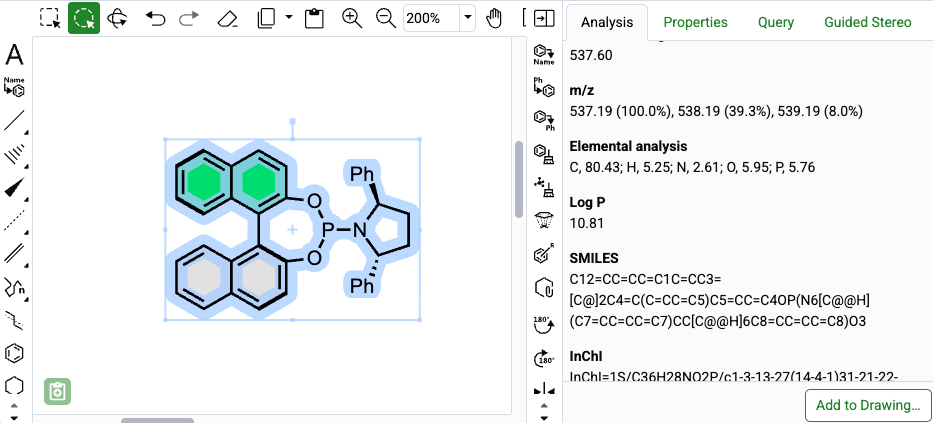
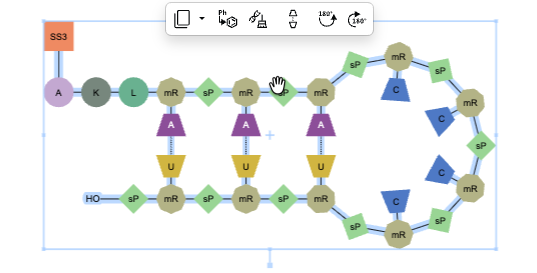
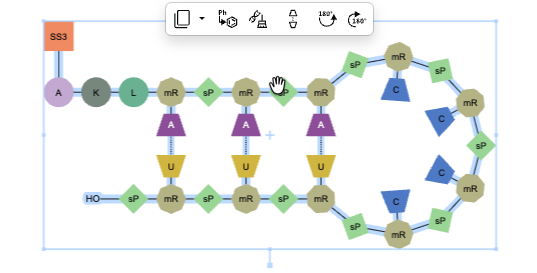
The ChemDraw editor now includes a context-sensitive floating toolbar. When content is selected on the ChemDraw canvas, a toolbar appears above the selection, displaying commonly used tools based on the selected object. As the pointer moves away from the toolbar, it automatically hides to minimize disruption to the editing process.
RXN files can now be dragged and dropped onto a ChemDraw canvas and converted automatically to cdxml for continued editing.
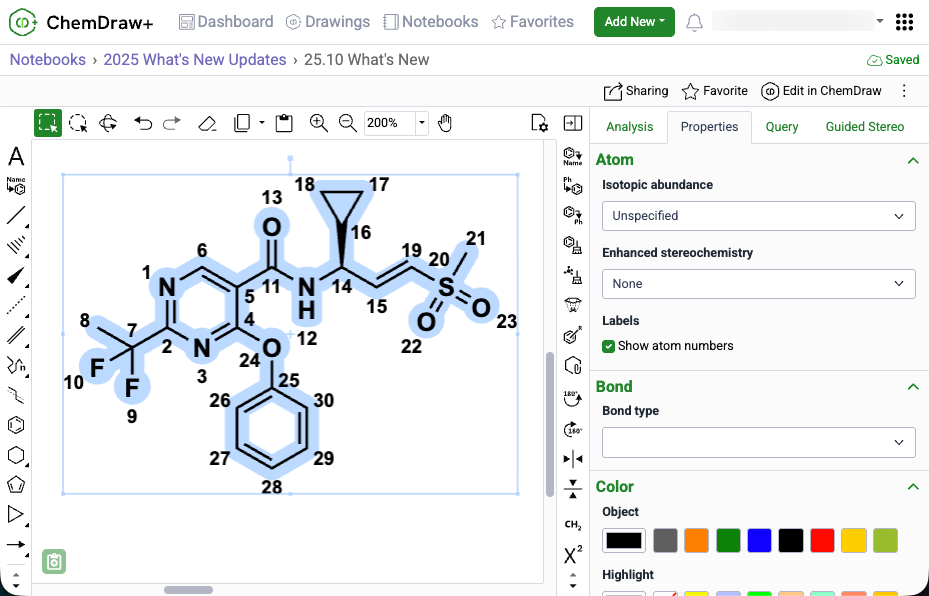
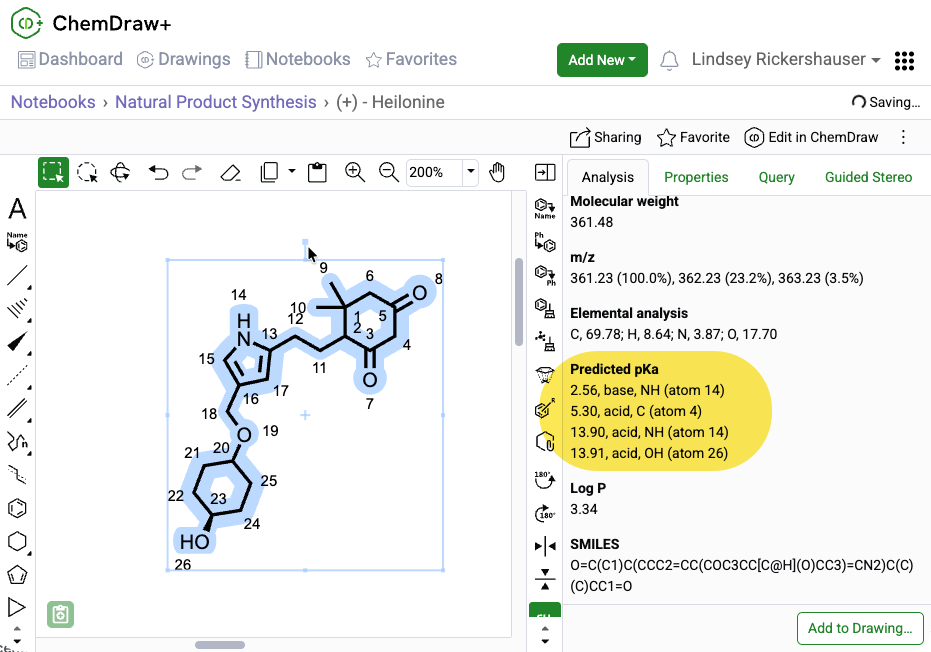
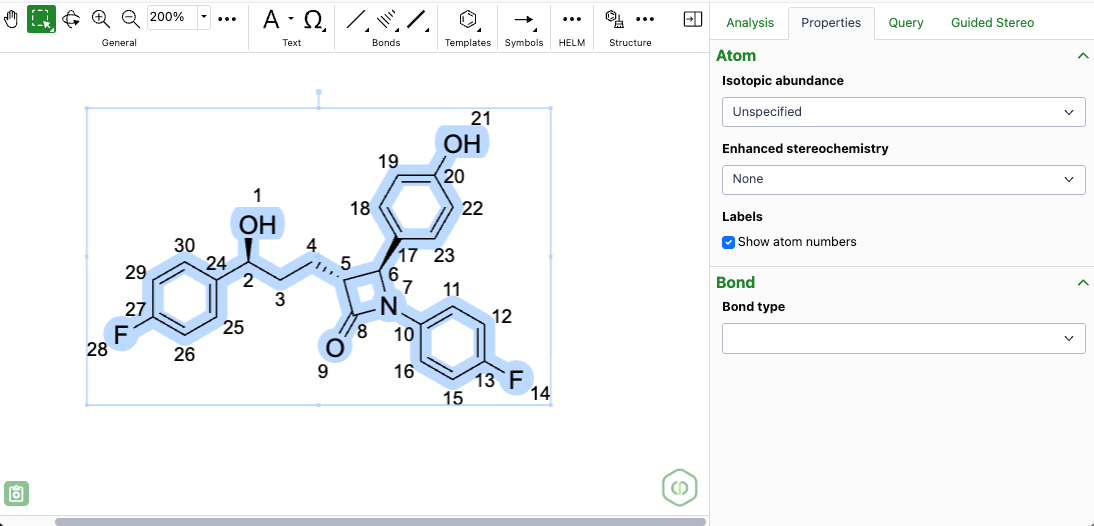
Atom numbers in ChemDraw can now be enabled for a selected object by selecting 'Show atom numbers' in the Atom section of the Properties panel
Admin Defined Tables, Variation Tables and Hierarchical Tables

Configuration Administrators can now define an equation to convert Numbers to Number with Unit properties. The CONVERTNUMBER function can be applied to properties of type Number with Unit. The function follows the format CONVERTNUMBER(Arg1, Arg2, Arg3) where Arg1 is an input property of type Number, Arg2 is the unit within the measure to apply to the Number. Arg3 optionally allows conversion to a different unit within the Measure.

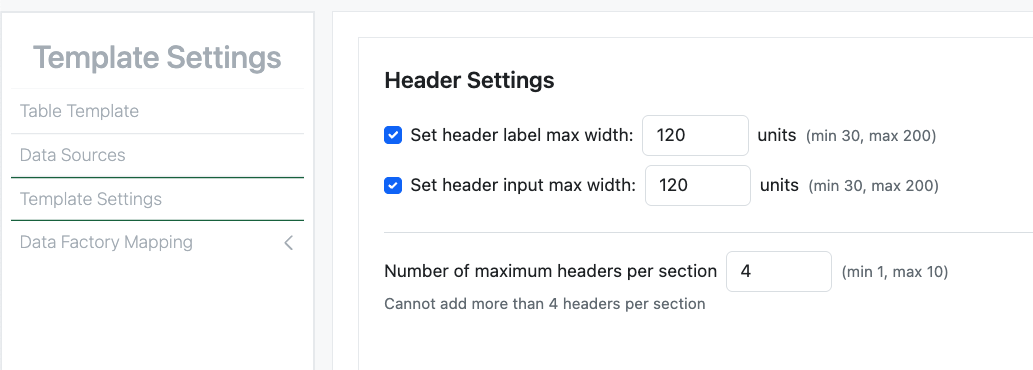
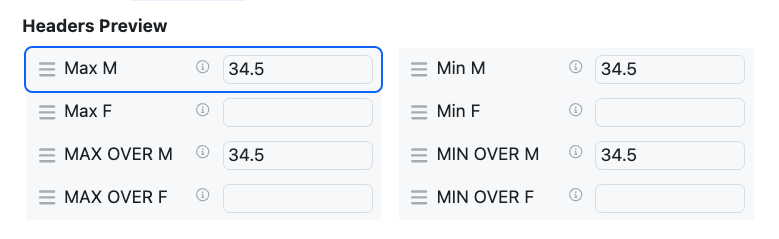
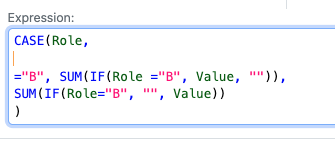
A Configuration Administrator can also define equations to calculate the maximum of a series of data. The functions MAX and MAXOVER allow the selection of the largest of a set of data. If applied in a Header, the conditional maximum can be calculated using MAXOVER or by nesting an IF functions within MAX.
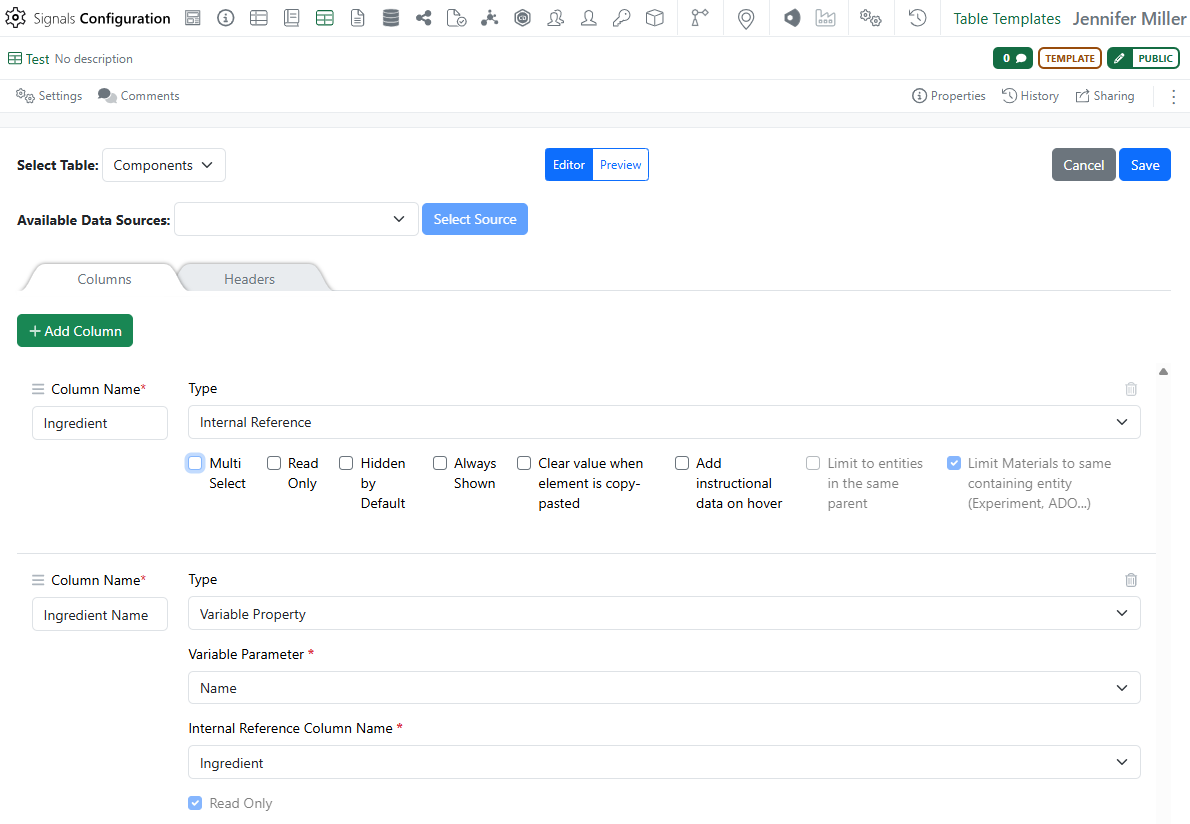
Publish Samples is now available to all systems. We’ve made an update to the Internal Reference Column Name drop down. When using the Internal Reference in configuration, the ability to refence the Internal Reference is not available for fields set to Multi-select. This has been updated to prevent misconfigurations.
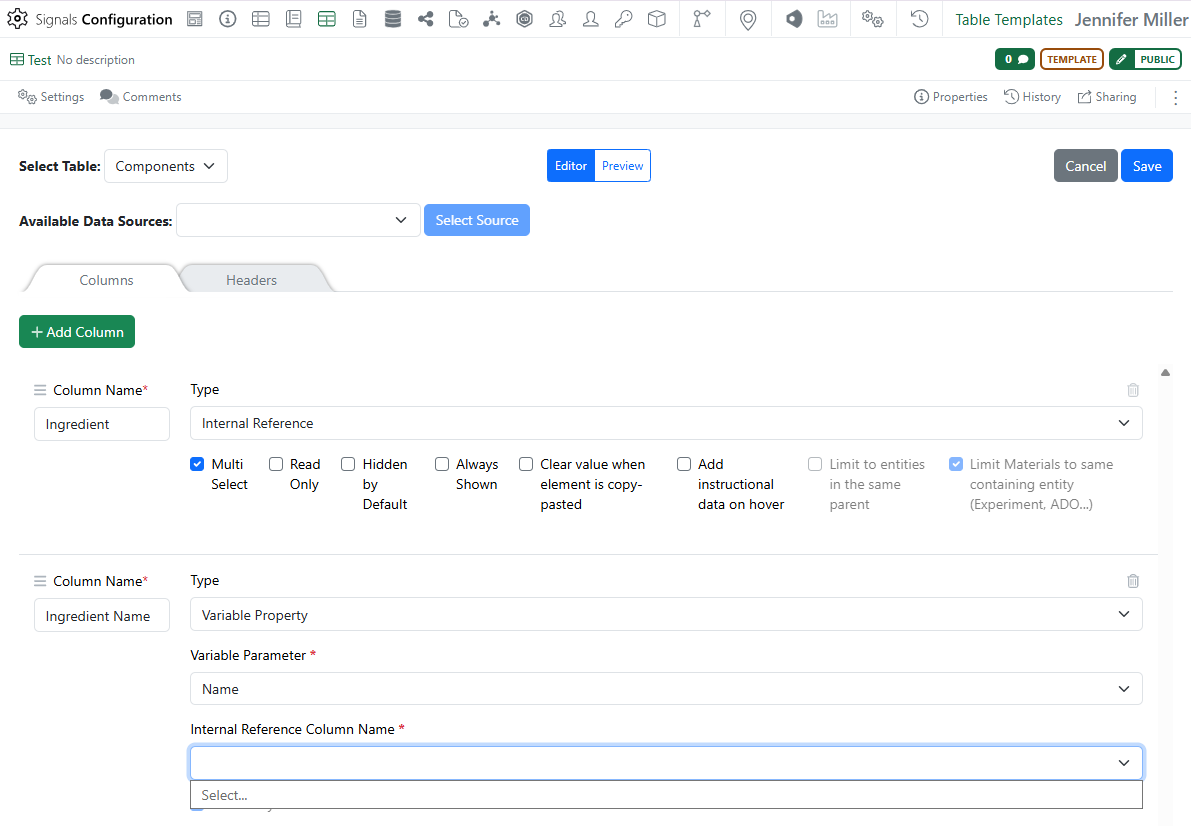
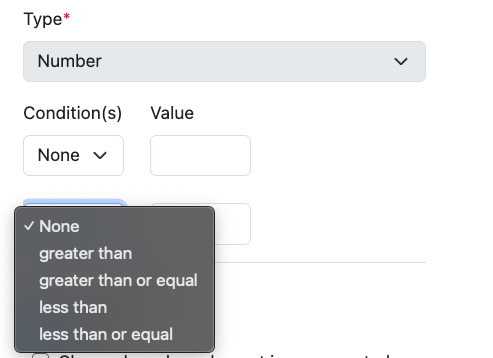
If Multi-select is checked the Internal Reference is no long available to select in the Internal Reference Column Name:
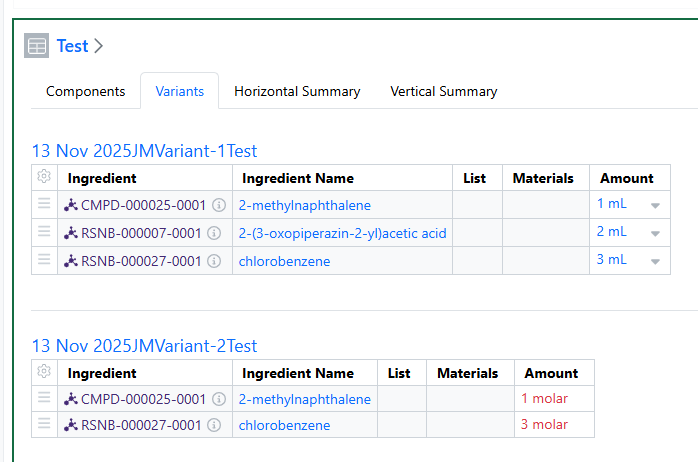
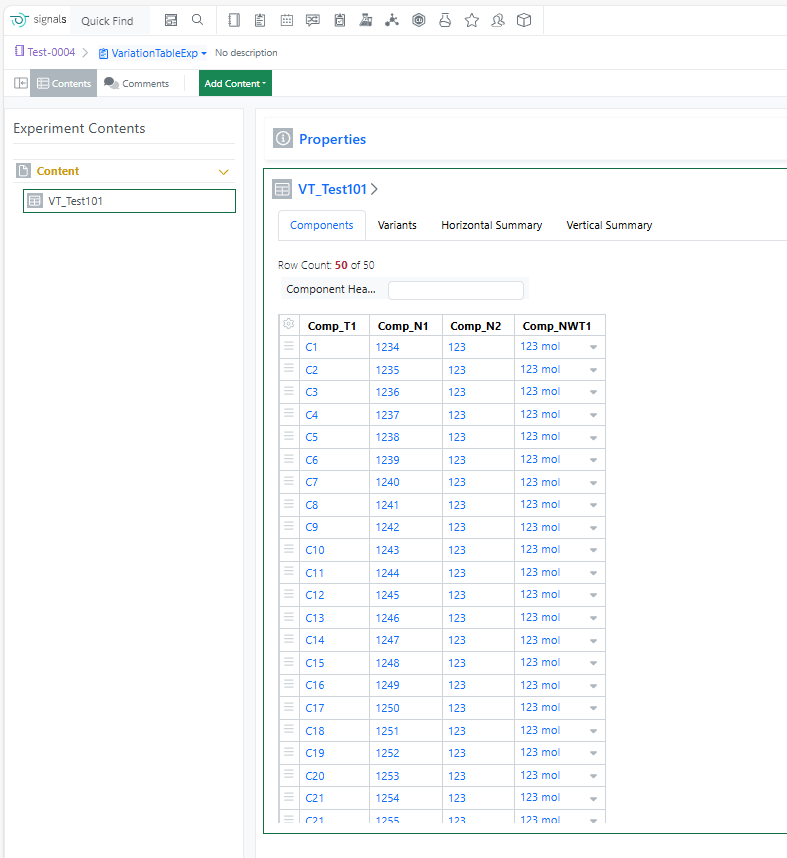
Variation tables with hidden rows in the variant can be copy/pasted into. The hidden rows will be skipped over and the values will be added to the next row that is visible:
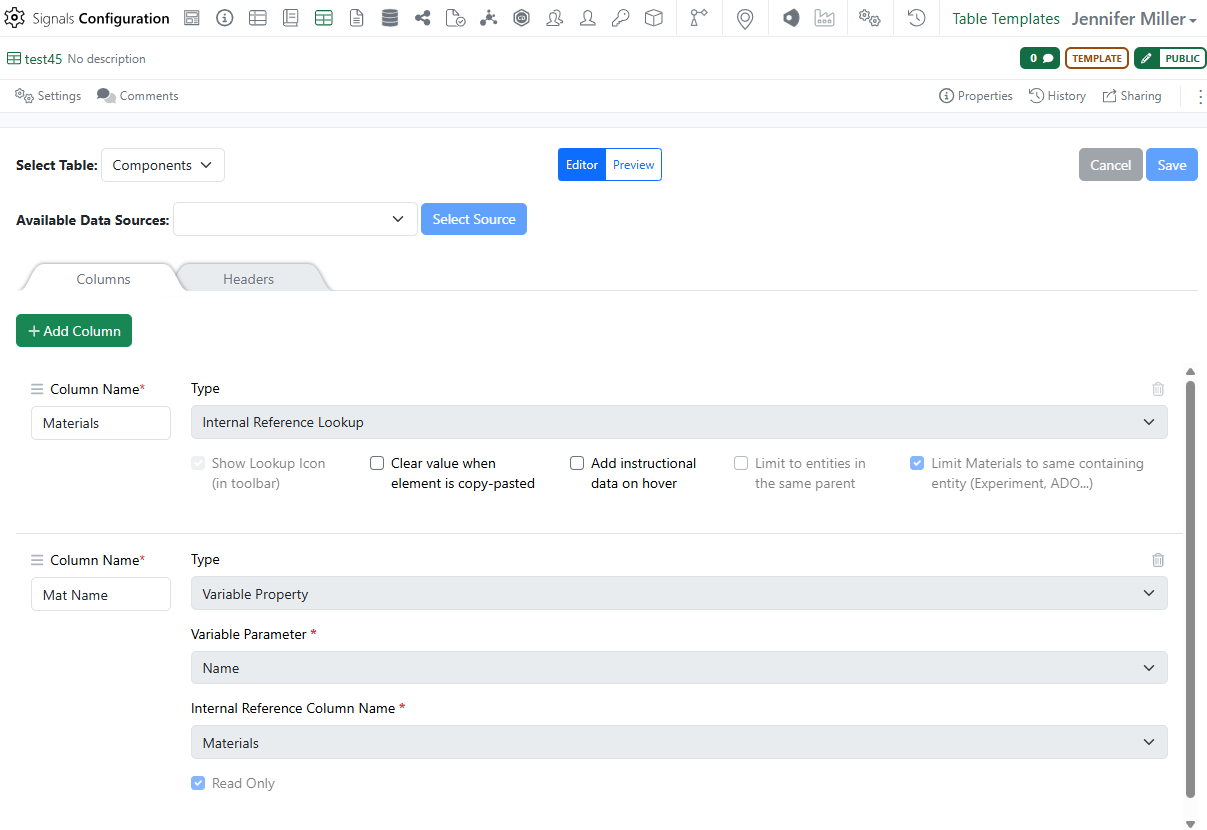
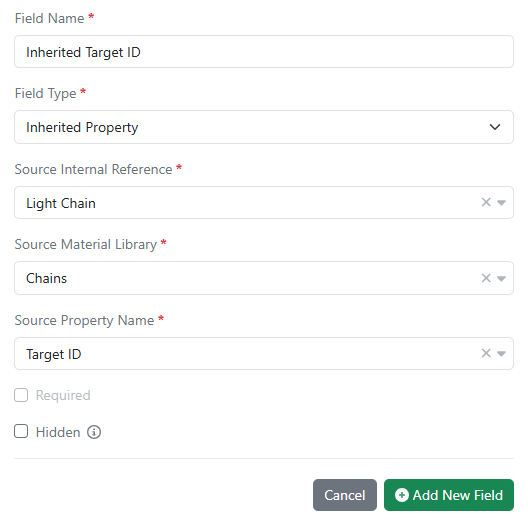
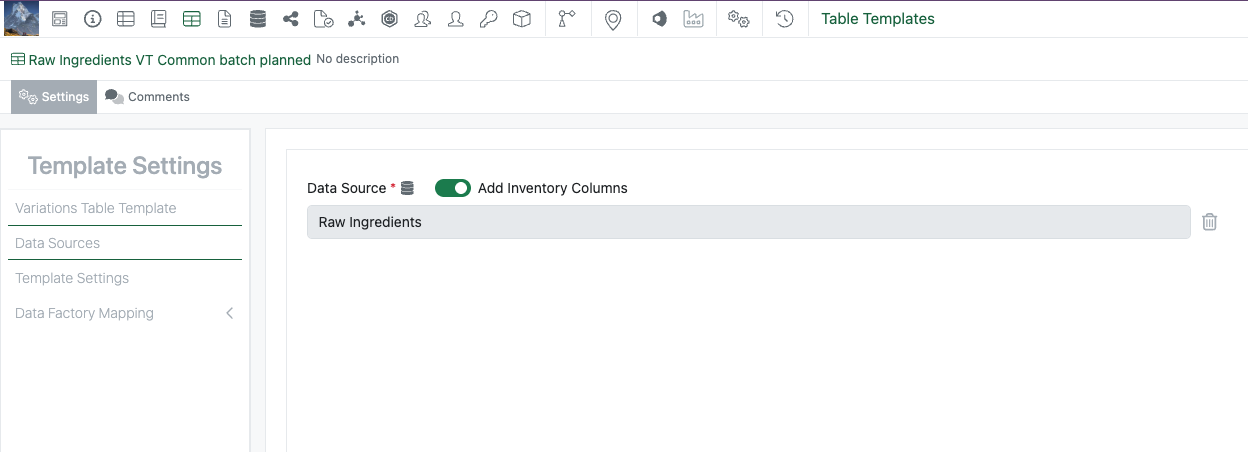
We’ve added a new Type in the configuration of the Variation Table. This is called Internal Reference Lookup. The purpose of this type is so that the administrator can configure a multi-select (from Materials already referenced in the experiment) that will put the materials into separate rows in the Variation Table.
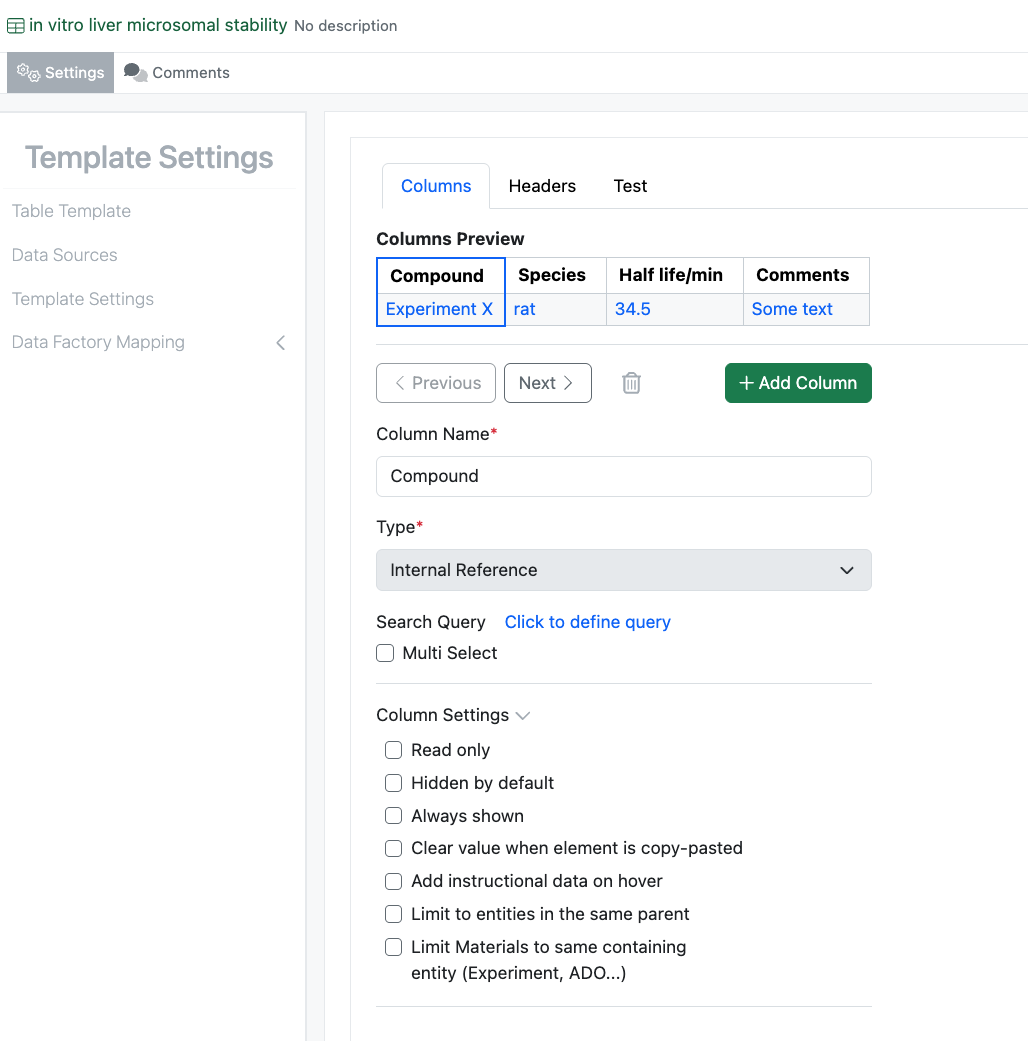
Administrators should select the new Internal Reference Lookup from the Type drop down menu. Only 1 Internal Reference Lookup column is allowed per table so that the magnifying glass icon is associated with only one Internal Reference Lookup column. Administrator will need to select the “Limit Materials to same containing entity…” The “Show Lookup Icon…” will be automatically selected and greyed out:
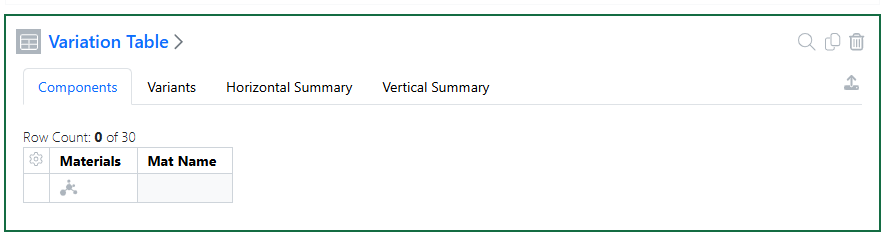
When users make a new table in the experiment, they will see the magnifying glass in the top right corner of the table:

When users select the magnifying glass, they will see a list of Materials that are already referenced in the experiment. They can multi select all the Materials they would like to add to the Variation Table:
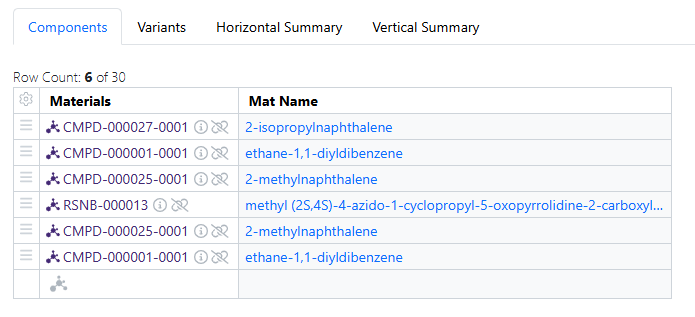
Selected Materials will be added in separate rows in the Variation Table:
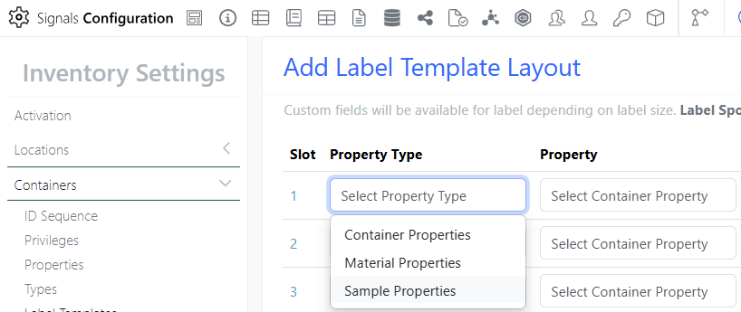
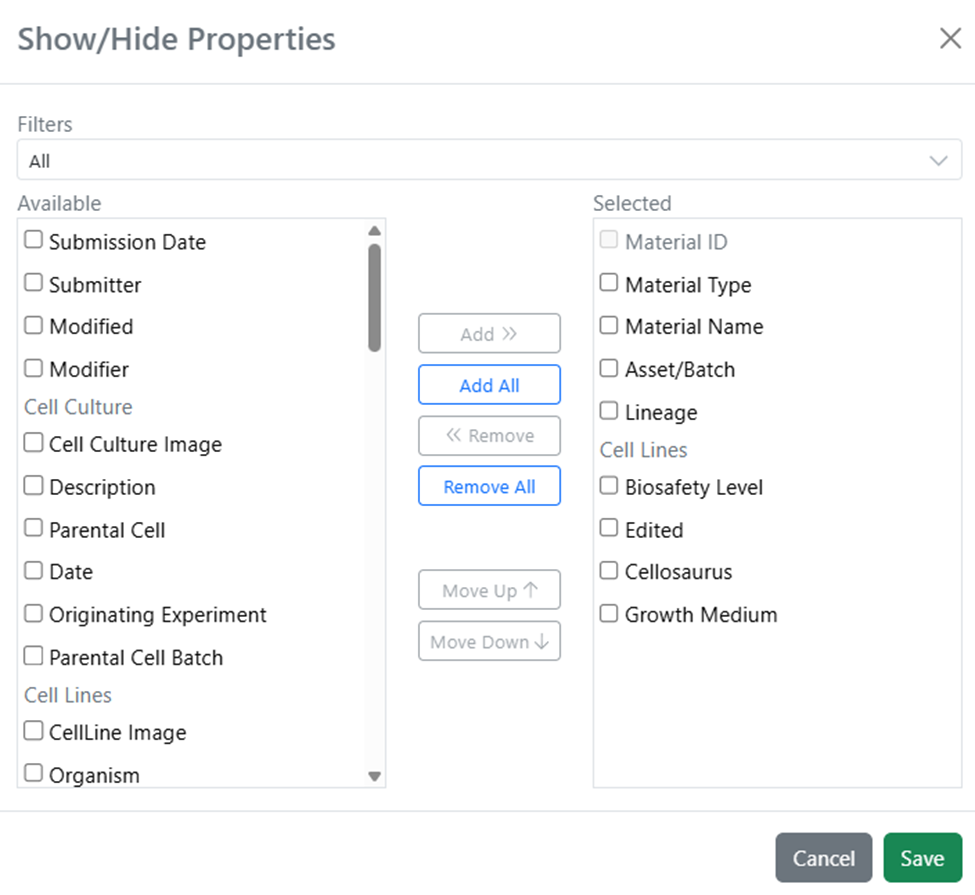
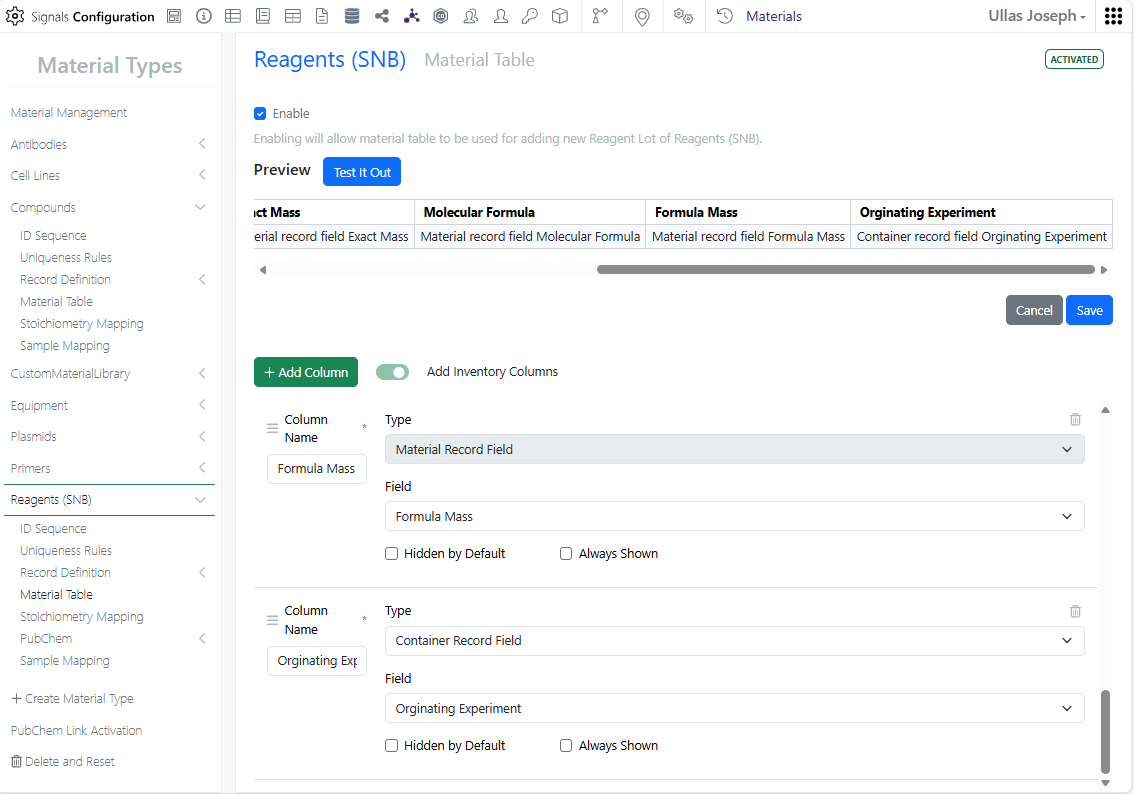
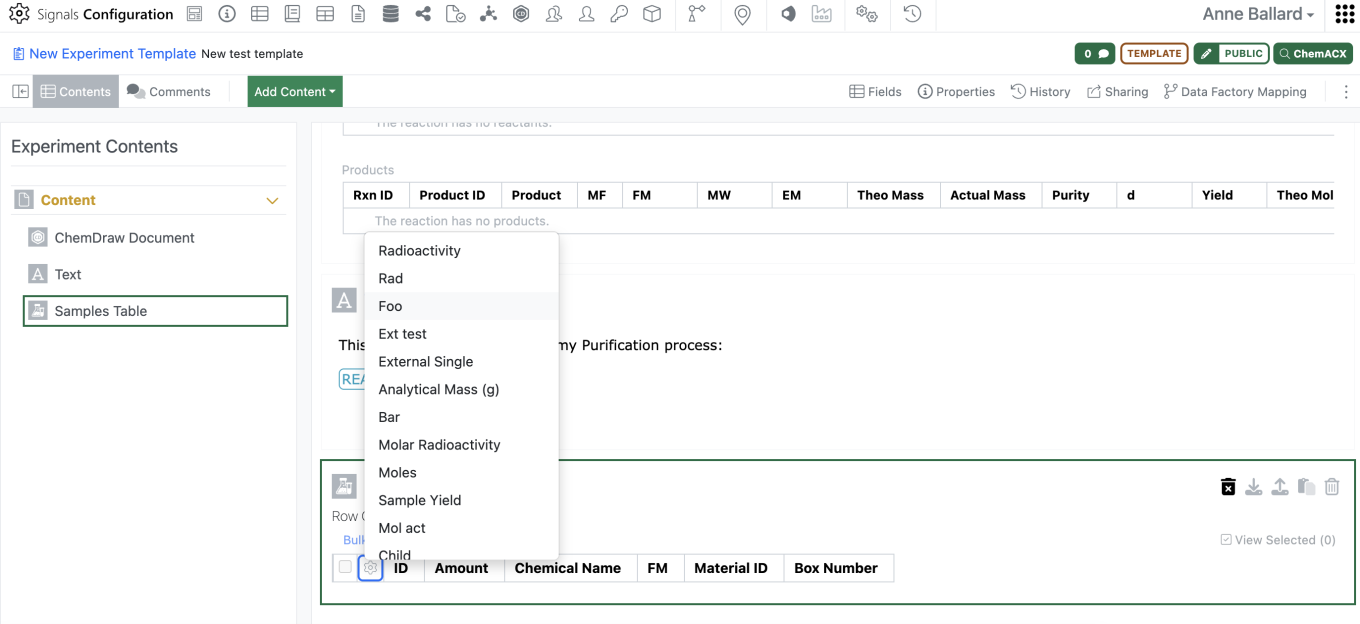
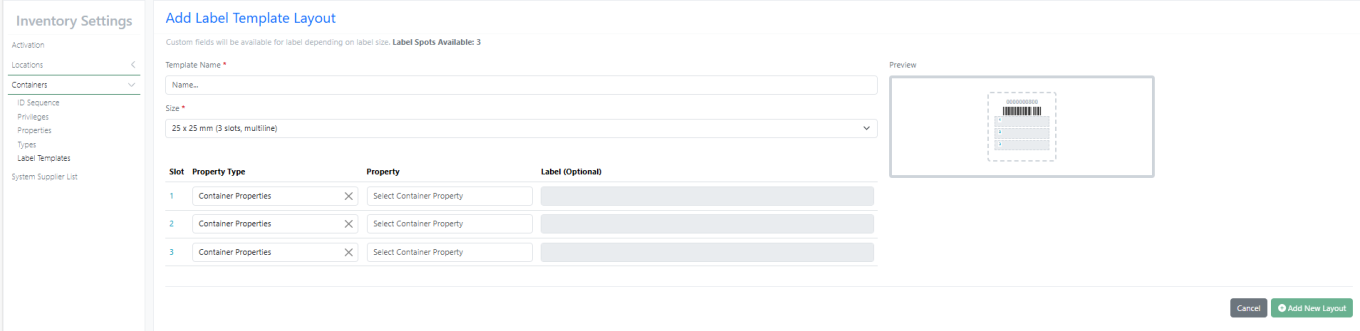
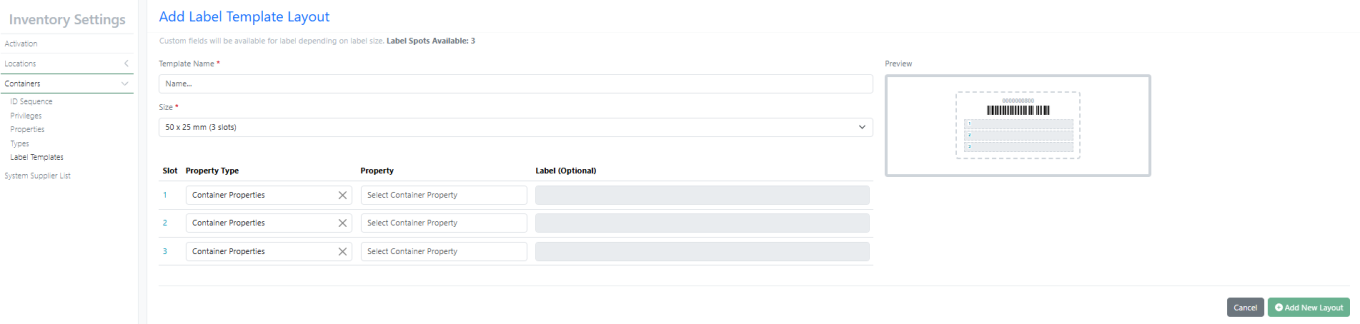
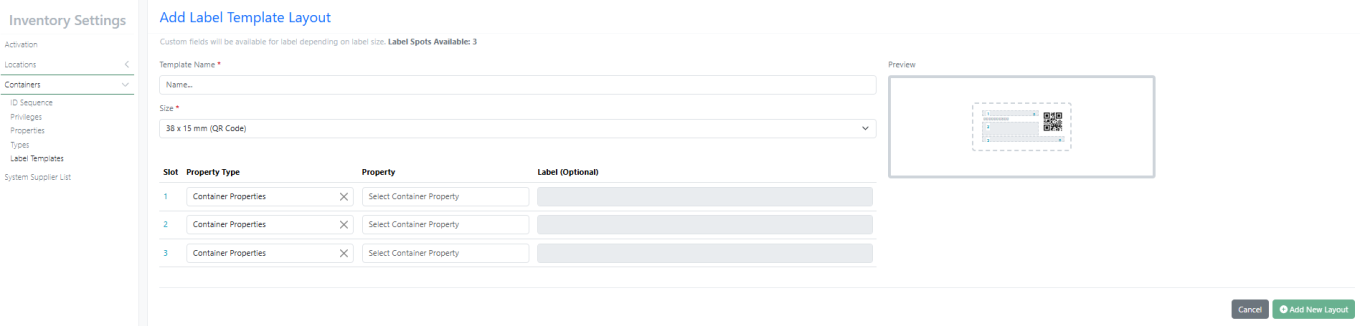
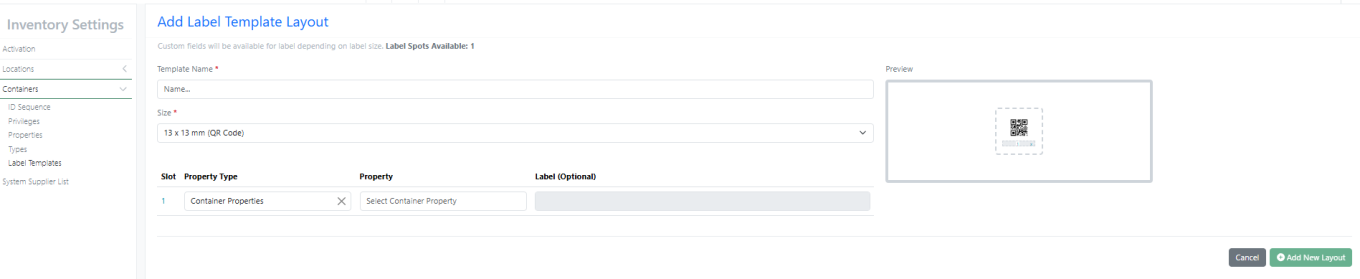
Under the Property Type column Administrators can now choose Sample Properties as an option to be printed on the container labels:
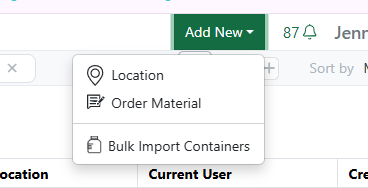
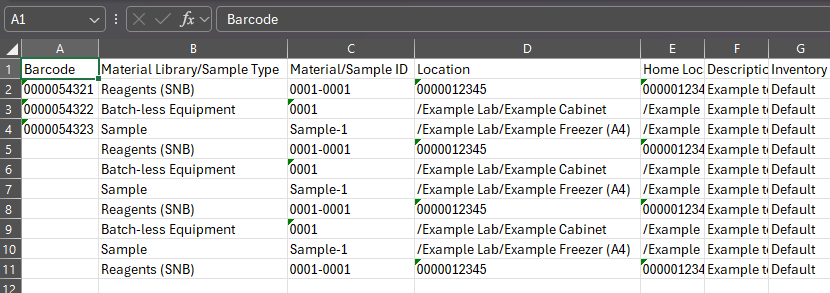
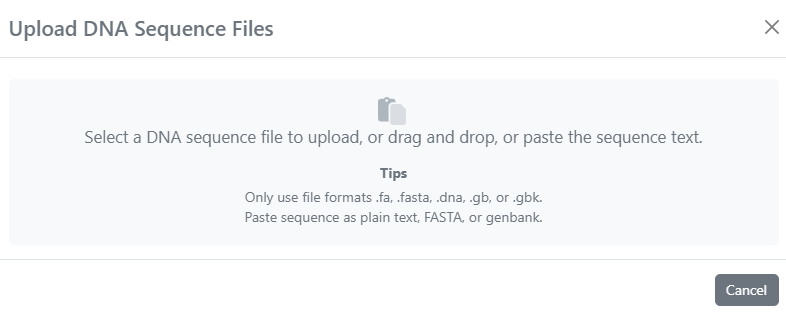
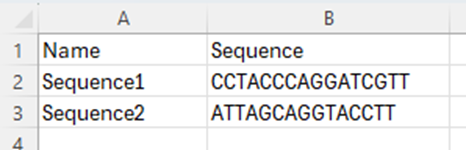
We’ve made an update to the Bulk Container Import to have separate columns for the Material Library/Sample Type and the Material ID (Asset + Batch/Lot). This means that the example files have been updated and any template files that were used previously to bulk import containers, will need to be updated to have the additional column to import the data correctly:
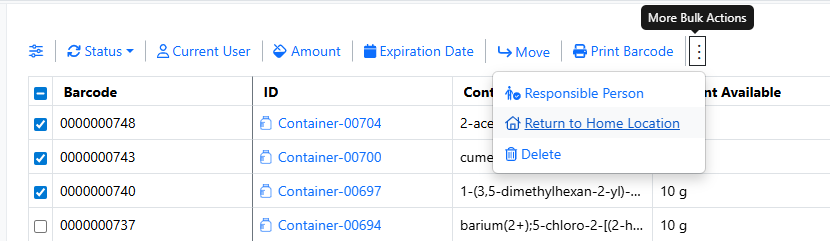
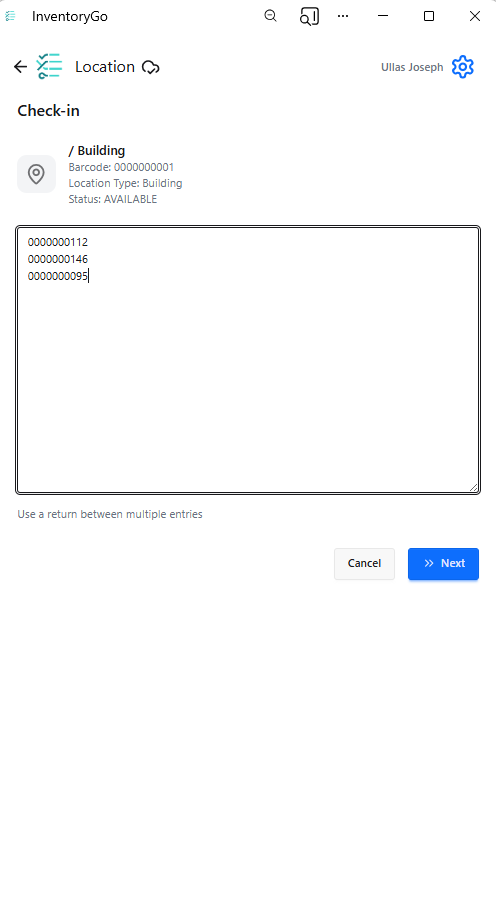
Users can now return a series of containers to their Home Locations. Users can Search or filter for the containers that they would like to have returned to their Home Location on the Containers Search Table:
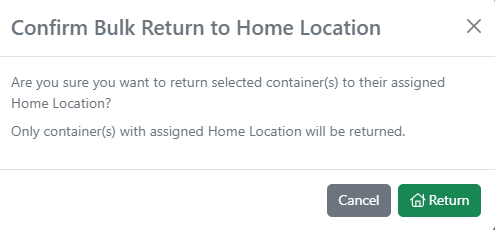

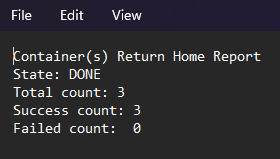
Once the containers are selected, and the Return to Home Location has been selected the containers with Home Locations will be updated. Any containers with out a Home Location will remain in the Current Location and they will be shown in the report as failures:
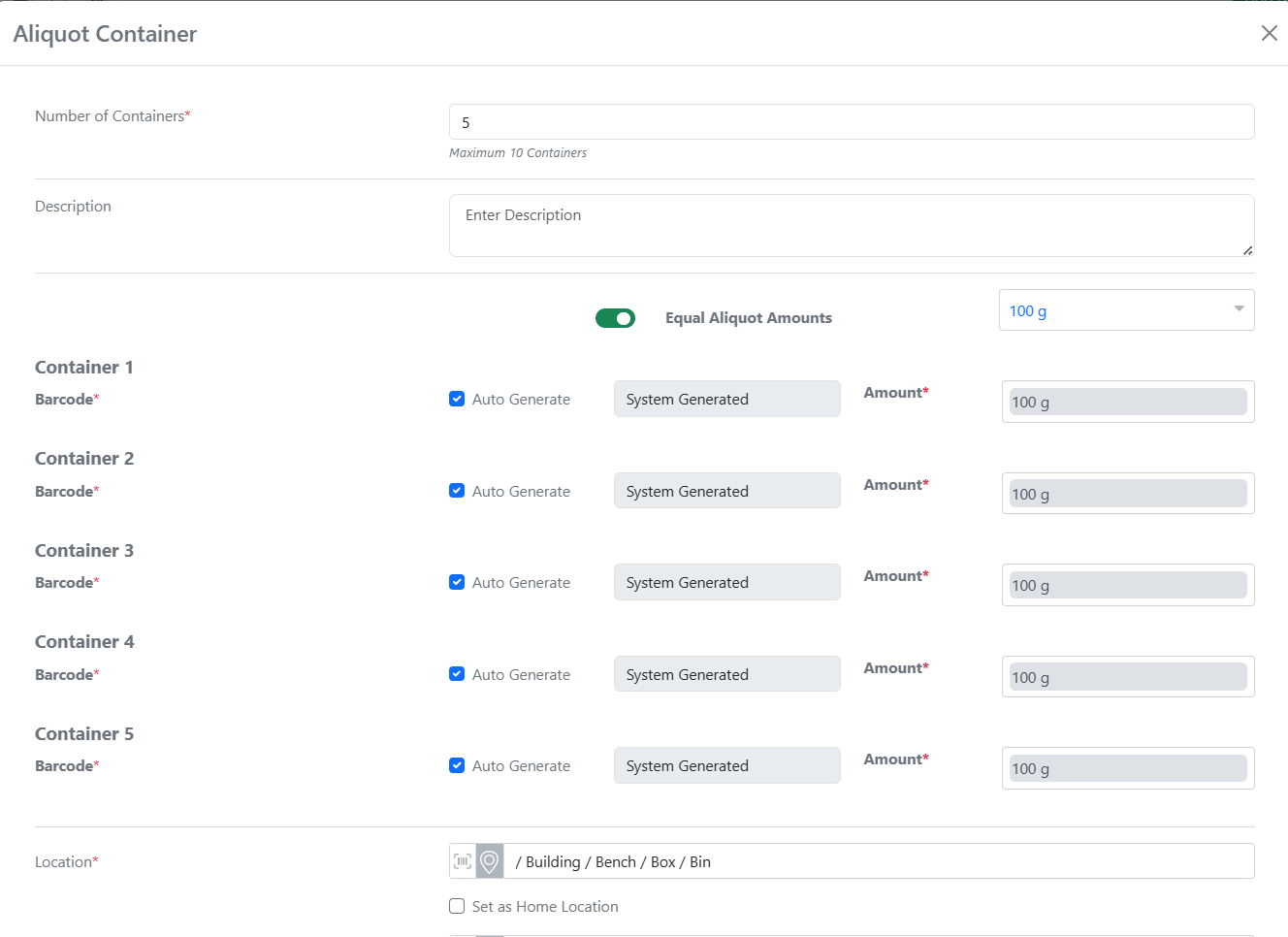
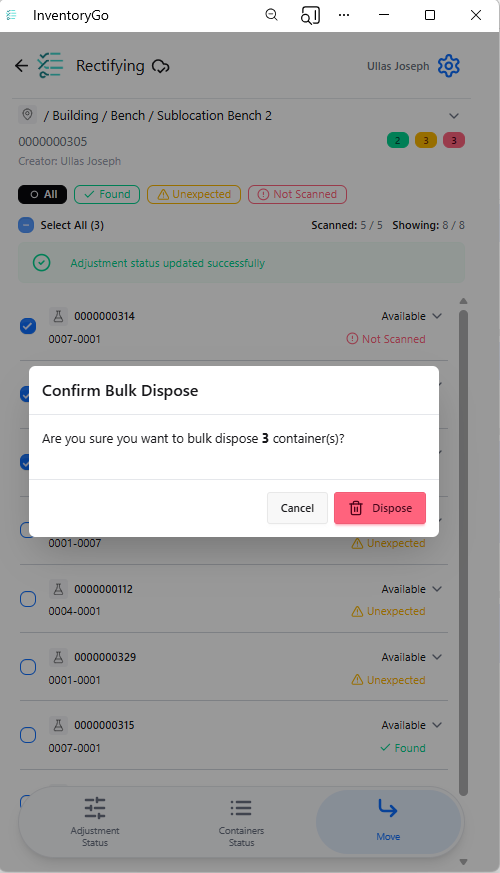
You can now split a container into multiple sub-containers with an option to make all aliquot amounts identical. This helps save time and reduce manual entry when preparing multiple identical vials.
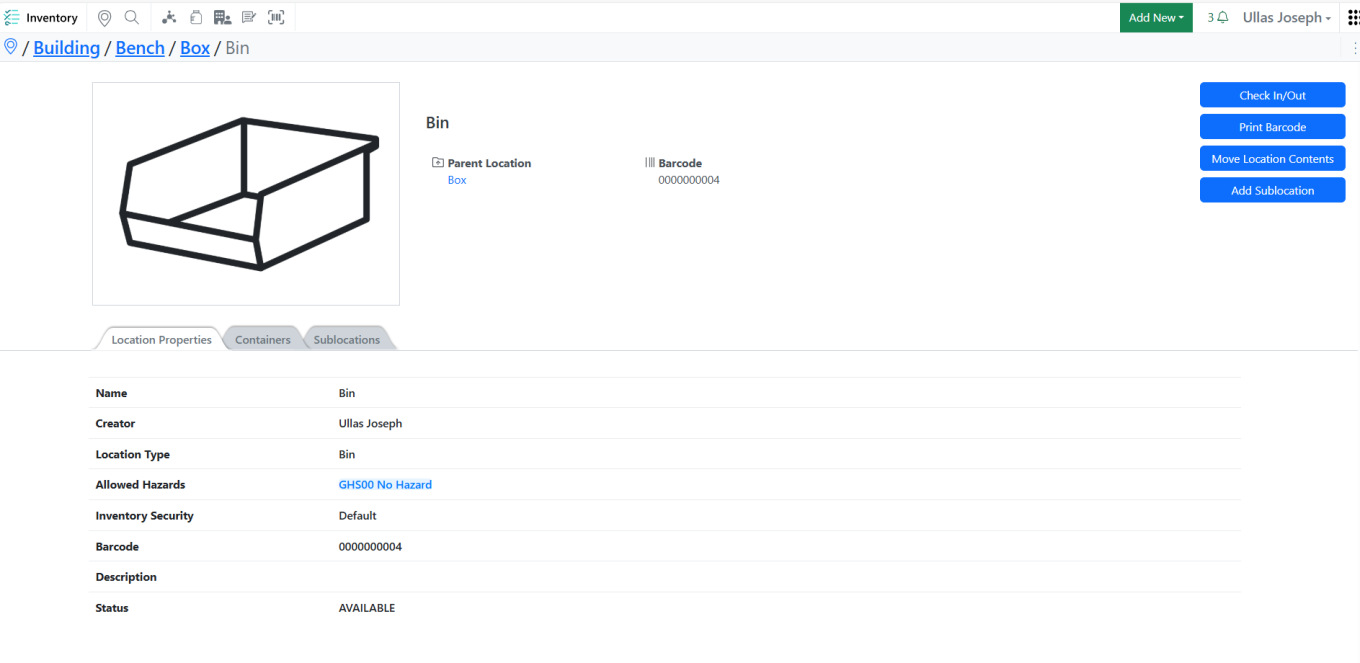
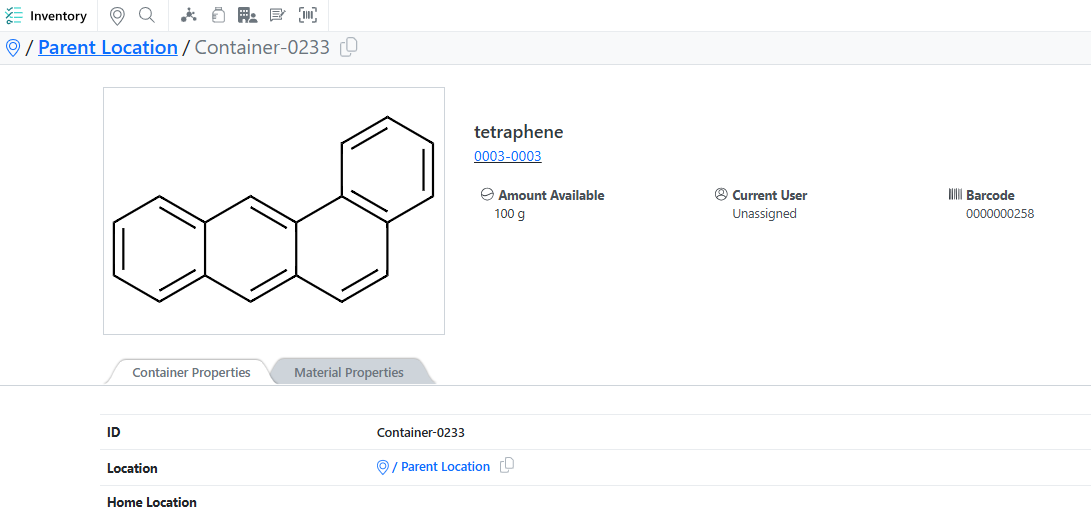
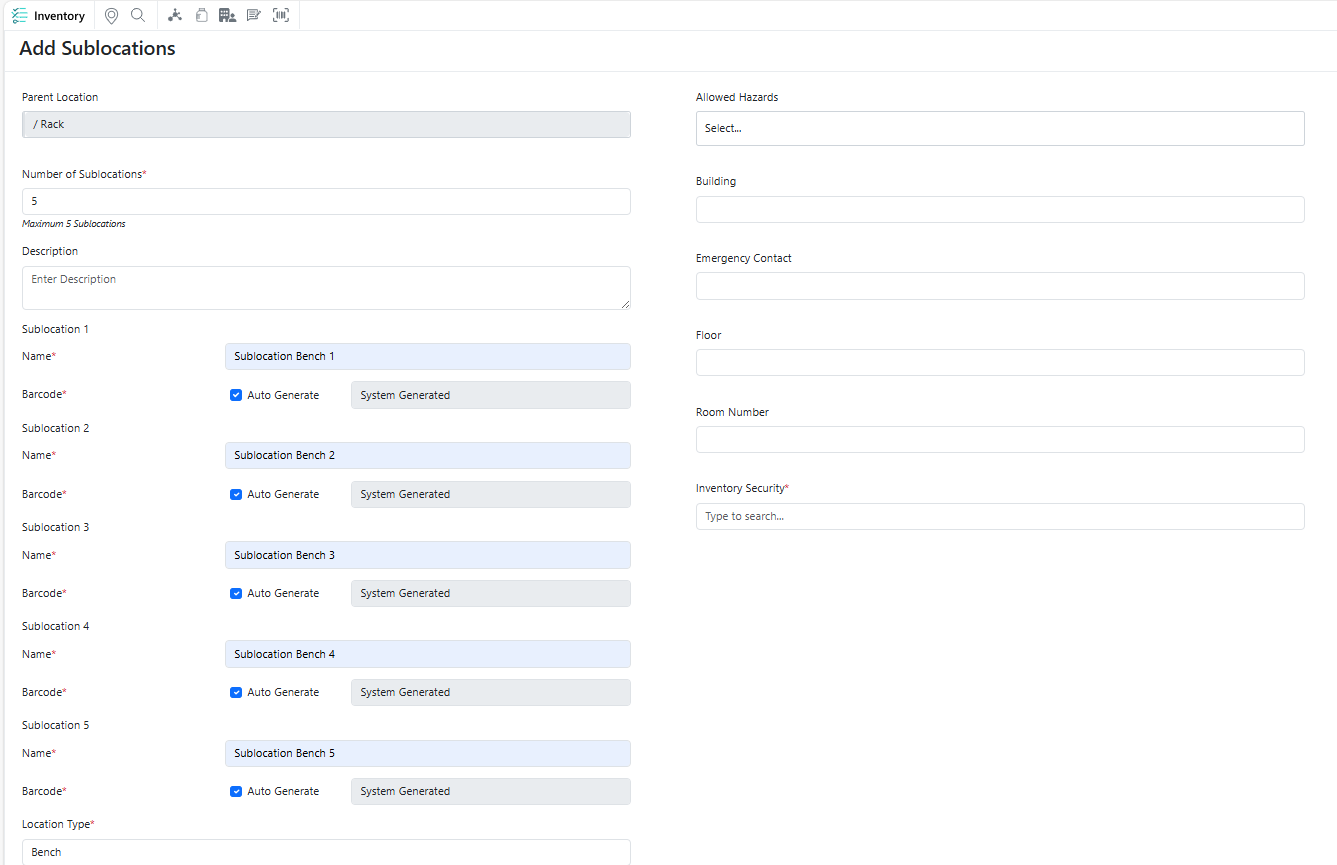
Admins can now create a new sublocation directly while viewing a specific location. The parent location is automatically pre-filled in the creation form, making it faster and easier to build hierarchical location structures.
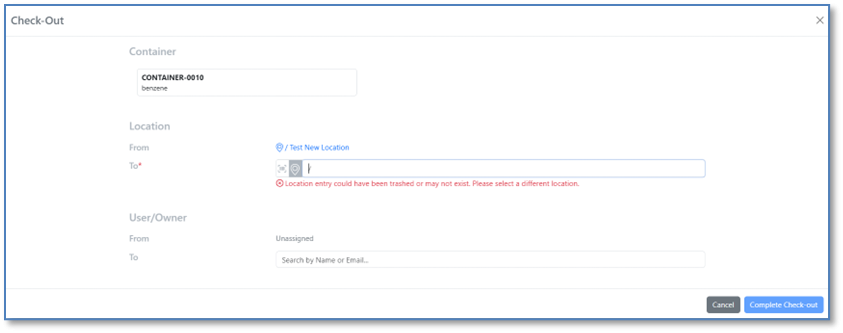
When a user selects a deleted location from the Recent options list, the system now displays a warning: “Location entry could have been trashed or may not exist. Please select a different location.”
After this warning the trashed location is removed from the Recent options list and cannot be reselected. If the user navigates away and returns, the deleted location will not reappear in Recent options. All workflows involving location selection will automatically exclude deleted locations going forward.
Materials
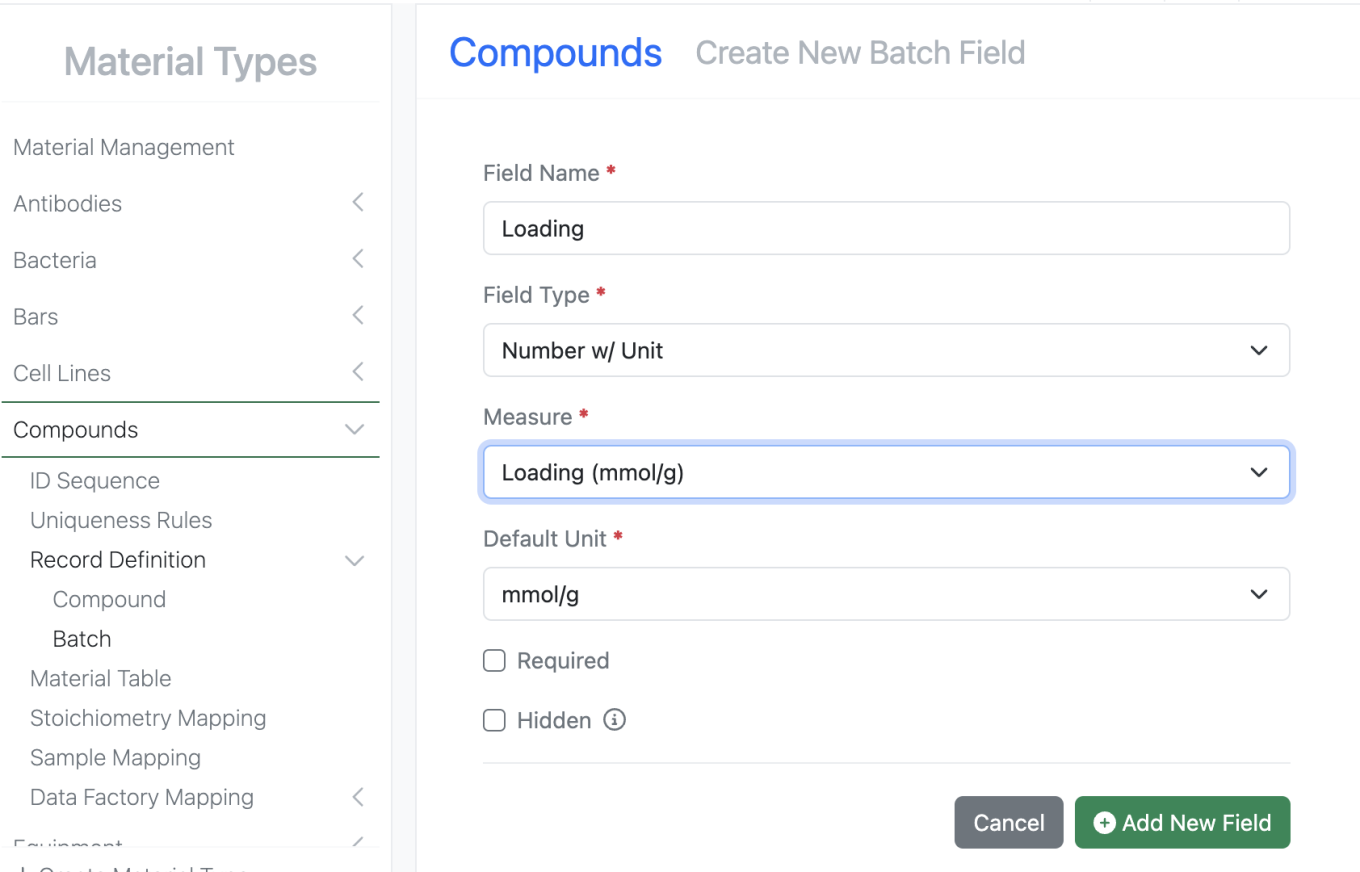
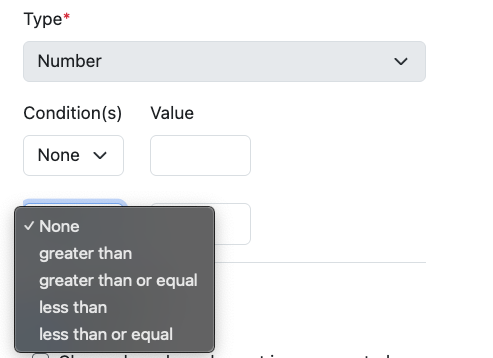
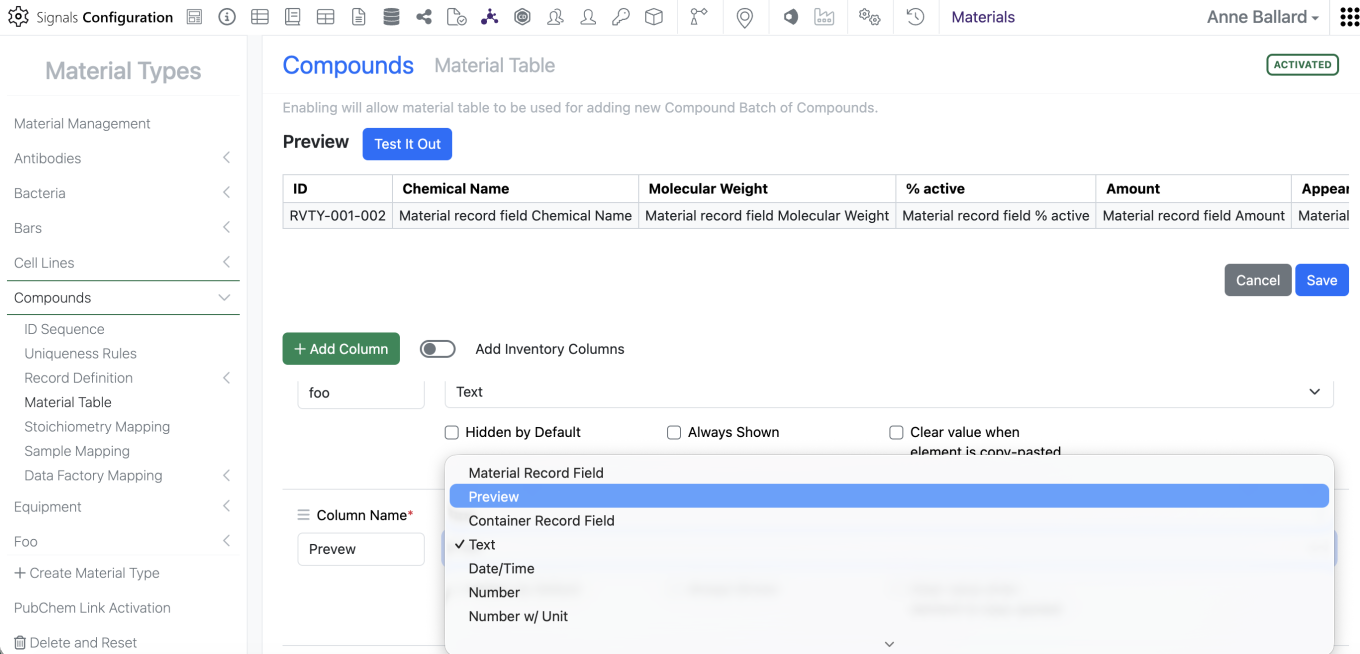
Admins can now utilize the measure Loading (mmol/g) for Number w/ Unit properties in Material Libraries and utilized in Sample mapping.
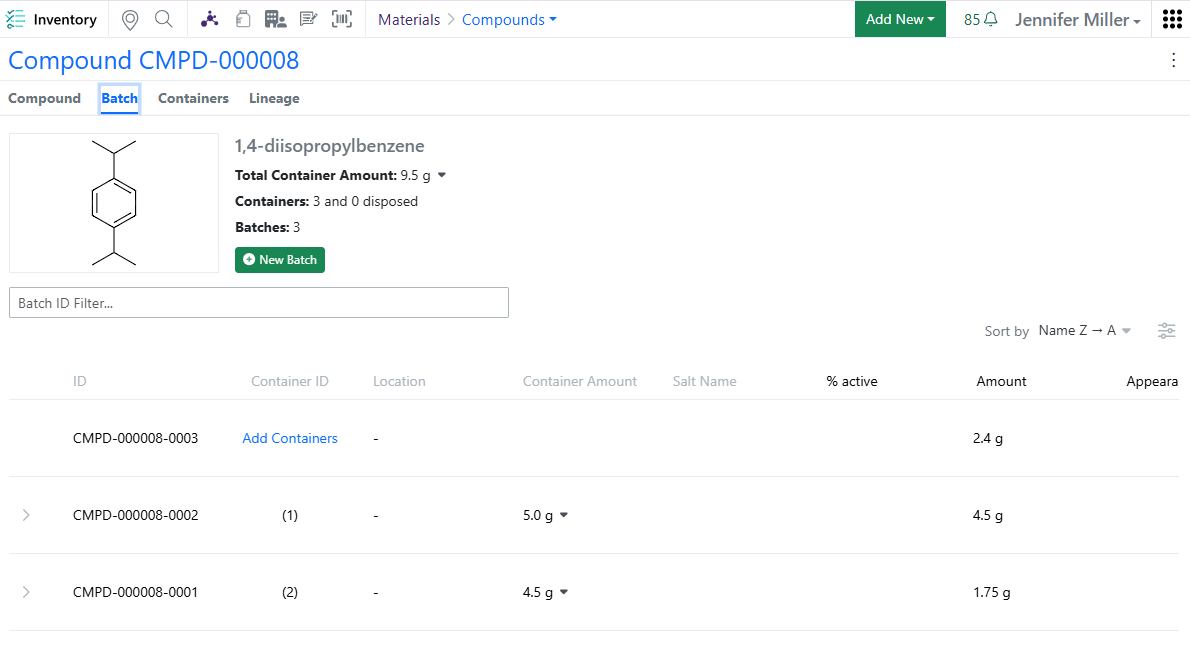
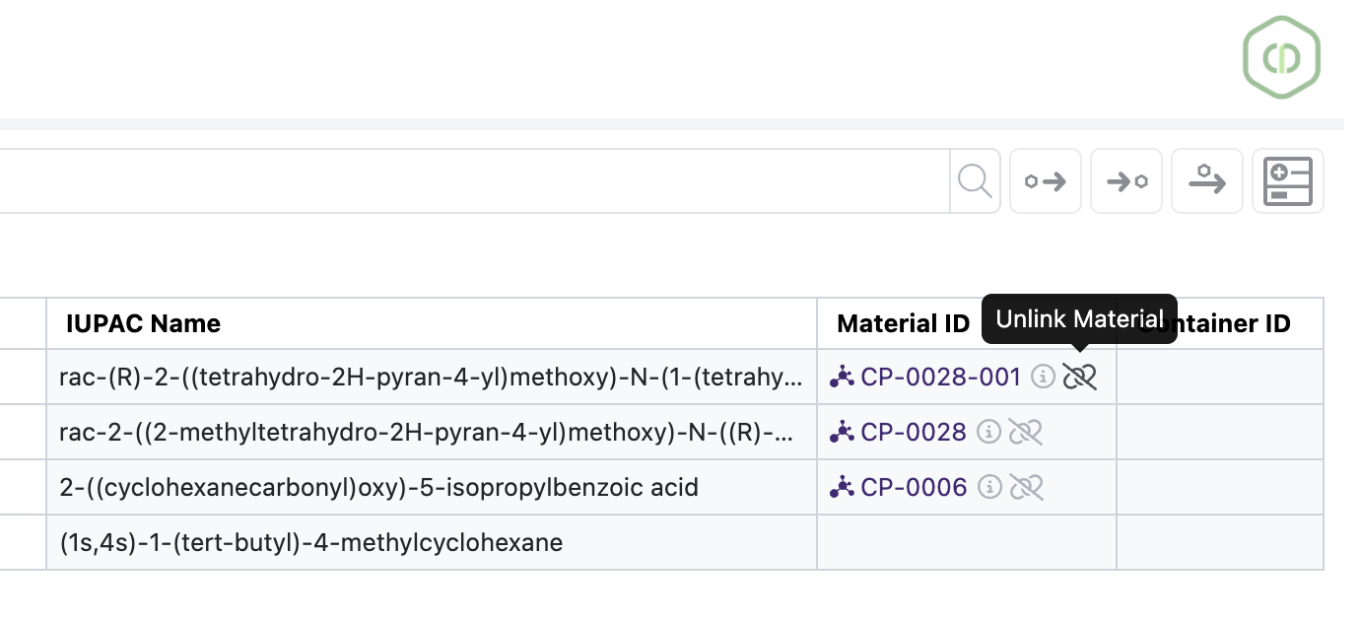
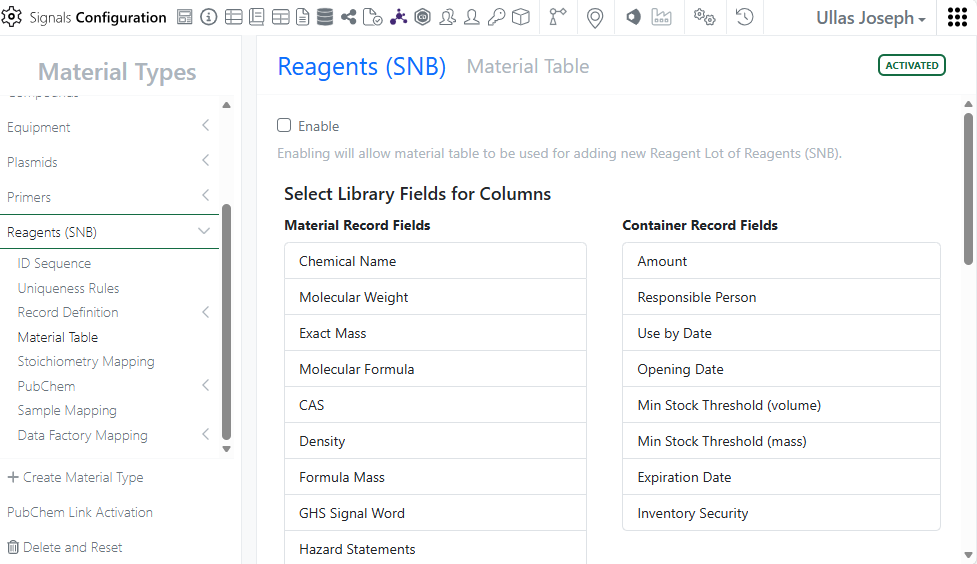
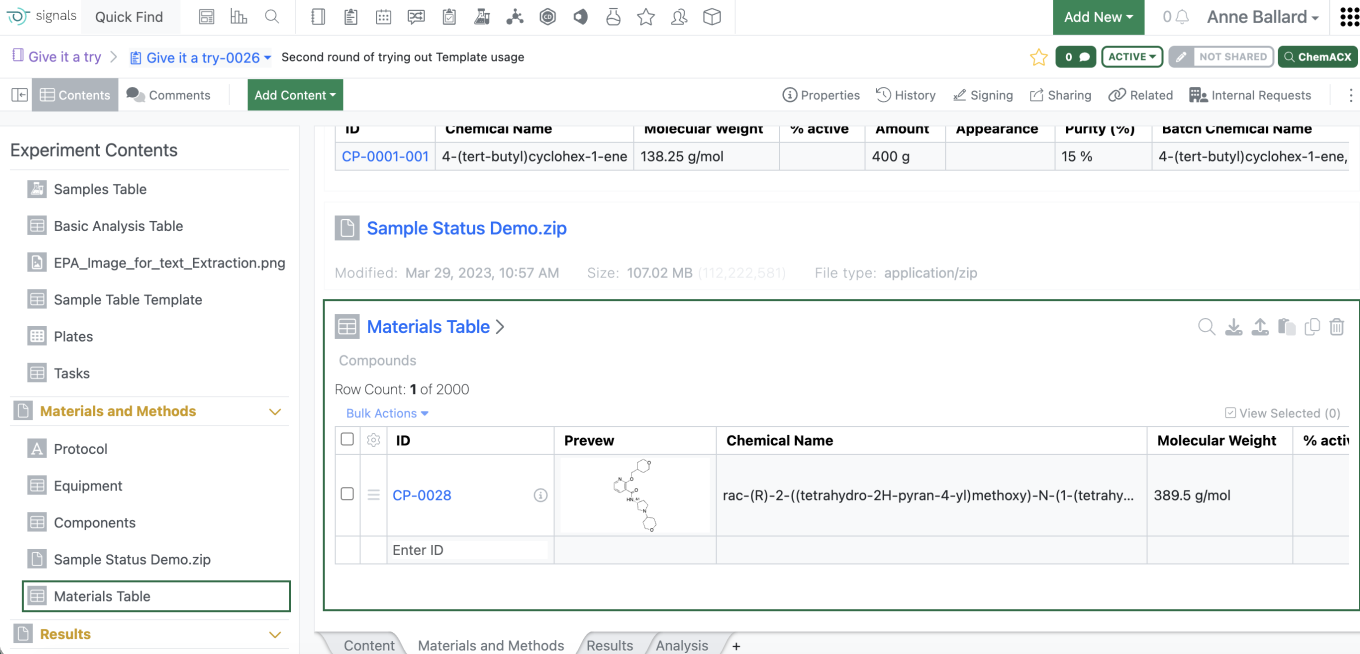
The Inventory Container Amount column has been moved to be next to Location:
ELN Archive
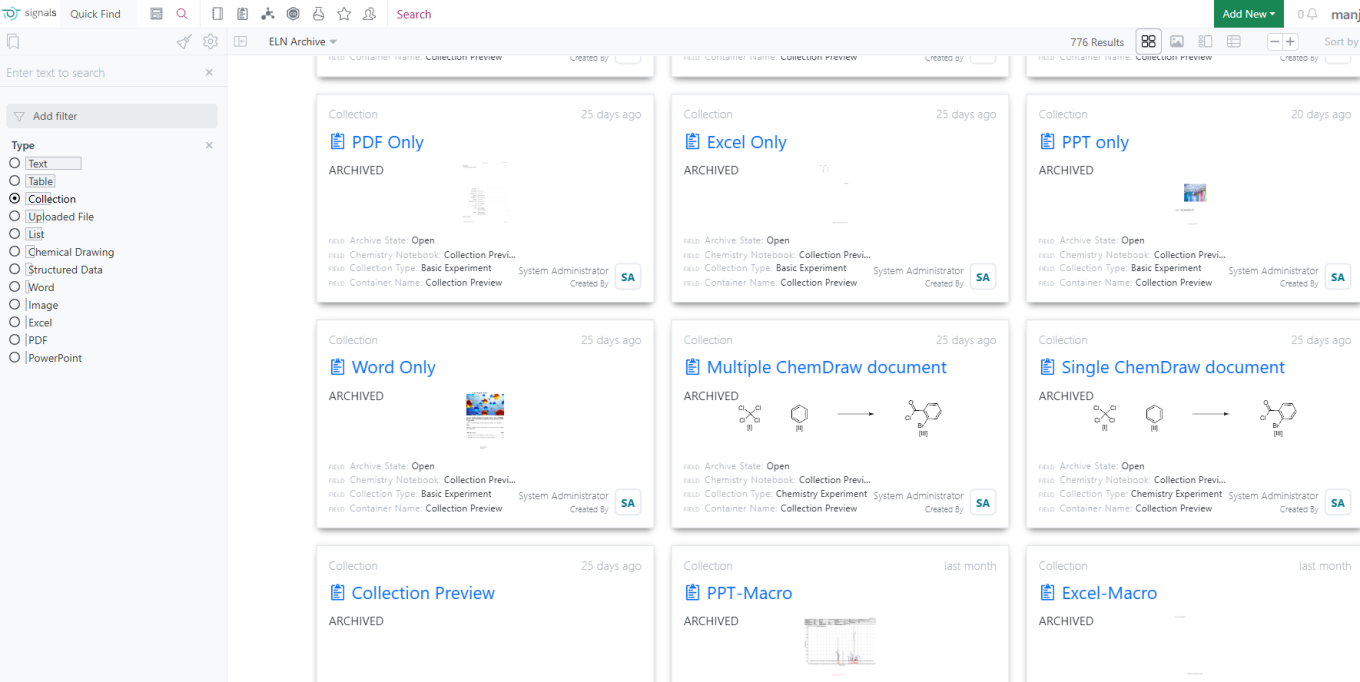
Support for previewing ELN Archived Experiment Types across all search result views
Administration
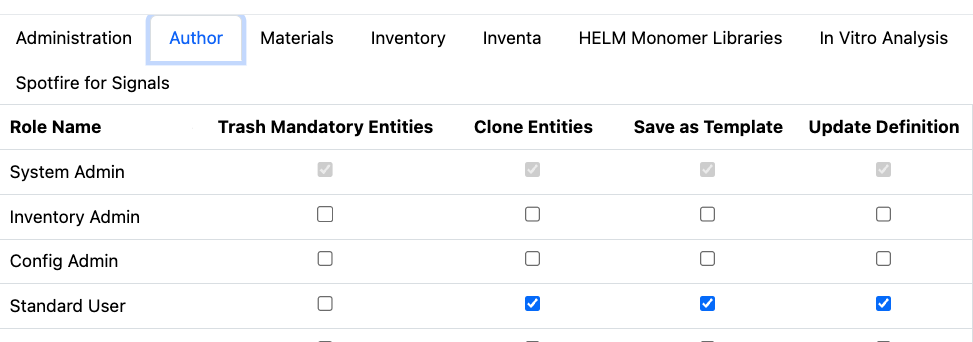
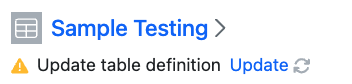
Administrators can now define if user can update the definition of tables and Worksheets. The Author privilege “Update Definition” will determine if the Update Definition option is available to users.
Signals One Private Cloud environments with Spotfire for Signals Custom Apps enabled now track module version of Custom Apps.
Integrations & APIs

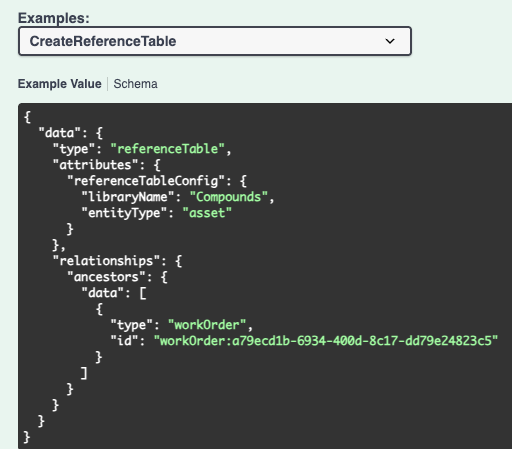
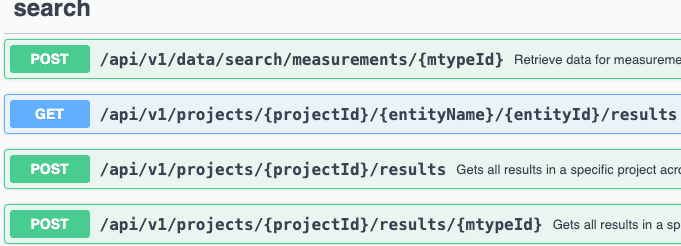
We have added new APIs for exporting your Orders to a CSV or SDF file. The default value will be CSV. This is an asynchronous API flow with three endpoints to support it. First to initiate the bulk export, this requires a request body specifying the Orders you want to export and the columns you want to export. Second is to check the status of the export job. Third is to download the exported file.

We have added new APIs to fetch and update the Suppliers list. The update requires a well formatted CSV as part of the request. For convenience an example CSV is available via API.
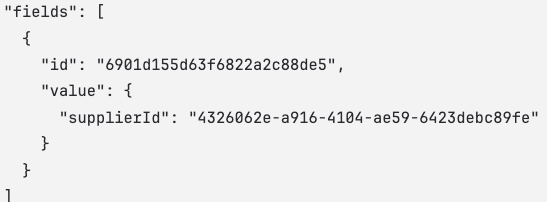

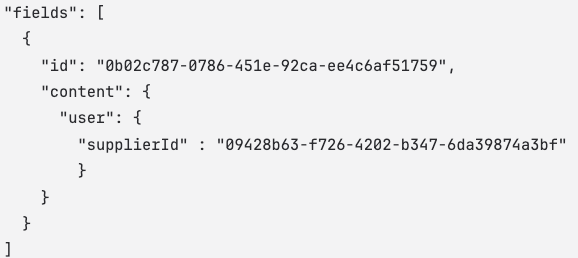
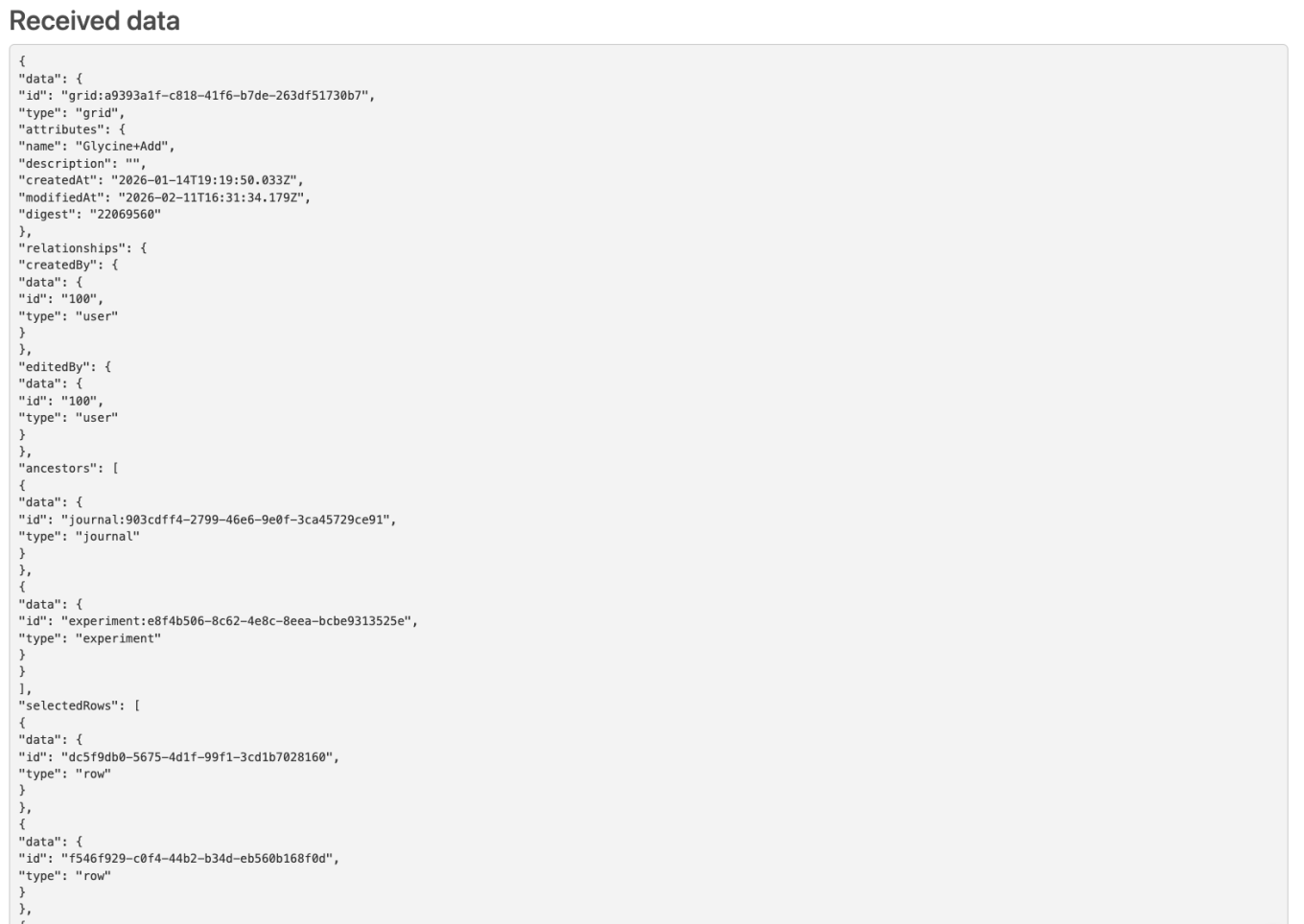
We have enhanced APIs for stoichiometry tables, materials (assets and batches), and containers to support Supplier list field types. You will be required to specify the supplier list by the supplier ID as fetched in the new APIs. Alternatively, the Name and Country of the supplier may be used instead. Below are examples for Assets, Stoichiometry tables, and Containers using the supplier ID.

We have enhanced the entity export API to allow for Text entities to be exported as text files. This is specified using the “format” URL parameter which defaults to HTML if not specified for a text element.

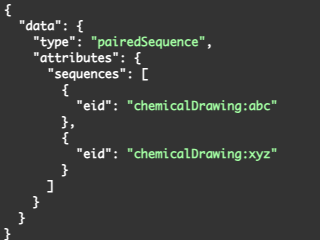
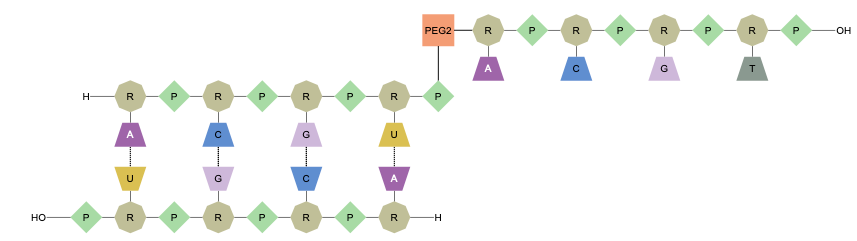
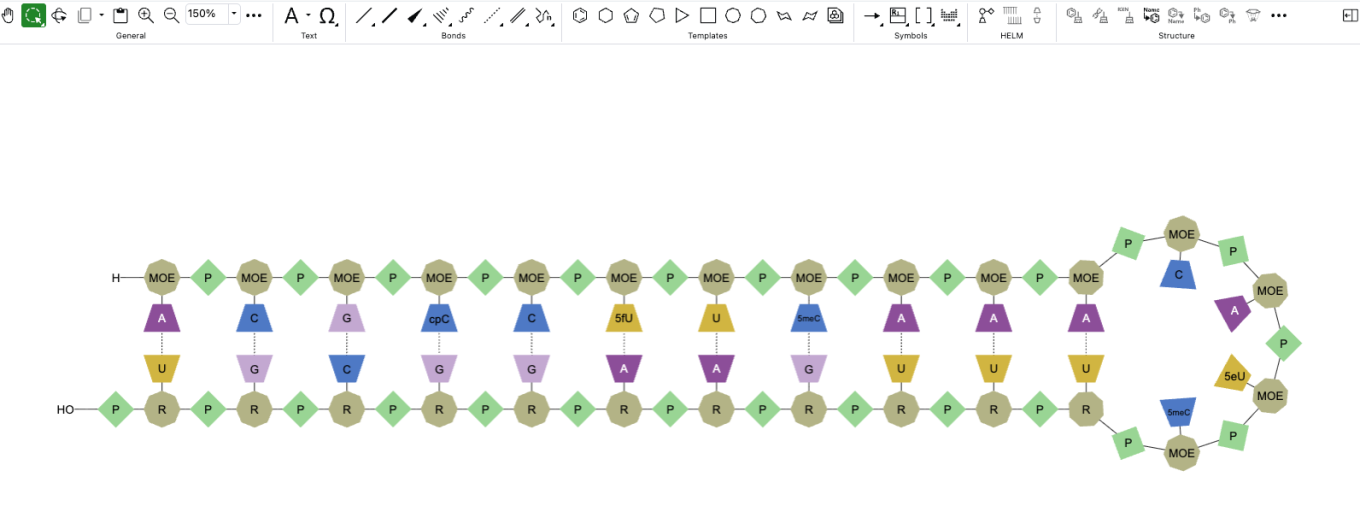
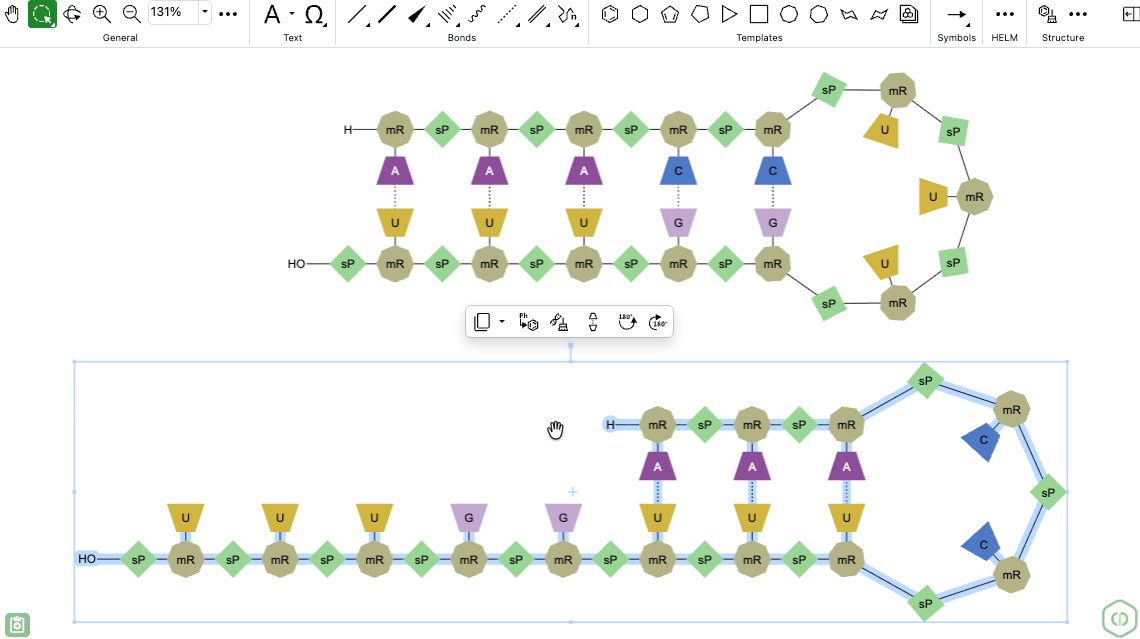
We have added a new API to replace an existing chemical drawing with a paired duplex. The request body must contain two Chemical Drawing entities to be paired.


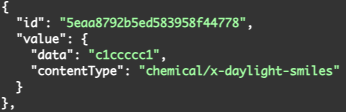
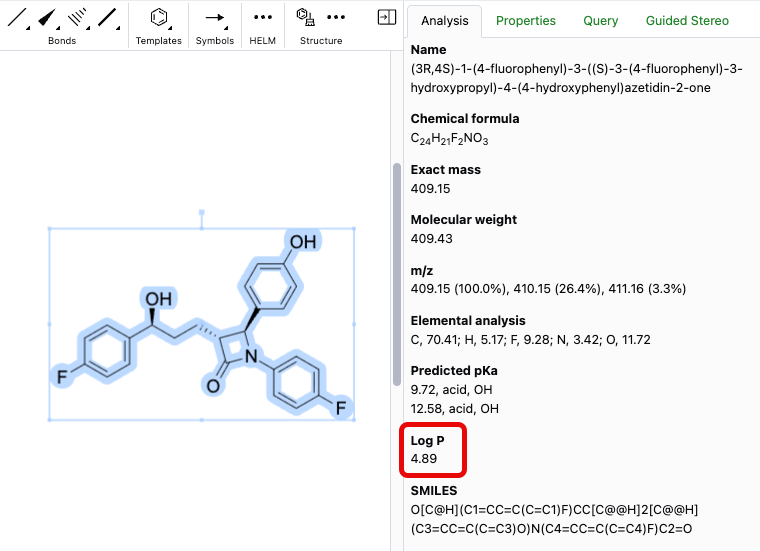
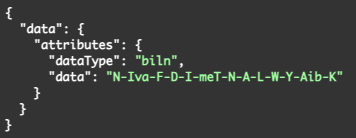
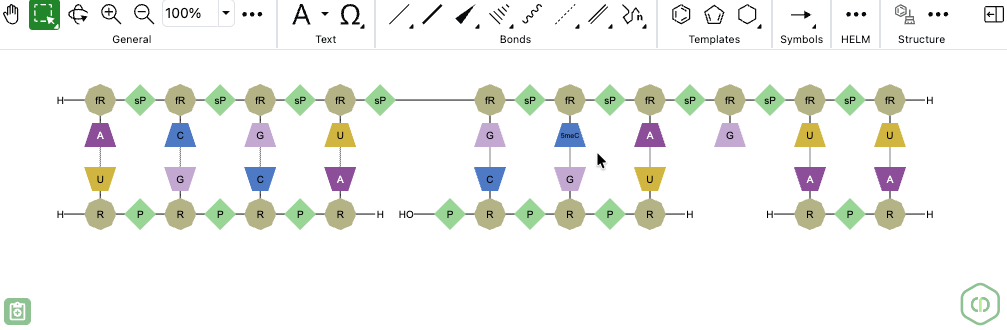
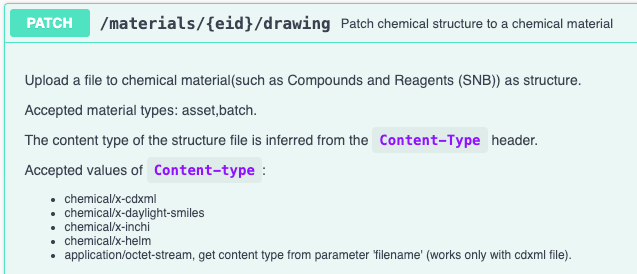
We have enhanced the API for uniqueness checking of a material to allow for additional chemical structures to be used. The content type must be specified as part of the value object for Chemical Drawing fields. InChI, SMILES, and HELM are now supported in addition to CDXML.

We have added a new API to support updating the Status of a Synergy Experiment. Synergy experiments can be updated from Active to Submitted, Submitted to Closed, Submitted to Active, and from Closed to Submitted based on the “action’ specified in the request.
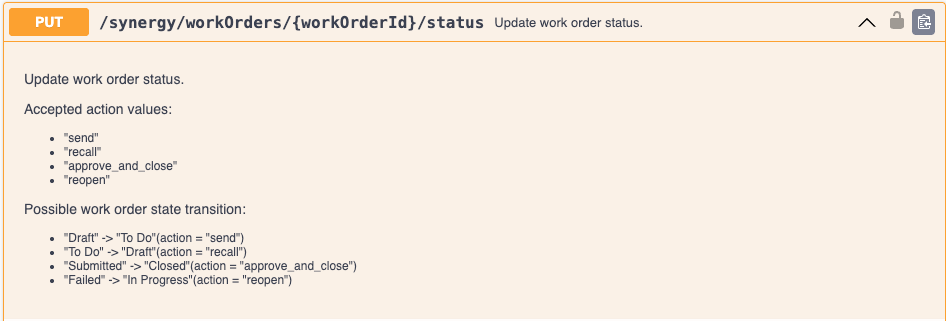
We have added an enhancement to our APIs to support closing of Work Orders. This is a new action, “approve_and_close” allowed when updating Work Orders via API and transitions a Work Order from Submitted to Closed.

We have enhanced the Work Order creation API to allow for specifying a template as part of the request. It should be noted that if the Work Order template includes a template for the Synergy Experiment associated with the Work Order it will not be automatically created. To achieve this, users should use the API to create the Synergy Experiment after successful creation of the Work Order.
Further Details
The following capabilities are in beta and are available for users, administrators and developers on the Signals platform upon request. Please contact your account representative or our support team if you would like access to the following features.
SAR & Decisioning
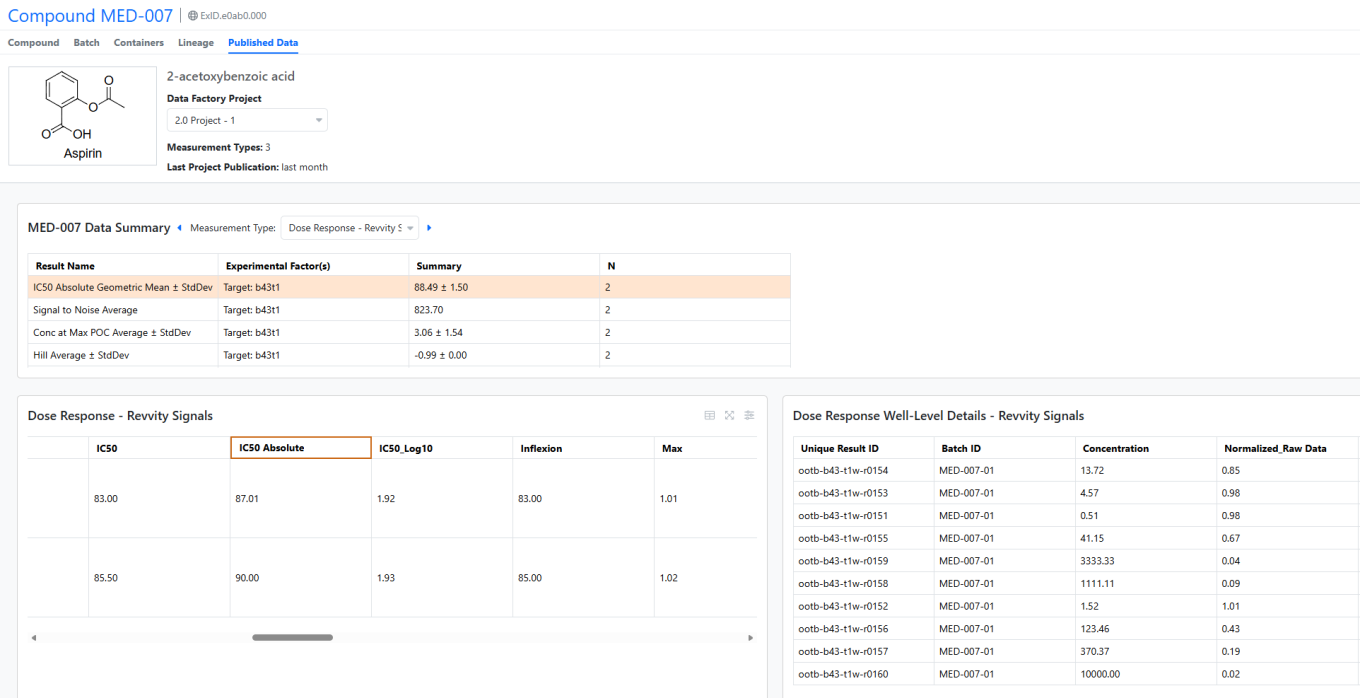
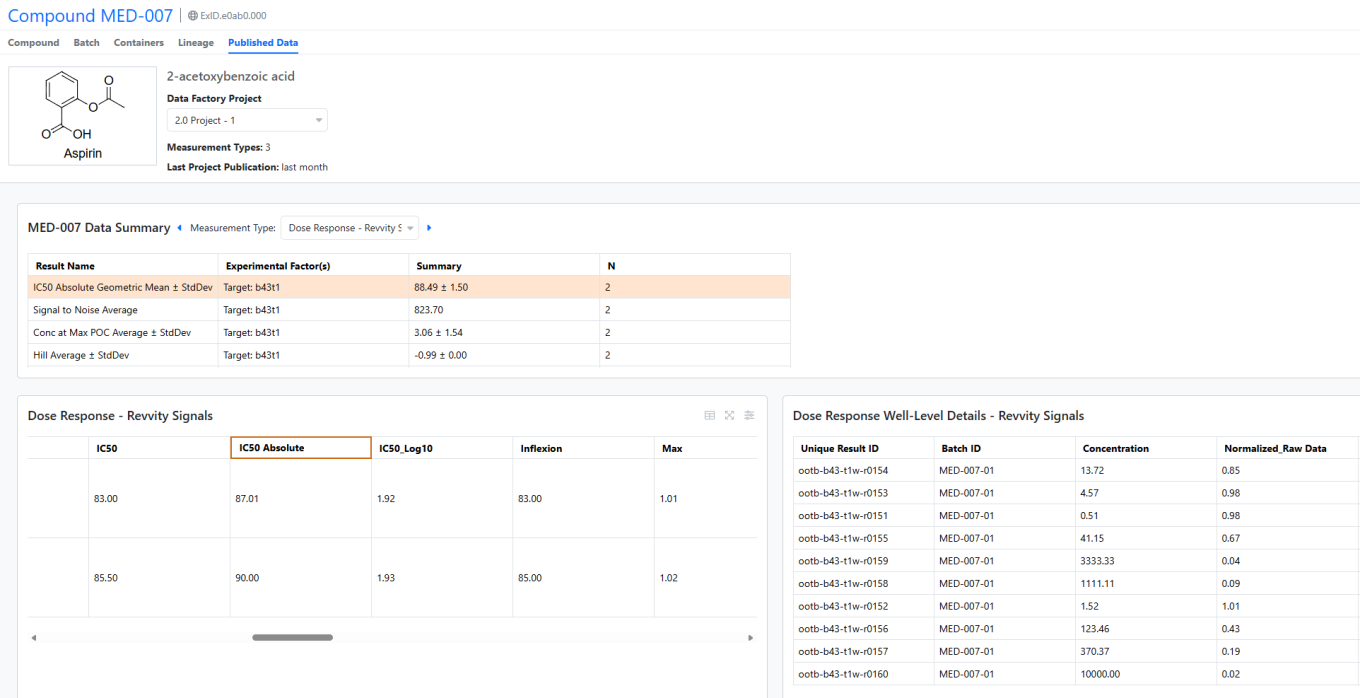
Quickly access published data without leaving the Material Library. The new Published Data tab automatically retrieves results for the selected material, displaying aggregated values by measurement type in a summary table. Interactive tables allow users to drill down to specific measurement results.
Admin Defined Tables, Variation Tables and Hierarchical Tables
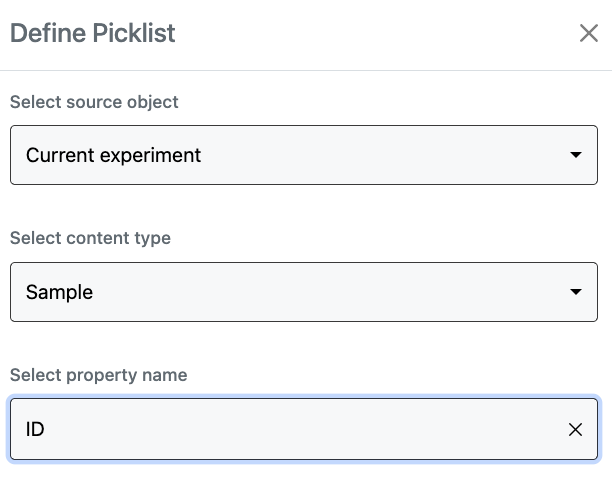
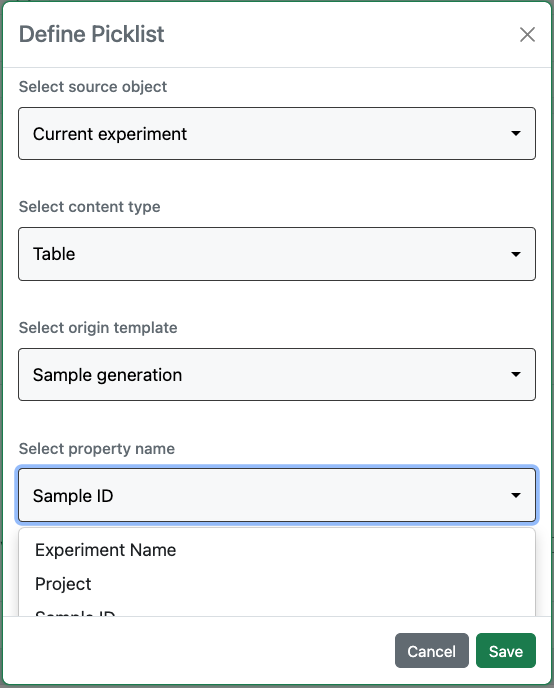
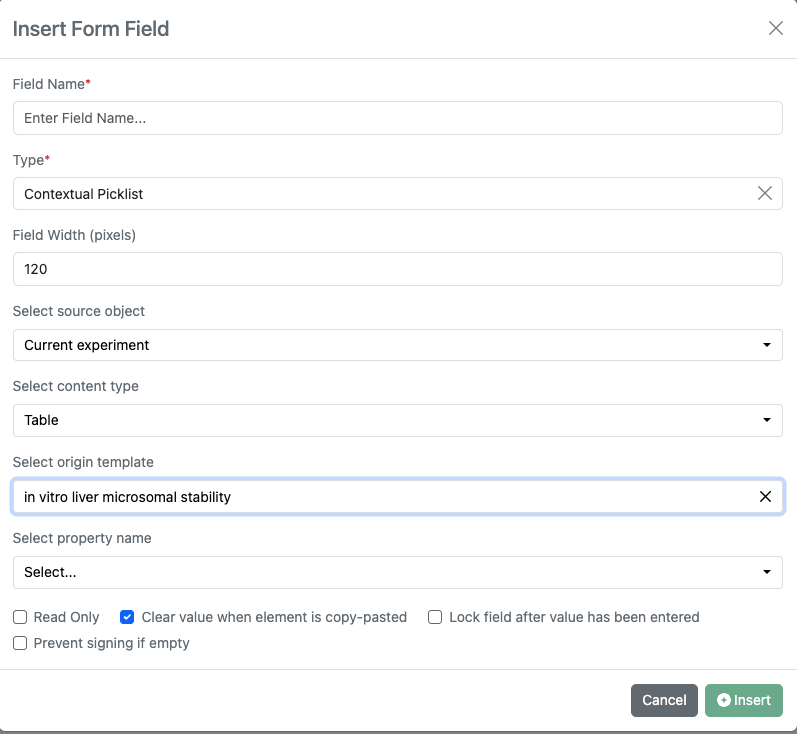
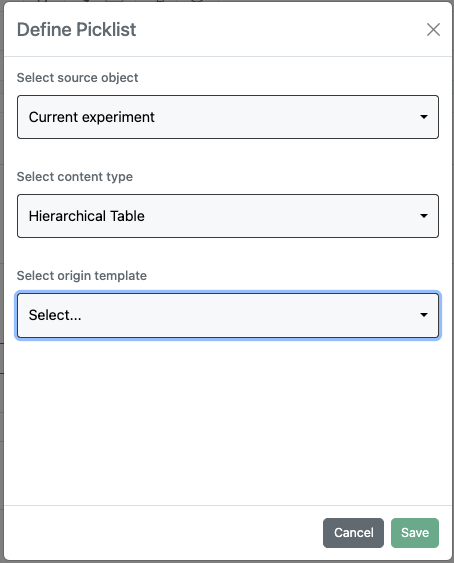
Contextual Picklists now allow the use of Internal Reference properties as the source, including IDs from Sample, Task and Material tables, and Internal Search Attribute Lists.
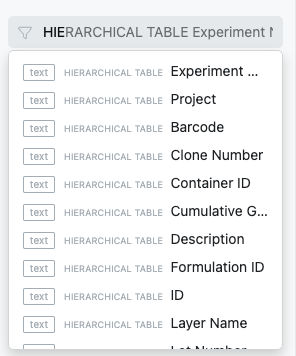
Search is now enabled for Hierarchical Tables. Hierarchical Table is available as an option under the Type query tool. Additionally Hierarchical Table properties are available as individual query facets.
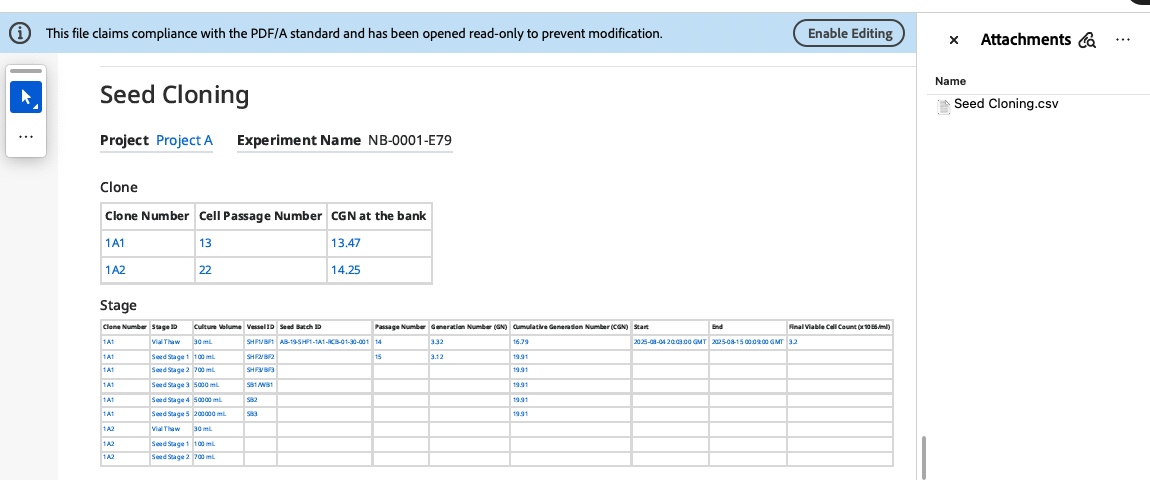
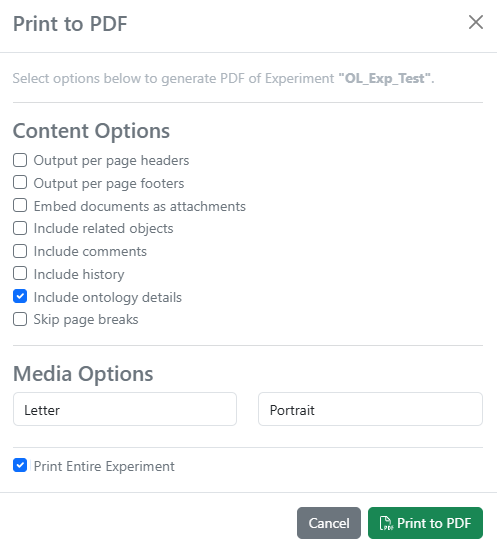
The data from Hierarchical Tables can also now be included in the Exported PDF as an attached .csv file.
Materials
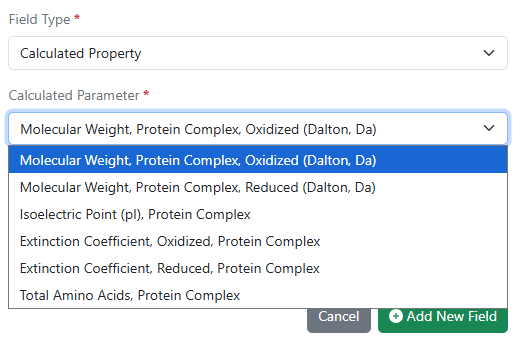
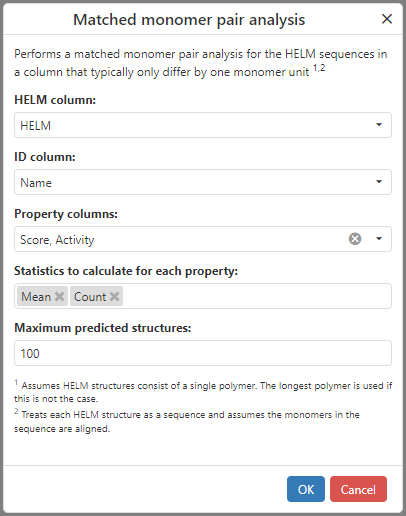
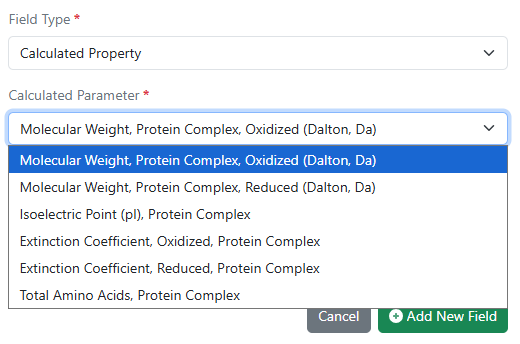
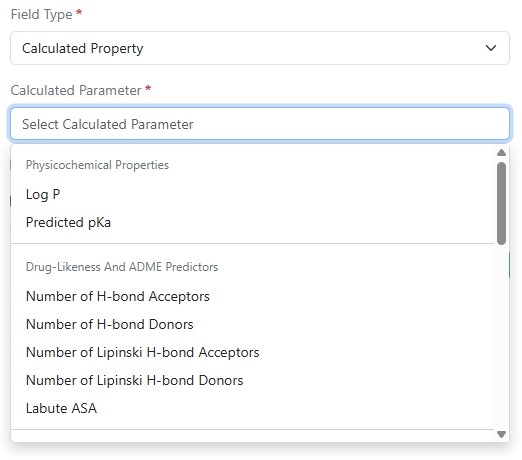
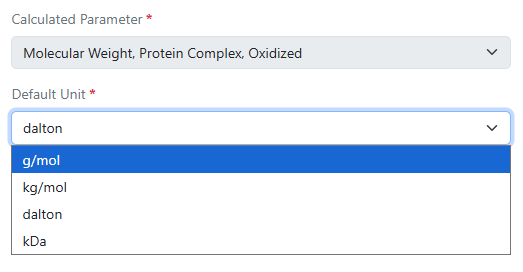
A new set of calculated properties for protein complexes is available upon request for Custom and Protein material types and in the preconfigured Antibodies library. Molecular weight, isoelectric point, extinction coefficient, and total length can now be computed for complexes comprised of multiple protein parts linked to via internal references.
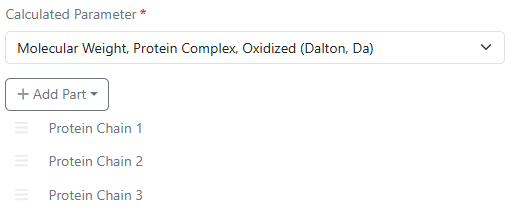
Up to 20 individual protein parts can be specified per calculation.
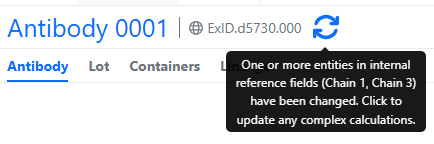
Updates to any of the underlying protein parts are automatically checked for when viewing the complex material.
Administration
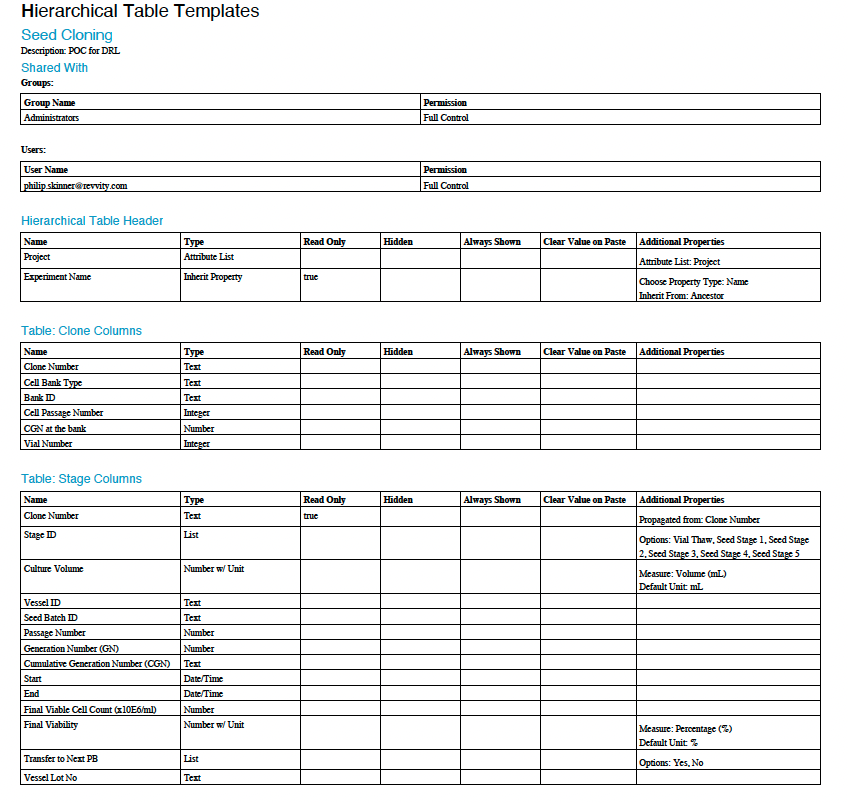
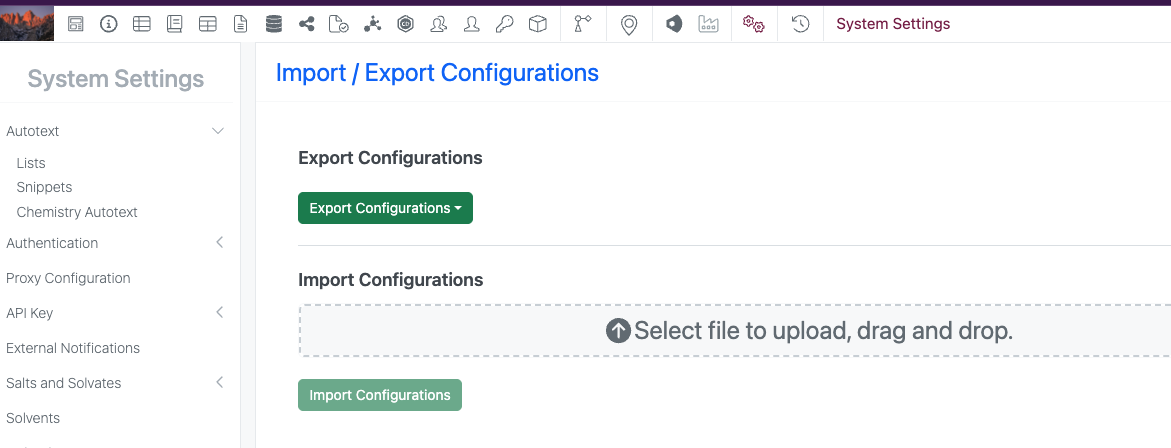
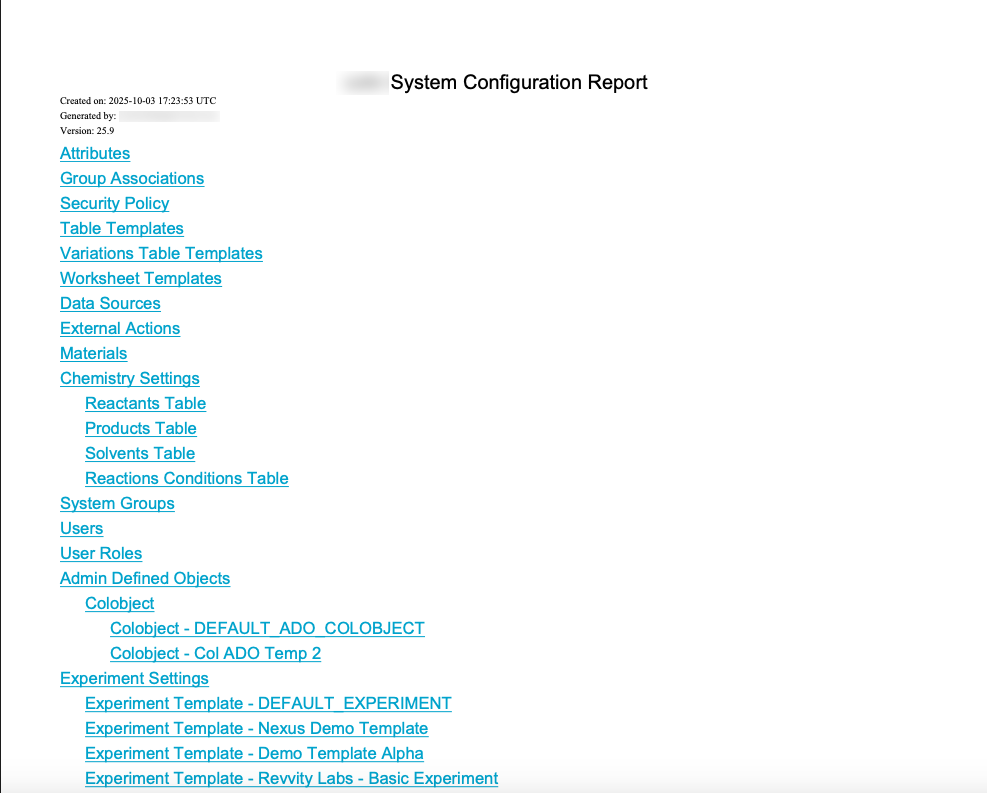
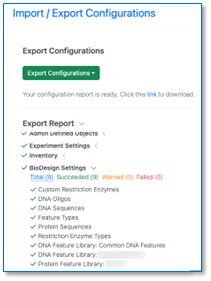
Contextual Lists and Hierarchical Tables are now supported in both the Configuration Transfer process in addition to the new Configuration Report.