What’s New
The latest release of Signals introduces significant enhancements to the ChemDraw+ application. We've improved the user drawing experience by incorporating new rotate tools into the interface. The HELM editing capabilities have been expanded, now featuring the ability to add sense & antisense annotations to sequences and draw hydrogen bonds between natural and non-natural nucleobases. Additionally, the HELM Monomer Curation application now has an improved editing experience with the integration of a new ChemDraw editor.
The following improvements are available for users of Signals ChemDraw. Certain features may only be available with enablement by an administrator.
ChemDraw+
- Sharing Drawings
- Rotate 180 degrees vertically and horizontally
- Complementary strands inserted to canvas in a single line with no line wraps
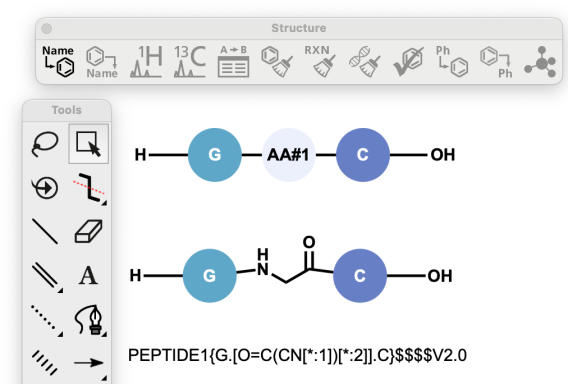
- Atom-mapped SMILES now supported in HELM strings for copy/paste
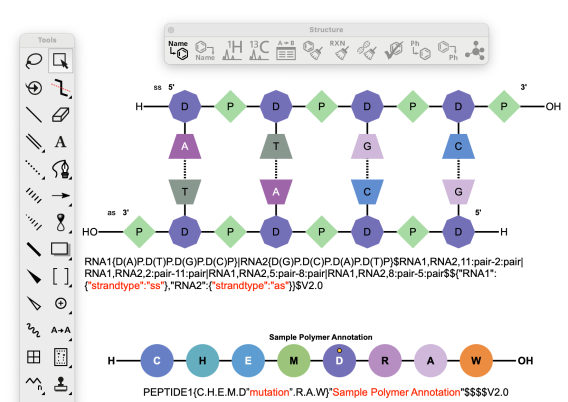
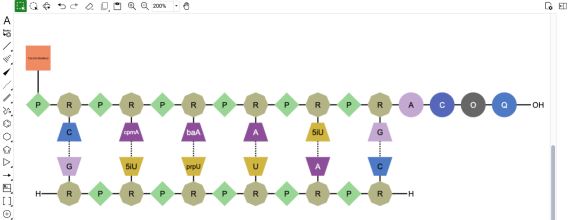
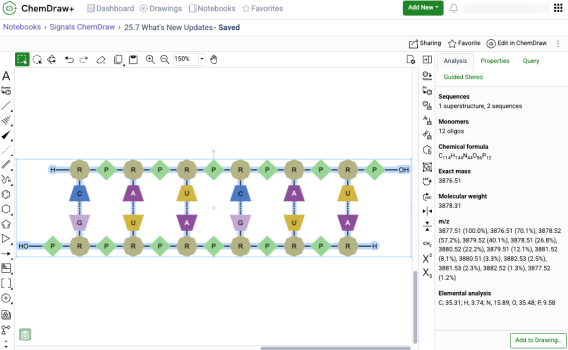
- Sense & antisense annotations now available on oligonucleotide biopolymers
- Drawing hydrogen bonds between complementary strands with non-natural nucleobases
HELM Monomer Curation
- New ChemDraw editor available in ‘New Monomer’ form
ChemDraw+
Sharing Drawings
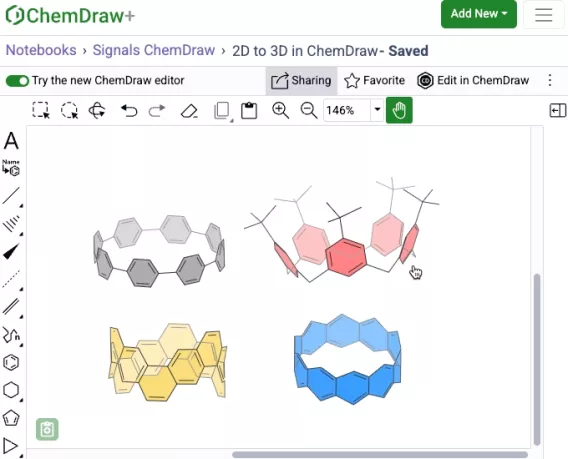
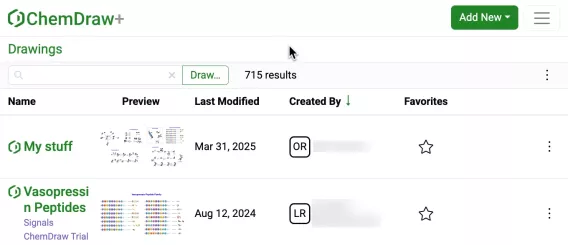
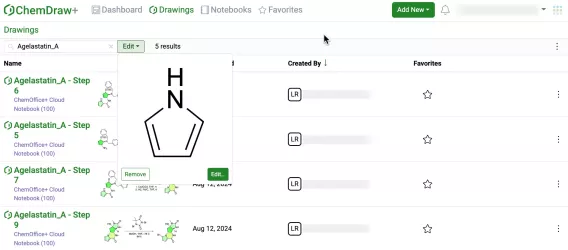
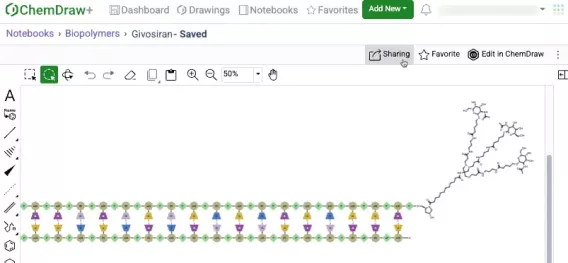
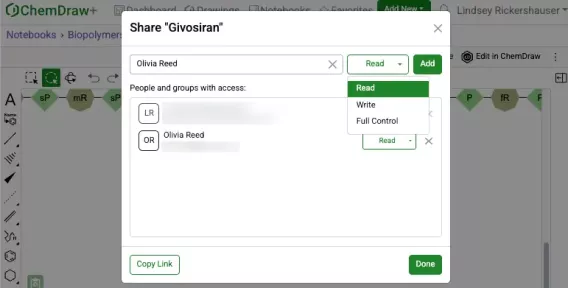
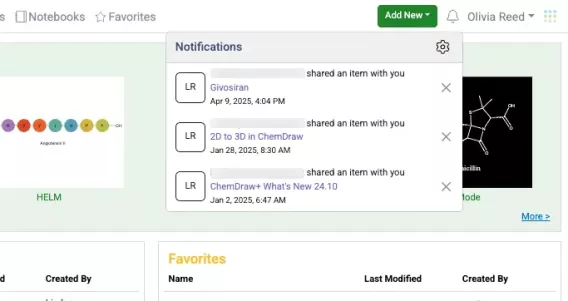
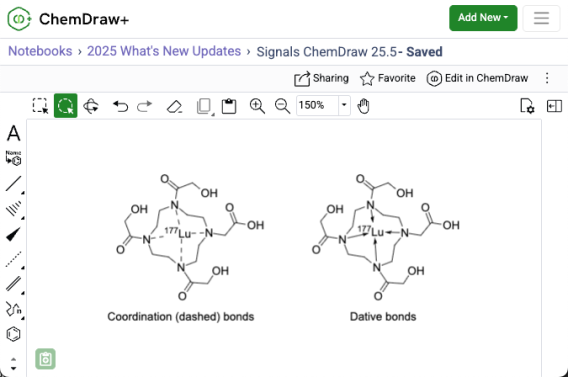
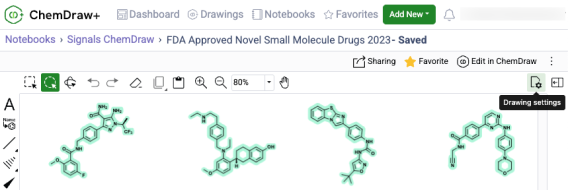
Users with sharing privileges can now share drawings in ChemDraw+ with other users or groups. This can be done either from an open drawing in the web editor view or from the actions menu in the Drawings, Favorites, or Notebook detailed list views within the application.
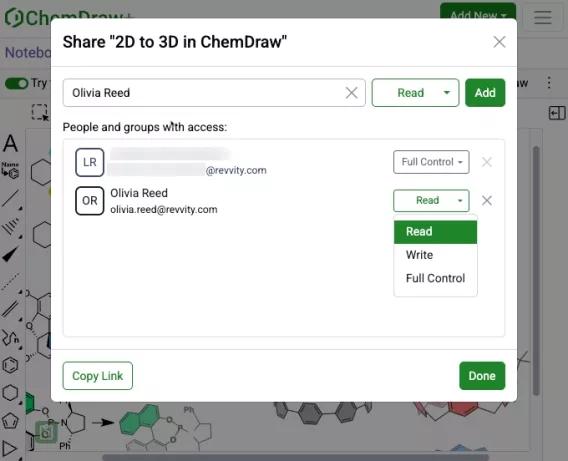
Read, Write or Full access control can be specified during the sharing process. Once shared, access can be removed or modified as needed.
Rotate 180 degrees vertically and horizontally
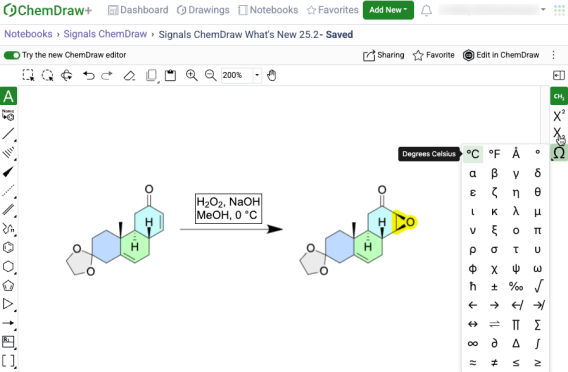
New rotate tools are available in the right-side context based toolbar in the new editor. When used, these allow 180-degree rotation both horizontally and vertically, preserving molecular stereochemistry. This differs from flip tools, which mirror stereochemistry within a structure when used.
Complementary strands inserted to canvas in a single line with no line wraps
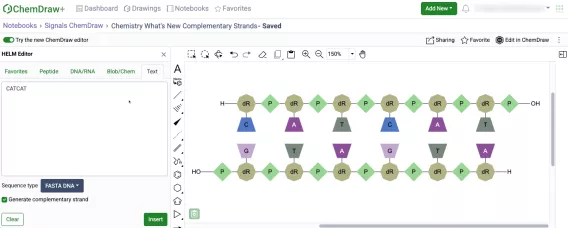
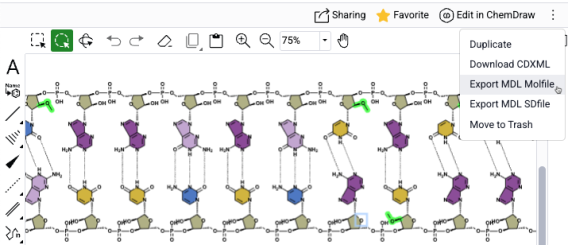
Complementary strands of any sequence length are now inserted onto the ChemDraw canvas from the HELM Text tab in a single horizontal line without line wrapping. The strands are aligned based on the complementarity of the base pairing.
Atom-mapped SMILES now supported in HELM strings for copy/paste
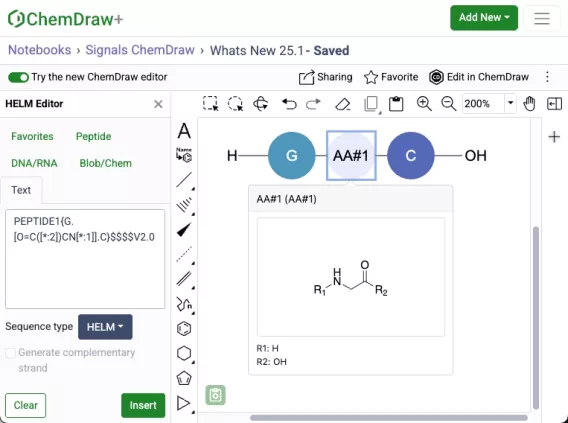
Atom-mapped SMILES are now supported in ChemDraw when inserting HELM strings or pasting them to the canvas. Additionally, when generating a HELM string for a sequence that includes an unknown or in-line monomer, the resulting HELM string will now use atom-mapped SMILES. This replaces the previously used extended SMILES format.
Sense & antisense annotations now available on oligonucleotide biopolymers
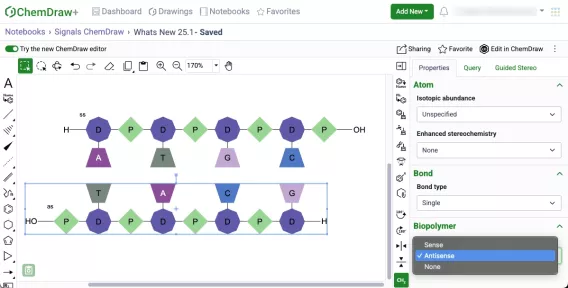
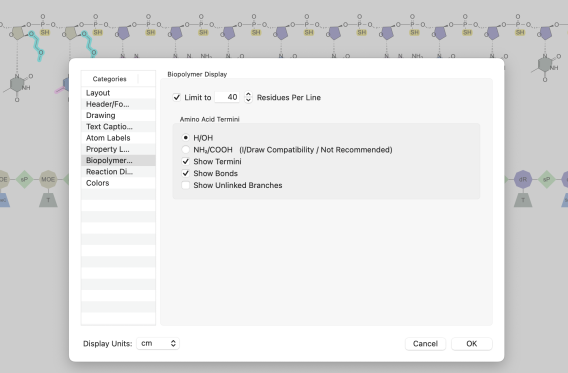
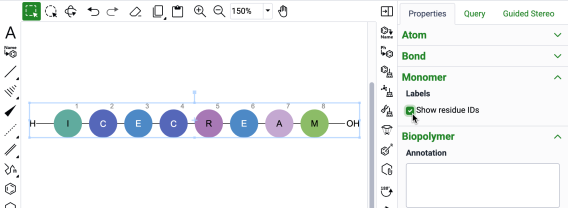
A new biopolymer section has been added to the Properties panel which will allow the addition of sense & antisense annotations to an oligonucleotide in the new ChemDraw editor. When an annotation is applied, a label will be added to the oligonucleotide on the canvas. The annotation will also be included in the generated HELM string for that biopolymer.
Drawing hydrogen bonds between complementary strands with non-natural nucleobases
Chemists can now manually draw hydrogen bonds between complimentary strands of DNA/RNA that are generated in ChemDraw containing non-natural nucleobases. The hydrogen bonding tool can be selected and used to place the appropriate hydrogen bonds according to Watson-Crick base pairing of the natural nucleobase analog.
HELM Monomer Curation
New ChemDraw Editor available in New Monomer form
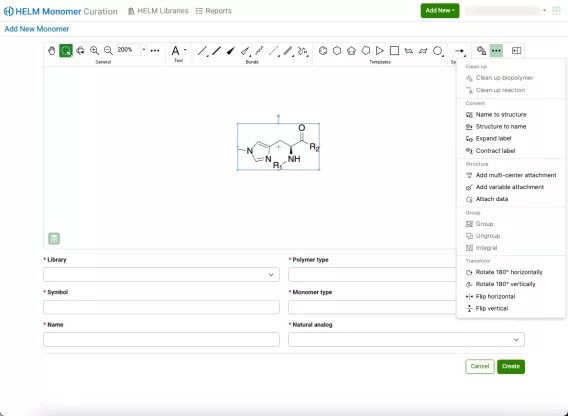
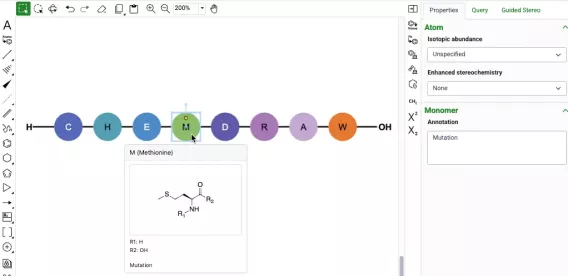
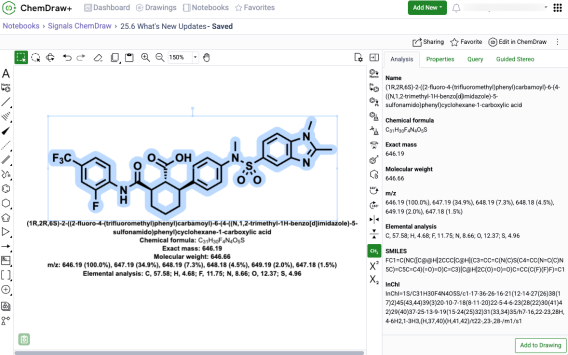
A new ChemDraw editor is now available in the New Monomer form of the HELM Monomer Curation application. The new drawing experience provides a redesigned interface with a dynamic toolbar that adapts to the space available. As tools collapse to fit the view, they remain easily accessible through menus on the toolbar. The new editor offers additional tools to enhance the drawing experience, including panning, expanded zoom controls, rotate tools, and template tools.
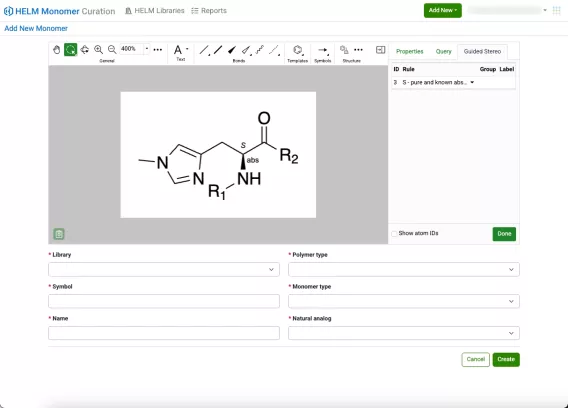
Additionally, new collapsible and resizable ‘Properties’, ‘Query’ and ‘Guided Stereo’ panels are available on the right side of the editing canvas.