What's New
We are delighted to release our new version of Signals, 25.8. This release brings enhancements in our Data Workflows and Analytics, SAR and decisioning, Inventory, Tables and Plates amongst others. We have new beta capabilities for Hierarchical Tables, Contextual Lists and extended beta capabilities around Supplier Lists, Data Factory and InVitro Analysis. Finally, we have also fixed a number of small bugs.
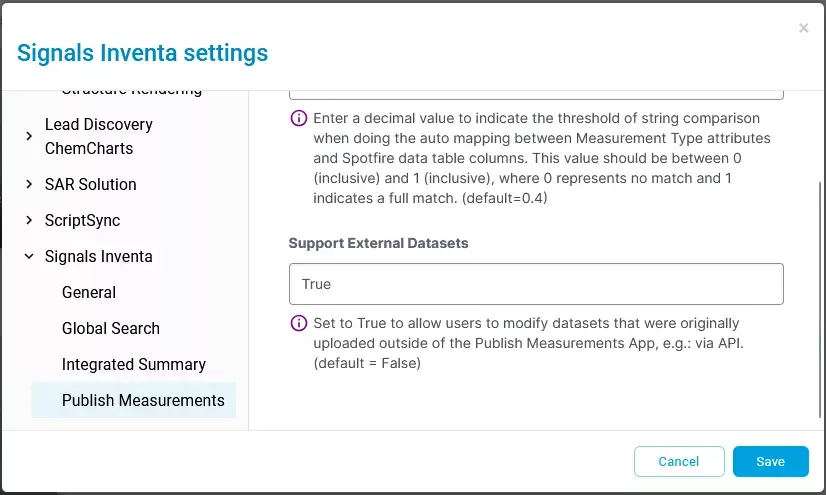
The following improvements are available for users, administrators and developers on the Signals platform. Certain features may only be available with appropriate licensing and/or with enablement by an administrator.
- AI
–Admin options to enable/disable AI functionality in Signals One (Beta) - Data Workflows & Analytics
–Animal Selection & Group Assignment App with Randomization capabilities is no longer available
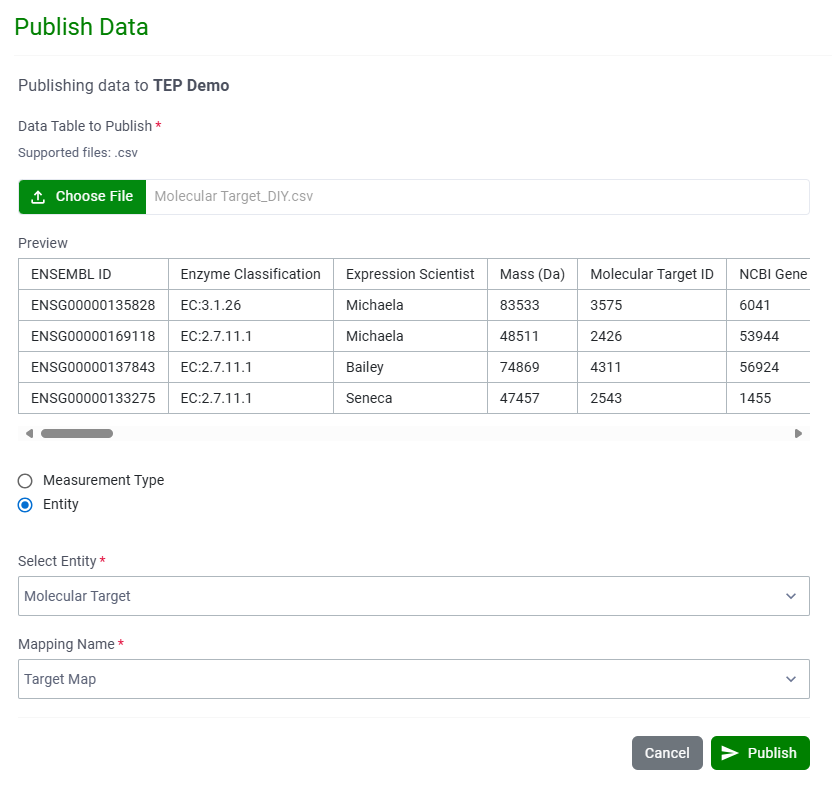
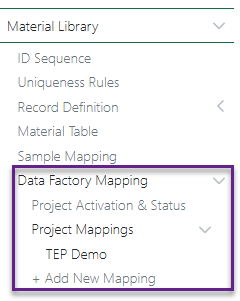
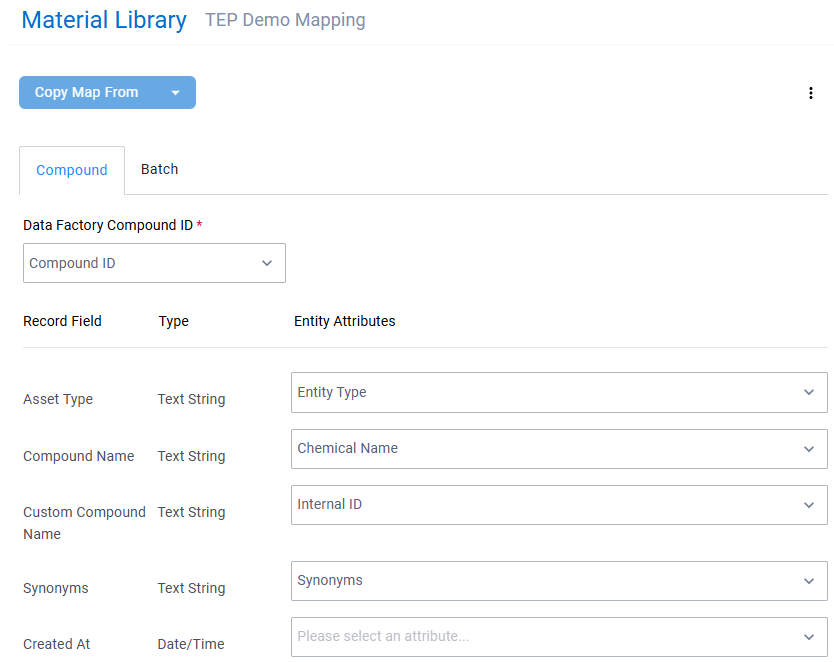
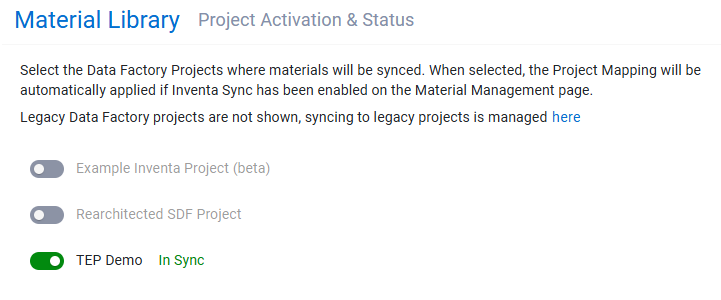
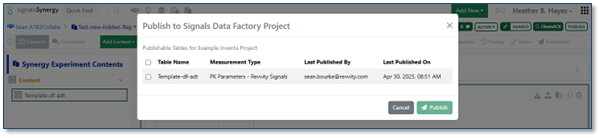
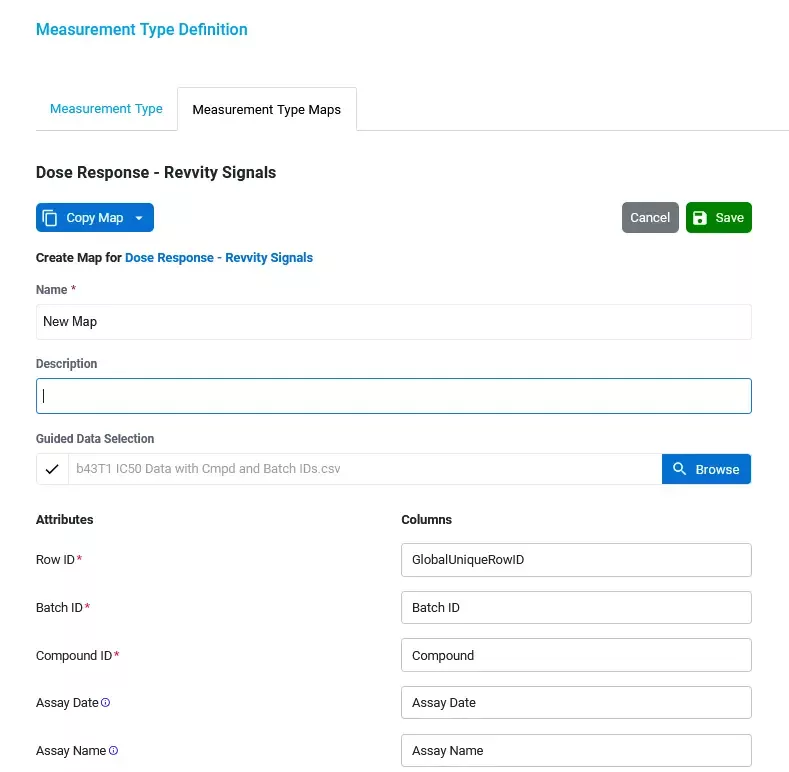
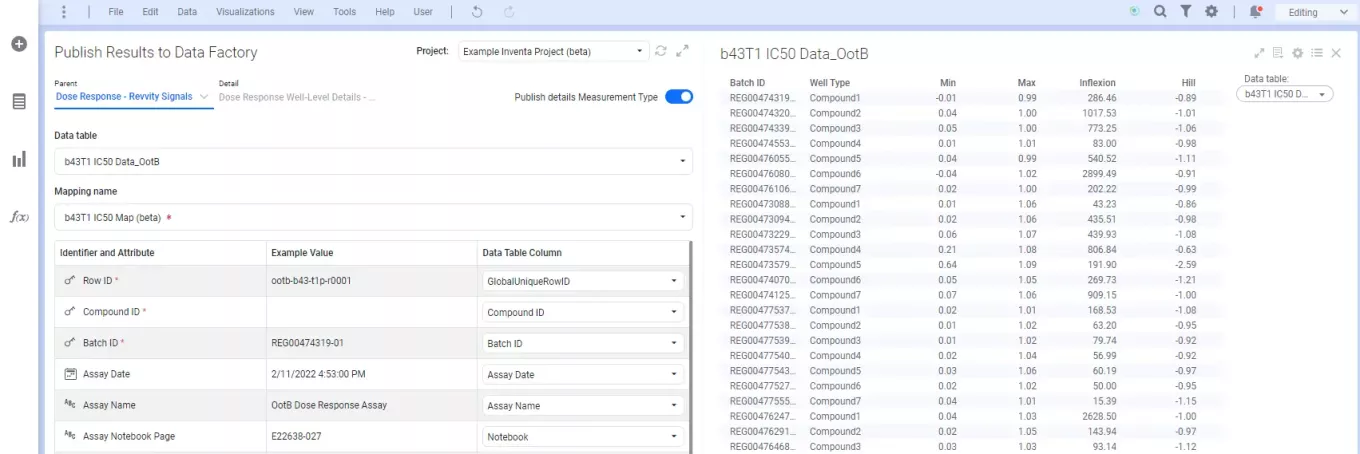
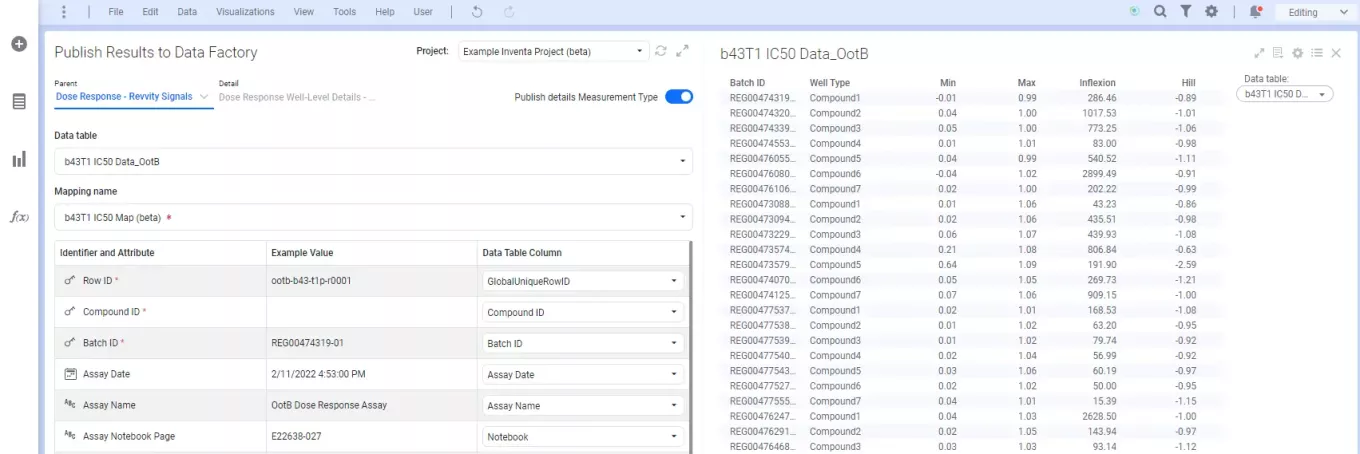
–Data Factory 2.0 Publishing (beta)
–Exclusion of Plates or individual Wells (beta)
–Analytics annotations (beta)
- SAR &Decisioning
– System generated IDs can be used when publishing data to Data Factory (beta)
– Changes to Data Factory’s information design now propagate to published data (excludes legacy projects) (beta)
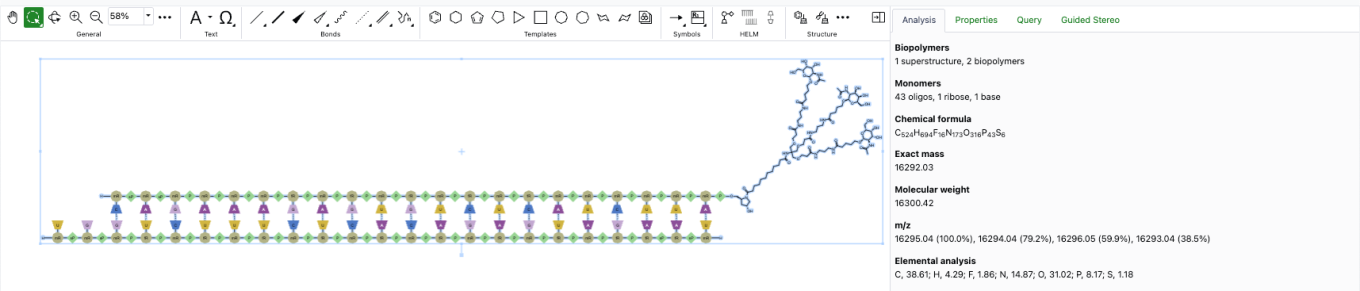
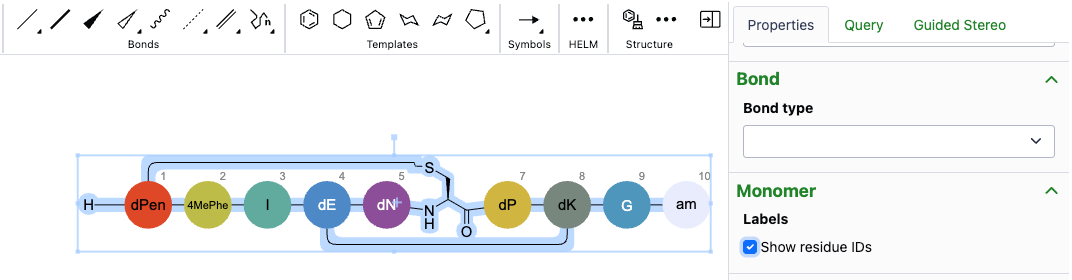
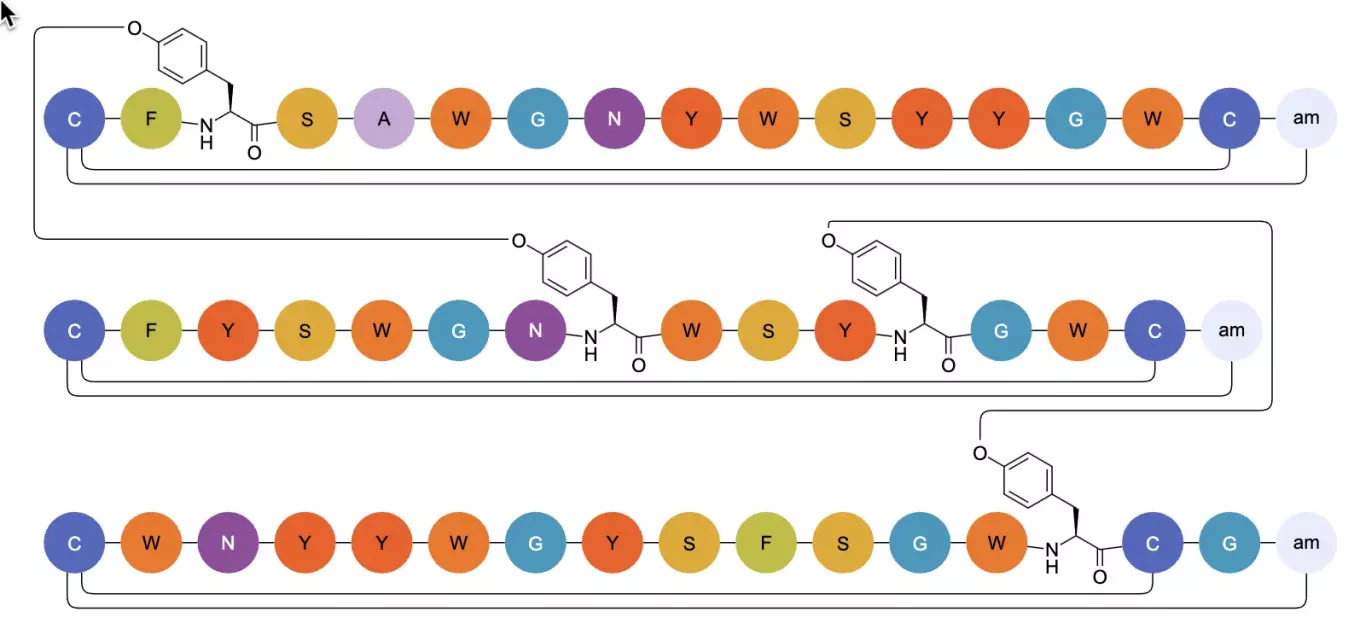
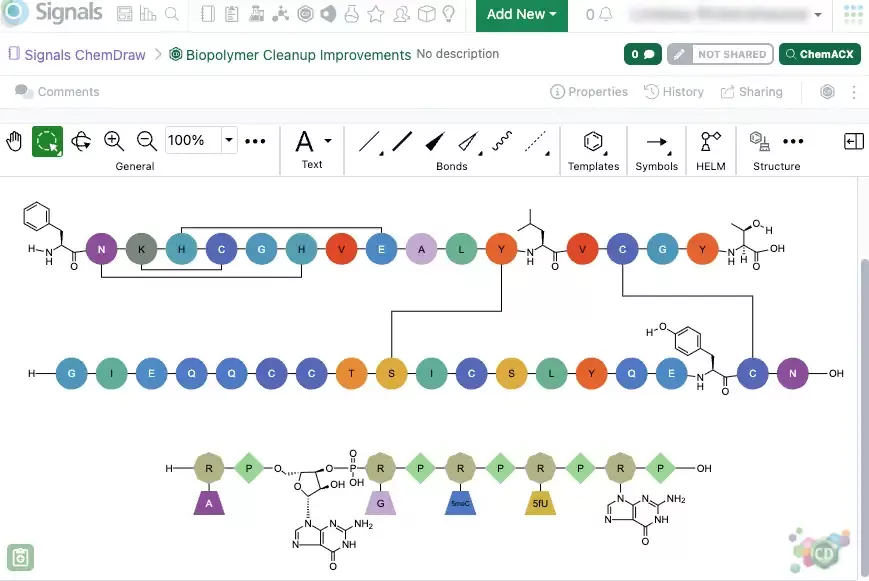
– ChemCharts manual sequence alignment visualization, HELM enhancements, and structure visualization improvements
- Synergy
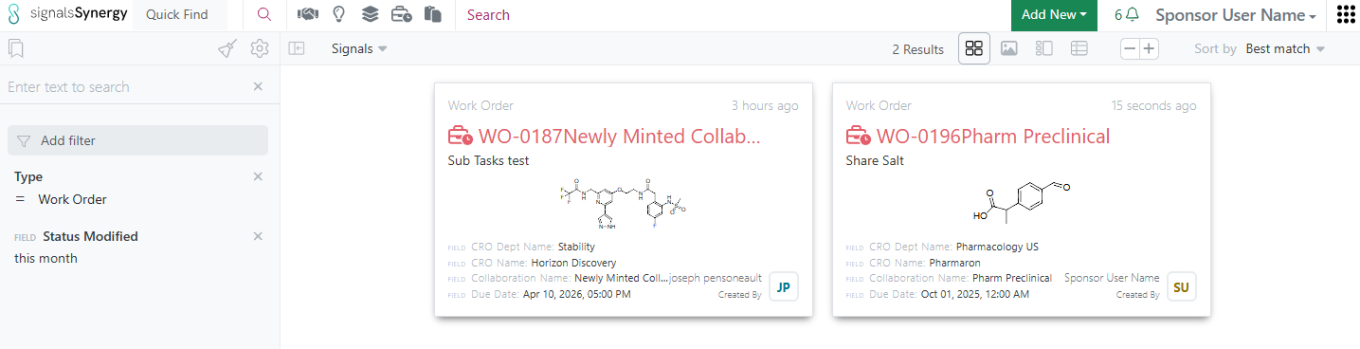
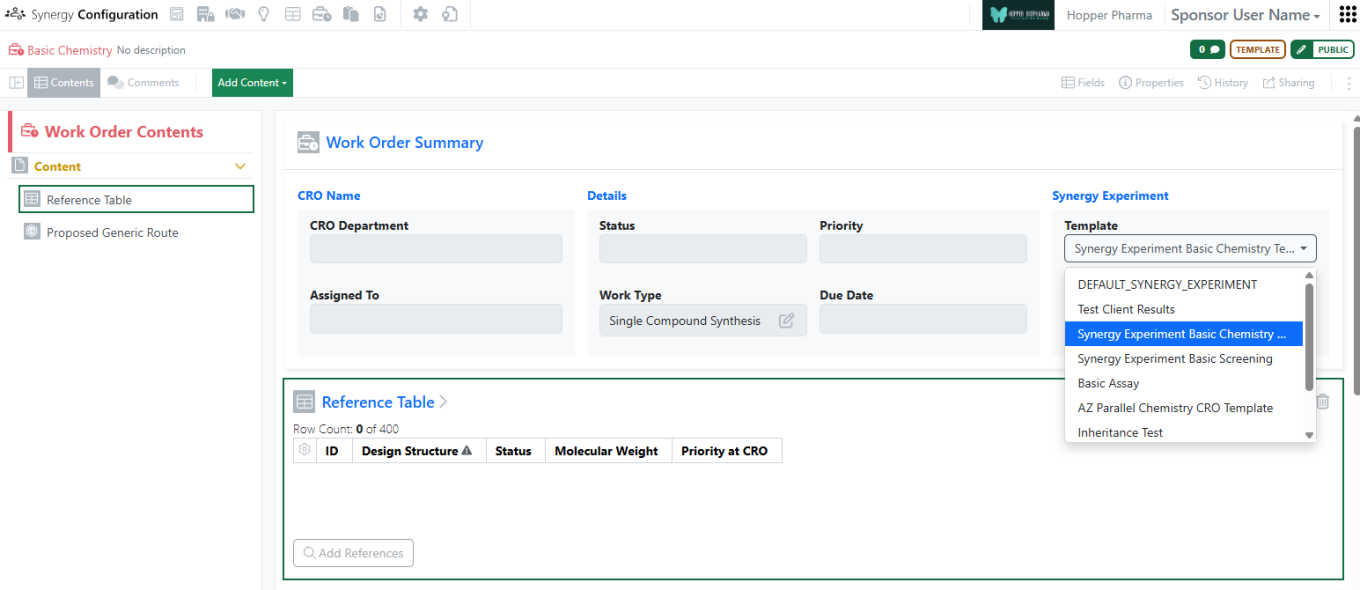
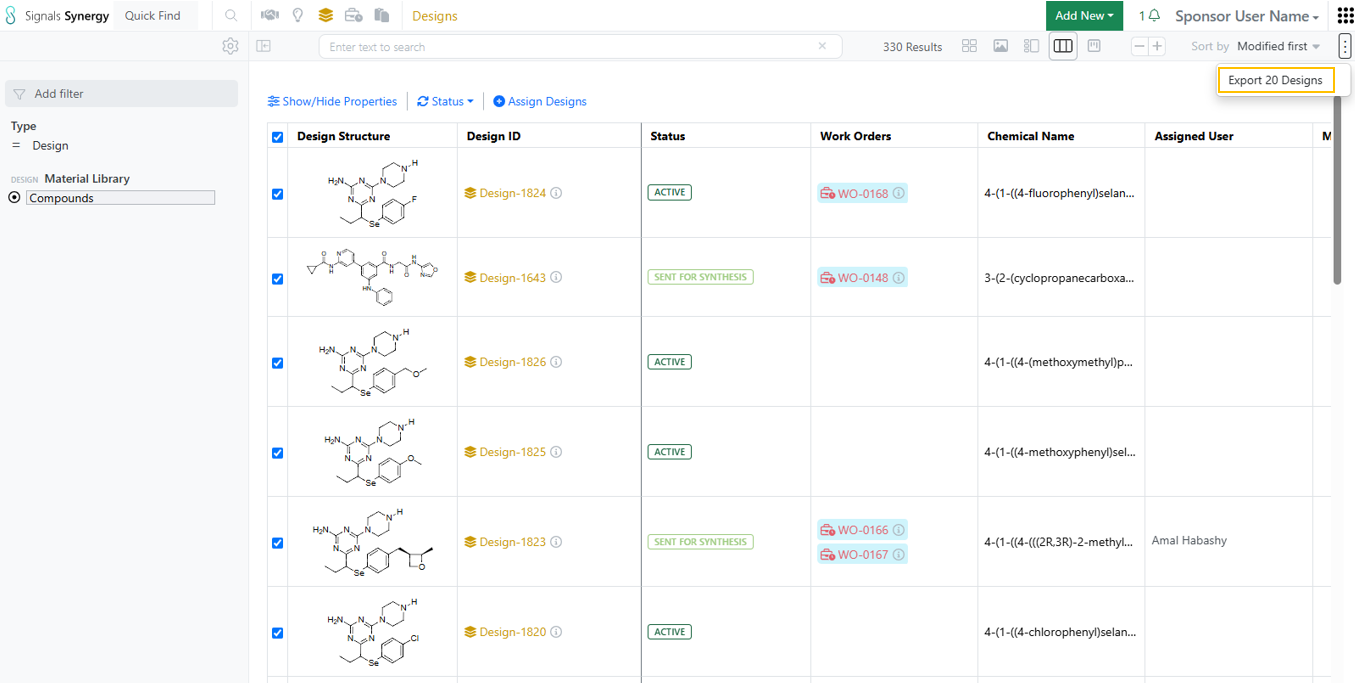
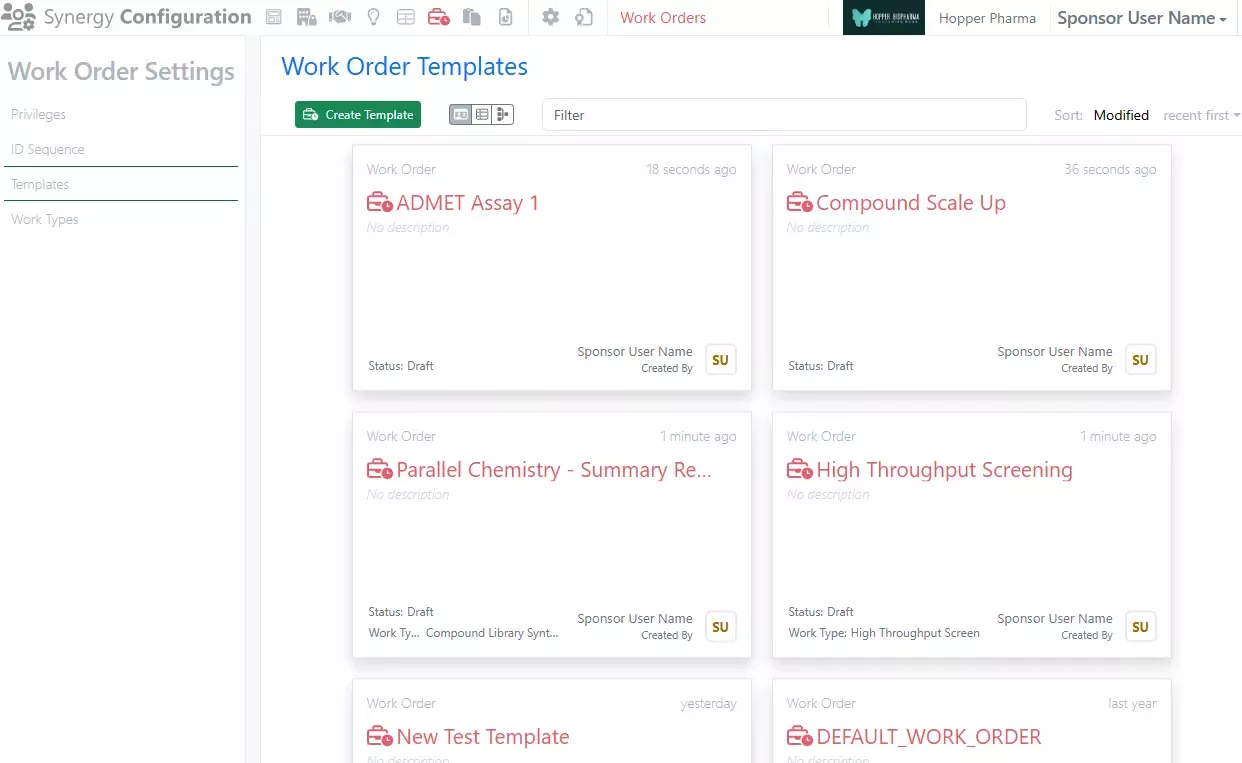
– Copy/Copy Partial of Work Order
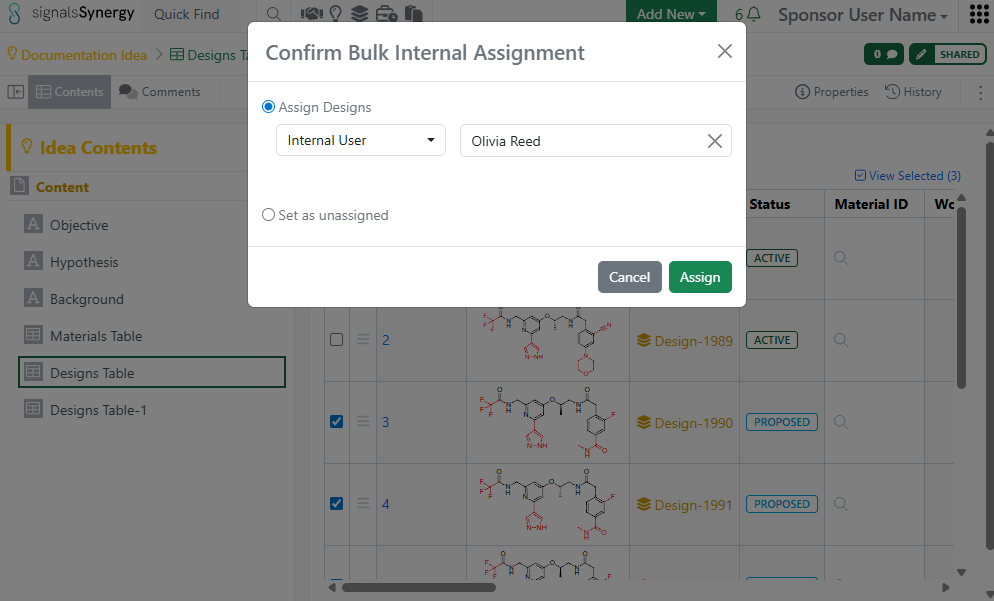
– Bulk create Designs from enumerated Products in Parallel Experiments
- Chemistry
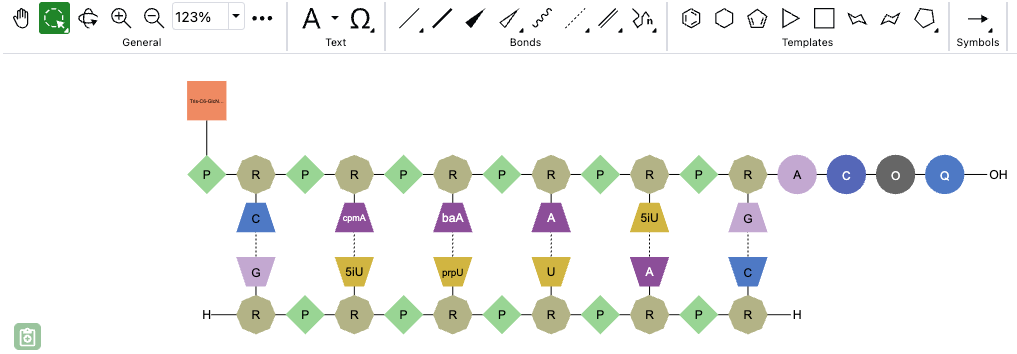
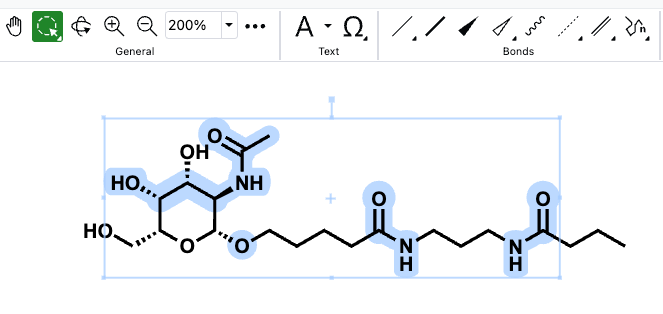
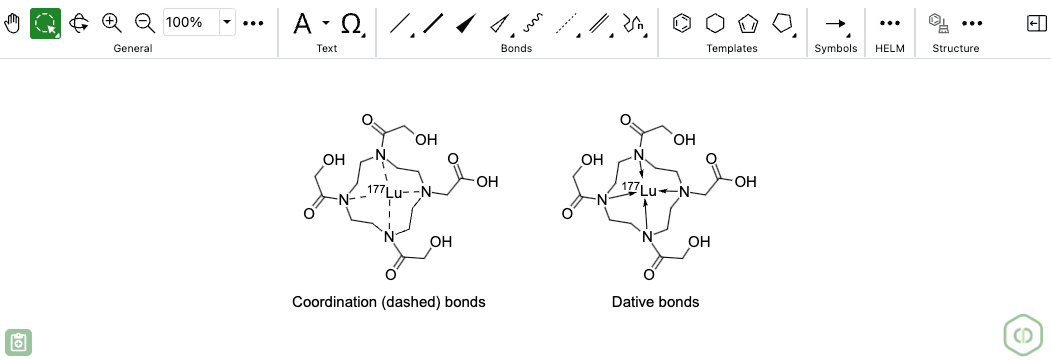
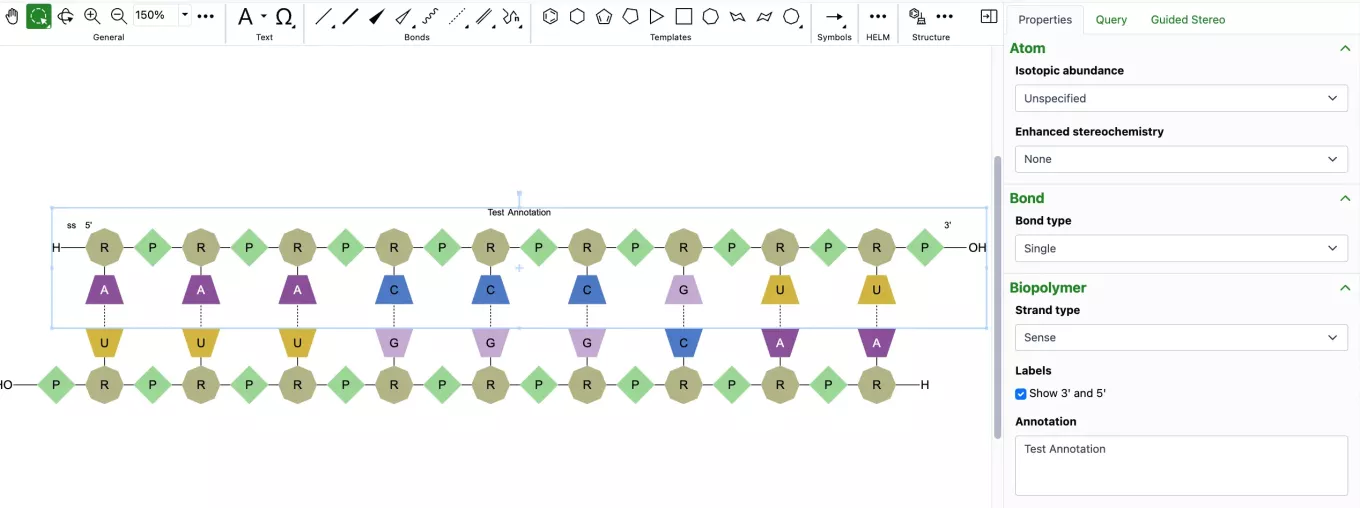
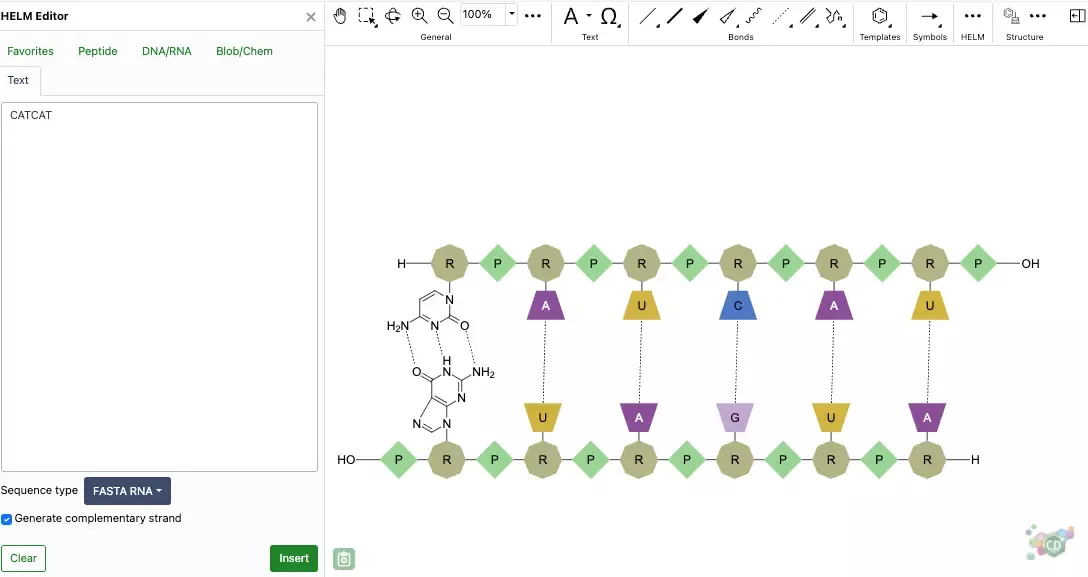
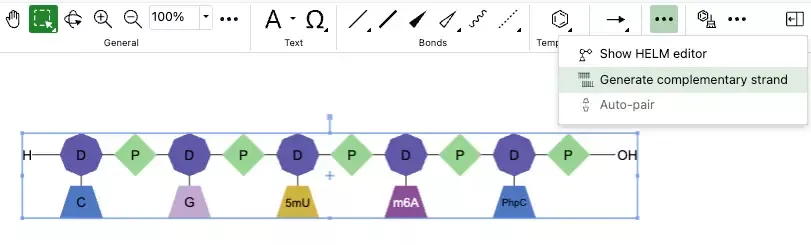
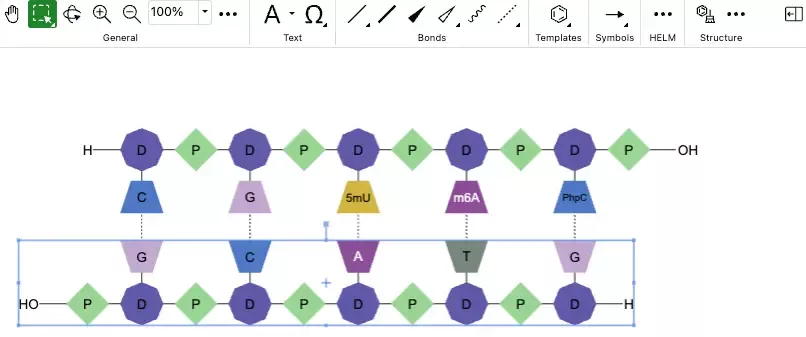
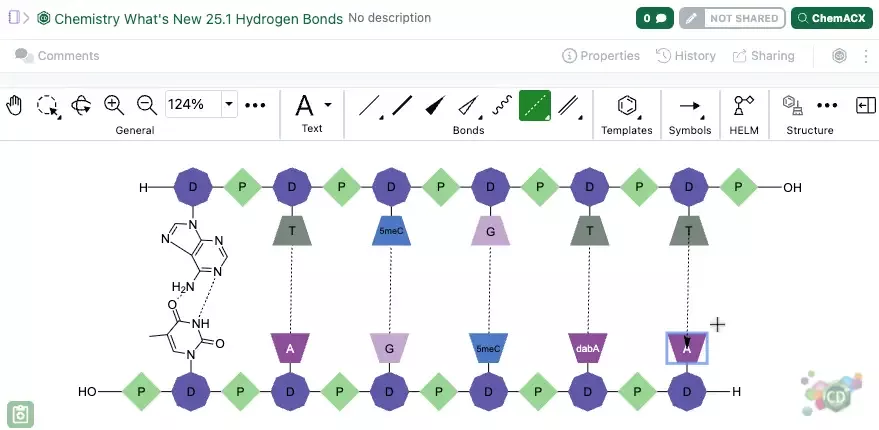
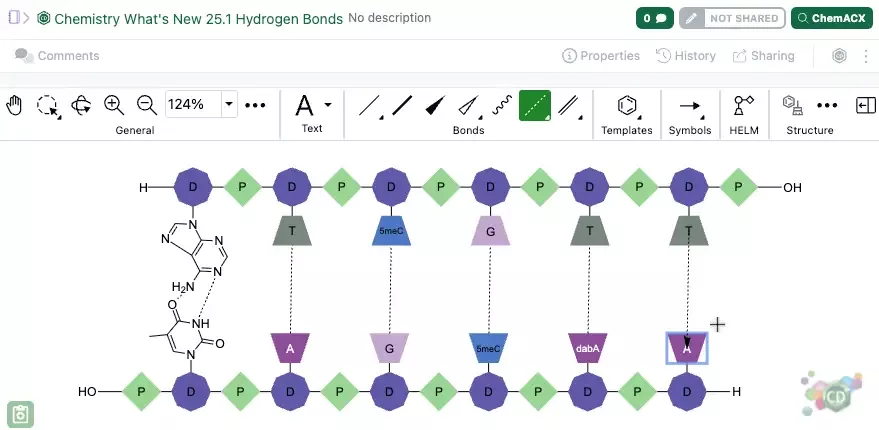
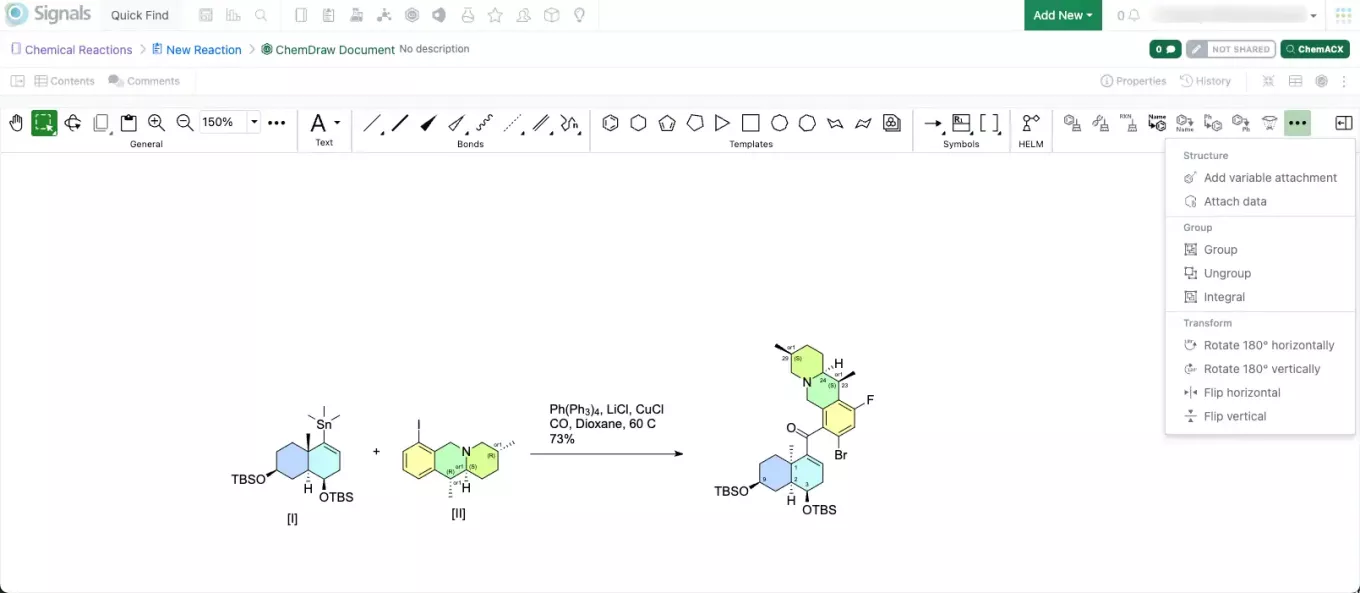
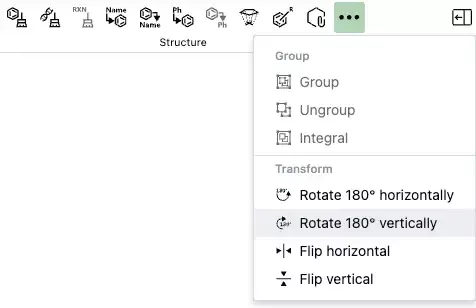
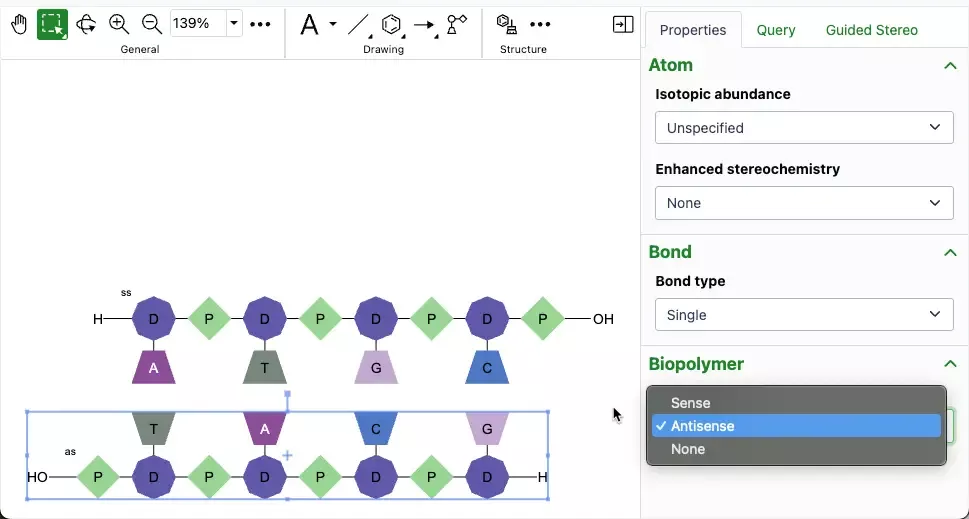
– Drawing of individual RNA or DNA monomers is now supported in the HELM editor
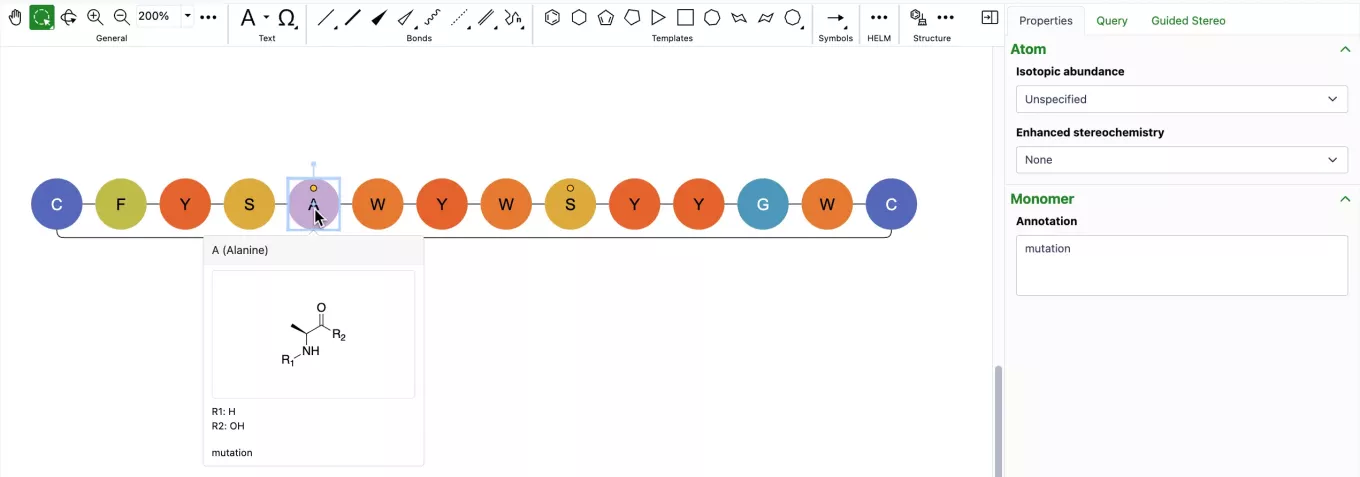
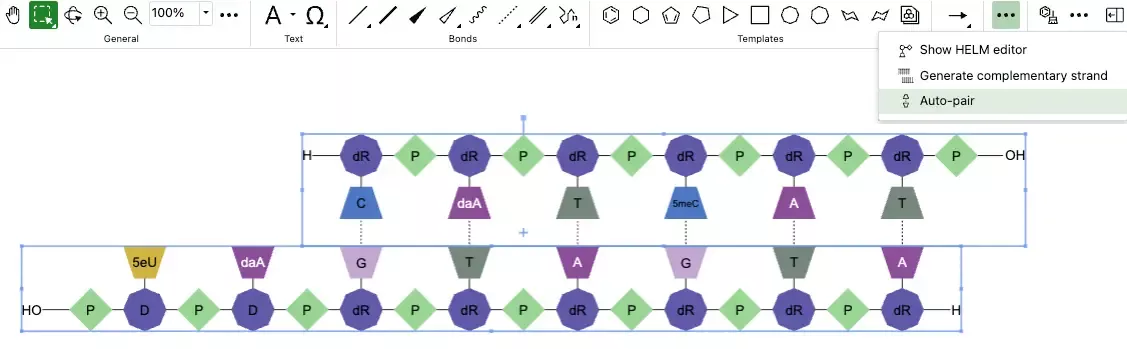
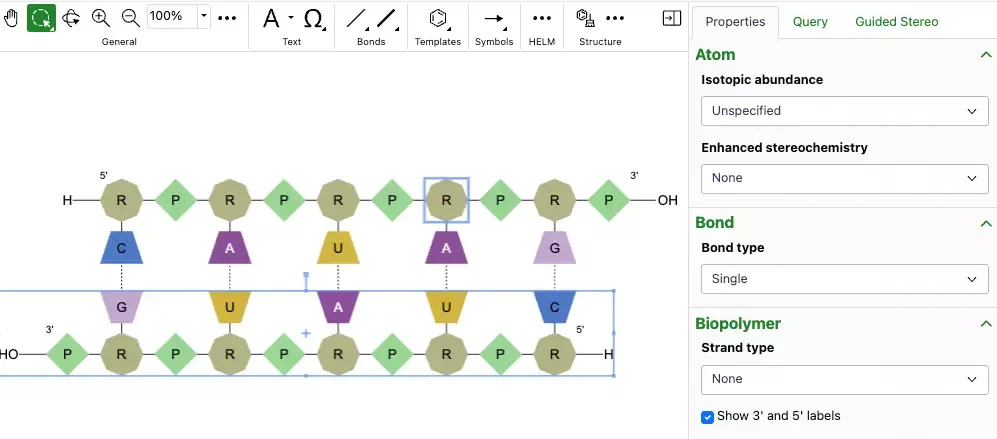
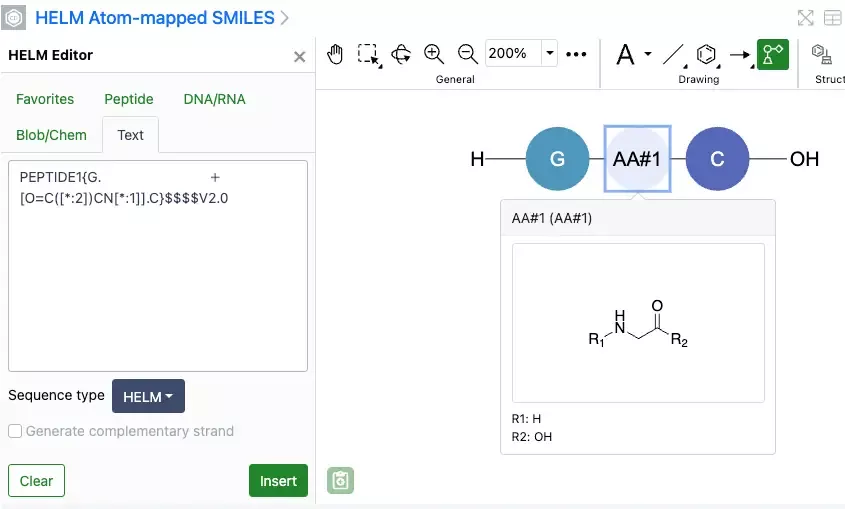
– Selection and replacement of multiple monomers at once when using the HELM editor is now possible
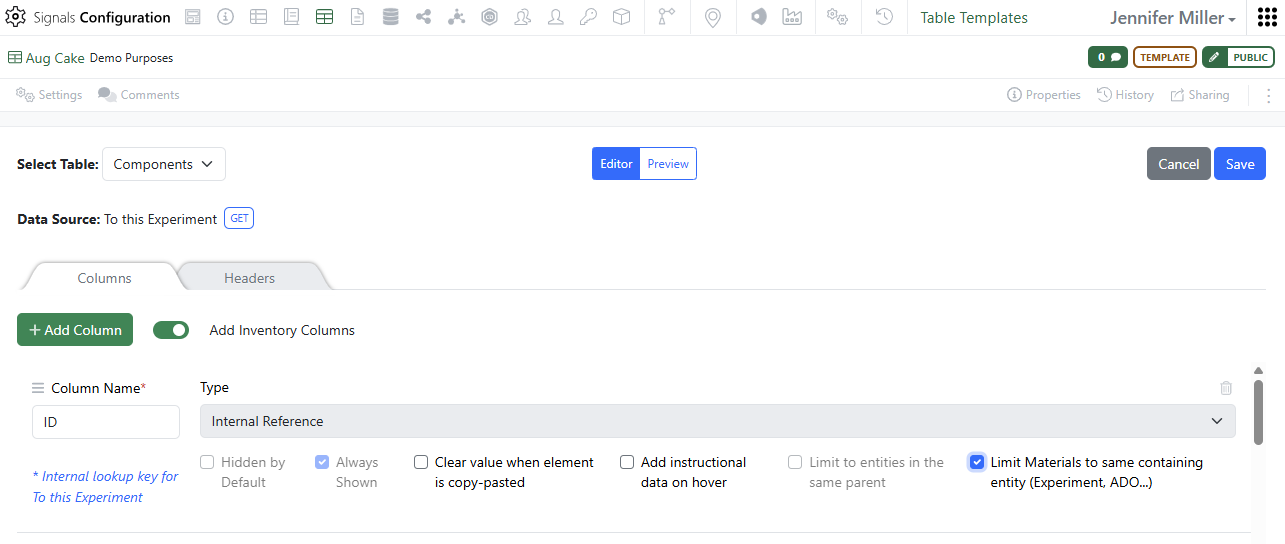
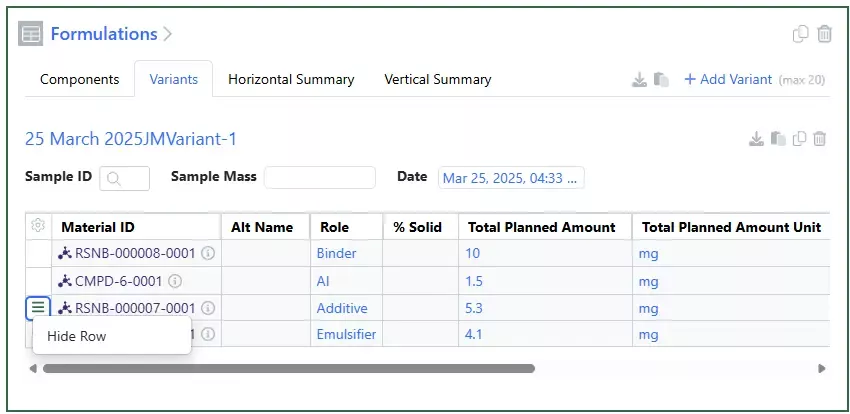
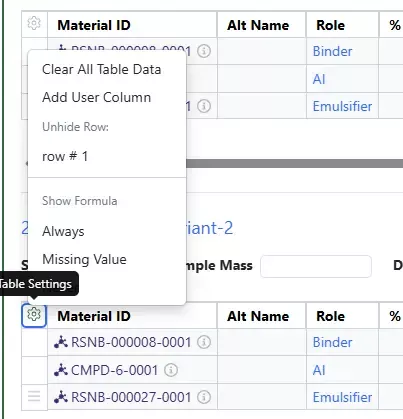
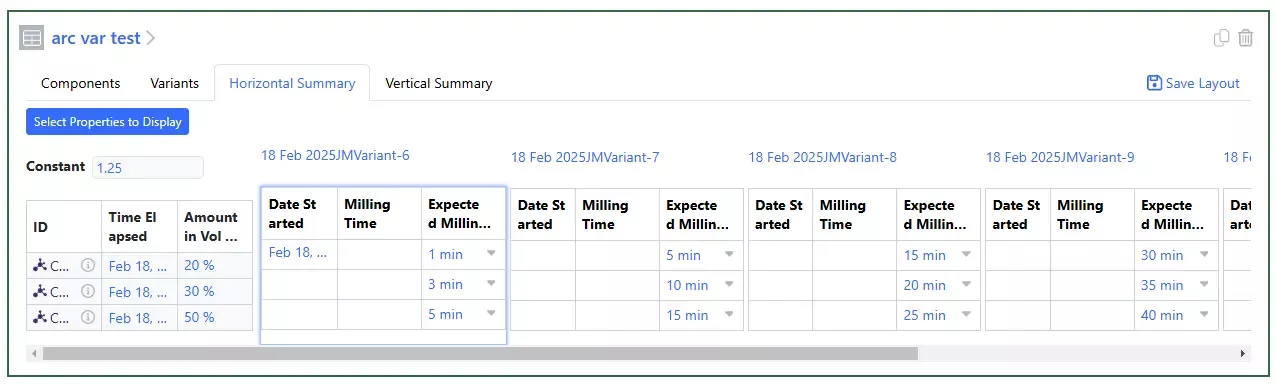
- Admin Defined Tables & Variation Tables
– ROUND function
– Hierarchical Tables (beta)
– Contextual Lists (beta)
- Plates
– Load/update plate via CSV upload
- Inventory
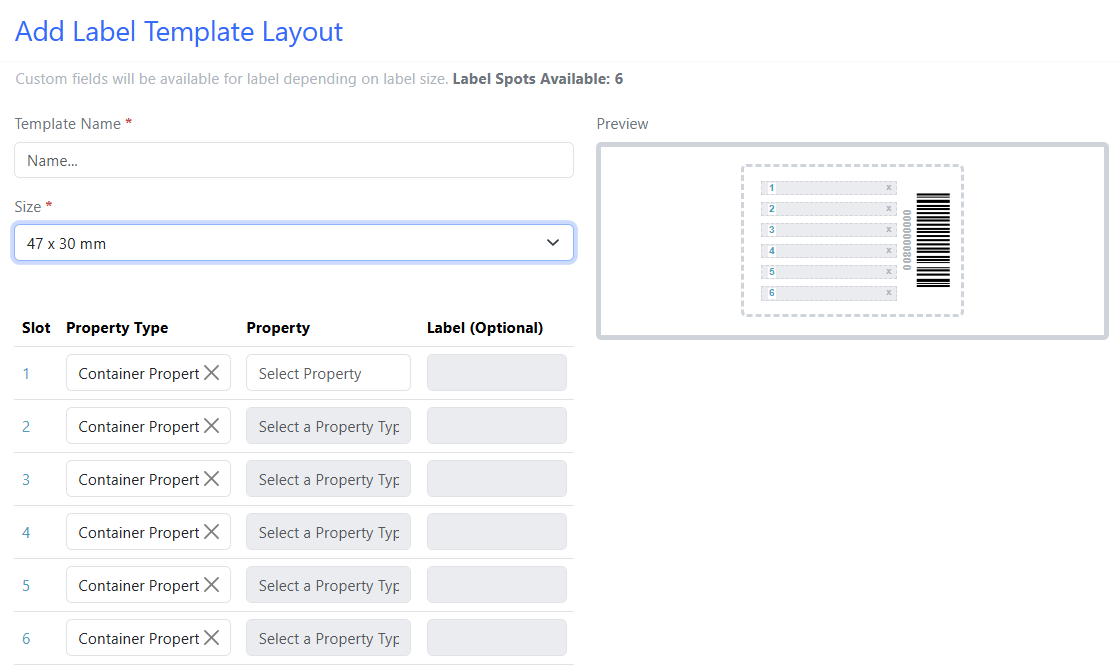
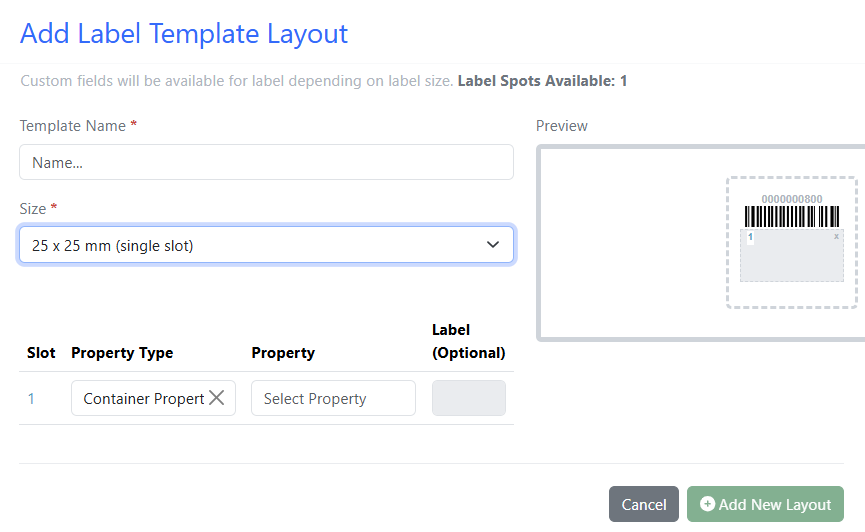
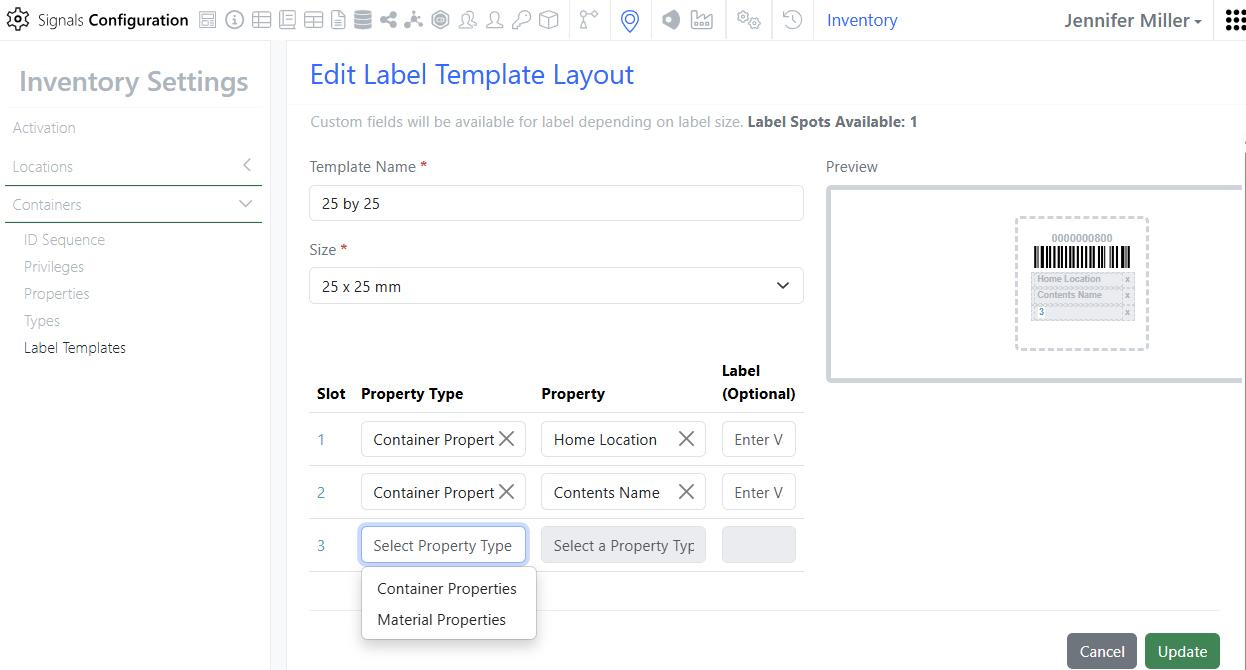
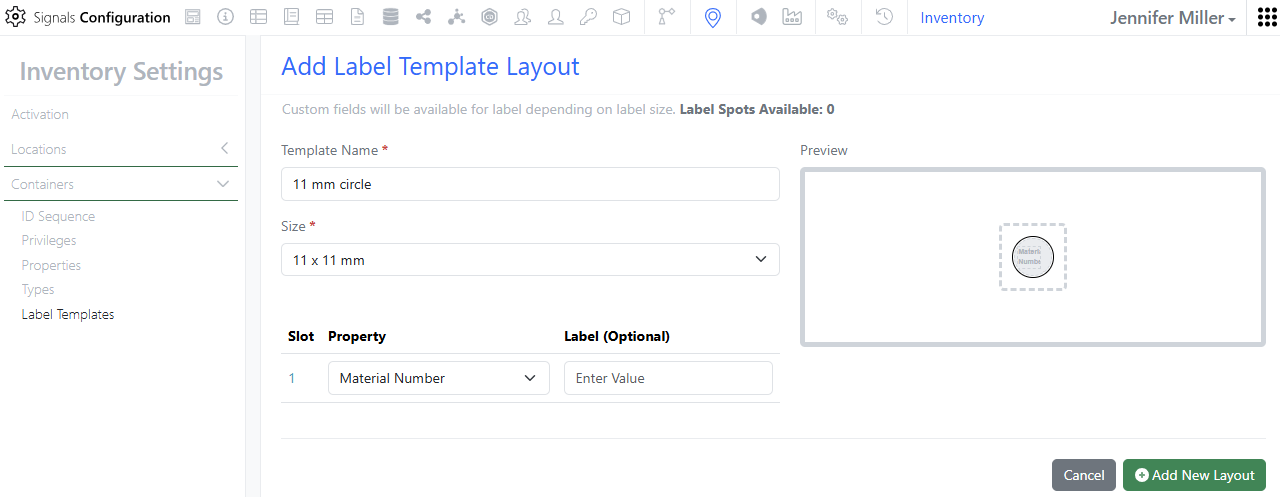
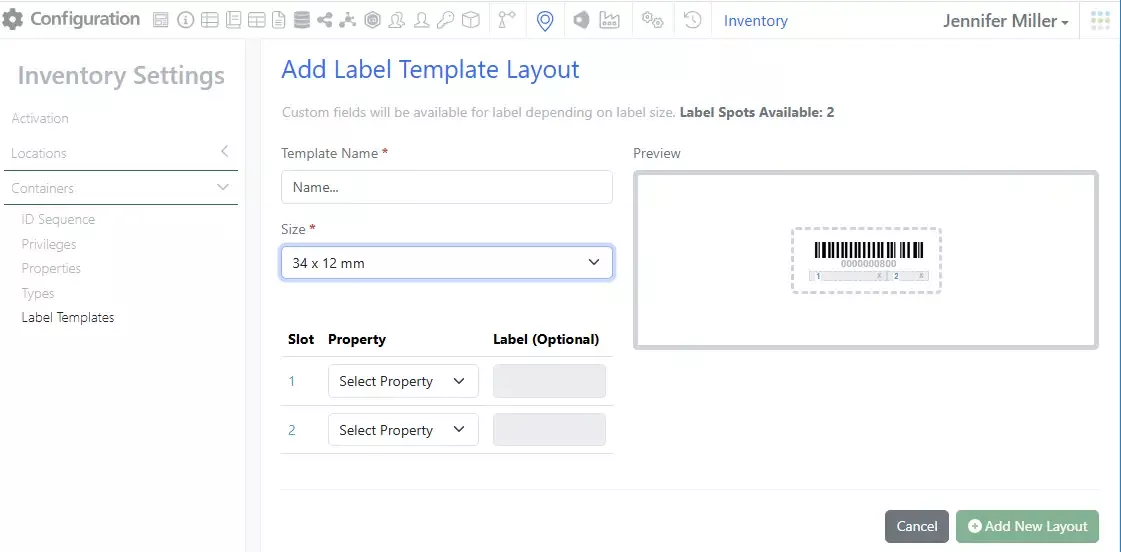
– 3 New labels
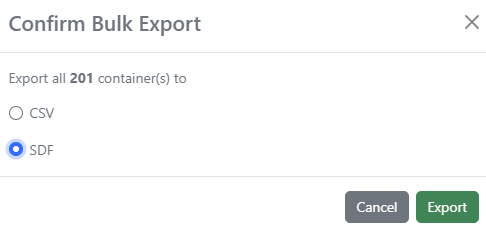
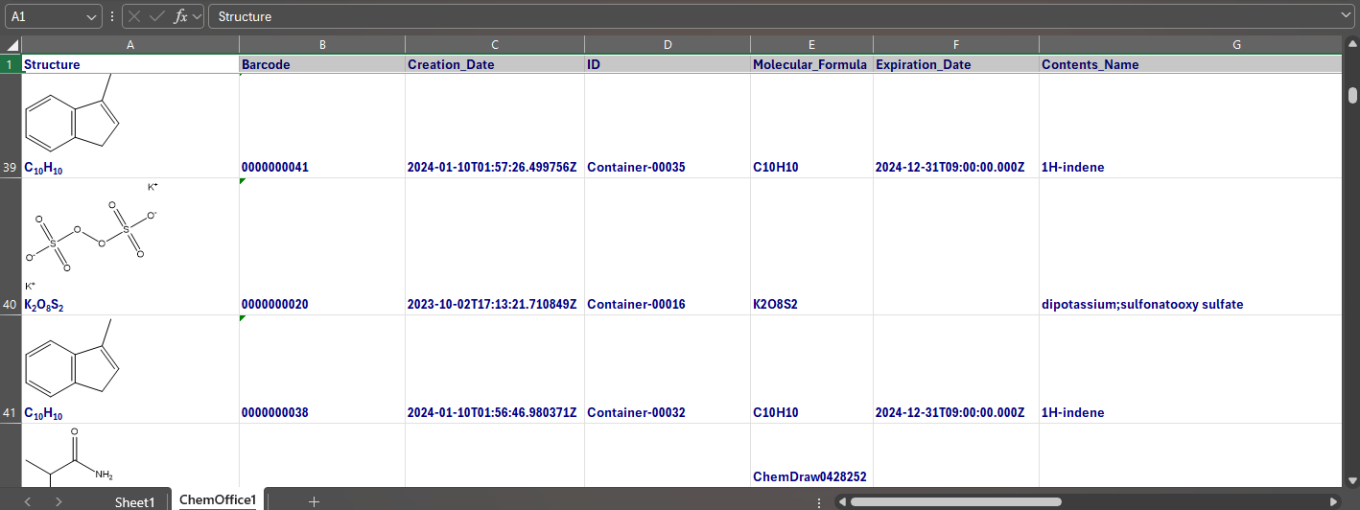
– Update to Export Containers for searches that return no results
– Additional Container Privilege for updating Home Location
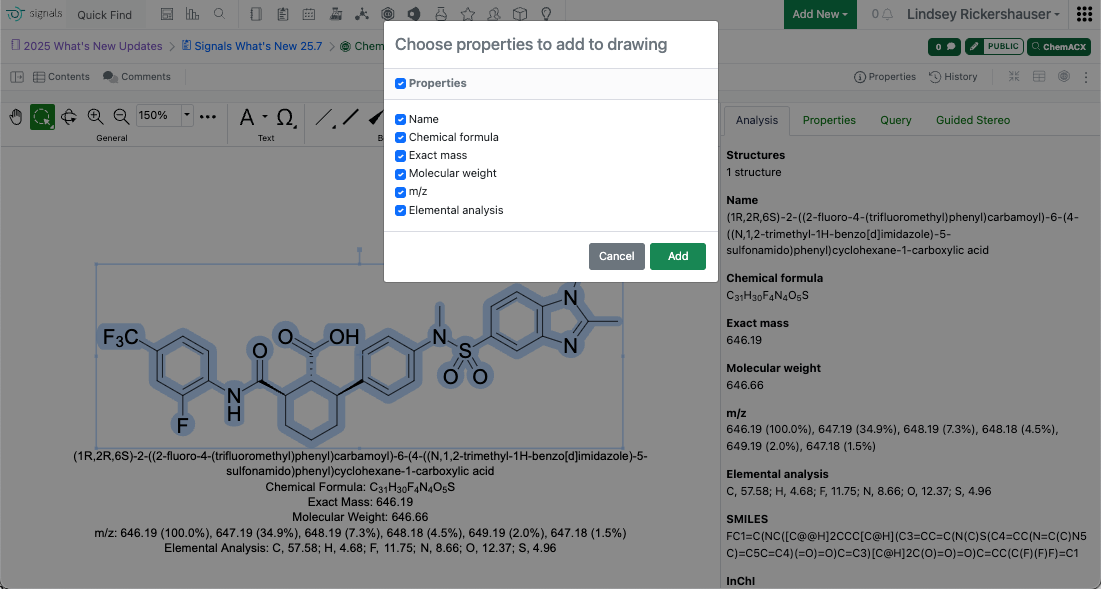
– Search by CAS and select containers in Quick Add in Chemical Drawings
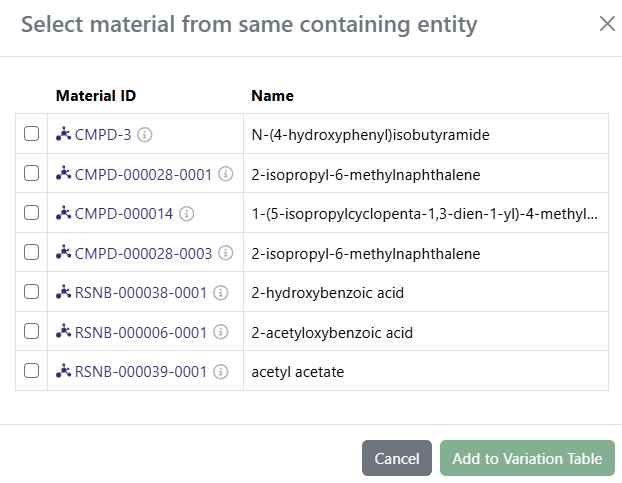
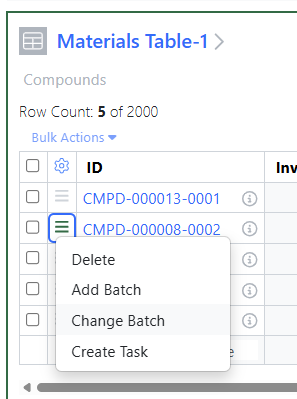
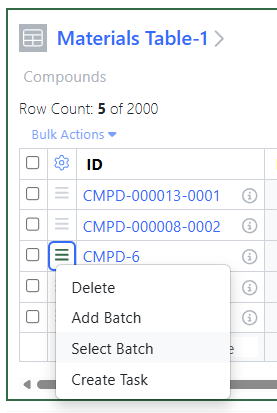
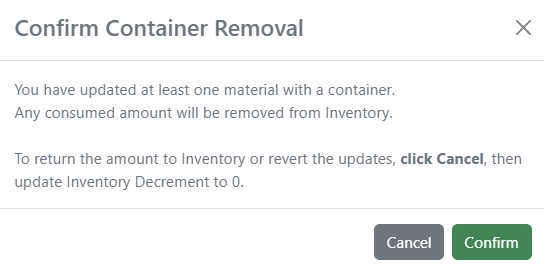
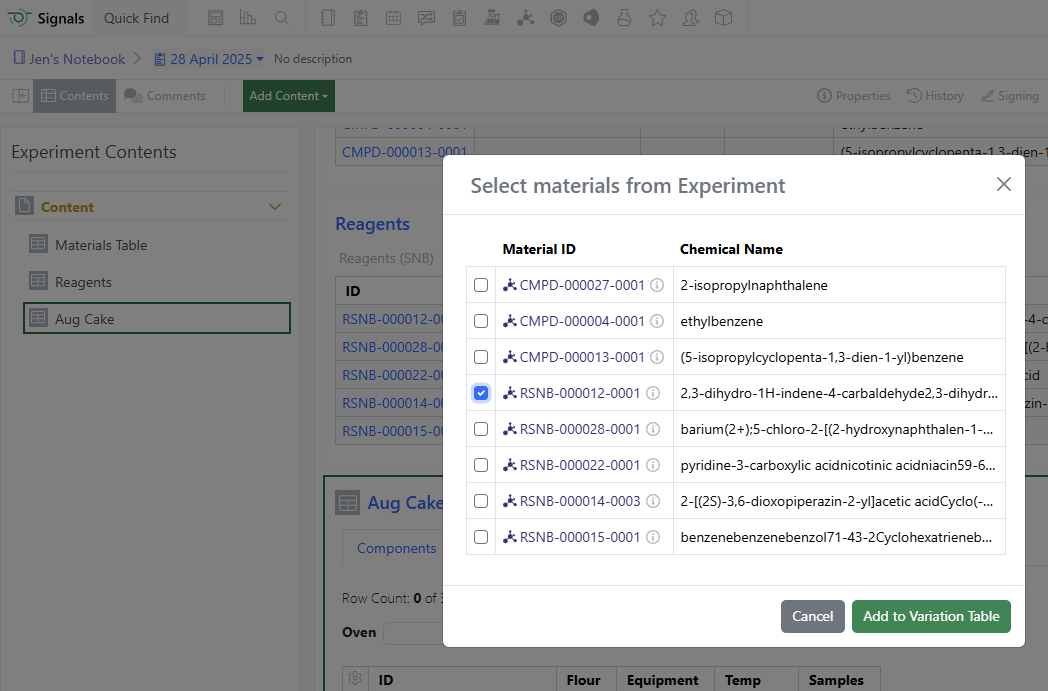
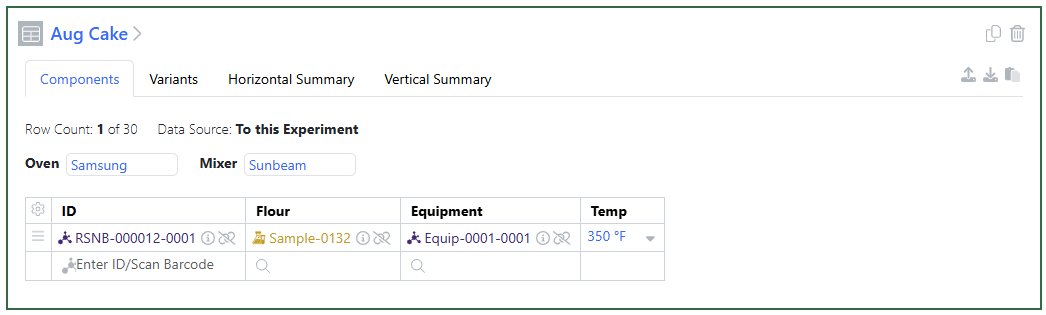
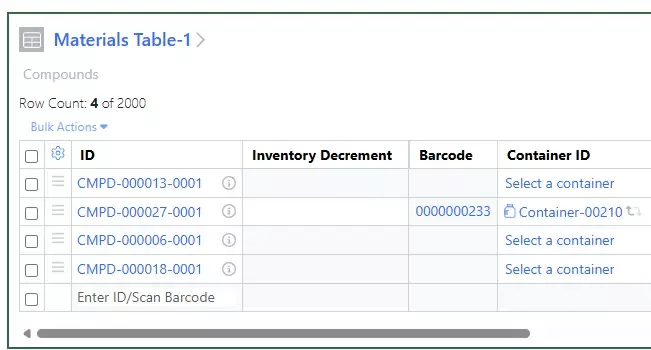
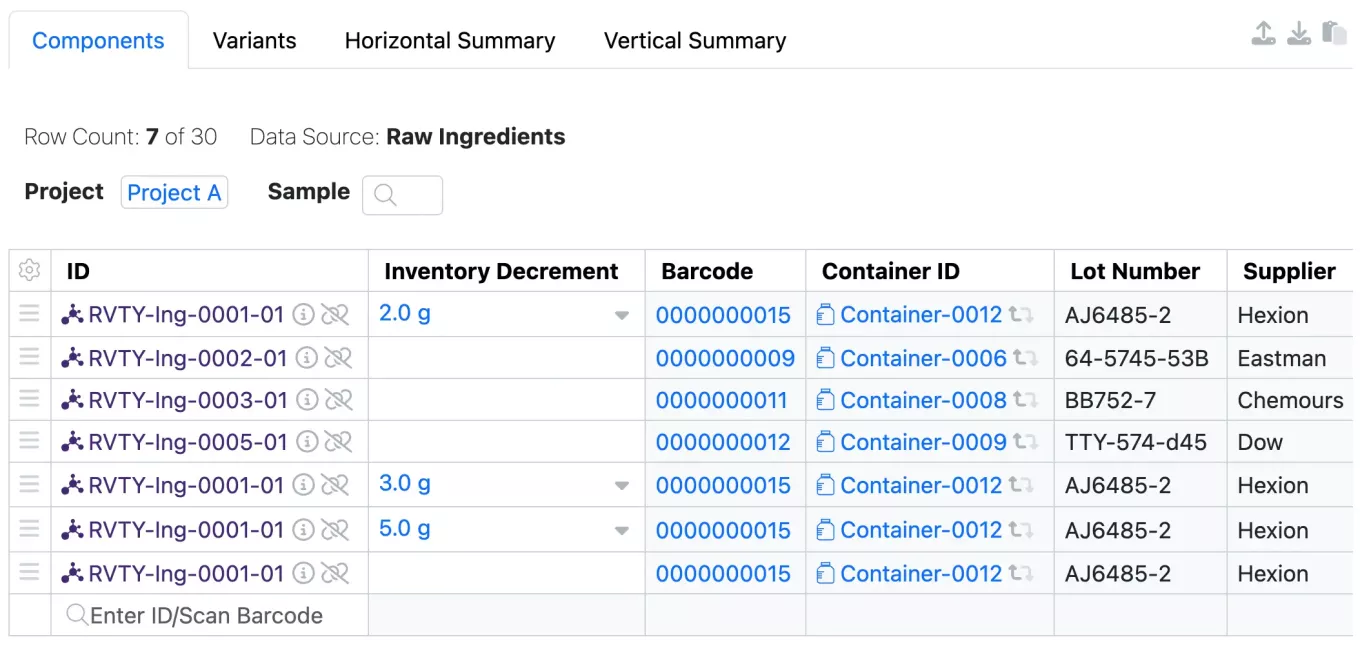
– Remove link to any container in the Materials Table
– Bulk Import Containers (beta)
– Update to Advanced Search for Home Locations with grid coordinates
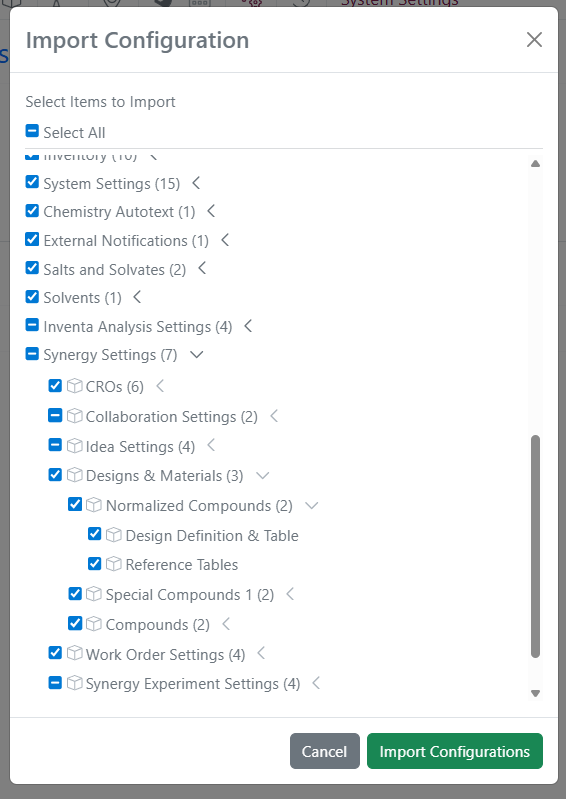
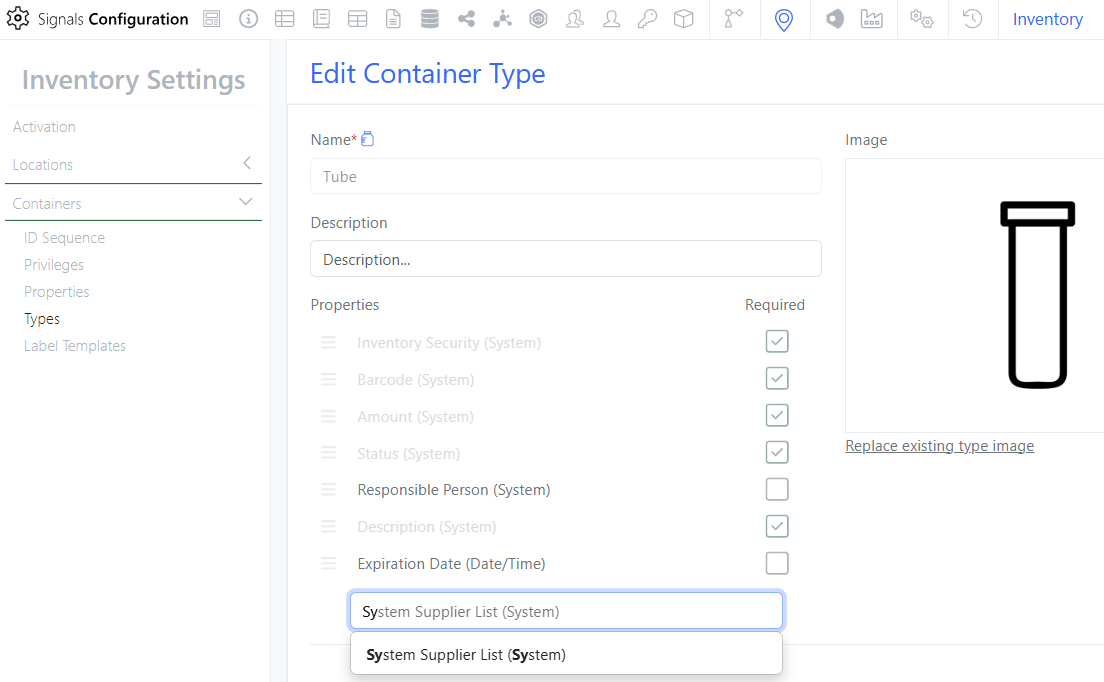
– System Supplier List available in Chemistry Settings Configuration (beta)
- Materials
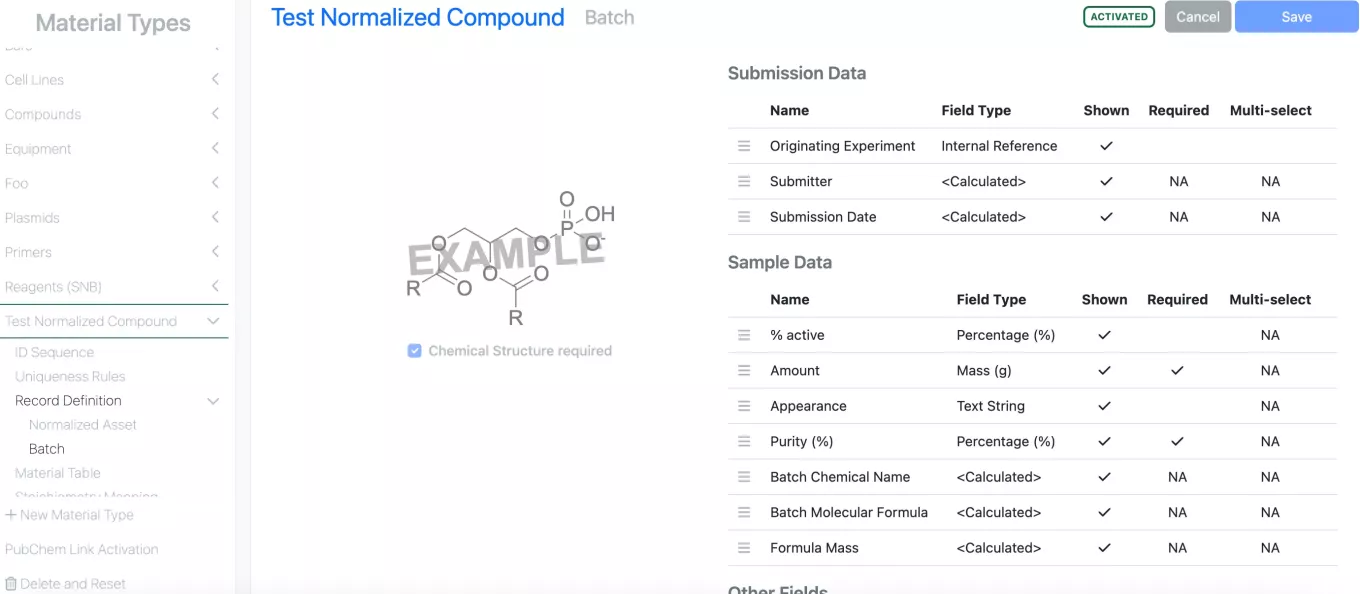
– Option to utilize structure AND additional fields in uniqueness checking
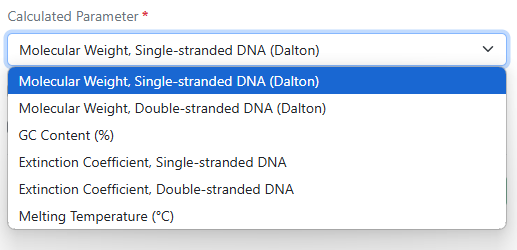
– Total Cysteine Content (%) for protein sequences
- Adminstration
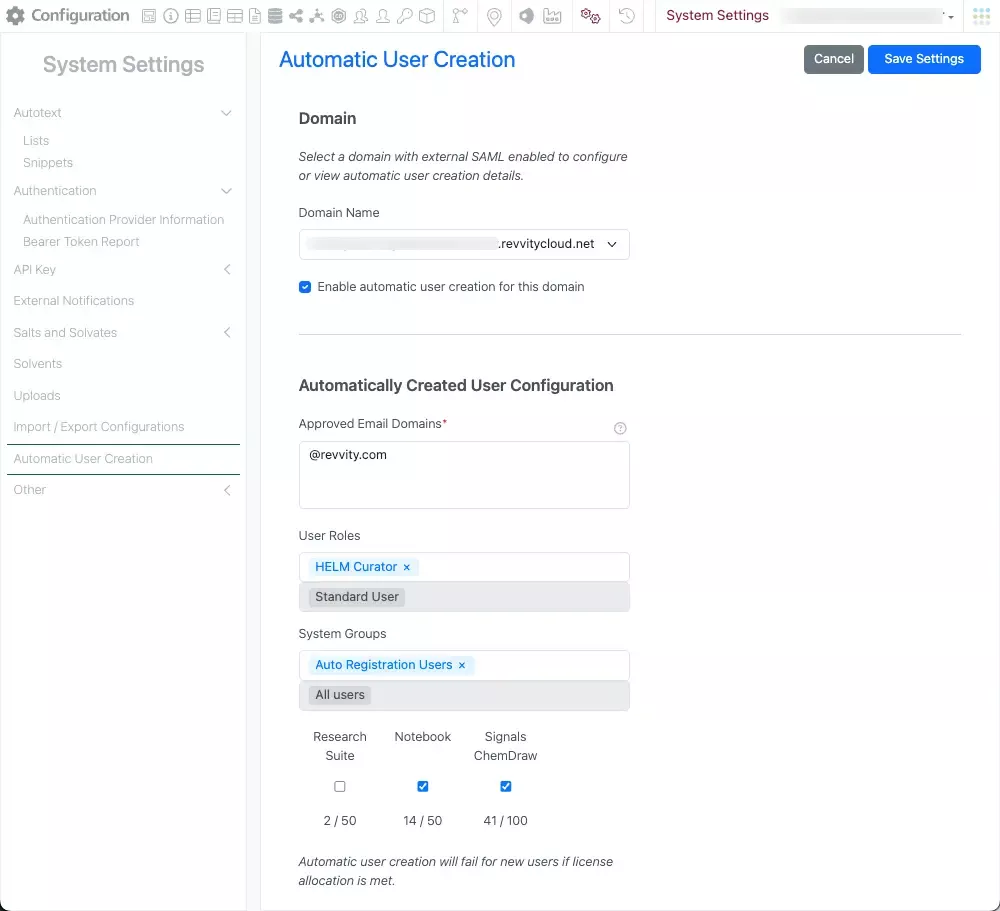
– Privilege to create or use personal templates
– Privilege to copy experiments or entities
- Integrations & APIs
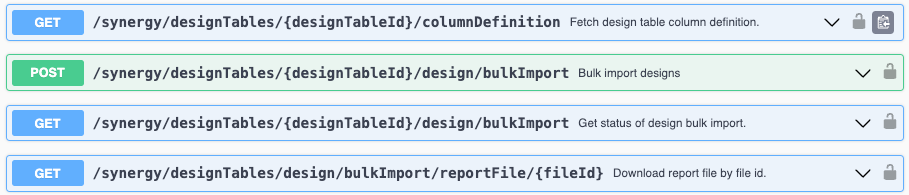
– Enhanced APIs to allow RXN files for export and replacement of Chemical Drawings
– API enhanced for adding items to Stoichiometry grids without Chemical Structures
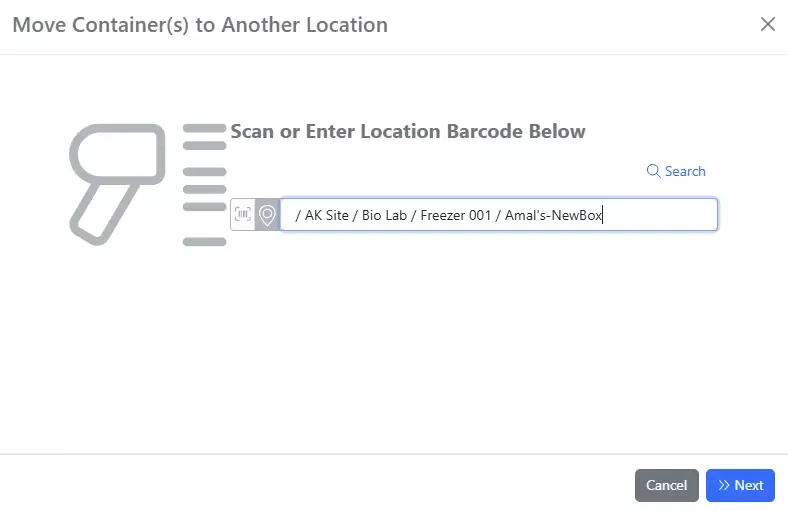
– New APIs for moving location content to a new location
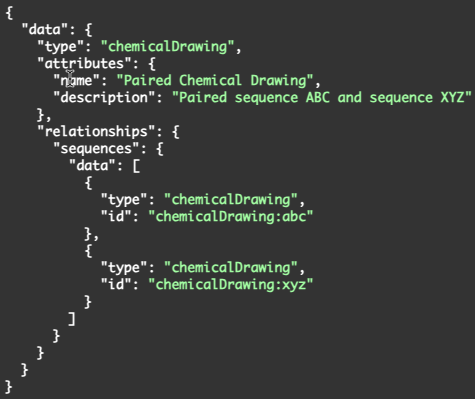
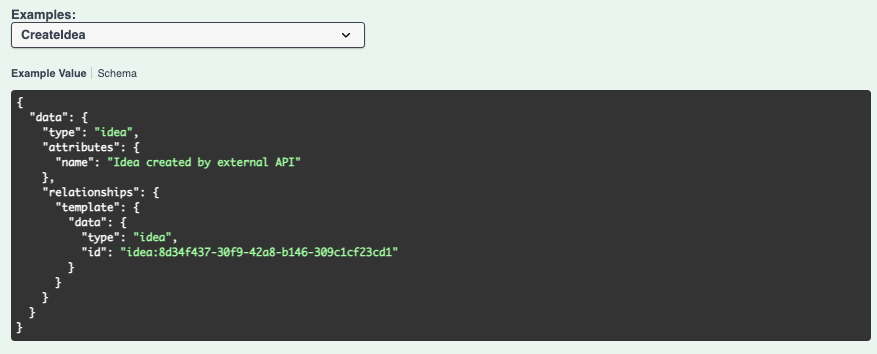
– New API to create relationship links between entities
– API enhanced fetch all samples from a Samples Table
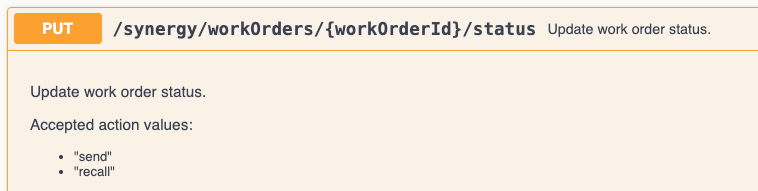
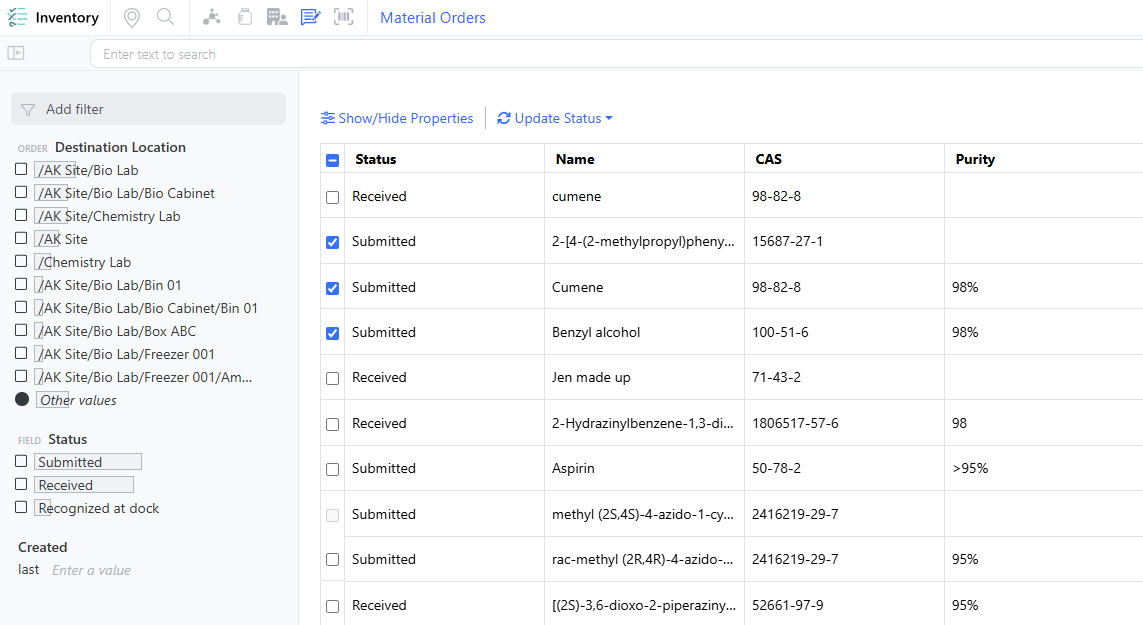
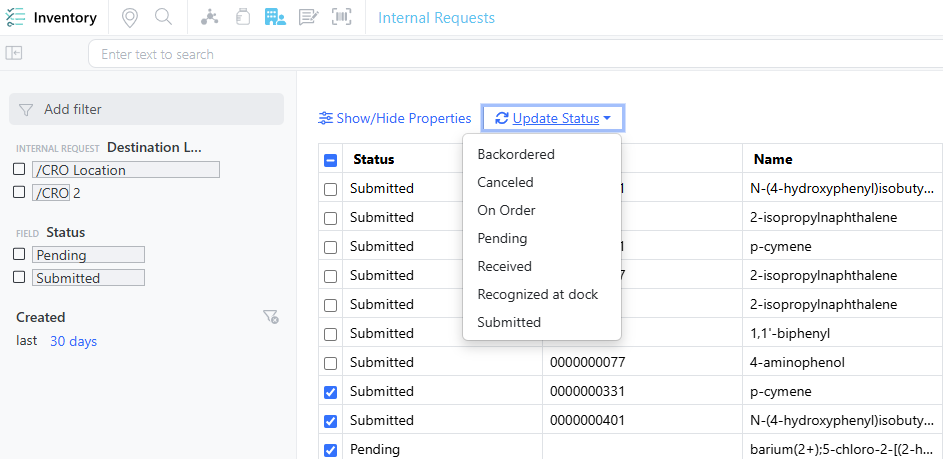
– New APIs to fetch and update Order details
– External Notifications for Work Orders
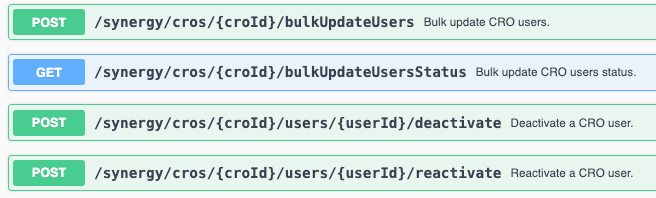
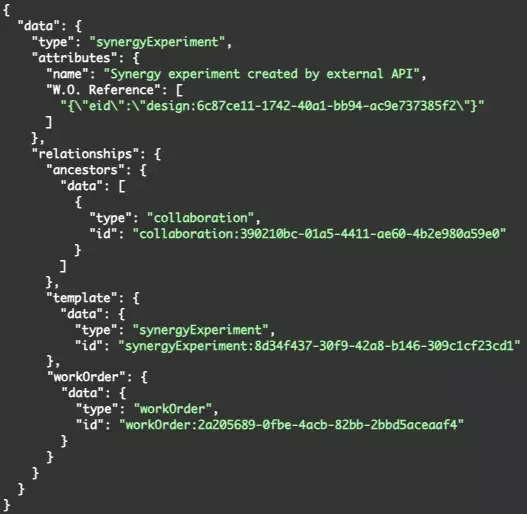
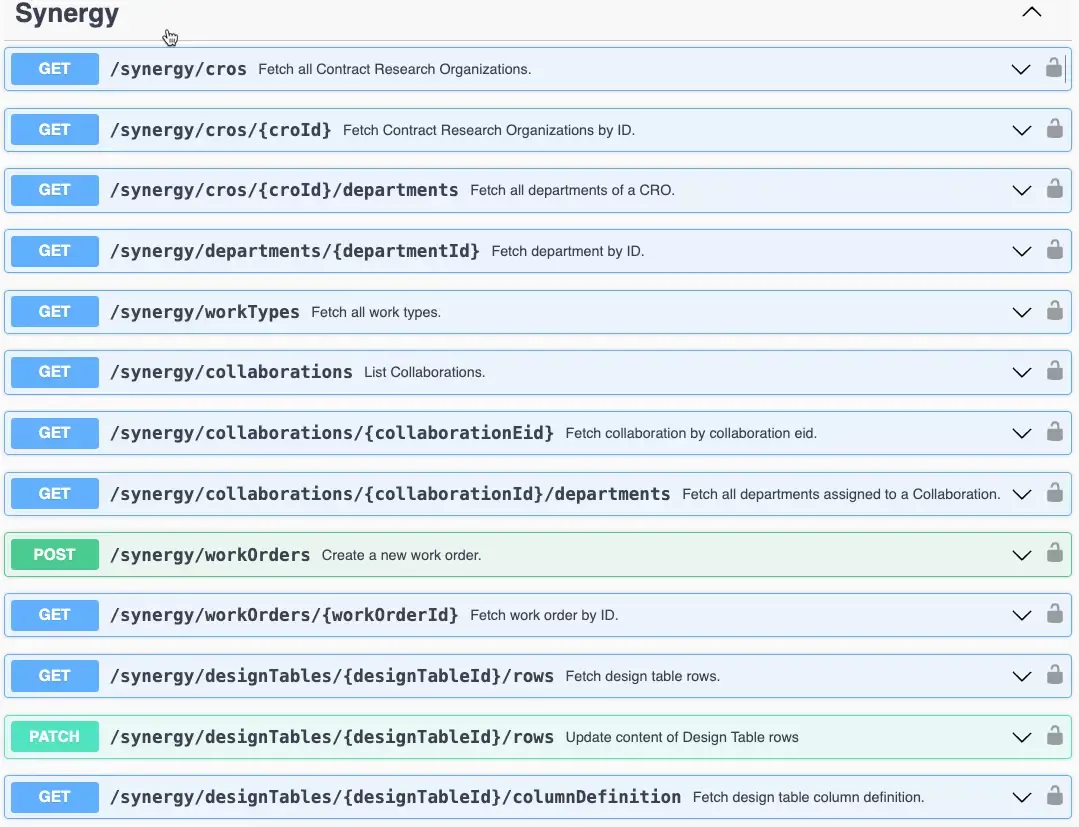
– New CRO specific APIs for interacting with Entities and Samples
We also fixed several small bugs in this release. Details of the enhancements are described below.
Developers should note that we are planning to address an issue with the GET /entities/{eid}/export endpoint, where currently the response returns an incorrect Content-Type header for Text entities. The header is currently set to text/plain, while the actual content is text/html. This only affects text entities created through text file upload. This will be corrected in an upcoming release.
Data Factory administrators should be aware that in an upcoming release you will no longer be able to create Legacy Data Factory projects. We encourage adopting the Data Factory beta features which will soon replace the current (legacy) projects.
System Administrators of E3 or Private Cloud systems using our validation ready deferred release should be aware of the upcoming change to our patch process. Starting November 2025, we will introduce a planned patch to E3 and select Private Cloud environments approximately 3-4 weeks after the update to Production. These patches will contain resolution to critical issues identified late stage during PQ testing or immediately post-Production. Note: These critical issues can include those not identified via a Sandbox tenant that were not fixed in sufficient time in our Standard releases to be part of the Production update. If no appropriate issues are identified, no patch will be released. The planned timing for the patch will be communicated in the Release Notes.
Administrators should note that the beta capability “Animal Selection & Group Assignment App with Randomization capabilities” is no longer available.
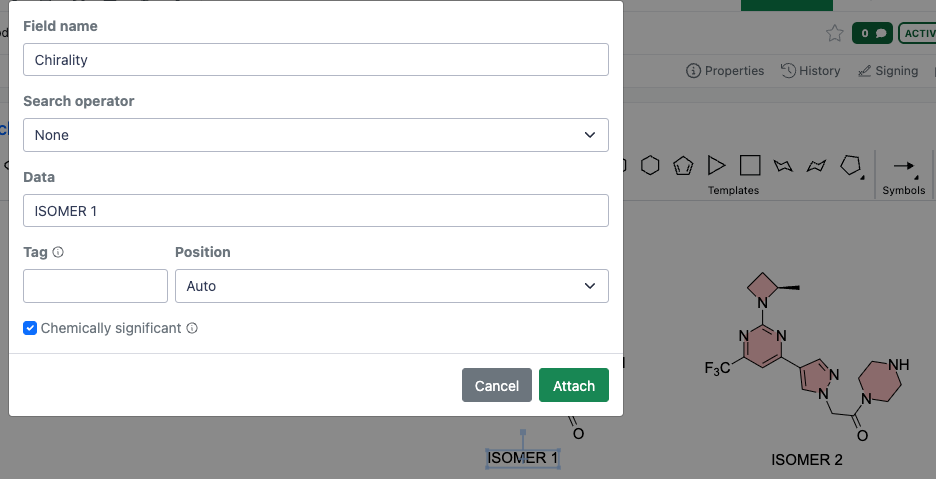
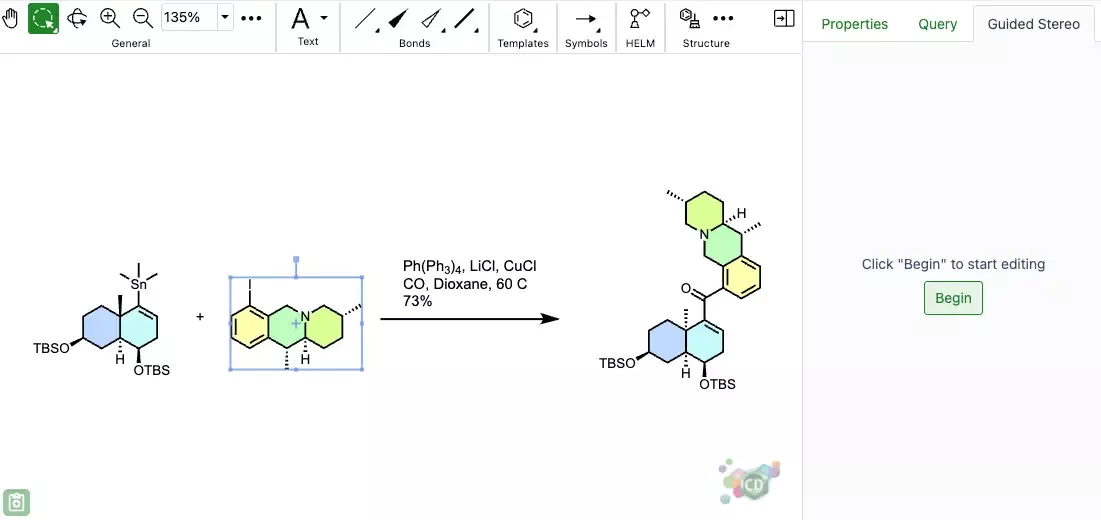
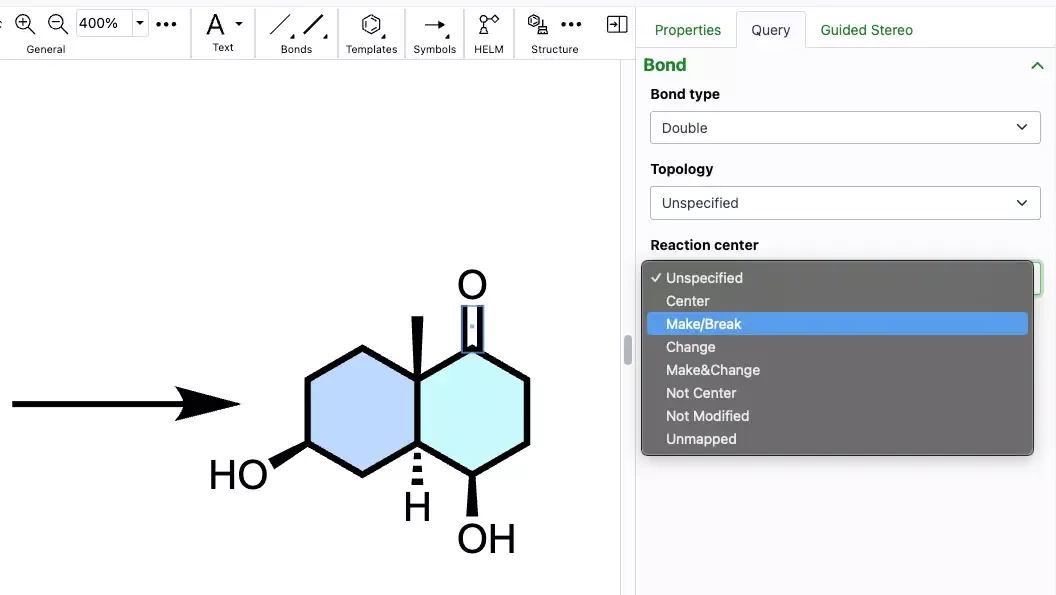
Administrators should be aware that the stereochemical annotation of pseudochiral OR centers using the guided stereo tool now will add an additional label which is interpreted as chemically significant. This change only applies to annotations made subsequent to this change, existing compounds will remain with the prior understanding until edited.
Data Factory administrators should be aware that you can no longer change the data type of an attribute to an incompatible format (e.g.: from chemical structure to date).
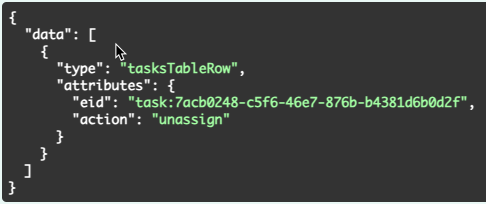
Data Factory administrators should be aware that secondary (AER) maps will now only be handled by the Data Factory backend. You can no longer create nor modify these maps manually. Consequently, the following are breaking changes in Primary APIs:
GET /information-design-service/import-maps/{importMapId} no longer returns secondary maps
POST /information-design-service/import-maps/search no longer returns secondary maps
POST /information-design-service/import-maps no longer allow the creation of secondary (AER) maps. This will return a 400 error if attempted. Query parameters and response fields related to secondary maps have been removed.
The following endpoints will no longer return fields related to secondary maps:
PATCH /information-design-service/mtypes/{name}
GET /information-design-service/mtypes/{name}
The following endpoints have been marked deprecated and will no longer include fields related to secondary maps:
GET /information-design-service/attributes/{attributeId}
POST /information-design-service/mtypes
PUT /information-design-service/attributes/{attributeId}
Administrators are recommended to subscribe to the channels within our support news site found at https://support.revvitysignals.com/hc/en-us/categories/360004446171-Support-News which contains more information about releases and other pertinent product information.
This content is anticipated for release on our Production E3 environments, and for Private Cloud customers on our deferred release schedule, in March 2026
Further Details
The following improvements are available for users, administrators and developers on the Signals platform. Certain features may only be available with appropriate licensing and/or with enablement by an administrator.
SAR & Decisioning
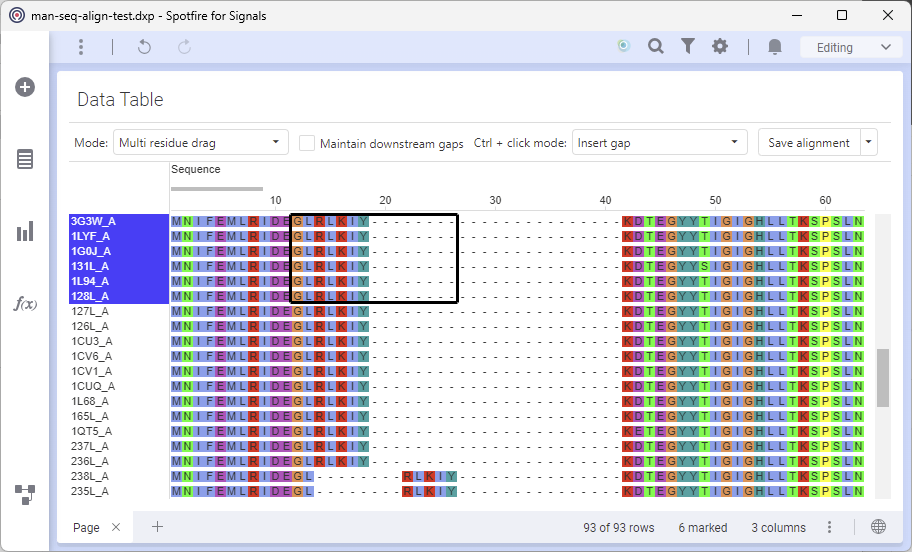
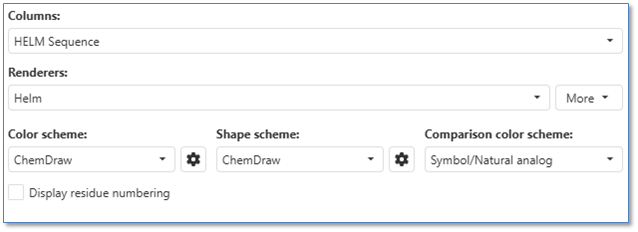
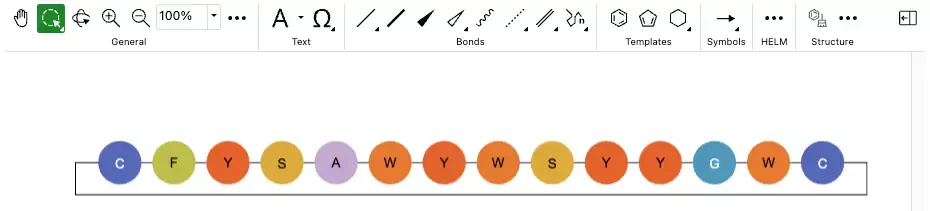
The ChemCharts “Manual Sequence Alignment Visualization” allows users to manually align biological sequences (including HELM). Drag to align single or multiple residues and modify gaps as needed.
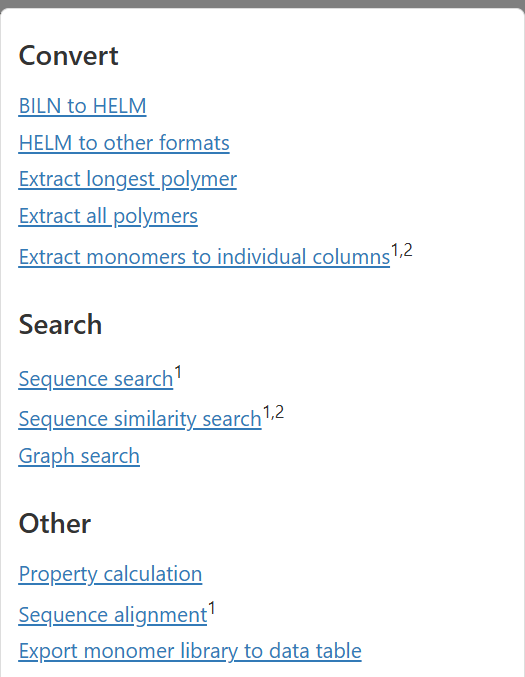
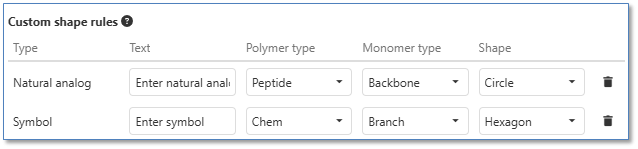
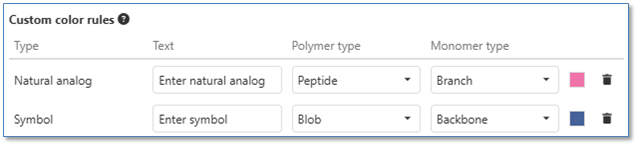
The ChemCharts HELM visualization introduces a handful of customer-requested helper data functions.
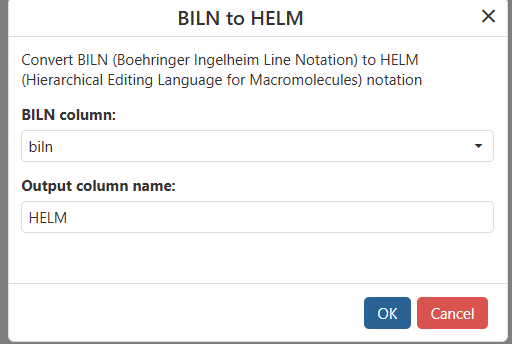
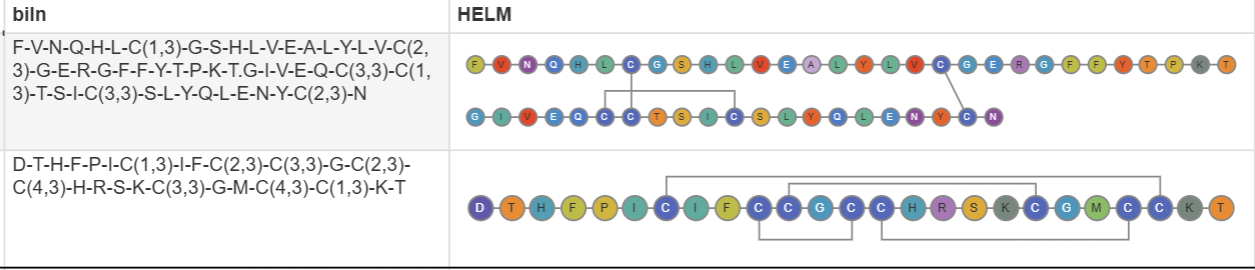
Convert biosequence formats using the BILN to HELM data function.
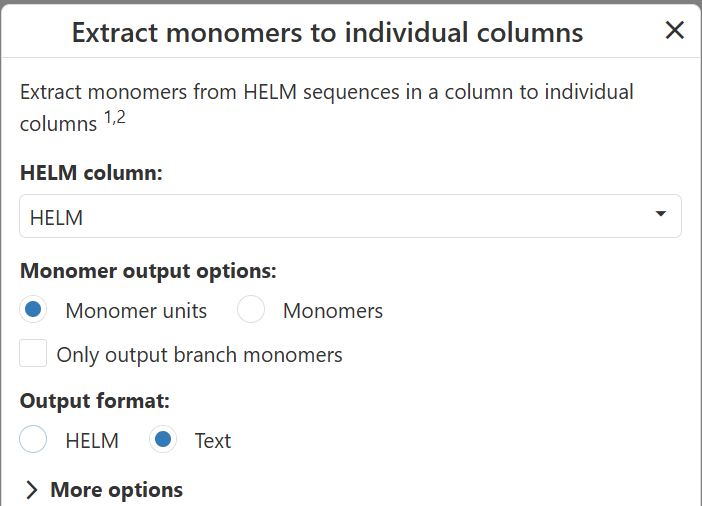

Extract all monomers or monomer units from HELM into a set of columns
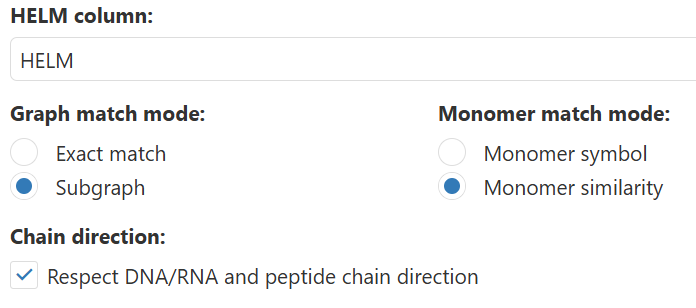
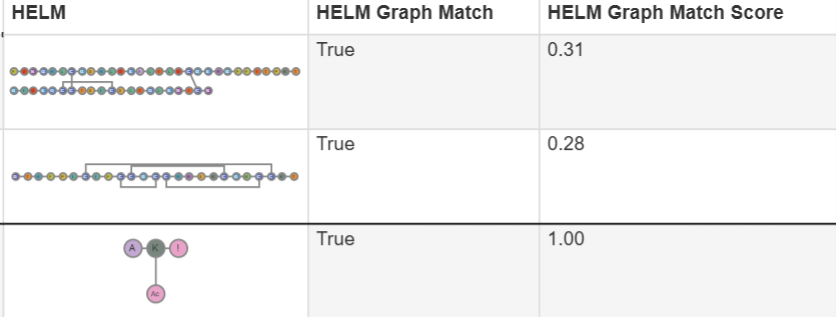
Perform HELM substructure or similarity searching using a powerful graph-based comparison of query structure and target structures.
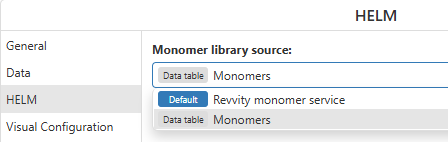
Optionally use a local data table as a monomer source
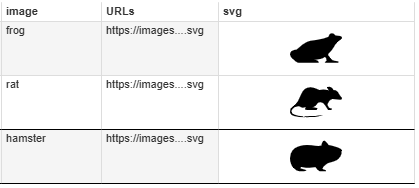
ChemCharts now supports SVG image format within Table/Gallery visuals, and the Embed Image data function.
There are minor enhancements to the Kinome, Chemistry, Gallery, and Table ChemCharts
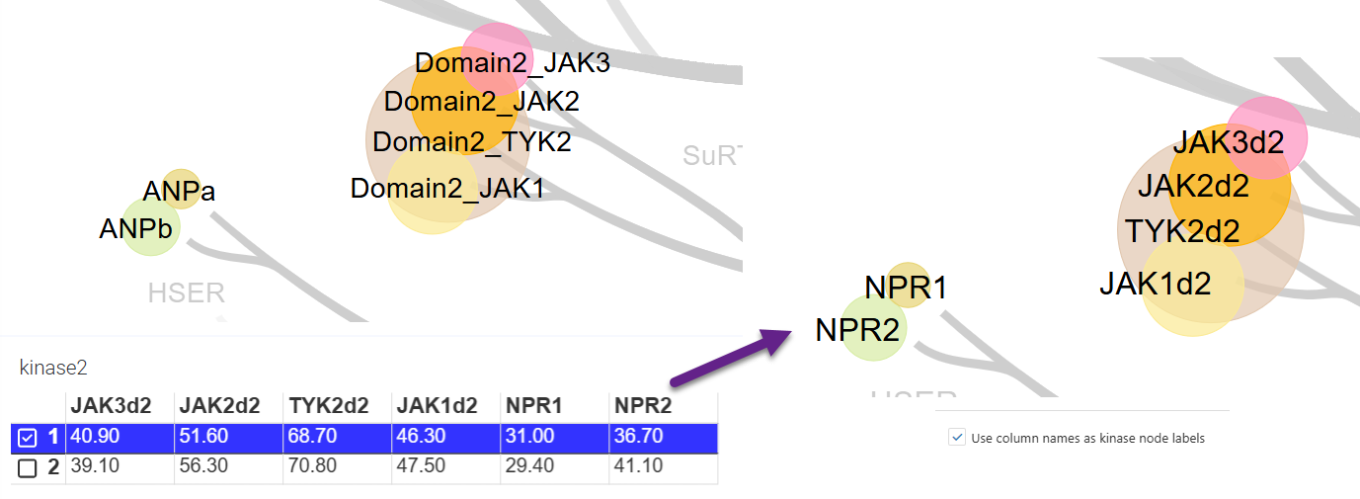
In the Kinome visualization, optionally use column names as node labels.
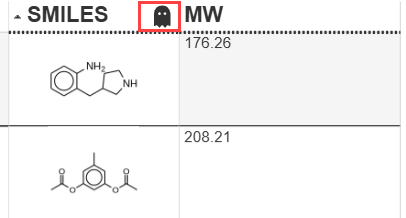
In the Table visualization, there is a new visual indicator for columns with a shadow column assigned.
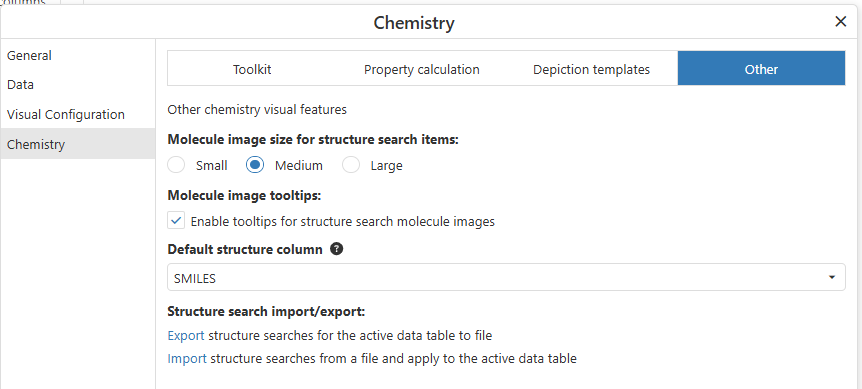
The Chemistry visualization now supports defining a default structure column, enabling/disabling tooltips for structure search images, specifying the image size in structure searches, and importing/exporting structure searches
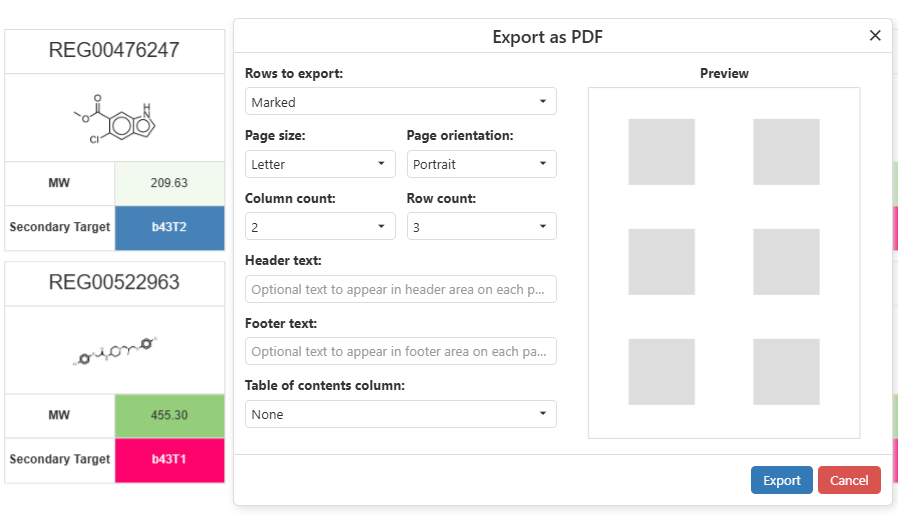
Gallery visualizations can now be exported to PDF
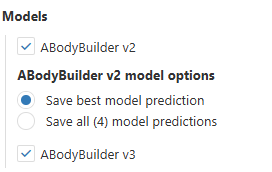
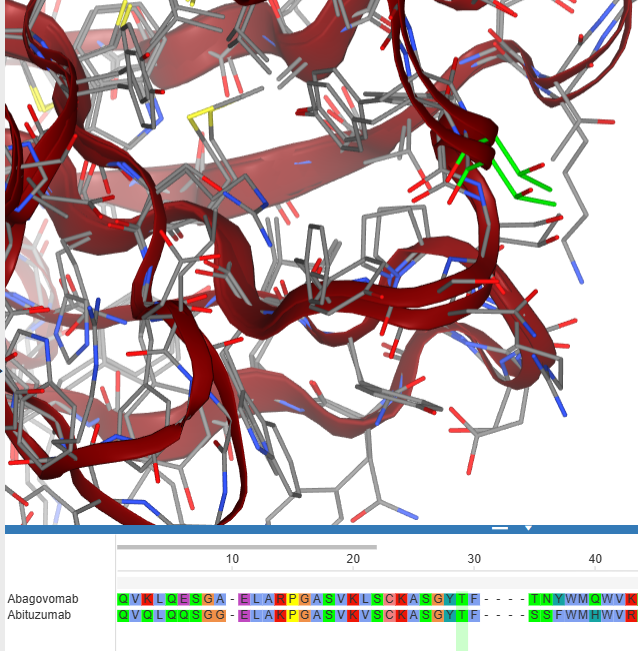
Antibody and Nanobody data functions, including Developability Dashboards, now support the ABodyBuilder v3 model
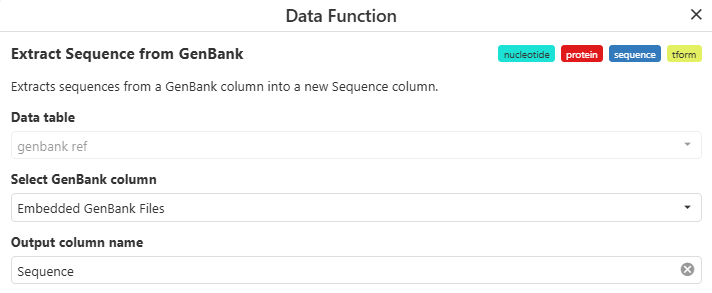
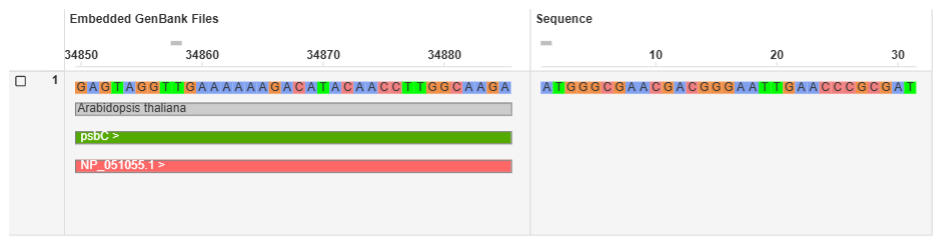
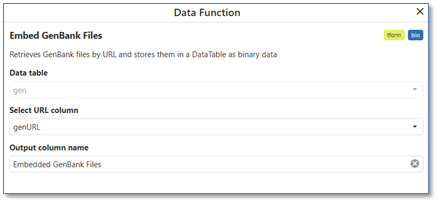
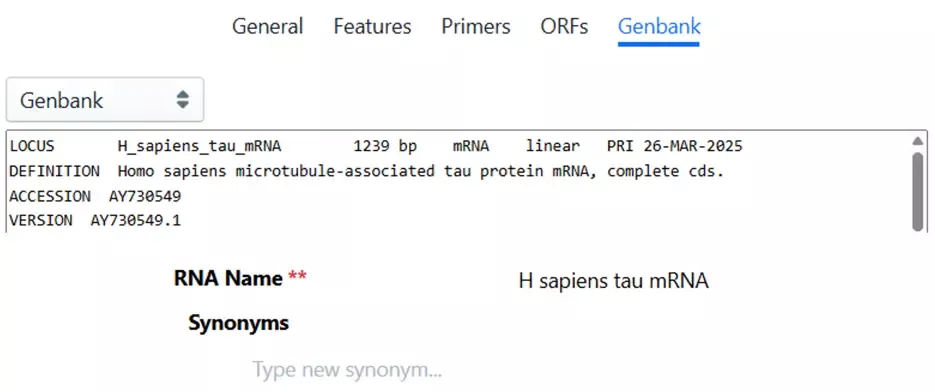
Use the new “Extract Sequence from GenBank” data function to output the sequence into a new column.
Synergy
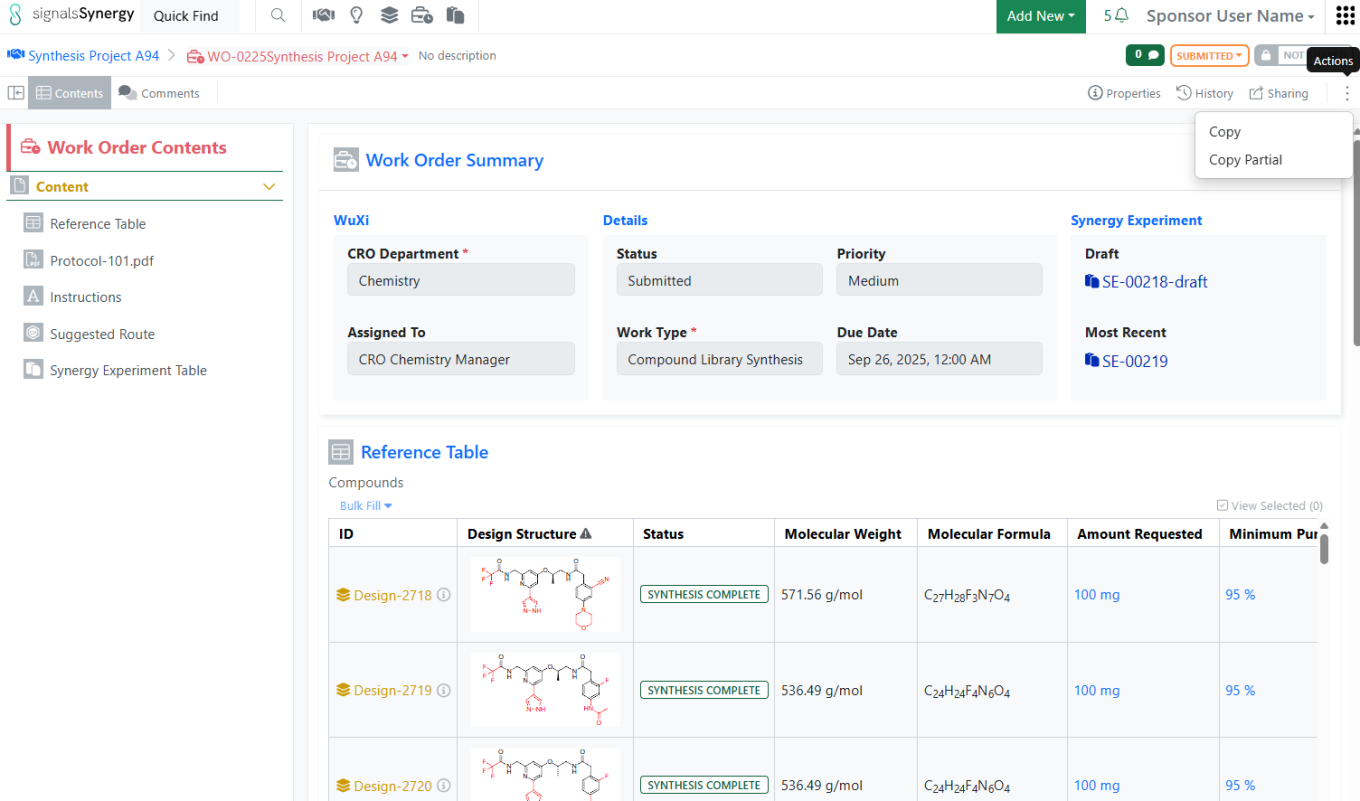
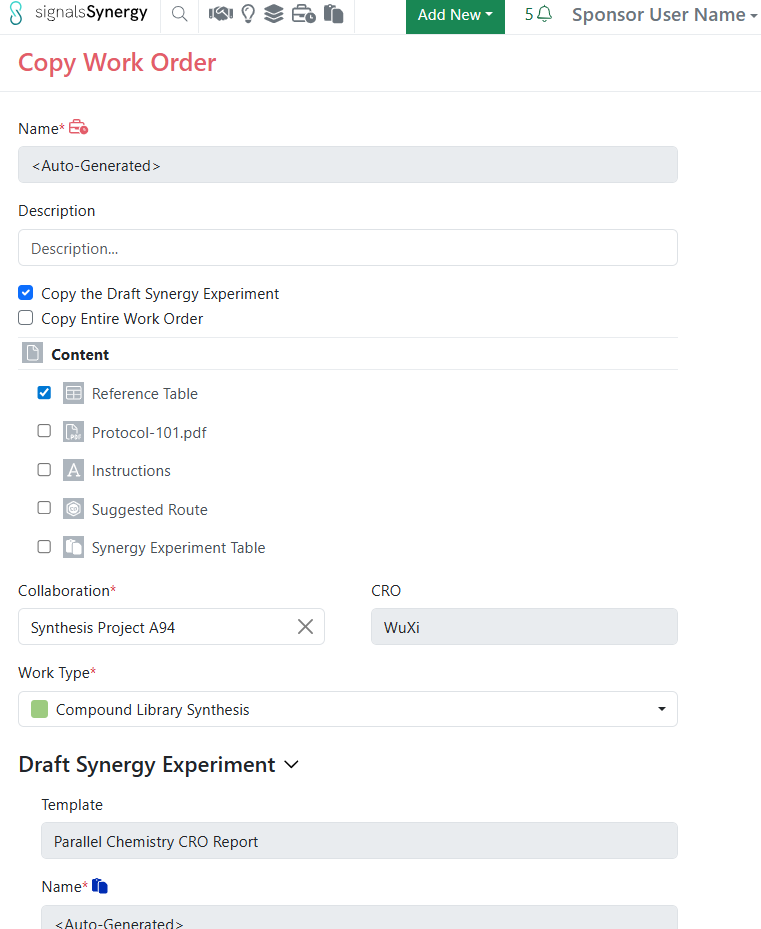
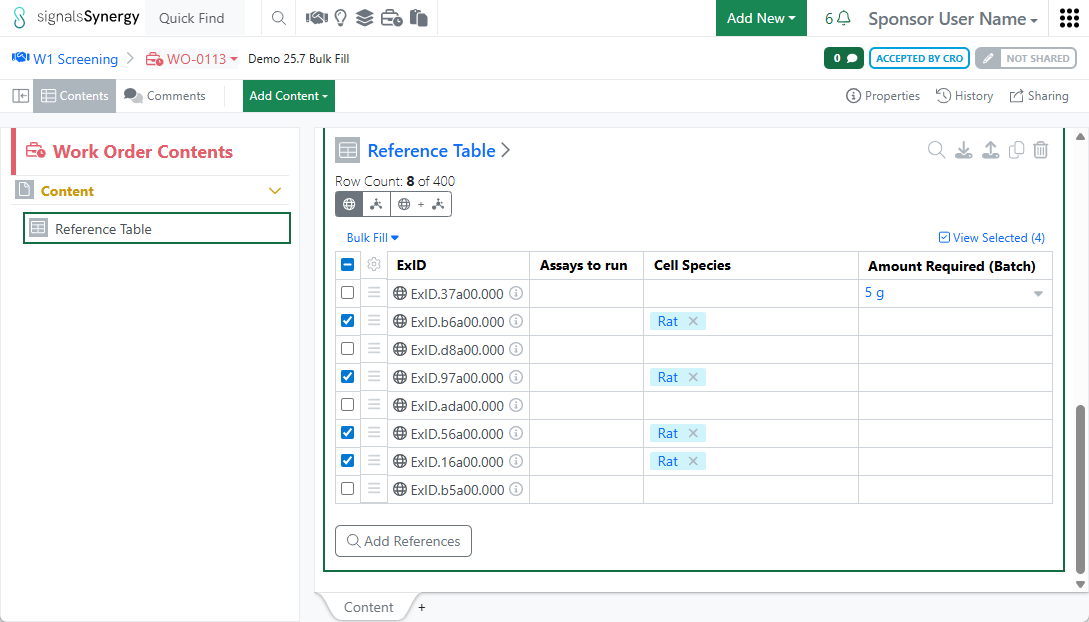
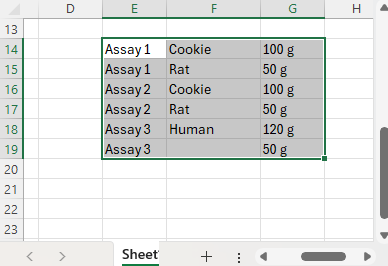
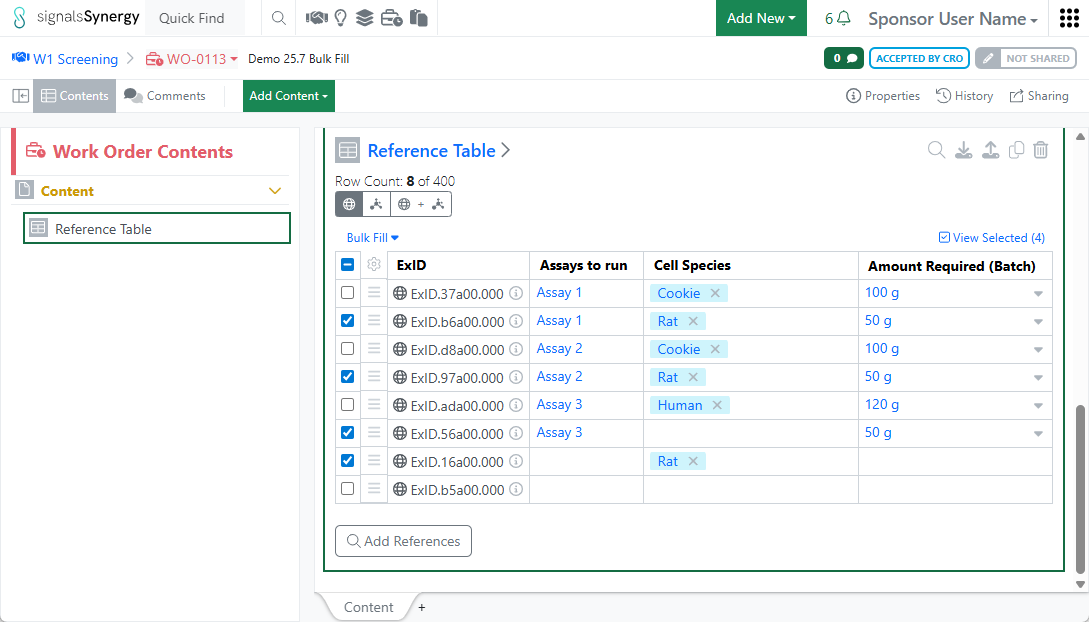
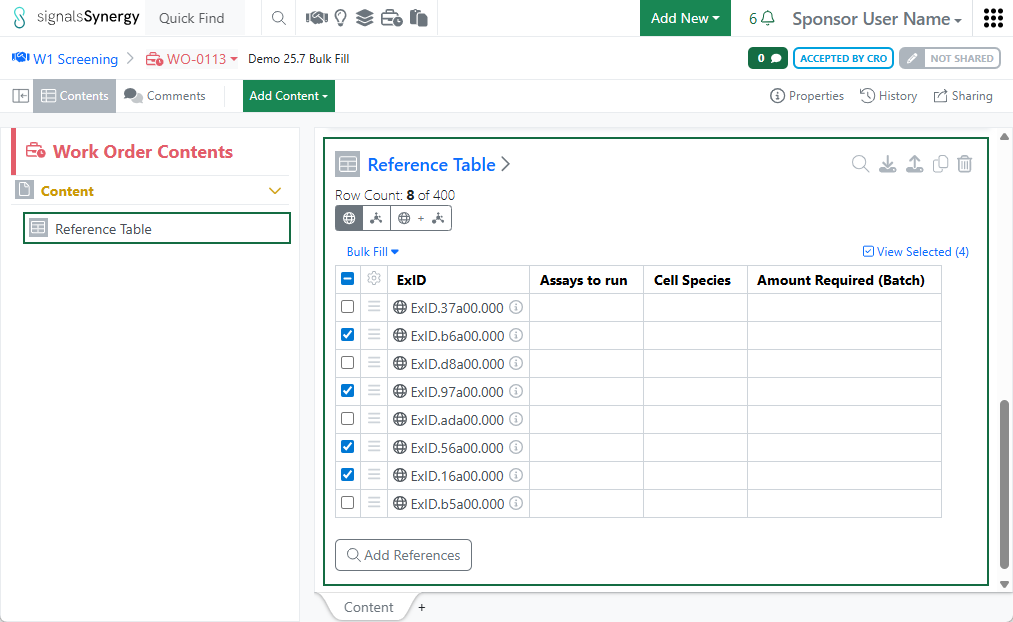
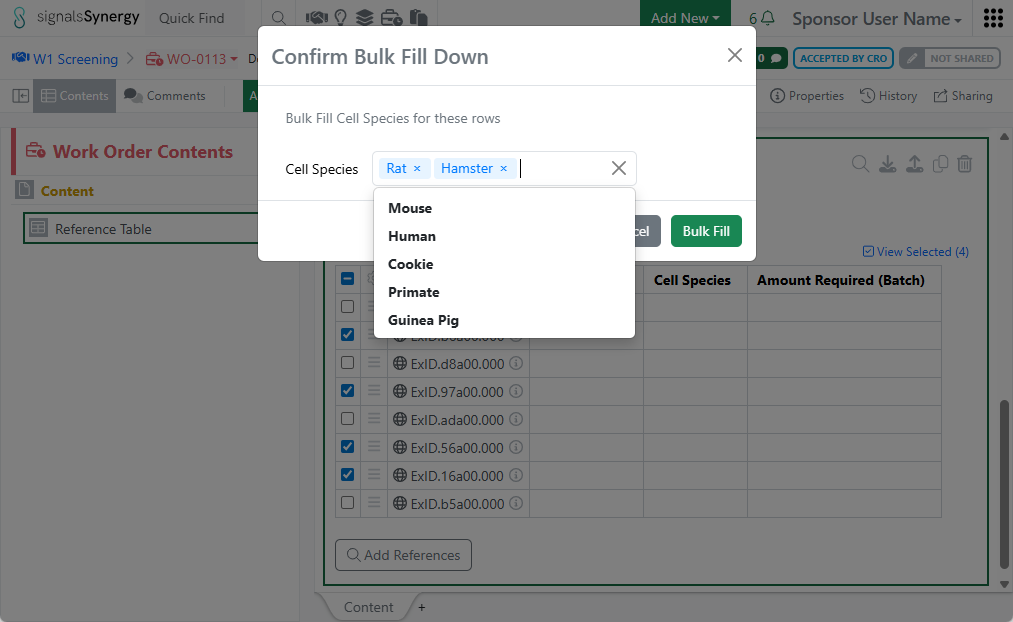
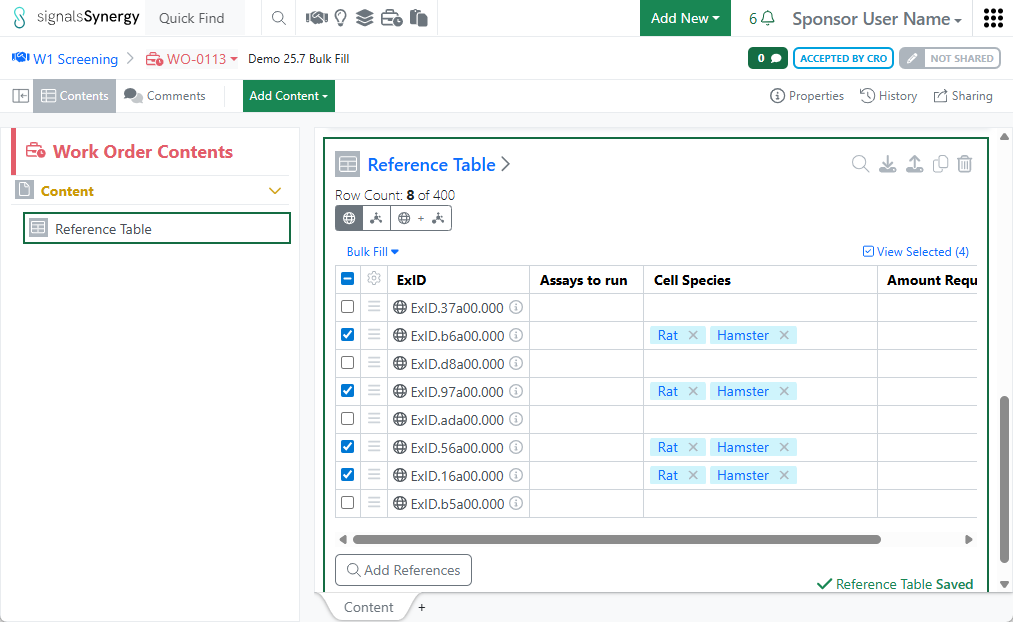
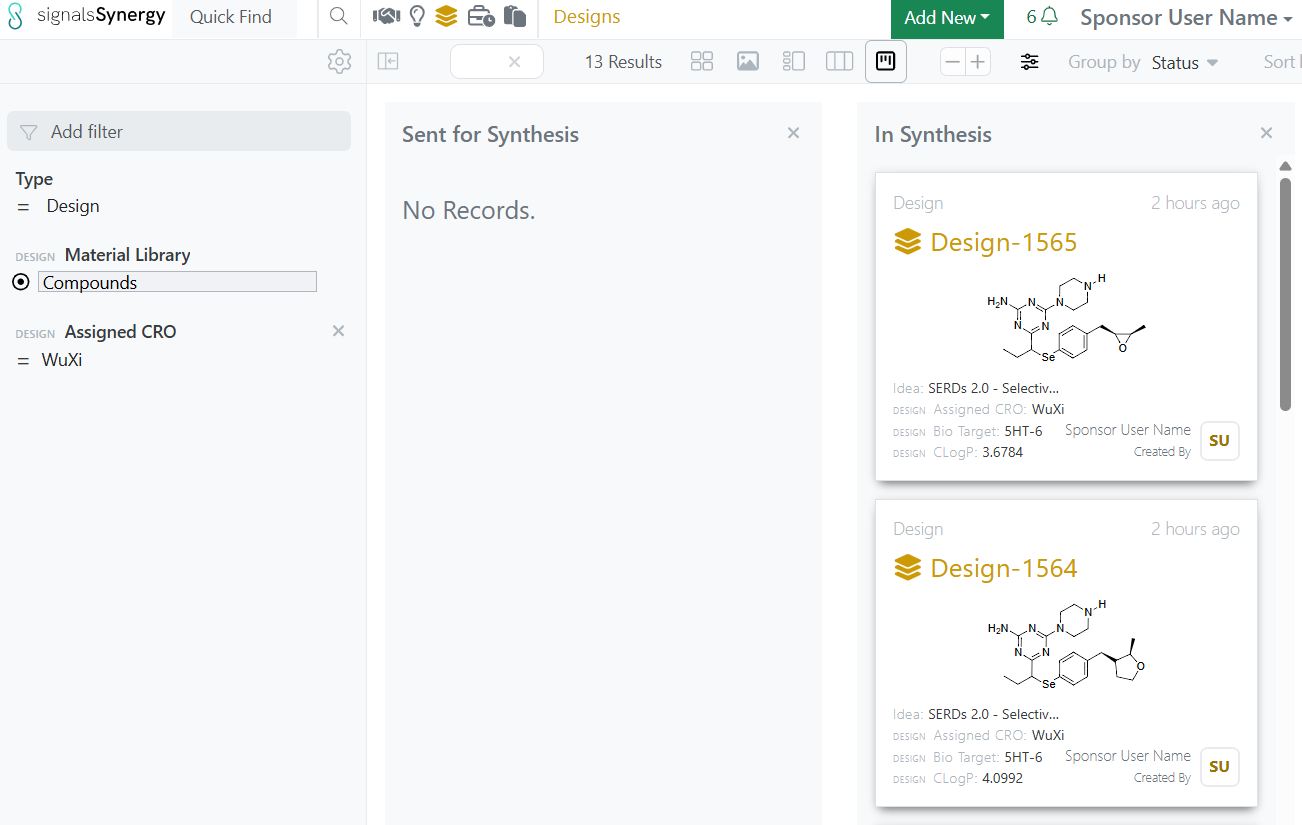
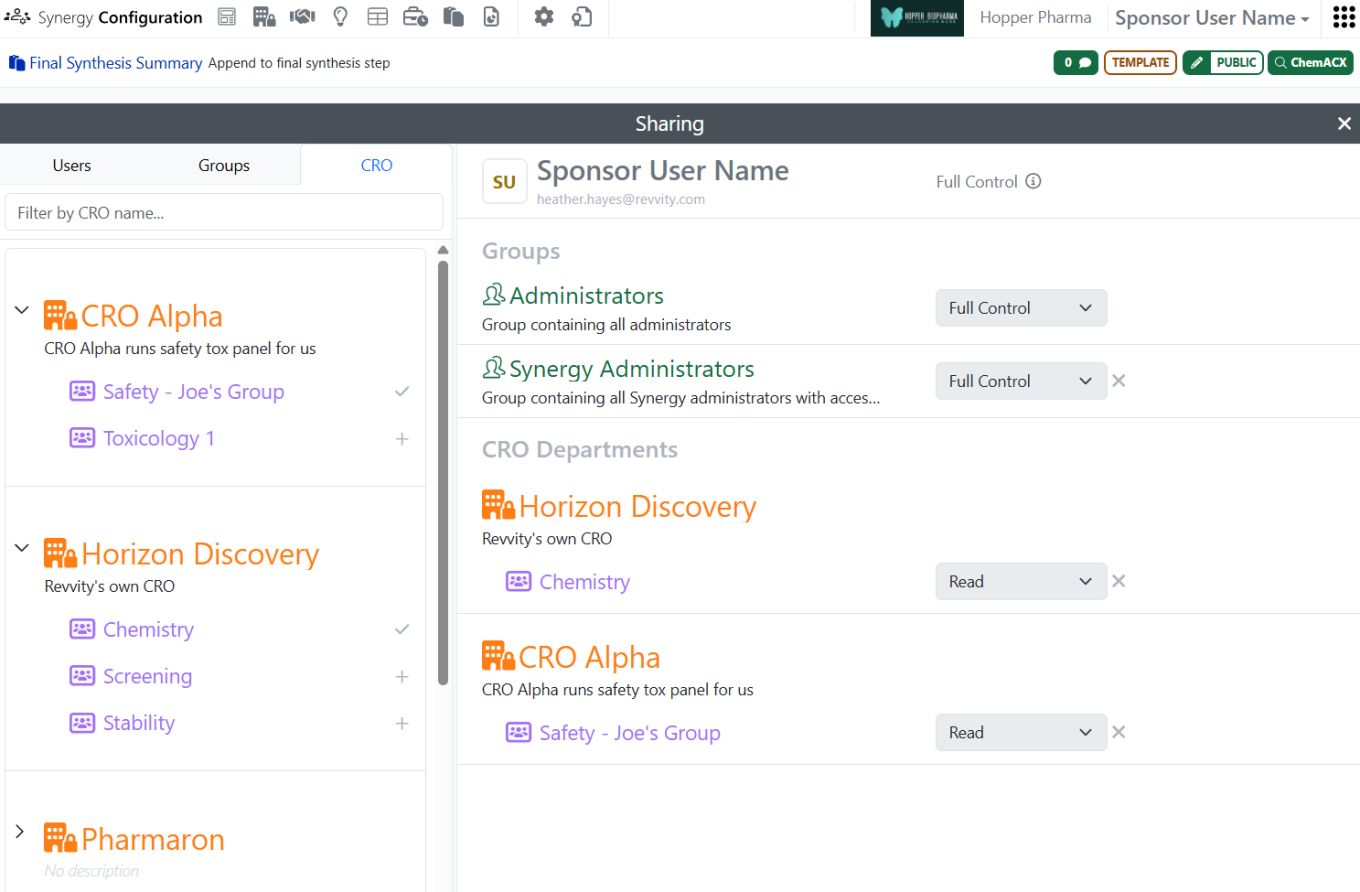
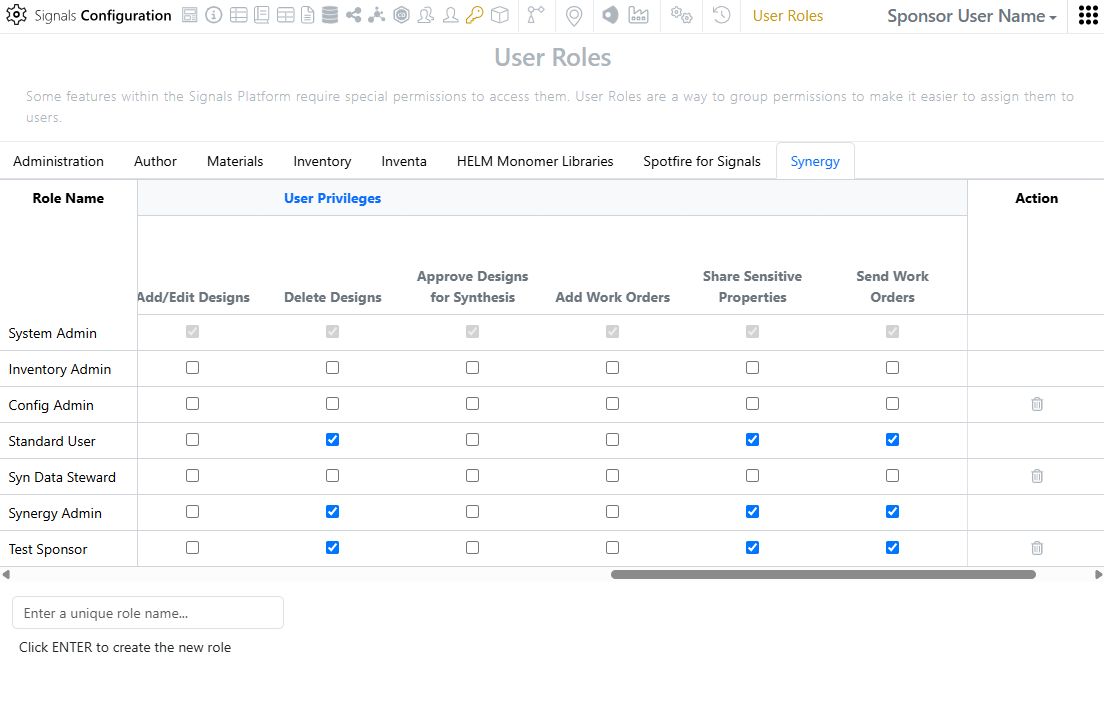
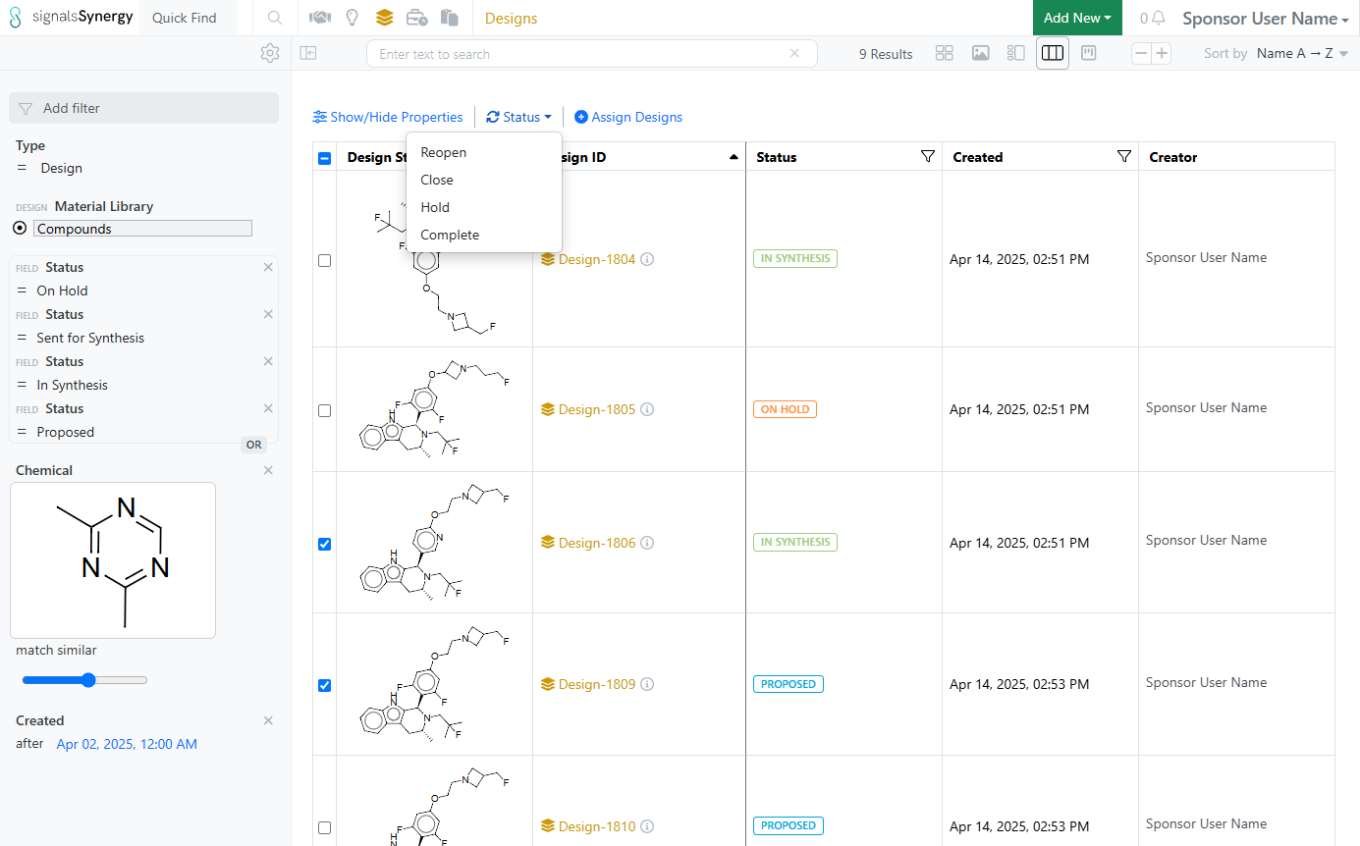
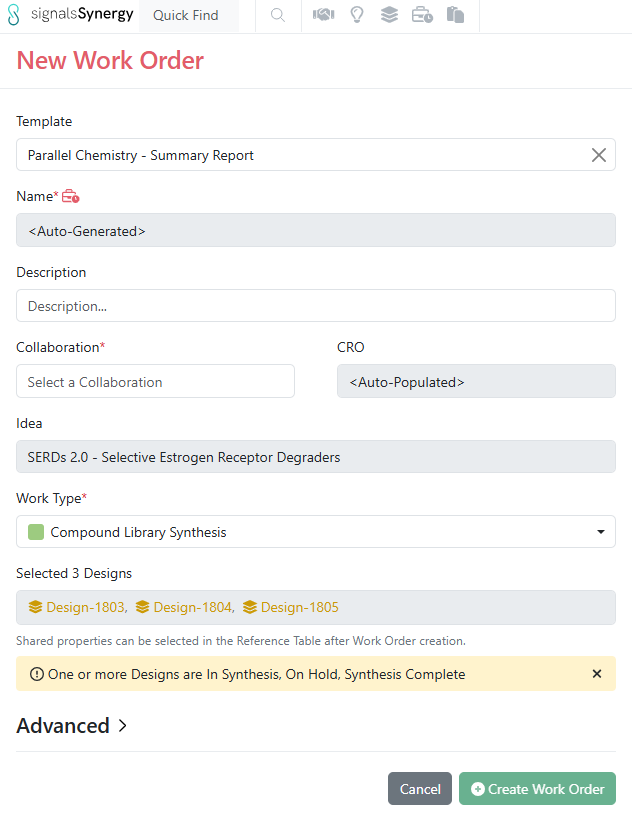
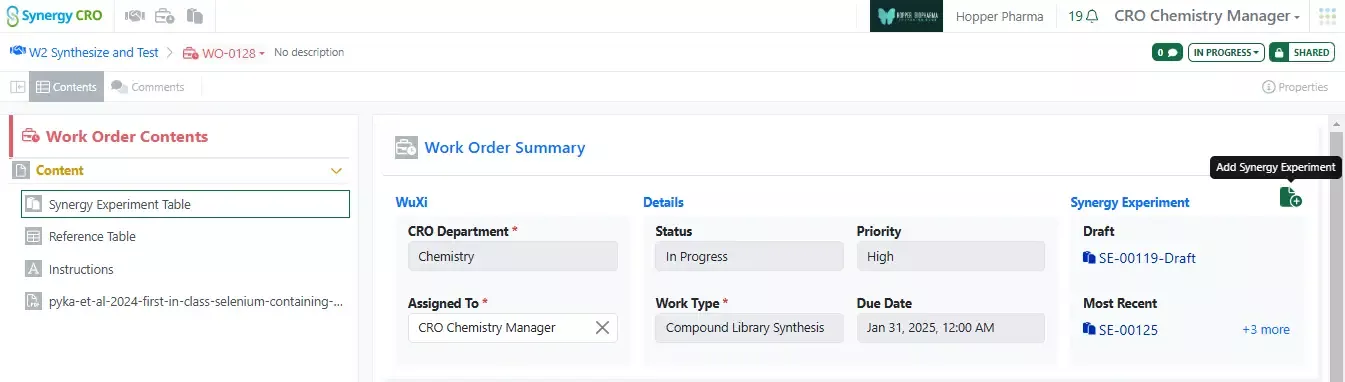
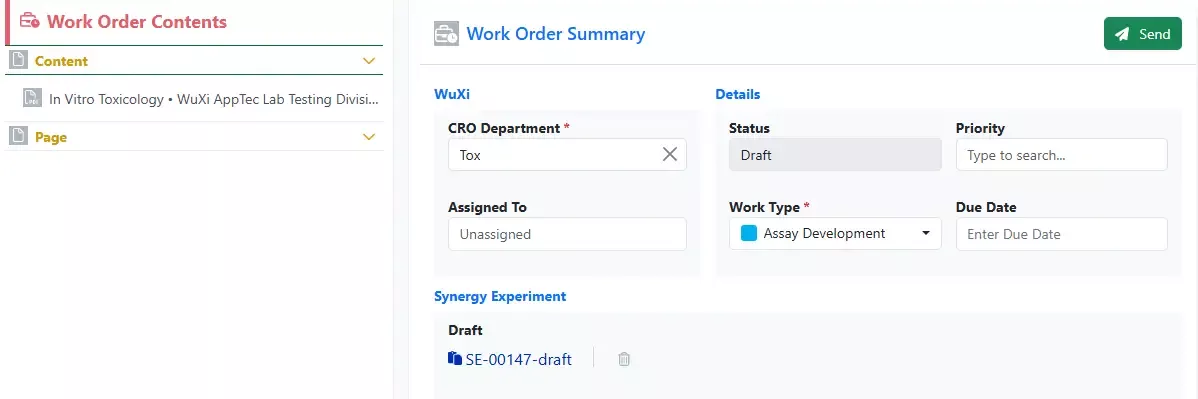
Sponsor users with the new privilege Clone Entities can Copy or Copy Partial Work Orders. This allows the Sponsor to easily send the same compounds for another assay or easily repeat common Work Orders.
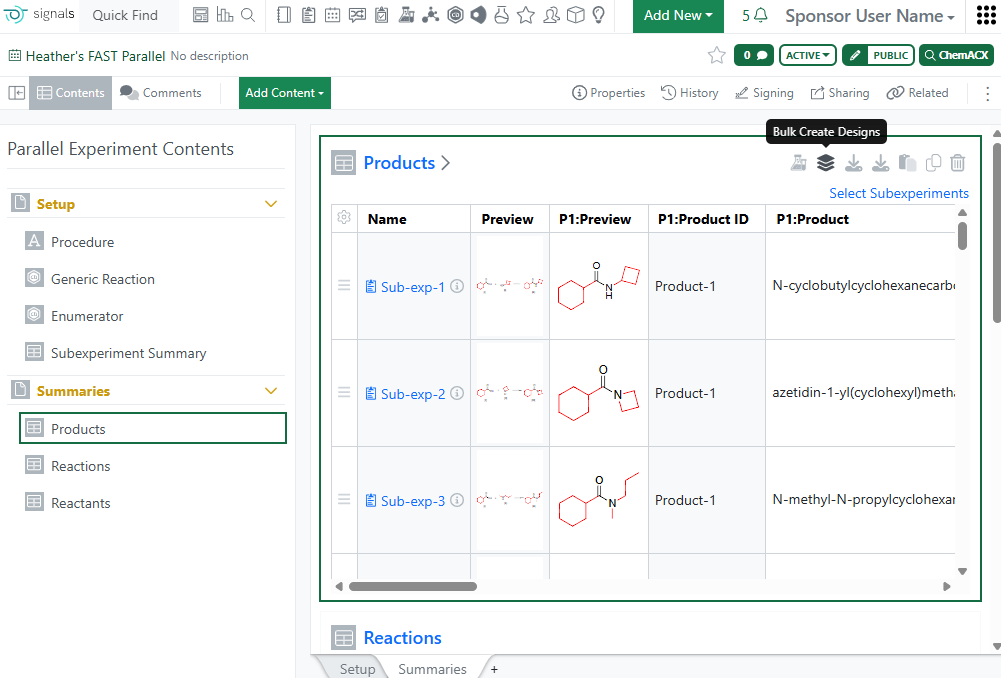
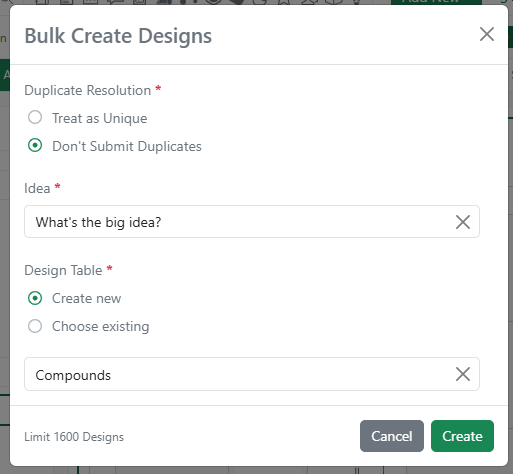
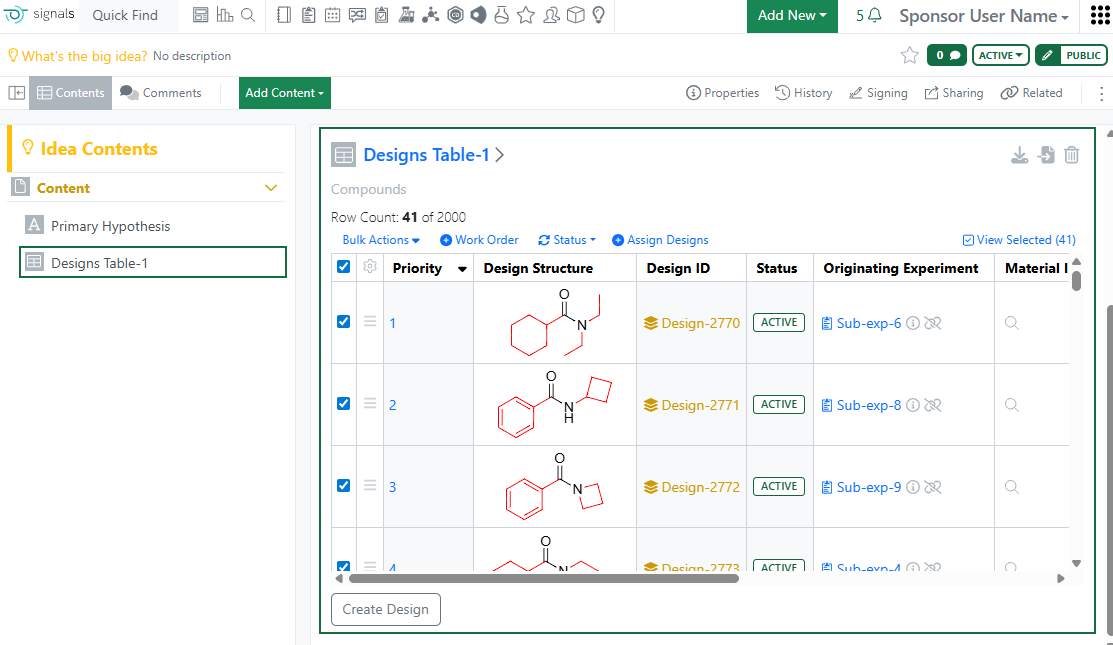
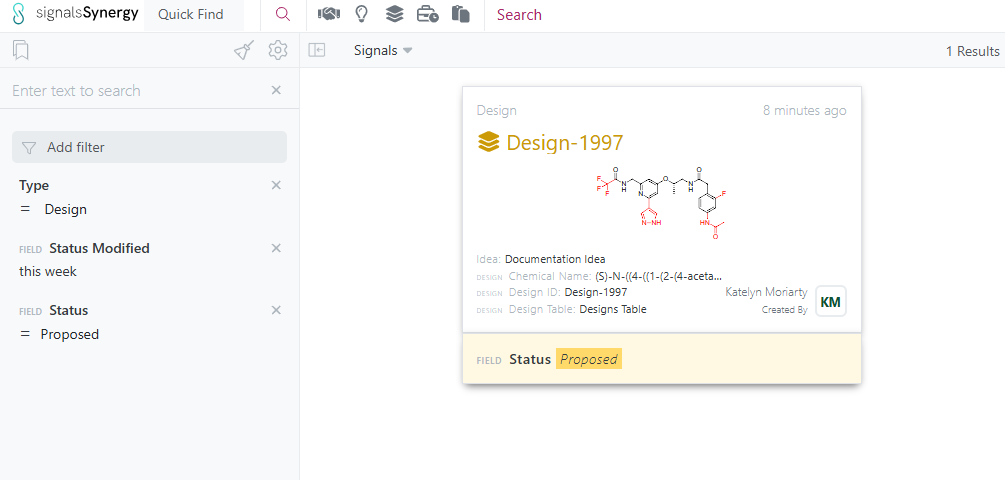
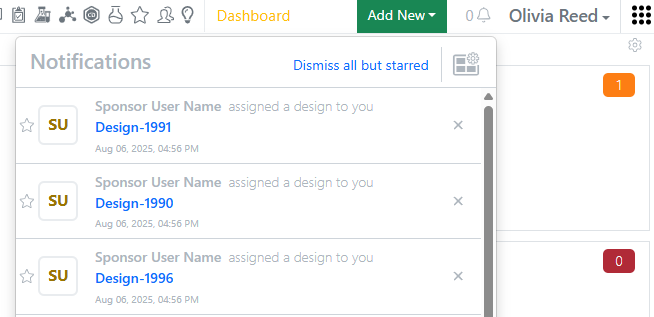
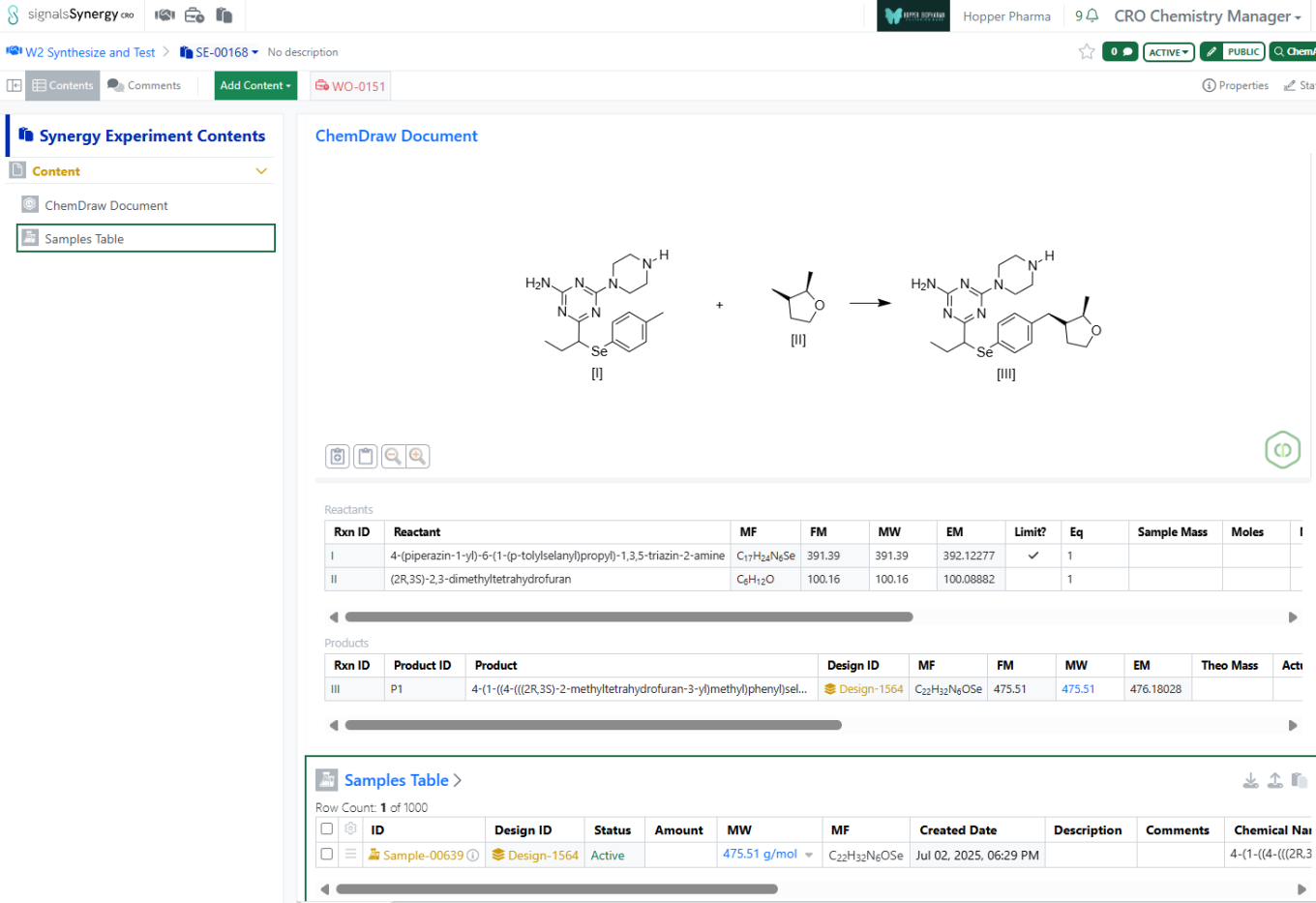
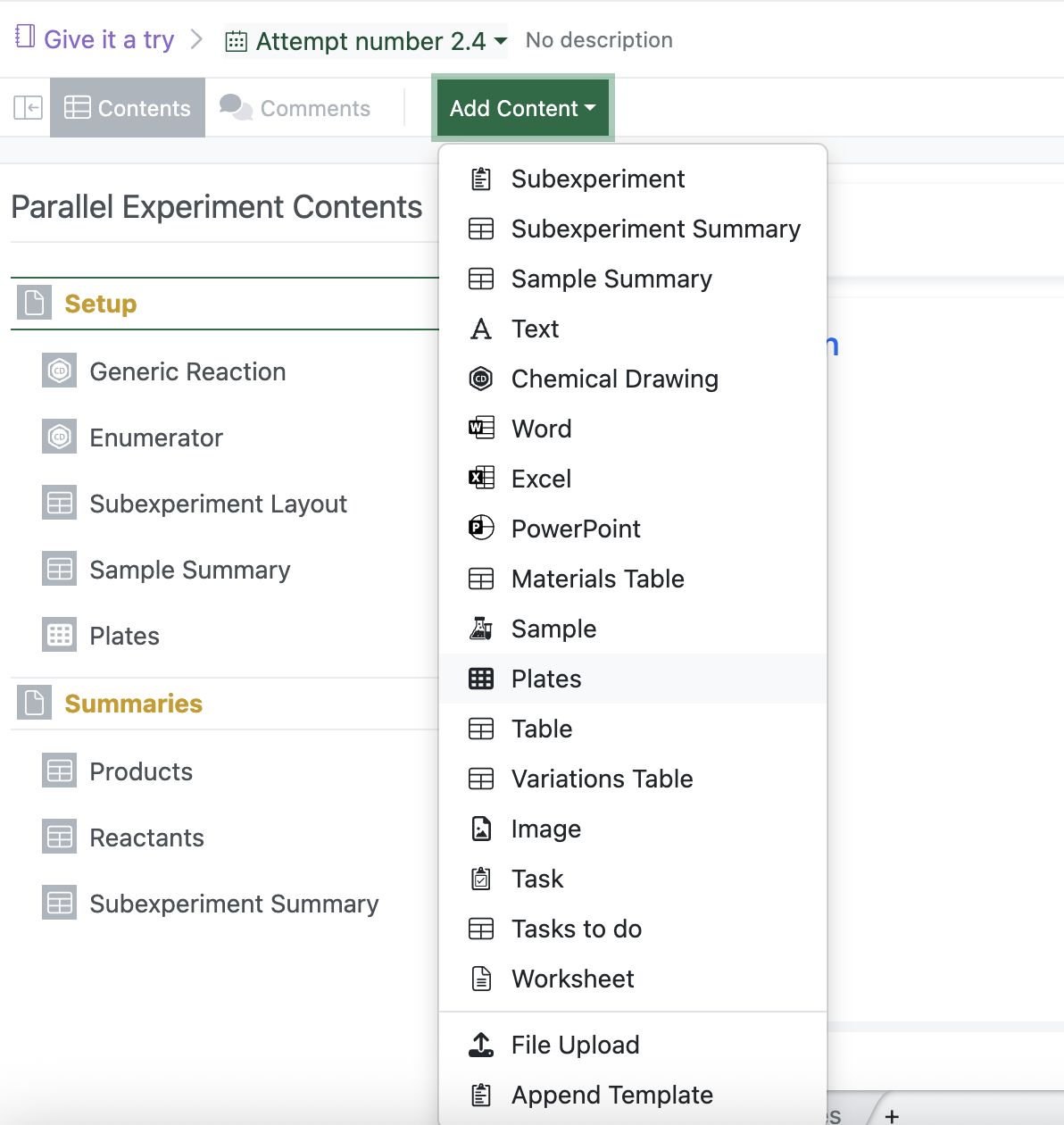
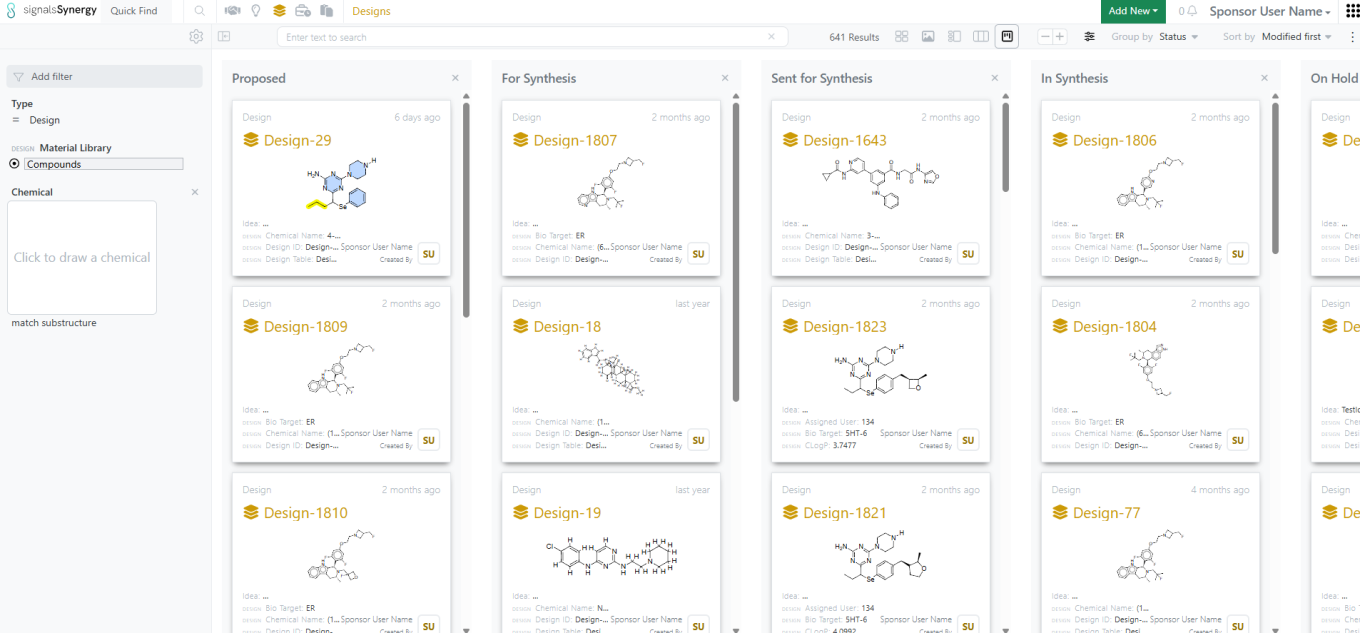
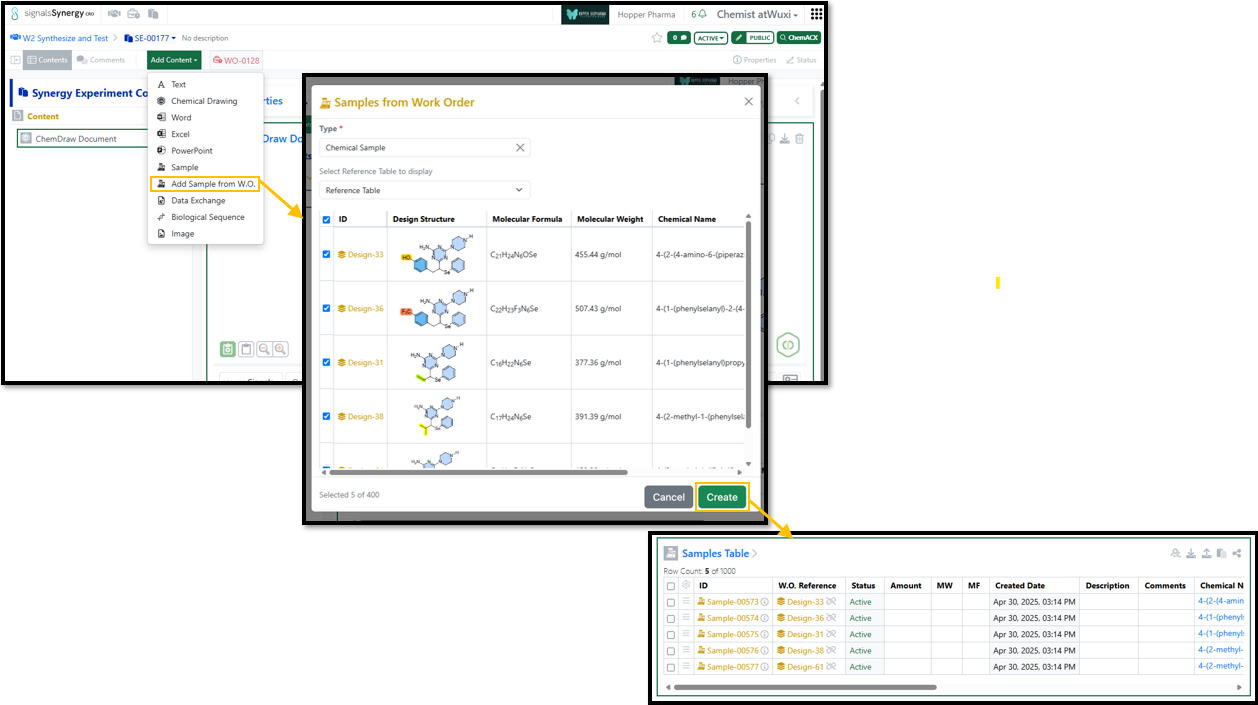
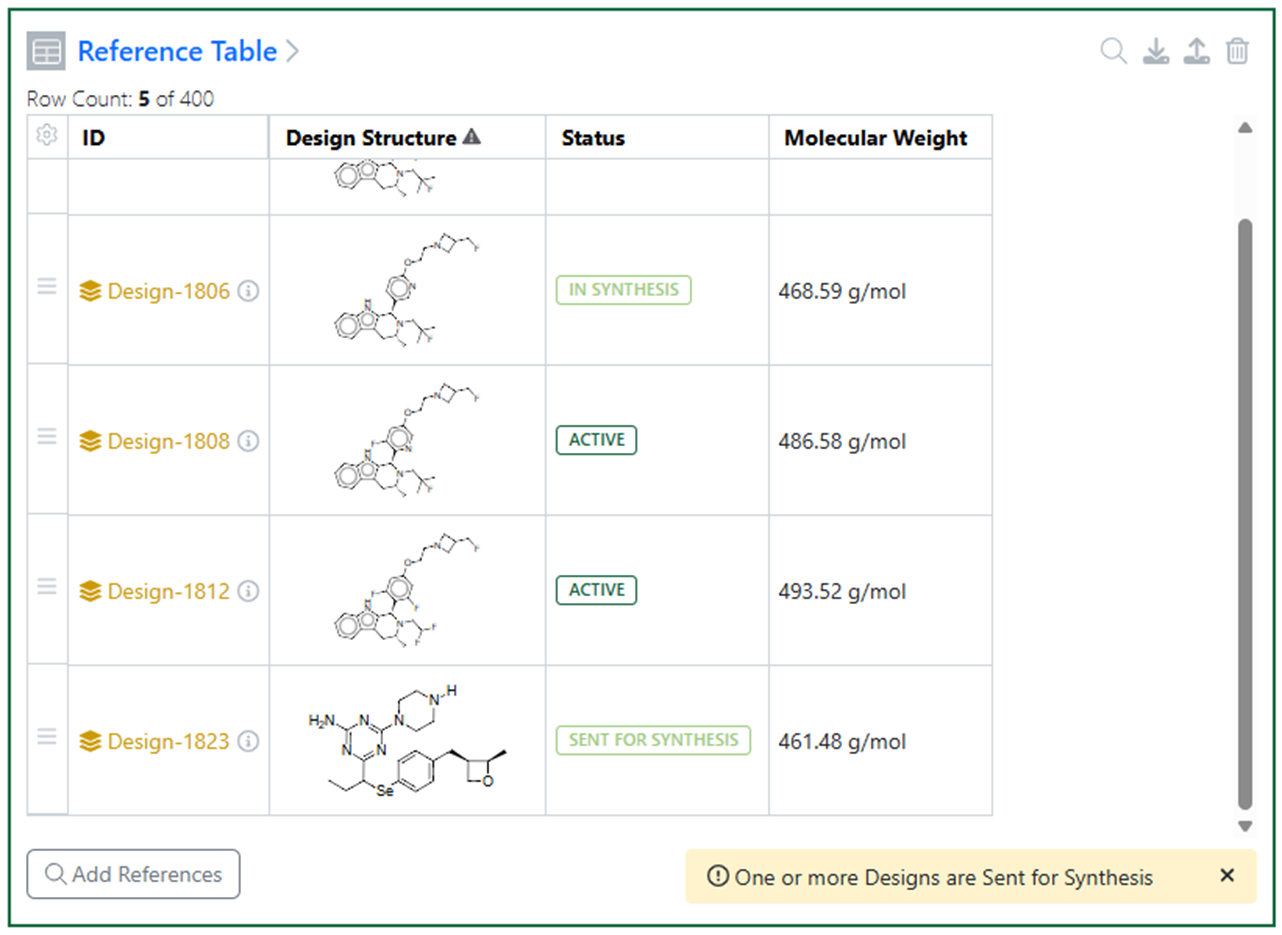
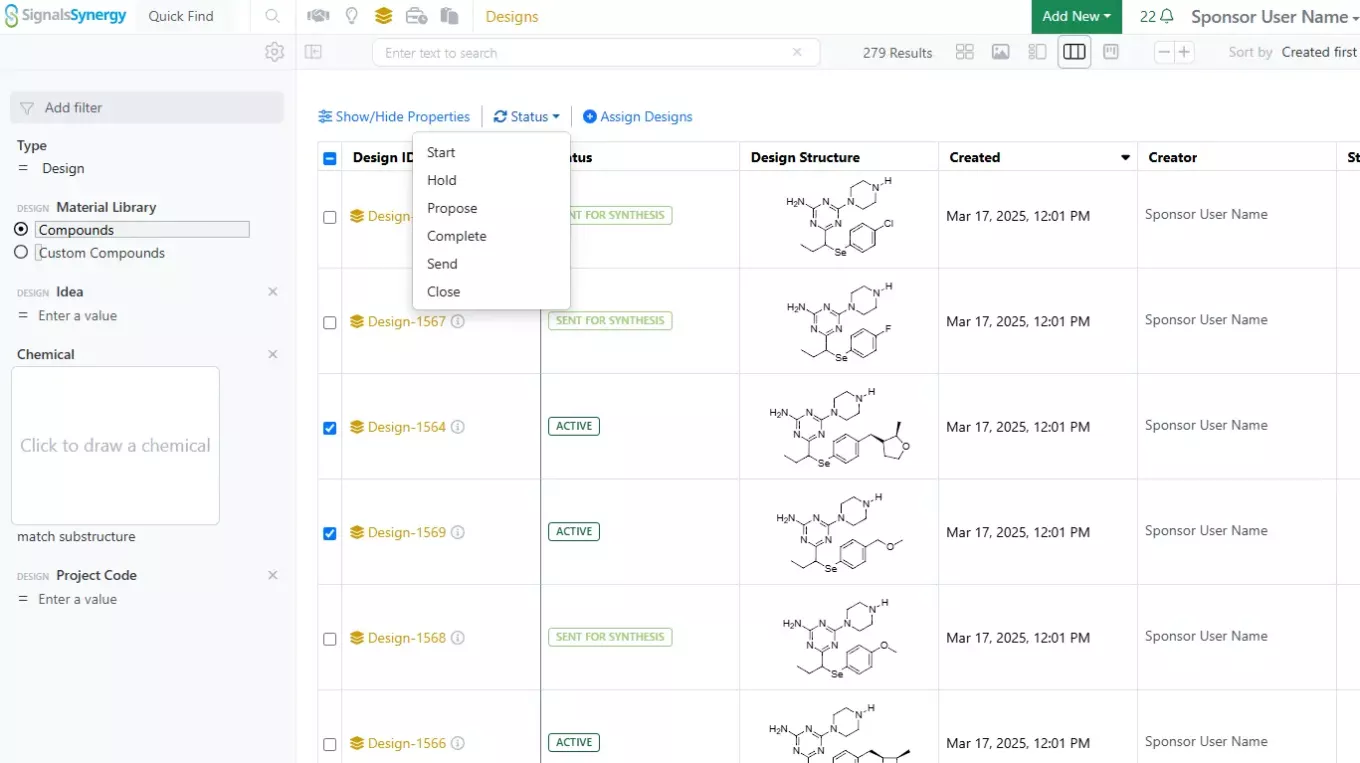
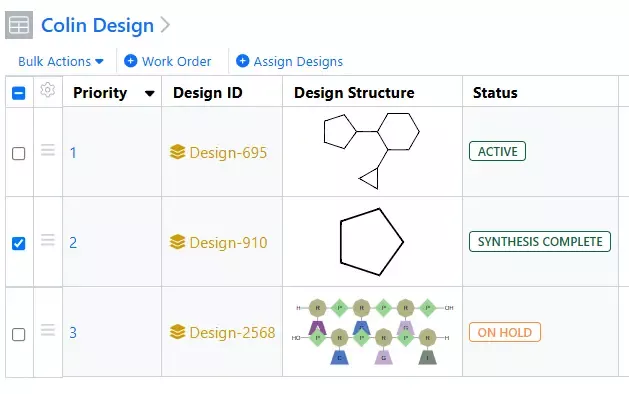
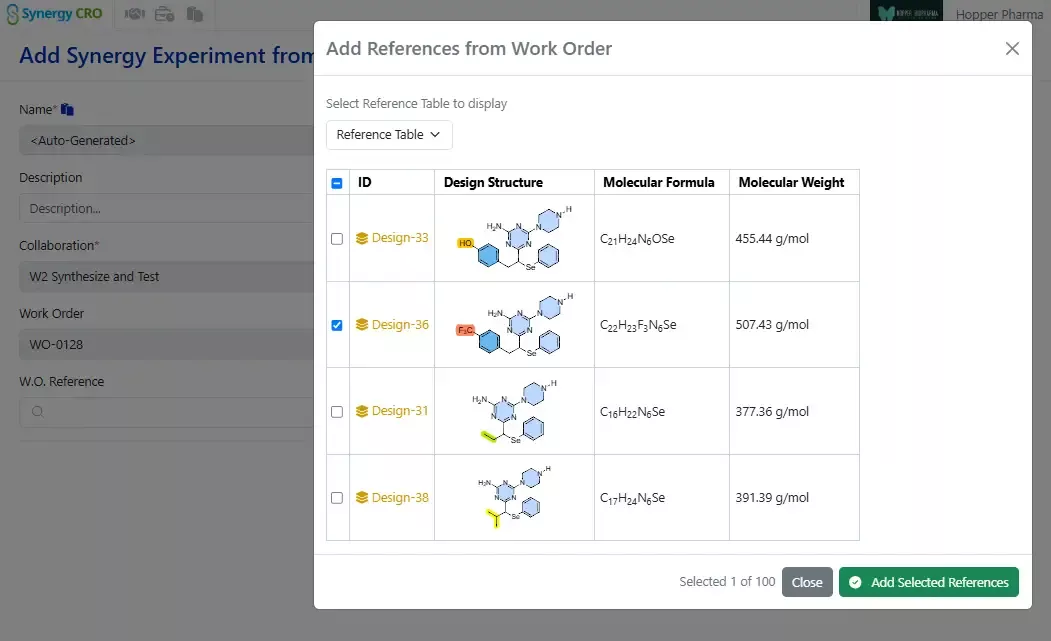
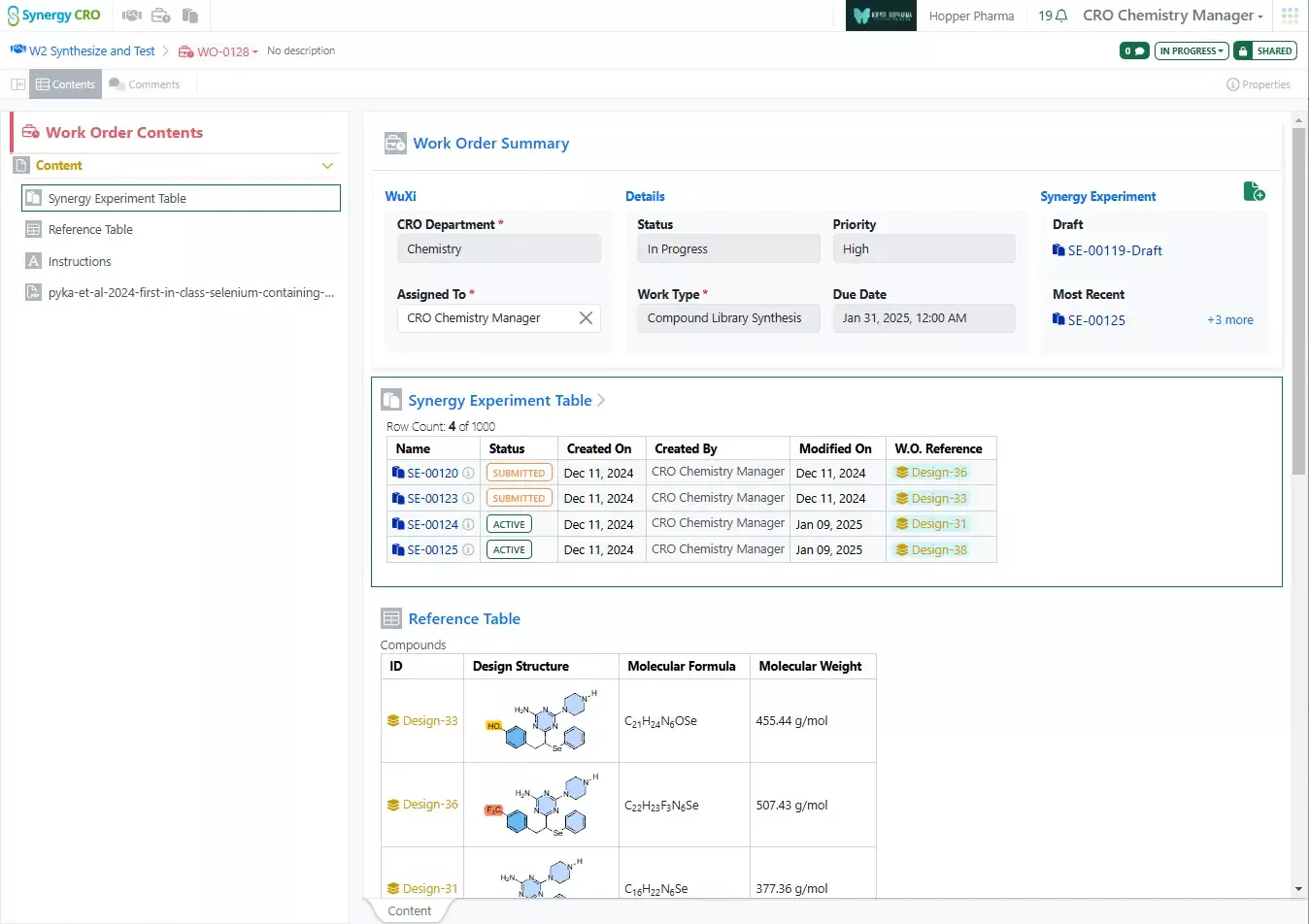
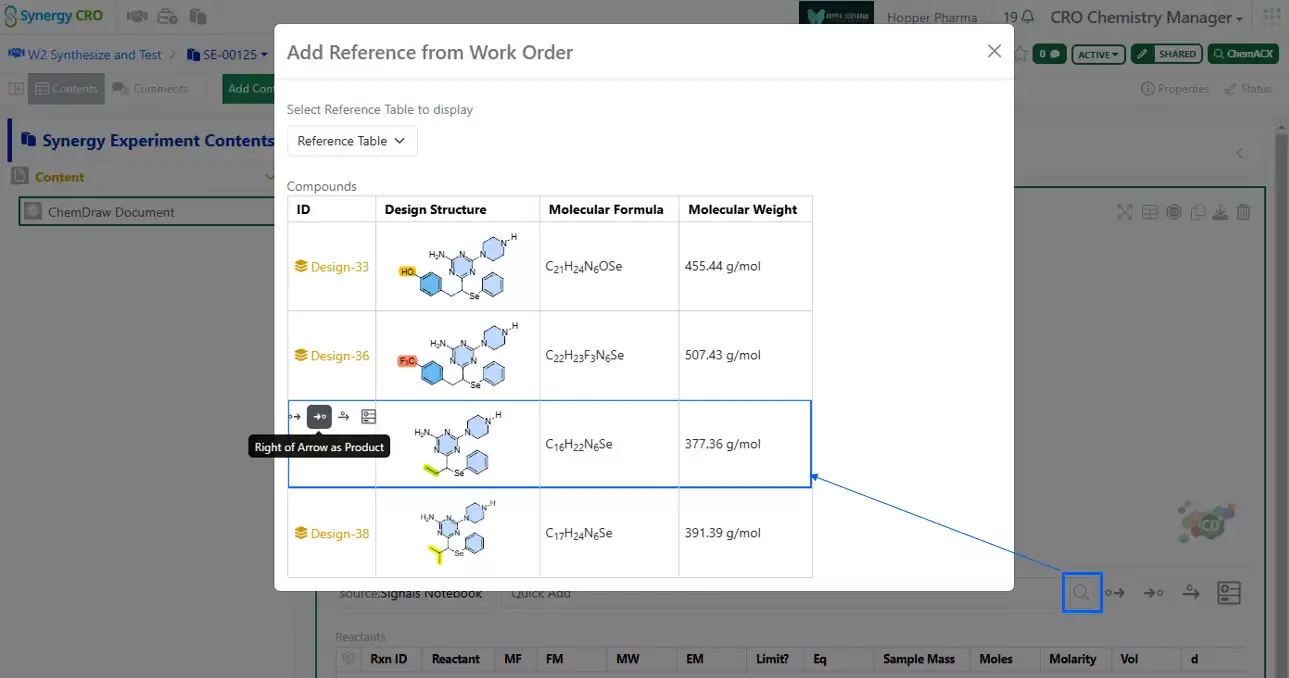
After enumerating Products in a Parallel Experiment in Signals, a Sponsor may want to synthesize the products internally or send the Products off to a CRO for synthesis. On a Sub-Experiment/Products Table in a Parallel Experiment, a Sponsor can now Bulk Create Designs. Created Designs are marked with the Originating Experiment for traceability and are easily sent off in a Work Order for synthesis at a CRO.
Chemistry
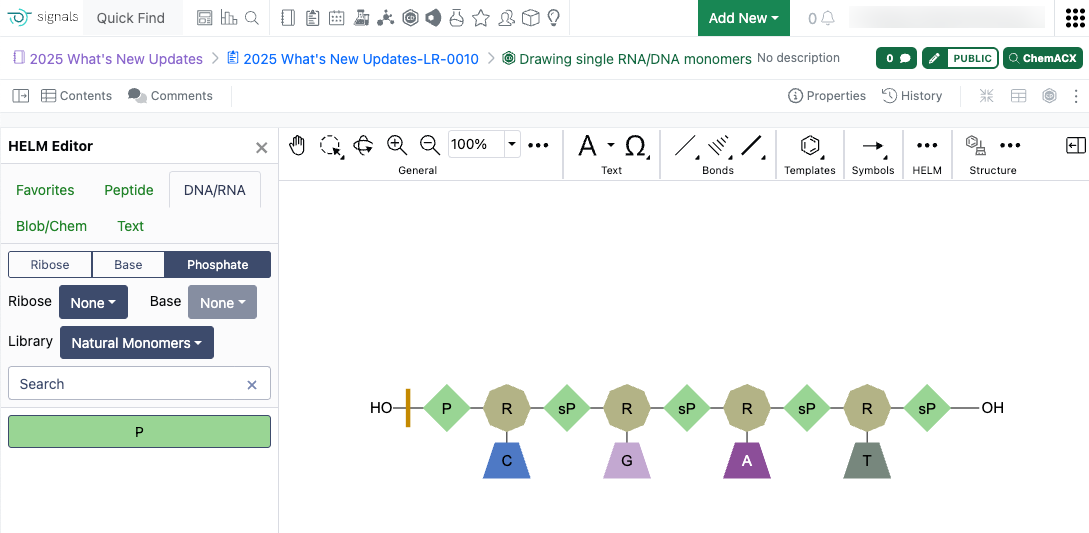
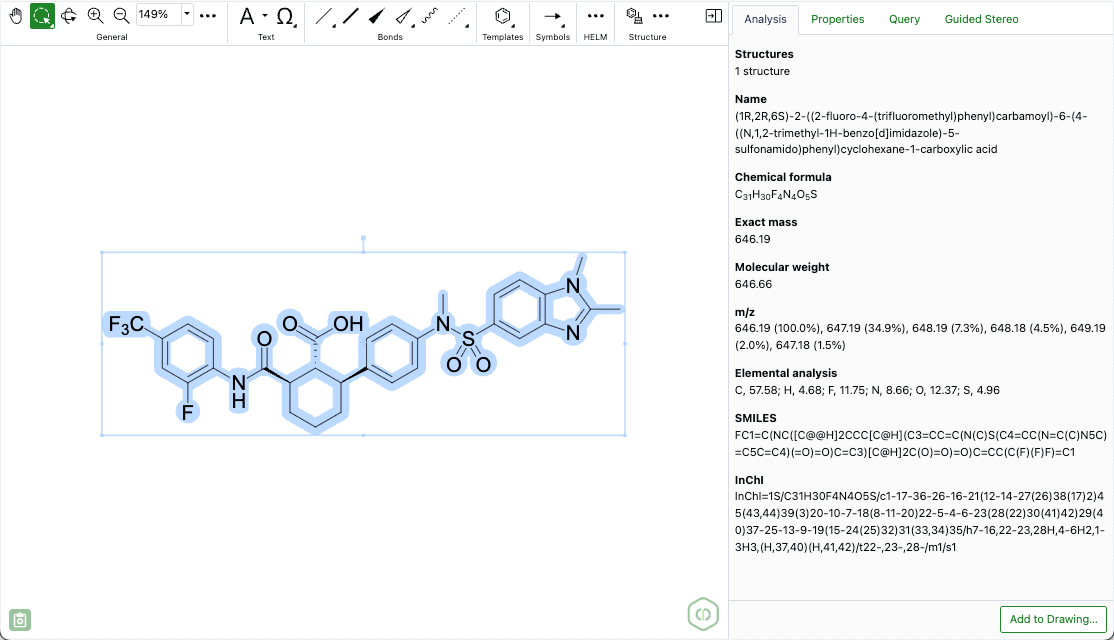
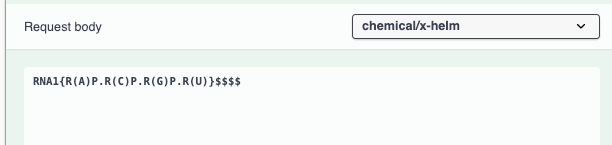
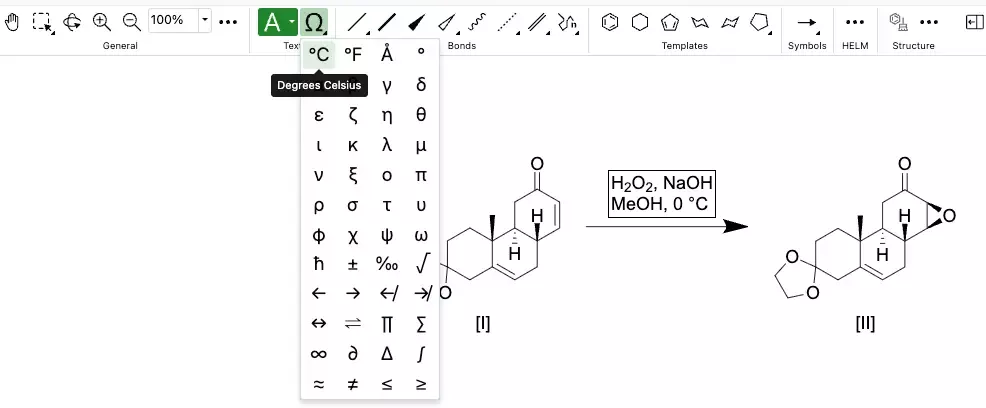
Support for drawing individual RNA/DNA monomers has been added to the HELM editor. When editing in the RNA/DNA tab of the HELM Editor, there is a new "None” option available in the dropdown menu for secondary monomers. When “None” is selected, a monomer of that type will not be drawn when the primary monomer is added to the ChemDraw canvas. Additionally, if the user wishes to draw using only the primary monomer (ribose, base or phosphate), a modifier key is available. Selecting alt/option + the monomer will only add the primary monomer to the canvas.
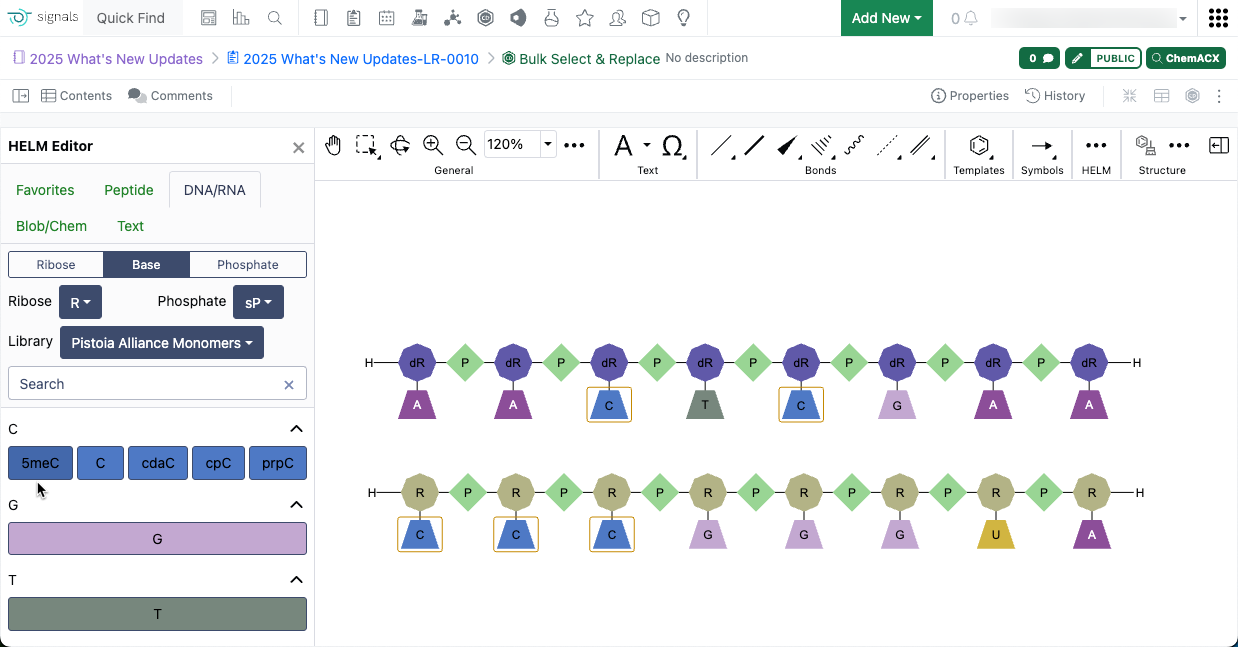
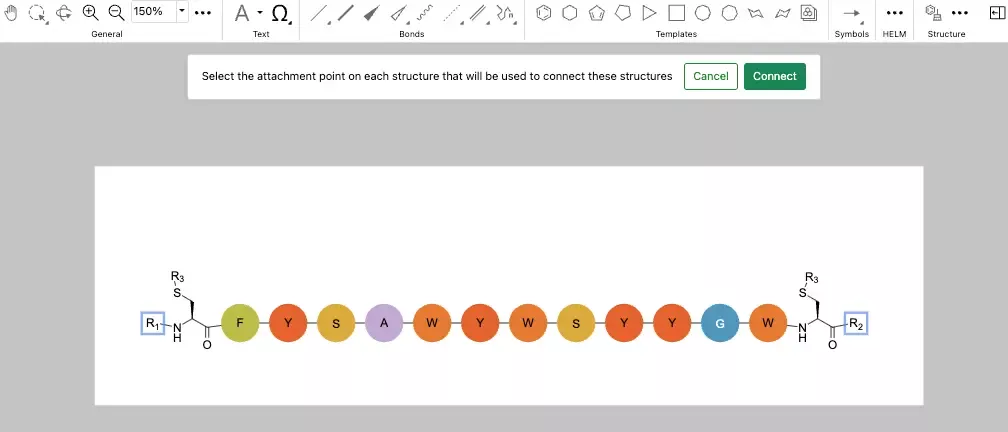
Bulk selection of monomers while in HELM edit mode is now possible by using the 'Shift' key and selecting multiple monomers on the canvas. Once selected, these monomers can be replaced simply by selecting a new monomer in the HELM editor.
Admin Defined Tables & Variation Tables
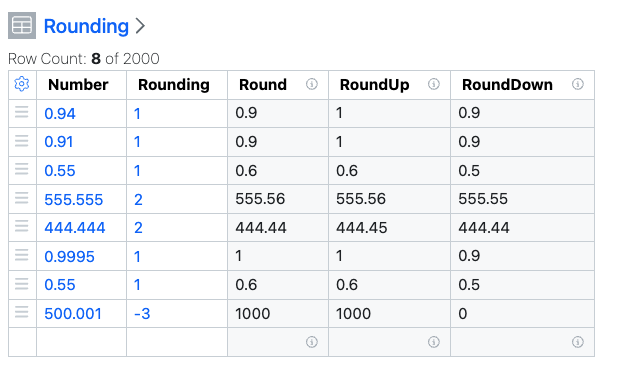
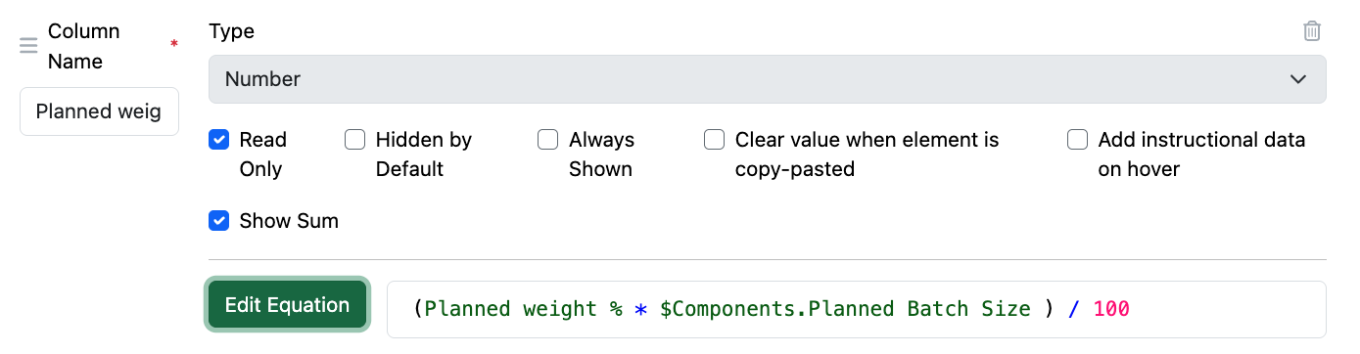
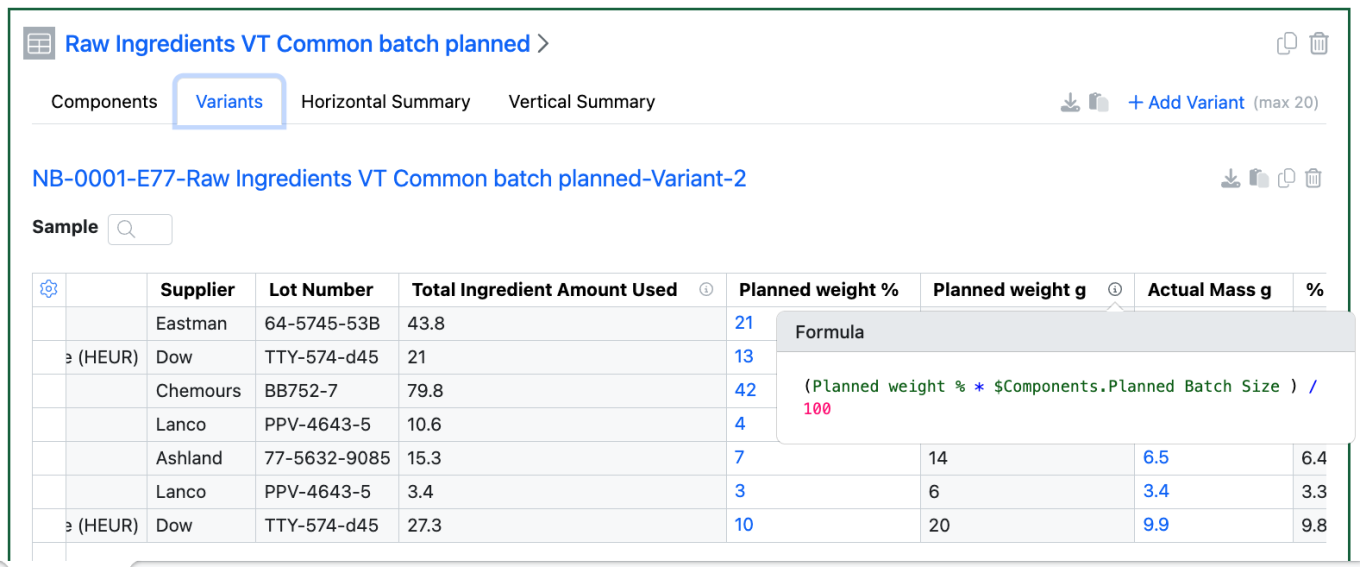
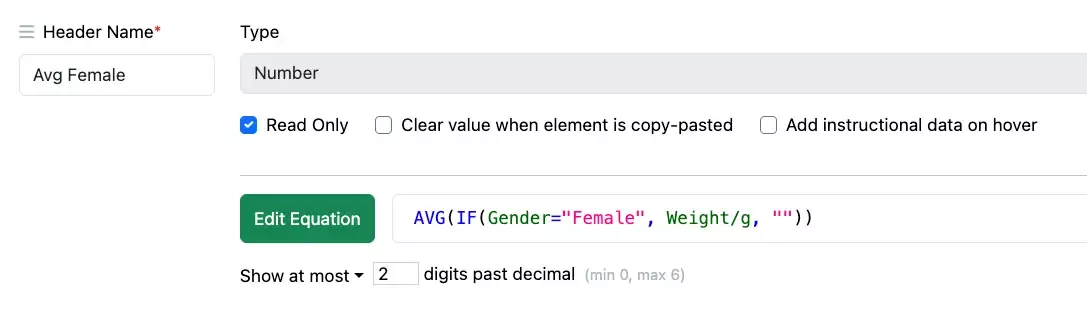
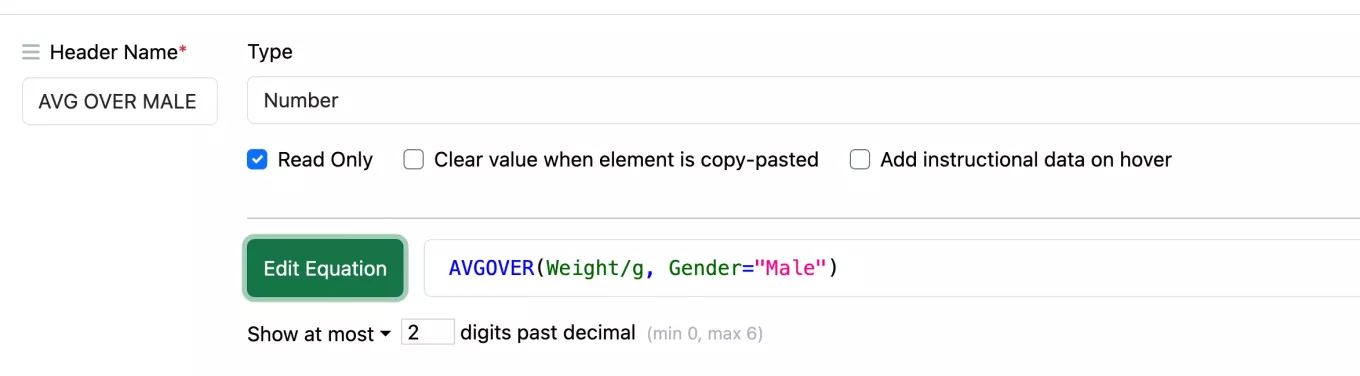
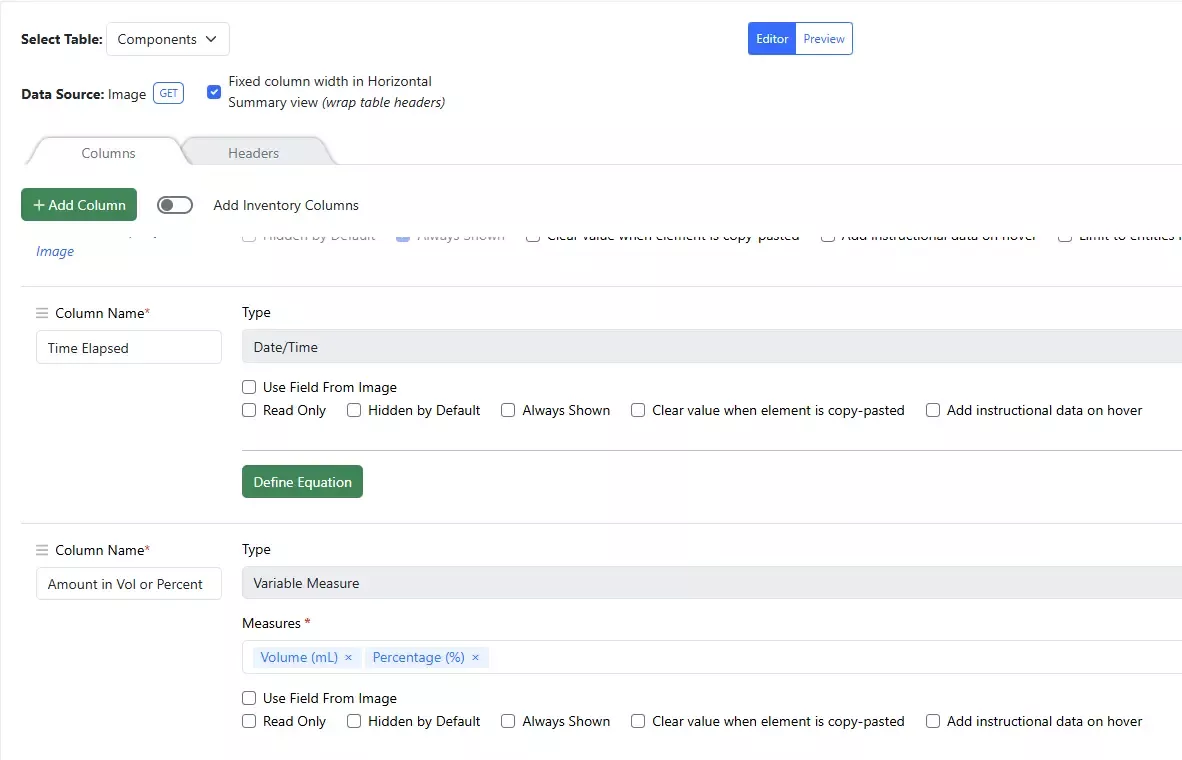
A new function “ROUND” is available in table calculations, to supplement our exiting ROUNDUP and ROUNDDOWN functions. ROUND uses the method “Rounding half away from zero”, an optional second argument allows definition of which position relative to the decimal point the value is rounded to. If the second argument is absent, the value is rounded to the nearest whole number.
Plates
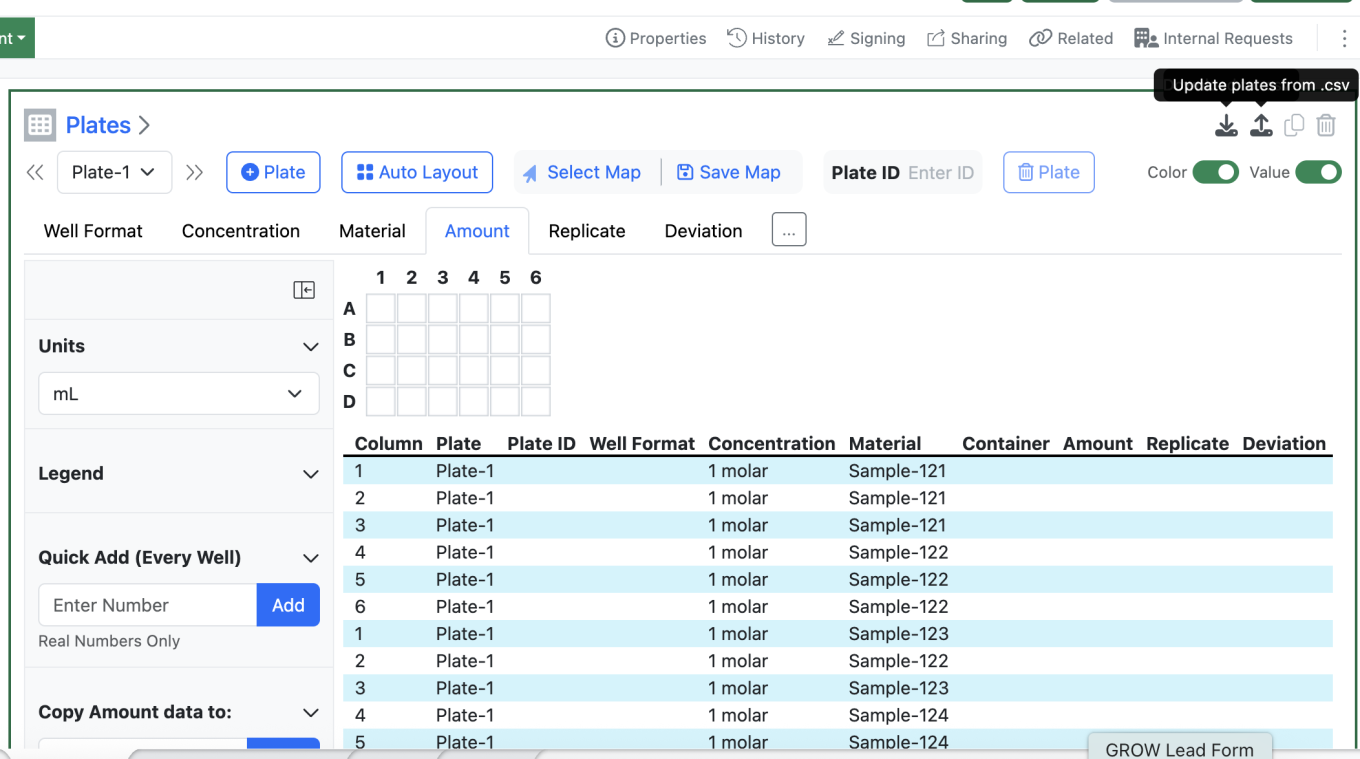
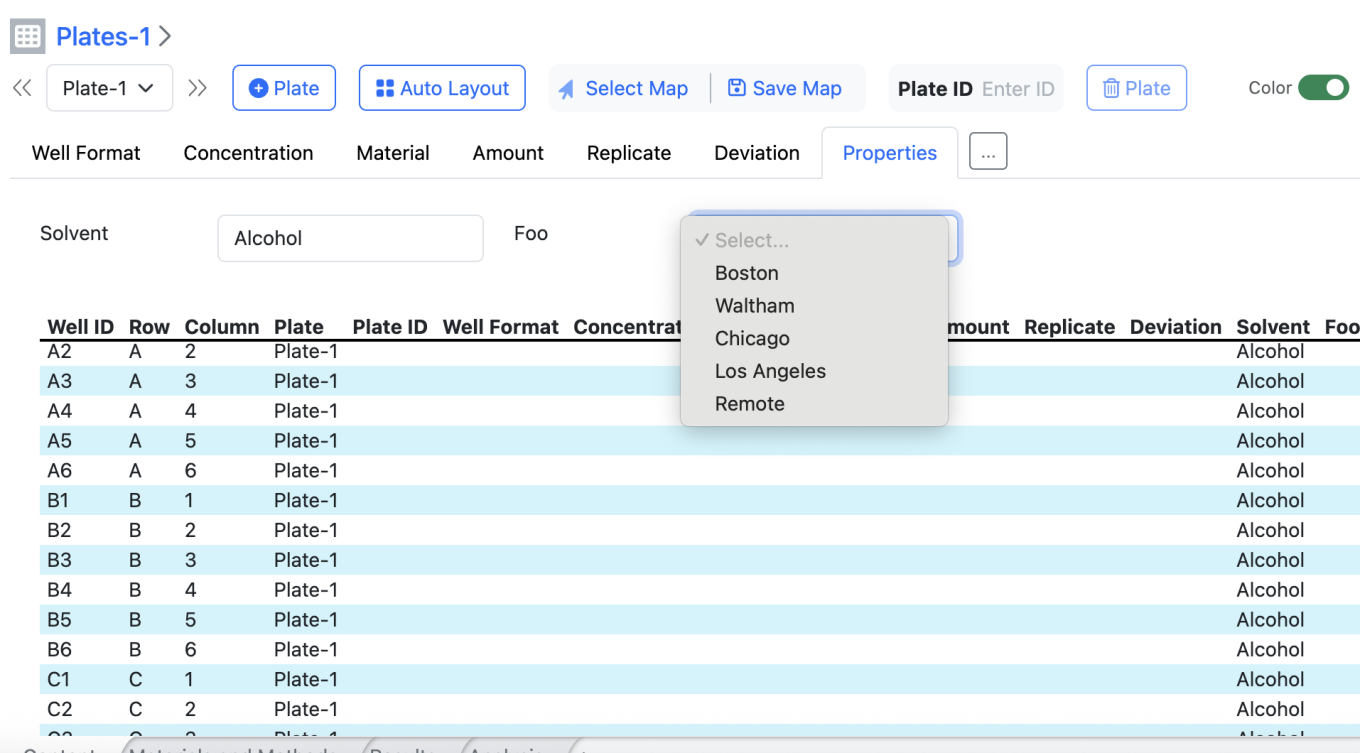
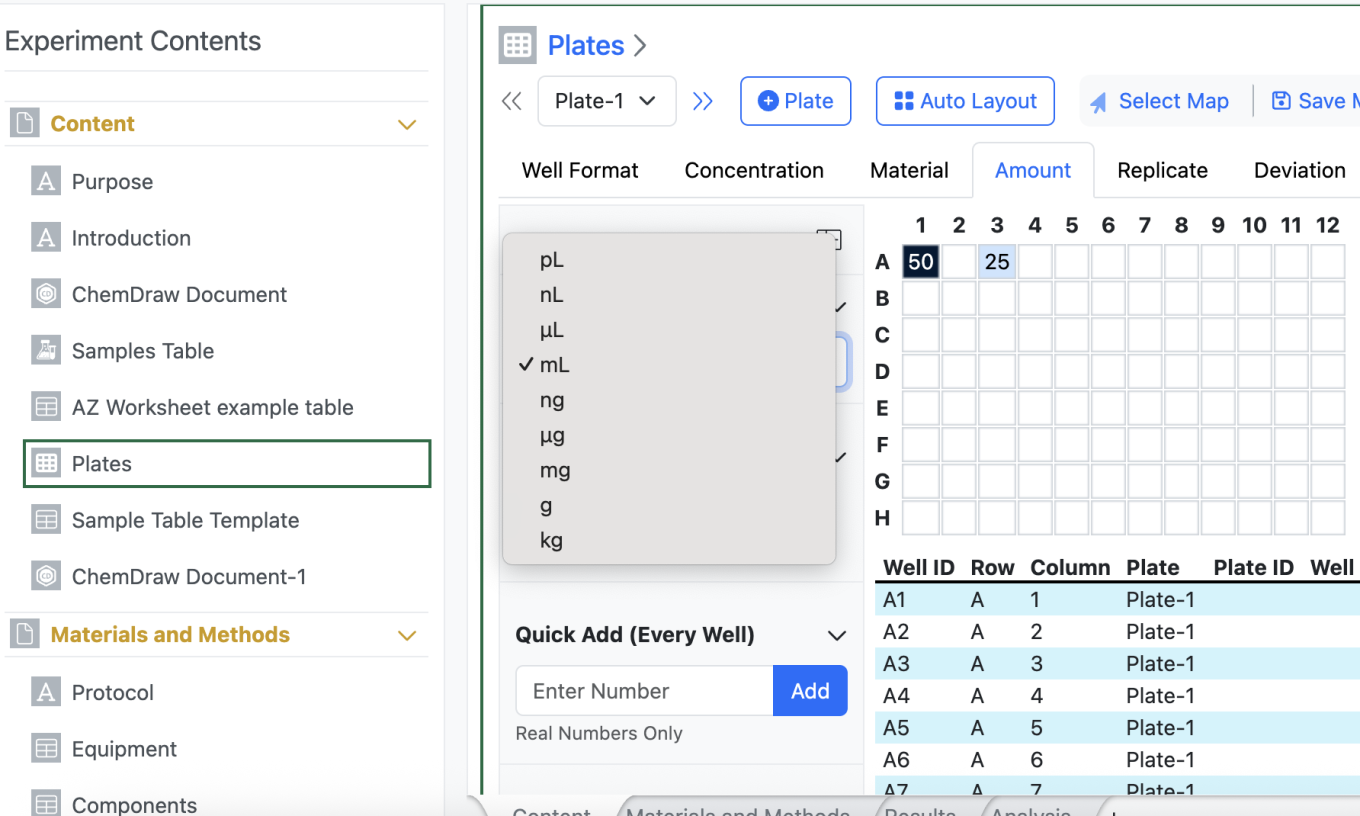
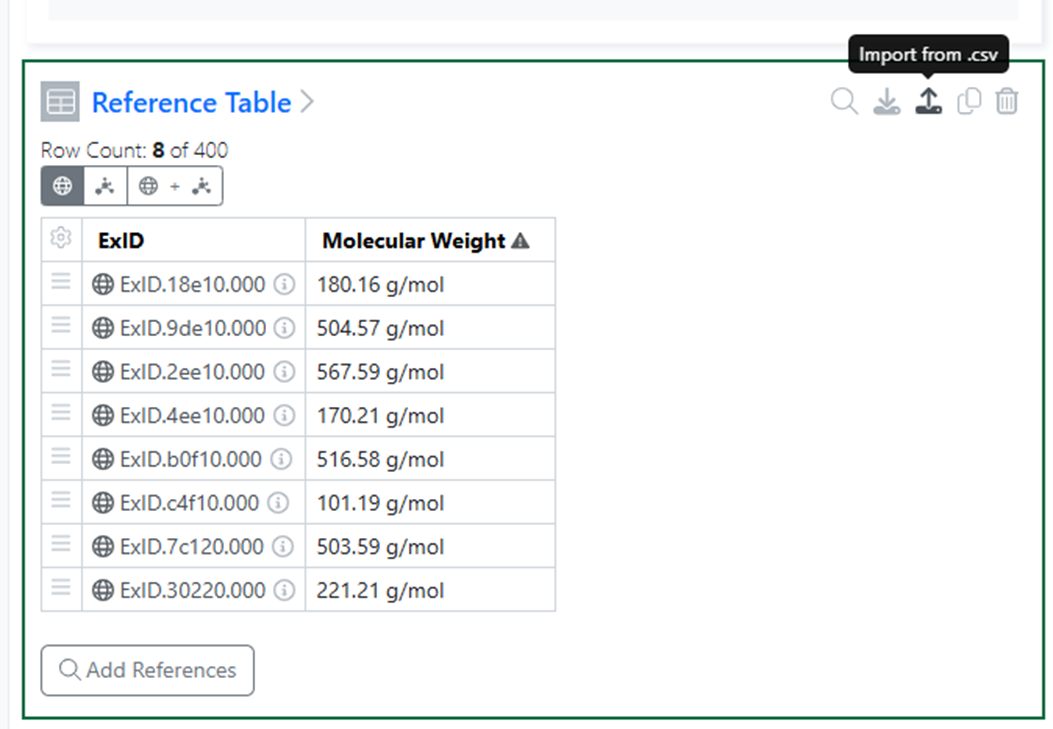
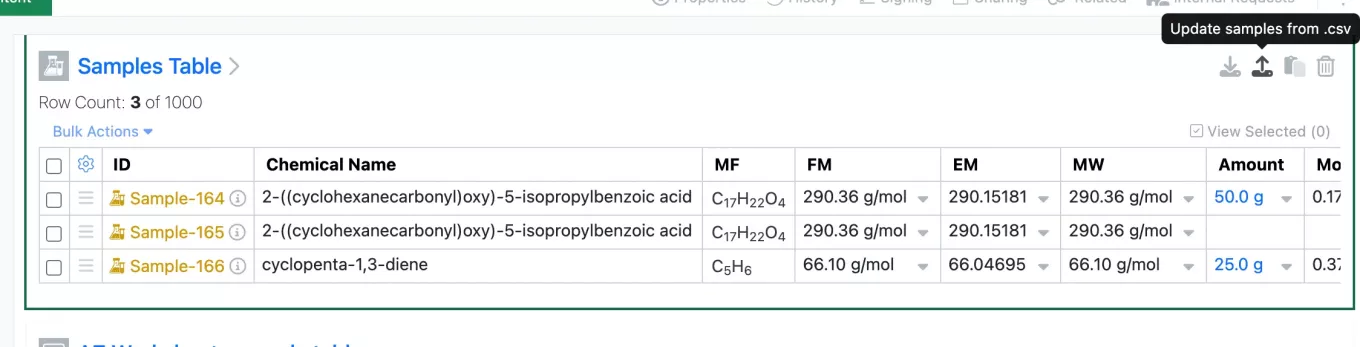
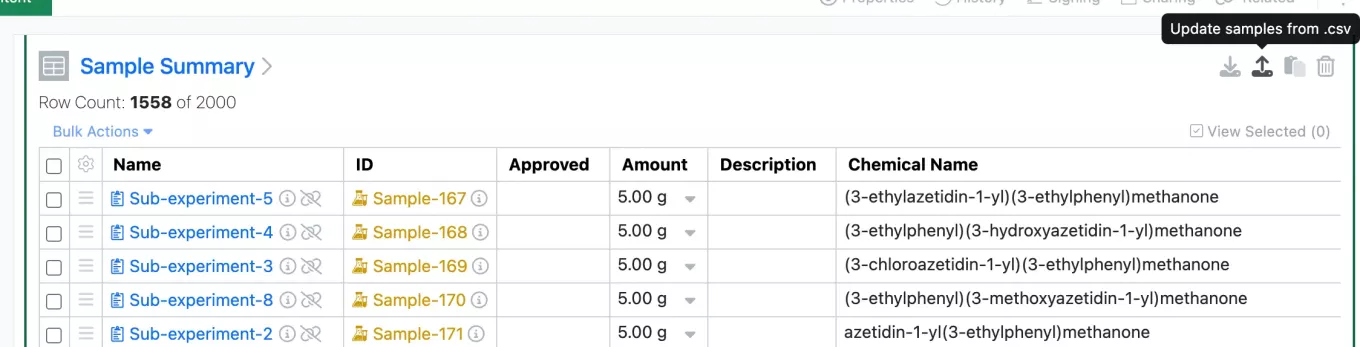
Users are now able to load or update Plates via a csv upload by selecting “Update plates from csv”.
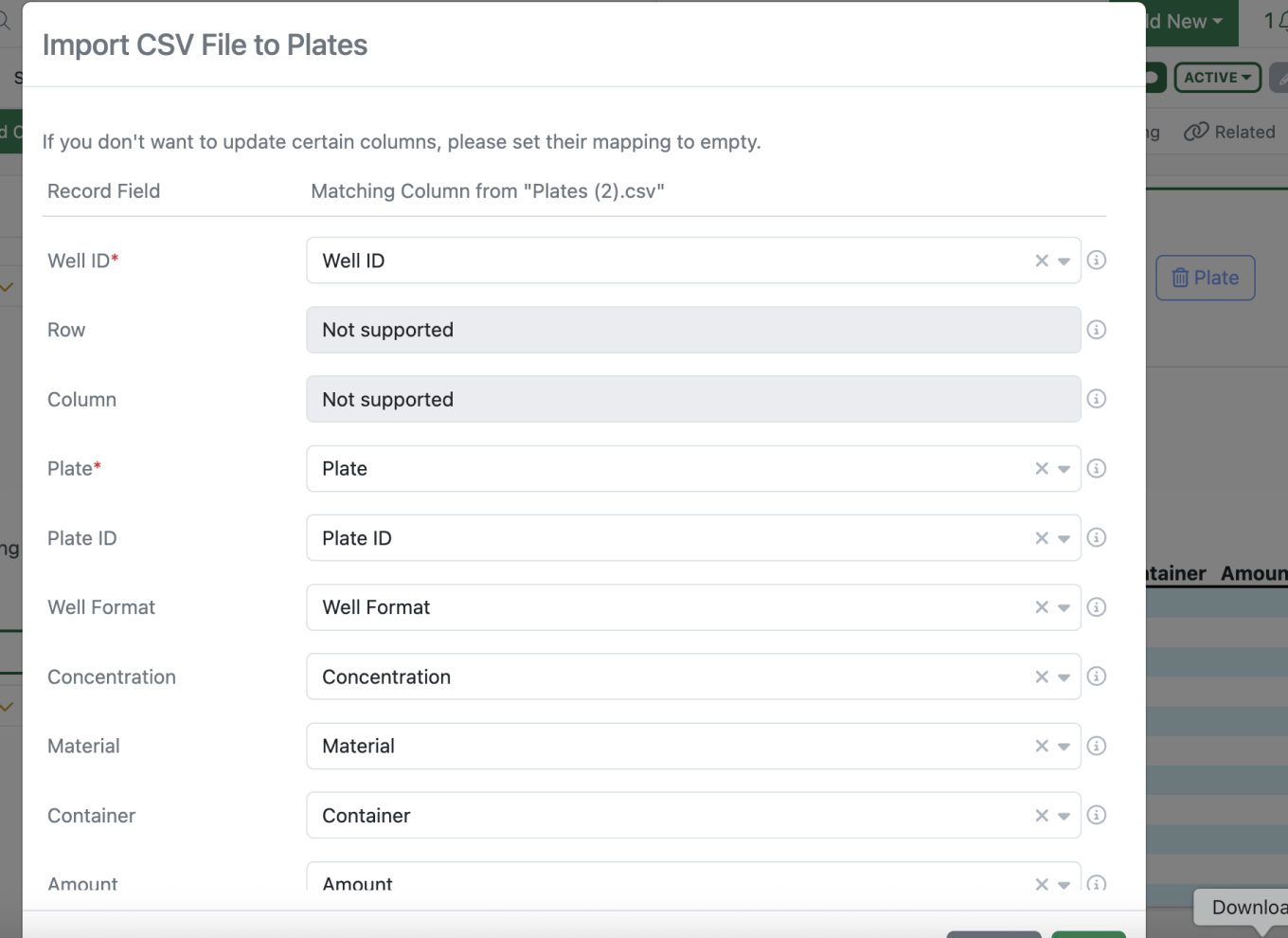
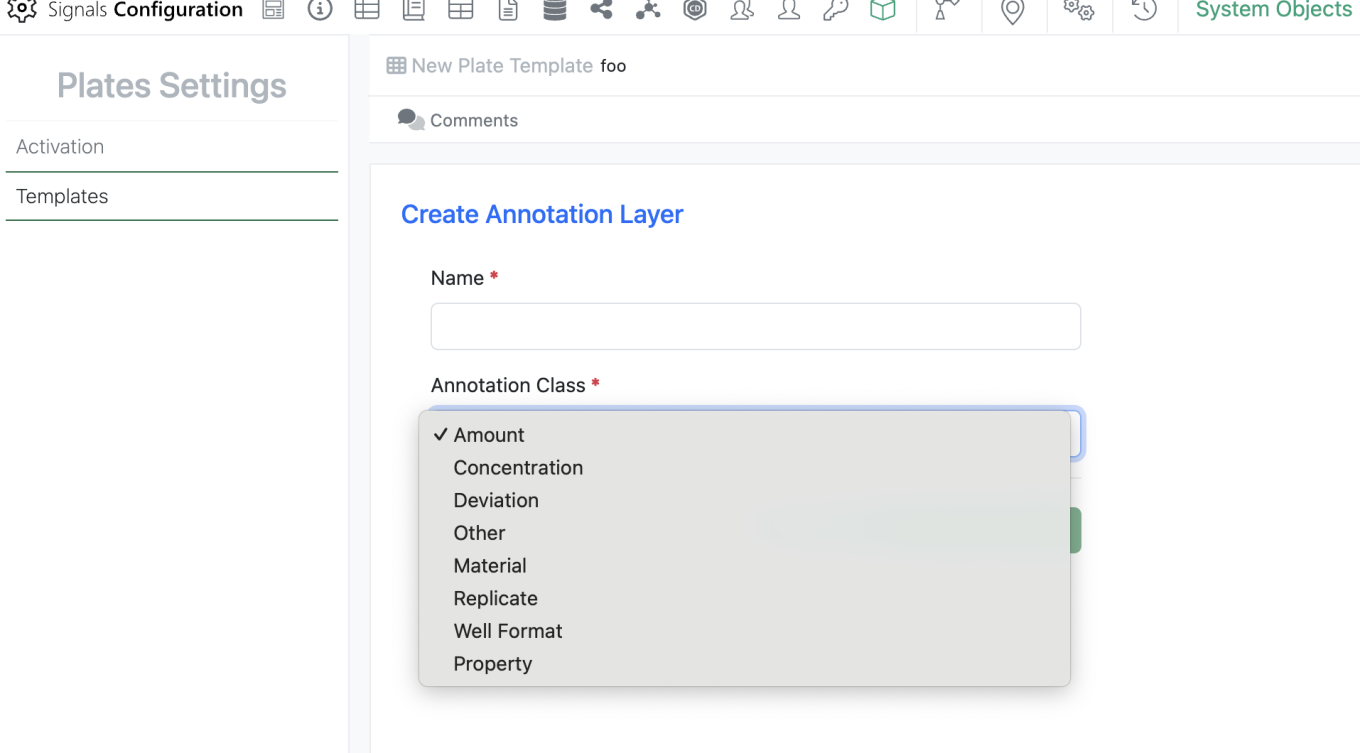
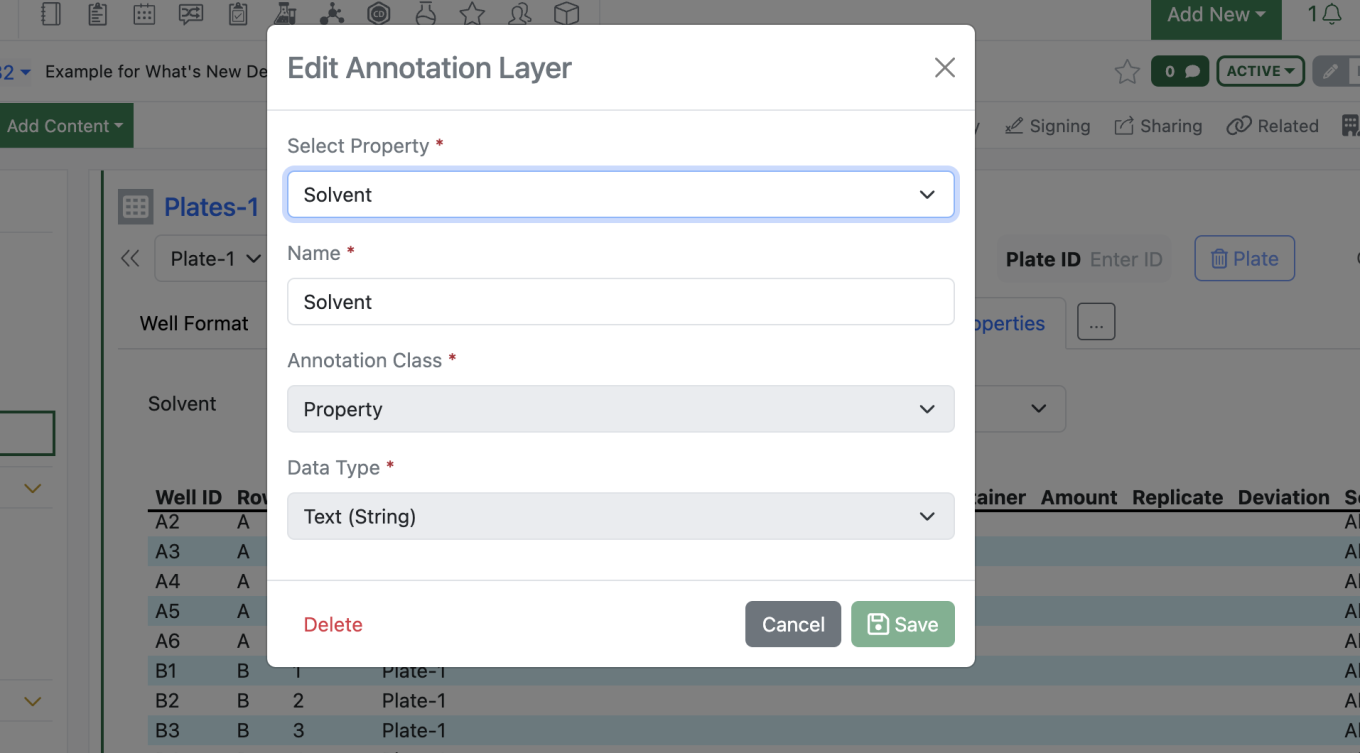
This brings up a mapping modal which allows the user to map columns from their csv to the associated annotation layers.
Once imported the plate is updated.
Inventory
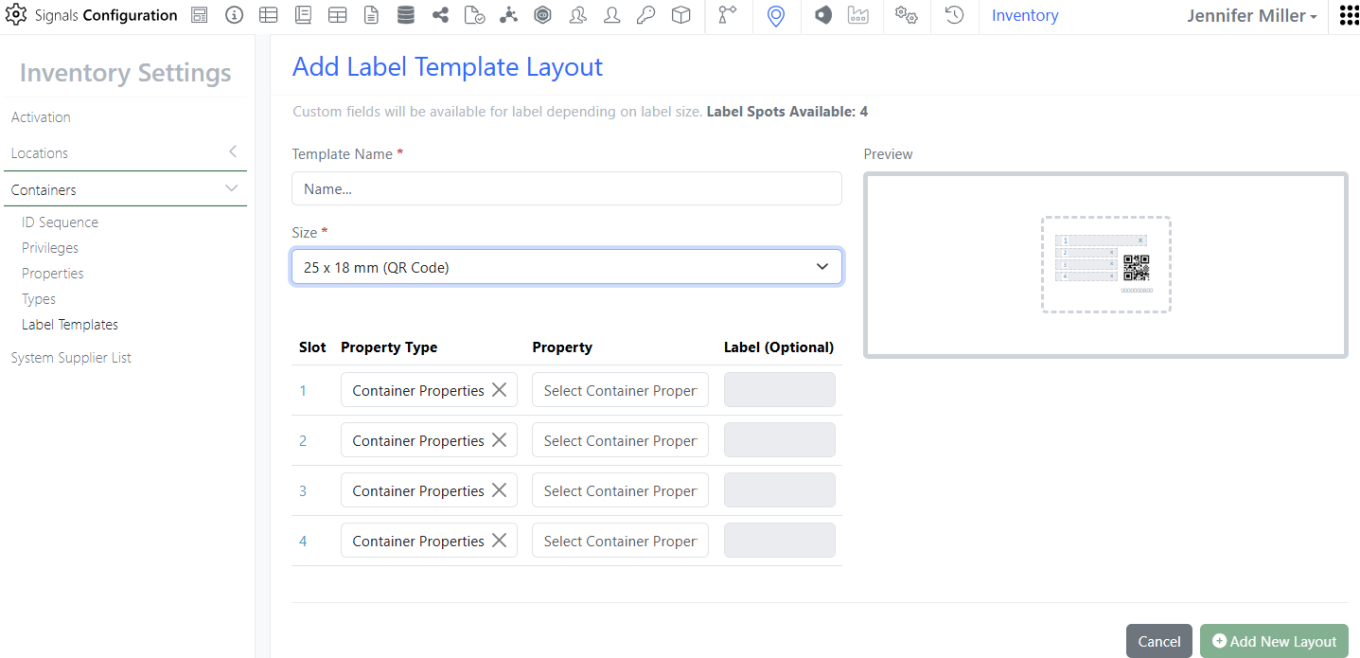
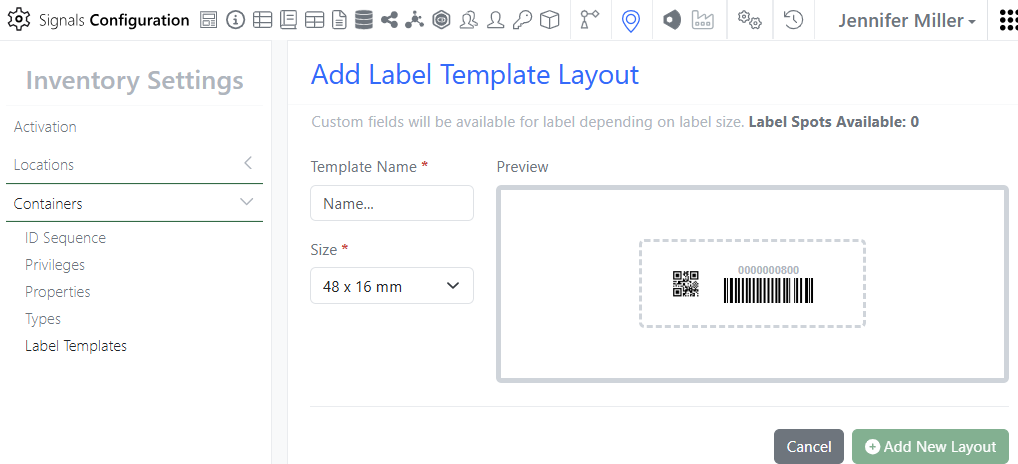
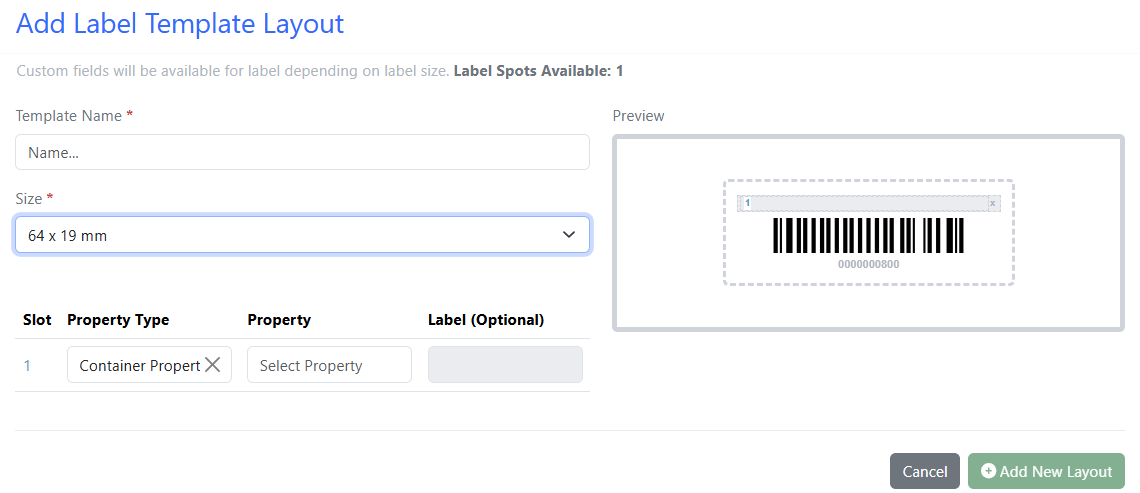
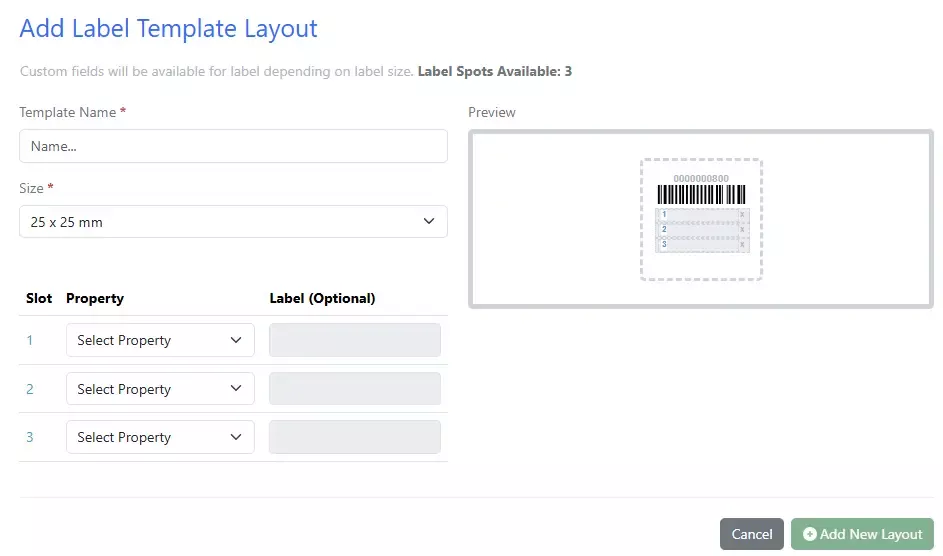
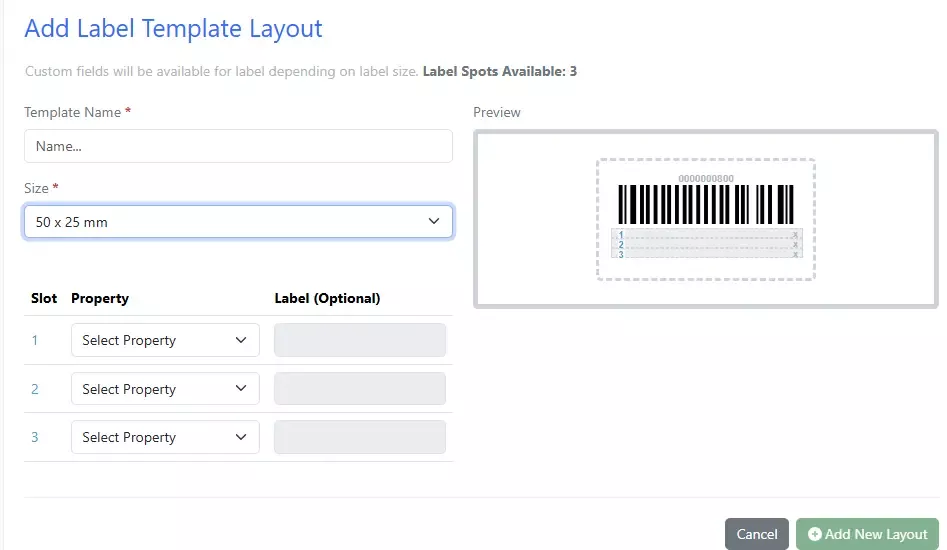
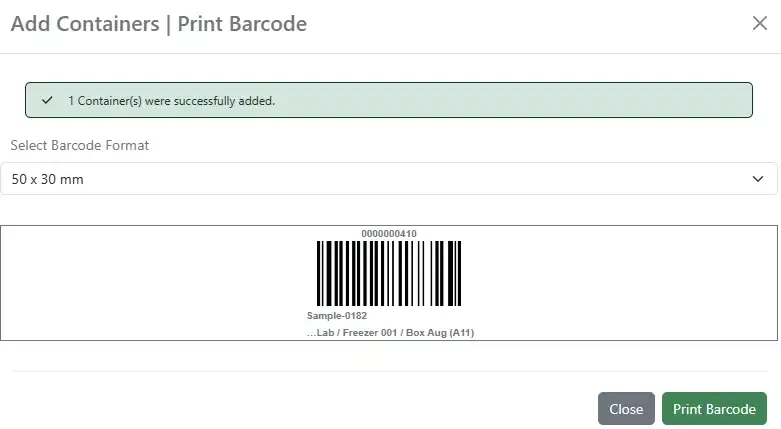
3 New Labels:
25 x 18 mm:
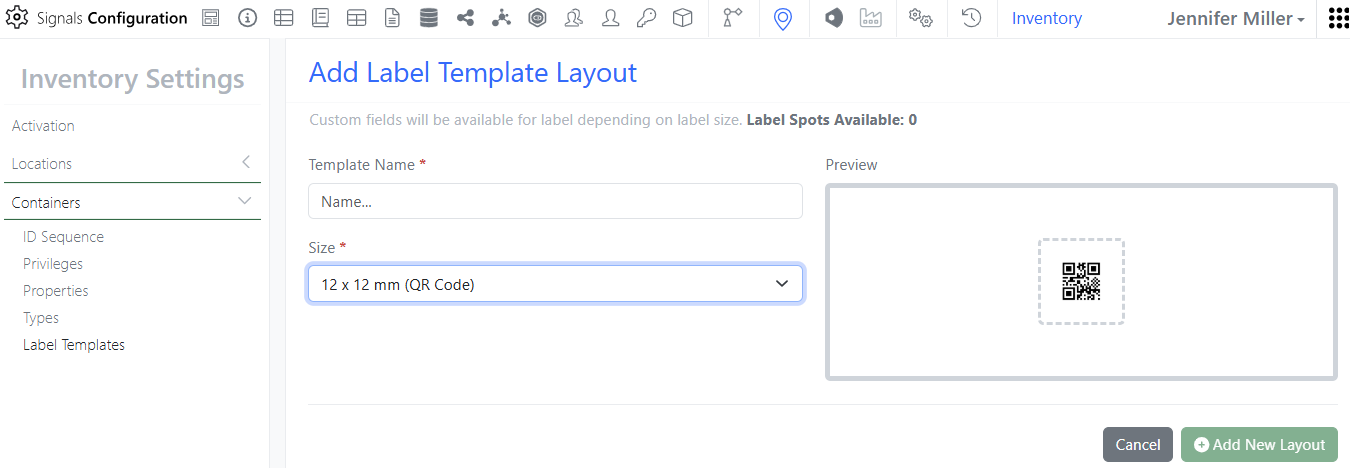
12 x 12 mm:
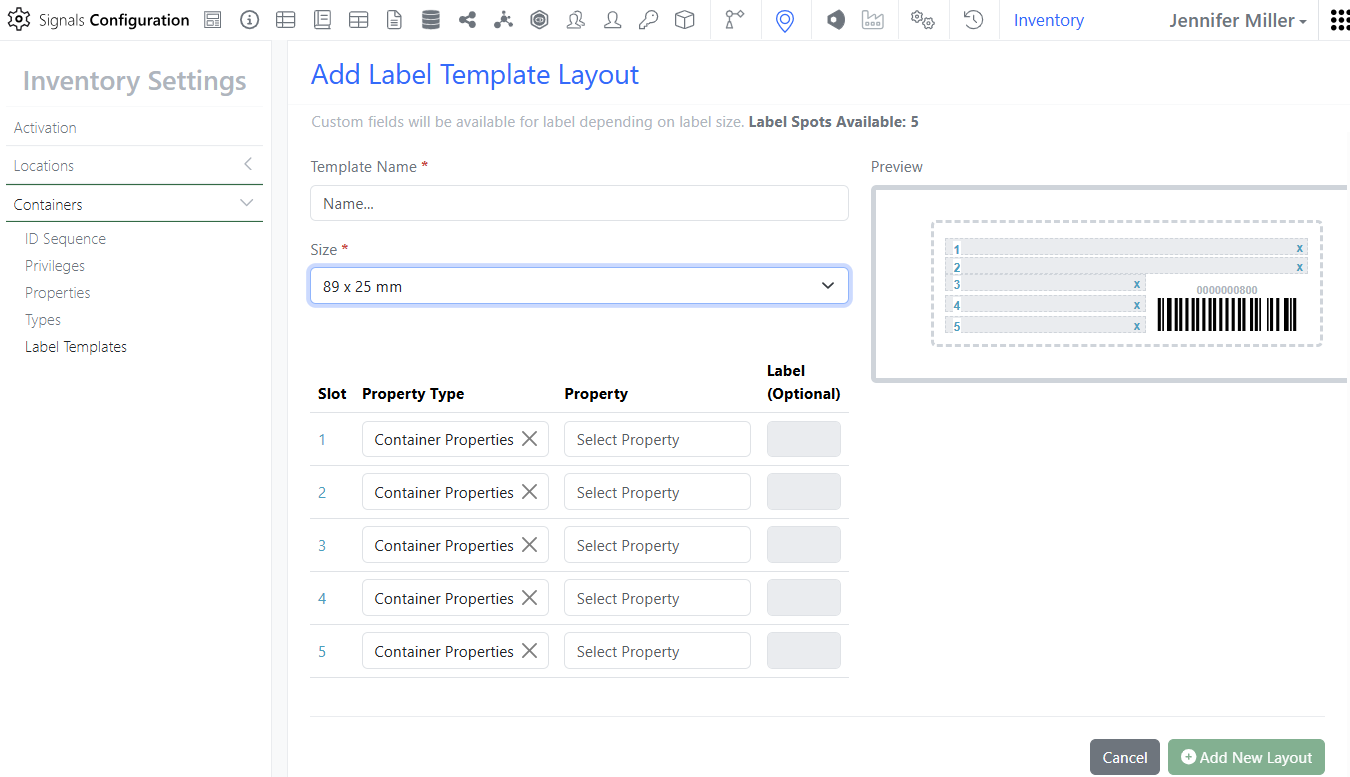
89 x 25 mm:
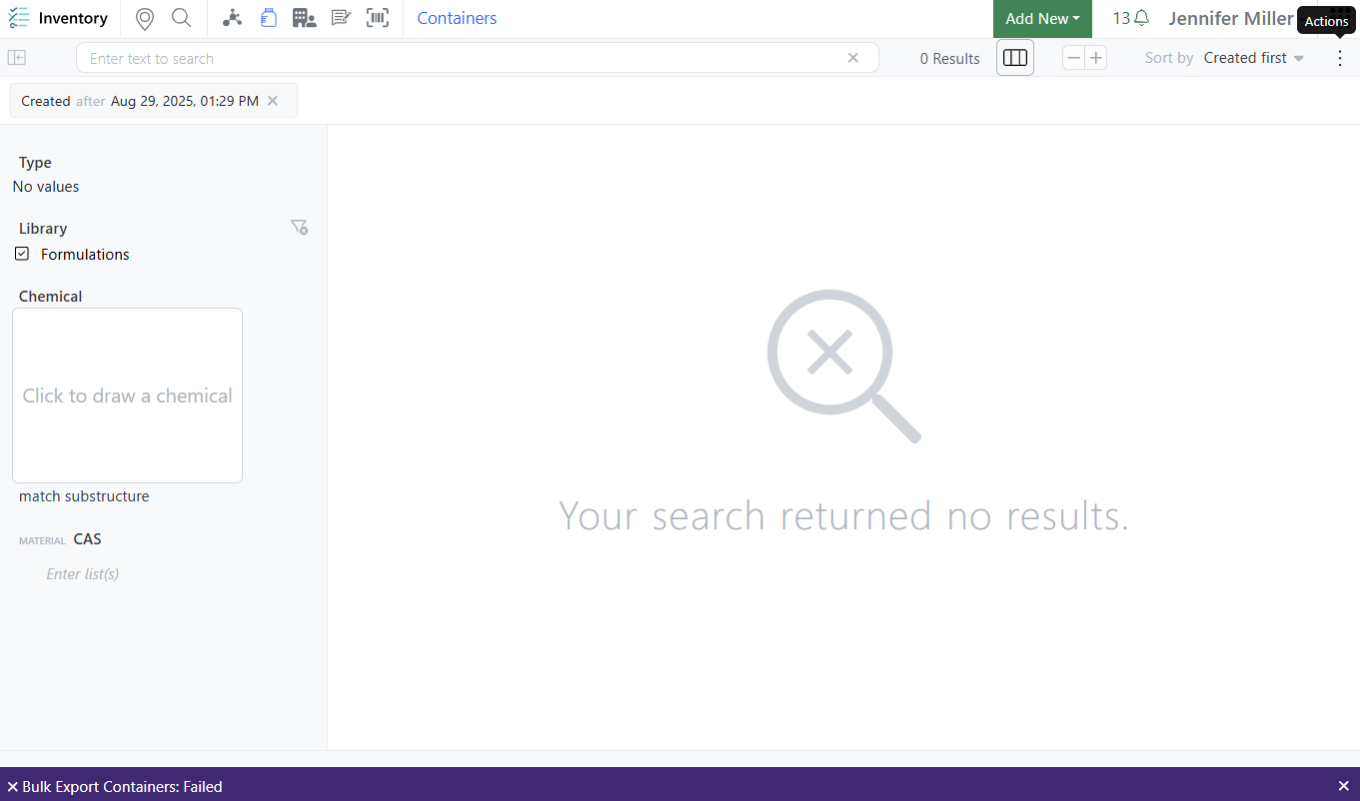
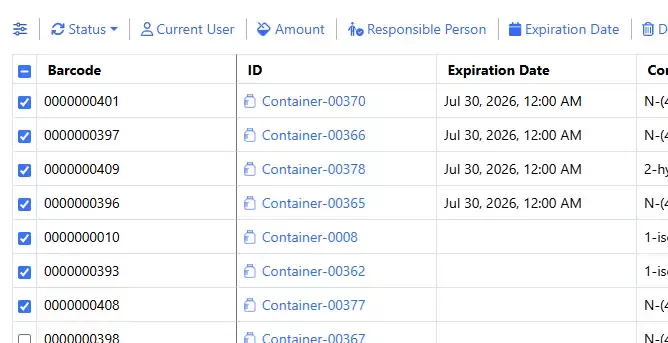
Update to Export Containers for searches that return no results. If the data changed during the export the job would not finish, Users will now see a failure message on the page:
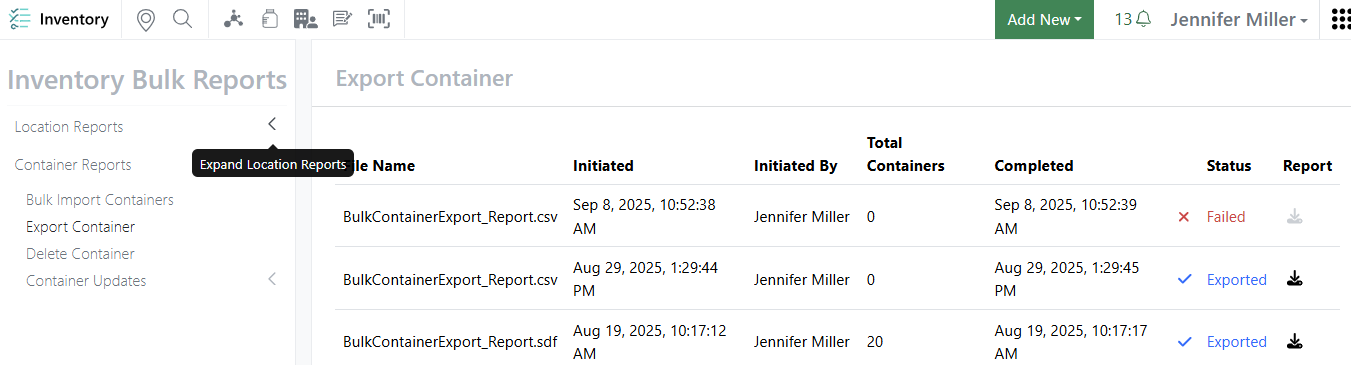
And on the report page:
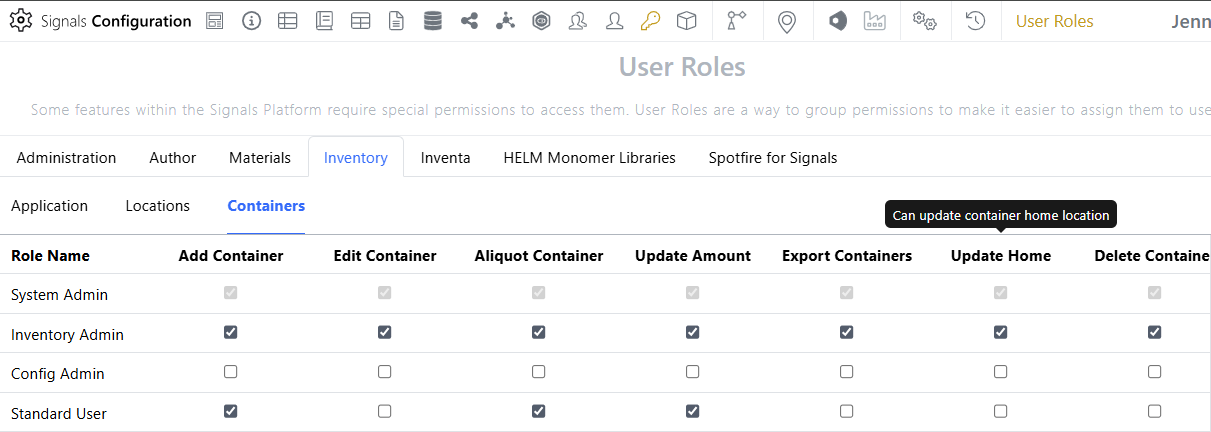
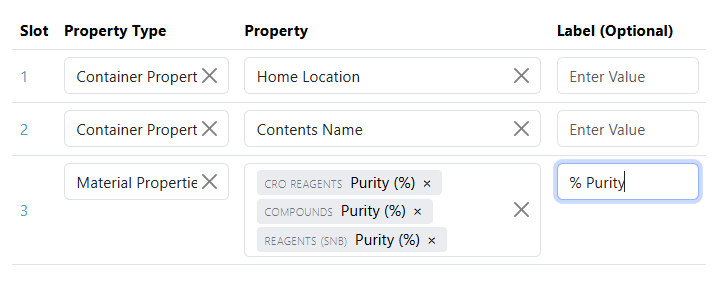
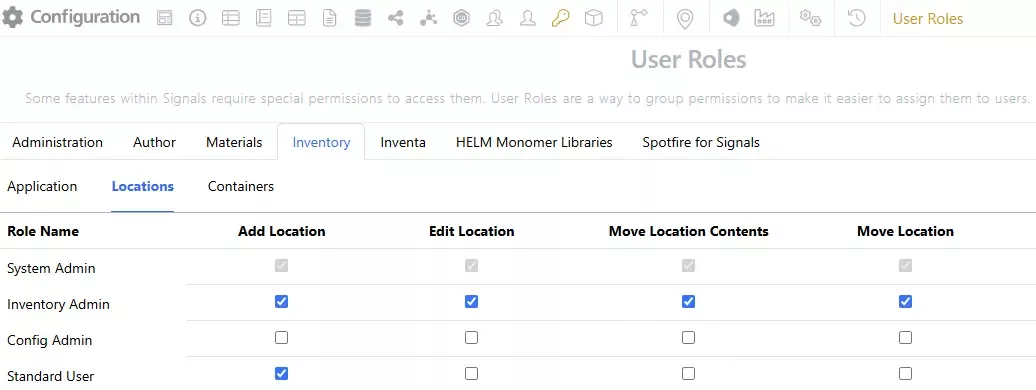
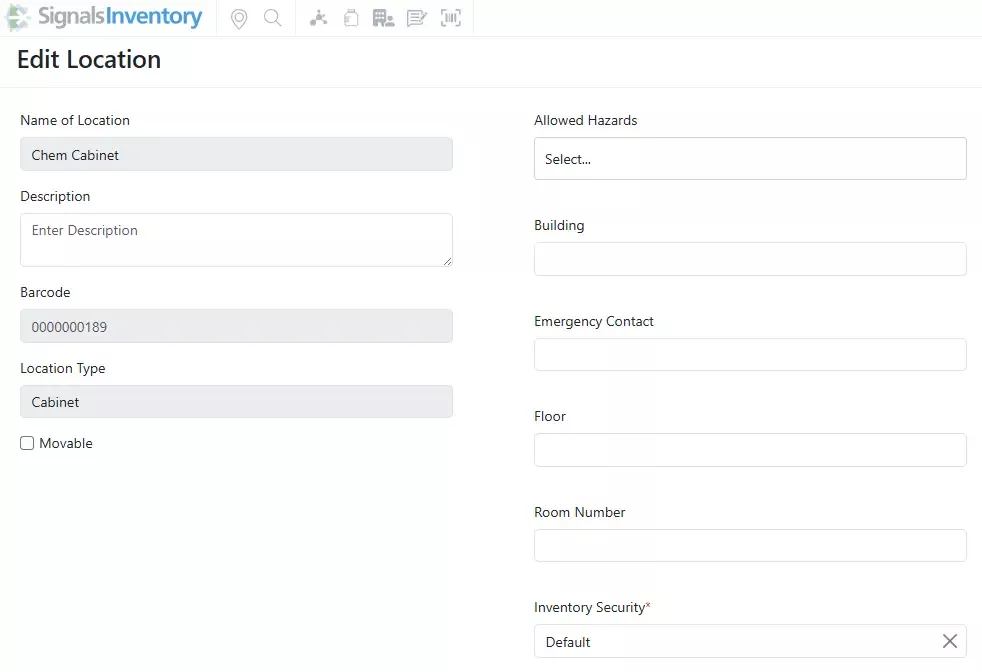
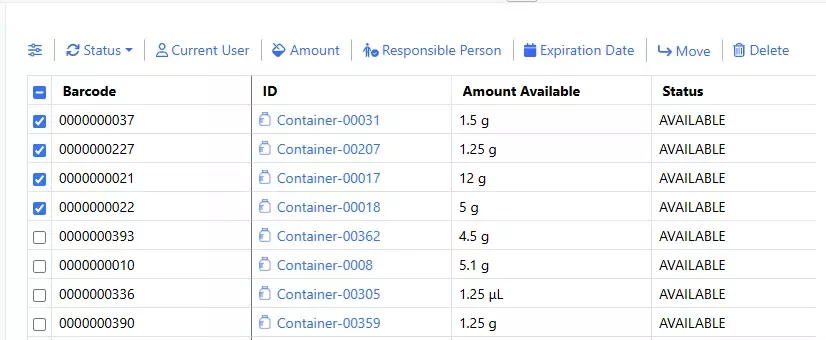
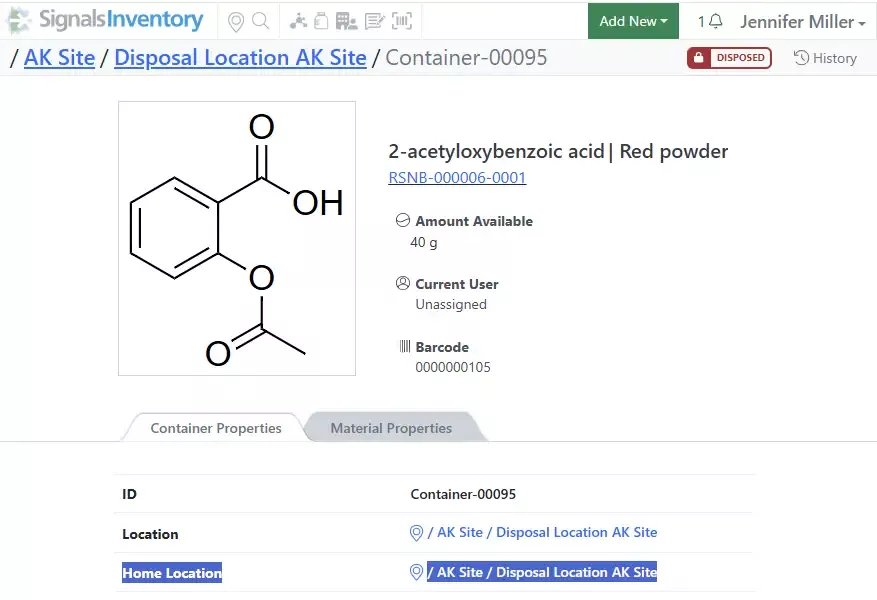
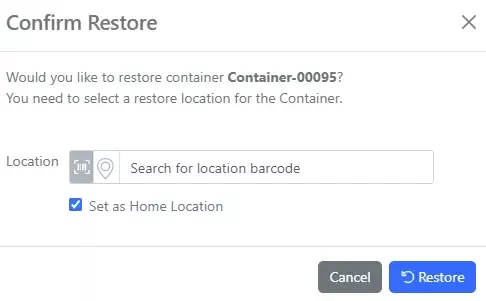
Additional Container Privilege for updating Home Location. Now users can be given the privilege to update a container’s Home Location. Previously this was reserved for System and Inventory Administrators. Users still need security access to the containers as well as Edit Container privilege to update the Home Location:
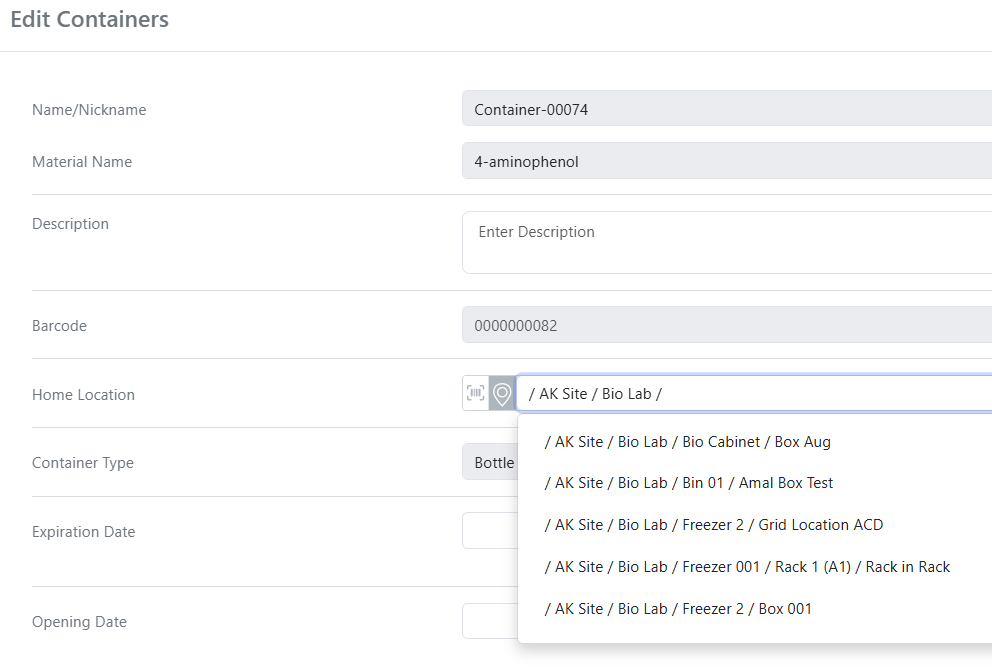
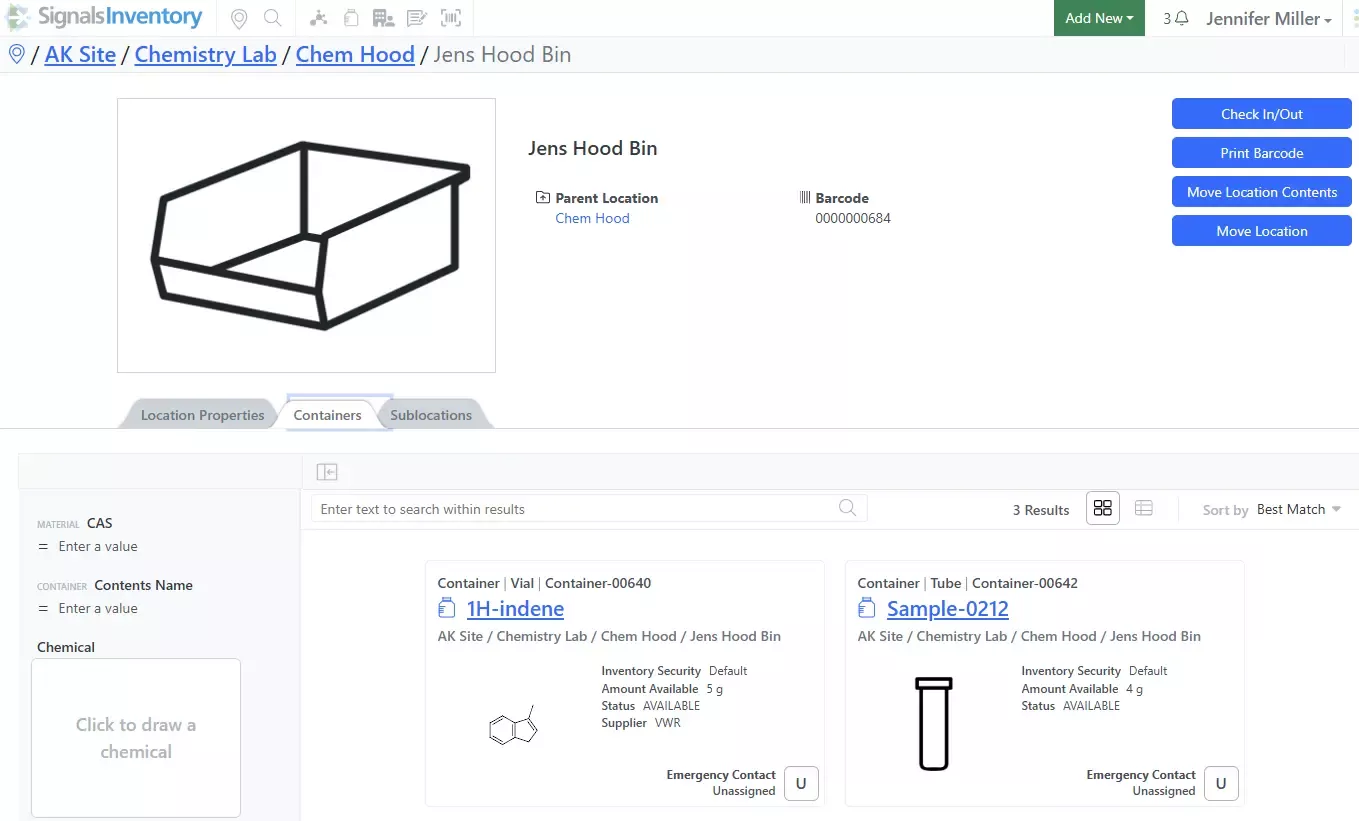
Once the user has the privilege to update the Home Location, they can use the vertical 3 dots in the top right corner to open the Edit menu:
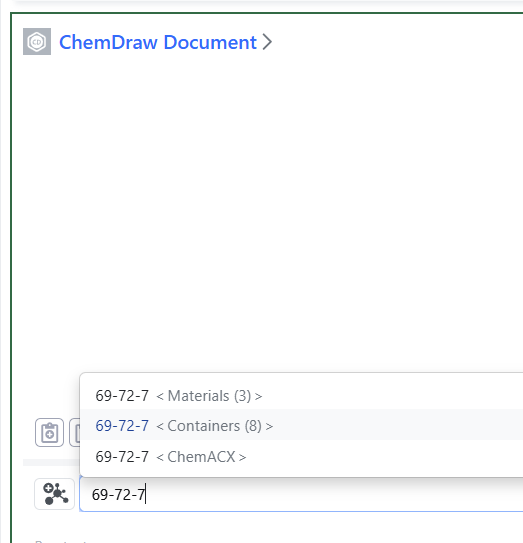
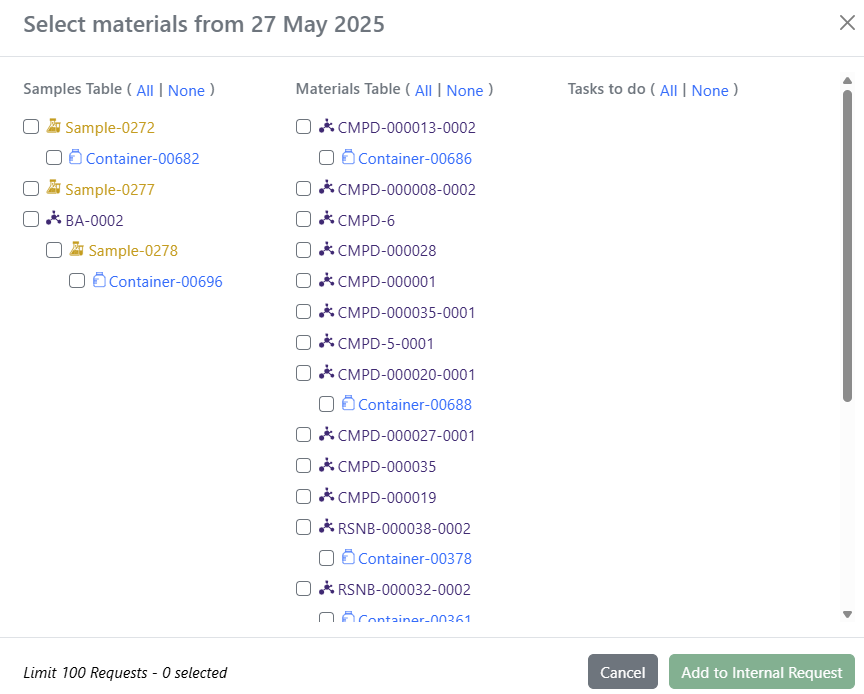
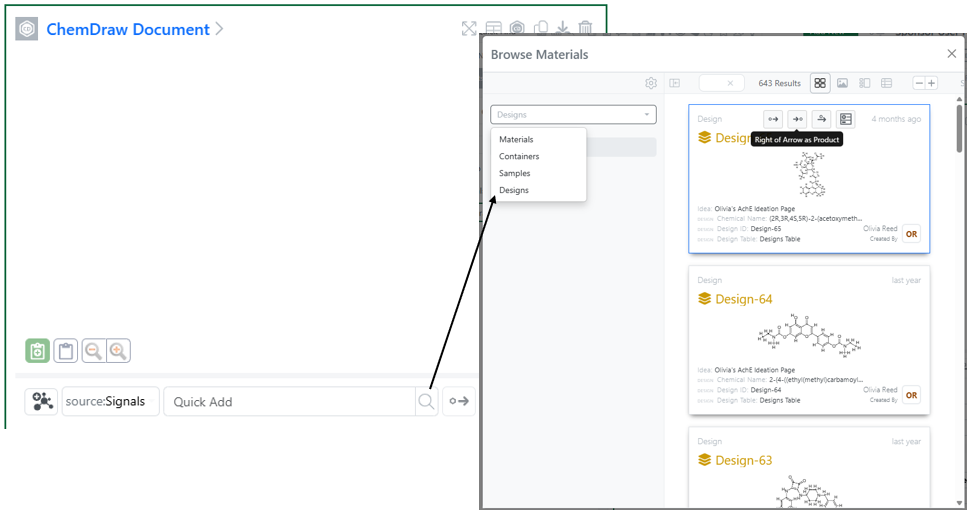
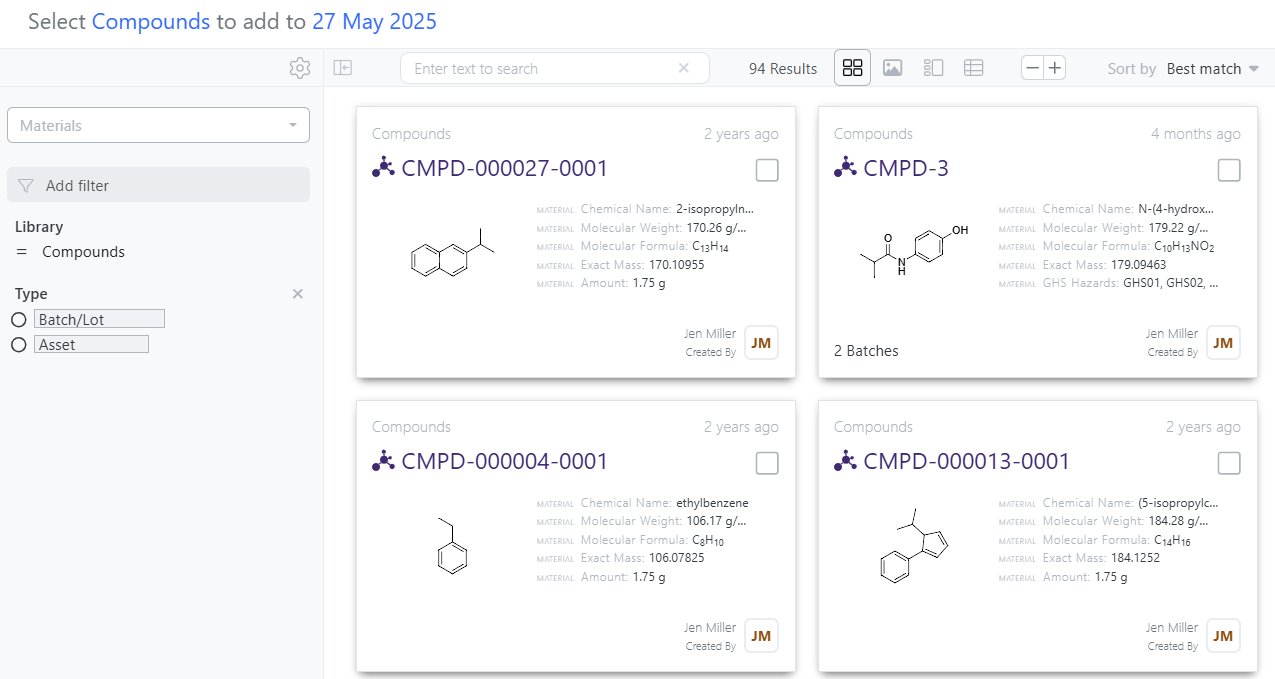
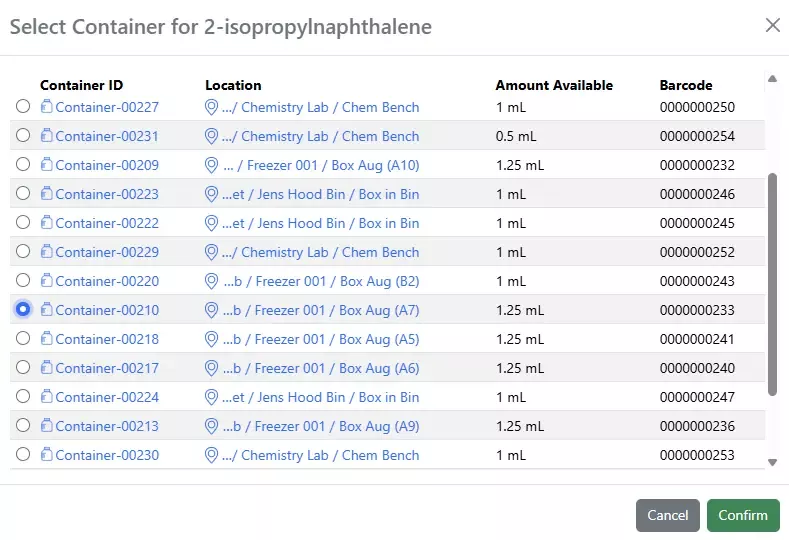
Search by CAS and select containers in Quick Add in Chemical Drawings. When users type a CAS number in the Quick Add, associated containers will show as an option:
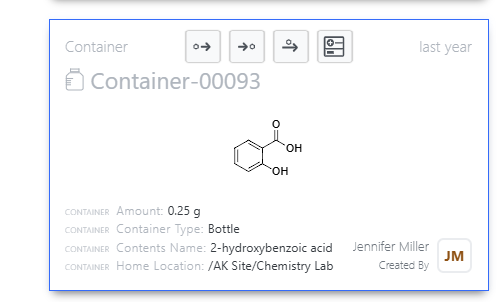
Users then select the container they would like to add to the Chemical Drawing:
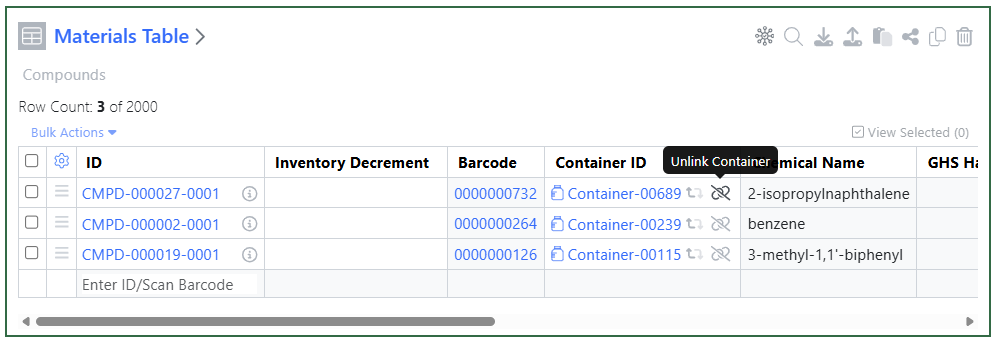
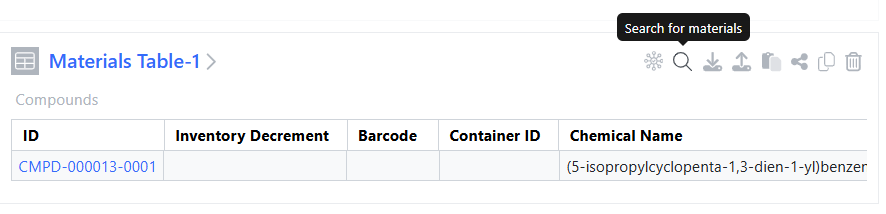
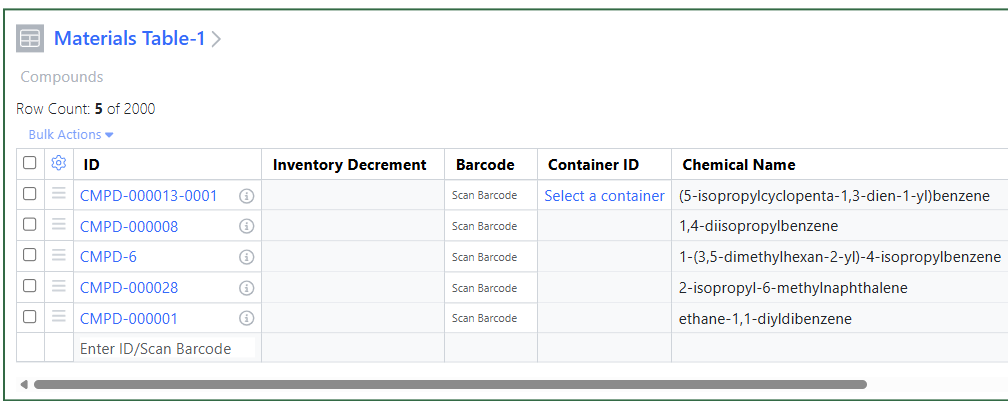
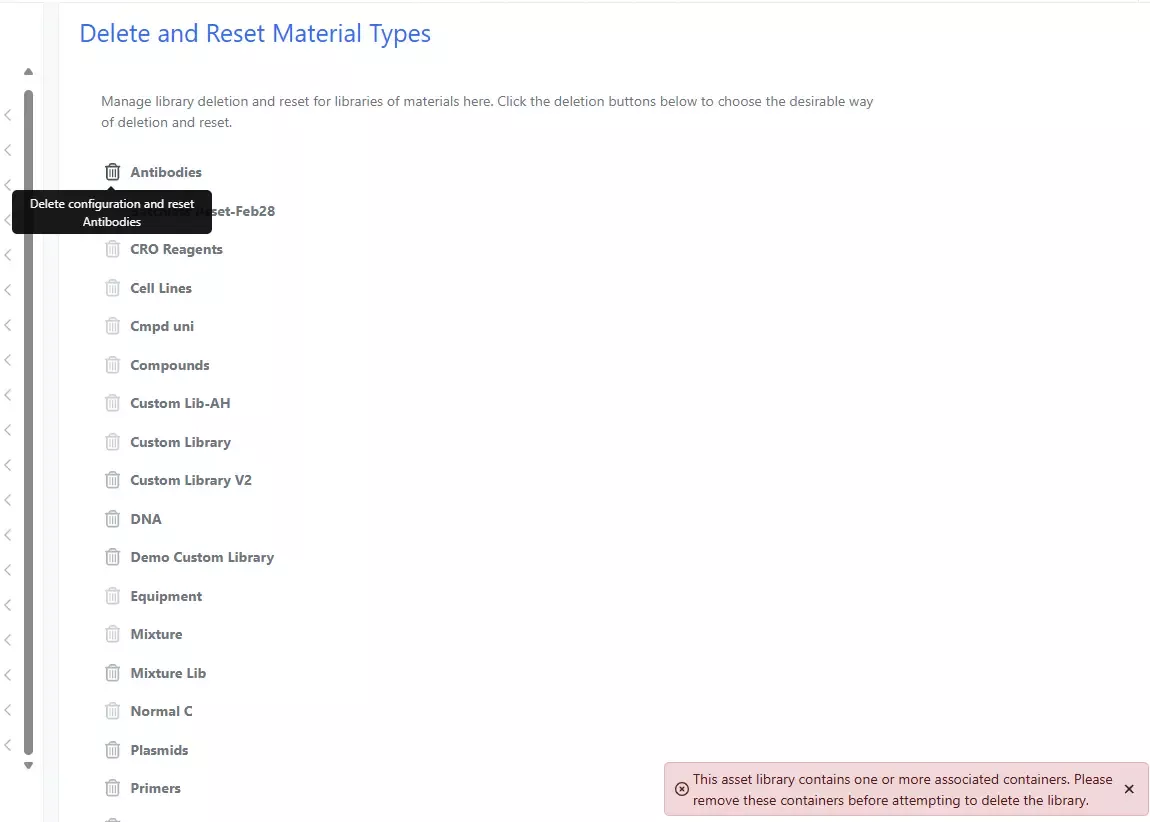
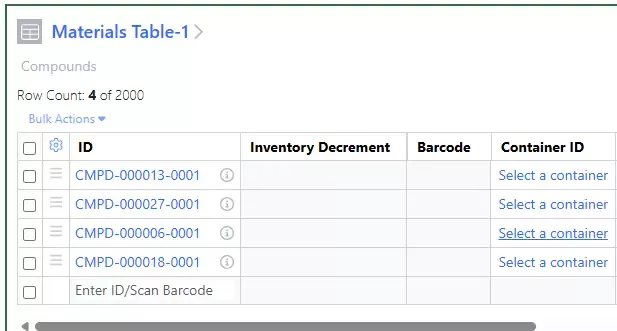
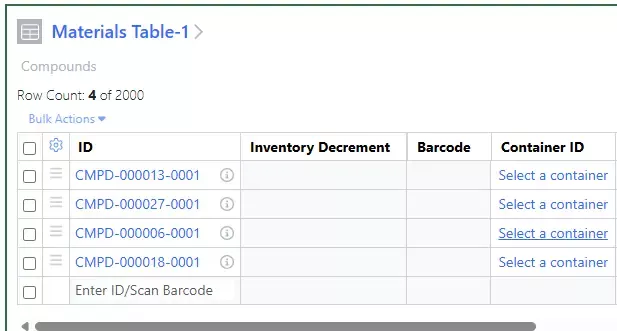
Remove link to any container in the Materials Table via the unlink icon:
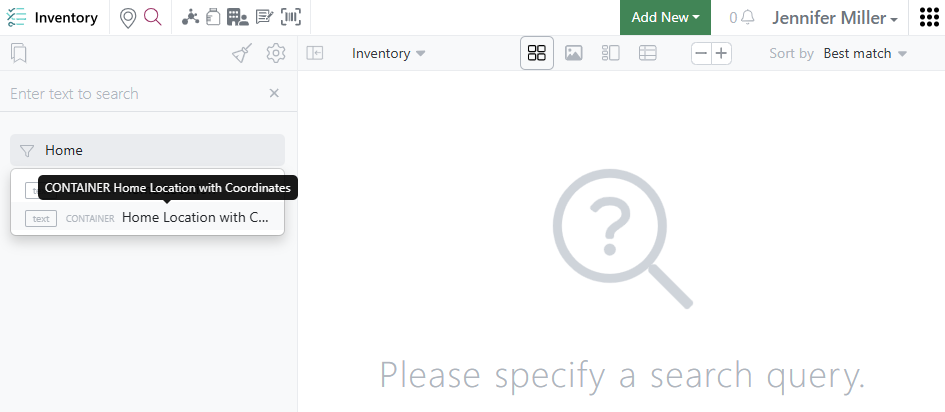
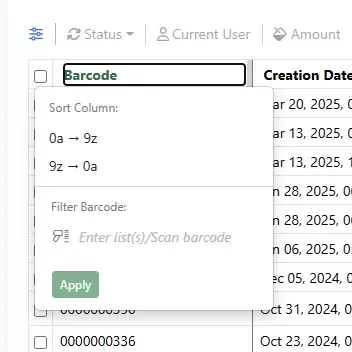
Update to Advanced Search for Home Locations with grid coordinates filter:
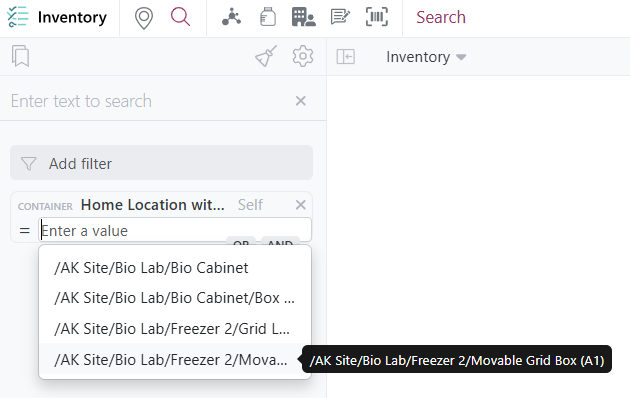
Users can select a location with a grid coordinate to find which container is supposed to be in that location:
Materials
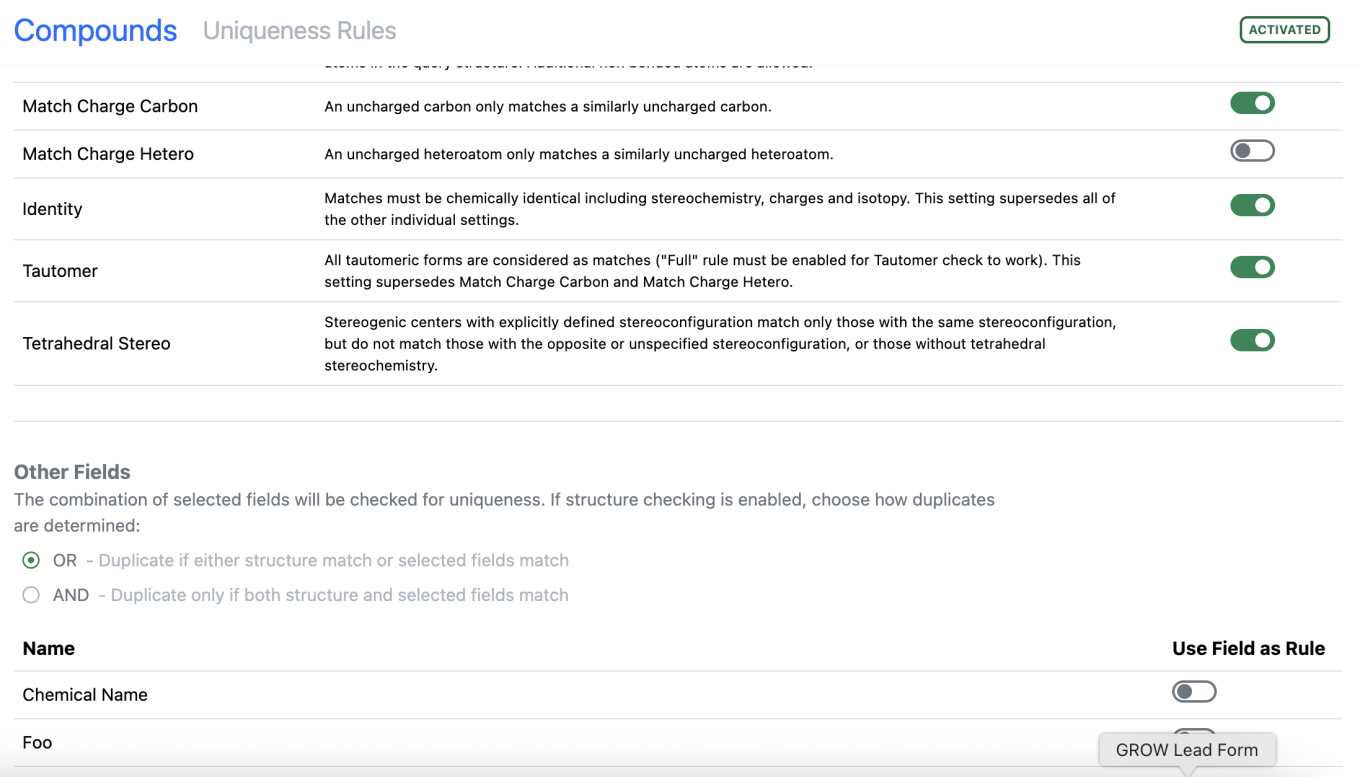
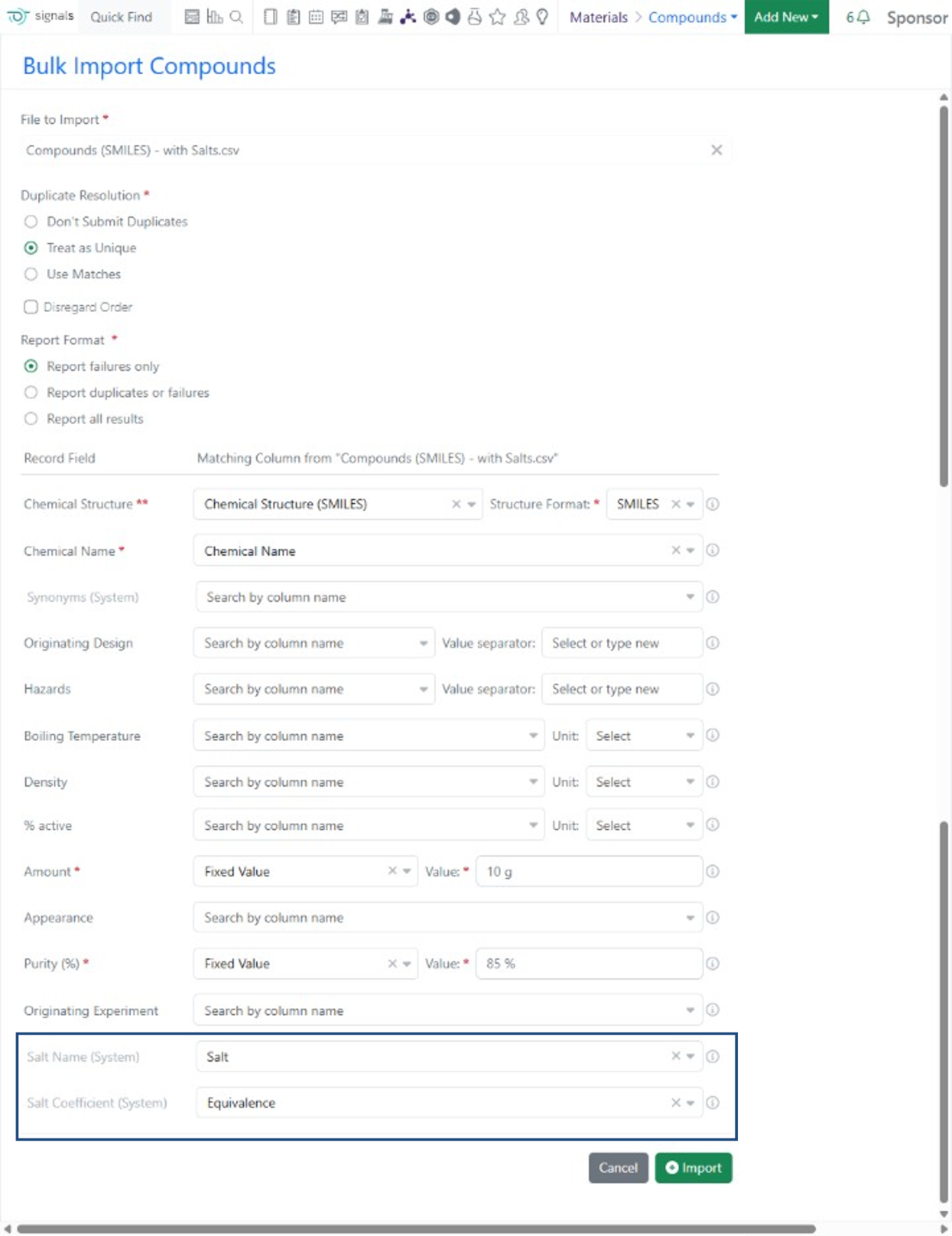
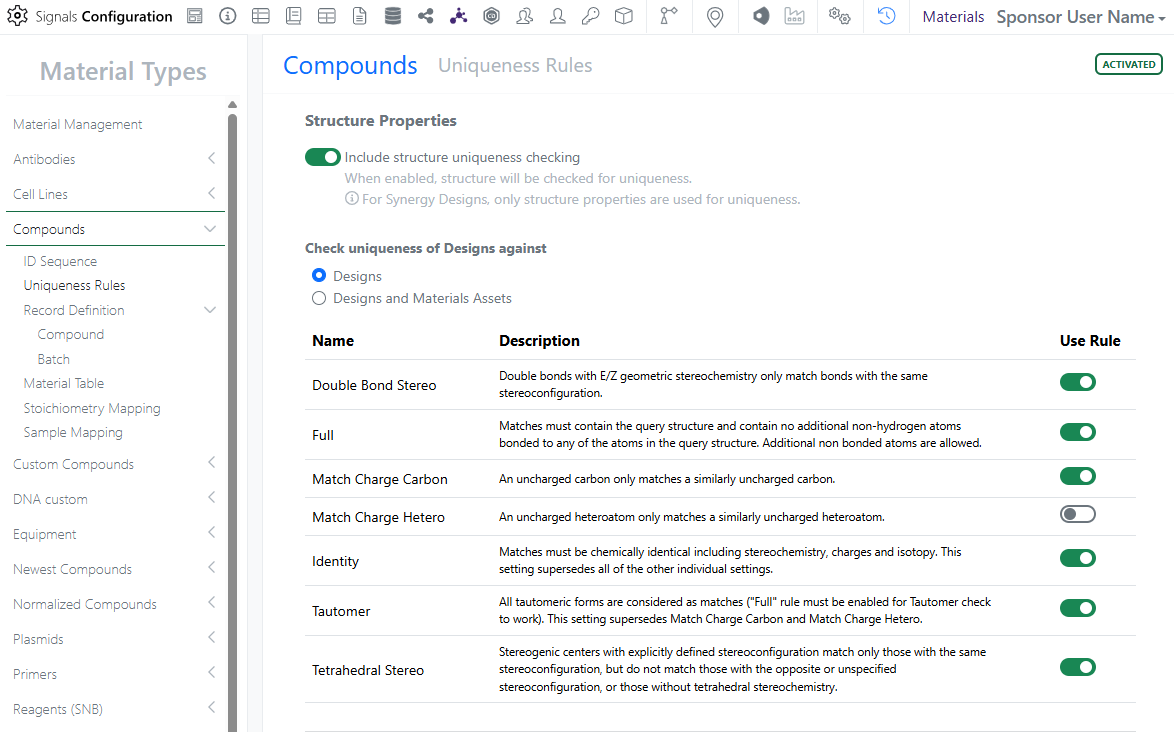
Admins now have the option of utilizing both the structure rules AND material fields in uniqueness checking during material registration.
This is an addition to the existing OR option for uniqueness checking. If AND is utilized, a duplicate will only be identified with there is a match on the Structure AND all selected rules.
These options are deactivated if the Structure rules are turned off as all fields will be utilized regardless of selection.
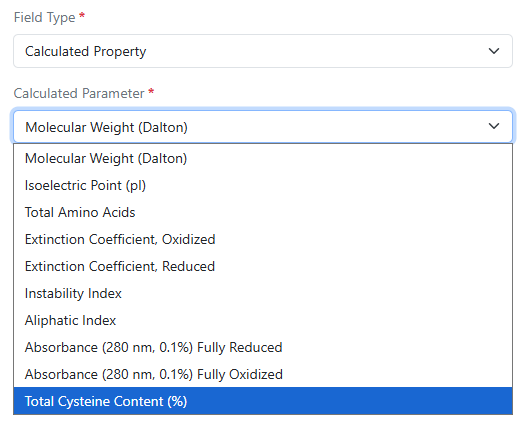
Calculated total cysteine content (%) is now available for Protein materials.
Administration
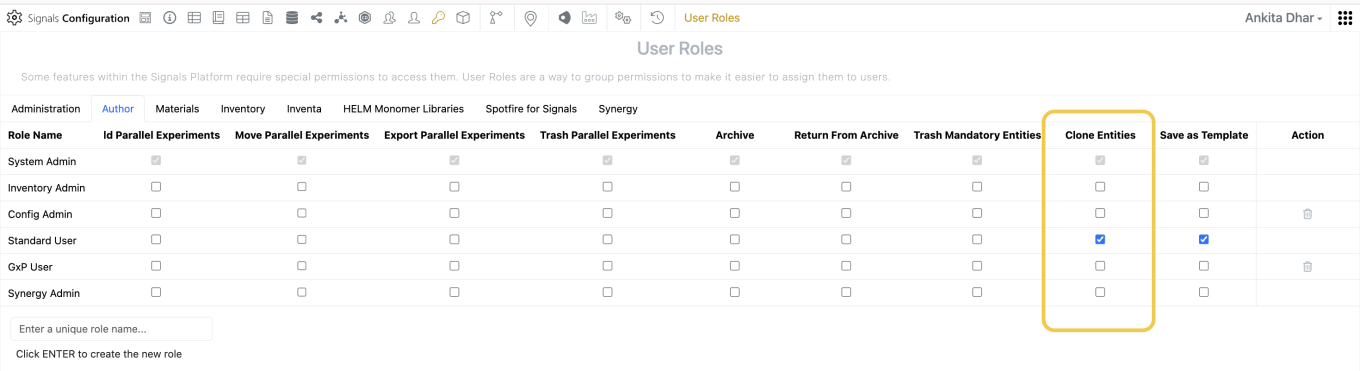
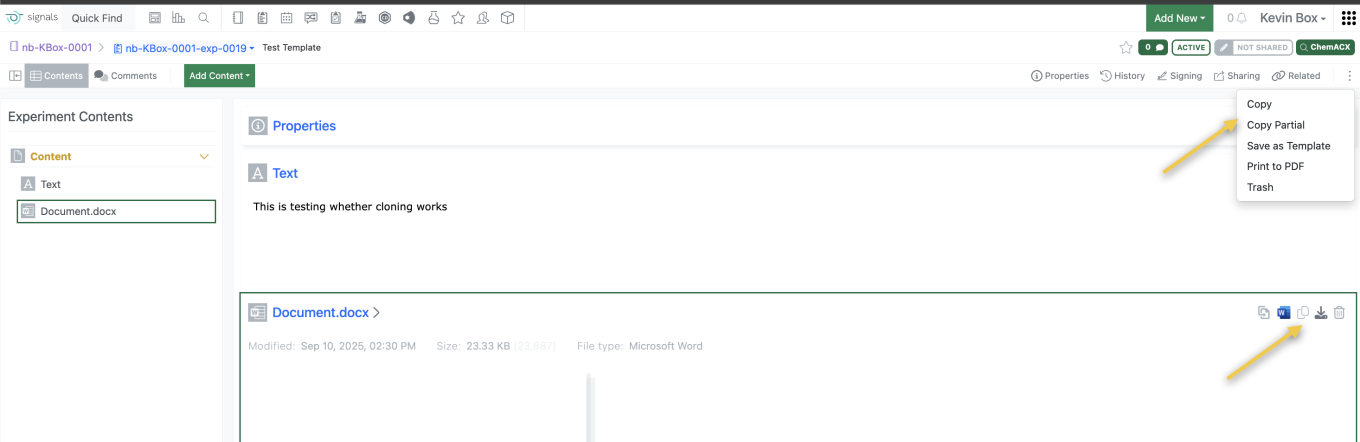
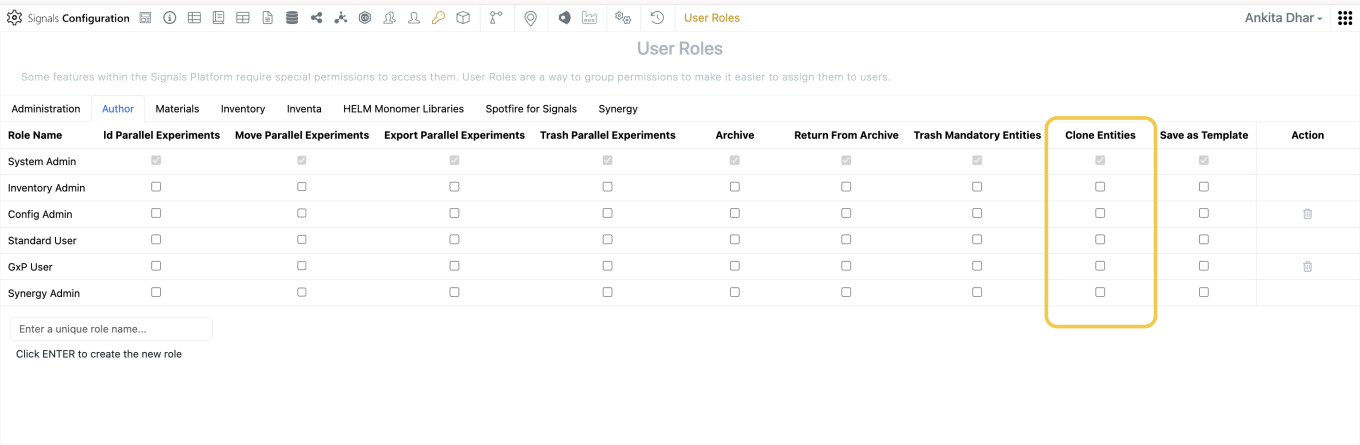
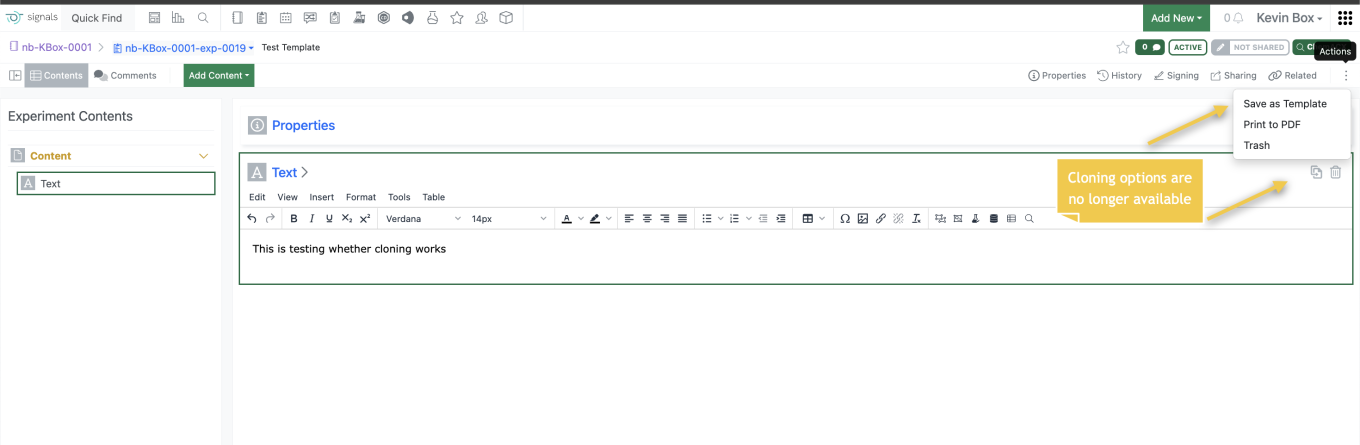
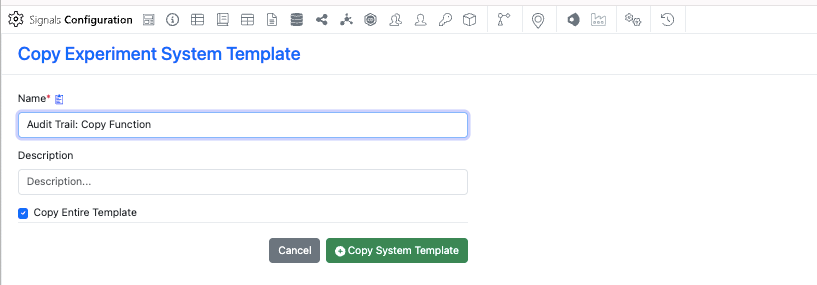
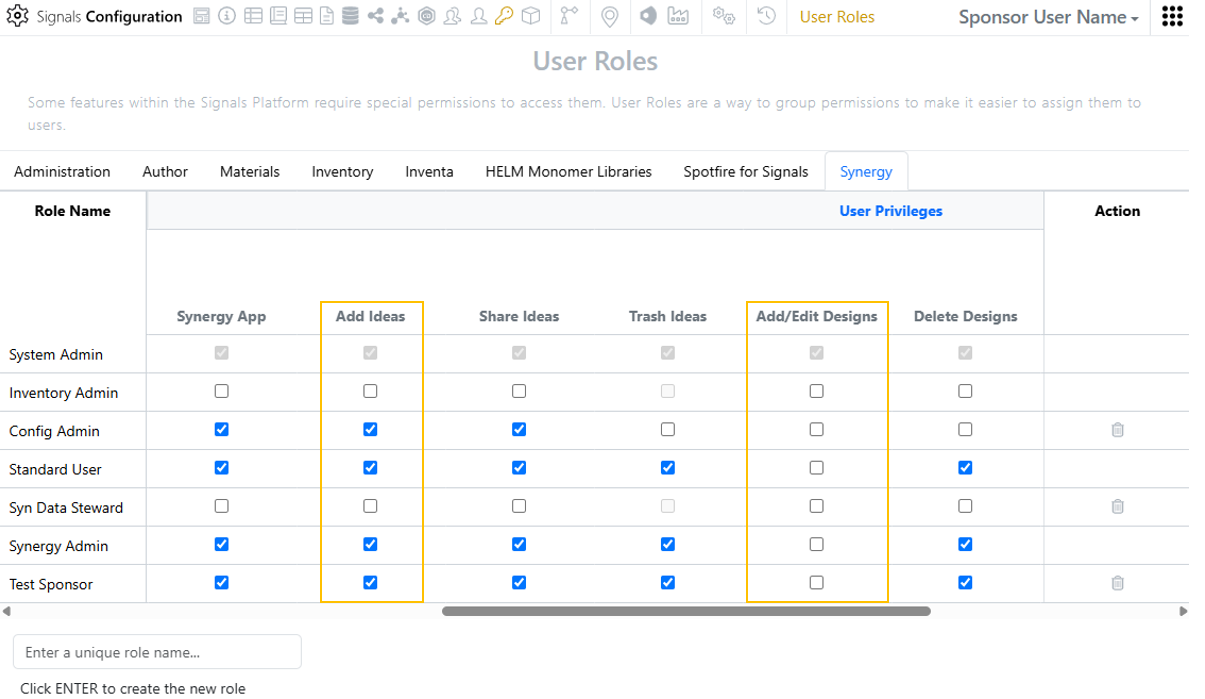
Admins can set a privilege to control users’ ability to copy experiments or entities. The “Clone Entities” privilege allows users to copy and partially copy experiments, and content entities within an experiment. Disabling this privilege from all roles for a user will disable the their ability to copy content.
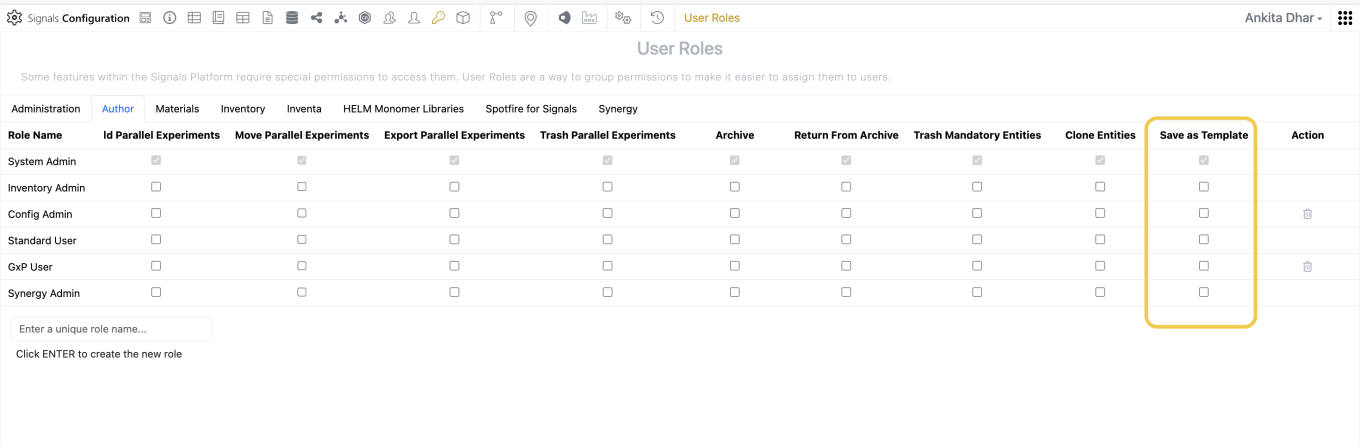
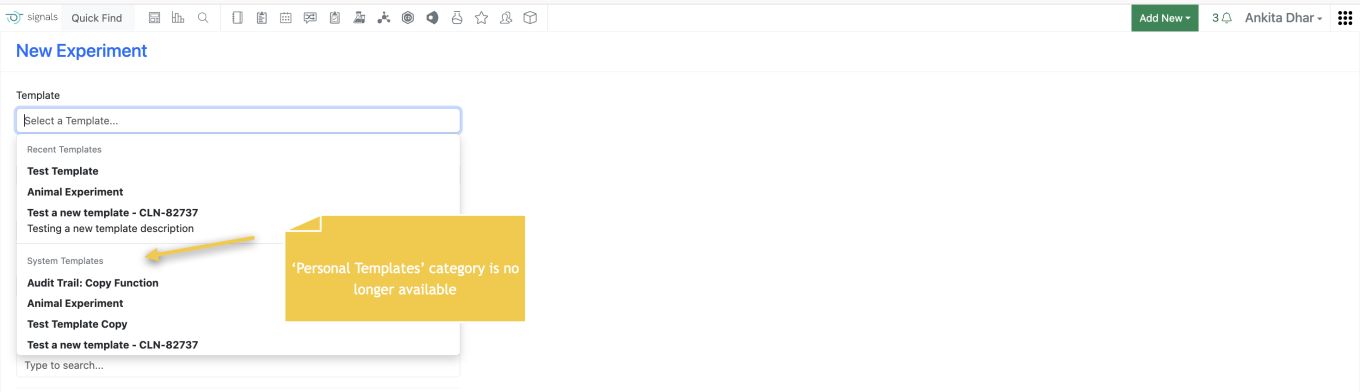
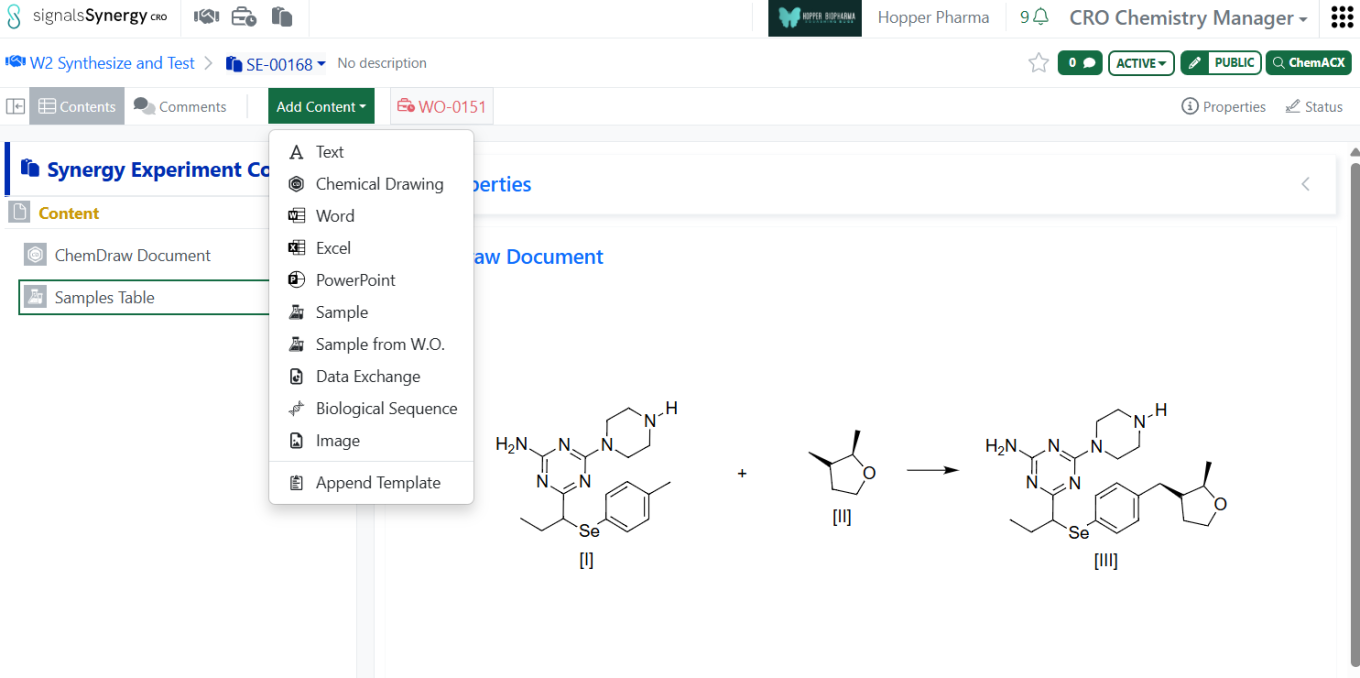
Admins can also set a privilege to control users’ ability to save or use personal templates. When the “Save as Template” privilege is disabled for users they cannot save nor use Personal Templates.
When admins disable both the ‘Clone Entities’ and ‘Save as Template’ privileges, end users are forced to use the latest definition of a system template when creating an experiment.
Integrations & APIs

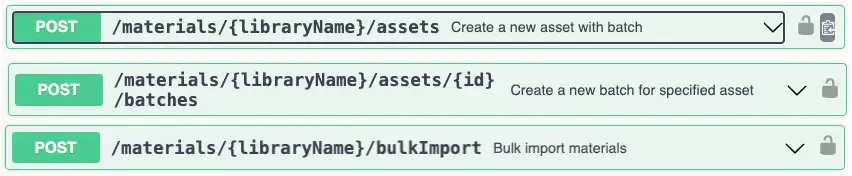
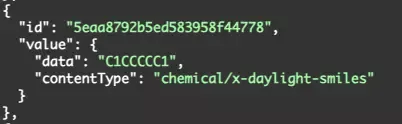
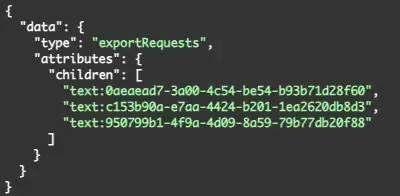
We have updated our APIs to allow for exporting and replacement of Chemical Drawings with RXN files. A replaced Chemical Drawing will maintain the entities ID while replacing the content from the provided RXN file.

We have added new APIs for adding custom products and reactants to Stoichiometry grids. This enables the ability to add either a product or reactant to a stoichiometry table without need of a chemical structure.
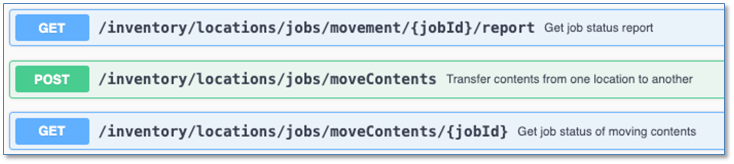
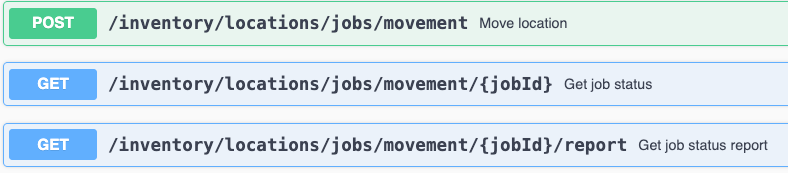
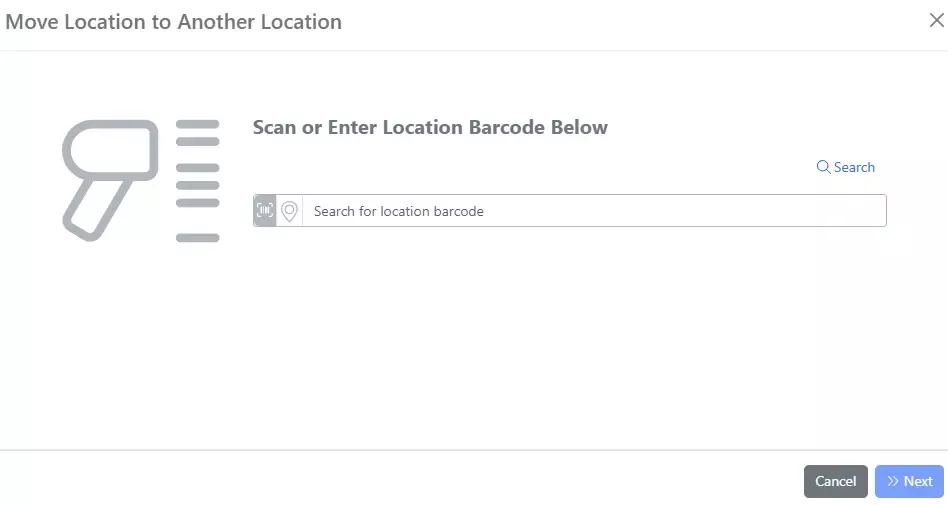
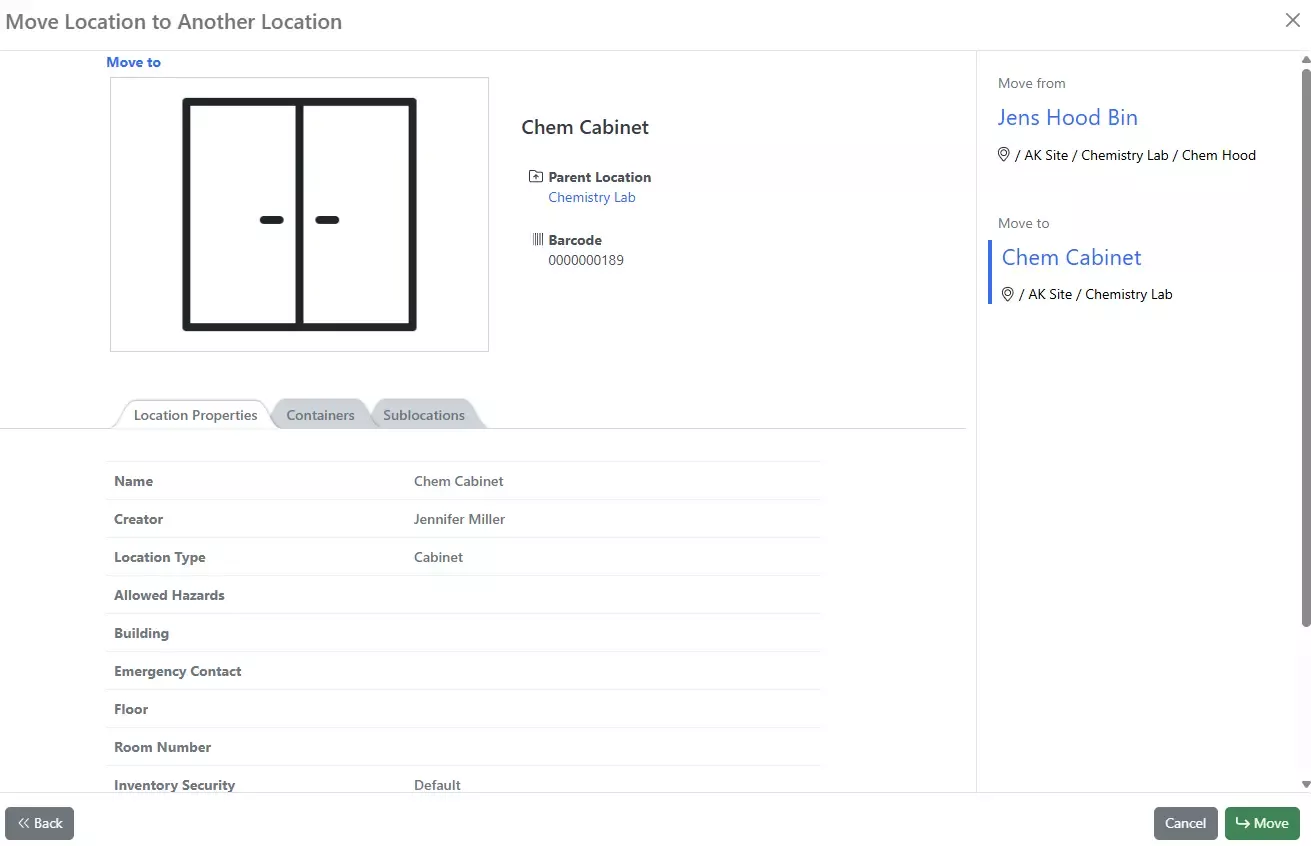
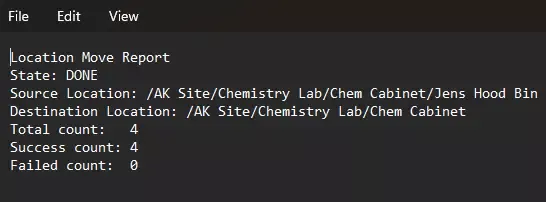
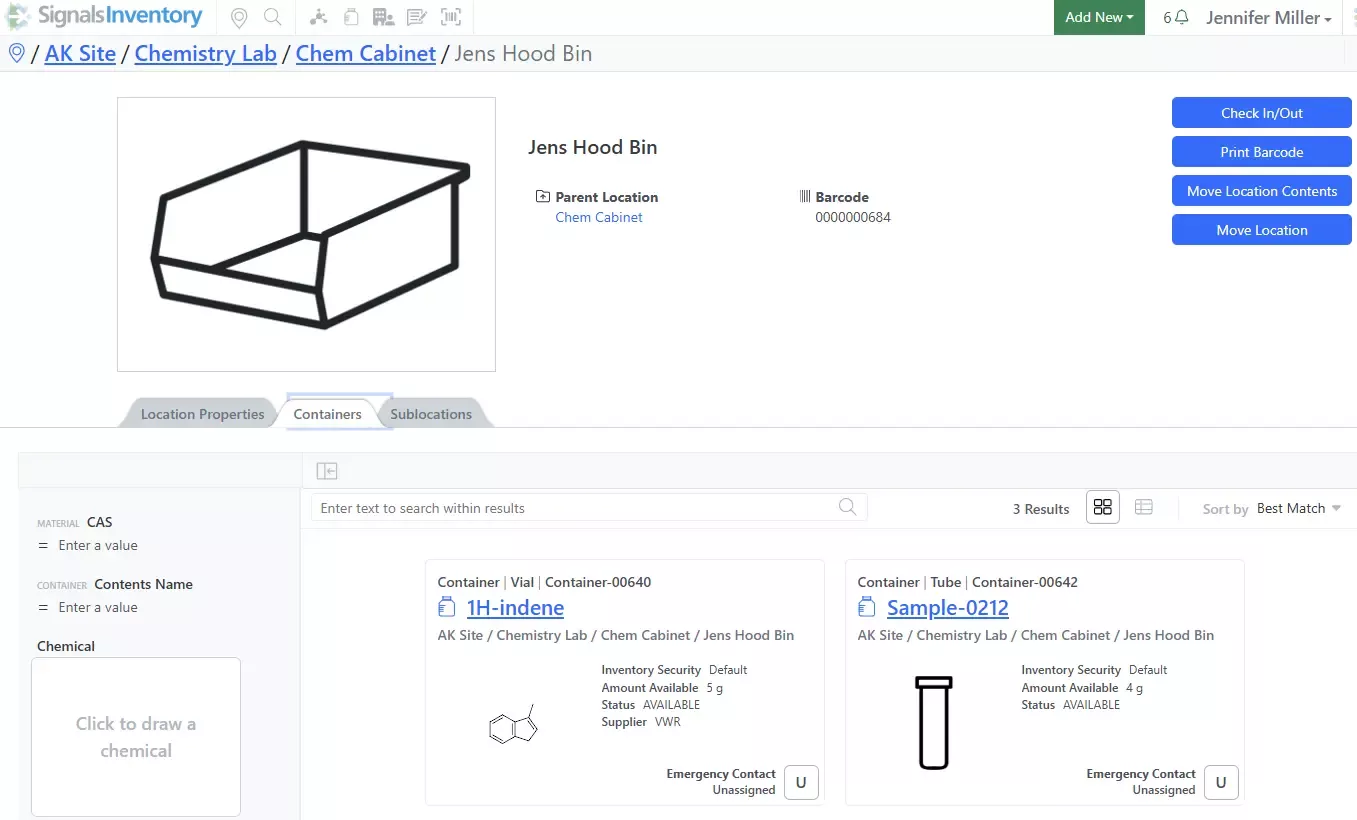
We have added new APIs for moving location content to a new location. This will move all the containers in a location to another location. You will need to provide an option for handling duplicates as part of the request.
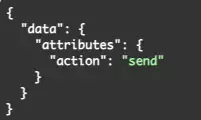
The API is asynchronous and kicked off in three steps: Create the Move Content Job -> Check the Status of the Job -> Get a report of a completed Job.

We have added a new API to create relationship links between entities. The type of relationship: related, repeats, repeated_by, duplicates, duplicated_by, precedes, or preceded_by is required for creating the link.

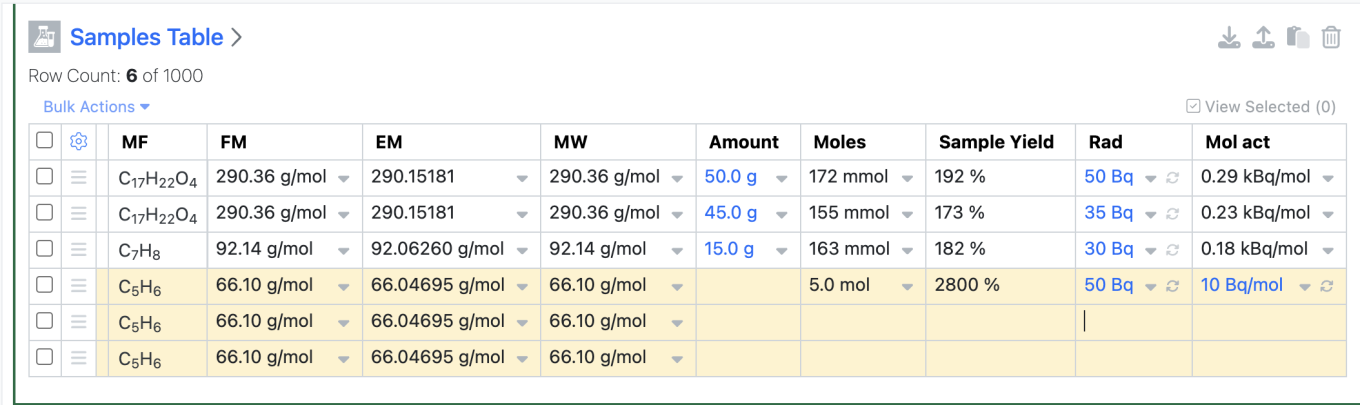
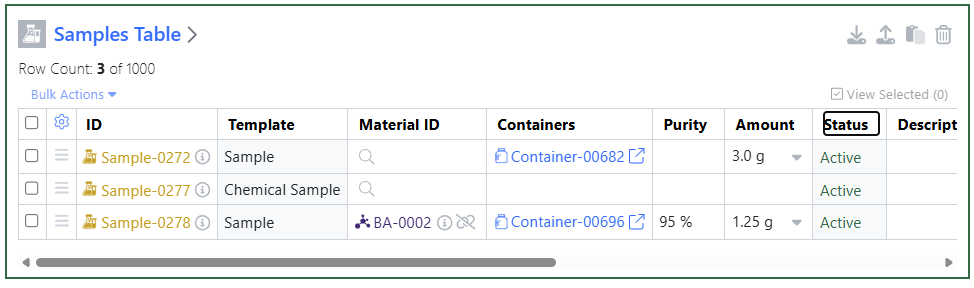
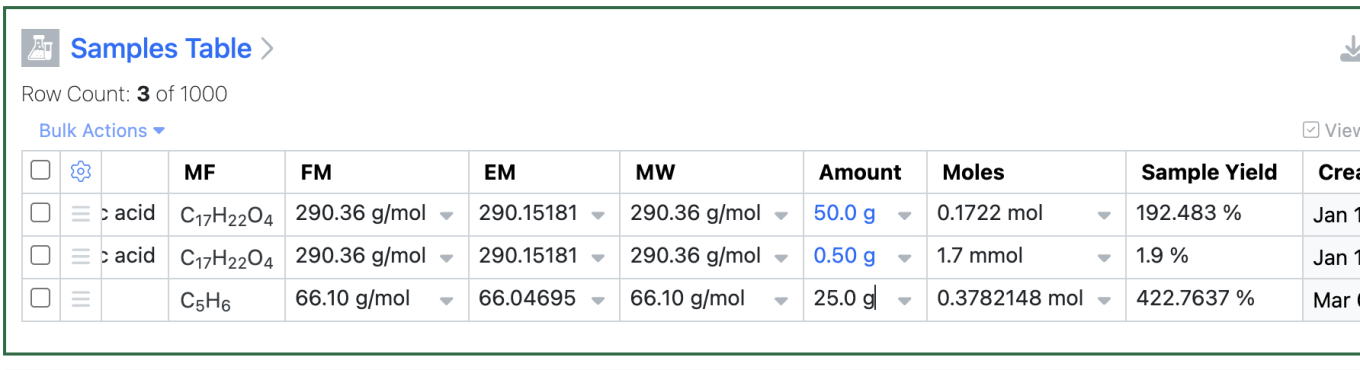
We have updated our API to allow fetching all Samples in a Samples Table.

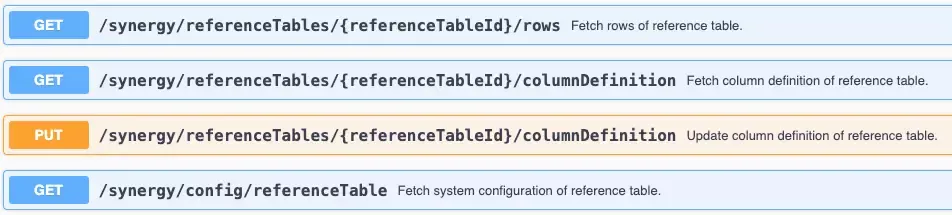
We have added new APIs to fetch and update Material Orders.
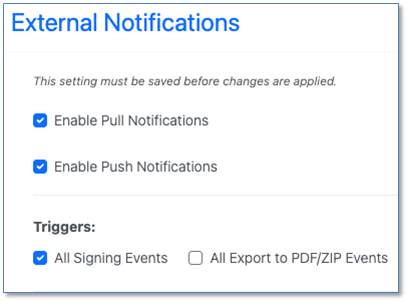
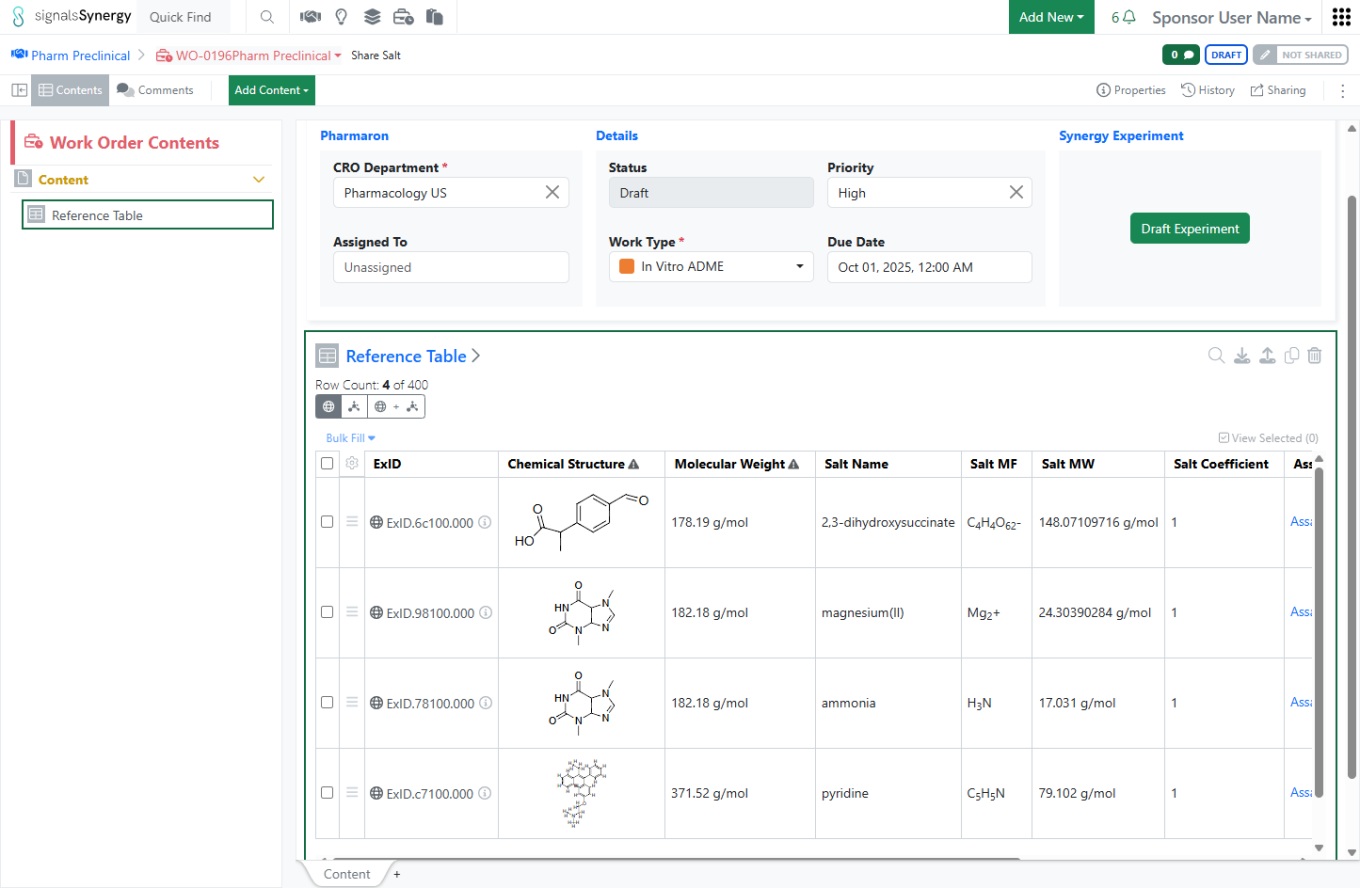
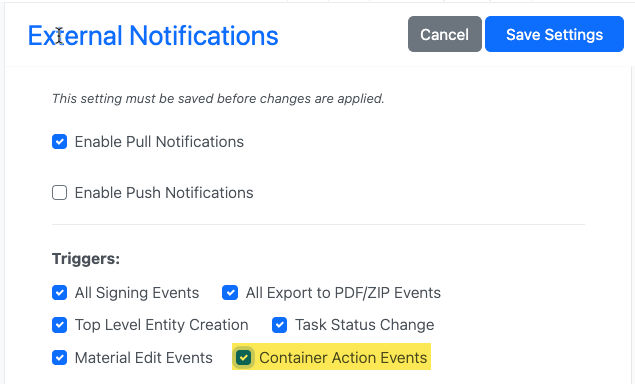
For our Synergy product we have added External Notifications for Work Order signing Events. These are included in the Notification Trigger “All Signing Events”.
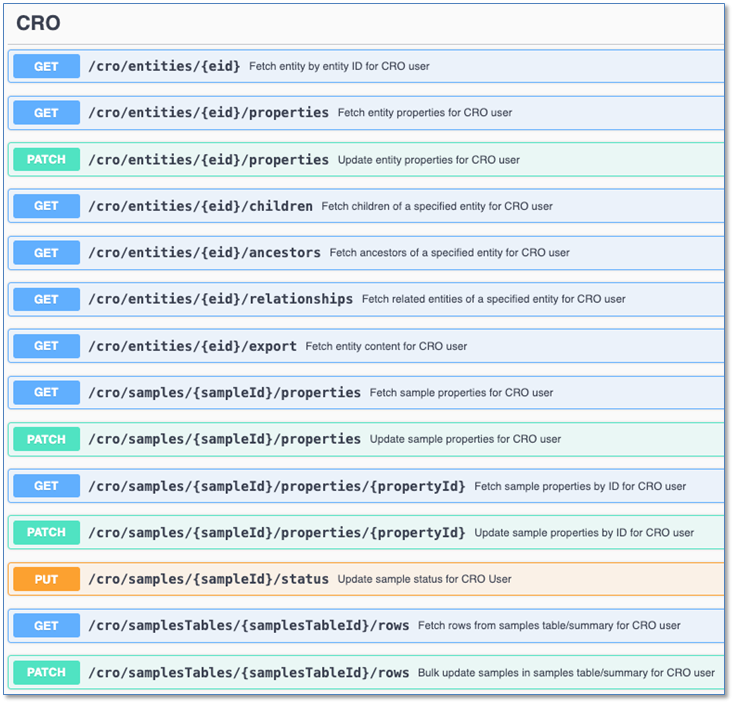
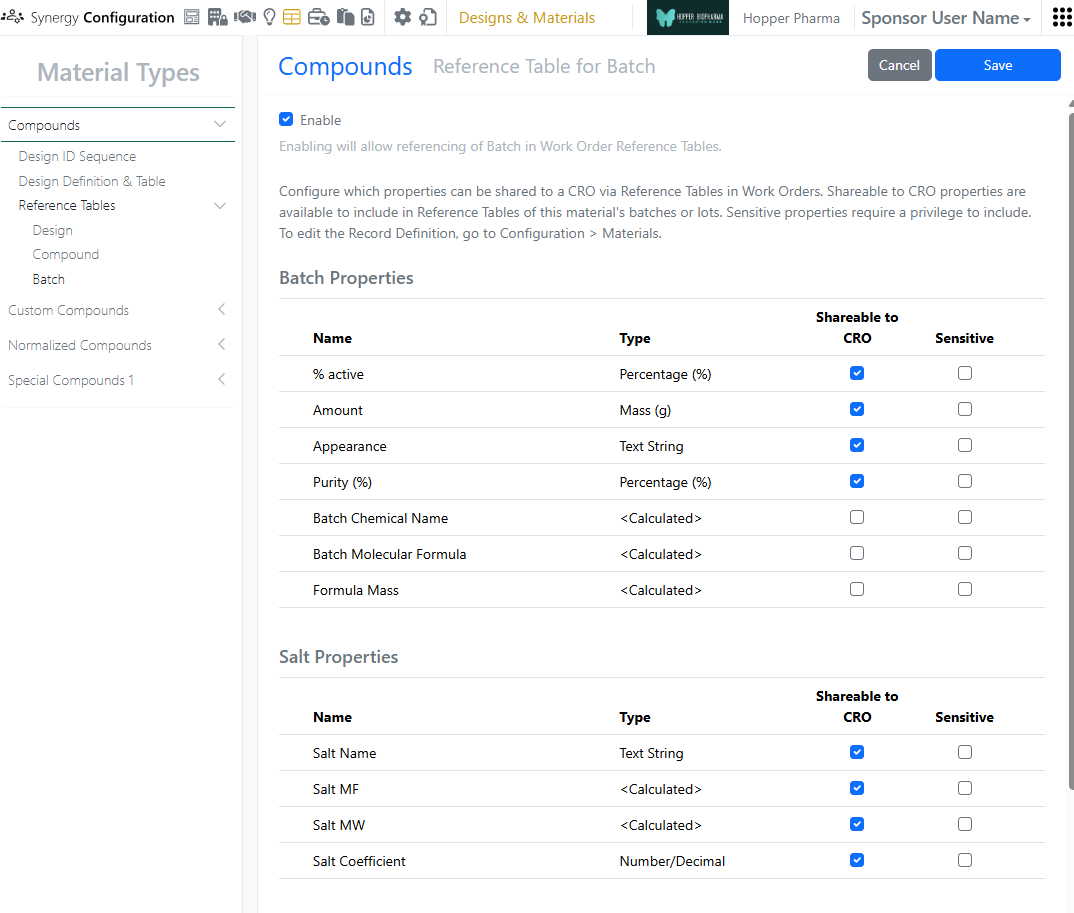
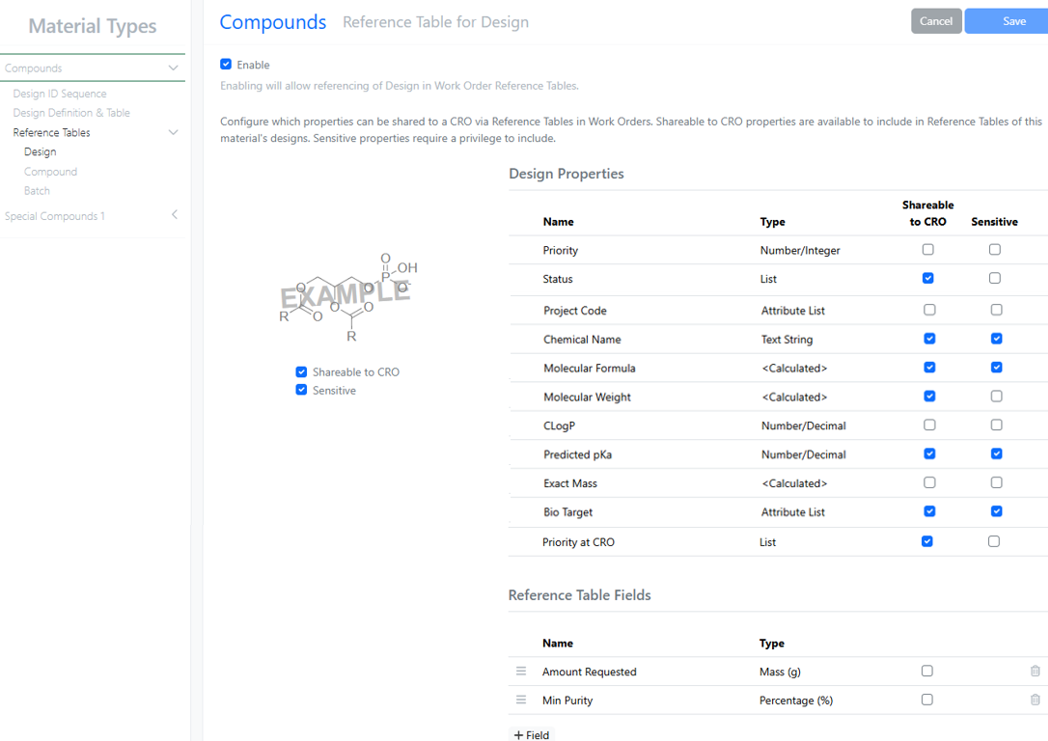
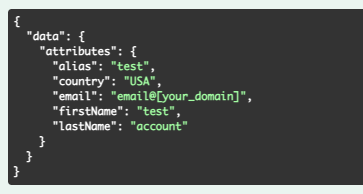
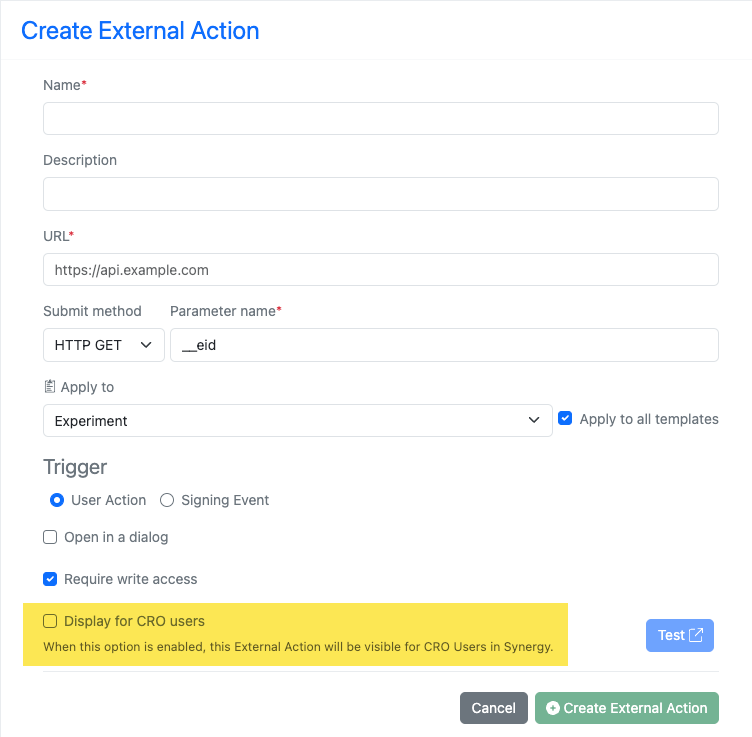
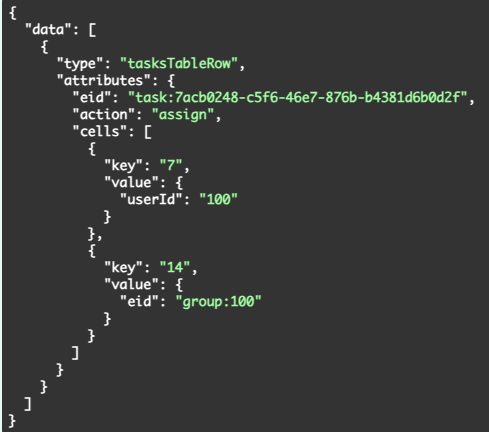
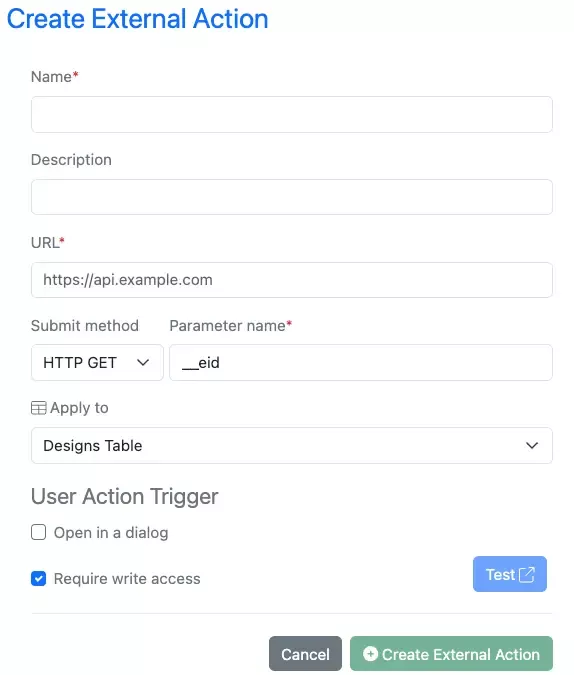
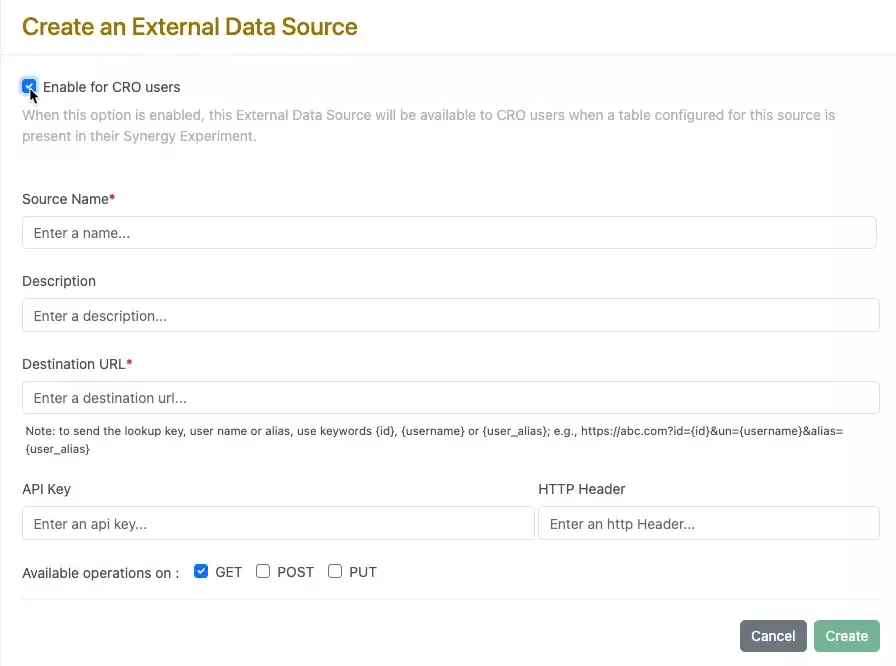
We have added new APIs specific to our Synergy Product CROs. These allow for specific APIs to be utilized by CRO users. This enables customers External Actions to read and write for CRO users without exposing details that CROs are restricted from seeing or interacting with
Further Details
The following capabilities are in beta and are available for users, administrators and developers on the Signals platform upon request. Please contact your account representative or our support team if you would like access to the following features.
AI
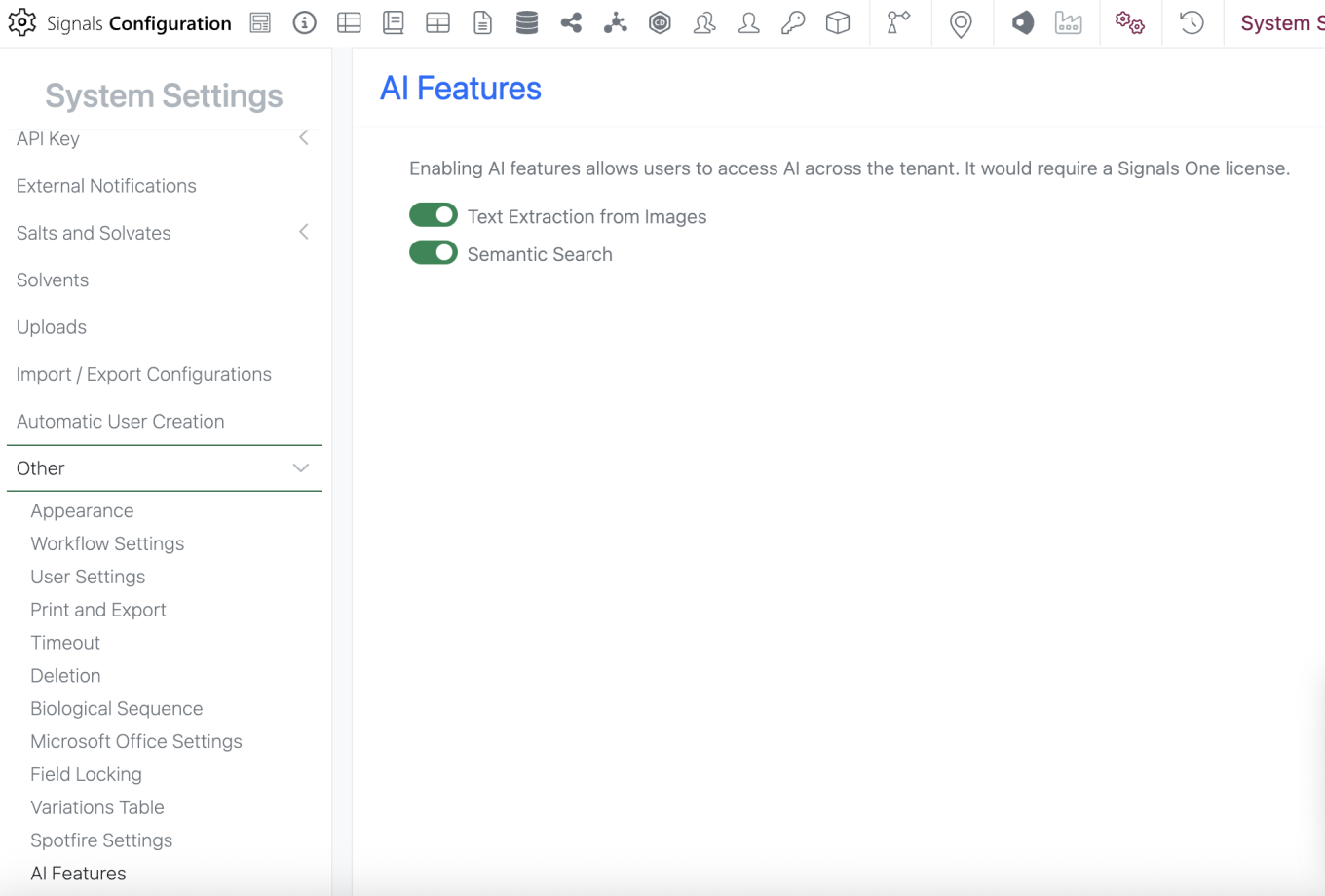
Administrators will now be able to enable or disable new AI features utilizing the AI settings options. AI features still require a Signals One license and infrastructure to function. This just allows the admin more granular control on when these features are made available to end users.
Data Workflows & Analytics
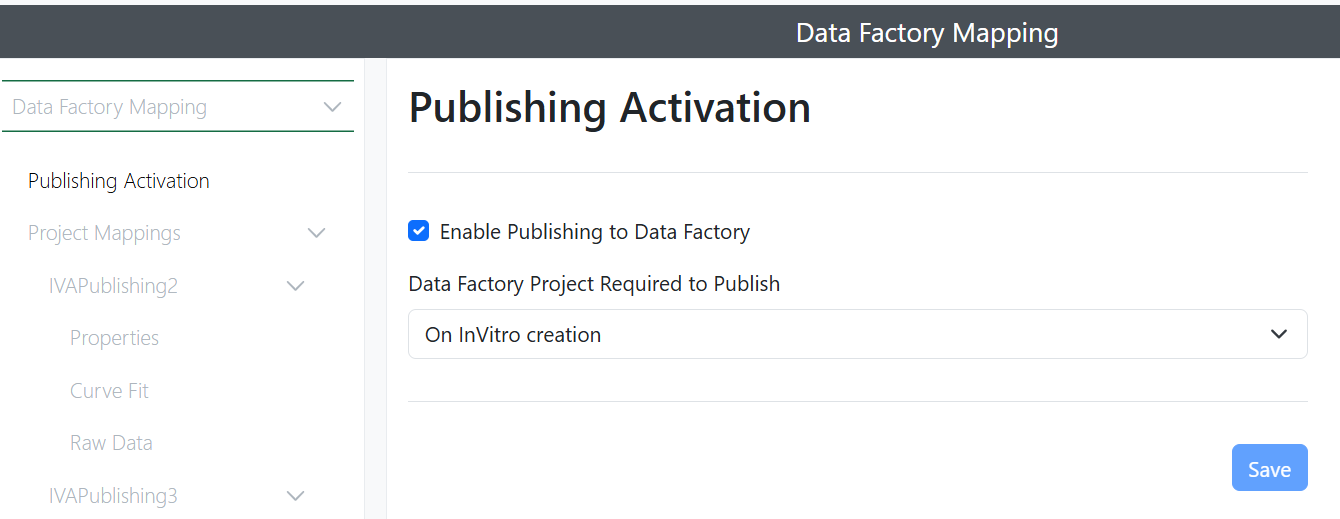
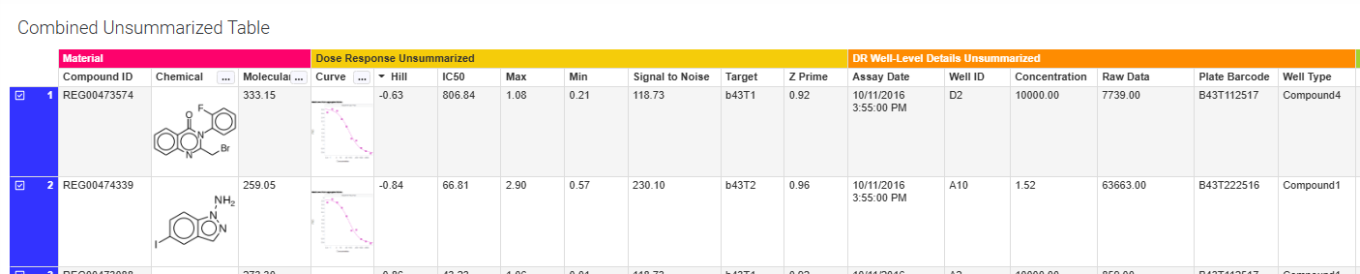
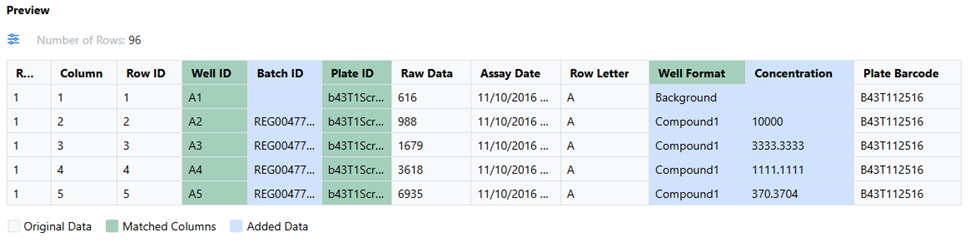
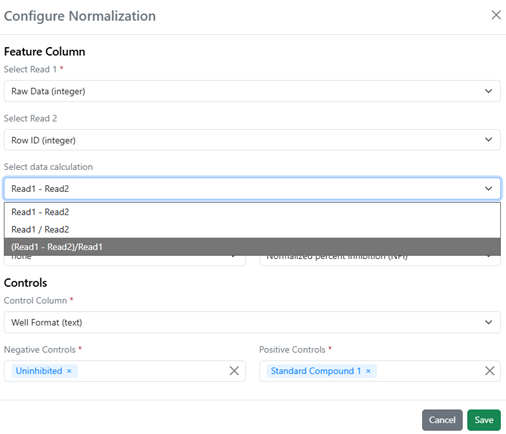
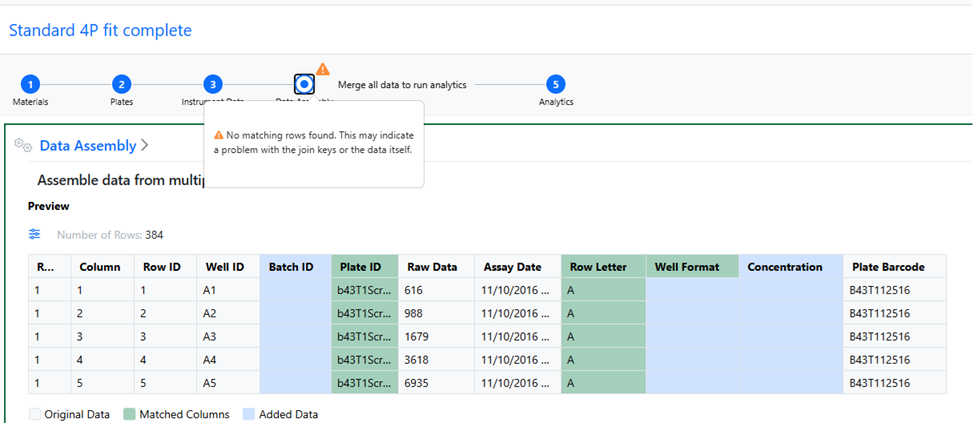
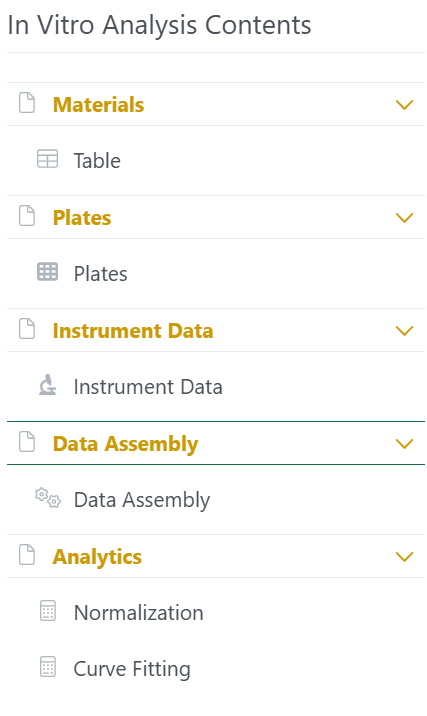
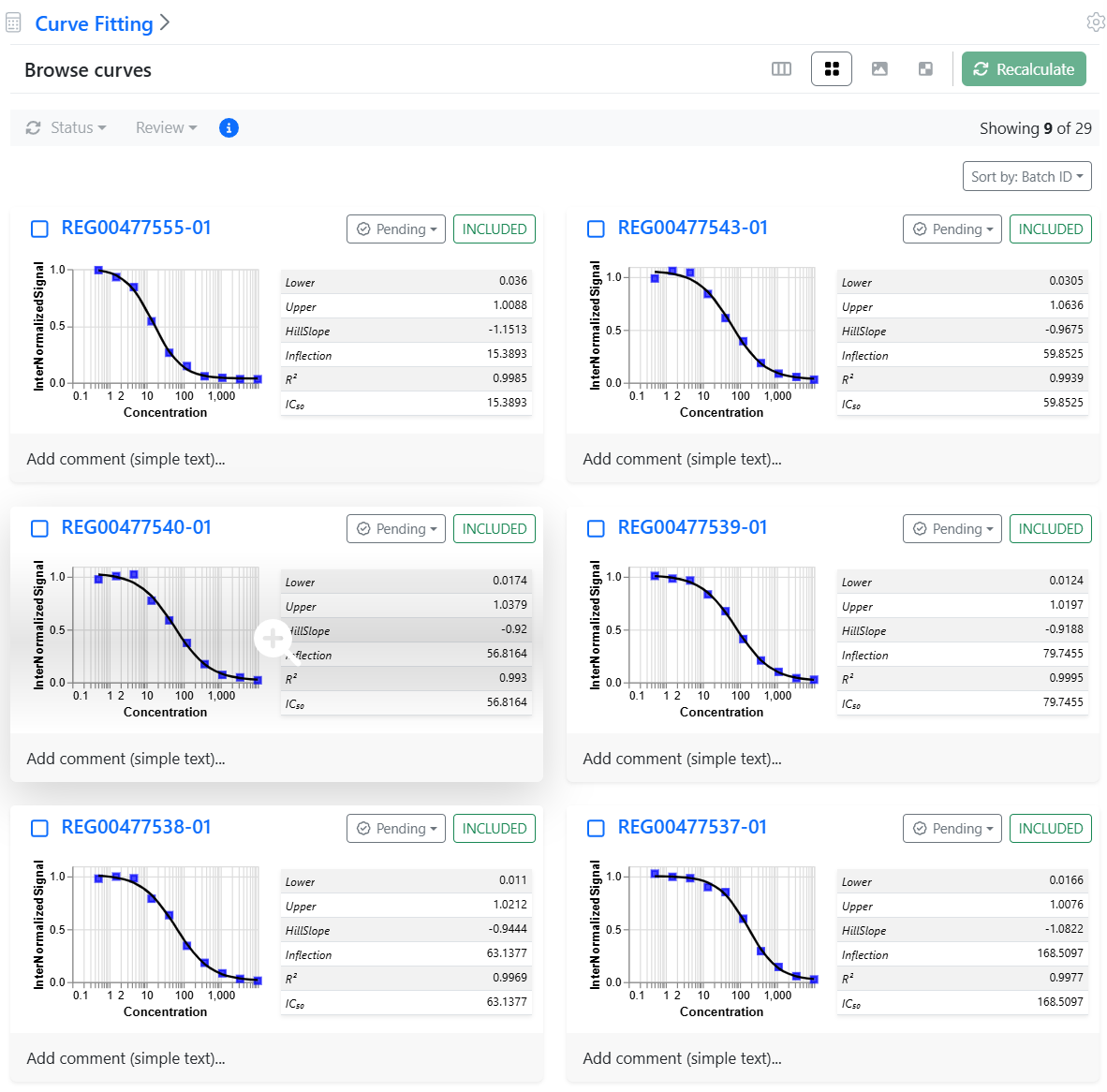
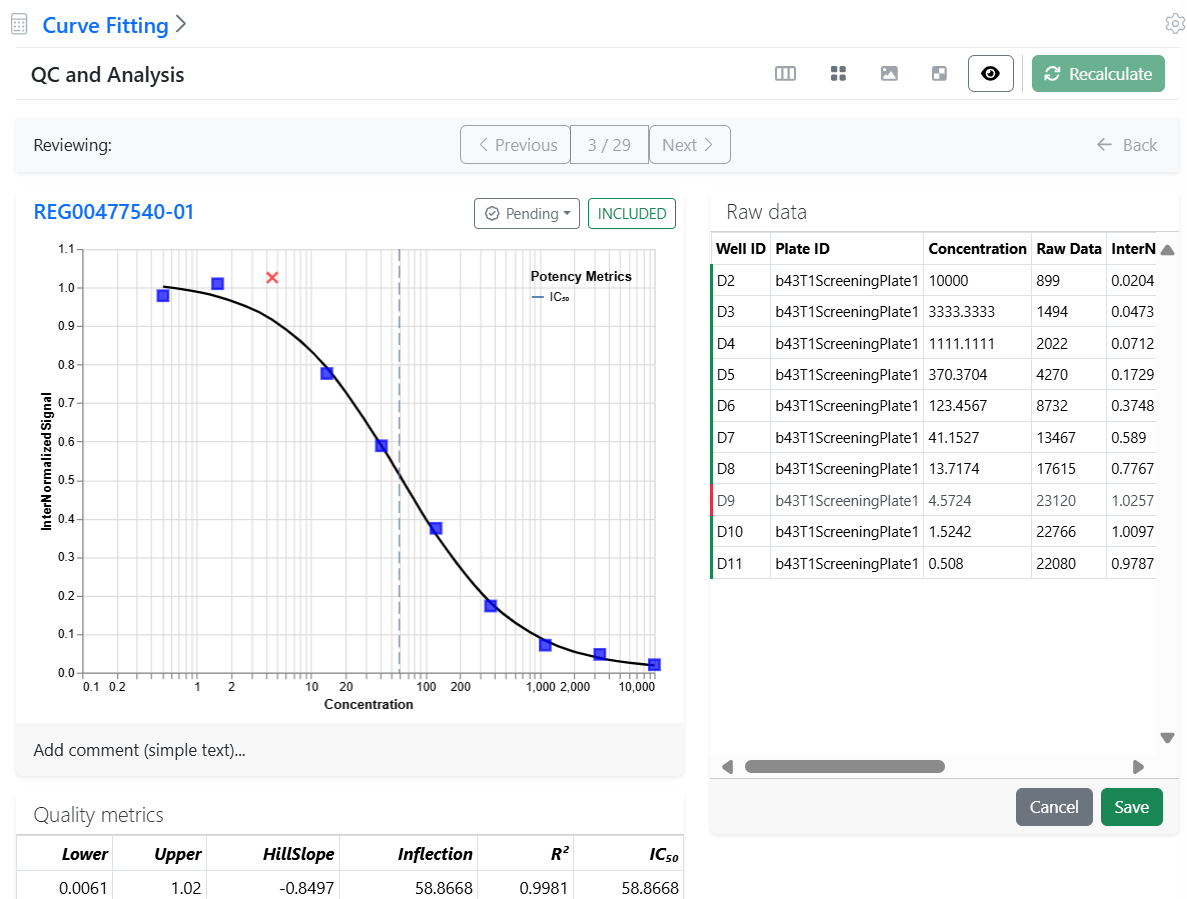
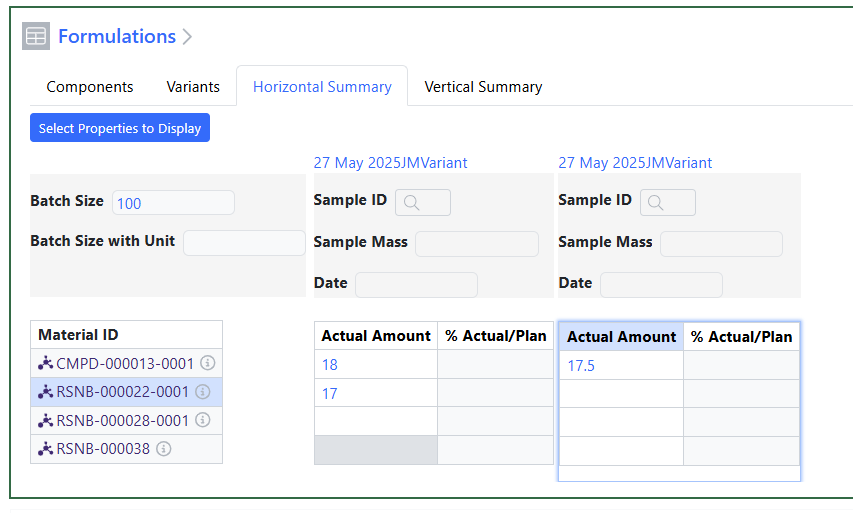
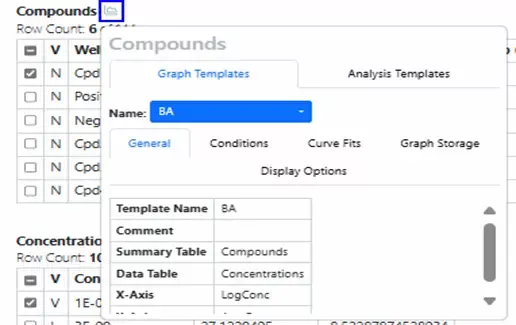
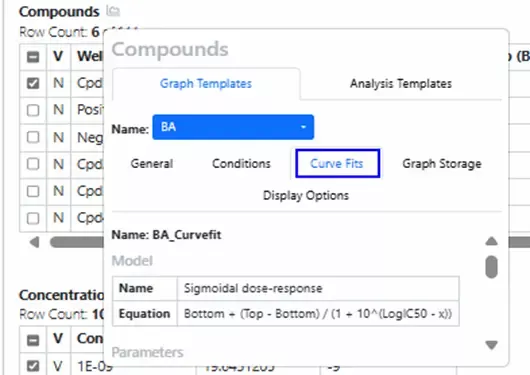
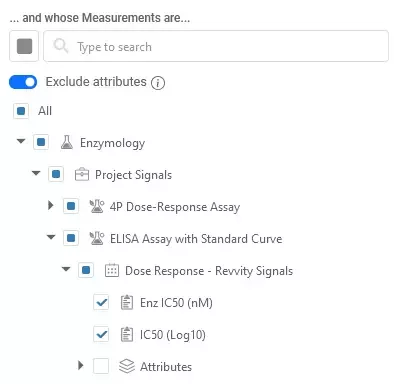
For tenants with a Signals One license, users will now be able to perform In Vitro (screening, assays) data analysis, visualization and results quality control. The first curve fitting method available is the logistic 4 Parameter (4P) fit.
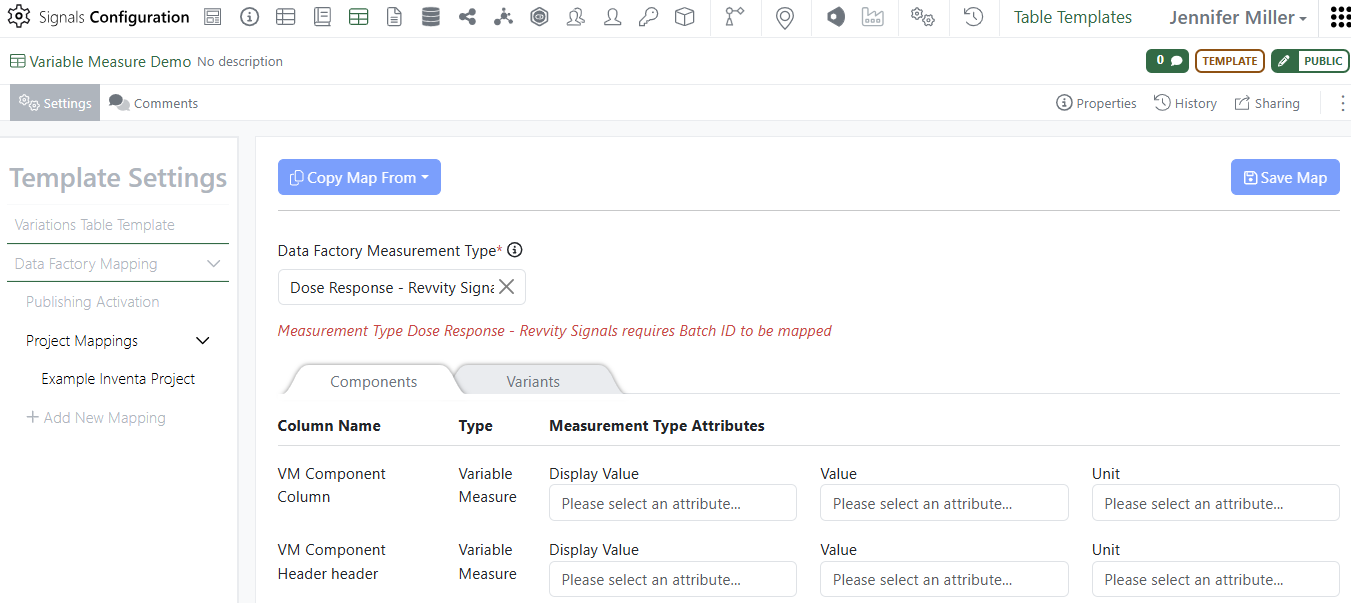
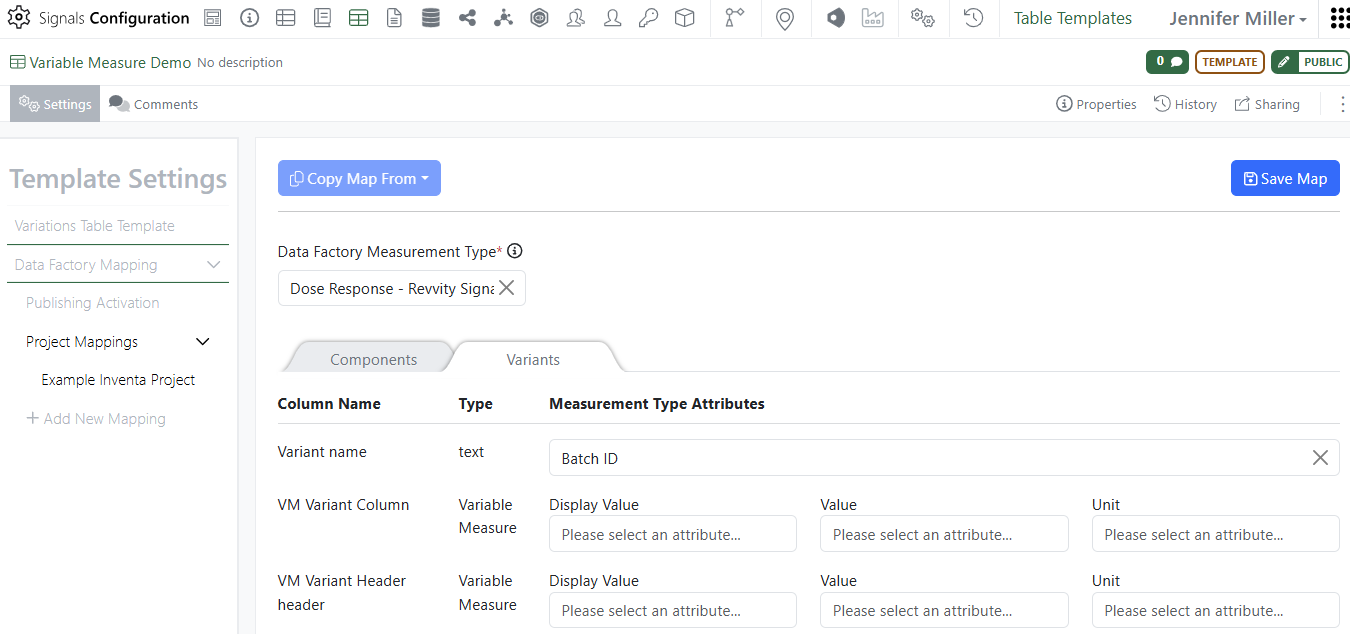
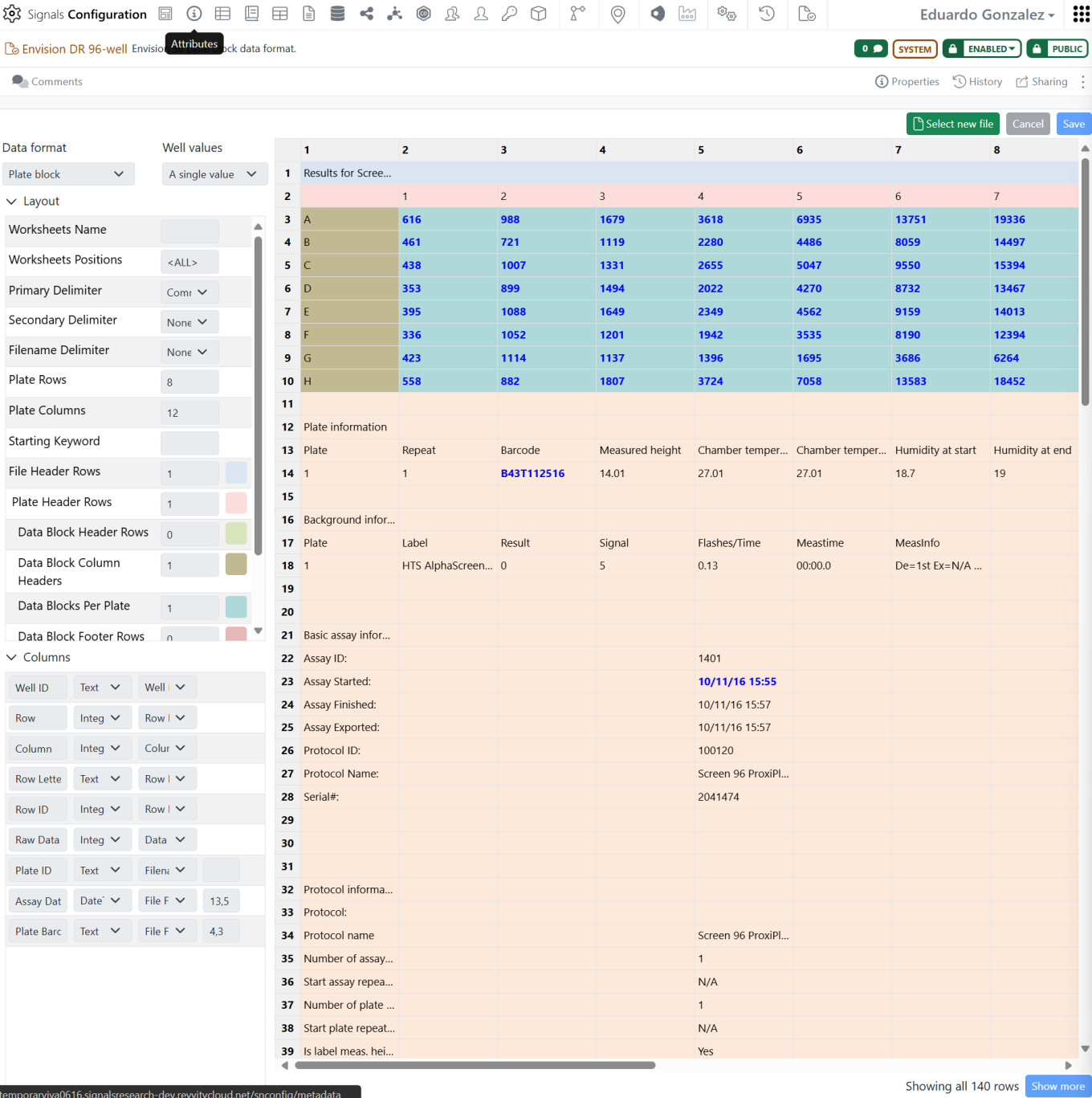
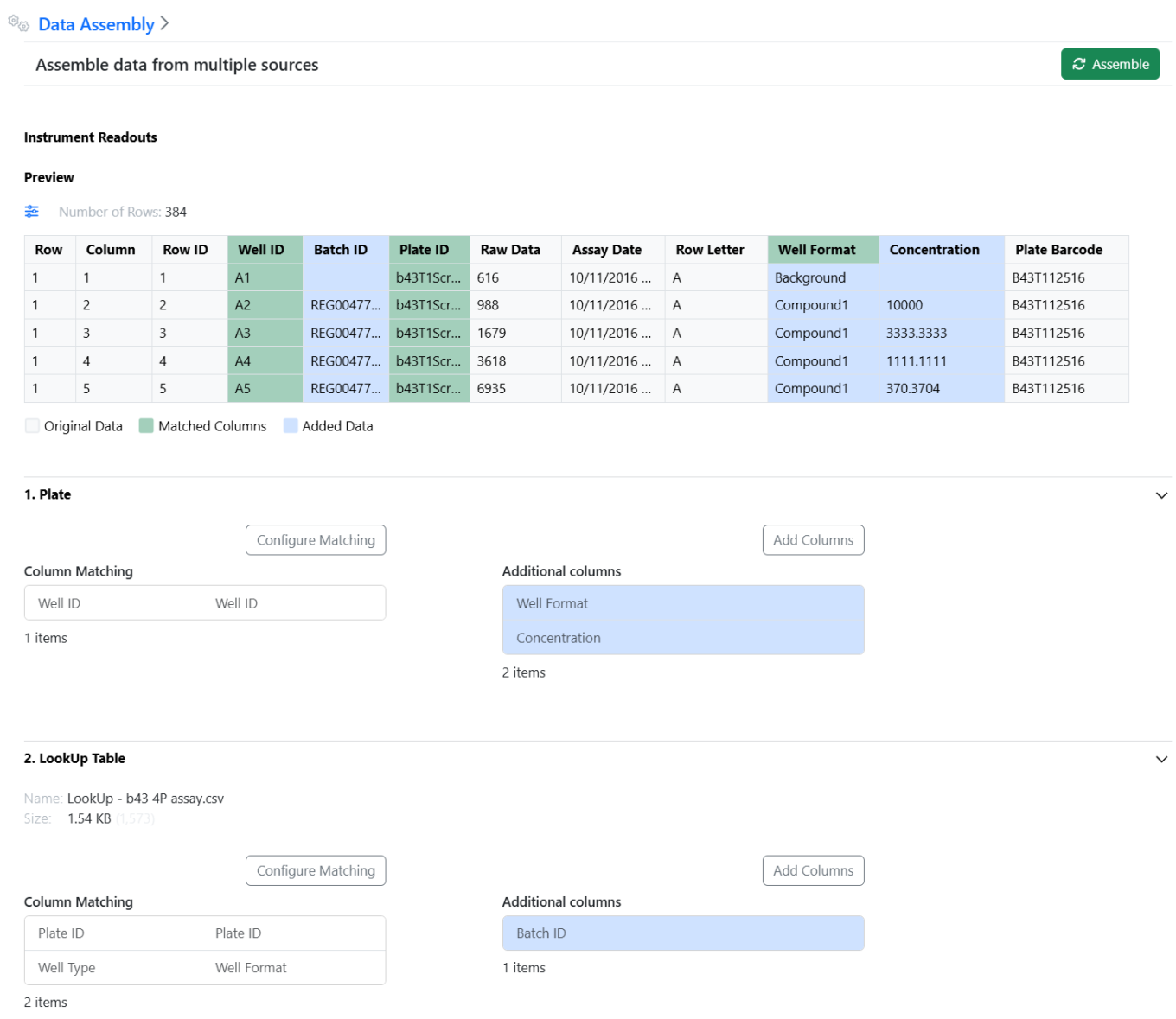
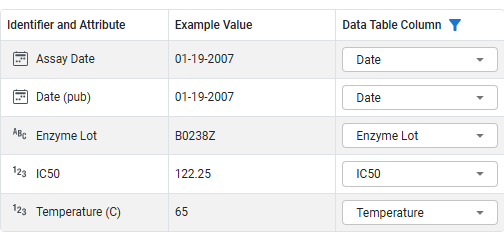
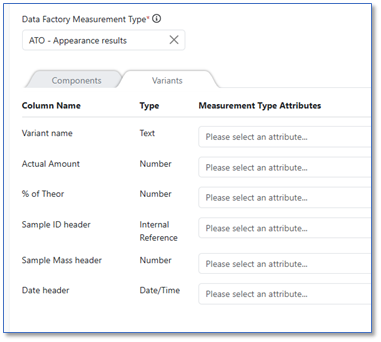
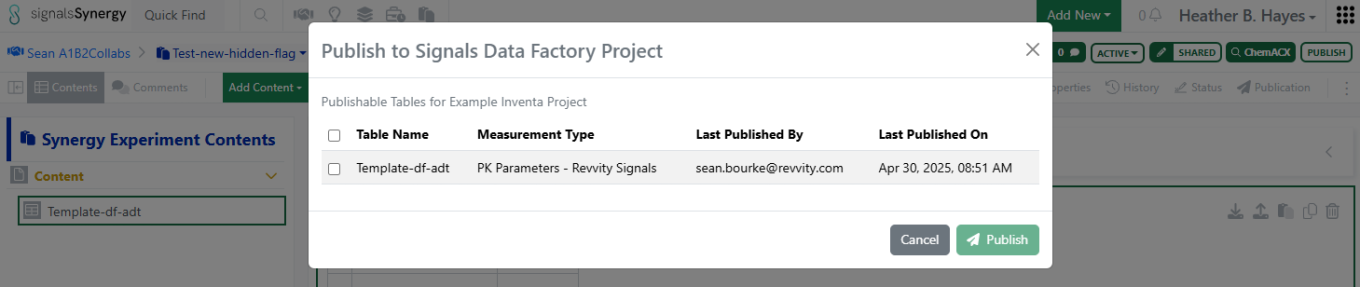
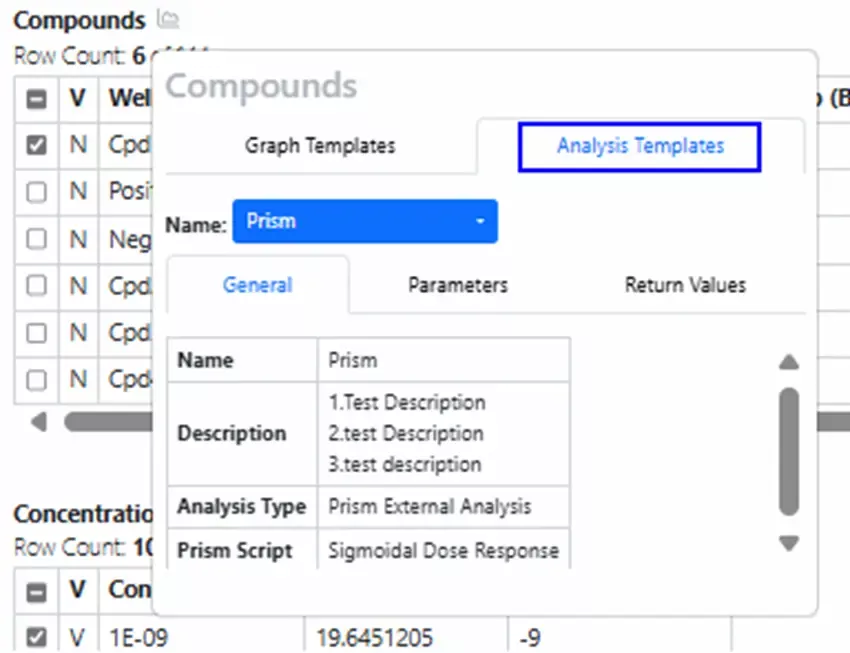
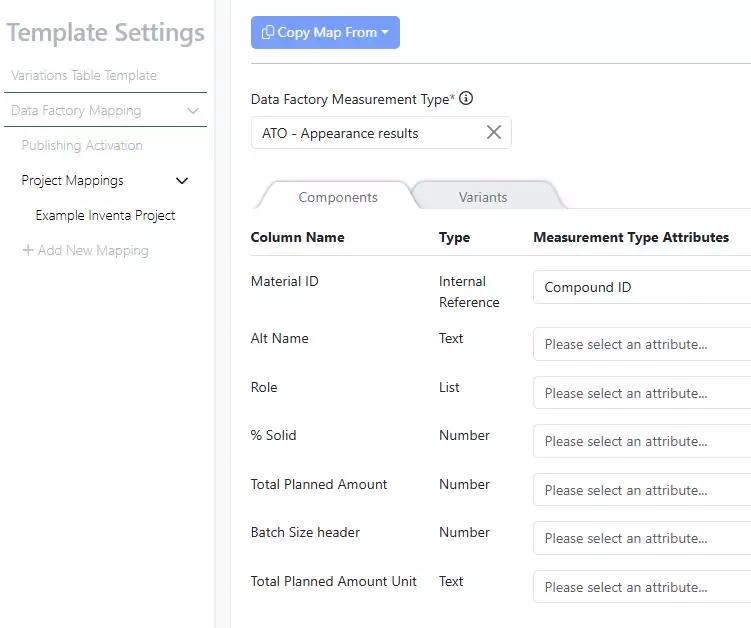
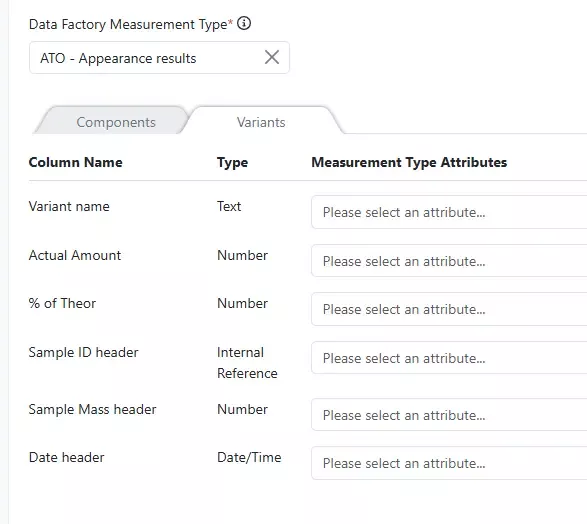
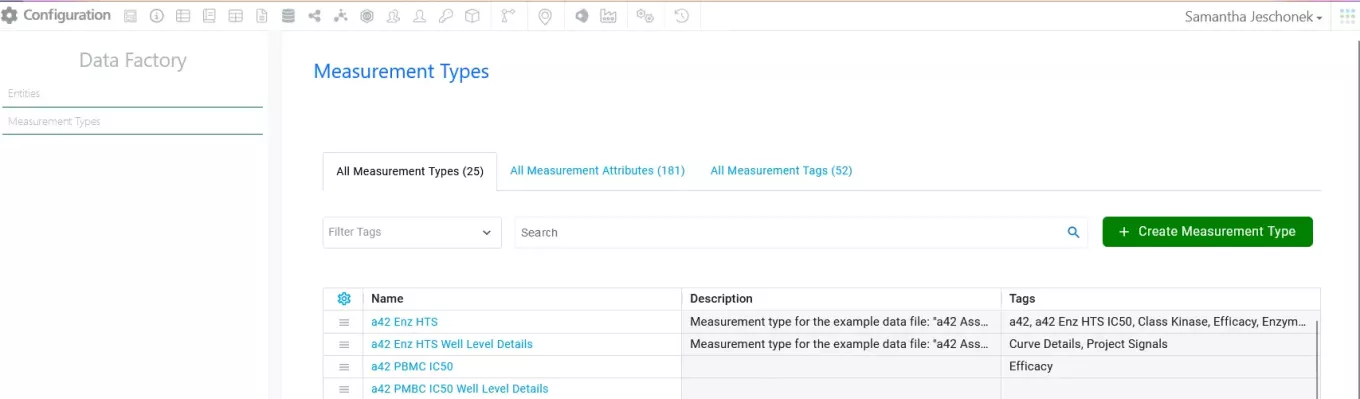
It is now possible to define the mappings of the raw data and curve fit results with the Measurement Types of a Data Factory 2.0 project in the In Vitro Analysis templates.
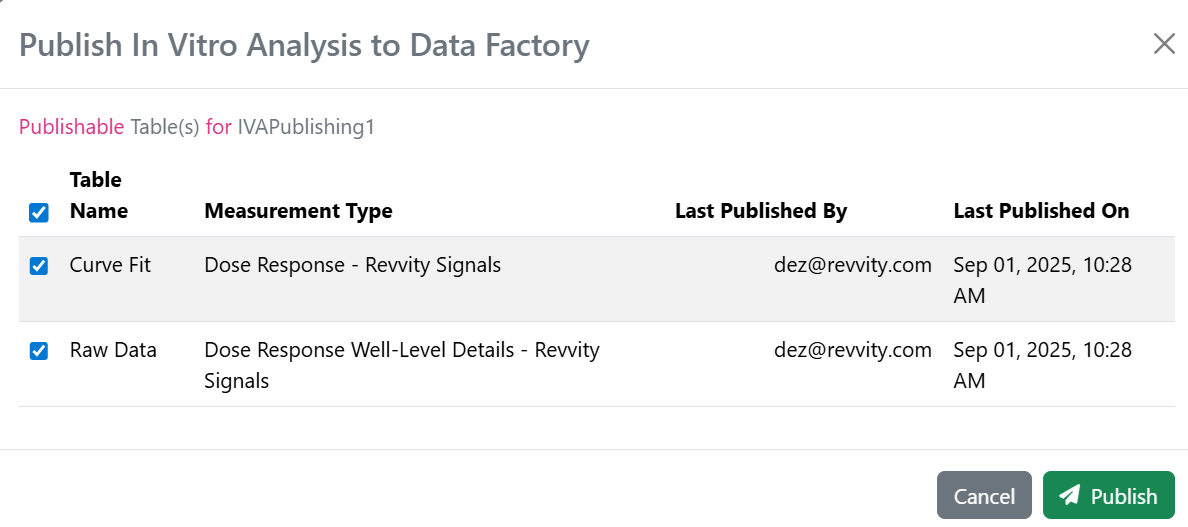
In addition to the raw data and curve fit results, which are interrelated, a set of general properties can also be mapped for publication.
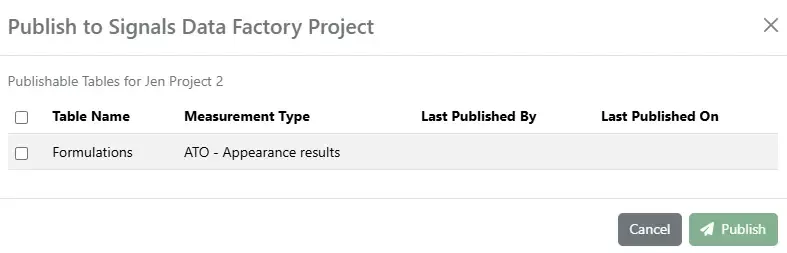
The users of an In Vitro Analysis template with publishing activated can decide whether both raw data and curve fit related tables or only one of them should be published for their analysis.
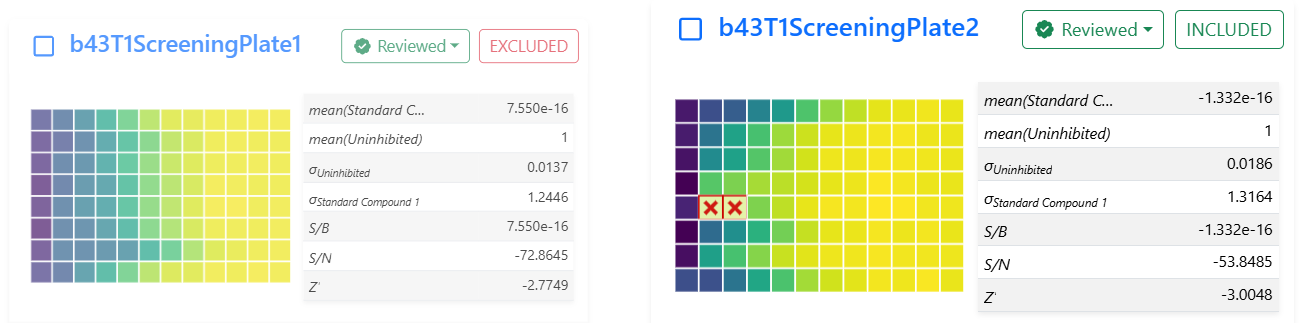
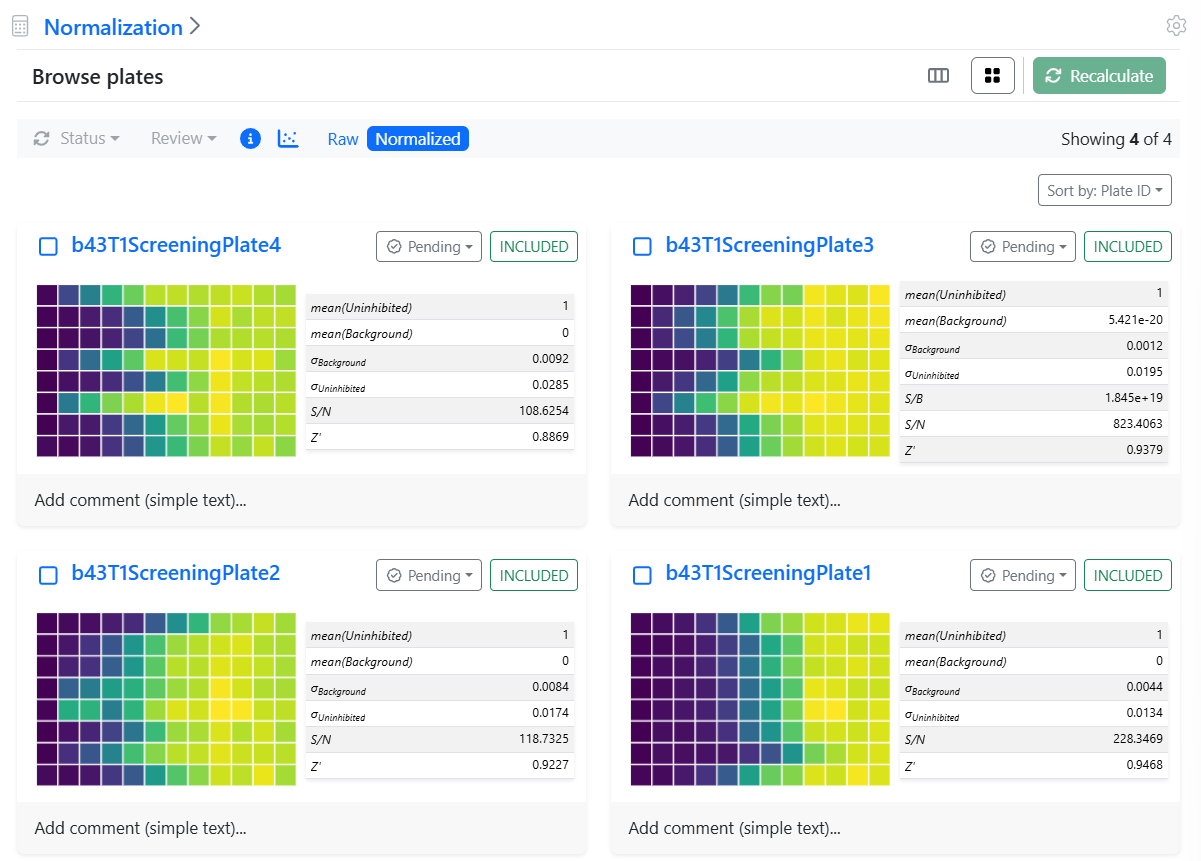
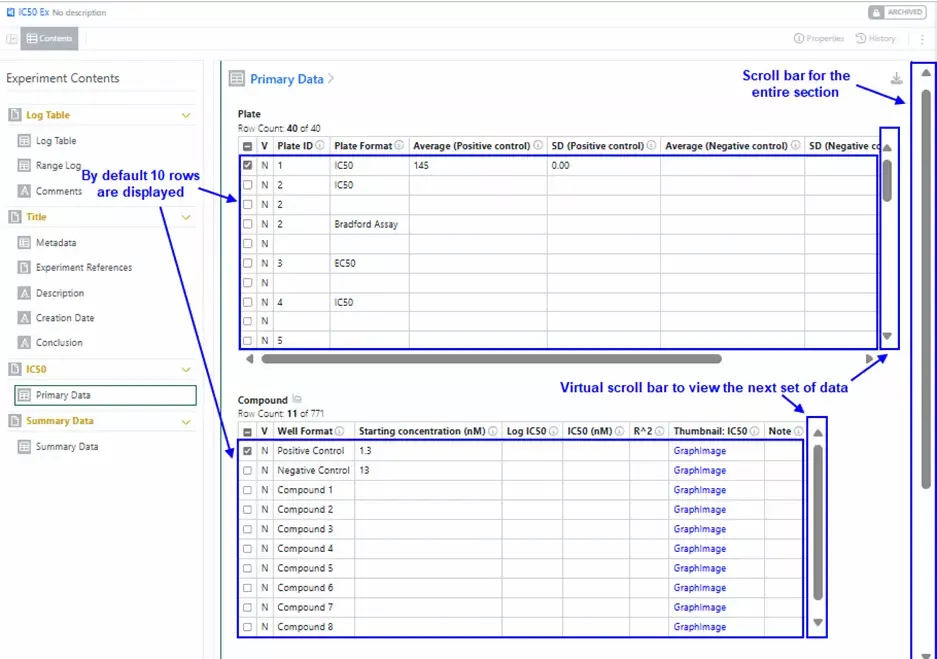
In addition to the exclusion of curves and curve data points, it is now possible to exclude whole plates or plate wells from normalization.

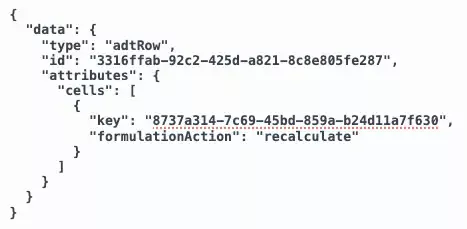
The exclusions at the plate or well level affect the normalization and the curve fitting downstream. Therefore, the users are notified that they should recalculate the normalization results.
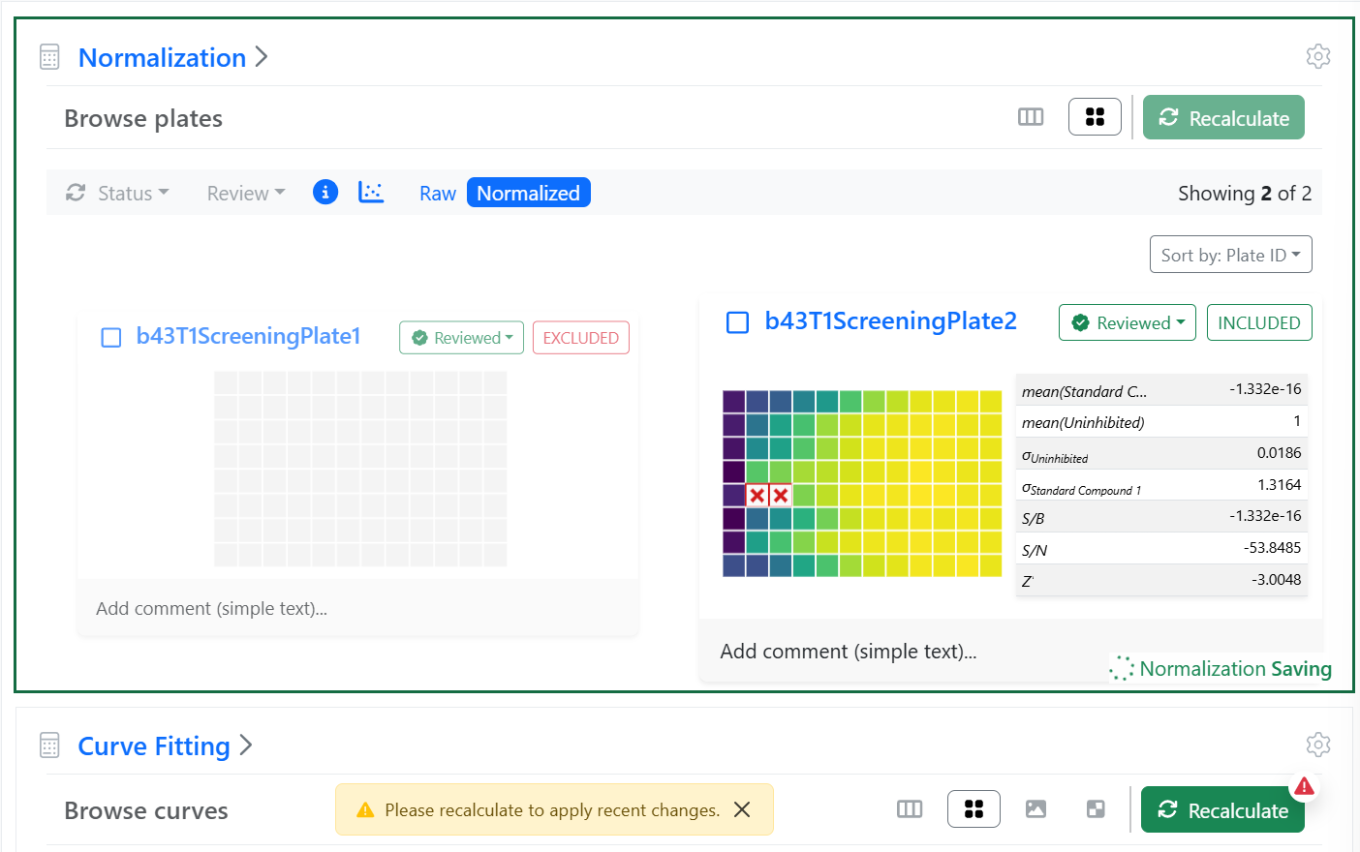
Successively, downstream steps dependent on the normalization, like the curve fitting, will also need to be recalculated and the user gets another notification.
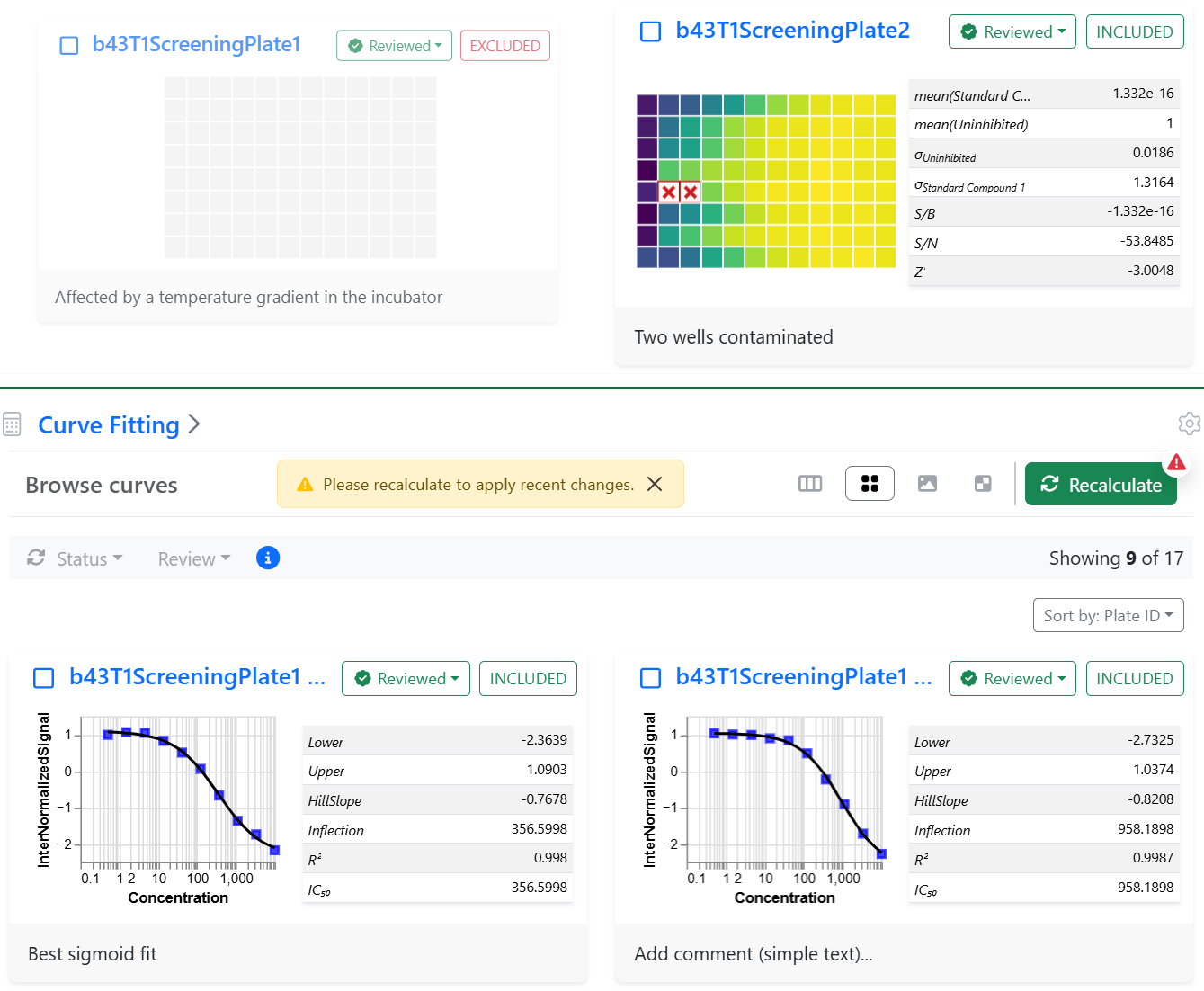
Plate, well, curve and point-level annotations are now embedded in an In Vitro Analysis.
All the annotations can be reset and result recalculated in a row by clicking on the global RUN button, while the recalculate buttons maintain the annotation.
SAR & Decisioning
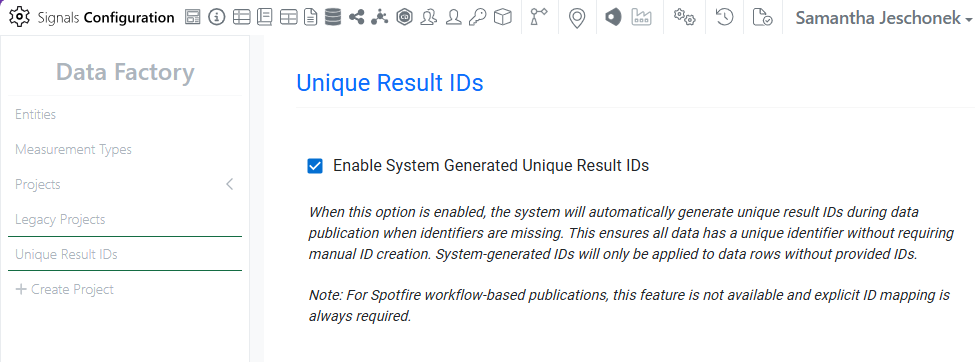
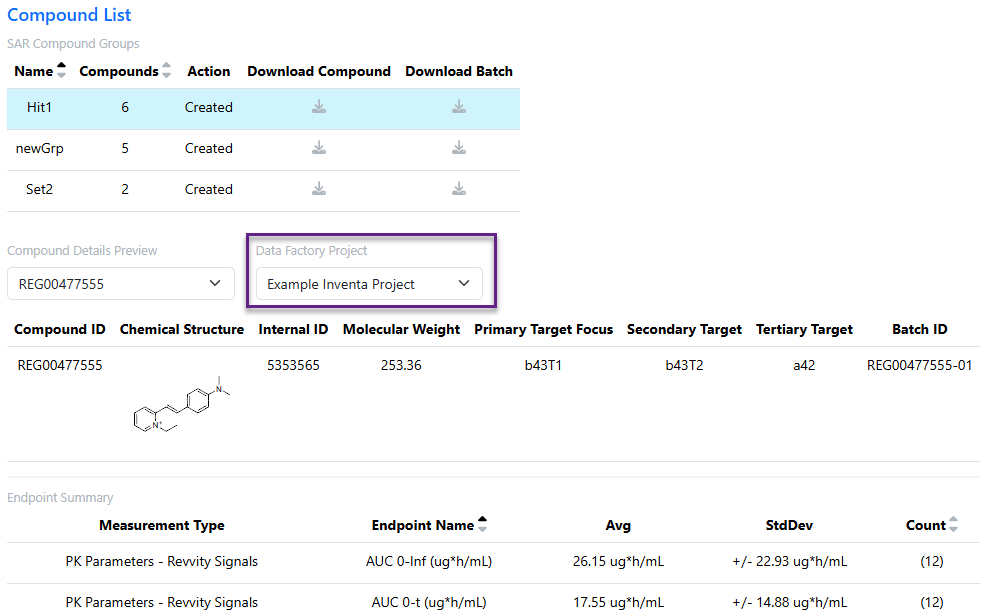
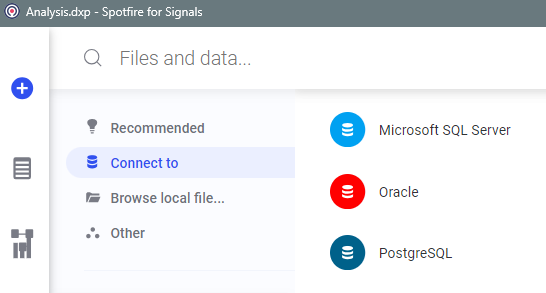
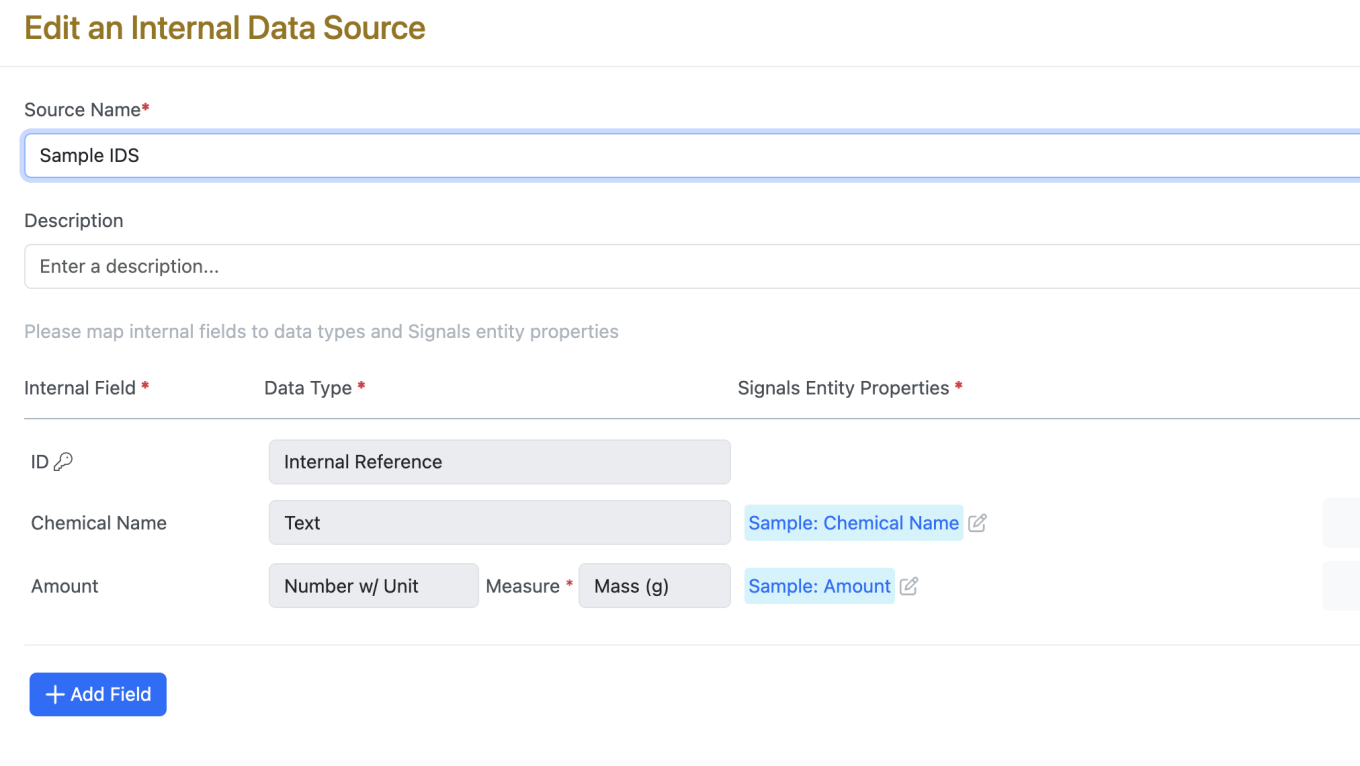
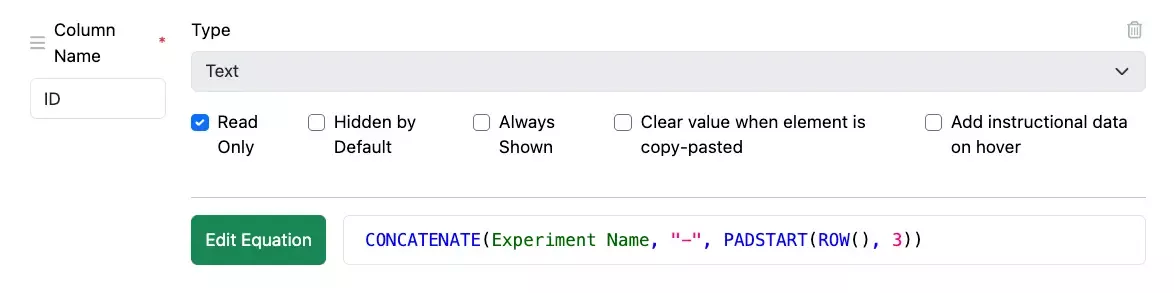
System generated unique result IDs are now available for use with Data Factory (beta) projects in Signals One. When enabled by an Administrator, unique identifiers will be automatically generated for any empty ID values during publication, while preferentially using any explicitly provided identifiers. This feature does not apply to legacy projects.
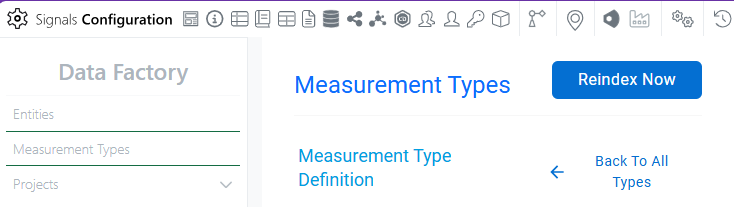
Data Factory will now propagate changes in entity, attribute, or measurement type design to maps and published data. When making a change to the information design, administrators will be warned if the change will require data reprocessing. Once an admin makes a change requiring data reprocessing, newly published data will be inaccessible until after the admin selects “Reindex Now”, and data finishes processing. When reindexing, all design changes are applied to any existing data or newly published data. Any existing admin-defined maps will continue to work.
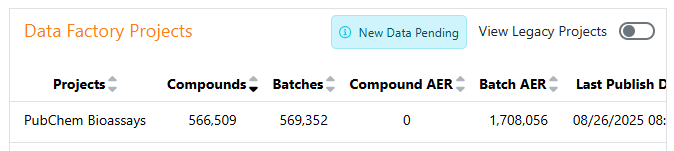
When an admin has made changes that require data reprocessing, end-users will see a “New Data Pending” notice, indicating that access to newly published data may be delayed. Previously published data will remain accessible during this time. The label is removed once data finishes processing.
Admin Defined Tables, Variation Tables and Hierarchical Tables
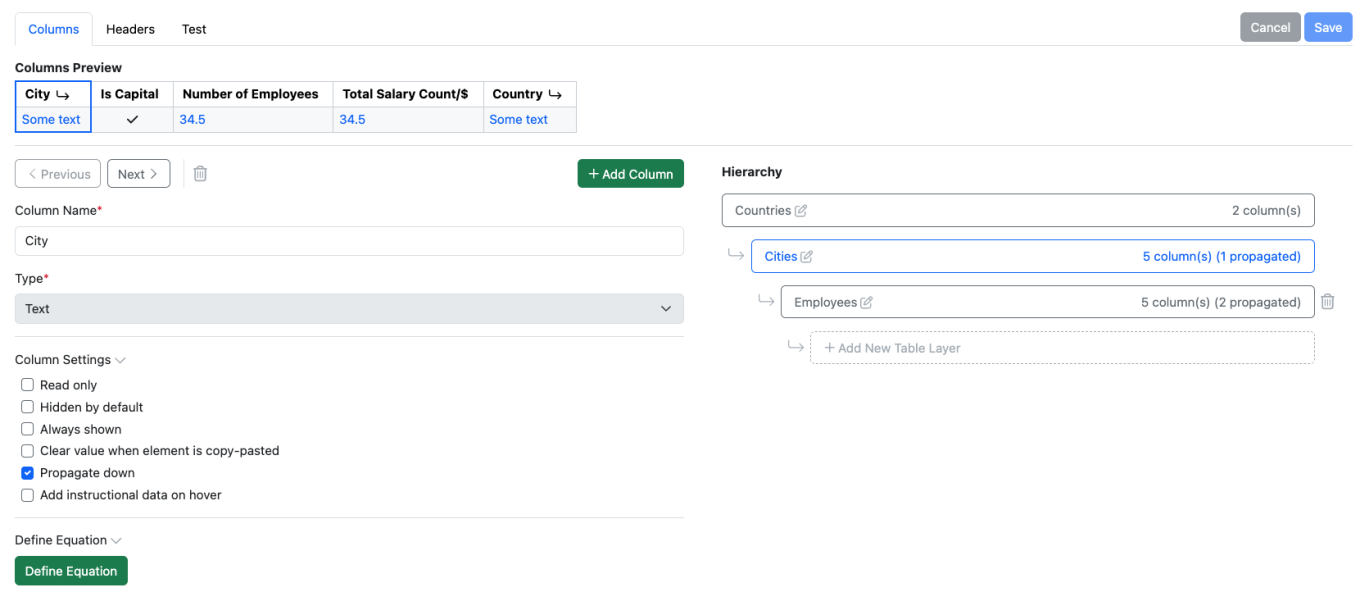
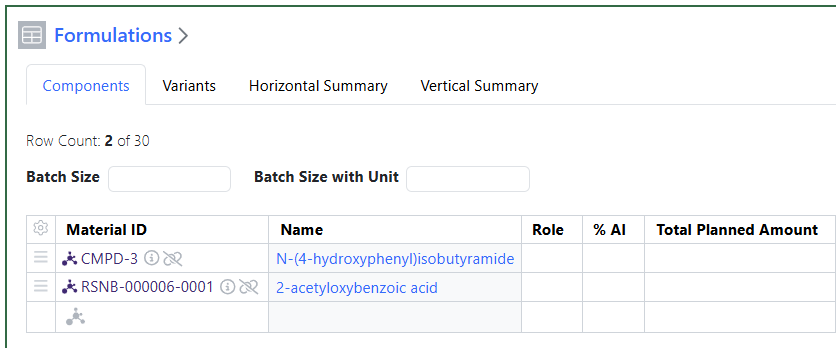
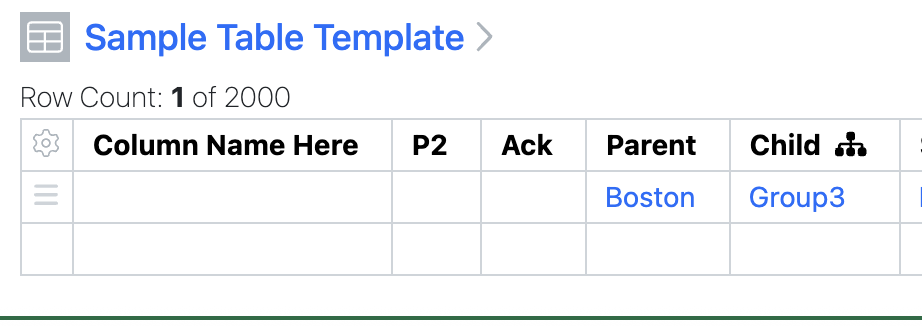
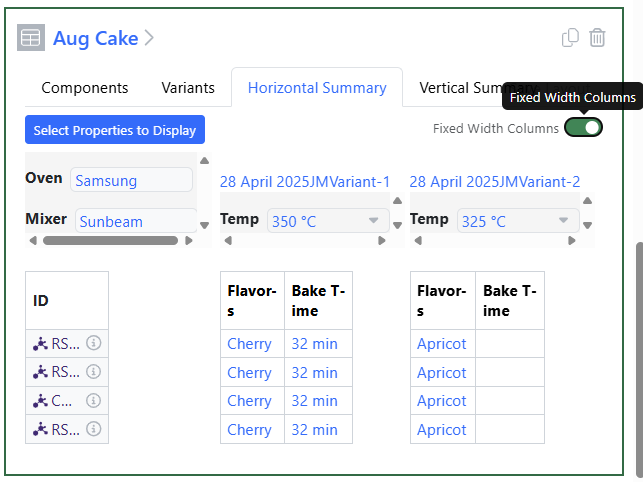
A new tabular content type, Hierarchical Tables, has been added. Hierarchical Table Templates can be defined by an administrator in the Table Templates folder. Hierarchical Tables can contain multiple table layers, with association between an upper row in a table and one or more rows in the lower table, to provide layers of data containing different levels of detail. Hierarchical Tables require the end user to have a Signals One license.
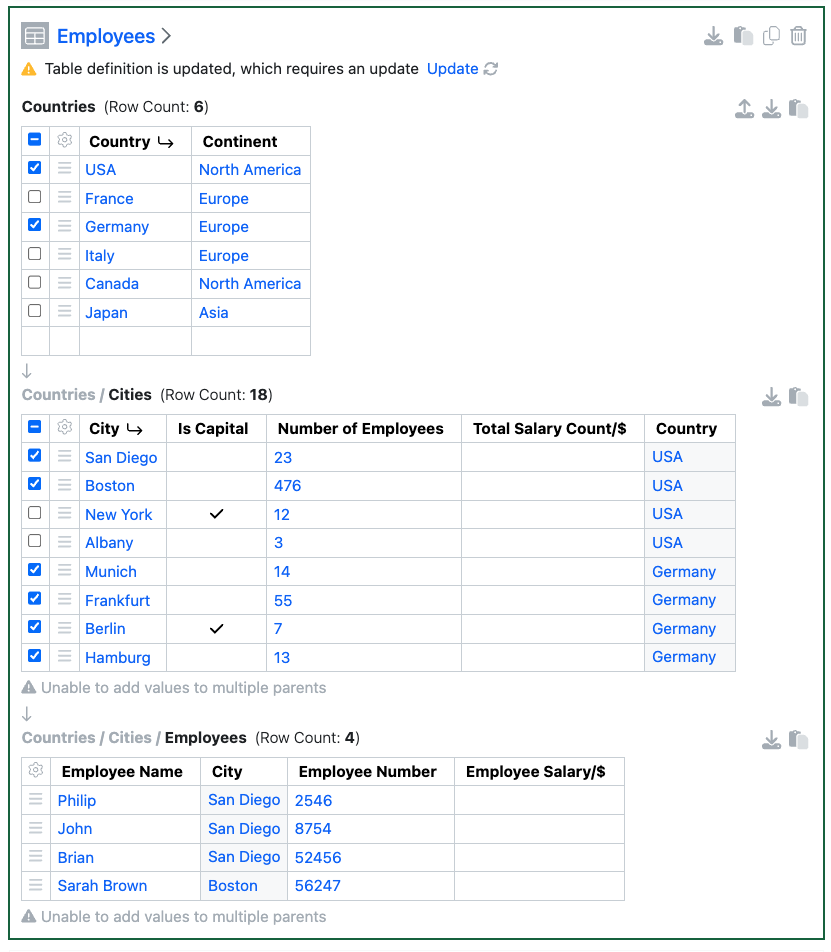
The association between rows can be indicated with “propagating down” an identifier value from a row above. Rows from multiple associated upper rows can be displayed, to add rows however a single parent must be selected.
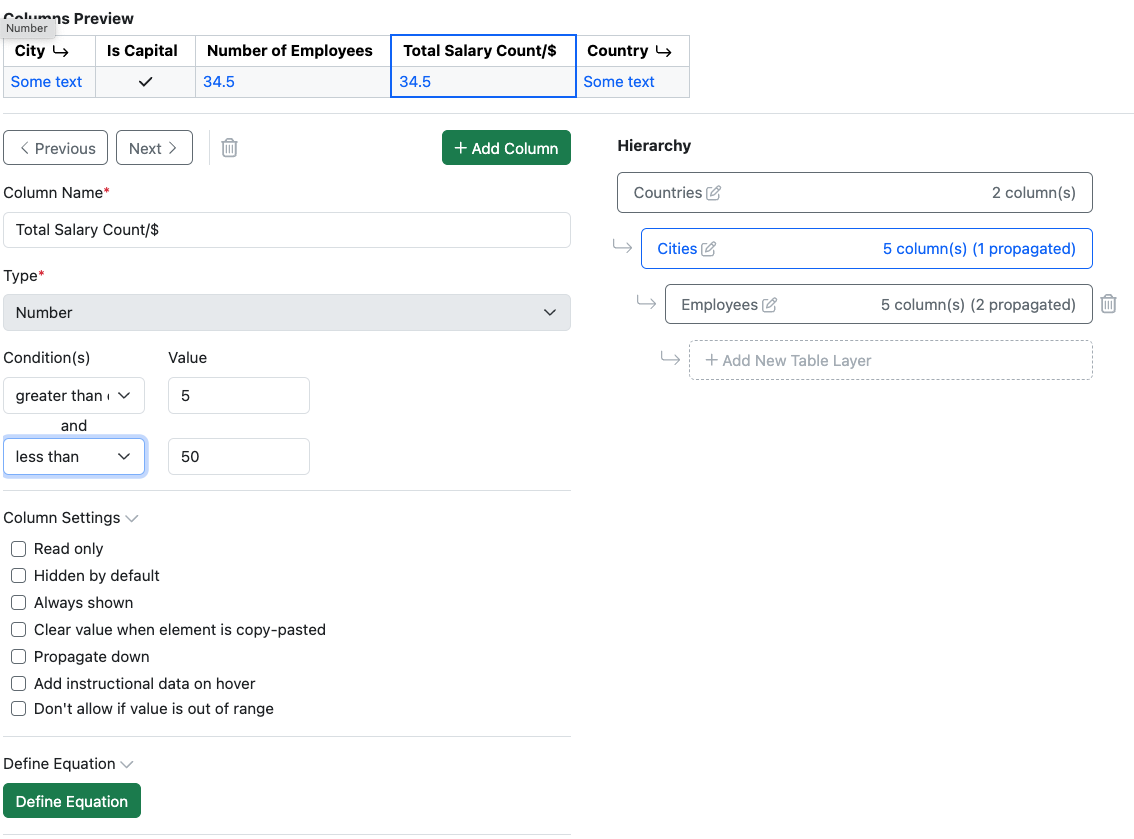
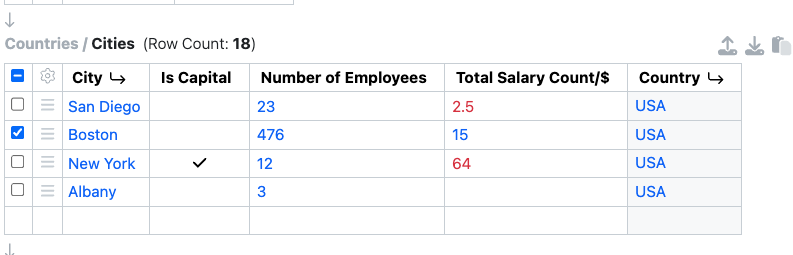
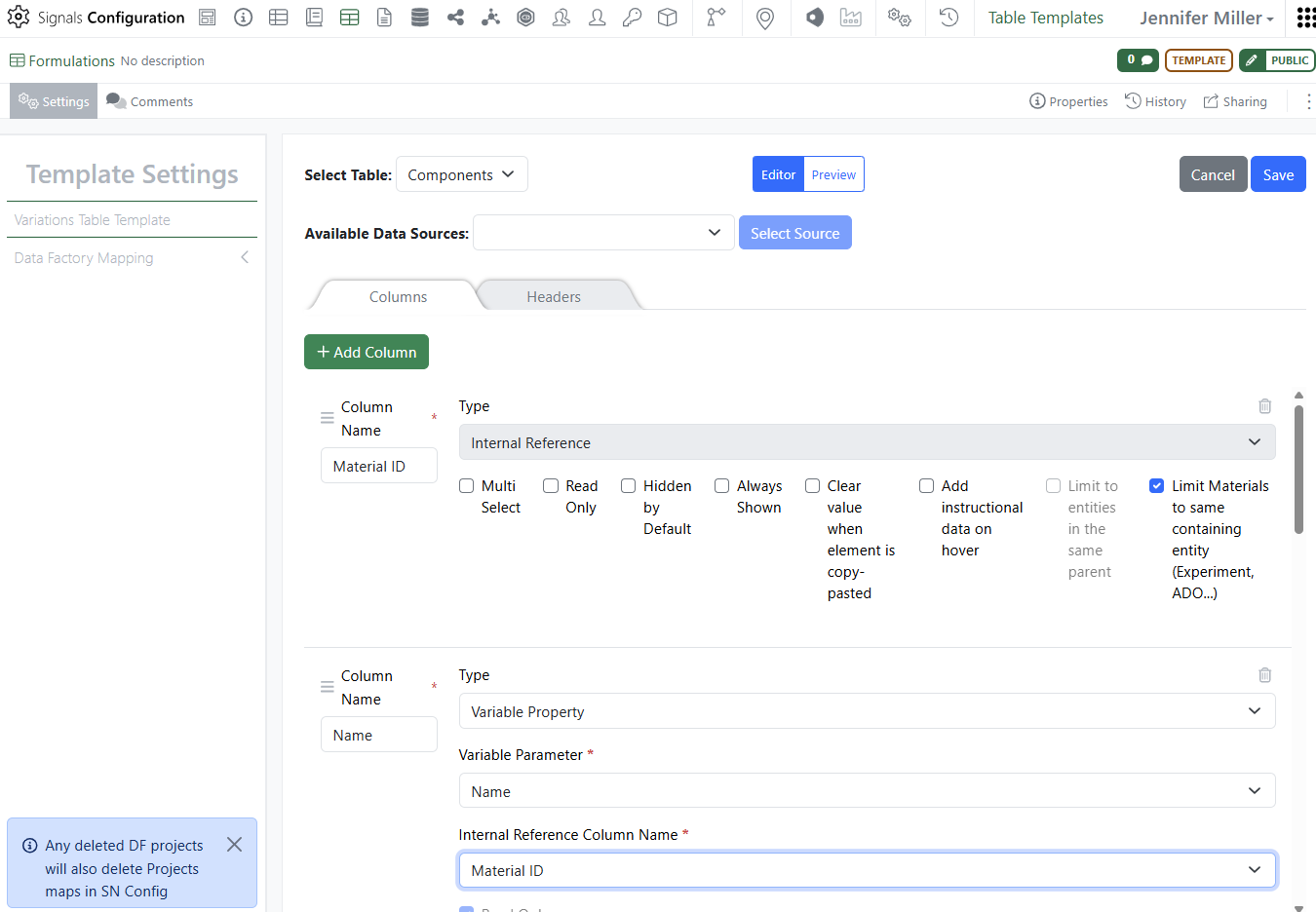
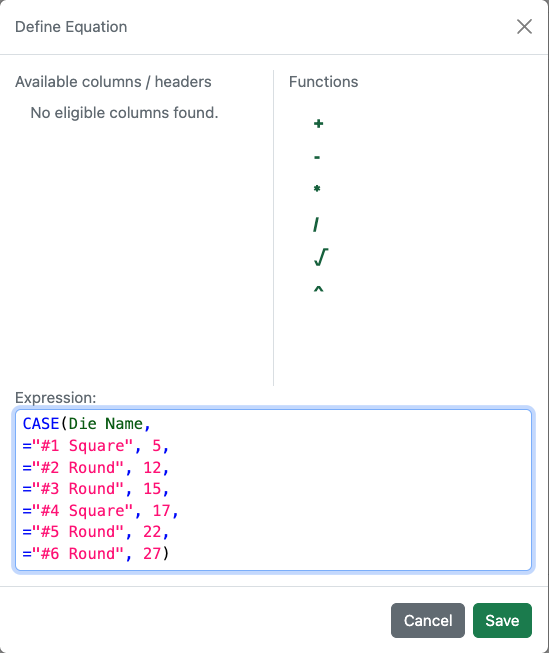
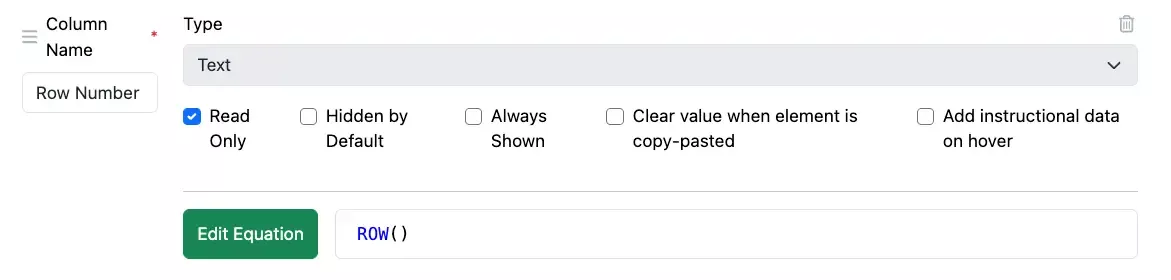
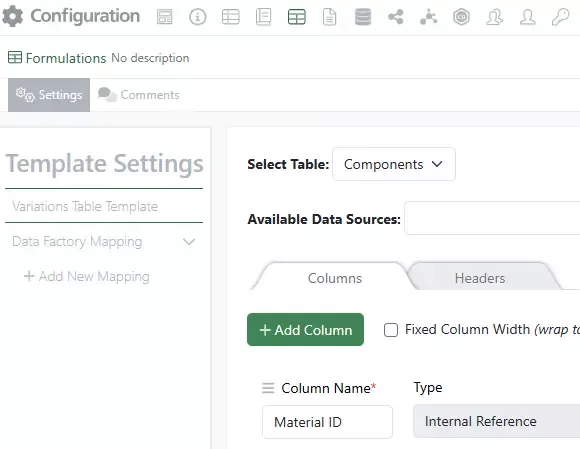
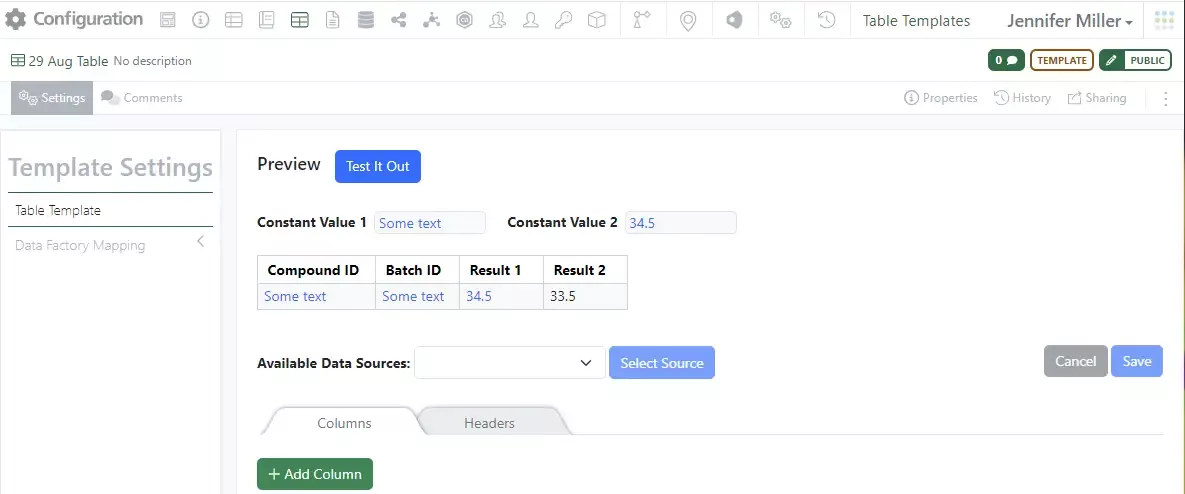
Available property types include a similar library to in Admin Defined Tables, such as Text, Number, Date/Time, Internal Reference etc. Equations in a table layer or between table layers, or Headers, can be defined. Number properties can also be defined with conditions for data entry, ranges can be set and the property set to either not allow an out of range value, or to provide a visual indication when a value does not match.
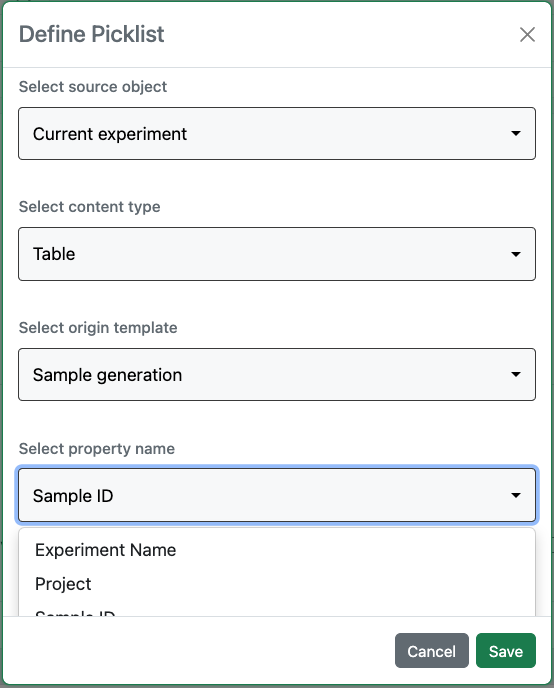
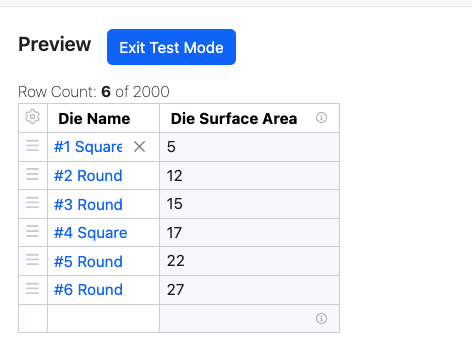
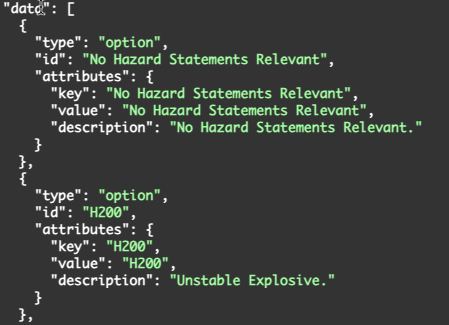
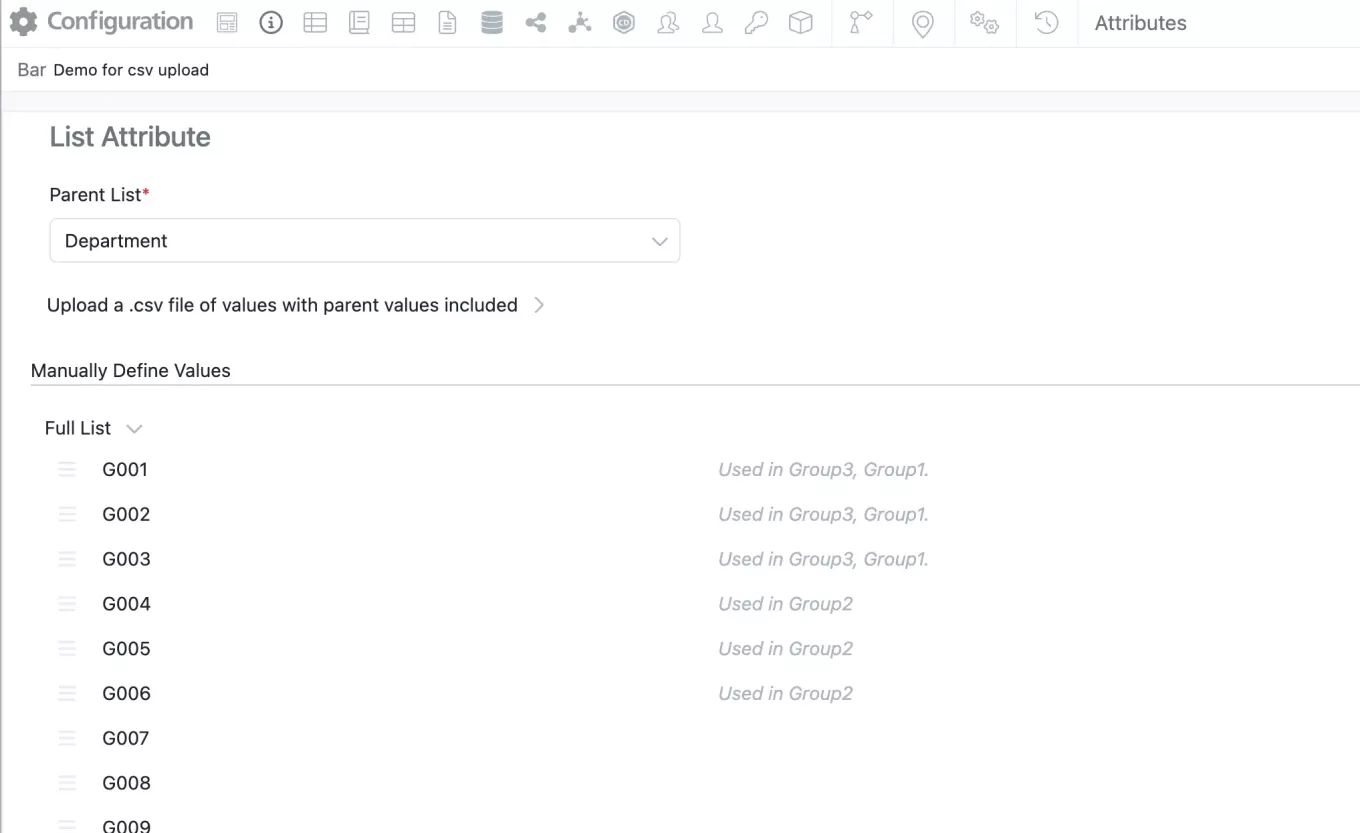
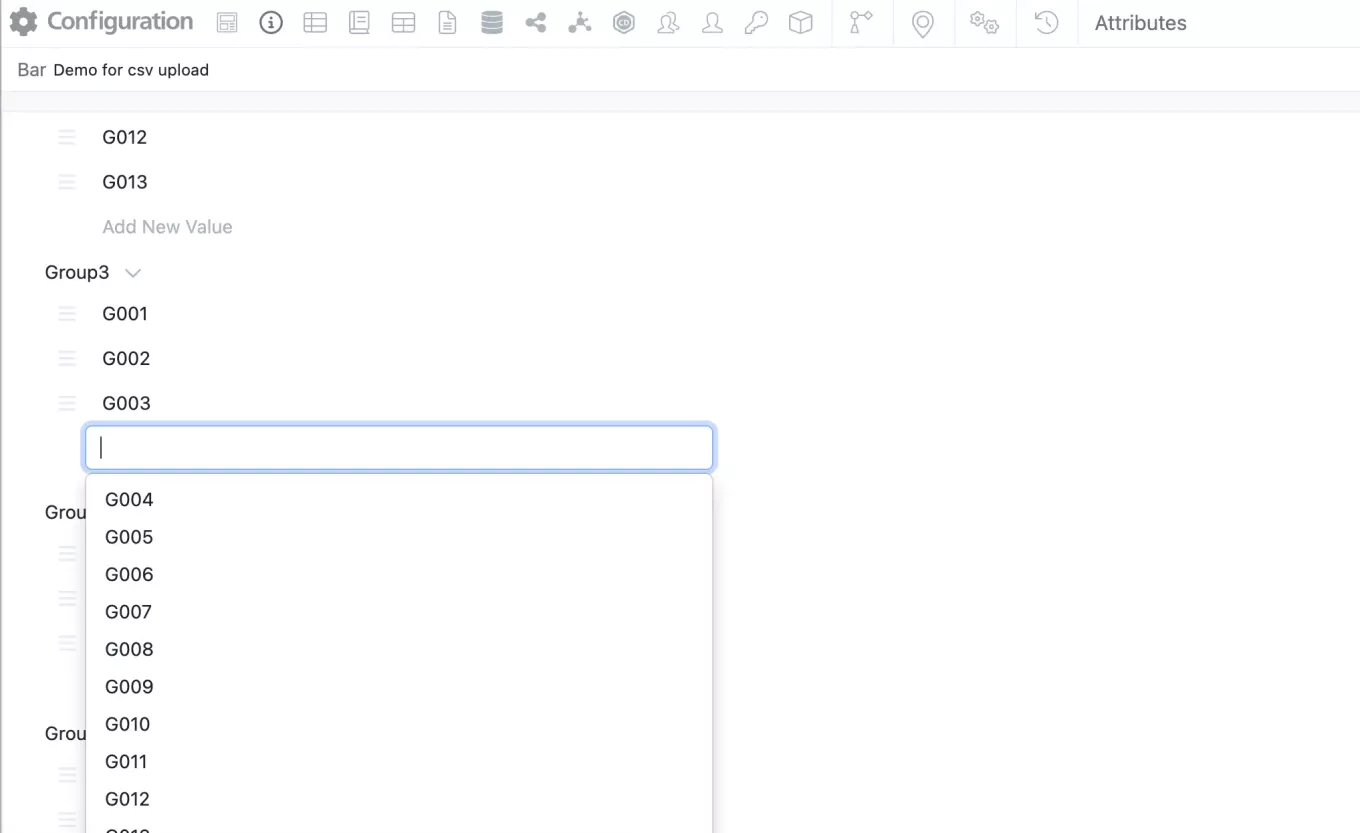
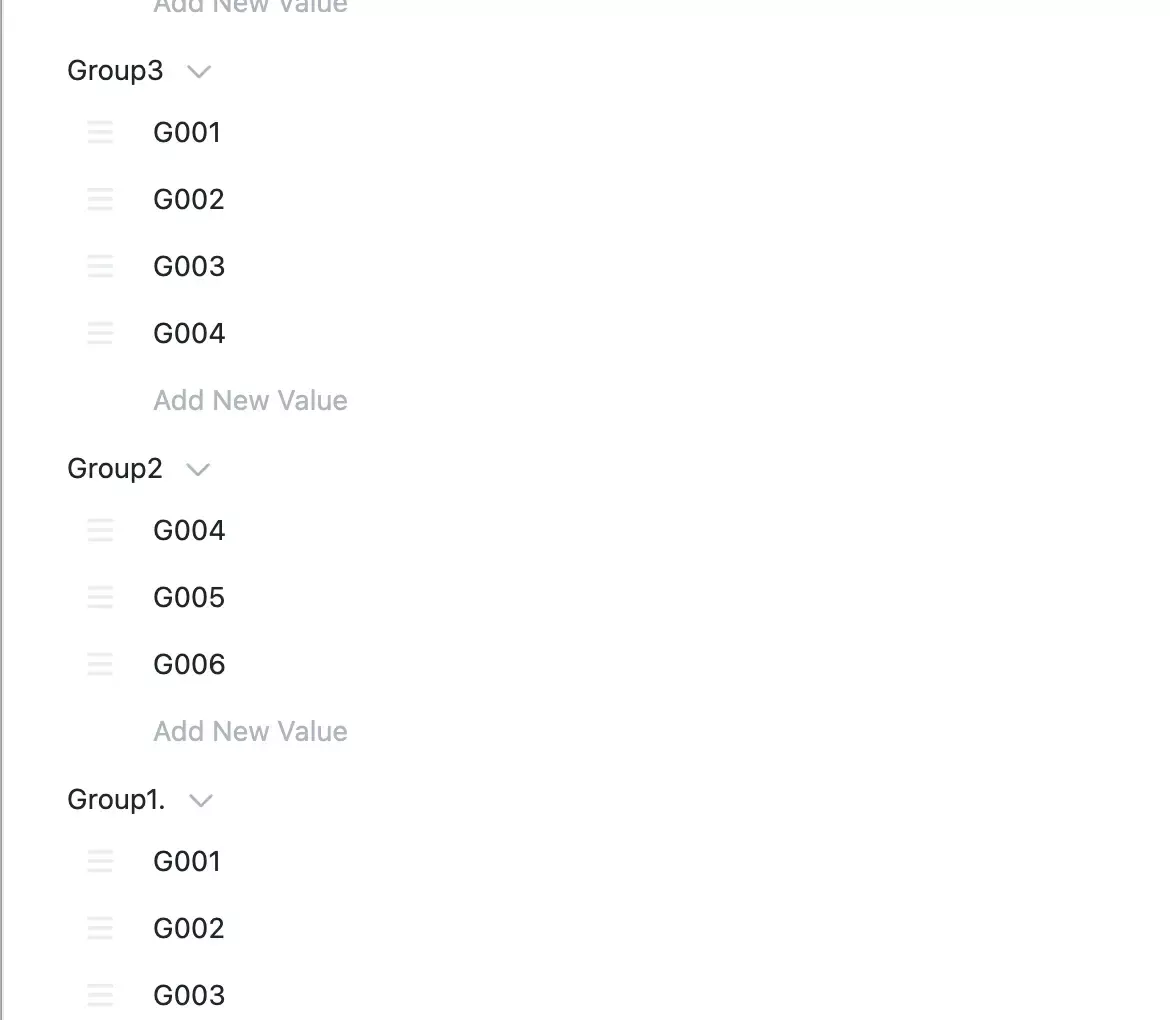
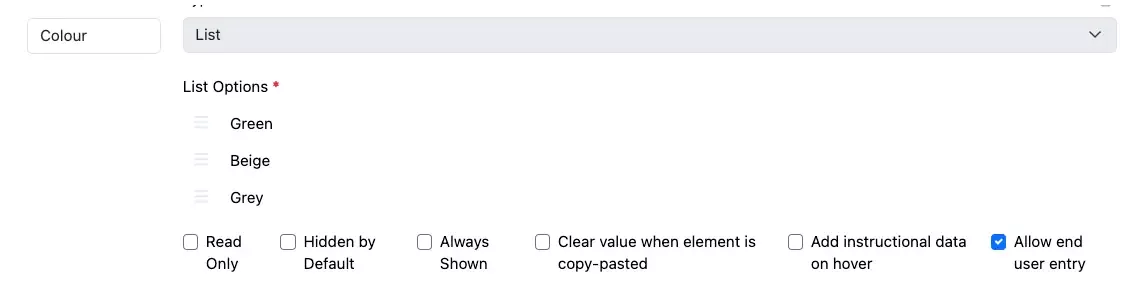
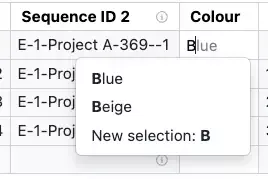
A new property type, Contextual Picklists, have been added to ADTs, Variation Tables and Hierarchical Tables. Contextual Picklists allow an administrator to define a logic for generation of a dropdown list, where the values for the list are sourced from other content within the system. This capability is only available to users with a Signals One license.
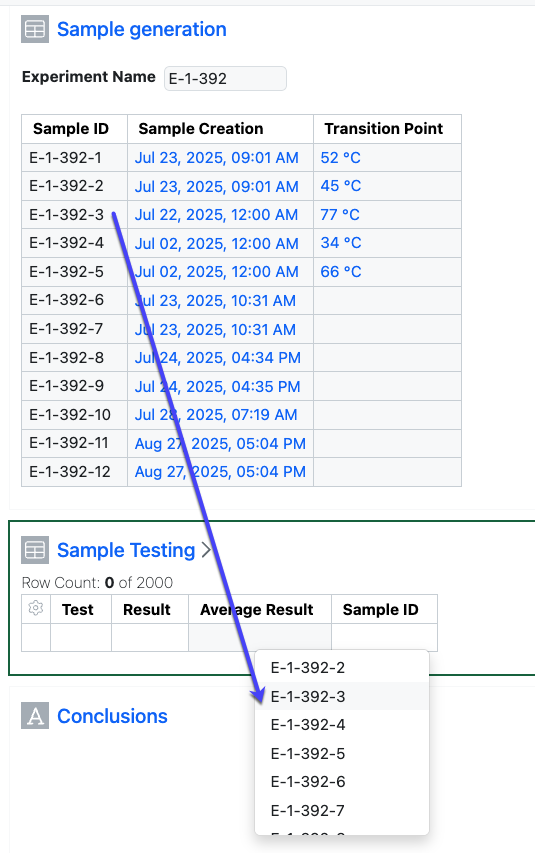
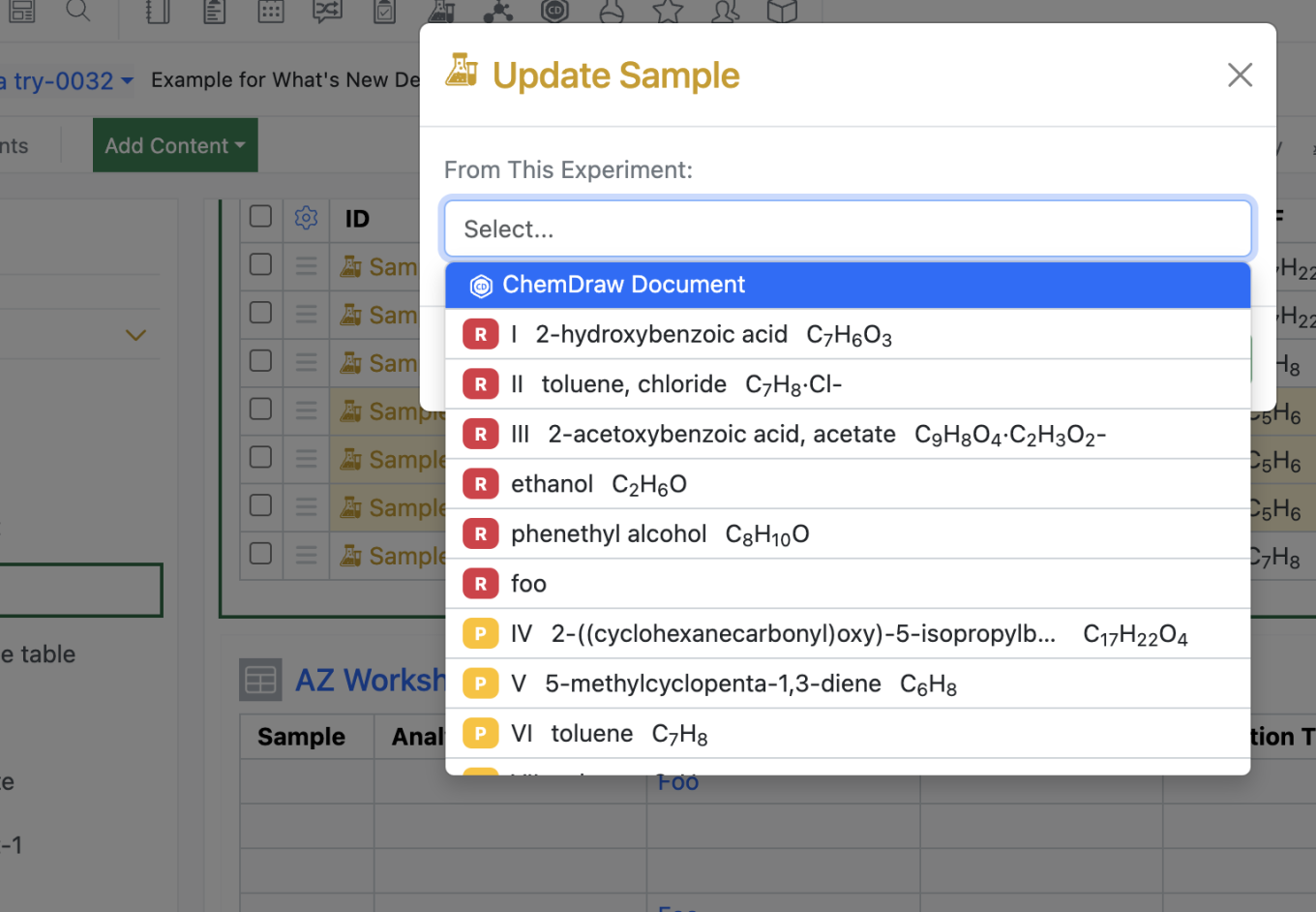
The source of the list can be defined as coming from the Experiment the user is in. The source is further defined as to the content type, such as an Admin Defined Table. Depending on the content type, the source is further refined to identify the Origin Template. Finally, the Property where the values are found is defined. A dropdown list of the unique values, given the prior definition, is presented to the end user as a dropdown.
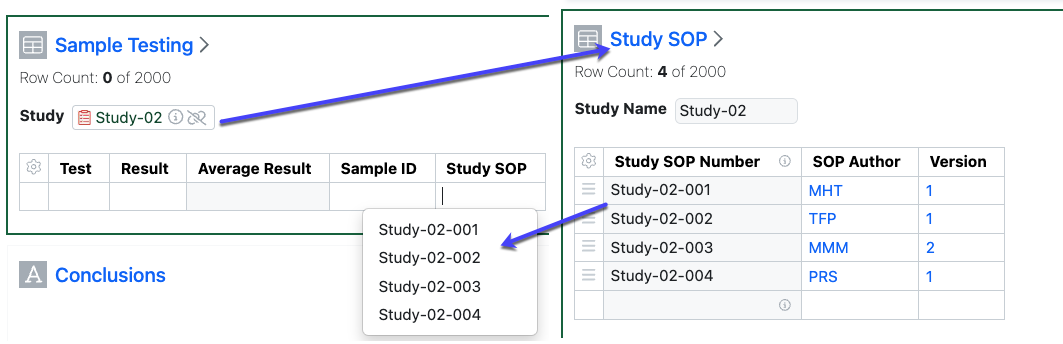
The source for the list can also be defined as a different Experiment or similar object (Admin Defined Object etc.) The other Experiment must be defined in the table with an Internal Reference type field.
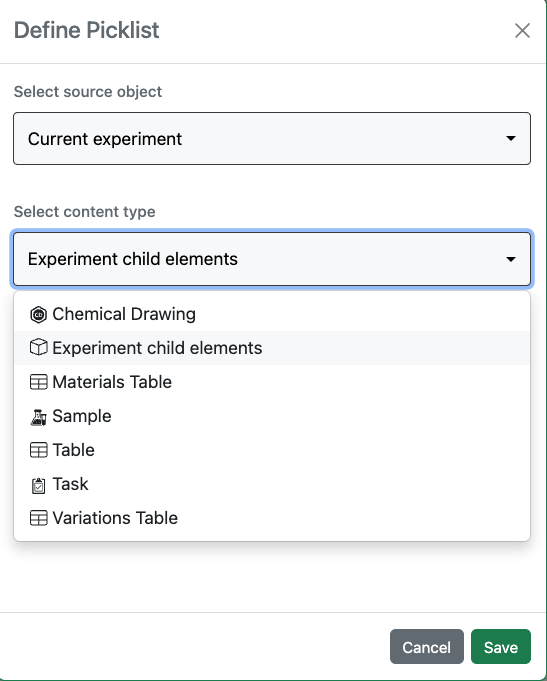
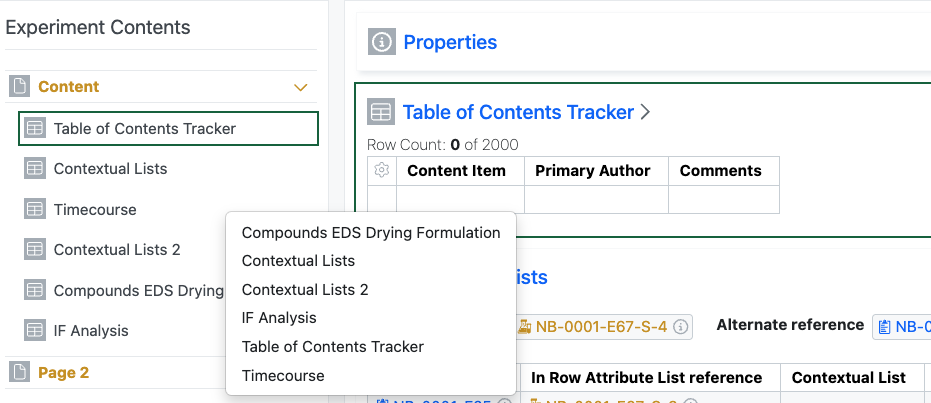
In addition to choosing data from table type objects, the values in the list can also represent the names of the content items within an Experiment by selecting the option “Experiment child elements”.
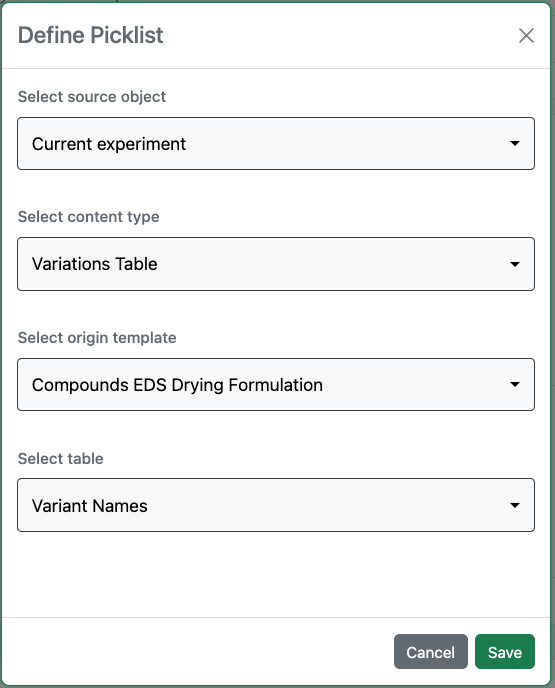
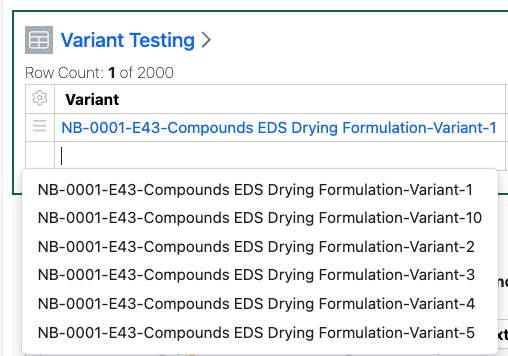
The values in the list can also represent the Variant Names from Variation Tables to aid in associating testing or other data on those Variants by selecting “Variant Names” after selecting the Variation Table and Origin Template.
Inventory
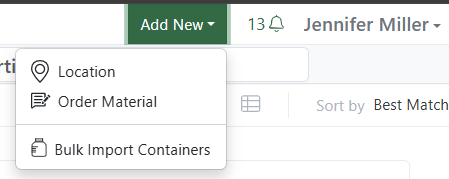
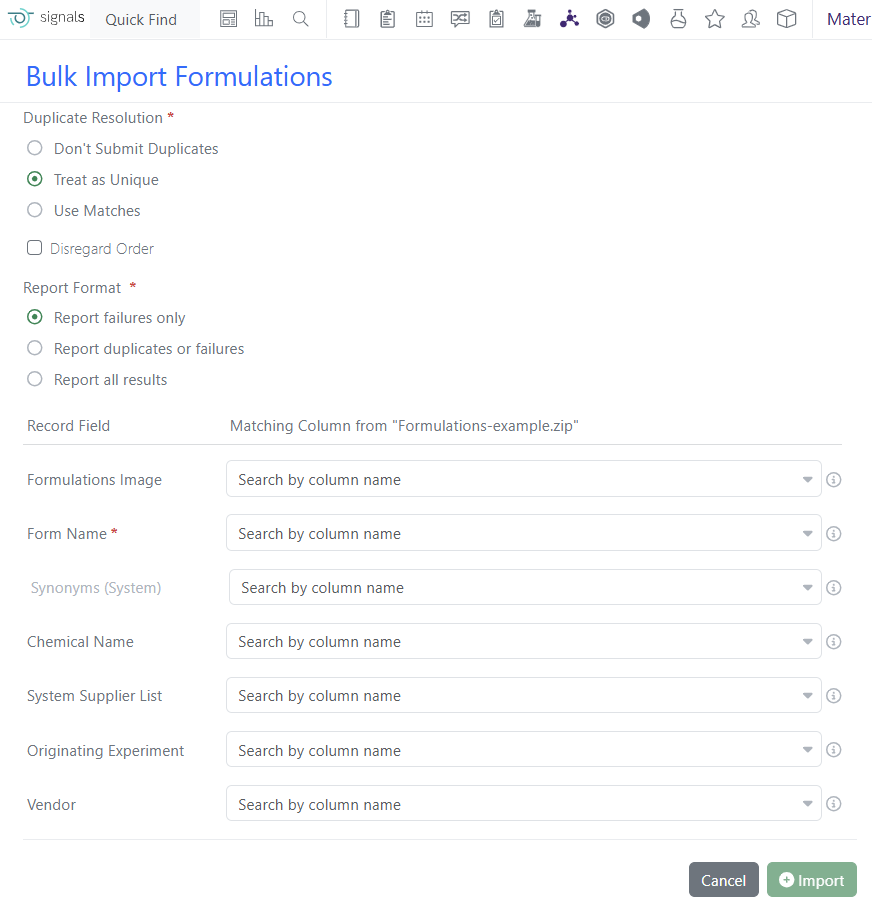
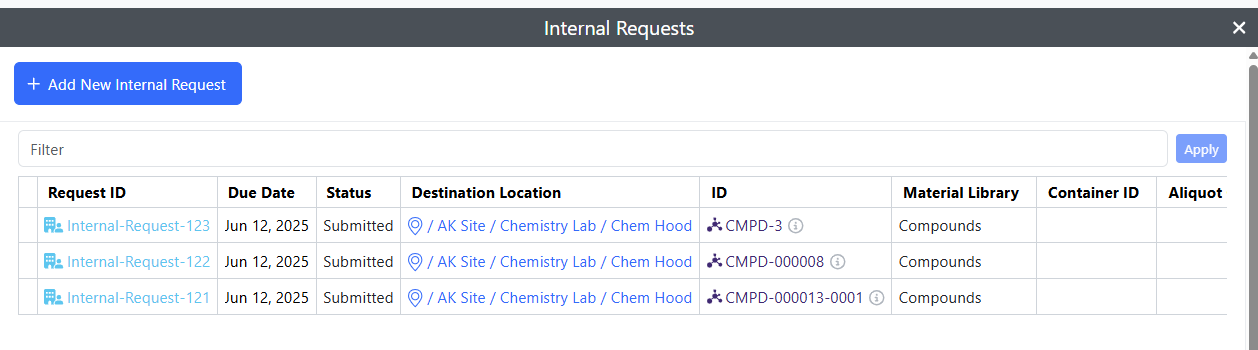
Bulk Import Containers into Inventory. Users need to navigate to Inventory, to the Add New menu:
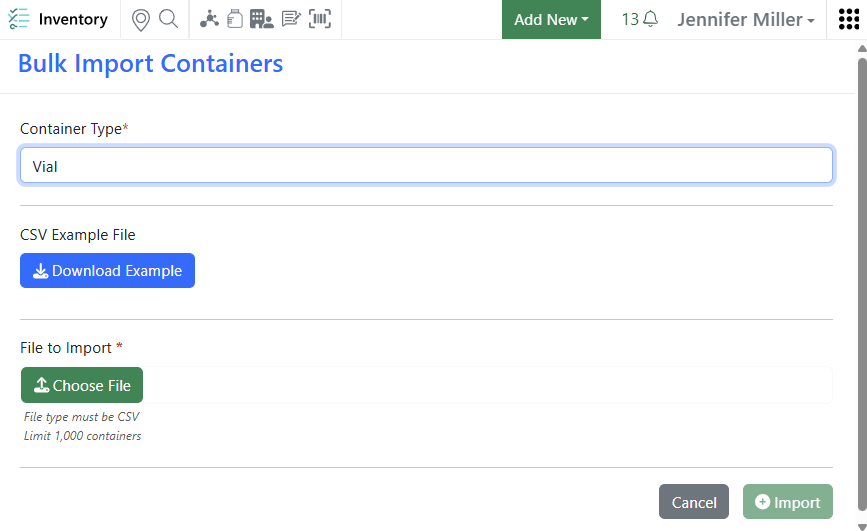
Select a Container Type to activate the Example download and the File Upload:
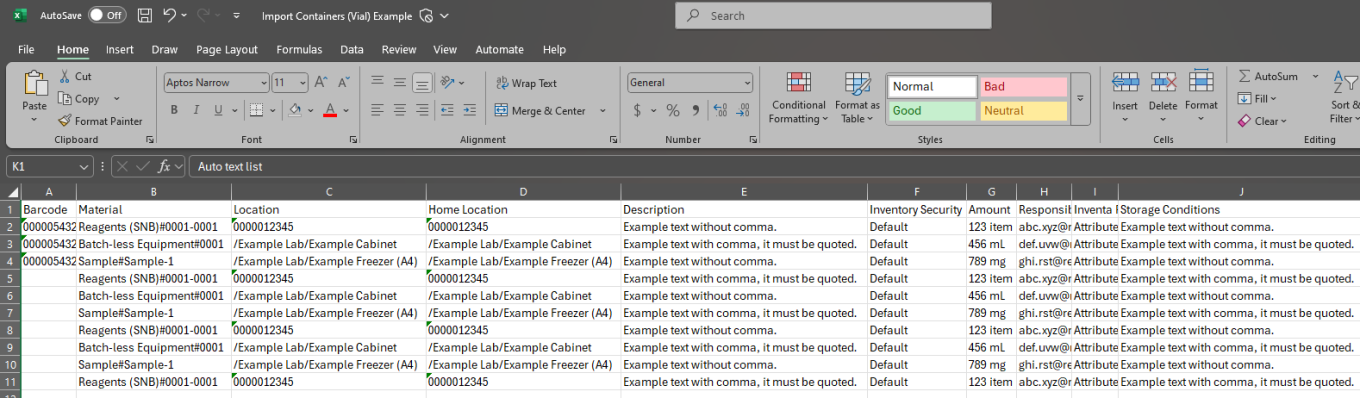
A csv example file will be created based on the container type properties:
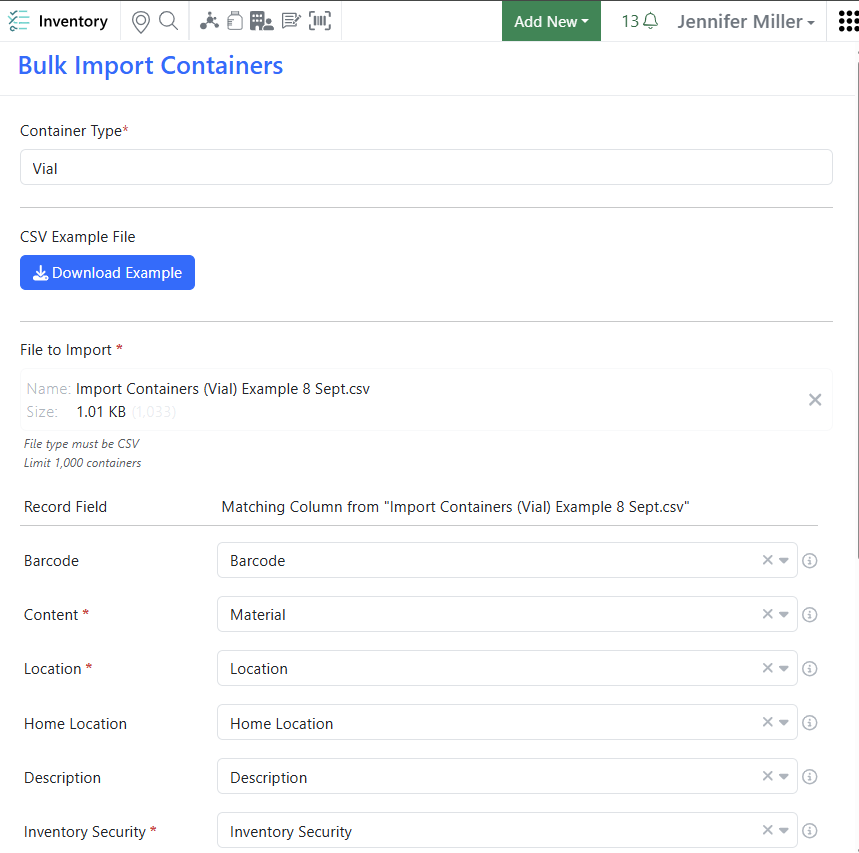
Users need to be able to create containers and have (at least) read access to locations to import containers:

Once the import is started, the progress will be displayed at the bottom of the screen:

When the import is complete a report will be created. If there are any errors, they will appear in the report and the containers with errors will not be created.
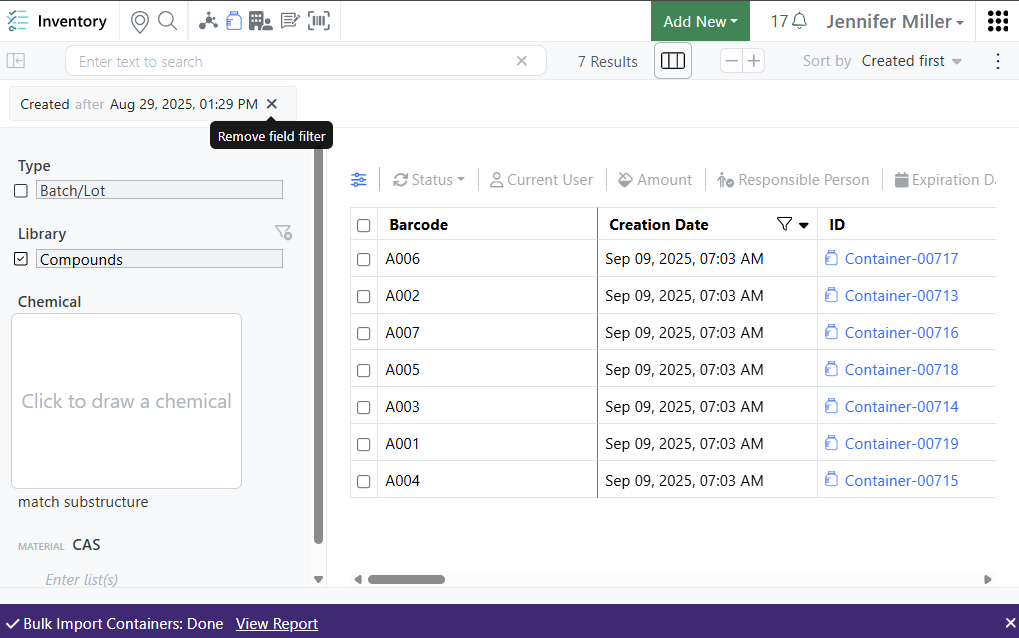
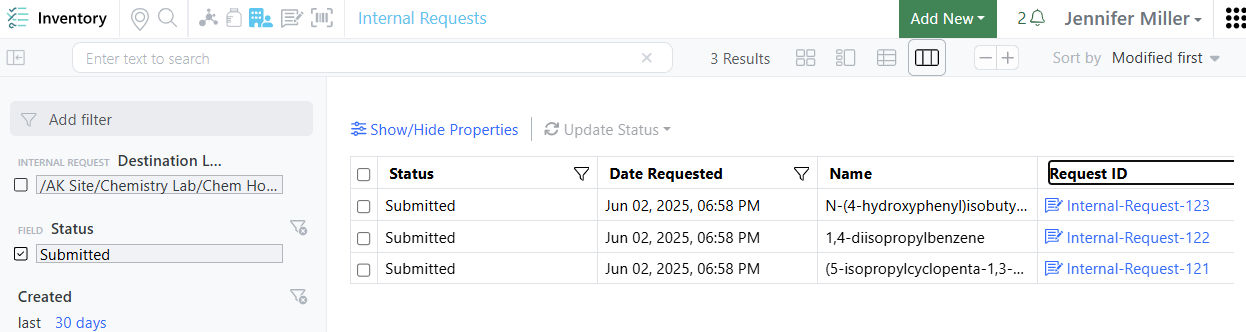
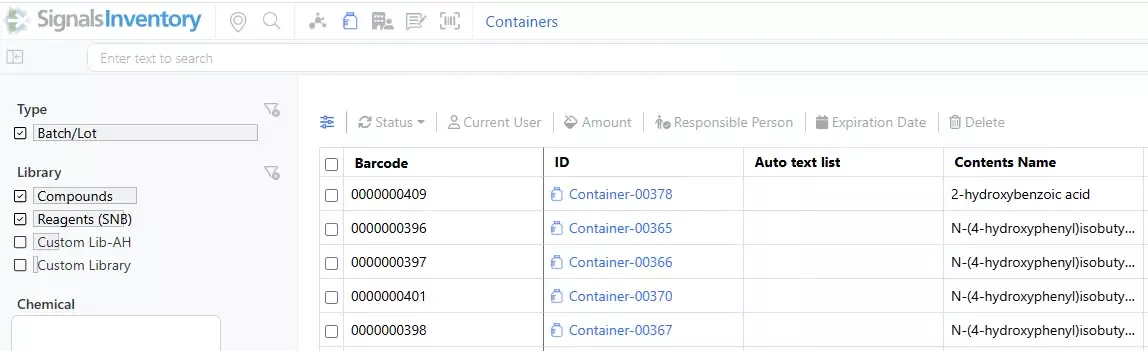
Once complete, the users will be brought to the containers search table with the filter pre-set for the date:
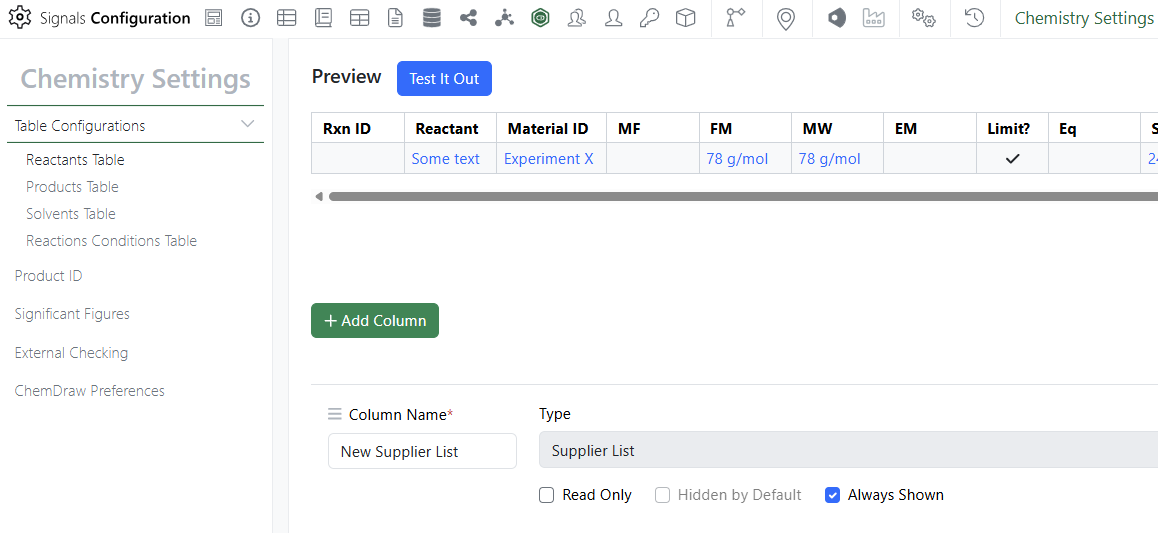
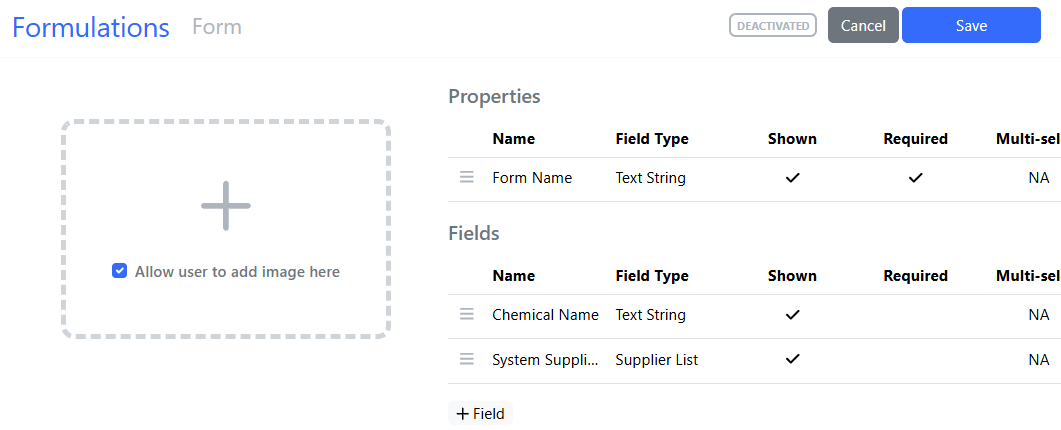
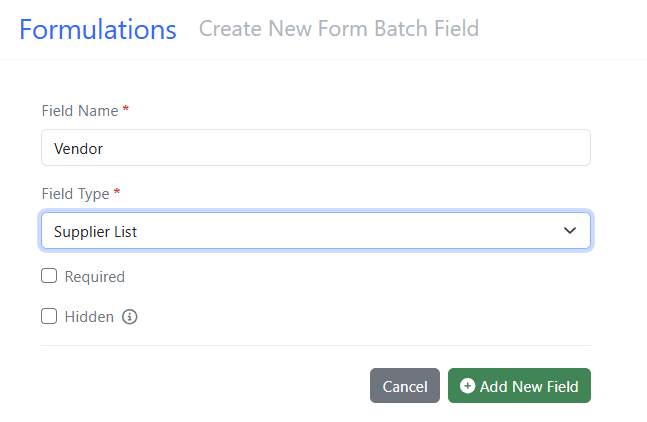
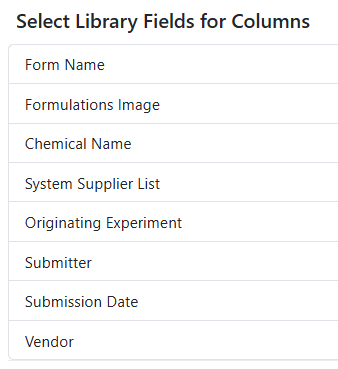
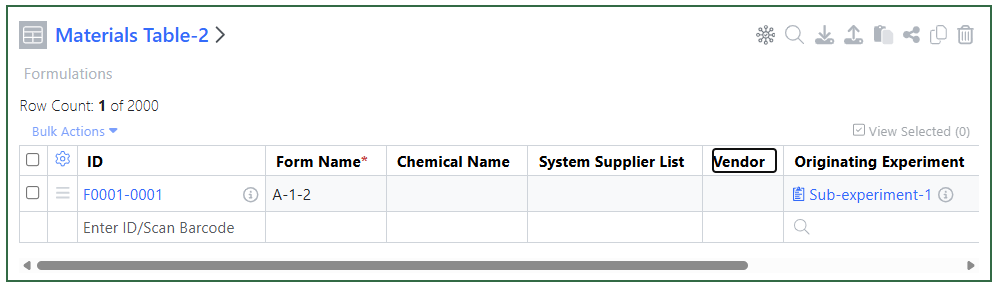
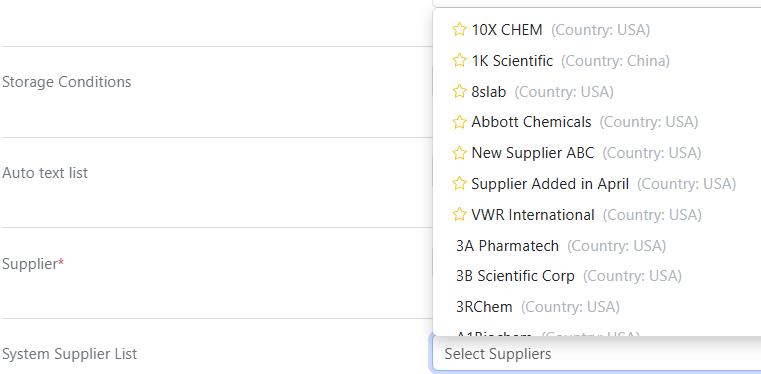
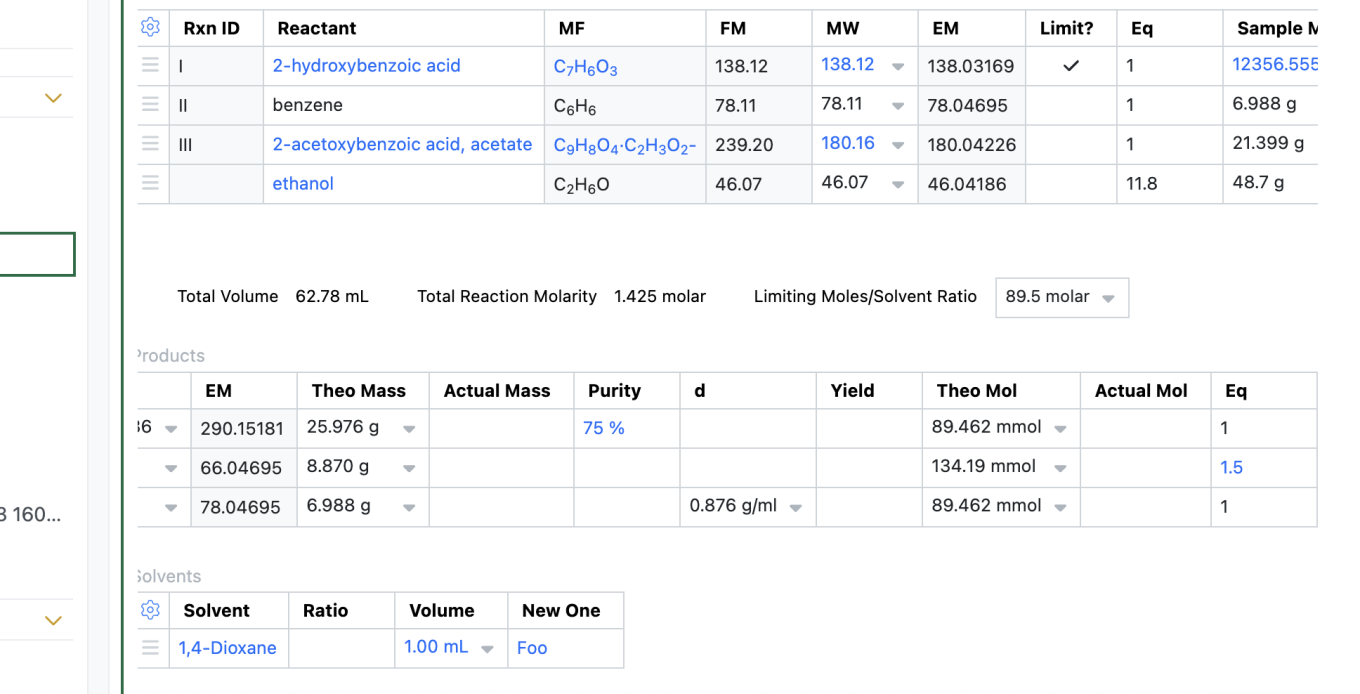
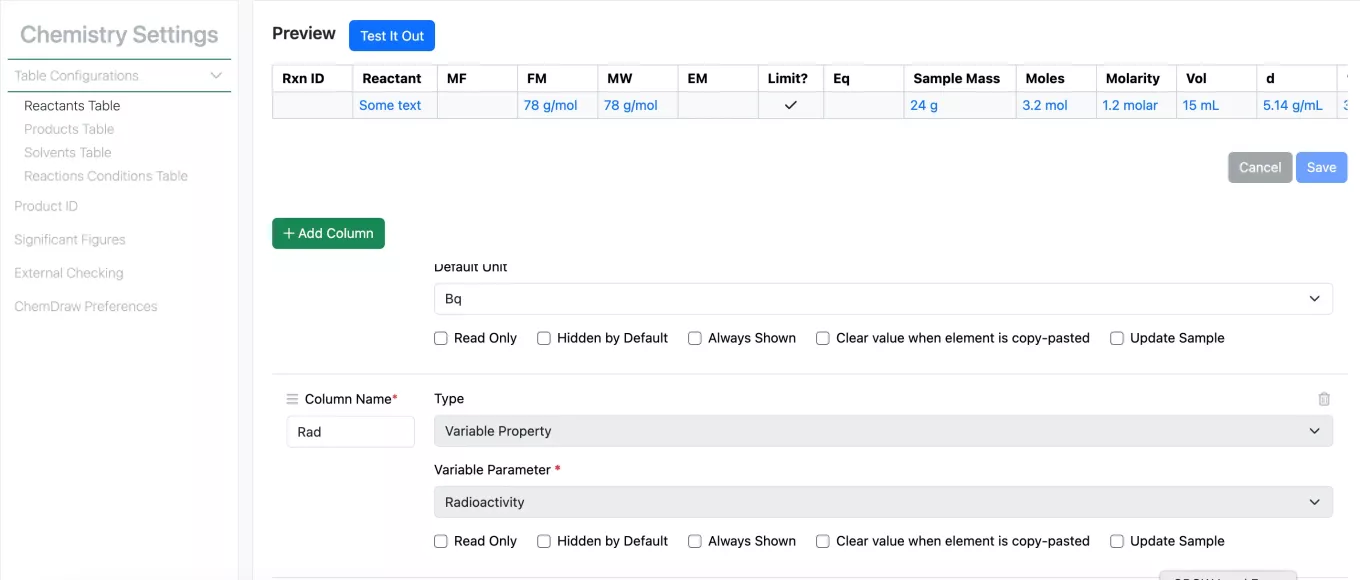
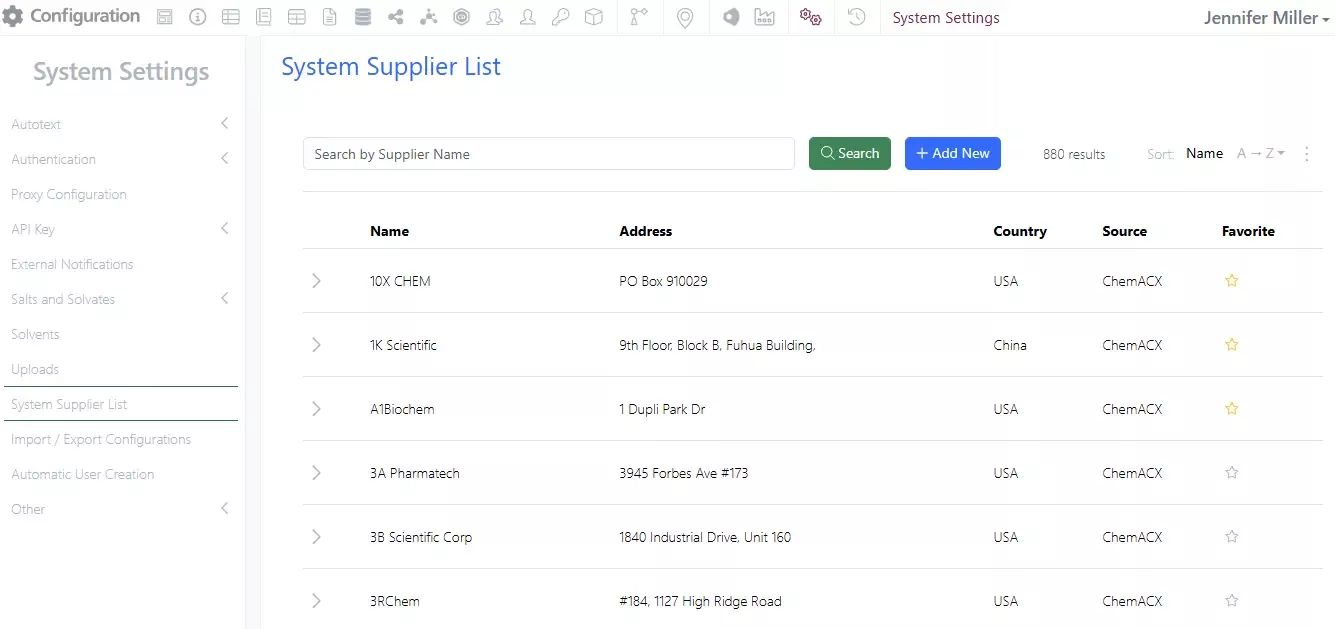
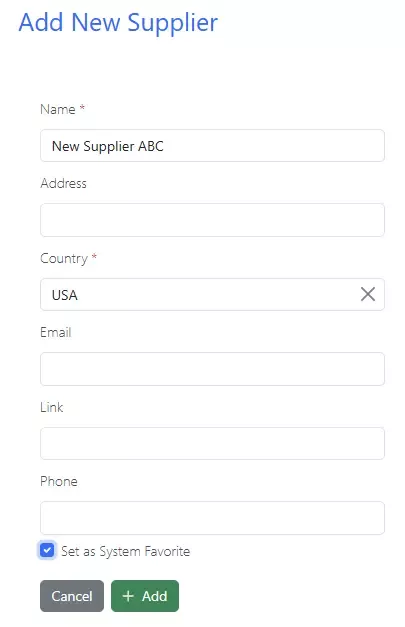
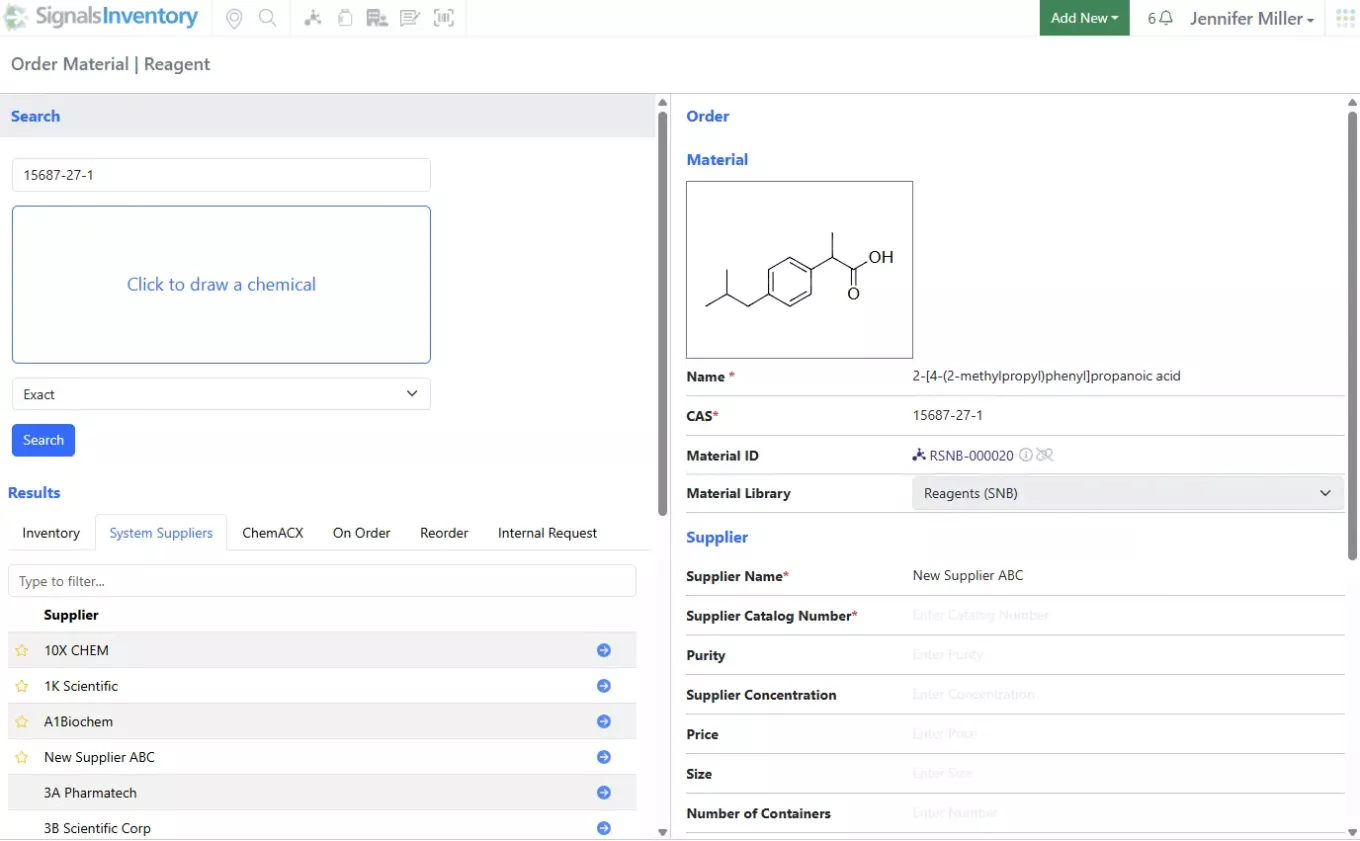
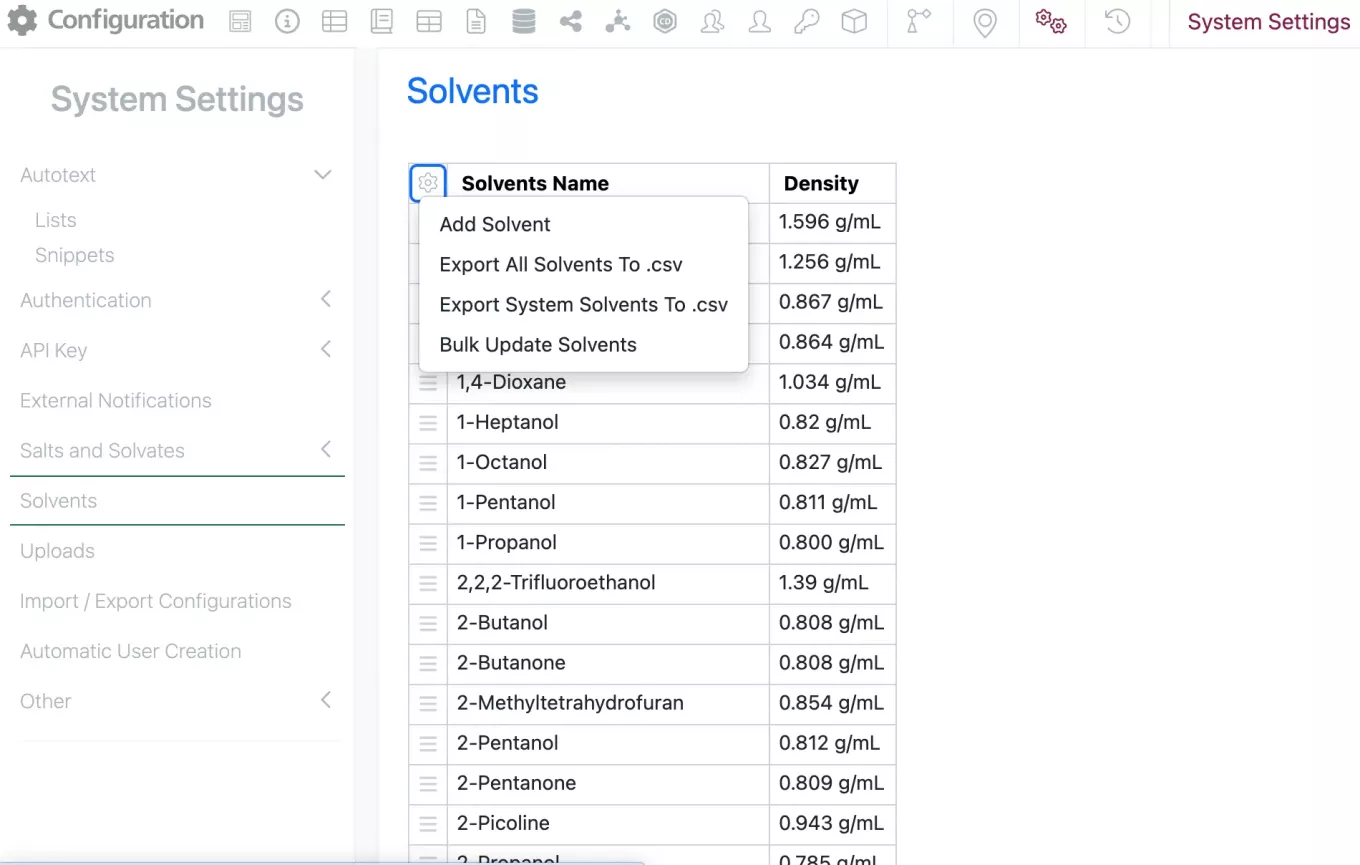
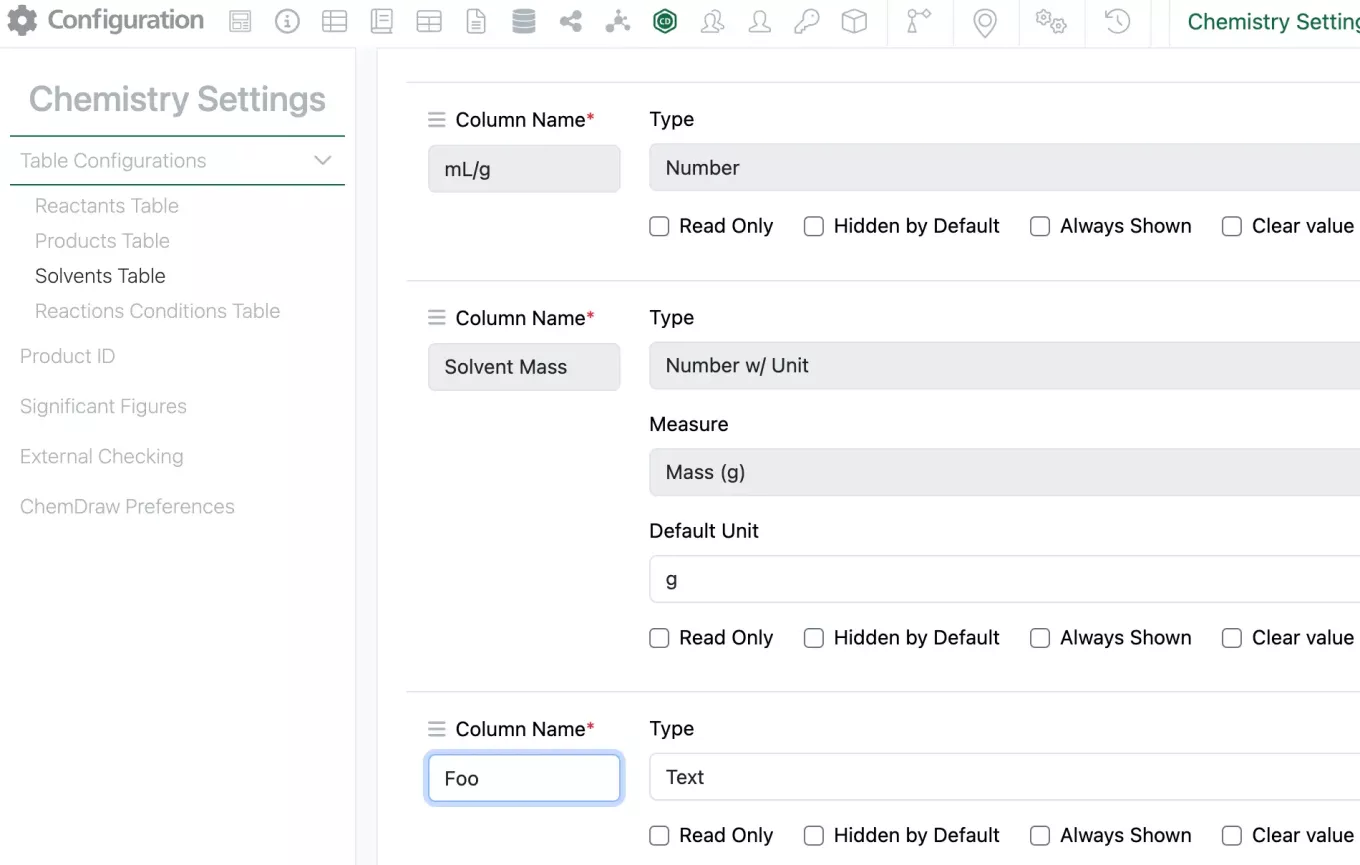
System Supplier List available in Chemistry Settings Configuration. Navigate to the SN Config Chemistry Settings to create a column using the System Supplier List option:
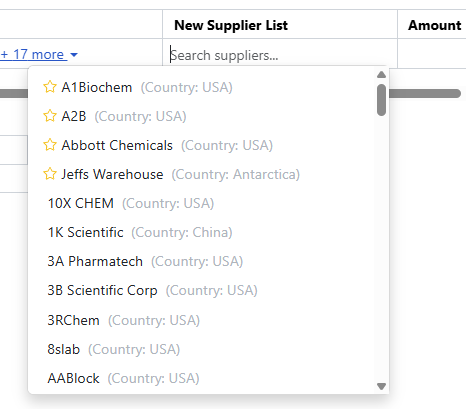
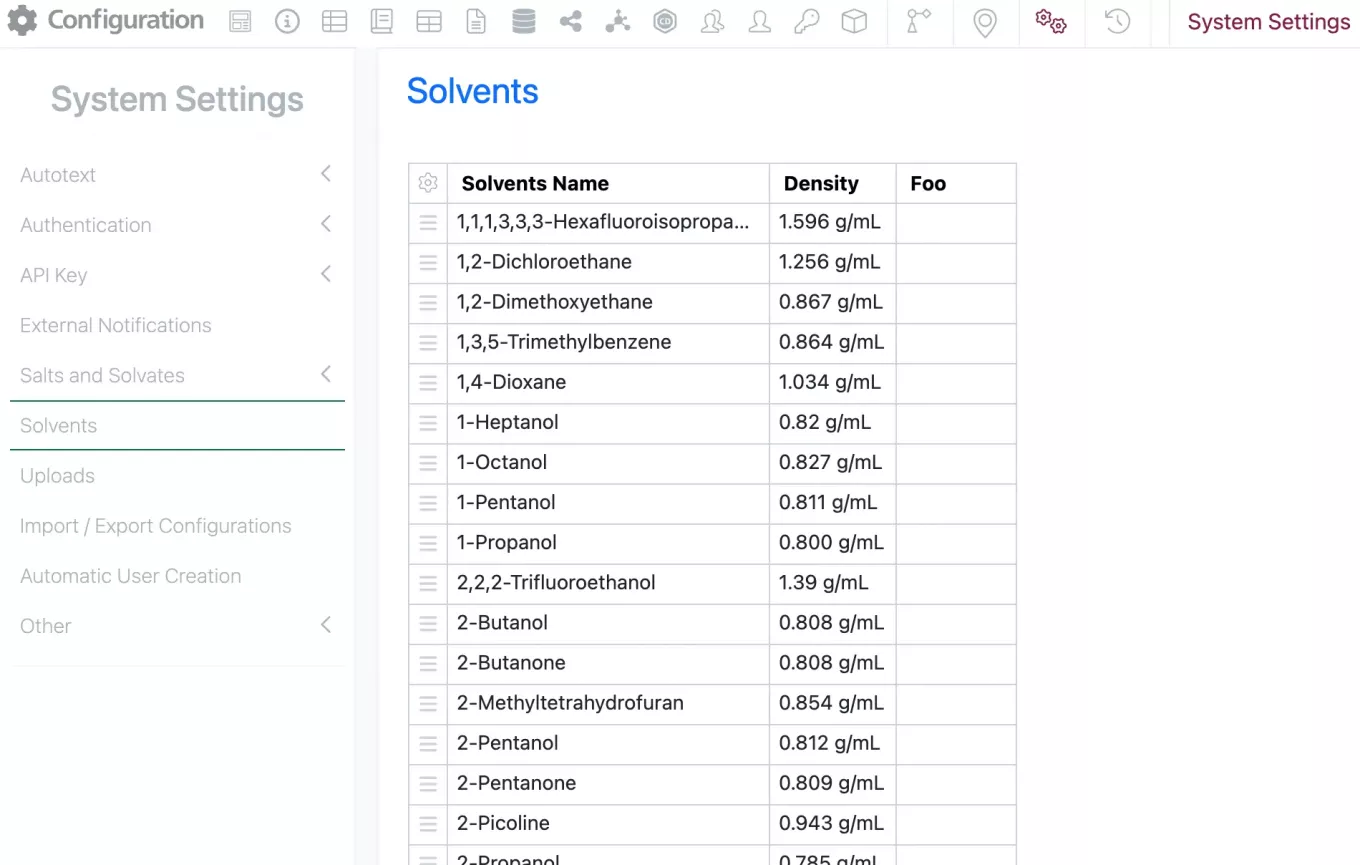
Users will see the column in the stoichiometry table with the favorite suppliers at the top of the alphabetical list: