What’s New
The latest release of Signals brings improvements to the ChemDraw+ application. This release brings enhancements to the drawing experience including the introduction of a new periodic table tool, object and ring fill coloring options, as well as tools for mass fragmentation and alignment. Additionally, improvements to the biopolymer editing experience with the introduction of a find and replace capability within the HELM editor. Finally, we have also fixed a small number of bugs.
The following improvements are available for users of Signals ChemDraw. Certain features may only be available with enablement by an administrator.
ChemDraw+
- Created by filter now available on the Dashboard
- Periodic table available in ChemDraw editor
- Creation of atom lists are now possible in the periodic table tool
- Chemical objects can now be copied as 'MOLV3000 (Expanded)'
- 'Copy As HELM (natural analog)' updated to 'Copy as FASTA'
- Chemical Object colors can now be changed
- Ring Fill coloring can now be applied
- Mass Fragmentation tool now available
- Alignment tools now available
- Monomers can now be searched for, found and replaced when editing biopolymers
ChemDraw+
Created by filter now available on the Dashboard
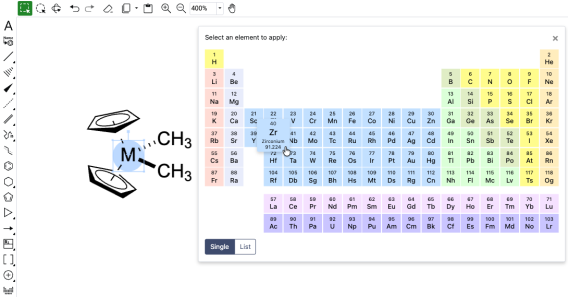
Periodic table available in ChemDraw editor
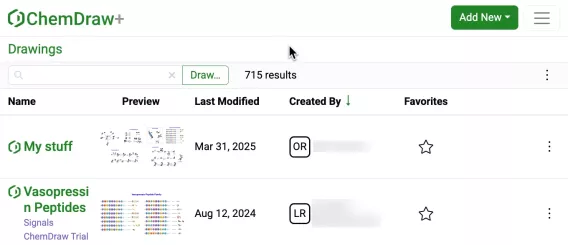
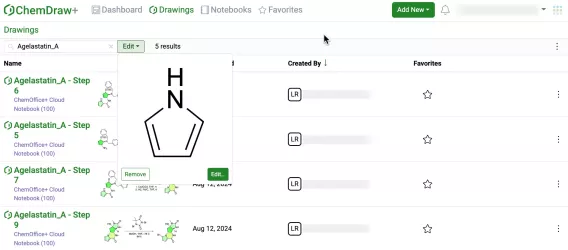
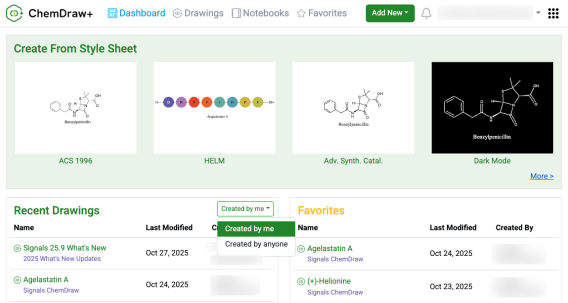
Use the new ‘Created by’ filter on the ChemDraw+ Dashboard to control what appears in Recent Drawings. Select ‘Created by me’ to see only recently modified drawings that you created (not ones shared by other users). Select ‘Created by anyone’ to see all recently modified drawings you can access in your account.
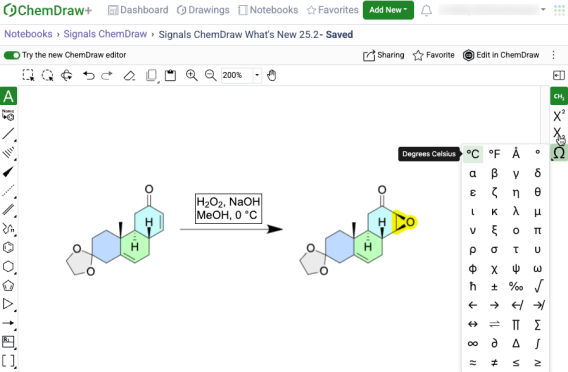
The periodic table tool, now available in the ChemDraw toolbar, enables selection of any element to add to the canvas. When an object is selected, choosing an element from the periodic table replaces it; otherwise, any atom or blank space on the canvas can be replaced with the selected element.
Creation of atom lists are now possible in the periodic table tool
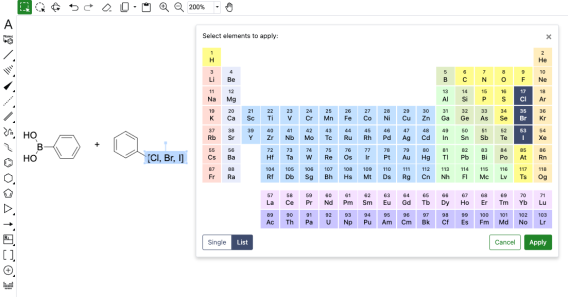
Creation of atom lists for the generation of generic structures is now also possible with the new periodic table tool. Upon opening the tool in ChemDraw, users can select List which will allow the selection of multiple elements. Once the list is generated, selecting 'Apply' will allow the user to place the atom list on the canvas in brackets.
Chemical objects can now be copied as 'MOLV3000 (Expanded)'
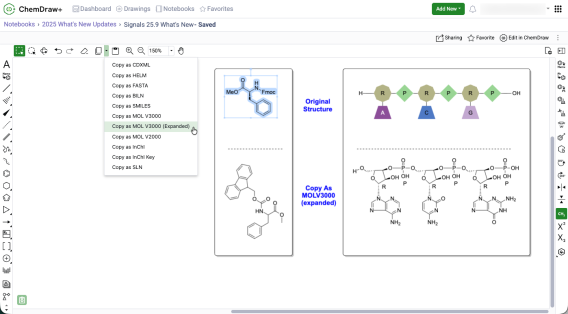
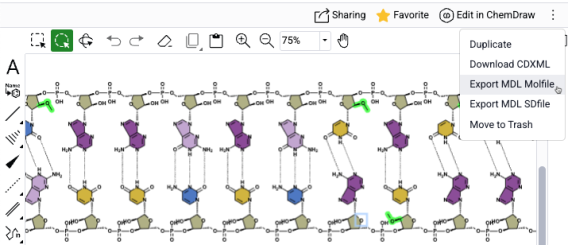
Chemical objects on the ChemDraw canvas can now be copied as an expanded V3000 molfile. When using 'Copy As MOLV3000 (Expanded)', a fully expanded version of the chemical object will be copied, including the expansion of all nicknames, labels, and HELM biopolymers.
Monomers are now searchable and replaceable when editing biopolymers
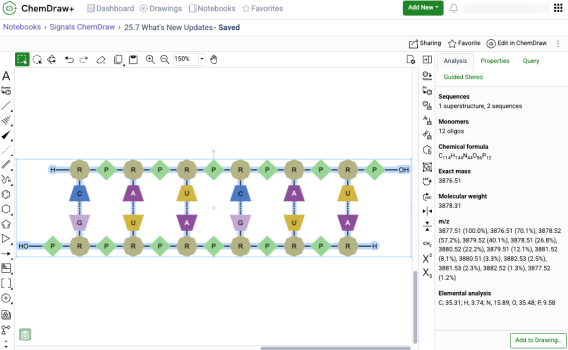
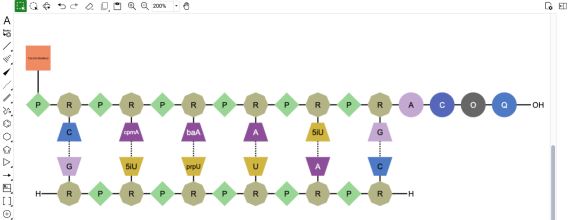
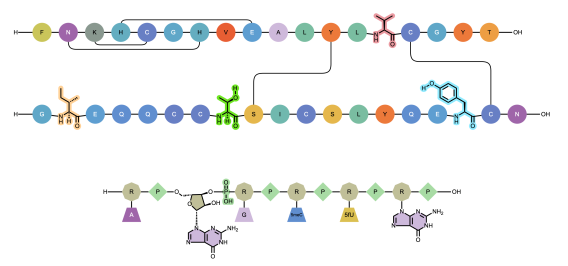
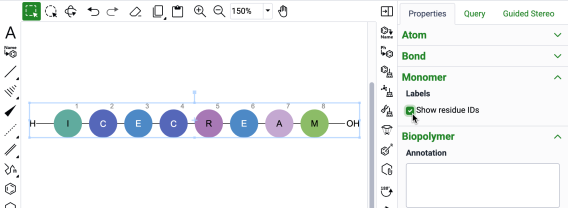
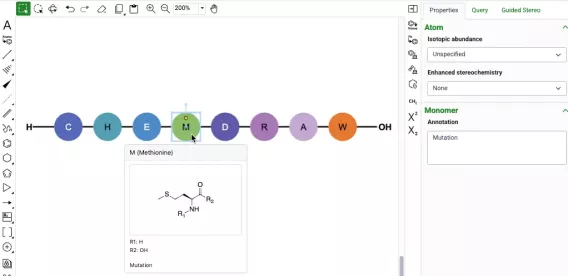
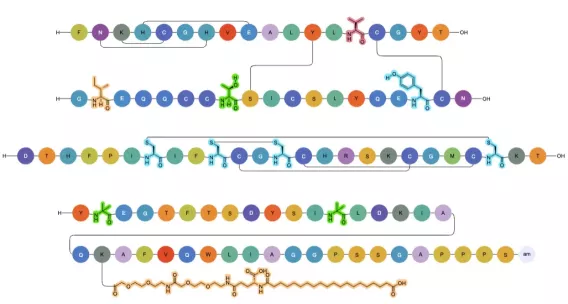
The HELM Editor in ChemDraw now supports finding and selecting specific monomers on the canvas for replacement. One or more monomers can be identified and selected simultaneously using the ‘Find….’ dialog in the HELM editor, and all instances found will be selected for replacement. Selecting a new monomer from the HELM editor replaces all selected monomers on the canvas with the chosen selection. This bulk find and replace capability streamlines large-scale modifications of sequences, enabling rapid transformation of a natural sequence from a FASTA string into a highly complex sequence with custom modifications.
'Copy As HELM (natural analog)' replaced by 'Copy as FASTA'
The Copy As options for HELM biopolymers in ChemDraw have been updated. The 'Copy as HELM (natural analog)' function has been replaced by 'Copy as FASTA.' This change more accurately reflects that a FASTA sequence containing all natural analogs will be copied when this option is selected, with no change in the underlying behavior.
Object colors can now be changed
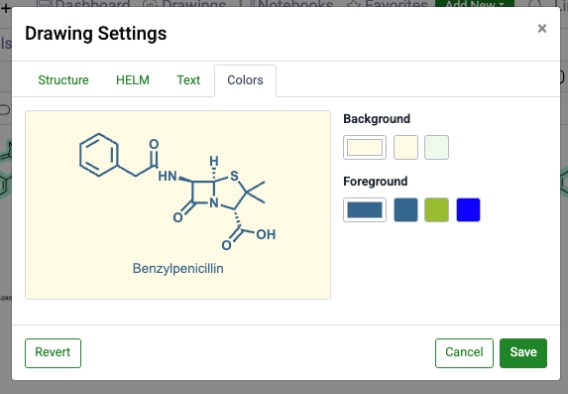
Object colors can be now adjusted directly from the Colors section in the Properties panel. Choose a hue from the color picker’s pre-defined palette or enter an exact hex code for precise control when creating publication-ready chemical drawings.
Ring Fill coloring is now available
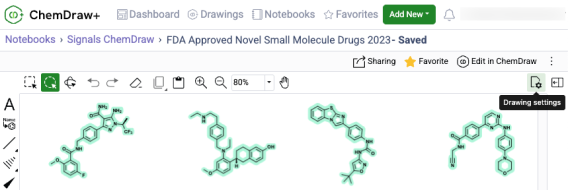
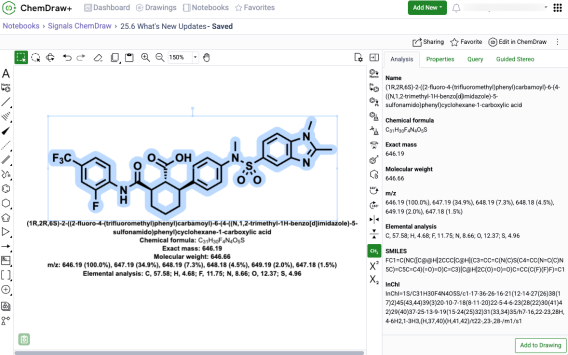
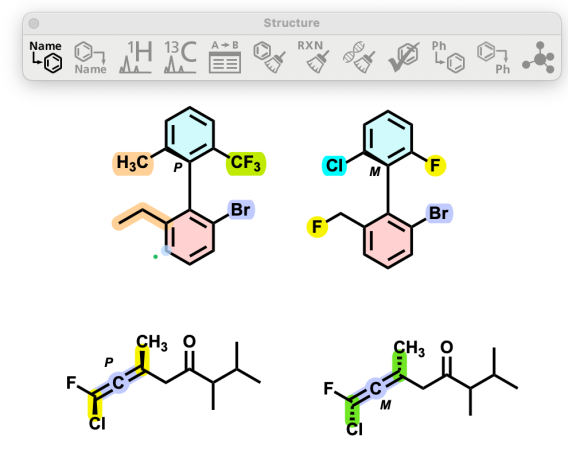
Ring fill color can be now be applied to chemical rings enabling clearer communication of ideas and concepts by directing the focus of a reader or an audience to a given part of a chemical structure. Available in the Colors section of the Properties panel, users can choose a fill color from the color picker’s pre-defined palette or enter an exact hex code to fill ring systems and create publication-ready chemical drawings.
Mass Fragmentation tool now available
A new fragmentation tool is available in the left hand general drawing toolbar in the ChemDraw editor. When used, the mass fragmentation tool mimics the Mass Spec fragmentation to generate fragment structures with calculated molecular formulas and masses.
Alignment tools now available
Structure and reaction alignment is now available in the ChemDraw editor. With objects selected on the canvas, use the right-hand context toolbar to center, align horizontally or vertically, and distribute evenly to produce clean, consistent, publication-ready figures.